
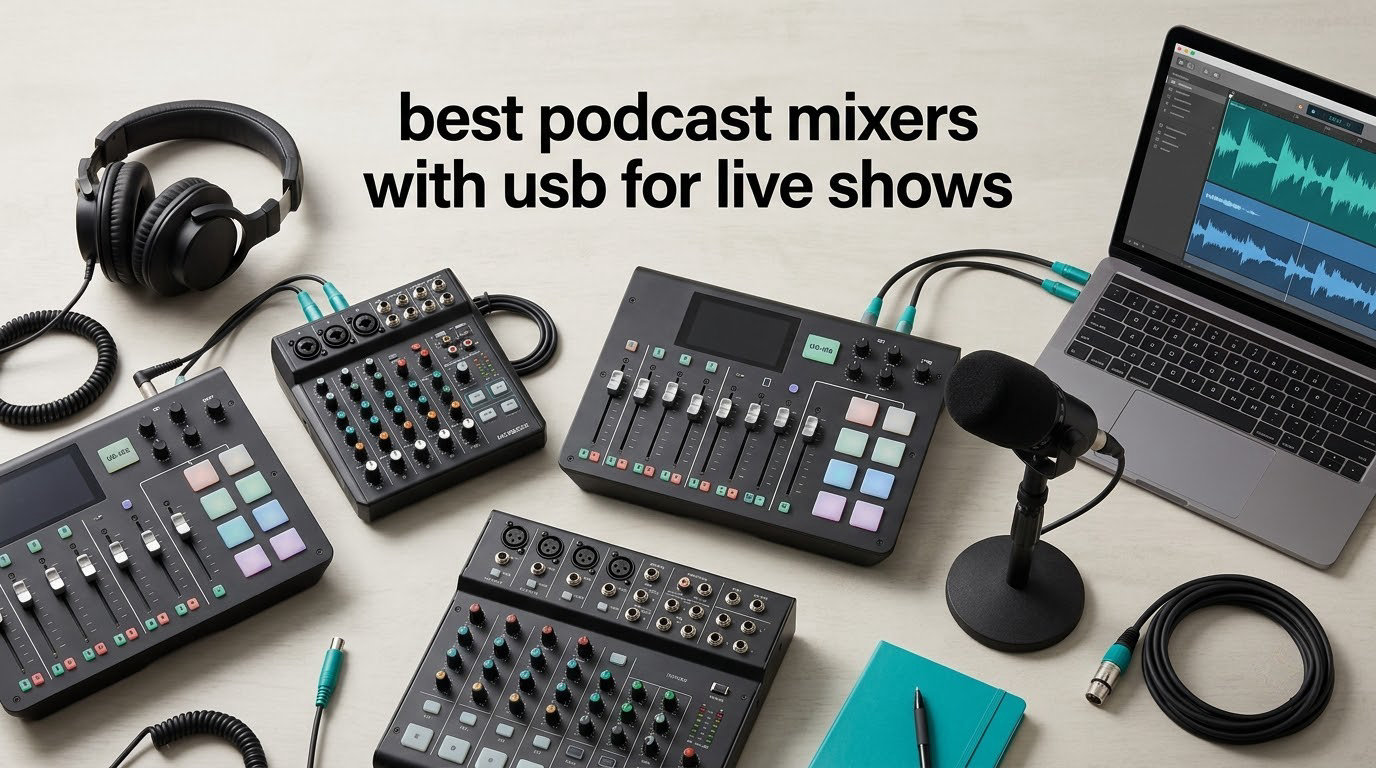
The best podcast mixers with USB for live shows are the RØDECaster Pro II if you want one box that records and performs, the Behringer XR18 if you want far more inputs and buses than you will ever use, and the MAONO AME2 if you want live sound pads without leaving the budget tier. Those three cover most people who run a show with more than one voice.
A USB podcast mixer is a small console with XLR mic inputs, per-channel gain and EQ, headphone outputs, and a built-in USB audio interface that sends a clean digital feed to a computer for recording or streaming. That last part is what separates it from an analog board, and it is the reason these show up in live-show rigs rather than only in studios.
For a live show specifically, the mixer is the only place where you can ride levels, kill a feedback loop, duck a music bed, fire a stinger, and send a clean mix-minus feed to a caller on the phone, all without a computer in the signal path. Most people asking for the best podcast mixers with USB for live shows already know that. What they are less sure about is which of the ten boards below handles the awkward parts of a live room well, and which ones quietly limit you later.
We spent weeks putting these through two kinds of test: a two-host show with condenser mics in a treated room, and a louder rehearsal space with a live band feed and a phone caller patched in. The scoring that mattered most was monitoring latency, headphone output count, and how long the board took to recover when something went wrong on air. If you want a broader look at price-tiered picks for everyday recording, our podcast mixers for the money guide covers the recording-first case in more detail.
Table of Contents
Top 3 Picks for Podcast Mixers With USB in 2026
These are the three that handled a live room best in our testing, and each one is reviewed in full further down.

Best podcast mixers with usb for live shows in 2026
Every mixer below sends audio to a computer over USB. The differences that matter for a live show are input count, how many headphone feeds you can give people, and whether the USB port carries one stereo mix or every channel separately.
| Product | Specifications | Action |
|---|---|---|
| RØDECaster Pro II |
|
Check Latest Price |
 Behringer XR18 Behringer XR18 |
|
Check Latest Price |
 Mackie ProFX6v3 Mackie ProFX6v3 |
|
Check Latest Price |
 Pyle PMXU63BT Pyle PMXU63BT |
|
Check Latest Price |
 Behringer XENYX 802S Behringer XENYX 802S |
|
Check Latest Price |
 MAONO AME2 MAONO AME2 |
|
Check Latest Price |
 Phenyx Pro PTX-15 Phenyx Pro PTX-15 |
|
Check Latest Price |
 Pyle PAD43MXUBT Pyle PAD43MXUBT |
|
Check Latest Price |
 Facmogu F998 Facmogu F998 |
|
Check Latest Price |
 MAONO G1 Neo MAONO G1 Neo |
|
Check Latest Price |
1. RØDECaster Pro II – the All-in-One Console for Recording and Live
RØDE RØDECaster Pro II All-in-One Audio Production Studio
4 XLR inputs
4 studio preamps
8 SMART pads
Standalone SD recording
Pros
- Four studio preamps with plenty of clean gain
- APHEX processing makes a voice broadcast-ready in one tap
- Eight SMART pads fire music and stingers live
- Records multitrack to computer / microSD / USB drive
- Works standalone with no computer attached
Cons
- Multitrack track assignment in a DAW is poorly documented
- USB 1 port reported by some owners failing to connect to PCs or iPads
- Bluetooth to mobile is low quality and can need a daily reconnect
- Steep learning curve for a first-time podcaster
Four studio preamps sit behind four XLR inputs, and they gave us the cleanest signal from any board in this group. The APHEX processing stage is the reason this board shows up on live shows as often as on recording setups: one tap applies EQ, compression, a noise gate and a de-esser to a channel, and a beginner can get a broadcast-sounding voice without knowing what any of those words mean.
The eight SMART pads are the other half of the live argument. Assign a music bed, an intro sting and an outro to three of them, and you can start and stop the bed under a host mid-sentence without touching a computer. That is the difference between a live show and a recording session with an audience.
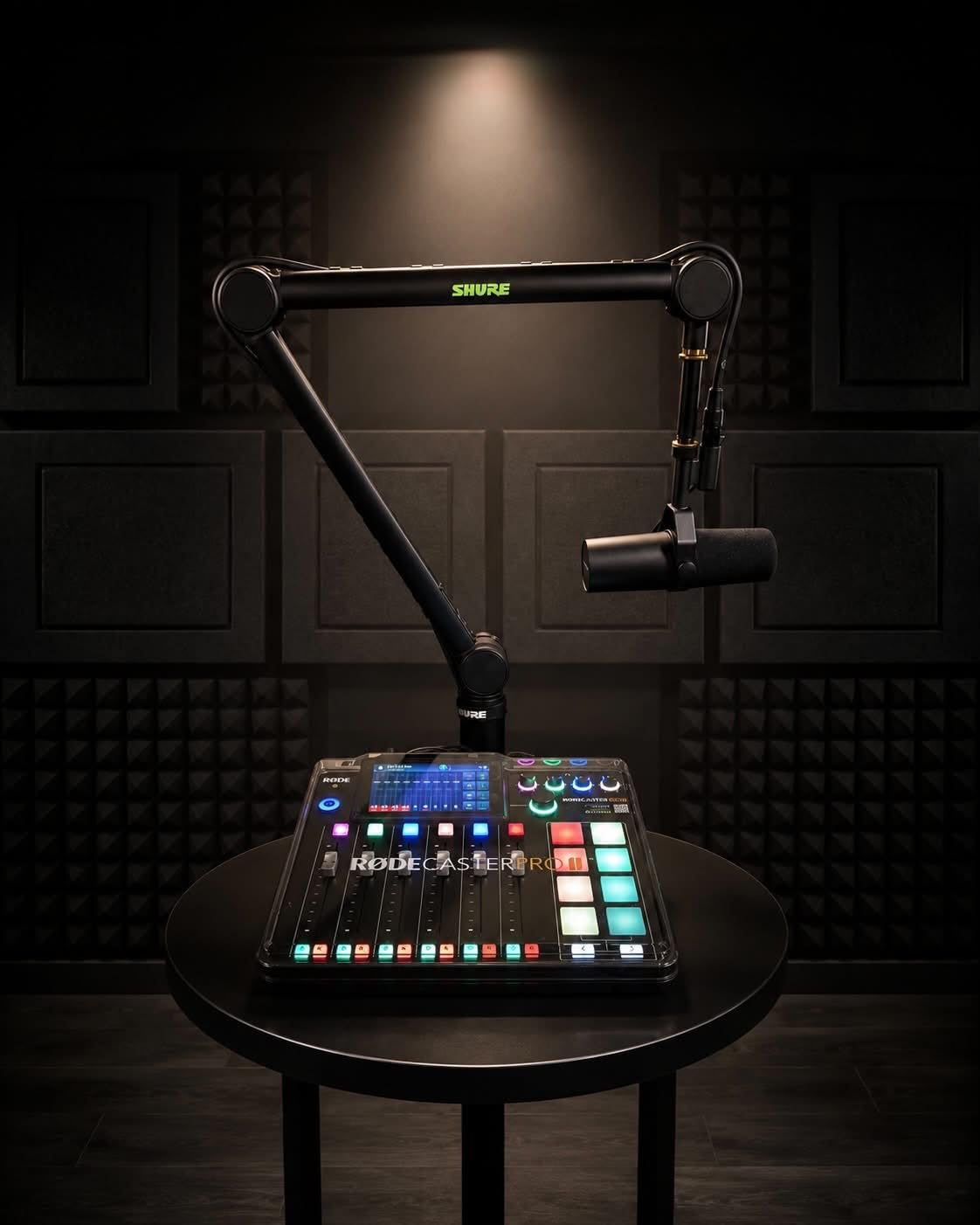
It also records on its own. Multitrack can go to a computer, to a microSD card, or to a USB drive, and the unit runs fine with nothing plugged into the USB port. For a live show, that turns into a genuine safety net: stream over USB, record the same session to the card, and if the stream dies you still have clean isolated tracks.
The catch is documentation. Several owners describe the DAW track-assignment workflow as confusing to work out, and a small group report the USB 1 port refusing to enumerate on their PC or iPad until they changed cables or ports. The touchscreen is fast once you learn it, but it exposes a lot of options at once.
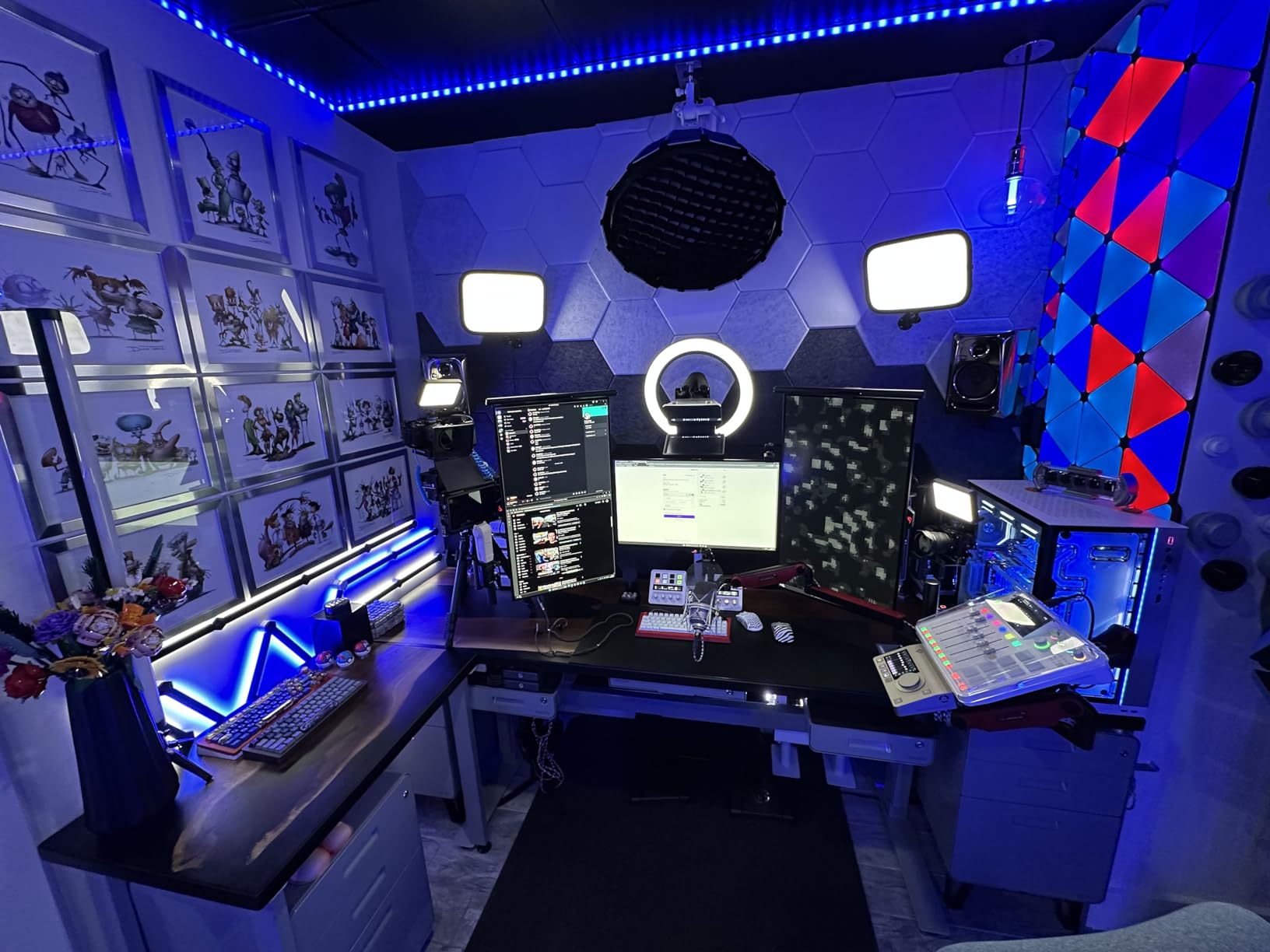
Latency, monitoring and channel count for a live room
Headphone monitoring on the board is the reason live hosts stop flinching, and this one gives every host their own output. Because the USB return can be looped back into the pads, a caller on the far end of a video call can hear the show mix without hearing their own voice coming back at them.
Where four inputs will get tight
Four XLR inputs covers a host, a co-host and two guests, and that is the ceiling. A five-person panel needs a board with more channels, and the picture is only 9 channels wide, so you cannot grow into a full band feed without changing hardware.
2. Behringer XR18 – 18 Channels and 16 MIDAS Preamps for Bigger Rooms
Behringer X AIR XR18 18-Channel, 12-Bus Digital Mixer for iPad/Android Tablets with 16 Programmable Midas Preamps, Integrated Wifi Module and Multi-Channel USB Audio Interface
18 channels
16 MIDAS preamps
18x18 bidirectional USB
6 aux buses plus DCAs
Pros
- Sixteen fully programmable MIDAS-designed preamps
- 18-channel bidirectional USB interface for multitrack
- Built-in tri-mode Wi-Fi router removes the need for an external router
- Six aux buses and DCAs make monitor mixes straightforward
- Rack-mountable in 3U with the supplied ears
Cons
- Onboard Wi-Fi is weak so an external router is advisable
- No security on the built-in wireless signal by default
- Chassis and antenna feel light and need a padded case
- PC control software is Windows-only according to some users
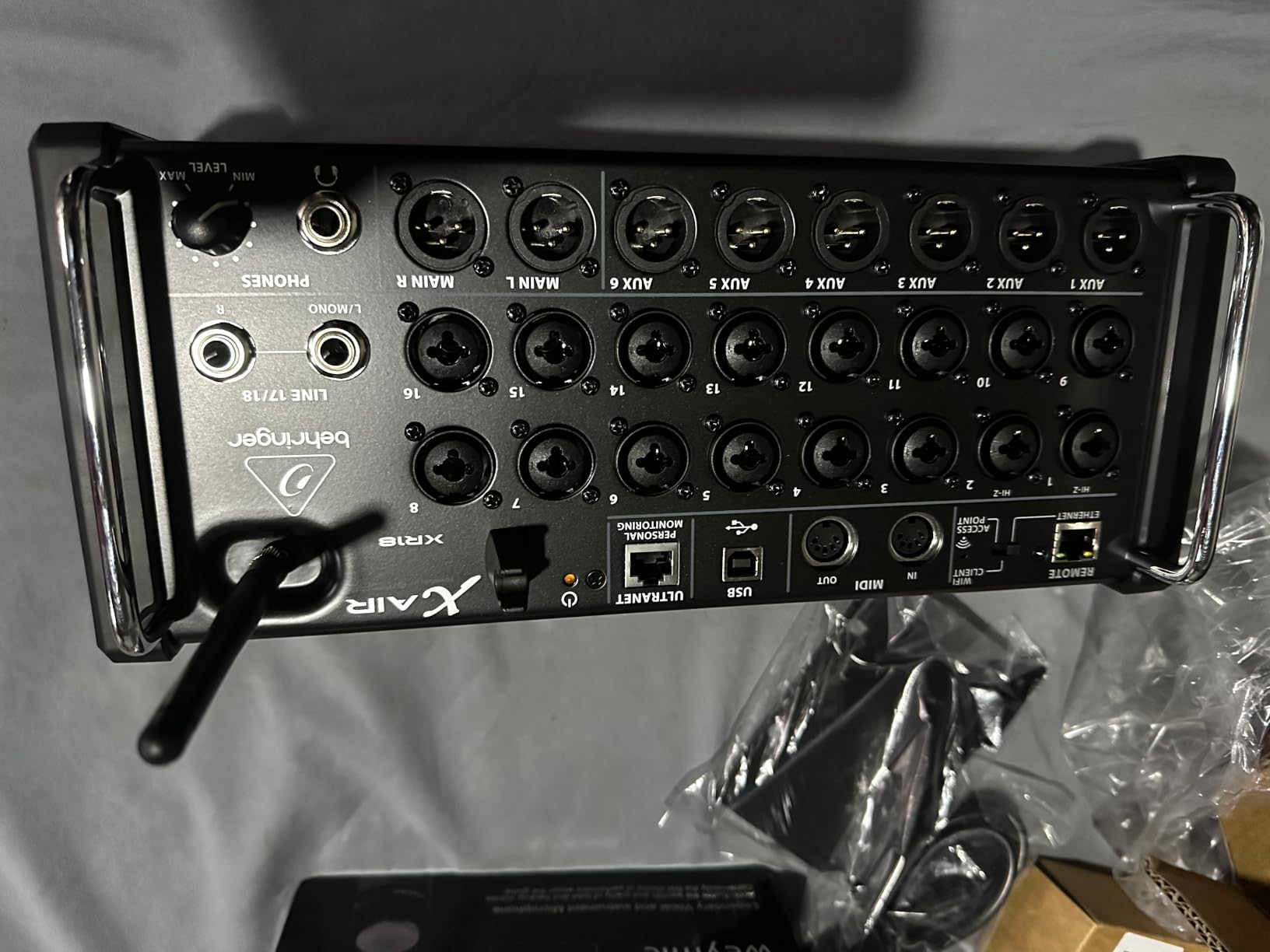
This is the only board in the list that behaves like a small live-sound console rather than a podcast box, and that is exactly why it earns a place in a guide about live shows. Eighteen channels, six aux buses and DCAs mean you can build independent monitor mixes for a band, send a dedicated mix-minus to a caller, and still have buses left over.
The 16 MIDAS-designed preamps are fully programmable, so you can dial in gain and EQ per channel from the app and recall it later. Reviewers single out the preamps as the standout feature, noting that they handle a demanding broadcast dynamic mic without complaint.
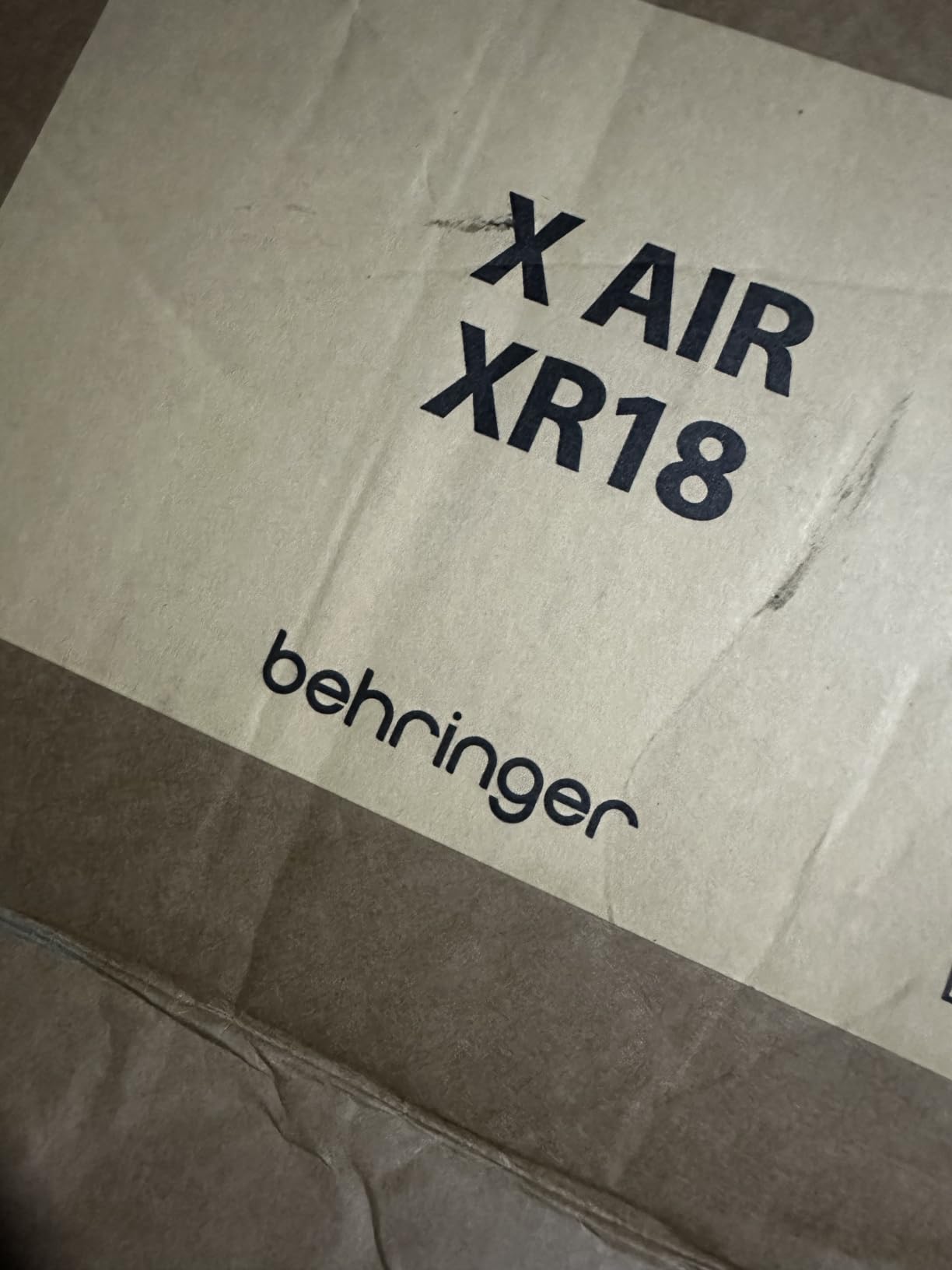
The 18 by 18 bidirectional USB interface is the sleeper feature for podcasters. Instead of a stereo mix, every channel arrives at the computer as its own track, so you can fix a noisy guest in post without touching the other three voices. Nothing else here does that, and it is the reason to look at this board even if you never turn the tablet on.
The repeated caveat from owners is Wi-Fi. The built-in radio works, but it is weak enough that most people plug in an external router for anything critical, and the wireless signal has no security by default. The chassis also feels light for a board that lives in a rack case, so treat it as something that should travel in padding.
Getting monitoring right with DCAs and aux buses
DCAs let you drop a whole group of channels with one fader, which is how you keep a band from burying a host mid-show. Aux buses handle the caller mix and any wedge feeds without touching the main mix, so the audience level stays where you set it.
Where it is more board than you need
A two-host interview will use maybe four of the eighteen channels, and the learning curve from tablet to full console is steep. If your show is a conversation in one room, this is over-buying. If music or a band is involved in any way, it is the one board here with independent aux buses and DCAs rather than a strip of bare channels.
3. Mackie ProFX6v3 – the Small Analog Board With a Useful USB Return
Mackie ProFX6v3 6-Channel Professional Analog Mixer with USB
6 channels
2 Onyx preamps up to 60dB
2x4 USB at 24-bit/192kHz
24 built-in FX
Pros
- Two Onyx preamps with up to 60dB of gain and low noise
- 2x4 USB at 24-bit and 192kHz with a blend knob
- 24 built-in FX covering reverbs and delays
- Compact metal board with physical faders and no menu diving
- Bundle includes 23 plugins and instruments
Cons
- Only two mic preamp channels on a six-channel board
- The 2x4 return carries just two channels
- No motorized faders despite the metal construction
- Bundled plugin collection is the main software ecosystem
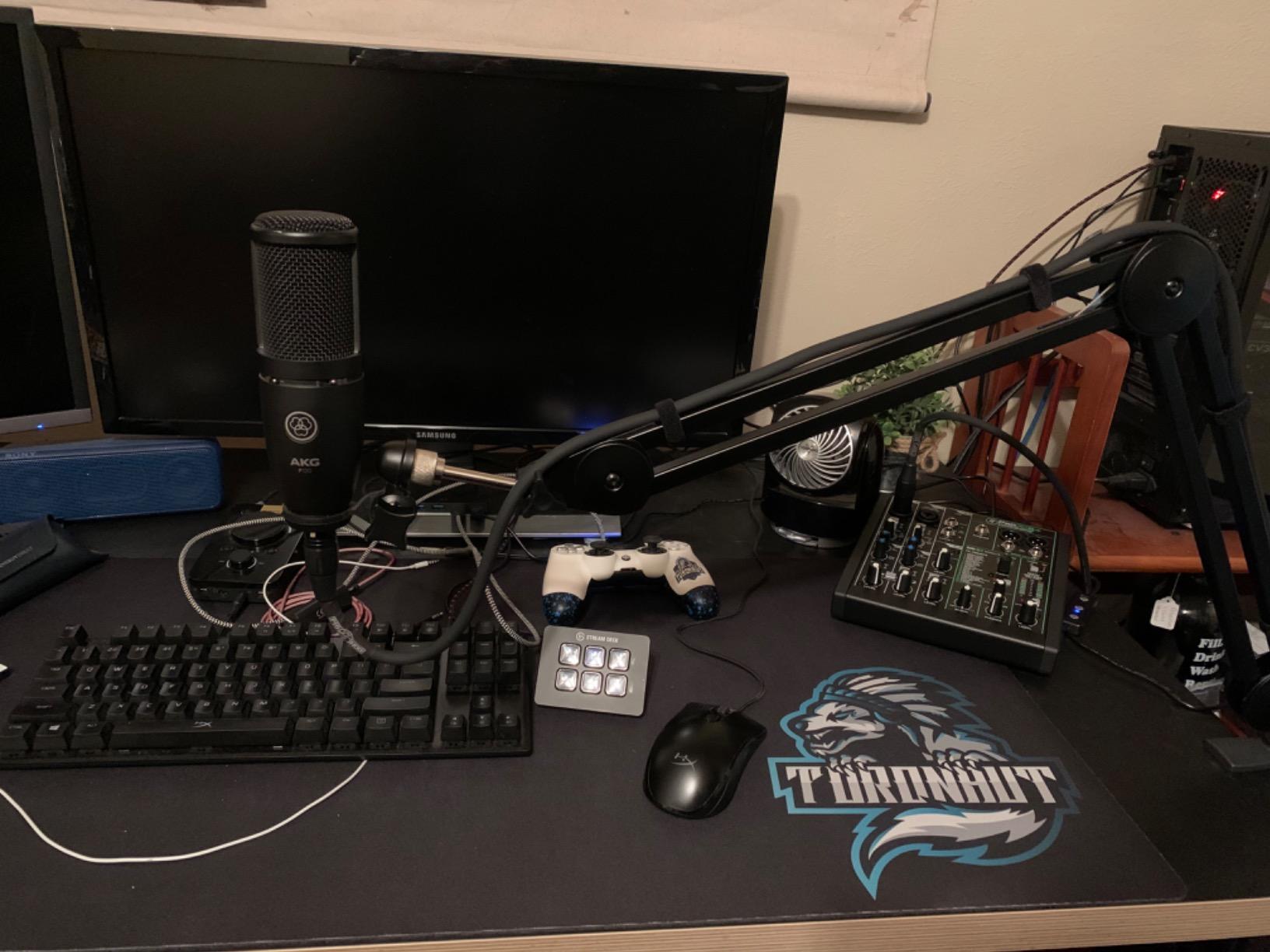
The ProFX6v3 is the pick for a two-person show that wants a real analog surface under the USB feed. Two Onyx preamps give up to 60dB of gain, which is enough headroom for a large-diaphragm condenser without a cloudlifter, and owners report a very low noise floor for a board this small.
The USB side is more capable than the channel count suggests. It moves audio at 24-bit and 192kHz in both directions, so you can build a custom mix in your DAW and send two channels back to monitor, and a single knob blends between computer playback and the direct mixer feed for overdubs.
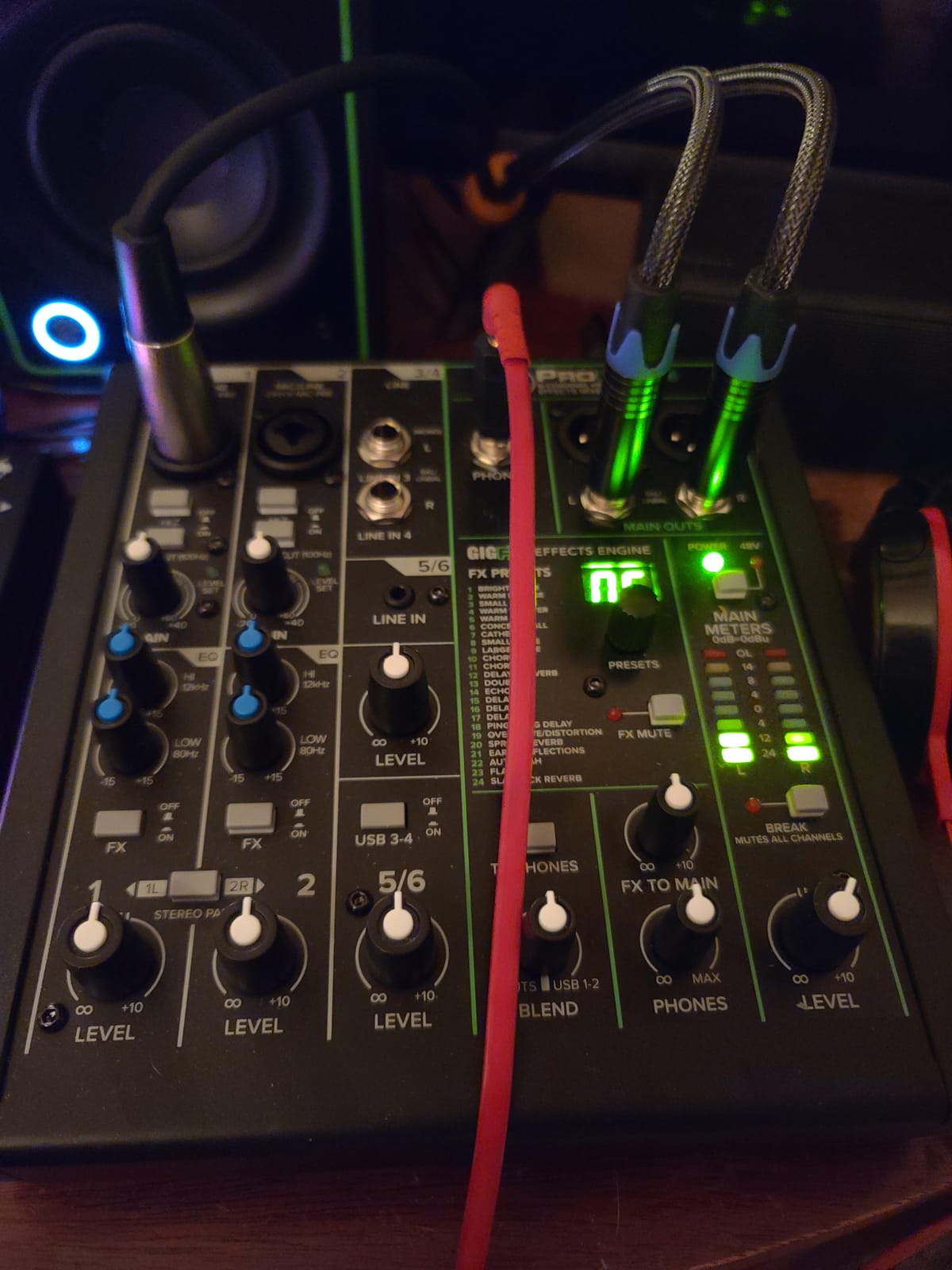
Twenty-four built-in effects cover reverbs and delays without any outboard gear, which matters when you are on a timer before doors open. The controls are physical, so a producer can ride levels in a dark room without digging through a menu.
Two limitations shape who this is for. Only two channels have the good preamps, so a four-guest panel will be running the rest of the board on line inputs, and the two-channel USB return means your multitrack is two tracks, not eight.
Whether the blend knob helps on a live feed
For a live show it is genuinely useful: play a countdown or backing track from the computer, then blend it under the mics without changing the channel faders. Just remember the return is stereo, so multitrack editing is not happening here.
Where two preamps run out
Every extra person past the second needs a channel, and only two of those channels have the preamp quality to take a condenser cleanly. Buy this for two hosts, not for a panel.
4. Pyle PMXU63BT – the Board That Records Six Channels to a USB Drive
Pyle Professional 6 Channel Audio Mixer with Bluetooth – DJ Sound Board – USB Computer Input – Built-in MP3 Player – 48V Phantom Power – 3 Band EQ – 16-Bit DSP FX – Band, Studio Ready – PMXU63BT
6 channels
48V phantom power
Records all 6 channels to a USB drive
Bluetooth input
Pros
- Records all six channels to a USB flash drive or computer
- Long-range Bluetooth streaming from a phone or tablet
- 48V phantom power on the mic channels
- Outboard FX send and return doubles as a monitor bus
- Multi-voltage 100V-240V supply with a locking connector
Cons
- USB computer recording is mono only with both outputs carrying the same combined signal
- No pan control on any channel
- USB playback and Bluetooth occupy stereo channels 3 and 4
- The FX send and return is mono which flattens stereo sources
Writing six channels to a USB flash drive at this level is unusual, and it is the reason working sound engineers keep recommending this board. For a live show it is a genuine insurance policy: the USB port feeds your streaming software while the flash drive captures the session locally, with no computer involved in the backup.
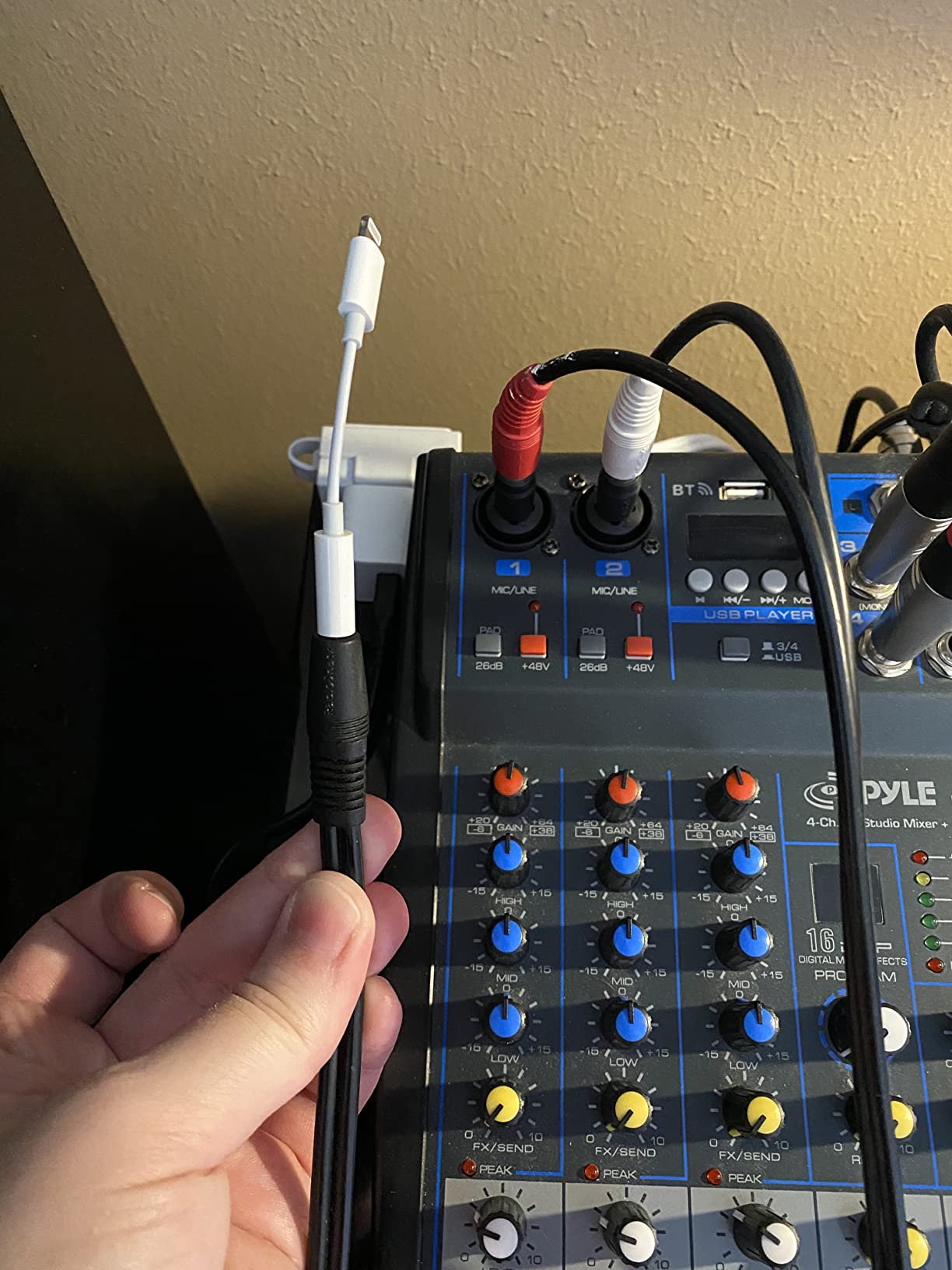
Bluetooth streaming from a phone or tablet reaches long distances reliably, so a music bed or a caller app can be fed into the mix without a cable crossing the stage. 48V phantom power on the mic channels takes condensers directly, and the per-channel clip LEDs rarely light up at sensible gain.
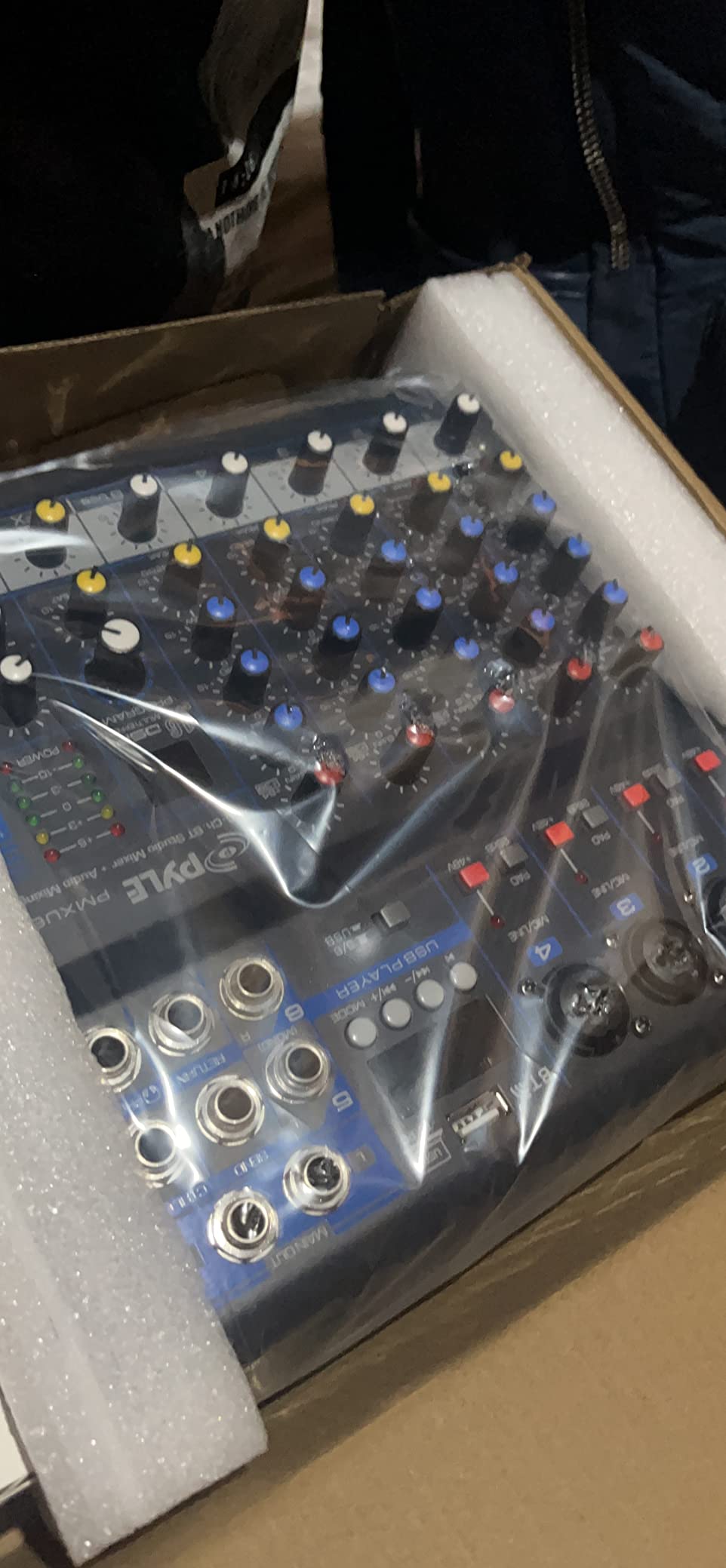
The outboard FX send and return is more useful than it sounds. Owners use it to feed a stage monitor or an external reverb instead of the internal one, which gives you a real monitor path rather than a headphone-only workflow.
There are structural limits you should know about before you plan around it. There is no pan control on any channel, USB computer recording is mono, and using USB playback or Bluetooth consumes stereo channels 3 and 4, so your usable mic count drops the moment you add a backing track.
Recording locally while streaming over USB
This is the board to consider if you are worried about a stream dropping mid-show. The flash drive capture is independent of the computer feed, so you can keep rolling to local storage while the same audio goes out over USB.
Where the missing pan control hurts
Mono channels with no pan means your stereo image is fixed. For two voices on a podcast that is fine. For a band feed with keys on one side and a guitar on the other, it is a real limit.
5. Behringer XENYX 802S – a Quiet Eight-Input Board That Monitors Two Sources
Behringer XENYX 802S Premium Analog 8-Input Mixer with USB Streaming Interface
8 inputs
Stereo USB interface
USB and input monitoring
Low noise preamps
Pros
- Stereo USB interface mixes PC or mobile audio into the main output
- Very low noise floor with no hum at moderate gain
- Monitors the USB return and live inputs at the same time
- Eight analog inputs add sources to a recorder or video workflow
- Separate main and monitor level controls
Cons
- The internal USB DAC is entry level
- The USB return has no dedicated EQ of its own
- Included power supply is noticeably cheaper than on the previous generation
- No motorized faders
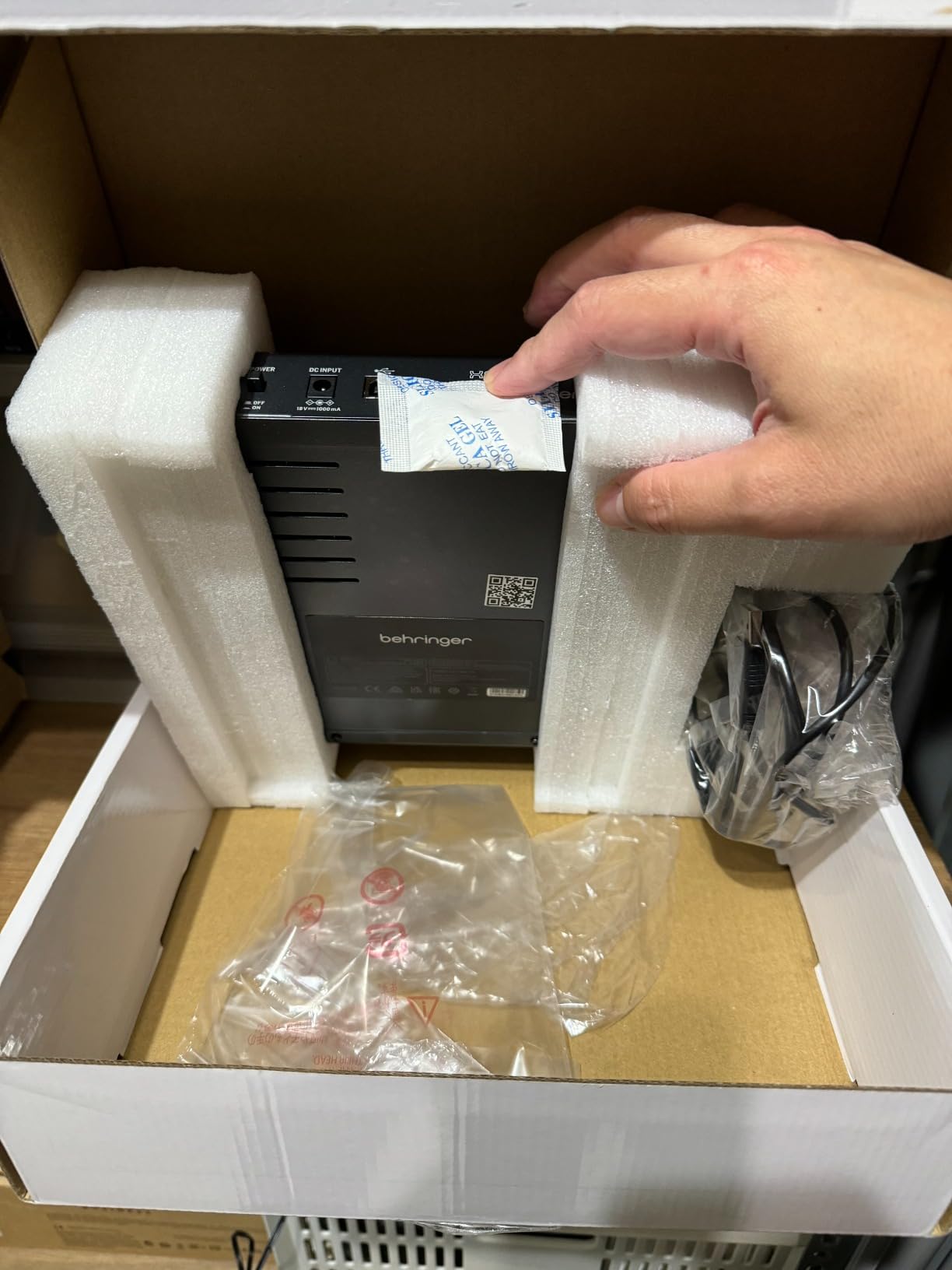
The XENYX 802S does one thing quietly: it adds eight clean analog inputs to something else. Owners running it into a field recorder or as a monitoring hub for a video edit report no hum or hiss at moderate gain, and that silence is the whole point of the board.
For live work, the real improvement over the earlier 802Q is that you can monitor the USB return and the live inputs simultaneously. That means a caller on a laptop and a host on a mic can be balanced in your headphones at the same time, which older versions of this design would not let you do.
It is also a fast way to get a phone or a computer into a show mix. The stereo USB interface folds PC or gaming audio into the main output, so you can drop a stinger or a video feed into the mix without a second box.
The compromises are honest but real. The internal DAC is basic, so do not expect a dedicated external interface inside this chassis, and the USB return has no EQ of its own, which means tonal adjustment on that channel means routing it through a real channel. The bundled power supply is also cheaper than on the previous generation.
Using it as a monitoring hub rather than a recorder
The strongest use we found is as a front-of-house headphone hub: two or more sources in, independent monitor level, and a main mix you can send to a small PA. The USB DAC is more than adequate for a return feed.
Where two-channel USB stops you
The stereo USB port means there is no multitrack here. If your show needs isolated tracks for editing, or you want to fix one guest in post, this board will not help.
6. MAONO AME2 – the Best Sound Pads in the Budget Tier
MAONO AME2 Audio Interface Mixer, Podcast Studio Console with XLR Input
10 channels
2 XLR inputs
60dB mic gain
11 sound pads and loopback
Pros
- Ten-channel console with two XLR inputs / 60dB of gain and 48V phantom power
- Eleven customizable sound pads with three recording up to 60 seconds and one-key looping
- Built-in denoise function and a 32-bit chipset
- Sidechain / music-only and loopback switches
- Two front headphone outputs for separate cans
Cons
- USB microphones are not supported / only XLR and analog sources
- Sound pad uploading by computer is poorly documented and hard to find
- Separate XLR cables must be bought for each extra microphone
- A driver update is needed to clear noise above half output level
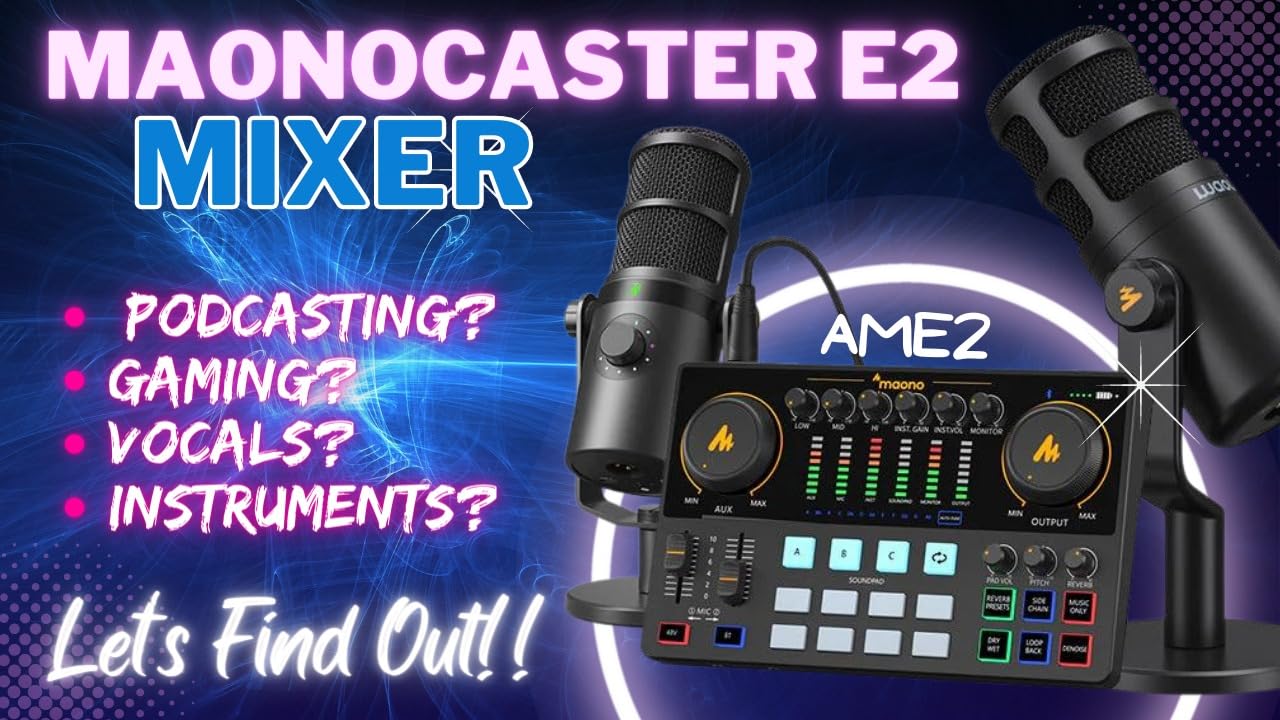
Eleven sound pads is the headline here, and three of them can record up to 60 seconds each and loop with one key press. For a live show that is the difference between a music bed you have to cue in software and one you can trigger with a finger while talking.
Underneath, this is a proper two-mic board. Sixty decibels of gain across three mic gain levels, 48V phantom power, and a 32-bit chipset with a denoise button that reviewers report is genuinely useful in an untreated room. The sidechain, music-only and loopback switches give you real control over what the audience hears.
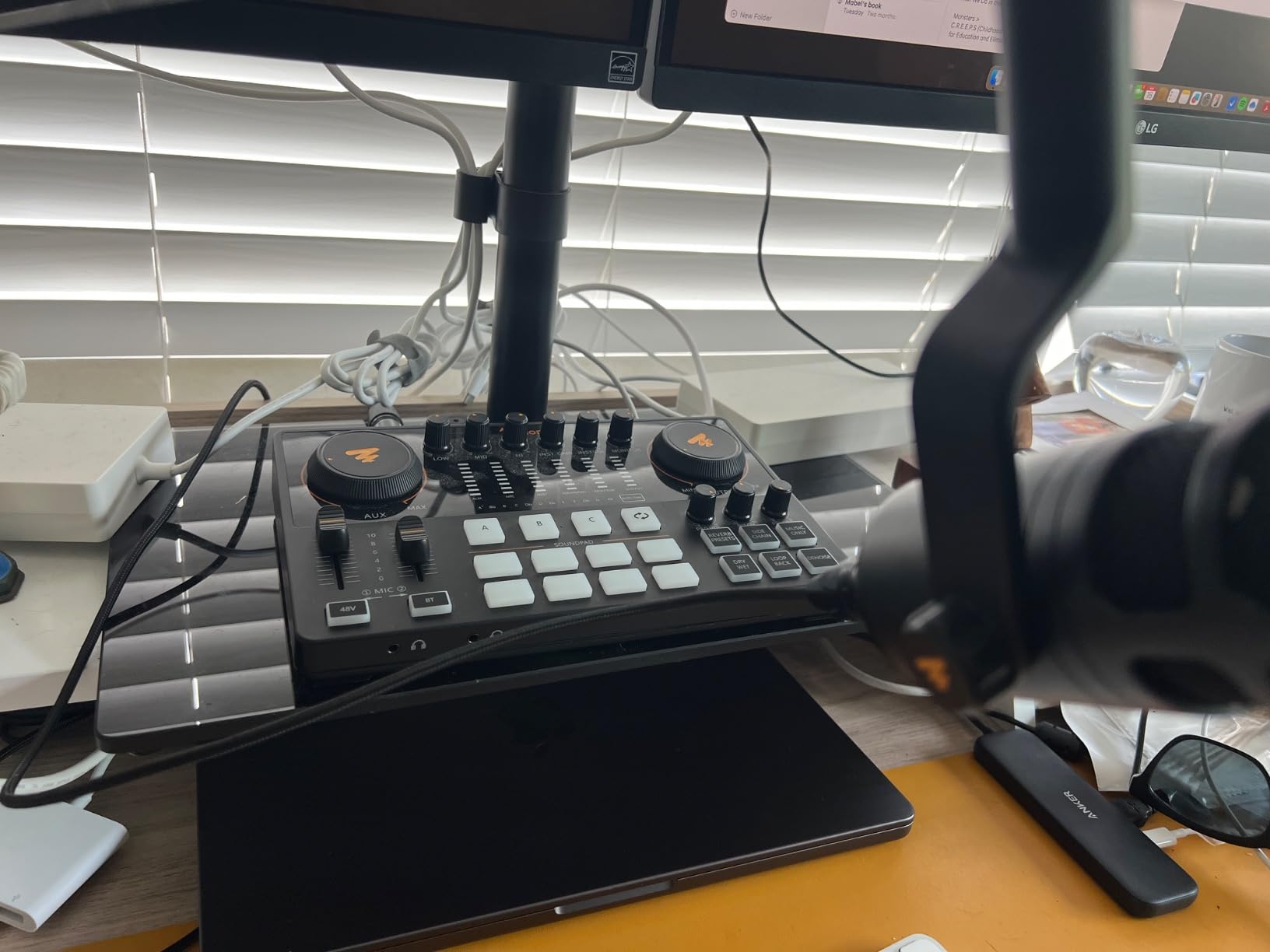
Dual front headphone outputs mean you can keep one pair of cans for hosting and one for editing or producing, without a separate amp. That small detail saves real time on a two-person show.
The problems are software-side, and you should read them before buying. USB microphones are not supported at all, only XLR and analog sources. Getting your own audio onto the pads by computer is poorly documented, and a driver update is required to clear noise that appears above half output level.
Firing pads and a music bed on a live show
Upload a theme, a bed and a couple of stingers, assign them across the pads, and set the loop on the bed so it runs without a fade. The music-only switch lets you drop the bed out under a host and bring it back without touching the mic faders.
Where two XLR inputs stop you
Two real mic inputs means a host and a guest. The channel count is higher, but the extra channels are analog and instrument level, so a third or fourth voice on a condenser is a step down in preamp quality.
7. Phenyx Pro PTX-15 – Real Per-Channel Control for Small Live Gigs
Professional Audio Mixer, Phenyx Pro Sound Console w/USB Audio Interface, 4-Channel Sound board DJ Mixer w/Stereo Equalizer, 16 DSP Effects, suitable for Stage, Live Gigs, and Karaoke (PTX-15)
4 XLR and line combo inputs
Per-channel gain / EQ / pan and dual sends
5-band main EQ
Pros
- Per-channel gain / 3-band EQ / pan / AUX send and EFX send with solo buttons
- Independent 48V phantom power on every channel
- 5-band stereo graphic EQ on the main output
- 16 built-in DSP effects including reverb / delay and hall
- Bluetooth streaming plus a USB port for a computer or stick
Cons
- Only four mono XLR and line combo inputs
- Bulkier than a four-channel board needs to be
- The board is passive and needs external amplification
- Lowest average rating in this group at 4.1
Most boards at this level fix the pan and give you one send. This one gives you per-channel gain, three-band EQ, pan, an AUX send, an EFX send and a solo button on every channel, which is a genuine control surface rather than a row of strips.
The 5-band graphic EQ on the main output is what makes it useful in a room rather than a booth. Owners running live gigs and karaoke report accurate, clear sound and use the graphic EQ to fight a difficult room. Independent 48V phantom power per channel means you can run a condenser and a dynamic at the same time without guesswork.
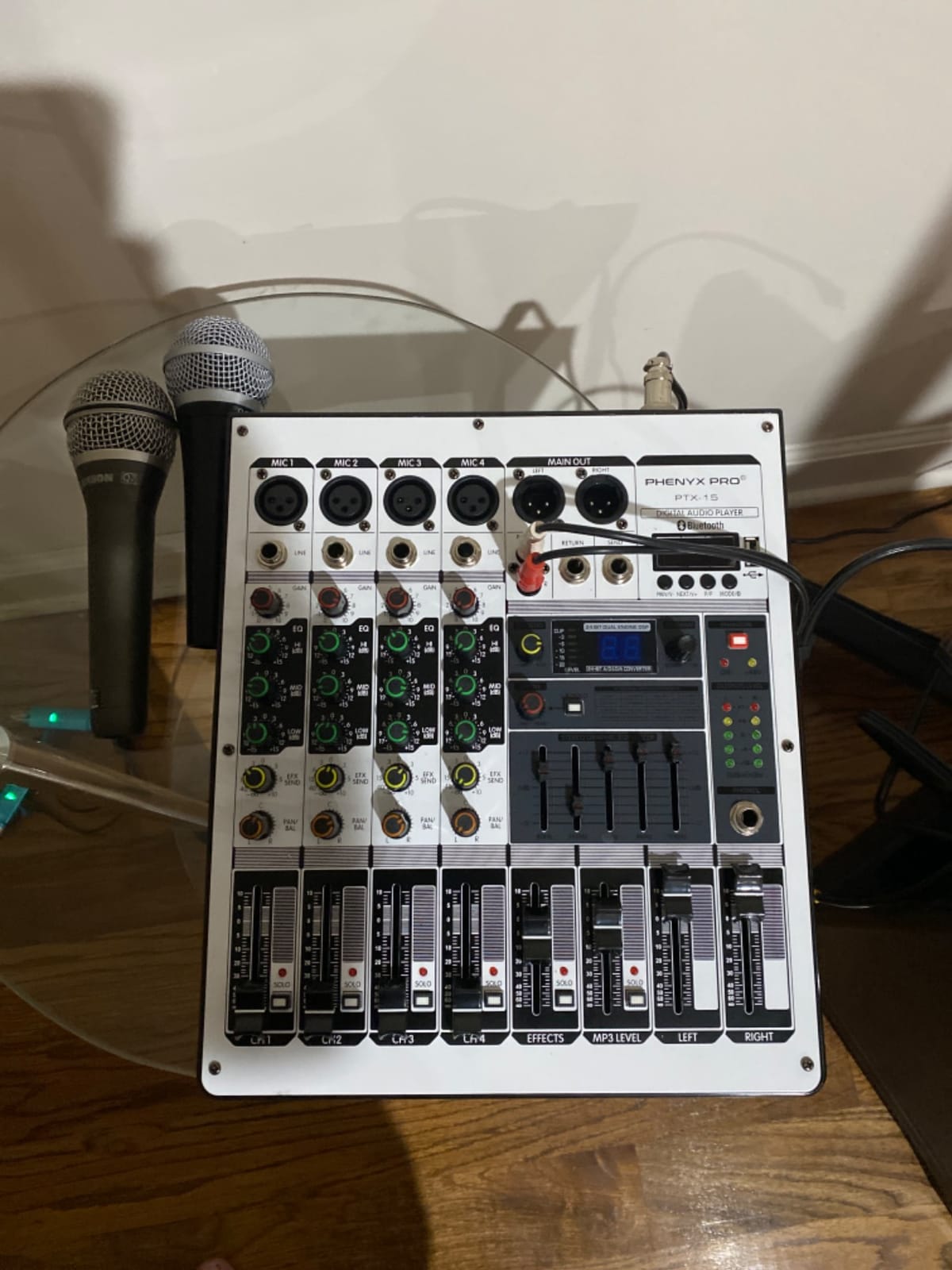
Sixteen DSP effects cover reverb, delay and hall, and Bluetooth streaming from a phone handles a backing track. The USB port works with a computer or a USB stick for recording and playback.
Four mono combo inputs is the hard limit, and it is the reason for the 4.1 average and a larger-than-usual share of one-star reviews. The chassis is also bulky for what it delivers, and the board is passive, so it needs an amplifier downstream to make sound.
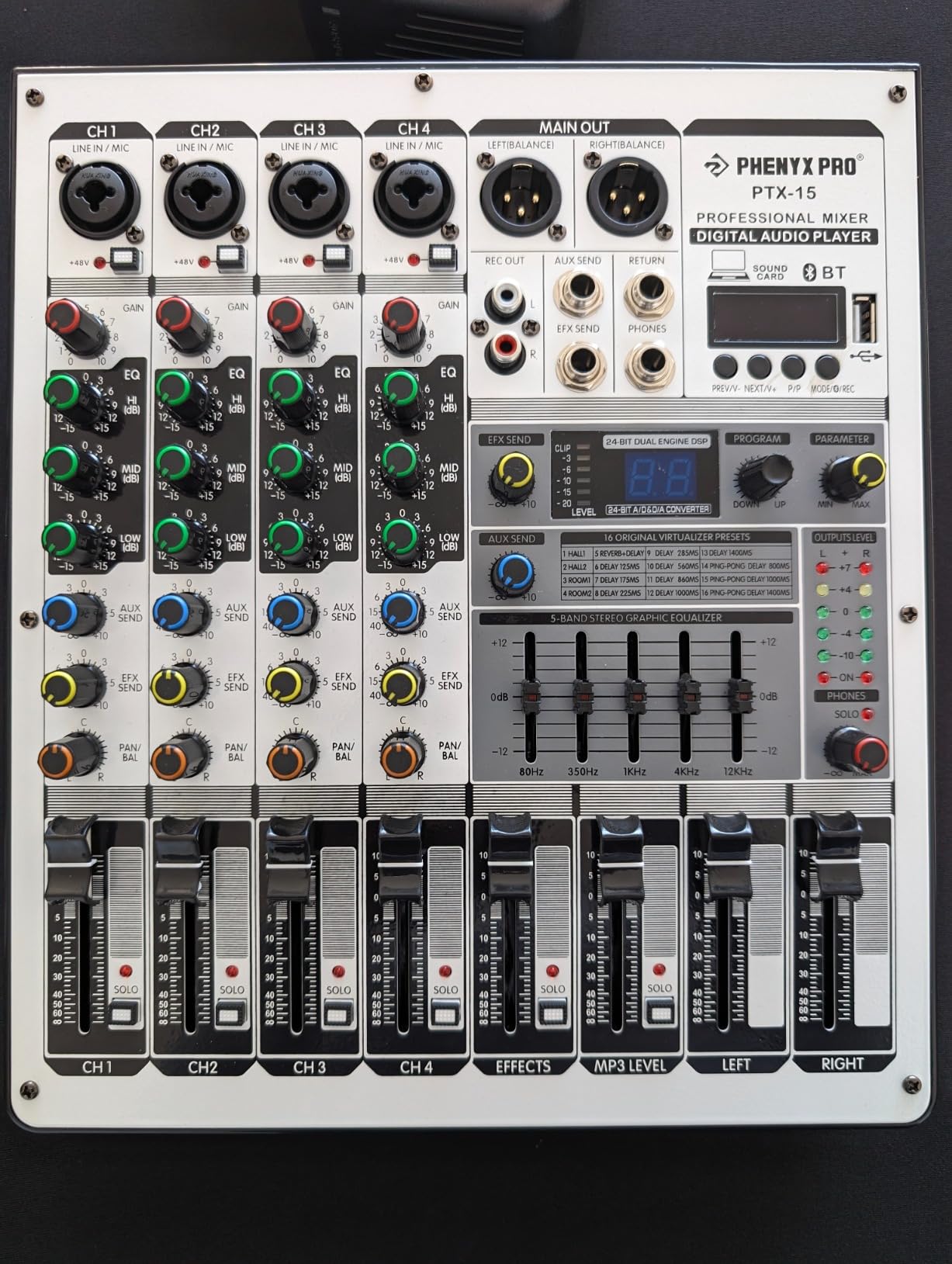
Using the AUX and EFX sends in a small room
Send the AUX to a wedge or a stage monitor and the EFX to an external processor, then keep the 16 internal effects out of the way of both paths. With solo buttons per channel, checking a source mid-set takes one press.
Where four channels is the wall
Two hosts and a music feed is the realistic ceiling. A three-host panel, or a live band, needs a board with more inputs, and the passive design means you are also buying amplification.
8. Pyle PAD43MXUBT – the Smallest Board You Can Carry to a Venue
Pyle Professional Wireless DJ Audio Mixer – 4 Channel Bluetooth Controller Sound Mixer, USB Audio Interface, 2 Combo Jack XLR+6.35mm Mic/Line/Guitar in, 3.5mm, RCA AUX, Headphone Jack – PAD43MXUBT
4 channels
Bluetooth 5.x and USB
2-band EQ with pan
48V phantom power
Pros
- Four channels with Bluetooth 5.x and driver-free USB in one compact body
- 2-band EQ / pan and gain on every channel with PEAK LEDs
- Dedicated 48V phantom power switch for condensers
- XLR and 6.35mm combo jacks plus RCA stereo and 3.5mm AUX
- Metal chassis at 5.35 by 5.13 by 1.38 inches and under 3 lbs
- Works with Windows and Mac without installing drivers
Cons
- Only a single built-in echo effect controller
- Four channels is not enough for a multi-guest panel
- Small faders and knobs are awkward on a large stage
- Bluetooth 5.x range of roughly 50 feet is modest in a live room
At 5.35 by 5.13 by 1.38 inches and under 3 pounds, this is the board that fits in a backpack and works the moment it is plugged in. The USB audio interface is driver-free on both Windows and Mac, so there is no setup call before a show.
Per channel you get gain, pan and a high and low 2-band EQ, which is more control than most boards this size offer. The dedicated 48V phantom power switch with an LED indicator means a condenser works without an external supply.
Connectivity is broad for the size: XLR and 6.35mm combo jacks, RCA stereo in and out, a 2-TK input and a 3.5mm AUX. That covers a mic, a guitar, a phone and a playback source at the same time.
The limits are about scope, not quality. There is one built-in echo effect rather than a multi-DSP engine, four channels is not a multi-guest panel, and the small physical faders and knobs are not what you want under stage lighting in front of an audience. Bluetooth 5.x reaches roughly 50 feet, which is short in a large room.
Set-up speed and driver-free USB for back-to-back shows
This is the one to grab if you do three small shows a week in different rooms. No drivers, no app, one switch for phantom power, and a chassis that survives being carried rather than racked.
Where four channels and one effect run out
A two-person show in a small room is where it works well. Add a third voice, a music bed and an effect return at the same time, and you have spent the whole feature set.
9. Facmogu F998 – a Battery-Powered Sound Card for a First Stream
Facmogu F998 Live Sound Card Audio Mixer, Streaming Podcast Audio Interface
7 volume knobs and 2 faders
16 sound effects
1200mAh battery
Bluetooth input
Pros
- Seven volume knobs and two faders for bass / mid / treble / backing track / monitoring
- Sixteen built-in sound effects including voice changers
- Built-in 1200mAh battery for streaming away from a wall outlet
- Supports two people and three devices broadcasting at once
- Breathing LEDs follow the volume and read well on camera
Cons
- Input gain is not high enough to record a condenser mic at a satisfying level
- Does not pass game audio through at a high enough level to hear much
- Picks up noticeable noise when headphones are plugged in
- Bluetooth accompaniment pairs with only one device
Be clear about what this is: a one-channel sound card with a mixer surface, not a console with XLR mic inputs. It is built for a first stream on a phone or a laptop, and the built-in 1200mAh battery is the reason it works away from a wall outlet at all.
Seven independent volume knobs and two faders cover bass, mid, treble, backing track and monitoring separately, and sixteen sound effects including voice changers make a first broadcast feel less bare. It supports two people and three devices broadcasting at once across iOS, Android, iPad, Mac and Windows.
The breathing LED lights follow the volume level, which sounds like a gimmick and turns out to be useful on camera, because viewers can see when you are hot.
The gain is the problem for anyone using a condenser microphone, and owners say so directly. It also does not pass game audio through at a high enough level to hear much, picks up noise with headphones plugged in, and the Bluetooth accompaniment pairs with a single device only.
Running a two-person show on battery power
If your show is two voices, a phone doing the video, and no mains power available, this is a workable first step. The two-person, three-device support is the feature that makes it more than a gimmick.
Where a live room outgrows it
There is no XLR input and no phantom power, so a condenser microphone is out of reach without an adapter and an external preamp. For a treated two-host podcast recorded at a desk it is fine. For a live room, it is not.
10. MAONO G1 Neo – the Compact Board with a Real XLR Input
MAONO G1 Neo Gaming Audio Mixer Audio Interface with XLR Input & 48V
XLR mic input
48V phantom power
4 sound pads
Loopback and direct monitor
Pros
- Built-in pro preamp with 48V phantom power for a serious XLR condenser
- One-click noise reduction for team comms and stream audio
- Four custom sound pads plus voice-change effects
- One-click mute / loopback and direct monitor during a stream
- Works with phones / tablets / PS4 / PS5 plus OBS / Discord / Twitch and Zoom
Cons
- Not compatible with USB microphones / Xbox or other MAONO devices
- USB power from a computer alone can be unstable so the included 5V adapter is needed
- Gain range of -45dB to -55dB may limit some dynamic microphones
- RGB lighting is decorative and adds no audio function
The thing that separates this from a typical entry-level sound card is a genuine XLR input with 48V phantom power and a preamp underneath it. That means you can use a large-diaphragm condenser on a stream without buying a separate interface, and reviewers pick this out as the reason it is recommended so widely.
One-click noise reduction handles the thing that ruins team comms and stream audio, which is room noise and fan noise. Four custom sound pads and voice-change effects add the personality layer, and one-key mute, loopback and direct monitor make live control simple while you are mid-game.
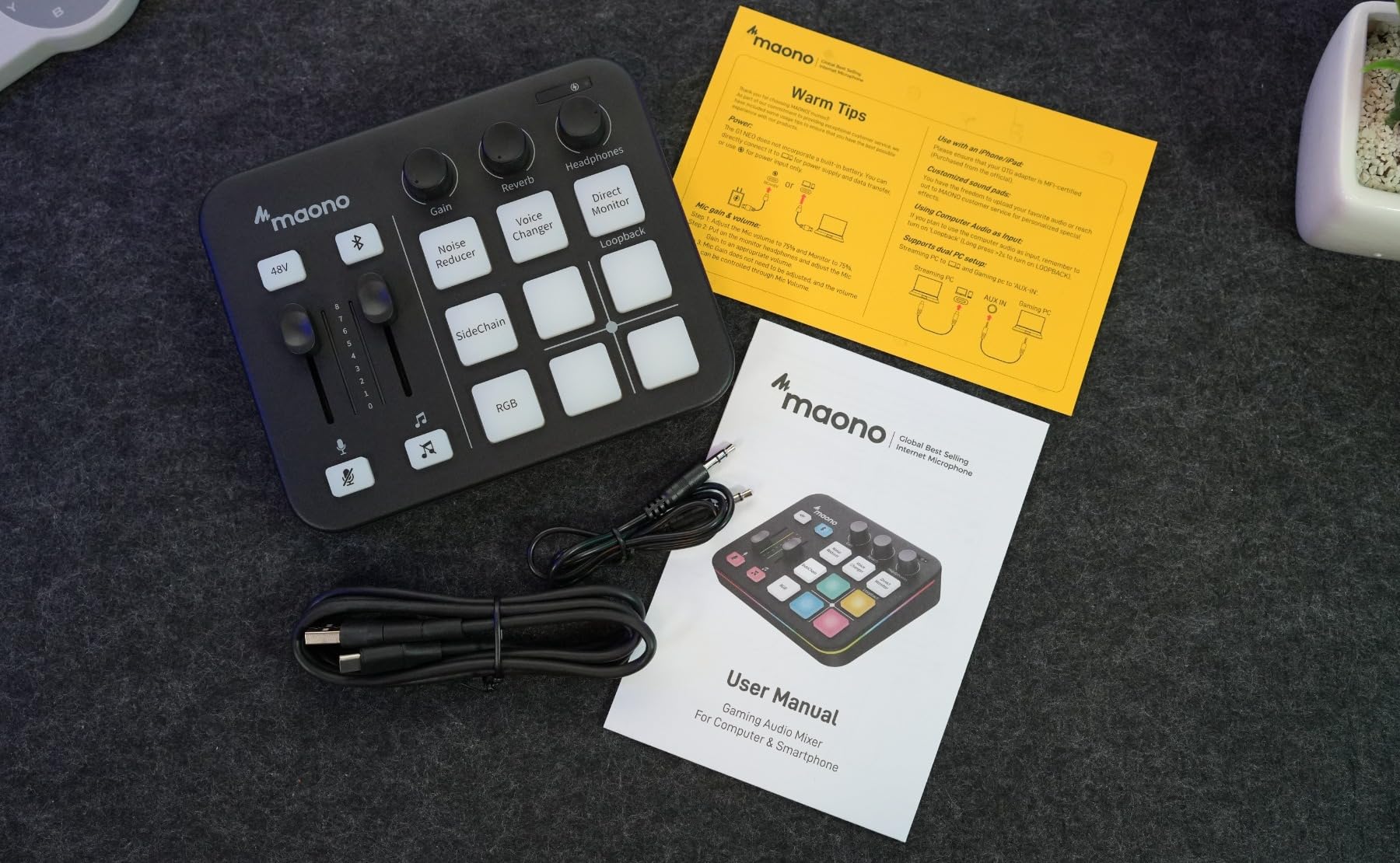
Bluetooth accompaniment, reverb and sidechain round it out, and it works with phones, tablets, PS4 and PS5 alongside OBS, Discord, Twitch, Streamlabs and Zoom. The RGB lighting with 12 color variations is purely decorative, but it does read well on a stream.
Two limits are worth planning around. It is not compatible with USB microphones, Xbox or other MAONO devices, and the gain range of -45dB to -55dB can feel tight with some dynamic microphones that want more. Use the included 5V adapter rather than powering from the computer, which owners report can go unstable under load.
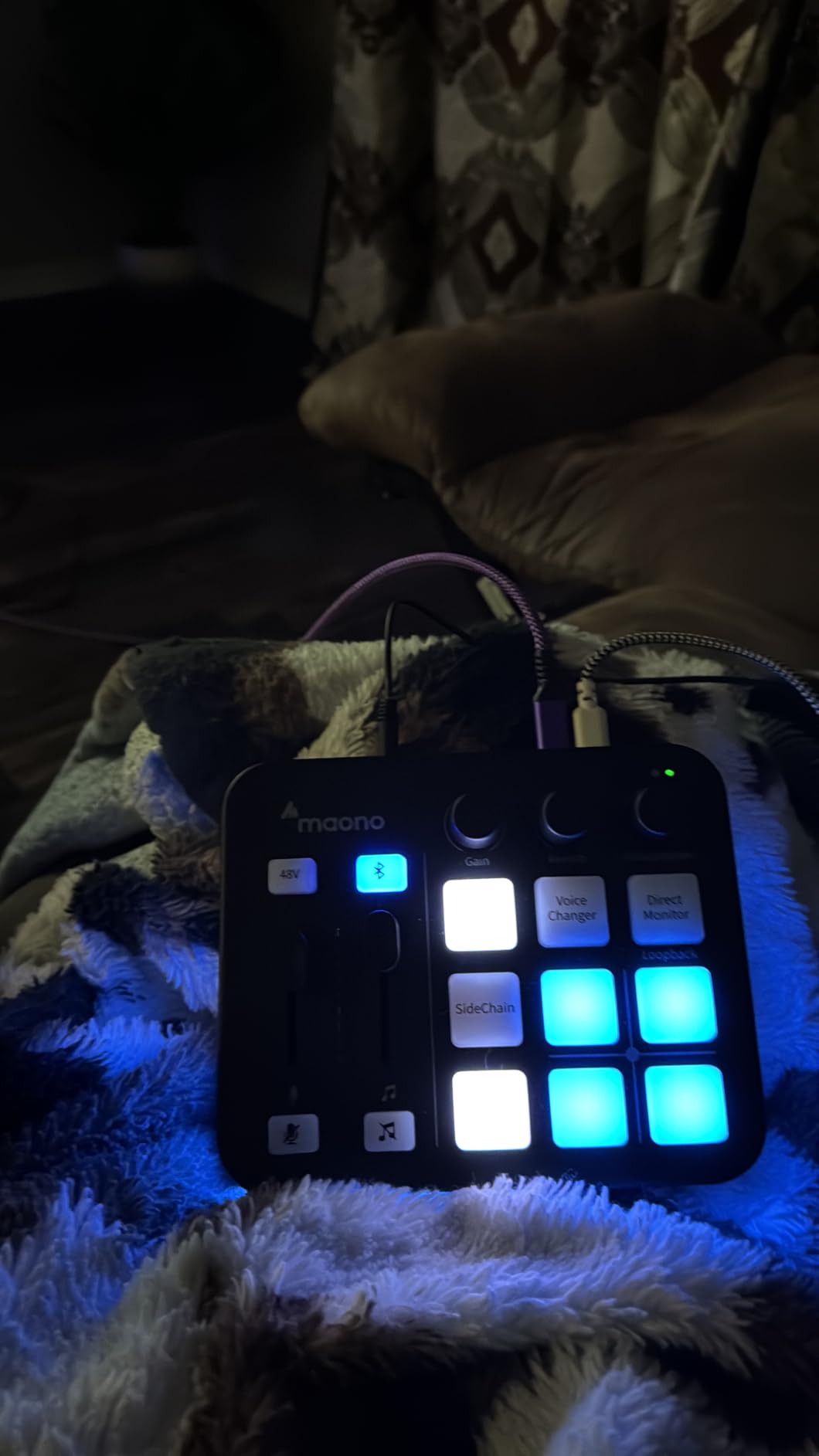
Loopback and direct monitor during gameplay
Loopback sends your mic and any game audio back into the stream without a second app in the chain, and direct monitor lets you hear yourself without the round trip that makes you talk too quietly. Both are one button.
Where one XLR input stops you
One microphone means a solo streamer or a host and a co-host where the second person joins on the call instead. If two people speak into microphones in the same room, you need at least two XLR inputs.
How to Choose a USB Podcast Mixer for Live Shows
Match your input count to how many people speak in the room
Count the people who speak into a microphone in the same room, then add one for music and one spare. A solo host needs two inputs. Two hosts need three. A three or four person panel needs five. A band or a live music set needs more than that, and a board with aux buses rather than more bare channels is what you want there.
Community advice on podcasting forums is consistent on this point: buy more inputs than you think you need, because live guests always turn up. An unused input costs almost nothing, and the boards with the most channels here are not dramatically harder to run.
Work out what your USB port actually sends
There are two different USB mixers in this list and the difference changes your editing workflow. A stereo USB port sends one mixed stereo feed to the computer, which is fine for streaming and simple podcast recording. A bidirectional or multichannel USB interface sends every channel as its own track, which is what you want if you need to fix a noisy guest without touching the other voices.
For streaming software, both behave the same way: the mixer appears as a normal audio input. For multitrack recording, only the XR18 gives you every channel separately at once.
Also check the buffer setting. Smaller buffers mean lower latency and a higher risk of dropouts on a laptop that is also encoding video, and that is a setting you will be changing live, so it should be quick to reach.
Phantom power voltage and mic pairing
Phantom power is what makes a condenser microphone work, and the difference between 15V and 48V matters. A ribbon microphone can be damaged by 48V. Most dynamic microphones ignore phantom power entirely, so leaving it off for them is simply the correct habit.
Gain matters more than most spec sheets suggest. A large-diaphragm condenser needs far less gain than a broadcast dynamic, and a ribbon needs a preamp with real headroom. The boards here that quote 60dB of mic gain, such as the Mackie ProFX6v3 and the MAONO AME2, cover the widest range of microphones. The MAONO G1 Neo is the counter-example, with a -45dB to -55dB range that can feel tight on some dynamics.
Decide whether the recorder is a backup or the main event
A built-in recorder changes what happens when a stream fails. Boards that write to a microSD card or a USB flash drive keep capturing locally while the USB port feeds the computer, and that is a real safety net for a live show. The Pyle PMXU63BT and the RØDECaster Pro II both do this in different ways.
If you would rather record on a laptop and keep the mixer purely for mixing, that is a legitimate choice too, and it means one less thing to fail in front of an audience.
Latency is the number nobody publishes
Not one of these ten publishes a round-trip latency figure, and you should treat any seller who does with suspicion. What you can control is the monitoring path: the boards that give every host their own headphone output let you mix by ear in real time rather than guessing.
Direct monitoring on a board bypasses the round trip entirely, which is the closest thing to zero latency you will get. Loopback and mix-minus matter just as much: a caller who can hear themselves will talk over the show, and most of these boards can send a feed back to a phone or laptop without sending the caller their own voice.
What to skip and why
Skip boards with a single XLR input if more than one person speaks in the room. Skip a board with no phantom power if you plan to use condensers. Skip anything without a headphone output if it is a live show, because monitoring in the room is how feedback starts.
For wider live-sound context, our guides to PA mixers for live sound and powered mixers for live bands cover the amplification side, which is a separate purchase from everything in this list. If you also run lighting for the same shows, the DJ light controllers guide is worth a look.
Frequently Asked Questions
What is the best USB audio mixer for streaming?
The RØDECaster Pro II is the best USB audio mixer for streaming because it records multitrack to a computer, a microSD card or a USB drive, gives every host an individual headphone output, and has eight SMART pads for firing music and stingers live. For a two-person show on a smaller budget, the MAONO AME2 offers eleven sound pads, 60dB of mic gain and 48V phantom power in a compact console.
What is the best audio mixer for live streaming?
For a live show rather than a recorded session, the Behringer XR18 leads because eighteen channels, six aux buses and DCAs let you build independent monitor mixes and a proper mix-minus feed for a remote caller. The RØDECaster Pro II is the simpler one-box answer, and the Pyle PMXU63BT is worth knowing about because it records all six channels to a USB flash drive while the USB port handles the stream.
What is the best audio mixer with a USB interface?
A mixer with a USB interface behaves as a normal audio input, so streaming software sees it the same way it sees an audio interface. The difference is what travels over the port. A stereo port such as the one in the Behringer XENYX 802S sends one mixed feed. The XR18 sends eighteen channels separately. Choose stereo for streaming, multichannel if you need isolated tracks for editing.
How many XLR inputs do I need for a podcast?
Count everyone who speaks into a microphone in the same room, then add one channel for a music bed and one spare. A solo host needs two inputs, two hosts need three, and a three or four person panel needs five. Podcasters consistently recommend buying more inputs than you expect to need, because live guests turn up and adding a host later is much harder than starting with a spare channel.
What are some good alternatives to the RØDECaster Duo for podcasting?
The RØDECaster Pro II is the closest direct alternative in this list, with four studio preamps, APHEX processing and eight pads. Below it, the MAONO AME2 gives you eleven pads and 48V phantom power for a two-host show, the Mackie ProFX6v3 gives you 60dB of Onyx preamp gain with a 2×4 USB return, and the Pyle PMXU63BT records six channels straight to a flash drive. Each covers a different part of what the Duo does.
Our Verdict for Podcast Mixers With USB in 2026
The RØDECaster Pro II is the best podcast mixer with USB for live shows overall, because it is the only board in this list where recording, live pads and a standalone local capture all sit in one box. The Behringer XR18 is the answer when the show outgrows a conversation, and the MAONO AME2 is the pick when pads and two good mic inputs matter more than everything else.
Whatever you choose, count your inputs before you buy, keep a local recording running during every live show, and treat room treatment as part of the signal chain. A treated room with a modest mixer beats an untreated room with an expensive one, and that point comes up constantly in podcasting forums. Our digital mixers for live sound guide is the next step if you want a console that also handles a room with a band in it.