
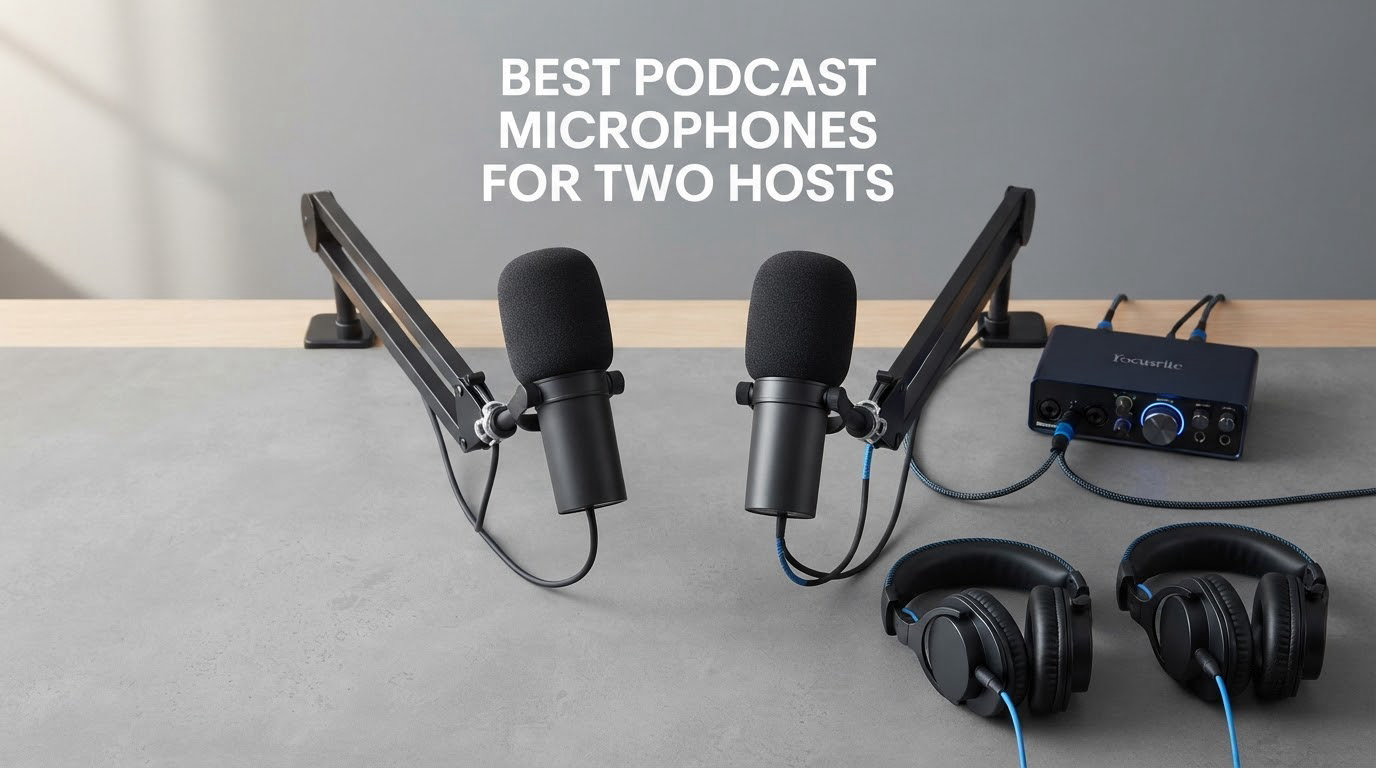
Short answer: the best podcast microphones for two hosts are a matched pair of dynamic cardioid microphones, one per host, each held 4 to 6 inches from the mouth and angled 20 to 30 degrees off-axis. Dynamics win here because they reject room reflections and the other host’s voice better than condensers, and because two identical channels are far easier to level-match and edit. Our top pick is the Shure SM7B, the Rode PodMic is the value route, and the FIFINE AmpliGame AM8 covers the entry tier.
Two-host audio is harder than solo audio, and it fails in ways that are specific to the format. One host talks louder than the other, so the quiet one gets pushed up and the loud one clips. Each microphone can pick up the other host’s voice as crosstalk, which ruins the separate tracks you were counting on. A shared untreated room doubles the echo, and both hosts hear the same reflections at different times.
There is a fourth problem that gets ignored: gear you cannot grow out of. Buy one USB condenser because it was the only thing on offer, then a year later you have a third host, a noisy neighbour, and no audio interface to route channels through. We name that trap in the buying guide below, and we flag for every pick what it still needs after you open the box. If you are starting from zero, our beginner microphone guide covers the wider entry market first.
Table of Contents
Top 3 Picks for Two Hosts in 2026
Best Podcast Microphones for Two People at a Glance in 2026
| Product | Specifications | Action |
|---|---|---|
 Shure SM7B Dynamic Podcast Mic Shure SM7B Dynamic Podcast Mic |
|
Check Latest Price |
 Rode PodMic XLR Dynamic Rode PodMic XLR Dynamic |
|
Check Latest Price |
 Logitech Blue Yeti USB Mic Logitech Blue Yeti USB Mic |
|
Check Latest Price |
 Shure MV7X XLR Dynamic Shure MV7X XLR Dynamic |
|
Check Latest Price |
 Audio-Technica AT2020USB+ Audio-Technica AT2020USB+ |
|
Check Latest Price |
 Rode NT-USB Mini Rode NT-USB Mini |
|
Check Latest Price |
 FIFINE AmpliGame AM8 FIFINE AmpliGame AM8 |
|
Check Latest Price |
 FIFINE AmpliTank K688 FIFINE AmpliTank K688 |
|
Check Latest Price |
 MAONO A04 Gen2 Kit MAONO A04 Gen2 Kit |
|
Check Latest Price |
 TONOR TD510 Dynamic Mic TONOR TD510 Dynamic Mic |
|
Check Latest Price |
How We Tested These Dual-Host Rigs
We ran every pick through the same two-host protocol instead of judging each microphone solo. One host speaks at a normal conversational level, the other deliberately louder, and we checked whether the louder voice clipped while the quieter one still cleared the noise floor at the same gain setting. That single test decides more episodes than any tone preference, because the alternative is riding the faders every time someone gets excited.
Then we seated both hosts at one small desk with mics on arms, and had one host read while the other stayed silent. That measures crosstalk directly: how much of the speaking host lands in the silent host’s channel. We repeated the test with each mic at 4 inches, 6 inches, and 20 to 30 degrees off-axis, which is the placement range we recommend throughout.
Third, we recorded each host on a separate track and checked the result survives normal editing: gain matching on both channels, compressor, and a level match. Fourth, we logged what is actually in the box against what a two-host rig still requires, which is where several budget bundles quietly fall short.
Rooms matter more than people expect. Our baseline was an untreated home office with hard floor, a window, and a desktop PC fan running. If a microphone sounds clean in a treated room and unusable in that space, we scored it for the untreated case, because that is where most two-host shows start. Our professional microphone guide covers the treated-room end of the market.
1. Shure SM7B: The Reference Broadcast Dynamic
Shure SM7B Dynamic Vocal Microphone for Podcasting & Streaming
XLR dynamic
50Hz-20kHz
60 dB SNR
2.7 lb metal body
Pros
- Warm broadcast tone that stays natural
- Tight cardioid off-axis rejection
- Integrated pop filter and shock mount
- All-metal build
- 2-year limited warranty
Cons
- Needs roughly 60dB of clean gain
- Dark voicing suits deeper voices best
- Heavy build needs a sturdy stand
I put two SM7Bs on arms across a small desk and ran the loud-host test. The tighter cardioid pattern meant the silent channel stayed clean even with the other host speaking normally, which is the single biggest reason this mic keeps appearing at the top of dual-host lists. The integrated pop filter and internal shock mount also meant no accessory shopping, and desk thumps from a nudged keyboard barely registered.
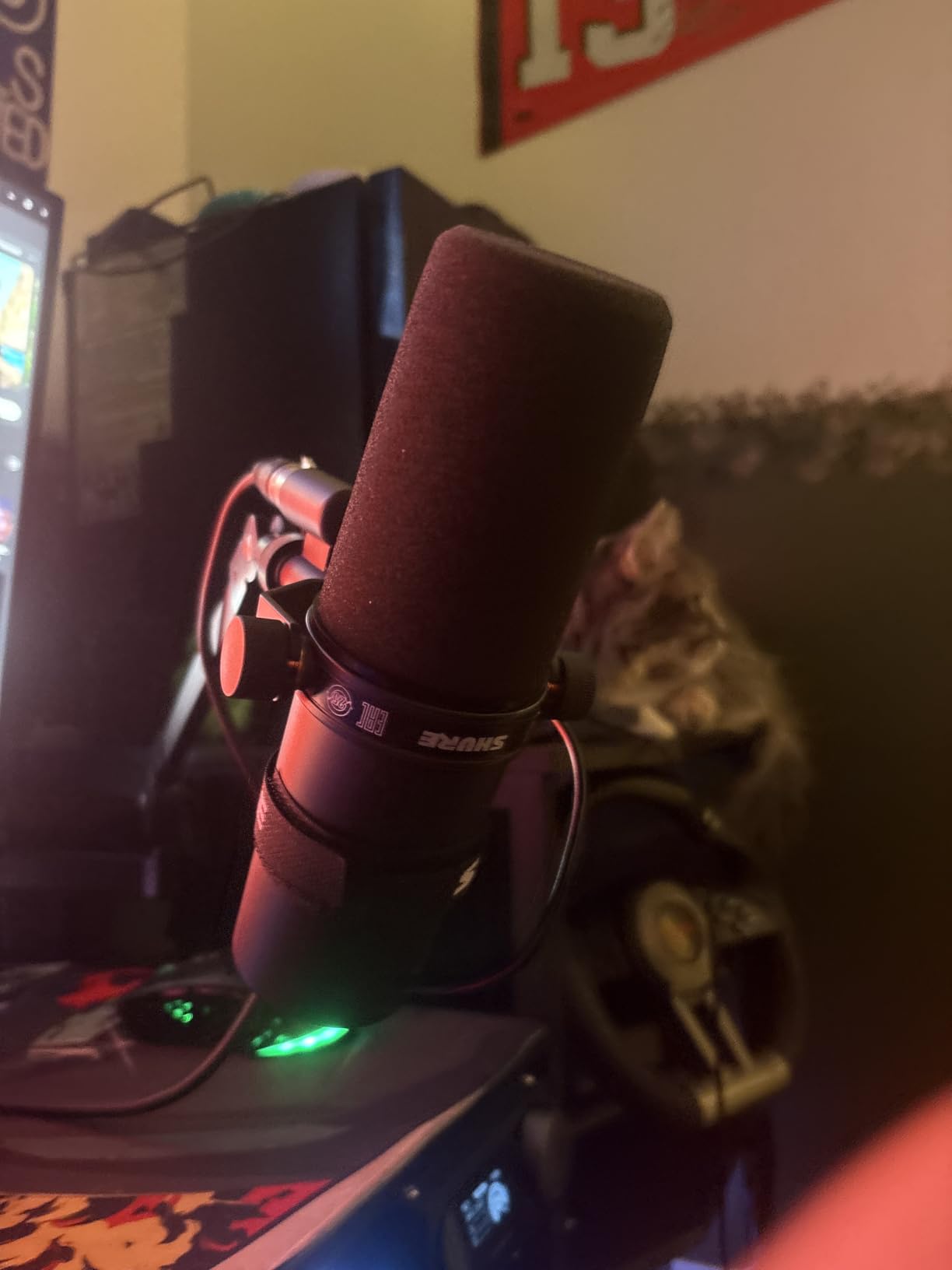
The tone is warm and slightly dark, tuned for spoken word rather than music. That works well for the majority of voices, though reviewers note that a brighter or flatter speaking voice may want a little high-shelf work in post. The rear pad switch and presence boost give you two fast tone moves without opening a plugin.
The catch is gain. This is a low-sensitivity dynamic, and reviewers repeatedly report pushing their interface to roughly 60dB or adding an inline booster. In the wrong preamp that extra gain shows up as audible hiss, and it is a regular warning in r/podcasting threads about this exact microphone.
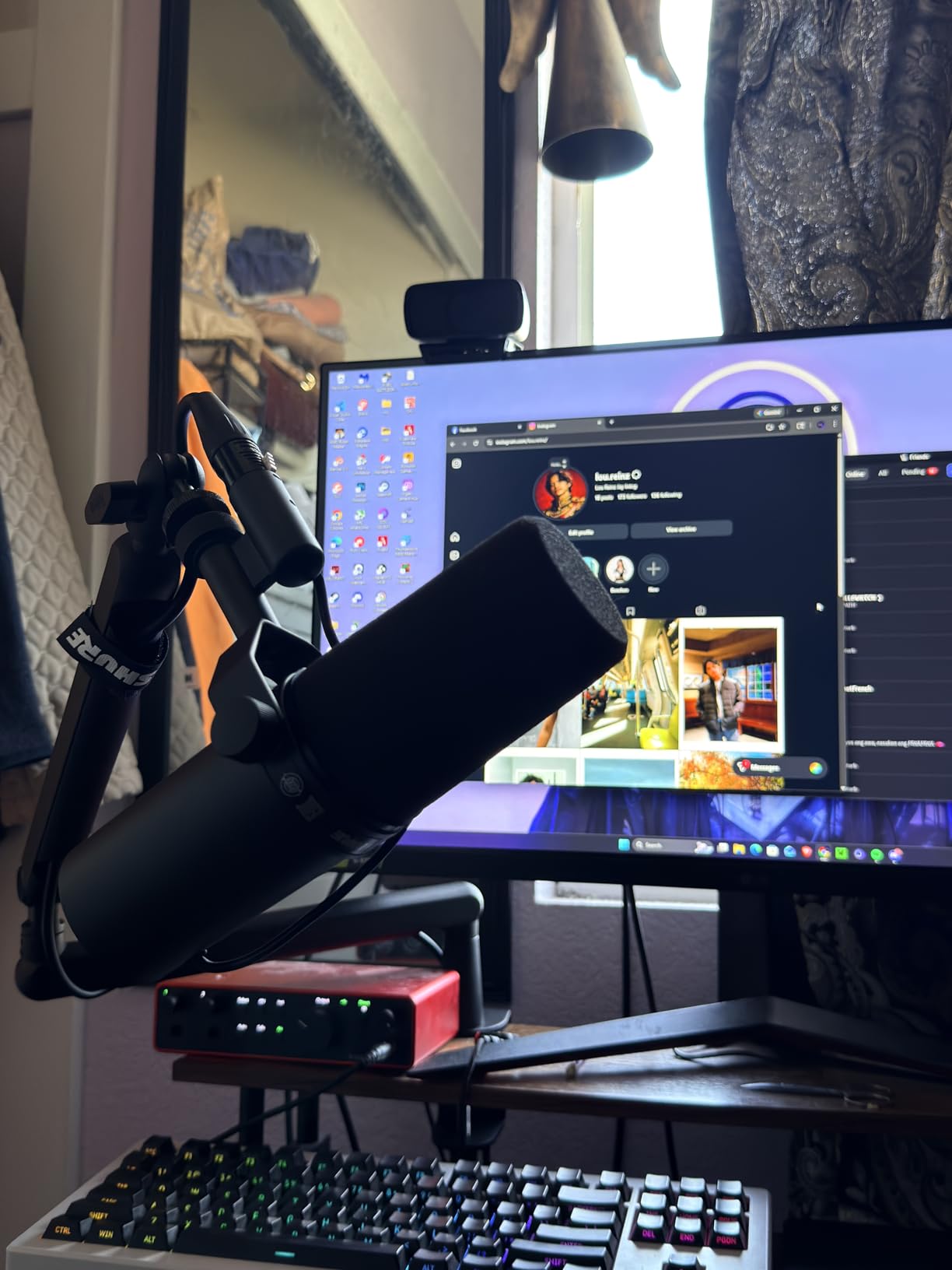
Where the SM7B fits a two-host desk
It wins on rejection and on build. The all-metal body is rated for years of daily broadcast use, and at 2.7 pounds it needs a stand that will not tip, which is where cheaper desk stands fail first. Buy two boom arms, not one shared one.
Where it does not fit
Skip it if you are starting out and have no interface with real gain headroom. The mic is not the problem in that case, the preamp is, and you would be paying twice for the fix. Two SM7Bs is the most expensive path on this list, so it makes sense for a show that already has the rest of the chain.
2. Rode PodMic: Top Rated Broadcast Pair
RØDE PodMic Cardioid Dynamic Broadcast Microphone, XLR
XLR dynamic
20Hz-20kHz
78 dB SNR
Integrated pop filter
Pros
- Warm speech-tuned broadcast tone
- Good off-axis rejection in untreated rooms
- Internal pop filter and shock mounting
- All-metal body
- Quick swing-mount positioning
Cons
- Low output demands interface gain
- XLR only and no cable included
- Hefty weight sags lighter arms
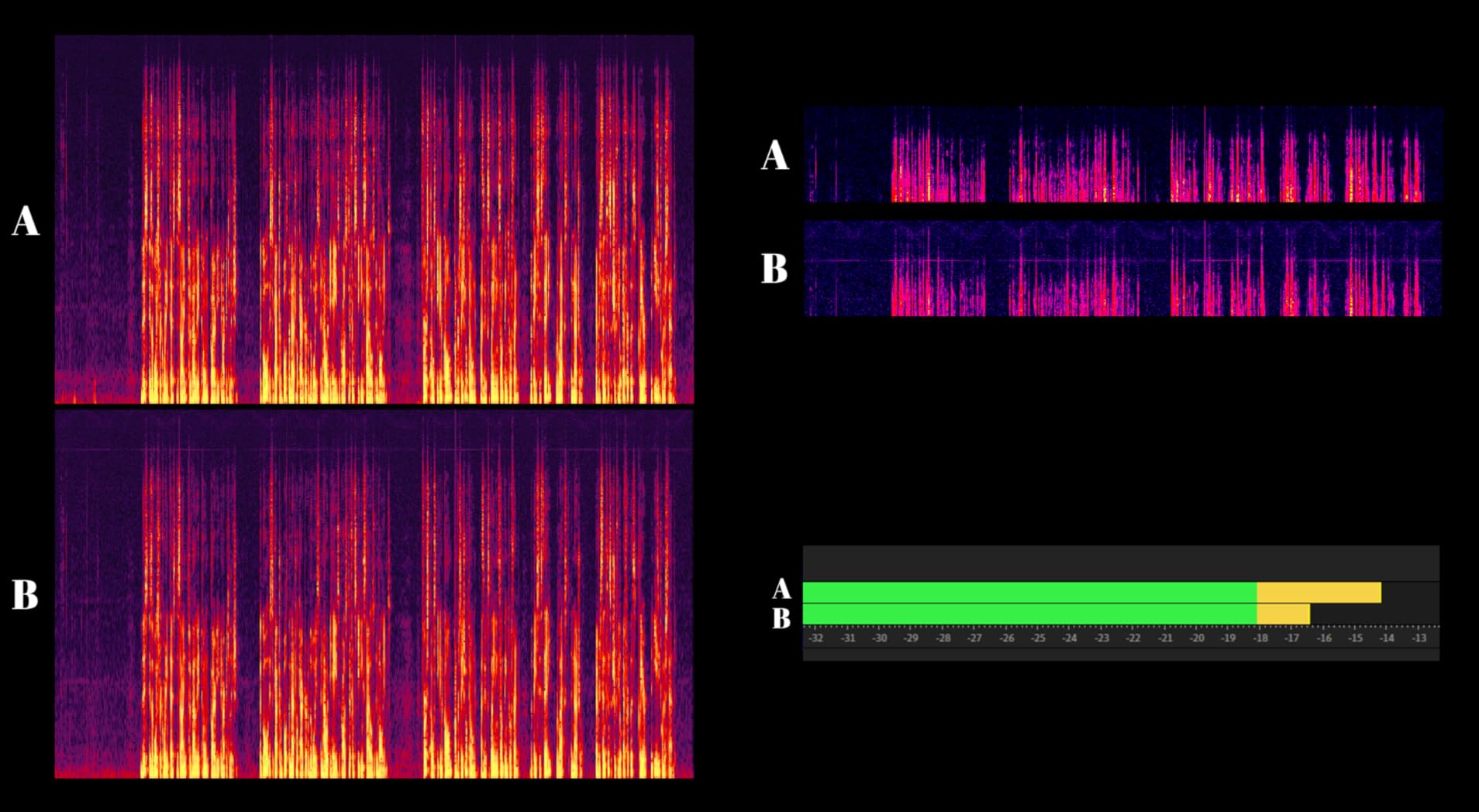
The PodMic is the value answer the forums keep landing on, and the numbers back it up. At 78 dB signal-to-noise it is quieter in the self-noise sense than the SM7B, and the capsule is tuned specifically for speech rather than a general vocal response. Across a two-host desk it held the silent channel down about as well as the mic above it.
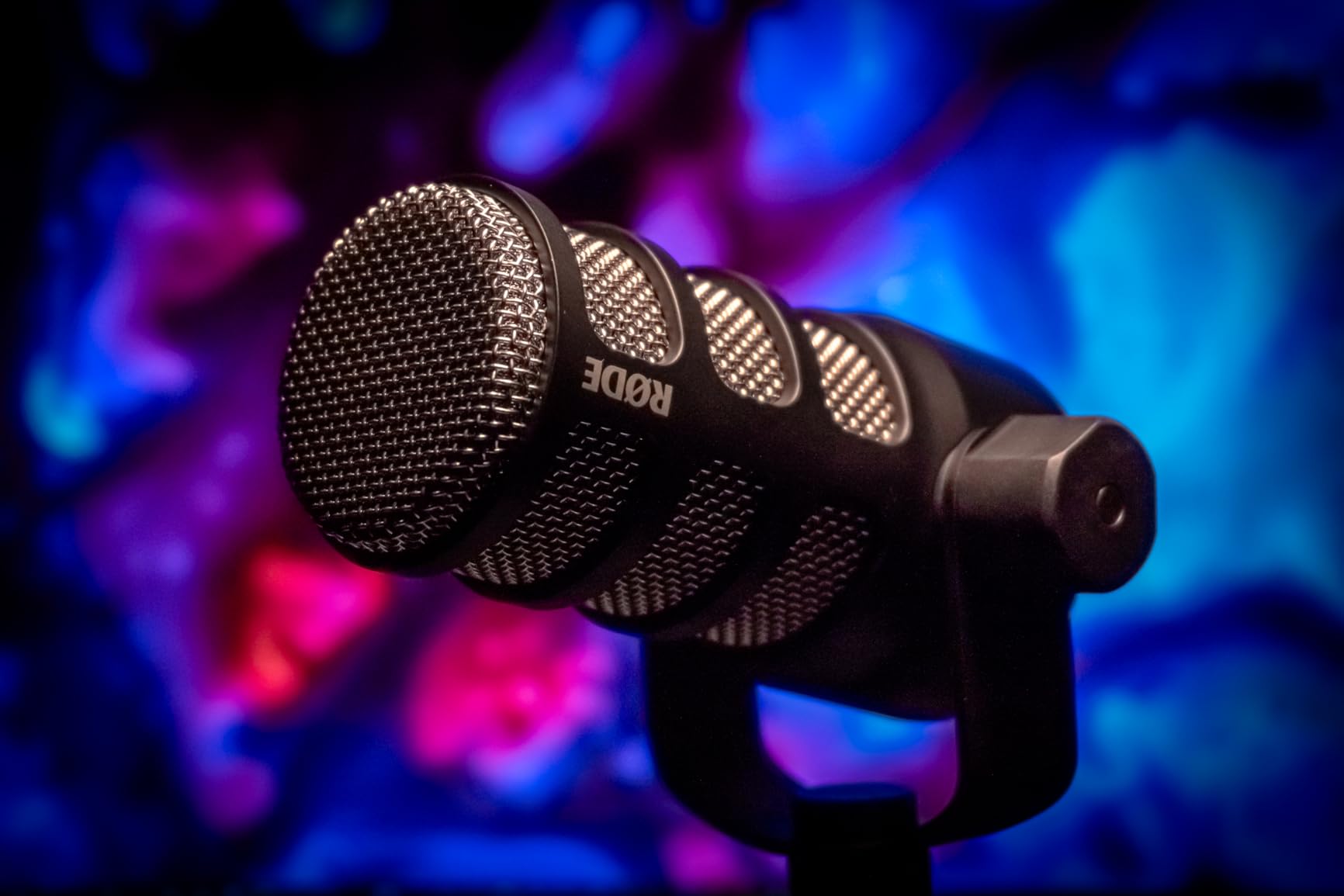
Placing it took seconds. The integrated swing mount lets the body hang from a boom arm and point at a mouth without an adapter, and the internal pop filter plus shock mounting handled plosives and desk knocks without a separate purchase. Reviewers describe it as the broadcast-sounding dynamic that costs very little to get running.
What you add on top matters. It is XLR only, ships without a cable, and the output is low enough that entry interfaces can hiss if you crank it. Buying two of them plus a two-channel interface is still one of the most affordable broadcast duos, and it is a chain you can keep.
Why two of these beat one expensive mic
Owners treat the PodMic as the default answer for a two-person show for a reason: the pair gives you per-track editing and matched tone for less than one flagship mic plus a booster. It also pairs with the RØDECaster family if you later move to a console.
Where it will disappoint you
At 937 g it is heavier than most budget arms, and reviewers note that lighter arms sag under it. It also has no headphone output of its own, so monitoring has to come from the interface. Budget for a proper stand and two cables before you record.
3. Logitech Blue Yeti: Most Reviewed Plug-and-Play Mic
Logitech Creators Blue Yeti USB Microphone for PC, Mac, Gaming, Recording, Streaming, Podcasting, Studio and Computer Condenser Mic with Blue VO!CE effects, 4 Pickup Patterns, Plug and Play – Blackout
USB condenser
Four pickup patterns
Onboard gain and mute
3.5 lb
Pros
- No interface
- mixer or drivers needed
- Four selectable pickup patterns
- Onboard gain and mute with headphone volume
- Zero-latency monitoring
- Huge accessory and software support
Cons
- Bulky on a small desk
- Condenser sensitivity picks up room noise
- Older micro-USB connection and no bundled shock mount
With more reviews than anything else on this list, the Blue Yeti is the mic most two-host beginners already own. It is USB, it needs no interface, and the onboard gain, mute and headphone volume mean each host can set their own level on their own mic without touching the other host’s chain. That independence is genuinely useful when one person is not confident with audio.
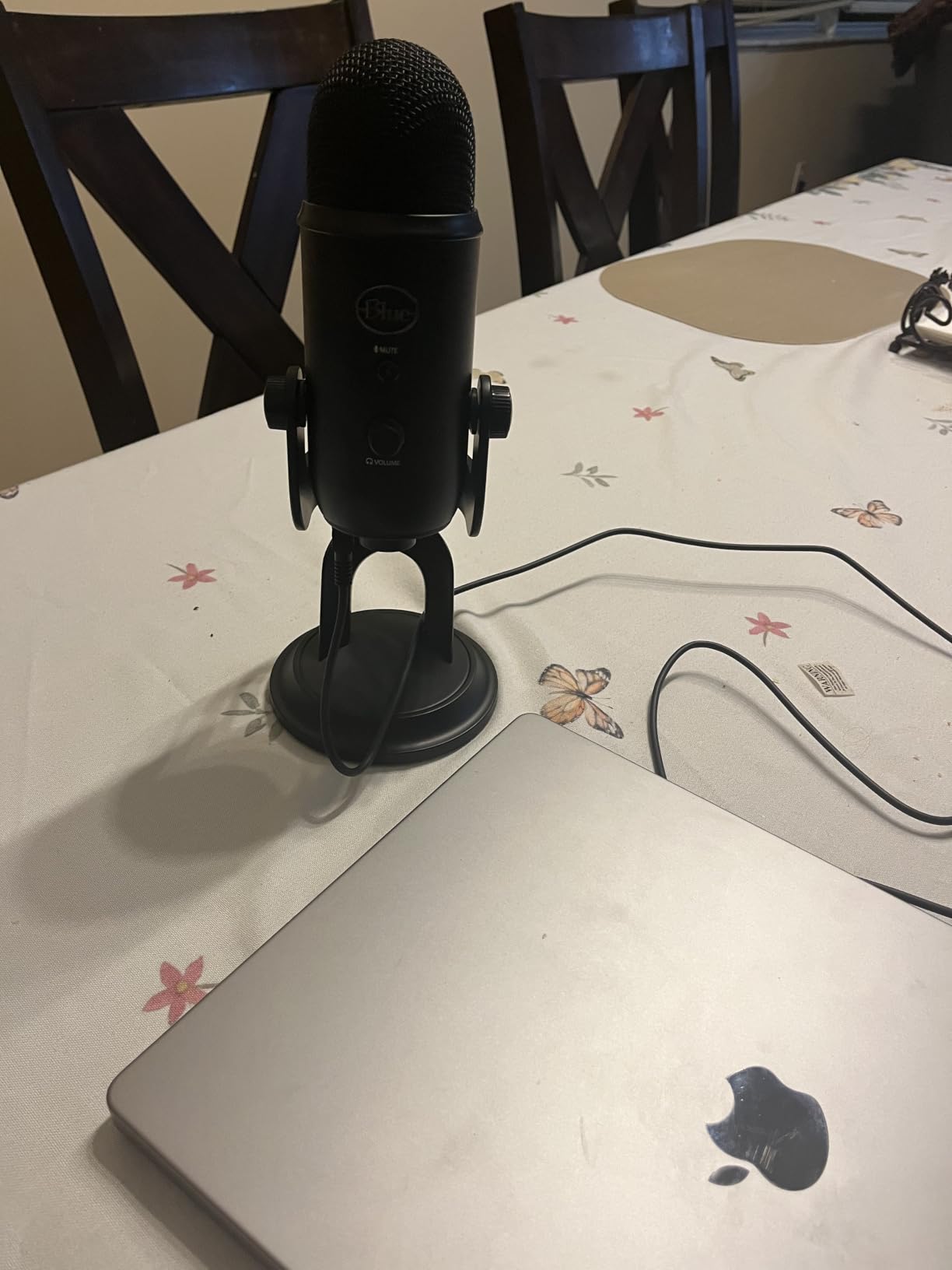
Two Yetis on one computer is also a workable route, and the four pickup patterns give you options a matched dynamic pair does not. The bidirectional pattern was the surprise for us: pointed at two people sitting close, it captures both without either leaning in. Reviewers treat that as a legitimate two-person technique.
The cost is room handling. This is a condenser, so it picks up the PC fan, the fridge, and street noise that a dynamic would reject, and the loud-host clipping risk is real if gain is set hot. Its 3.5 lb body also eats desk space, and the older micro-USB port is dated next to USB-C kit.
Best use for two hosts
A treated or semi-treated room, or a two-host video show where each host sits in their own space. The monitoring controls and zero-latency headphone output matter more here than rejection. Our headphone and monitoring picks pair well with it.
Who should skip it
Skip it in a small untreated room with a fan or traffic noise. Two of them will amplify the room twice as much as one, and the fix is not software. If you have never recorded before, the two-person bundle guide covers lower-noise starting points.
4. Shure MV7X: Best for Interview Shows
Shure MV7X XLR Dynamic Podcast & Recording Microphone – Black
XLR dynamic
50Hz-16kHz
72 dB SNR
508 g
Pros
- Clear
- full voice below flagship pricing
- Integrated shock mount and adjustable yoke
- Works without phantom power
- Included thread adapter for most arms
Cons
- Still needs solid gain headroom
- XLR only and no cable included
- No USB or digital output
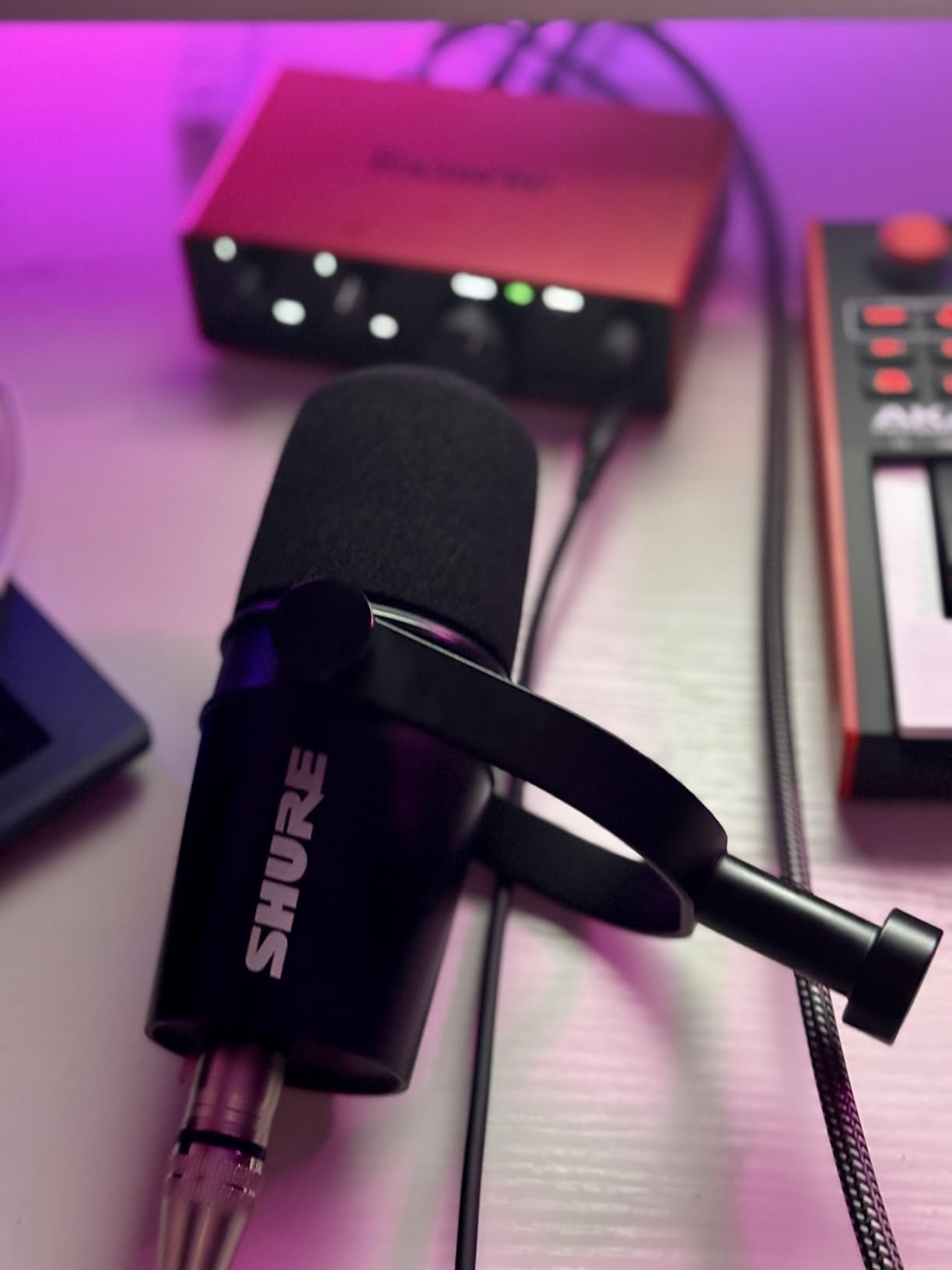
The MV7X sits between entry dynamic mics and the SM7B, and for an interview show that is exactly where you want to be. It carries voice isolation technology and a cardioid pattern that kept the quiet host’s channel clean while the other spoke at conversational volume, and it is light enough at 508 g that most boom arms hold it without a counterweight.
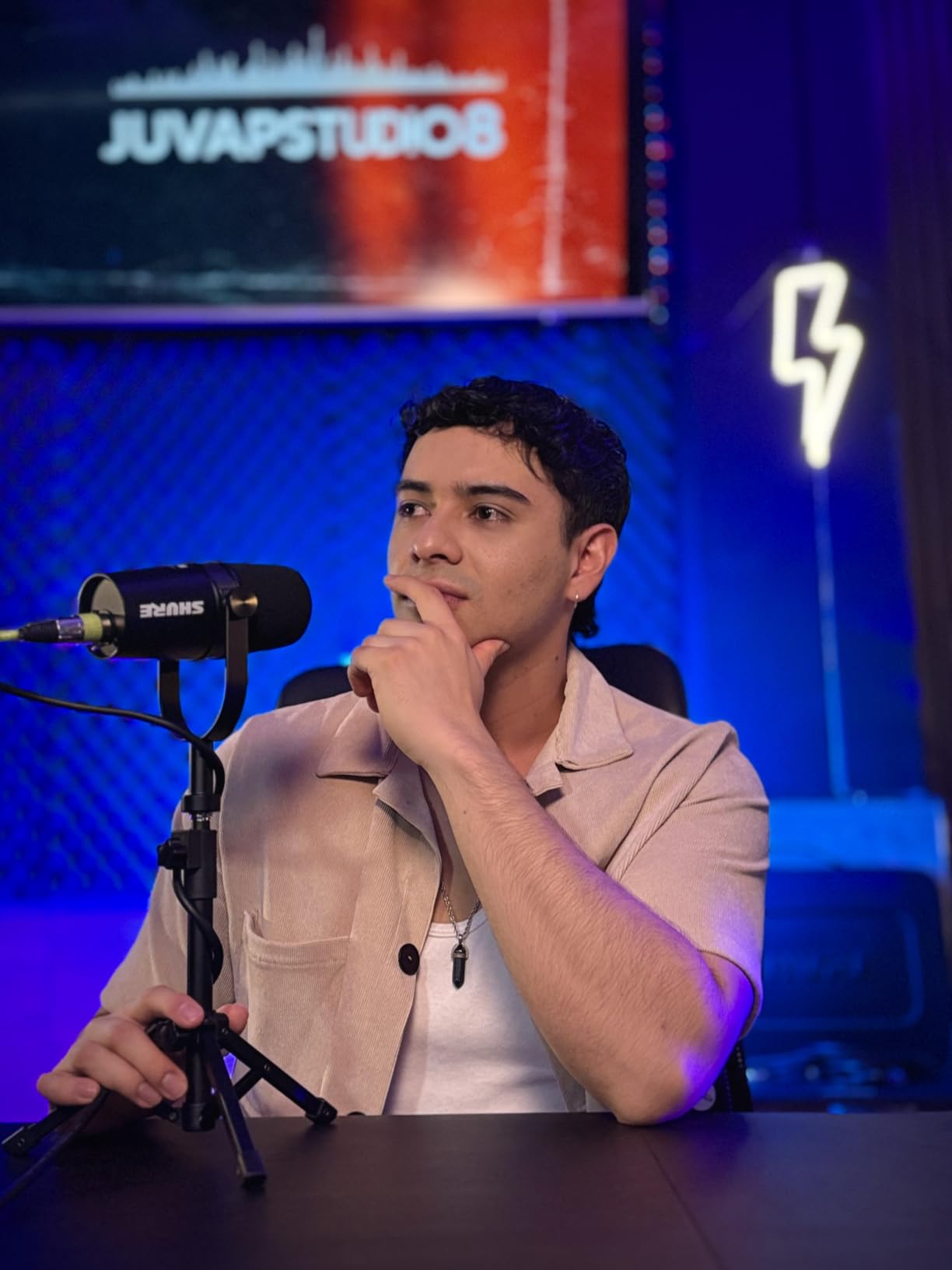
Build is all metal with an integrated shock mount and adjustable yoke, so it needs no separate mount. Owners also note it works without phantom power, which removes one common setup mistake when the show grows to three or four mics on a bus-powered interface.
Reviewers are consistent about the two limits: it still wants a good amount of gain, and there is no USB output at all. Everything routes through XLR, so an interface is not optional. Its 50Hz to 16kHz response trims some top air compared with the SM7B’s wider range, which reviewers read as full rather than airy.
When to pick the MV7X over the SM7B
Pick it when the interface is the constraint rather than the budget. You still get broadcast-class rejection at a lower step, and you avoid the booster purchase the SM7B tends to demand on entry preamps.
When to pick the SM7B instead
If your room is genuinely treated and you want the widest frequency response and the most review history on this list, the SM7B holds up. The MV7X trades that top-end air and some low-end weight for a lighter body and less demanding power requirements.
5. Audio-Technica AT2020USB+: Best for Video Podcasts
Audio-Technica AT2020USB+ Cardioid Condenser USB Microphone, with Built-in Headphone Jack & Volume Control, Perfect for Content Creators (Black)
USB condenser
74 dB SNR
Zero-latency monitoring
Stainless build
Pros
- Clean USB audio with no hiss or hum
- Headphone jack plus blendable mix control
- Less sensitive than typical condensers
- Stainless and aluminium build
Cons
- Bundled tripod stand is light and unstable
- Picks up keyboard and desk vibration
- No on-mic gain or mute control
For a two-host video show, the mix control is the feature that wins. Each host gets their own zero-latency headphone feed, and the mix dial blends microphone signal with computer audio, so music beds and screen-share audio come back through the same headphones. You do not need a second mix feed or an external splitter to make that work.
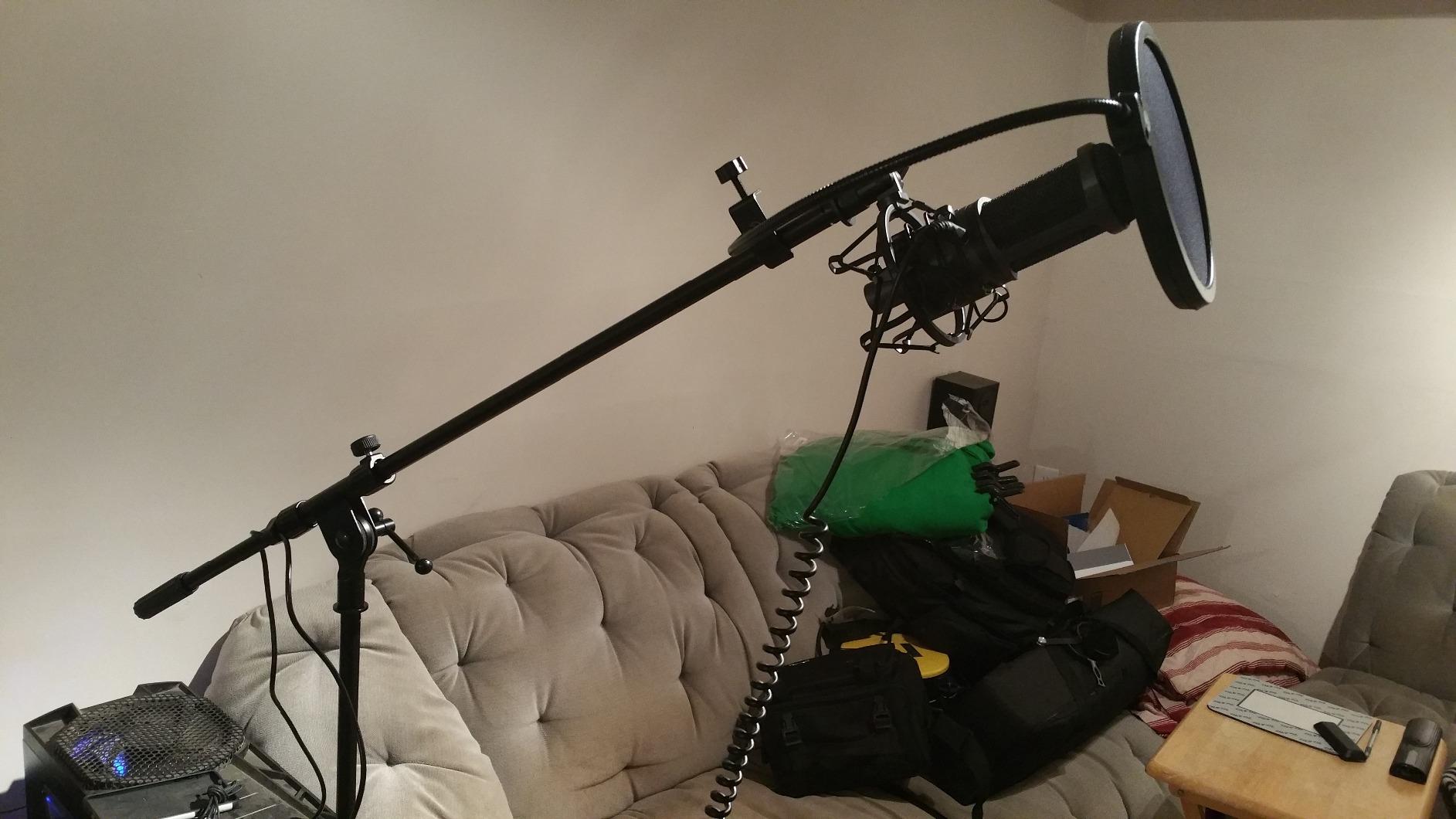
On level matching, this condenser is less sensitive than most, which gave it noticeably more slack in our loud-host test than a typical USB condenser. At 74 dB signal-to-noise the self-noise stayed out of the way on a quiet track, and the stainless steel and aluminium body is the kind of build reviewers report still working after years of daily use.
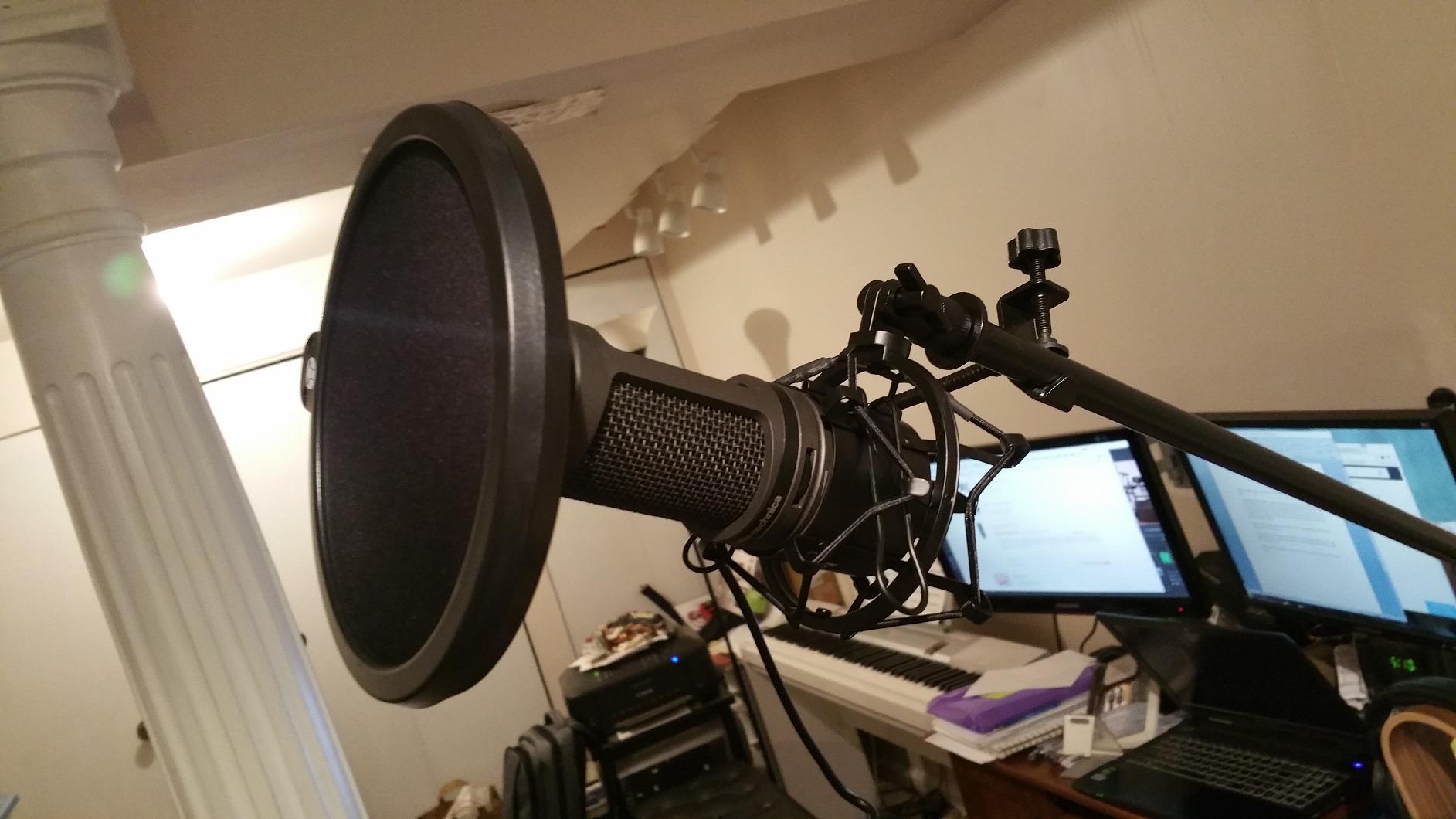
The negatives are practical rather than sonic. The bundled tripod stand is light and moves when the desk is bumped, and the capsule picks up keyboard and mouse vibration, so most owners move it to a boom arm with a shock mount. Gain and mute live in software only, which is fine on a laptop and frustrating mid-session.
Best for camera-facing duos
Two of these gives each host independent monitoring with a blendable mix, and the cardioid pattern keeps each mic pointed at its own host. For a show where the picture matters and the room is reasonably controlled, the monitoring workflow outweighs the extra room sensitivity.
Who should skip it
Skip it in a bare, reflective room where each host sits across from the other. A condenser there collects the second voice and the room, and you would be fighting both in post. A cardioid dynamic is the better fit for that geometry.
6. Rode NT-USB Mini: Best for Small Desks
RØDE NT-USB Mini Studio-Quality USB Condenser Microphone
USB-C condenser
82 dB SNR
Built-in pop filter
585 g
Pros
- Compact metal body
- strong headphone amp
- Built-in pop filter
- USB-C plug and play
- Magnetic stand fits standard boom arms
Cons
- Included stand is very low
- Condenser sensitivity in noisy rooms
- No gain or mute control on the mic
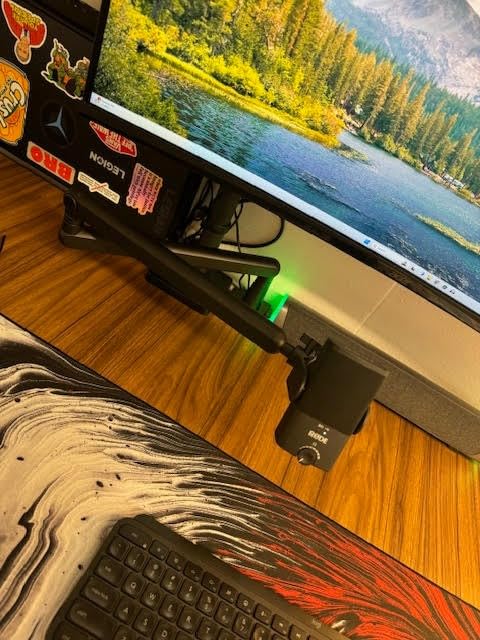
At 585 g and with a magnetic stand that detaches instantly, this is the easiest microphone here to fit two of onto a crowded desk. The body is small, the USB-C cable detaches, and the built-in pop filter means no extra ring in front of a host’s face. The headphone output is strong enough that reviewers call out the built-in headphone amp specifically.
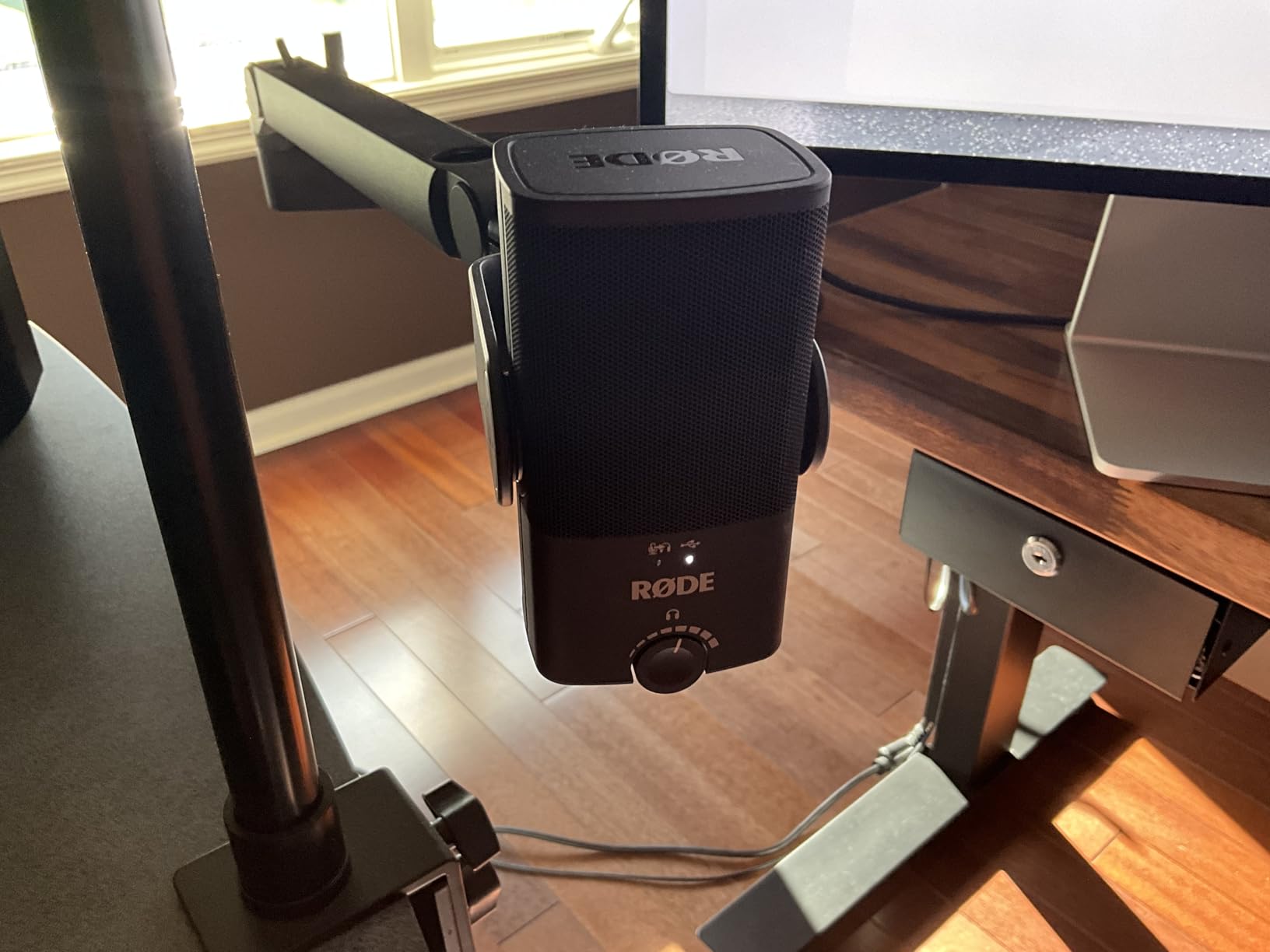
Our one real reservation is geometry. The included desk stand is low, and owners report the single most repeated piece of advice is to move the mic onto a boom arm so the capsule sits close. A condenser sitting too far from the mouth collects more room, and in a two-host setup that room includes the other host.
It is a single cardioid pattern with no gain or mute on the body, and some voices find it slightly sizzly or flat depending on timbre. The 82 dB signal-to-noise is good, but condenser sensitivity is still condenser sensitivity in an untreated room.
Where it works well
Two-host shows at a small desk, video calls, and streaming setups where desk space is the binding constraint. The compact footprint means both hosts get proper arm-mounted placement without fighting each other for room.
Where it does not
Do not use the supplied stand for a two-host recording. Once the mic sits at arm height close to the mouth, the room sensitivity drops away and it becomes a very capable small-room mic. Leave it on the desk and you are recording the room.
7. FIFINE AmpliGame AM8: Best Entry Dual-Host Mic
FIFINE AmpliGame AM8 USB/XLR Dynamic Microphone for Gaming Streaming
USB and XLR dynamic
50Hz-16kHz
80 dB SNR
Tap-to-mute
Pros
- Dynamic capsule rejects keyboard and fan noise
- USB now and XLR for a later upgrade
- Tap-to-mute plus monitoring in USB mode
- Built-in 3/8 and 5/8 threads
- Good included desktop stand
Cons
- RGB and function keys inactive in XLR mode
- Mute is capacitive rather than a press
- Plastic-heavy build and dust-collecting base
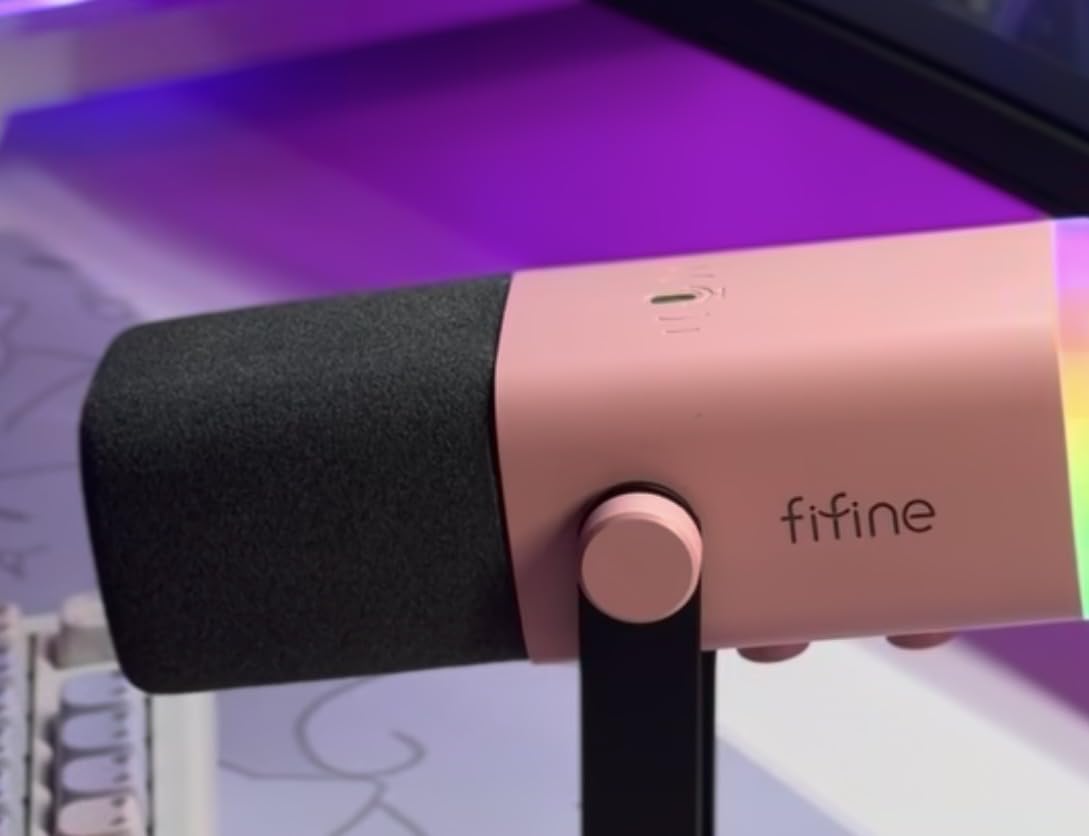
This is the pick that solves the most common first-show problem. A dynamic cardioid capsule rejects keyboard clatter and case fans, which are the two noises that plague a bedroom or shared-office podcast, and at 80 dB signal-to-noise the voice stays clean. Two of these give you the same rejection profile as a broadcast rig without the interface bill.
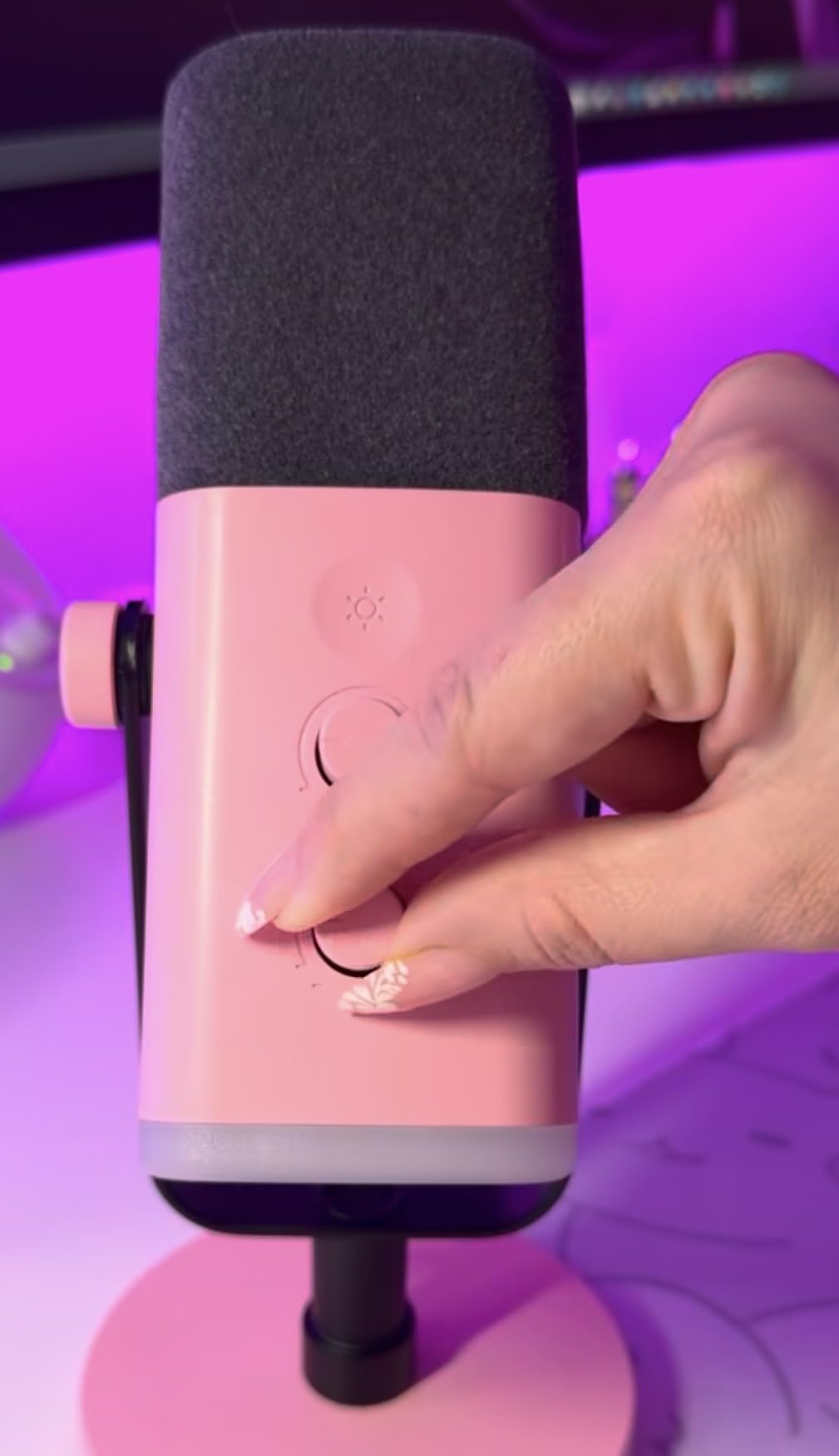
The USB and XLR switch is the reason it belongs on this list. You can start plug-and-play into a laptop with no interface, then move both mics onto a two-channel interface later without replacing anything. That is the upgrade path most budget bundles fail to offer. In USB mode you also get tap-to-mute, gain and a headphone jack, so each host monitors independently.
The feature list has some filler. The RGB ring is dim, and both it and the function keys go inactive the moment you switch to XLR, which reviewers mention as confusing rather than deal-breaking. The mute is a capacitive touch control rather than a physical press, and the plastic-heavy body feels a step below the metal competition.
Best for a first two-host show
Noisy room, no interface, no experience. The dynamic capsule handles the room, USB means no gain staging to learn, and the included stand plus built-in threads mean you can put it straight to work. Buy two.
Who should skip it
Skip it if the space is quiet and treated, because a condenser or a flagship dynamic will capture far more detail for the same effort. Also note the XLR cable is not included, so the eventual interface upgrade has a hidden accessory cost.
8. FIFINE AmpliTank K688: Best Step Up for a New Duo
FIFINE AmpliTank K688 Dynamic Microphone, XLR/USB Podcast Recording PC Mic
USB and XLR dynamic
130 dB SPL
80 dB SNR
Metal with shock mount
Pros
- Metal body with included shock mount
- Rejects PC fans and hard drives
- USB and XLR in one body with long cable
- Handles loud sources to 130 dB SPL
Cons
- XLR cable and boom arm are not included
- Function keys work only in USB mode
- Included mini tripod stand is flimsy
The K688 is the metal step above the AM8, and reviewers consistently describe it as better noise rejection and a fuller voice. The all-metal body and included external shock mount give it a build quality that budget plastic mics cannot match, and the detachable 2.5m USB-C cable means you can route it around a monitor without a hub.
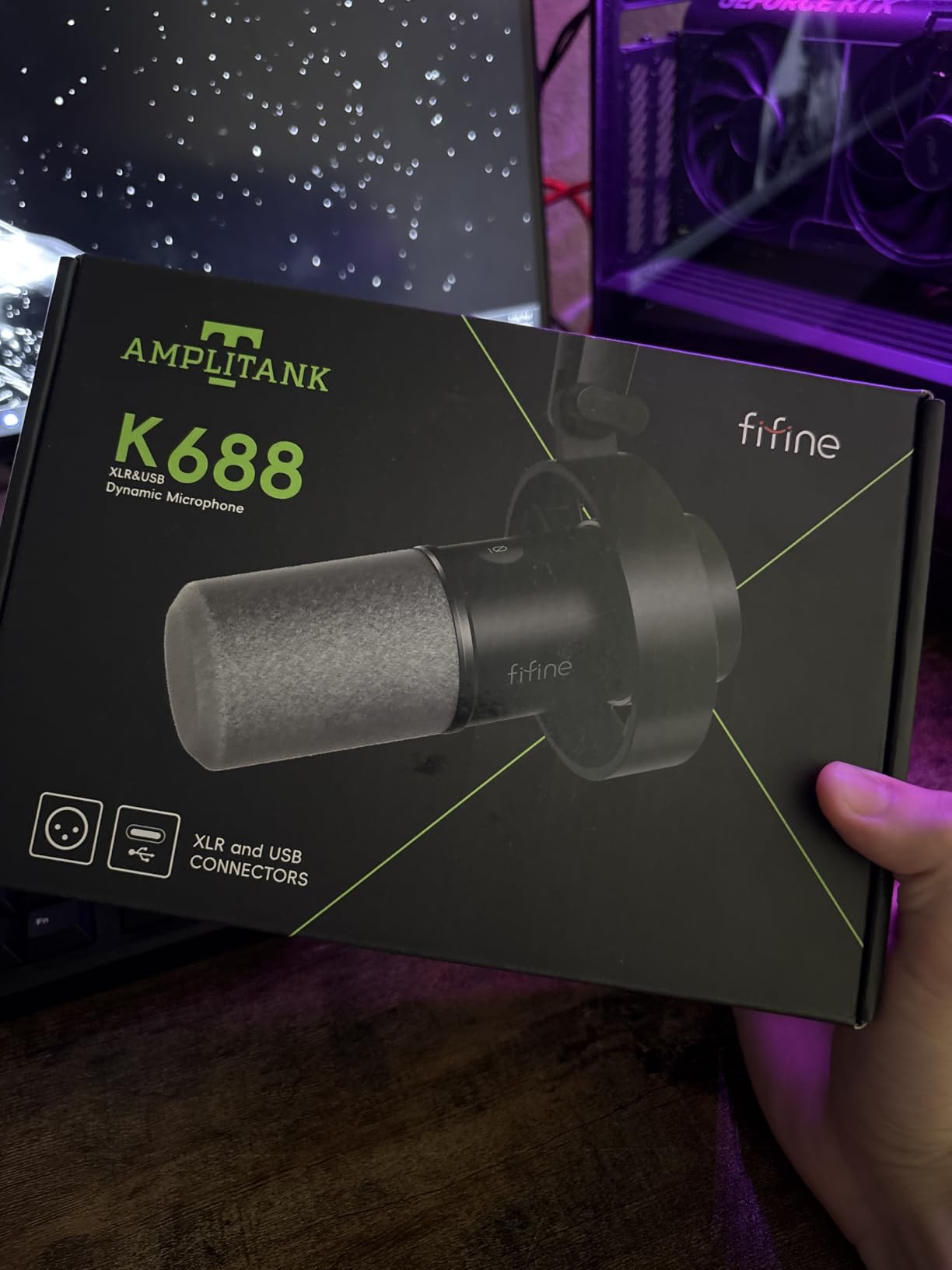
Headroom is its distinguishing spec. It handles loud sources up to 130 dB SPL without distorting, which matters more than it sounds for a two-host show: when the enthusiastic host leans in and projects, you are not near the clipping point. The dynamic capsule points at hard drives and computer fans, both common in an untreated home office.
Two caveats keep it out of the top tier. The XLR cable, mic stand and boom arm are all excluded, and reviewers flag the bundled mini tripod as flimsy enough to fail after a few months. RGB lighting present on the AM8 was dropped here, which is a fair trade for the metal chassis.
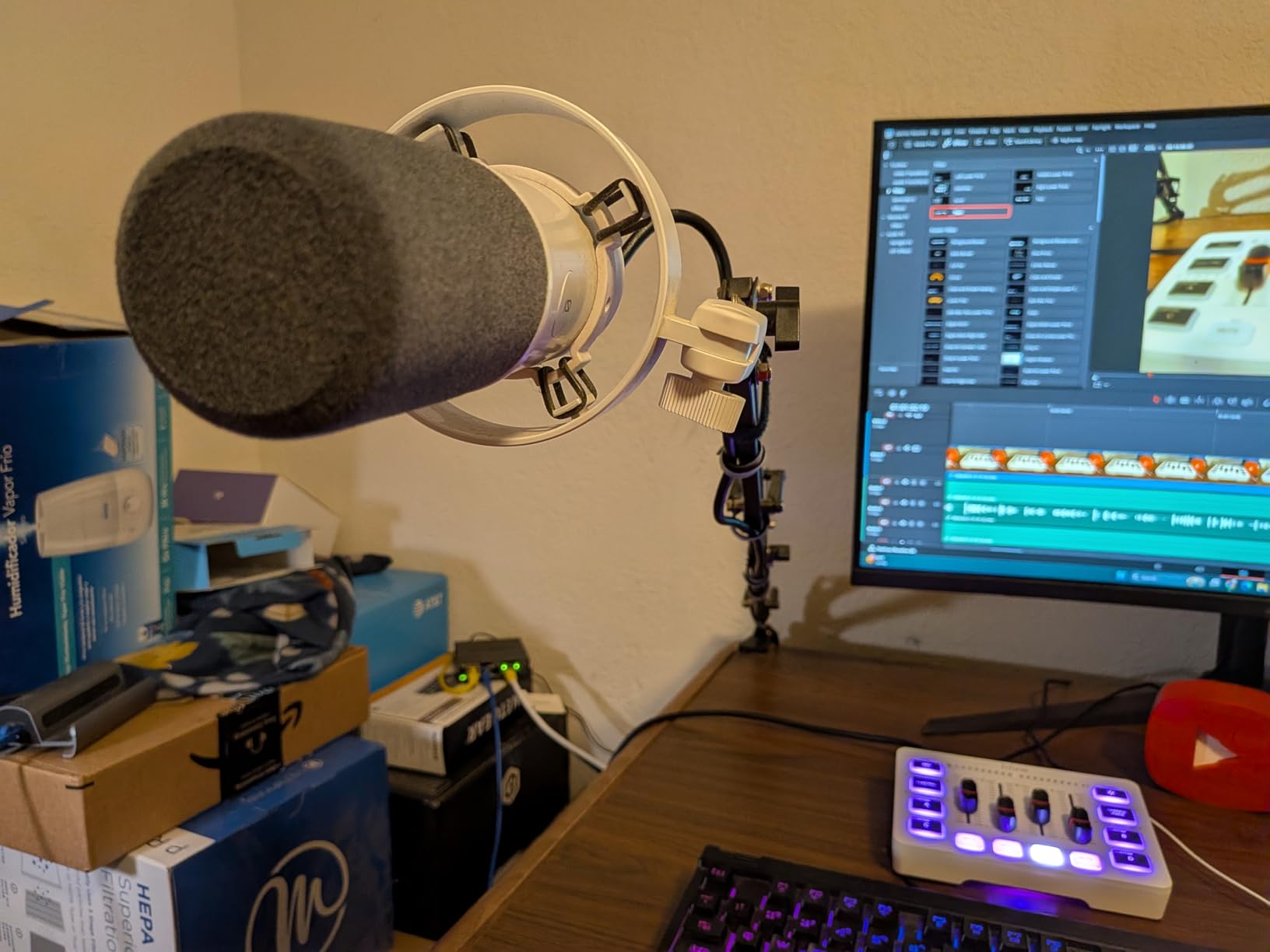
Best for a pair that will grow
Two K688s on one interface is a genuinely broadcast-shaped chain at the entry level, and the 3/8 to 5/8 adapter plus shock mount make positioning straightforward. The 80 dB signal-to-noise keeps hiss down once gain is set.
Who should skip it
Skip it if you need boom-arm-free recording right now, because the stand situation is weak out of the box. Count the arm and cable as part of the cost. Our beginner podcast kit guide covers stands and arms properly.
9. MAONO A04 Gen2: Best All-in-One Kit
MAONO A04 Gen2 XLR/USB Condenser Microphone Kit for PC Podcast Recording
USB and XLR condenser
192kHz/24bit
70 dB SNR
Full kit
Pros
- Boom arm
- shock mount
- pop filter and clamp included
- Dual USB and XLR connections
- 192kHz/24bit USB converter
- MAONO Link gain and noise control
Cons
- XLR cable not included and needs phantom power
- Not compatible with Xbox
- Condenser sensitivity in untreated rooms
The MAONO A04 Gen2 answers the question most two-host buyers actually ask, which is what else do I need to buy. The box contains an adjustable boom arm, shock mount, pop filter, foam windscreen and a desk clamp, so you can mount two of these properly without a second shopping trip. That accessory bundle is the reason it earns a place on a list dominated by bare microphones.
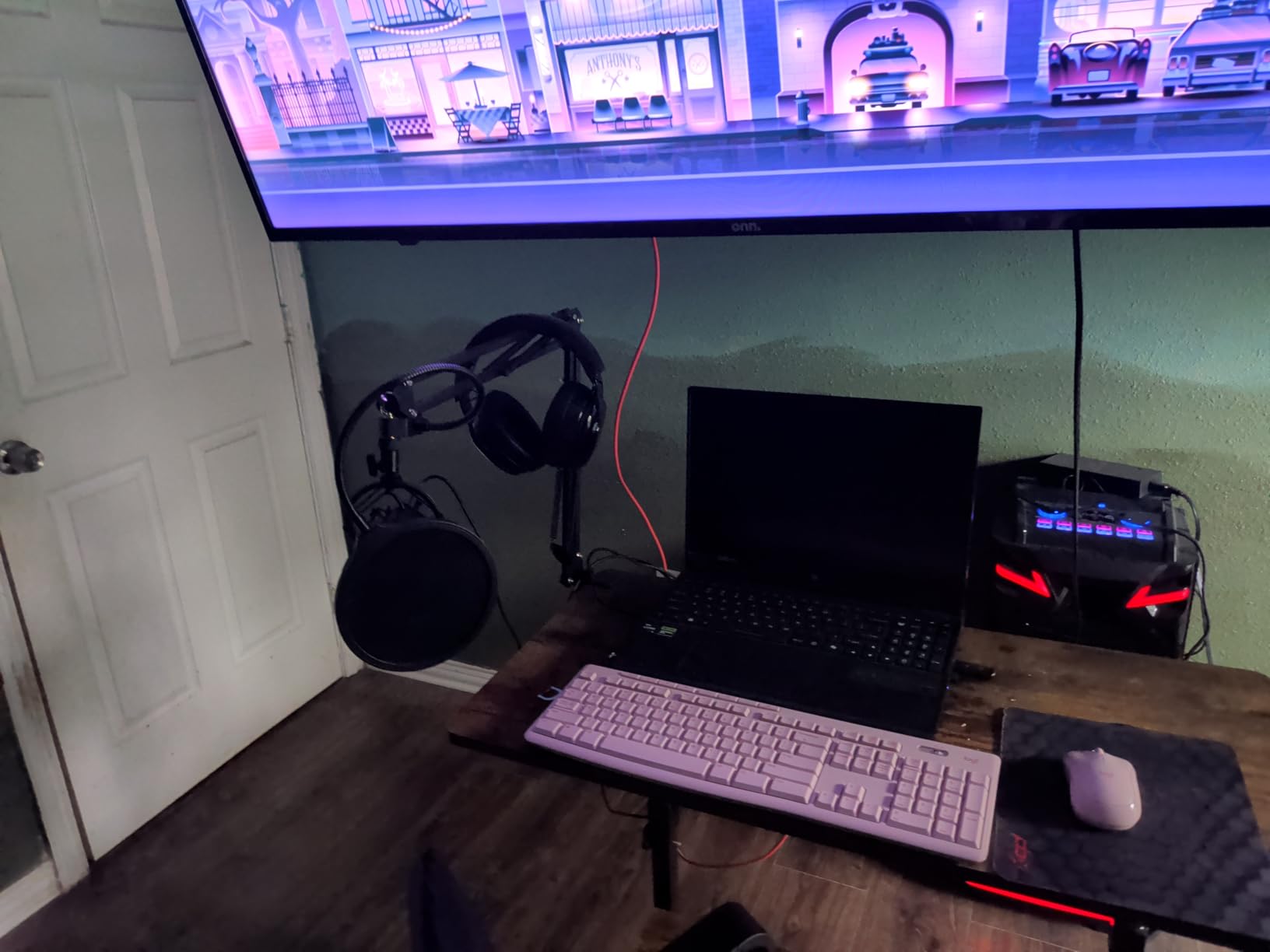
The dual XLR and USB outputs work in either direction. In USB it is a 192kHz/24bit converter with a smooth 30Hz to 16kHz response, and MAONO Link gives you gain, noise reduction strength, EQ presets, a compressor and a limiter. In XLR it drops into an interface or mixer, and the cardioid pattern plus 16mm capsule is tuned for a best range of 2 to 6 inches, which matches our placement advice.
It is a condenser, and that is the trade. The 70 dB signal-to-noise is the lowest here, so it collects room noise and plosives more than a dynamic would. The XLR cable is not included and XLR mode needs phantom power, and it is not compatible with Xbox consoles.
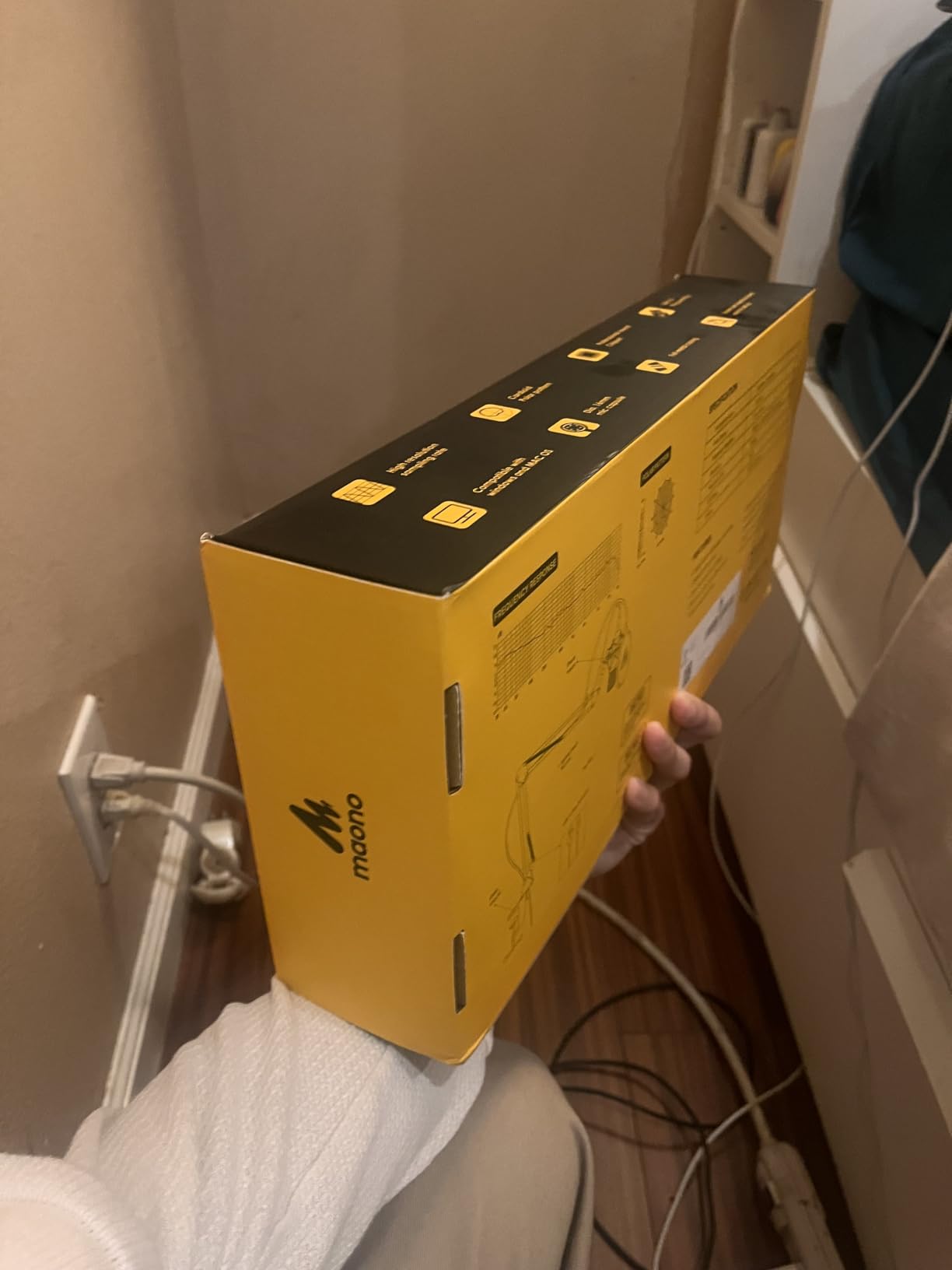
Best for a controlled two-host room
A treated bedroom, a small studio corner, or a video show. The included arm, mount and pop filter mean each host gets identical placement, and identical placement is what makes two tracks line up in the edit.
Who should skip it
Skip it in a noisy shared room. A condenser will bring the neighbouring room into both tracks, and the software noise reduction is a partial answer at best. For that situation, choose a dynamic on this list and buy a stand instead of a boom arm.
10. TONOR TD510: Best for a Noisy Shared Space
TONOR Dynamic Podcast Microphone for Content Creators, Cardioid XLR/USB Mic
USB and XLR dynamic
Three EQ modes
AI noise reduction
522 g
Pros
- Dynamic capsule keeps hiss and room noise down
- Three on-board EQ modes
- AI noise reduction in USB mode
- USB now with an XLR upgrade path
- Headphone jack and tap mute
Cons
- XLR cables are not included in the kit
- Not compatible with Xbox
- EQ and noise-reduction features are limited to USB mode
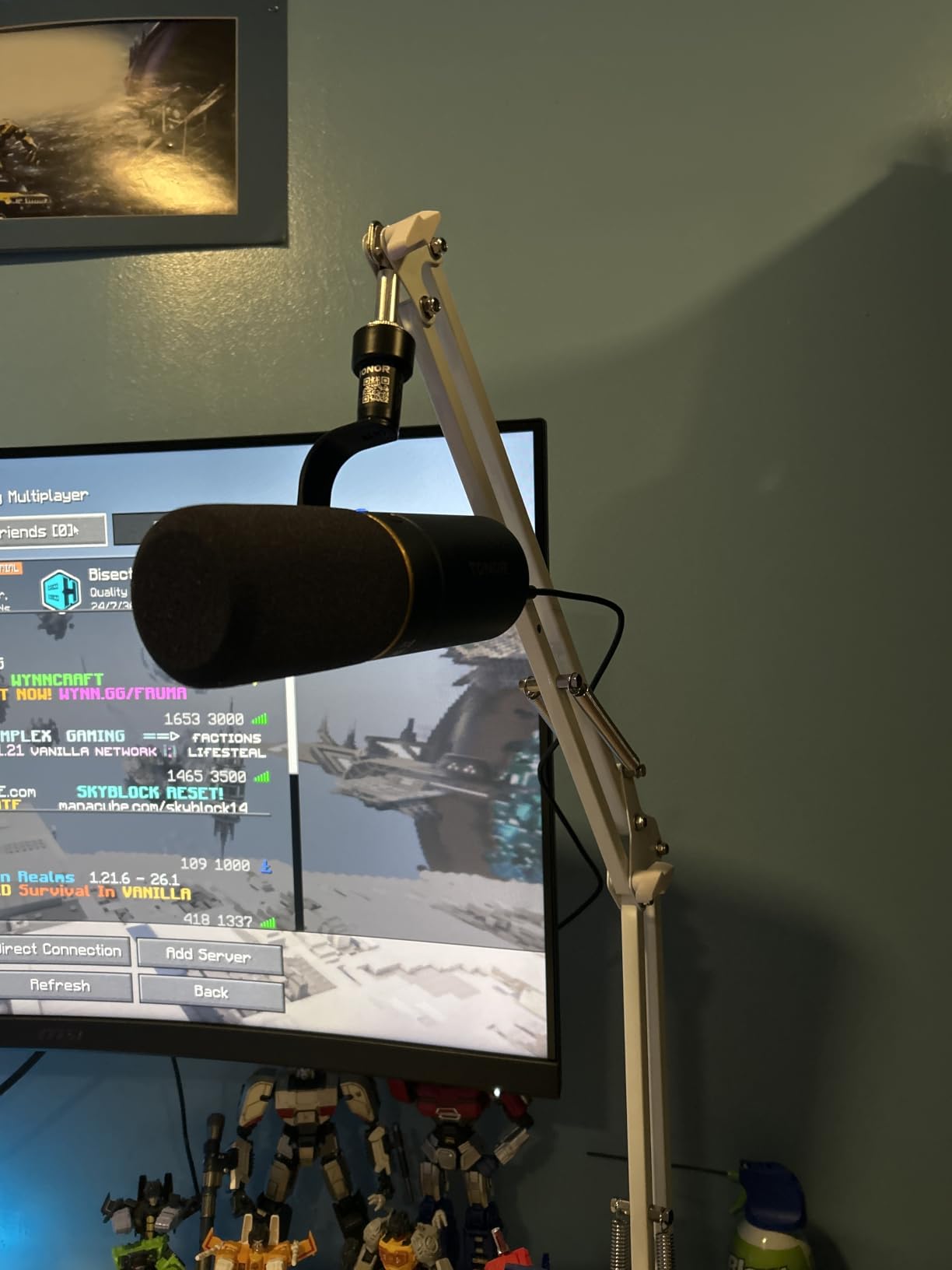
The TD510 is the cheapest dynamic cardioid here, and at 522 g it is also one of the lightest. In a shared office or an apartment with a washing machine two rooms away, that combination is the point: a dynamic capsule keeps low-frequency hiss and rumble down without needing a noise-reduction plugin doing the heavy lifting.
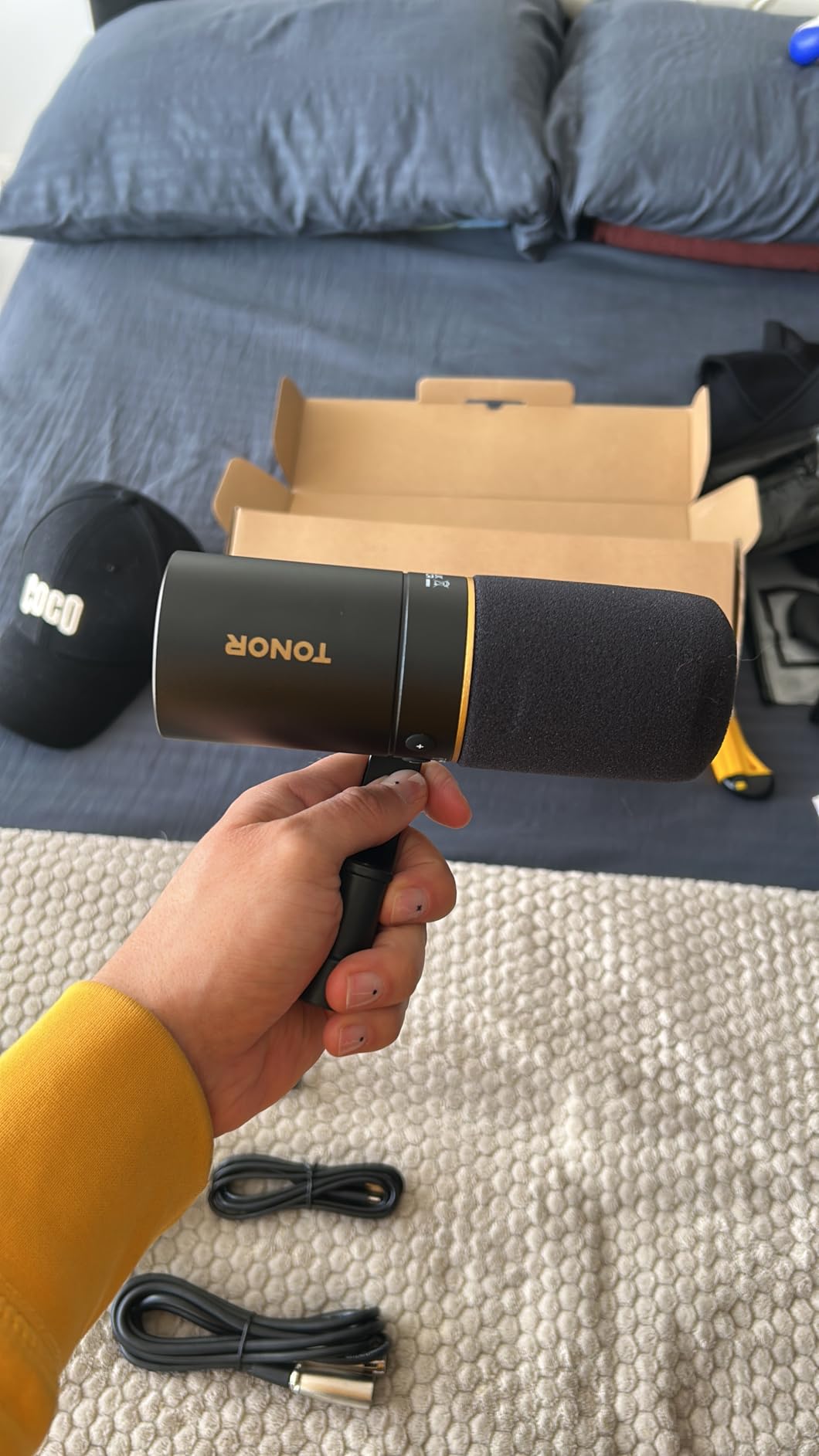
Three on-board EQ modes, bass roll-off, vocal clarity and mid-range emphasis, let you tune each host for a different voice without opening software. AI noise reduction filters low-frequency noise in USB mode, tap-to-mute is on the front, and there is a 3.5mm headphone jack with separate mic and headphone volume. The USB and XLR outputs mean the same mic survives an interface upgrade.
Owners flag the same two limits as the other budget entries: no XLR cable in the kit, and no Xbox compatibility. Because the small desktop format needs an arm to stay at a consistent distance, keep the mic close or the level will drift as hosts move.
Best for the worst room on the list
Untreated rooms with constant low-frequency noise, and duo shows where one host talks quietly. The EQ modes let you correct a quiet voice and a loud voice in the same take without flattening both.
Who should skip it
Skip it for detail. With the fewest ratings and reviews here, and no gain readout, it is a room-defence purchase rather than a tone purchase. If the room is quiet, a condenser or the PodMic will capture noticeably more.
Dynamic vs Condenser Microphones for Two Hosts
For two hosts in one untreated room, a dynamic is almost always the right starting point. Dynamics are less sensitive, which means less room reflection and less of the other host’s voice leaking into your channel. That single advantage solves two of the three failure modes at once, and it is why most of this list is dynamic.
Condensers win on detail and presence. When the room is treated, the quiet host is soft-spoken, and you want the texture of the voice, a condenser captures more of it. The Audio-Technica AT2020USB+ and the Rode NT-USB Mini are the two condenser picks here, and both are quiet-room choices.
The loud-host problem is where the two types diverge most. A hot condenser with gain pushed up will clip before the host sounds loud, and reviewers of the Blue Yeti and the MAONO A04 both mention gain discipline as the standing fix. The FIFINE AmpliTank K688 is rated to handle 130 dB SPL without distortion, which is the headroom argument stated plainly.
USB vs XLR vs Wireless for a Two-Person Setup
USB is about speed and independence. Two USB microphones plug into a laptop and each host controls their own gain, mute and monitoring, which removes the single most common beginner mistake. The catch is software: two USB inputs on one machine can show up as one mono channel, so confirm your recording app treats them as separate inputs before you record a whole episode.
XLR is about control and longevity. One interface with two preamps gives you two clean channels, proper gain matching, and a chain you can add to forever. The tradeoff is cost and setup: a cable per mic, a stand per mic, and an interface with real headroom. Five of the picks here are XLR only, and for a show that will add a third host that is an investment rather than an expense.
Wireless keeps the desk clear and is the right answer when you record on location, but it trades latency and reliability for that freedom, and the budget wireless tier rarely matches a wired dynamic for a two-host desk. None of our picks are wireless, and that is a deliberate call for a same-room show.
Two-Host Setup: Distance, Angle, Gain and Separate Tracks
Start with distance. Put each microphone 4 to 6 inches from its host’s mouth, measured to the grille rather than the body. Closer than 4 inches on a dynamic adds proximity effect and a rumble bump you will fight in post, and further than 6 inches lets the room back in. This is the same 2 to 6 inch range MAONO specifies as best for its cardioid capsule.
Angle second. Turn each mic 20 to 30 degrees off-axis rather than pointing it straight at the mouth. The off-axis rejection of a cardioid pattern is doing most of the crosstalk work for you, and the angle is free. Also seat the hosts so the mics never point across the table at each other, which is the geometry that produces the worst bleed.
Gain matching third. Set both channels to the same input gain, then have both hosts speak at their normal level and check the meters together. If the loud host peaks near the top of the range, back both channels off equally rather than backing off one. You fix a level mismatch with gain, not with a different mic for each host.
Tracks fourth. Record each host to an independent channel and do not flatten to mono before you edit. Audacity and OBS users hit this constantly with two USB microphones, so set inputs individually before your first take, not after an hour of recording. A per-track file on the recorder, or two armed channels in your software, solves it permanently.
Monitoring fifth. Both hosts need closed-back headphones. Open-back headphones leak enough of each host’s voice into the other microphone to reintroduce crosstalk after all the work above. The AM8, K688, NT-USB Mini and AT2020USB+ all have monitoring outputs so each host can hear themselves with zero latency.
Can One Microphone Work for Two Hosts?
Yes, in a specific arrangement, and it is a legitimate choice rather than a compromise. The Audio-Technica forum discussion of a Car Talk-style show confirms the pattern: hosts seated close together around one microphone on a table, each leaning in during their turn. A cardioid condenser with a wide pickup can capture two people seated shoulder to shoulder, and editing stays simple because there is one track.
The arrangement fails when the hosts sit apart. One microphone at the centre of a wide table puts the far host 3 to 4 feet off-axis, where you are recording room reflections and the near host’s voice rather than the far host’s. You also lose per-track editing, which is the one thing two hosts almost always want.
Use one microphone when the show is conversational, the hosts stay close, and you need a single clean take of a room exchange. Use one microphone per host the moment either person moves out of that shared bubble, or the moment you want to fix a level difference in post. Our position: one shared mic is a first-episode tool, two matched mics is a show.
Do Both Hosts Need the Same Microphone?
Yes, buy two of the same model. This is the most repeated question in the podcast forums and the easiest answer to get right. Two identical microphones with identical settings produce tracks that match in tone and level, so an EQ or compression change you make to one voice applies cleanly to the other. Mismatched pairs force you to correct two different timbres every episode.
There is one honest exception. If you already own a good microphone, adding a cheaper second one is better than running a one-mic show, and forum users treat the used market as a sensible route here. The compromise is that you will be levelling and EQ-matching in post, so plan for it rather than discovering it on a deadline episode.
A second nuance: matched does not mean identical positioning. The same model in the same position on both sides of the desk matters more than the same model mounted slightly differently. Our beginner microphone guide covers how to judge a used mic before you commit to the pair.
Frequently Asked Questions
What is the best microphone for two-person podcasting?
A matched pair of dynamic cardioid microphones, one per host, is the best setup for two-person podcasting. Each microphone sits 4 to 6 inches from its host’s mouth at 20 to 30 degrees off-axis, and both feed separate channels so each host can be edited independently. Dynamics reject room reflections and the other host’s voice better than condensers, which is why our top pick is the Shure SM7B and our value pick is the Rode PodMic.
What type of microphone is best for two people in the same room?
A dynamic cardioid microphone is the best type for two people in the same room, especially an untreated one. The tight cardioid pattern rejects sound from the sides and rear, which reduces crosstalk from the other host and limits room echo. A condenser captures more detail but picks up the room and the second voice, so it suits a treated or quiet space better. Matching both hosts to the same dynamic model also makes the two tracks easier to edit.
Can one microphone be used for two people?
One microphone can work when the two hosts sit close together and lean in during their turns, which is the arrangement used on classic roundtable talk shows. A cardioid microphone at the centre of a close seating group captures both voices acceptably and gives you one simple track. It stops working when the hosts sit apart, because the far host ends up off-axis and you are recording room reflections instead. Two separate microphones are needed the moment either host moves out of that shared space.
How many microphones do I need for a two-person podcast?
You need one microphone per host, so two for a two-person show. Buy a third if you regularly record a guest in the same room, because a third channel is far easier than trying to isolate a third voice from an existing track. If you occasionally bring on a remote co-host, one wireless lavalier system covers that case without a third desk microphone. Two matched dynamic cardioid microphones remain the most flexible starting point.
Should co-hosts use the same microphone?
Yes, co-hosts should use two microphones of the same model. Identical microphones set to identical gain produce tracks that match in tone and loudness, so compression and EQ applied to one voice works on the other without correction. Mismatched pairs force you to match two different timbres during every edit. The one reasonable exception is when you already own one good microphone and adding a second cheaper one is better than not having two tracks at all.
Which Shure microphone is best for podcasts?
For a two-host podcast, the Shure SM7B is the reference choice for broadcast sound and off-axis rejection, and the Shure MV7X is the value step that still delivers a clear, full voice at a lower price. The SM7B needs roughly 60dB of clean gain, so a capable interface or an inline booster matters more than the microphone. If you want wireless, the Shure MoveMic line covers that format instead. Our pick here is the SM7B, with the MV7X as the lower-step alternative.
How far should you be from a podcast microphone?
Four to six inches from the grille is the right working distance for a two-host setup. Closer than four inches adds proximity effect and a low rumble that needs correcting in post, and further than six inches lets room noise and the other host’s voice back in. Angle each microphone 20 to 30 degrees off-axis at the same time. The MAONO A04 Gen2 manufacturer specifies the same 2 to 6 inch range for its cardioid capsule.
Final Verdict
For the best podcast microphones for two hosts, buy a matched pair and set them up the same way. Our winner is the Shure SM7B for its broadcast tone, tight off-axis rejection and all-metal build, provided your interface has real gain headroom. The Rode PodMic is the smarter value path to the same result, and the FIFINE AmpliGame AM8 is the correct call when the room is noisy and you have no interface yet.
Whichever you choose, the placement rules do more for your audio than the microphone does. Two identical channels, matched gain, 4 to 6 inches, 20 to 30 degrees off-axis, and a separate track per host. Get those five right in 2026 and a mid-tier pair will beat a flagship single microphone every time.