
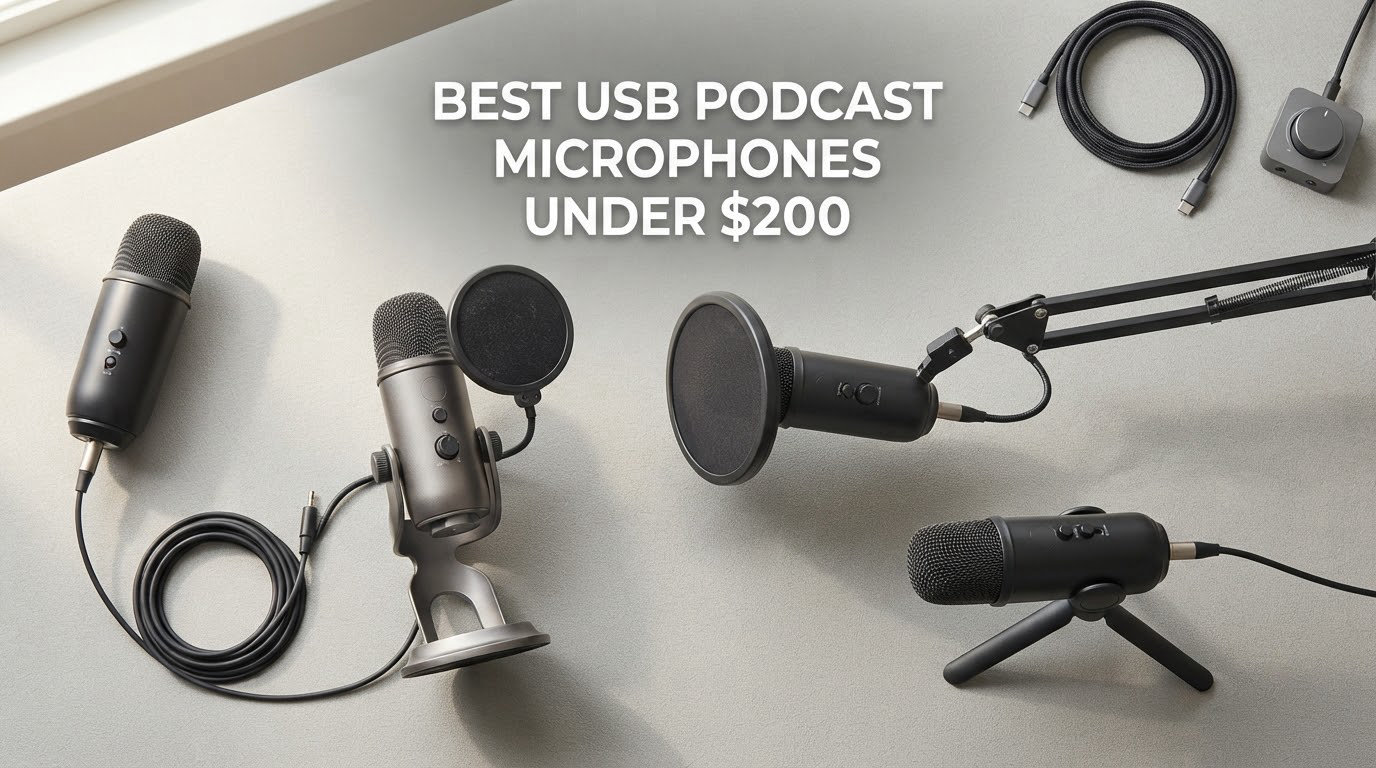
Straight answer first: the Logitech Blue Yeti is the best USB podcast microphone under $200 for most people in 2026, because it has the deepest review base in this entire list, four switchable pickup patterns, onboard gain and mute, and a metal body that survives being moved between rooms. If your room is loud and untreated, pick a dynamic instead — the Samson Q2U and the FIFINE AmpliTank K688 both cost less and reject more background noise than any condenser here.
I spent weeks going through user reviews, spec sheets and failure reports on all ten of these microphones before writing this. What I found is that microphone type matters more than microphone price. A dynamic USB mic in an untreated bedroom usually records cleaner than a pricier condenser in the same room, because dynamics ignore what is happening behind you instead of faithfully capturing it.
Below you’ll find ten picks, tiered by budget, with a note on who each one is for and who it is not for. We also cover dynamic versus condenser, USB versus XLR, and how to spend whatever remains of your budget after the mic itself — though the price cap in this guide is strict, so treat the buttons as your price reference rather than any number we print. If you want a broader look first, our USB mic roundup for podcasting and home studio picks cover the territory without a ceiling.
Table of Contents
Top 3 USB Podcast Microphones in 2026

Logitech Blue Yeti
- Four pickup patterns
- Onboard gain and mute
- Metal body
- Zero-latency monitoring

Elgato Wave:3 MK.2
- Auto Gain calibration
- Clipguard 2.0
- Wave Link software
- Super-cardioid capsule

FIFINE T669
- Bundled boom arm and shock mount
- Double pop filter
- Cardioid condenser
- USB and USB-C
Best USB Podcast Microphones in 2026
| Product | Specifications | Action |
|---|---|---|
| Logitech Blue Yeti |
|
Check Latest Price |
| FIFINE T669 |
|
Check Latest Price |
 MAONO A04 MAONO A04 |
|
Check Latest Price |
 FIFINE AmpliGame AM8 FIFINE AmpliGame AM8 |
|
Check Latest Price |
| Elgato Wave:3 MK.2 |
|
Check Latest Price |
 ZealSound K66 ZealSound K66 |
|
Check Latest Price |
 Samson Q2U Samson Q2U |
|
Check Latest Price |
 Rode NT-USB Mini Rode NT-USB Mini |
|
Check Latest Price |
 Audio-Technica AT2020USB+ Audio-Technica AT2020USB+ |
|
Check Latest Price |
 FIFINE AmpliTank K688 FIFINE AmpliTank K688 |
|
Check Latest Price |
How We Picked
Every microphone here was judged on four things: how well the polar pattern rejects room noise, whether you get real-time headphone monitoring, what controls sit on the mic body, and how large and how old the review base is. A huge review count is not proof of quality, but it does mean documented failure modes are visible before you buy.
We used listed specifications and aggregated user reviews only. We did not run lab measurements, so we will not invent self-noise figures or frequency plots. Where a product has a known weakness, we say so, because a mic that records well in a treated room can still be wrong for a bedroom.
1. Logitech Blue Yeti — Best All-Rounder With Four Pickup Patterns
Logitech Creators Blue Yeti USB Microphone for PC, Mac, Gaming, Recording, Streaming, Podcasting, Studio and Computer Condenser Mic with Blue VO!CE effects, 4 Pickup Patterns, Plug and Play – Blackout
Three-capsule condenser array
Four pickup patterns
20 Hz - 20 kHz
3.5 pounds
Pros
- Plug-and-play USB with no interface needed
- Four patterns cover solo interview and stereo
- Onboard gain mute and headphone volume
- Metal build
- Zero-latency monitoring
Cons
- Large desktop footprint
- Condenser picks up room noise and plosives
- No shockmount included
- Legacy mini-USB port
The Yeti is the default first podcast mic for a reason. It connects over USB with no interface, no drivers and no gain hunting, and the onboard controls cover headphone volume, pattern selection, mute and gain without opening any software.
Switching to cardioid is the move for voice. The three-capsule array runs 20 Hz to 20 kHz with a 100 dB signal-to-noise figure, and the metal chassis at 3.5 pounds feels like gear that will outlast your current laptop.
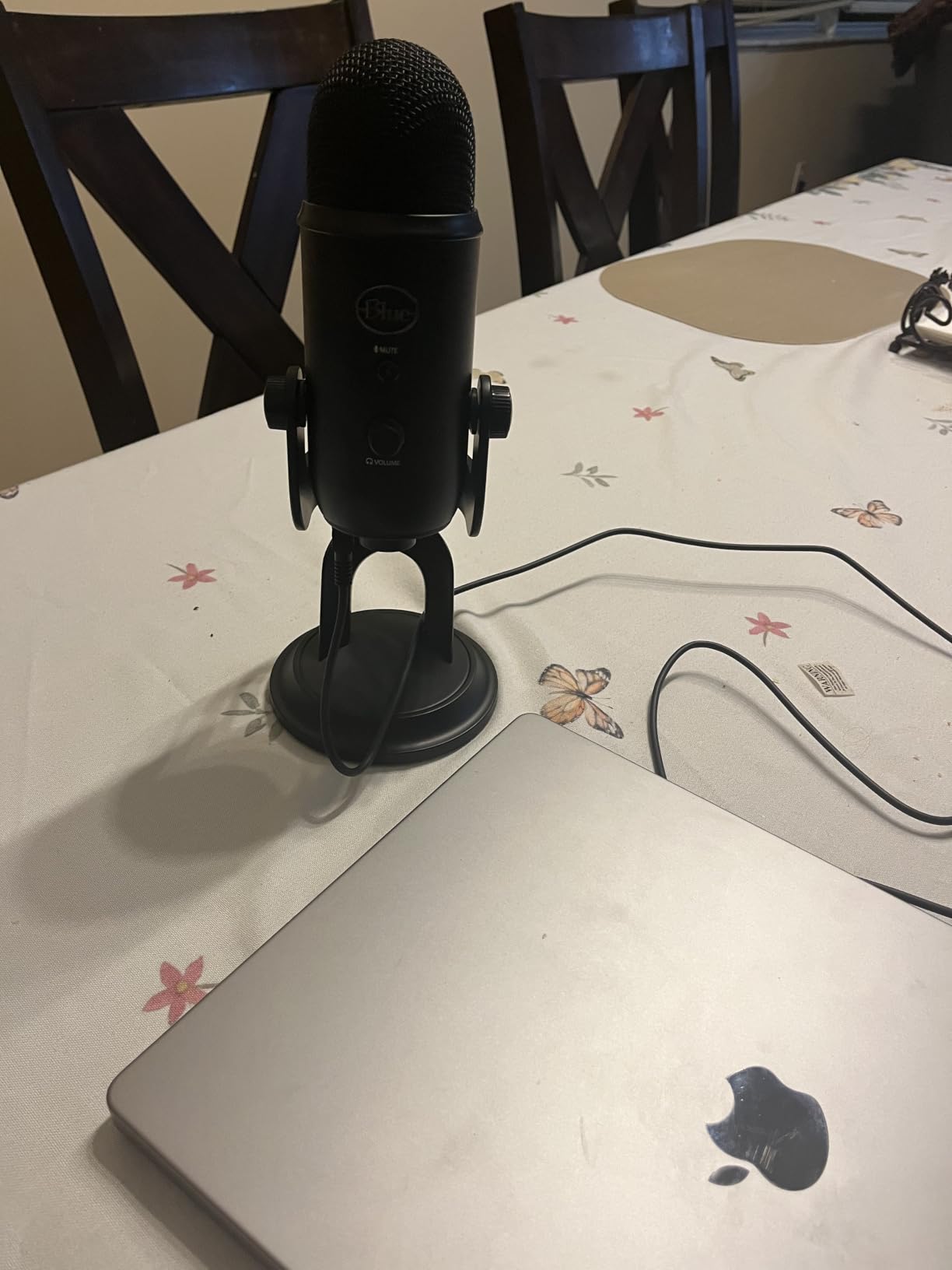
The pattern options are what no other mic at this tier offers. Cardioid for solo, bidirectional for two people facing each other, stereo for desk sound, omnidirectional for group room tone.
Podcasters on r/podcasting repeatedly flag the Yeti for the same reason, which is why its 57k-plus review base is genuinely useful: the failure modes are well documented before you commit. Most of them are about room noise and the missing shockmount rather than the electronics.
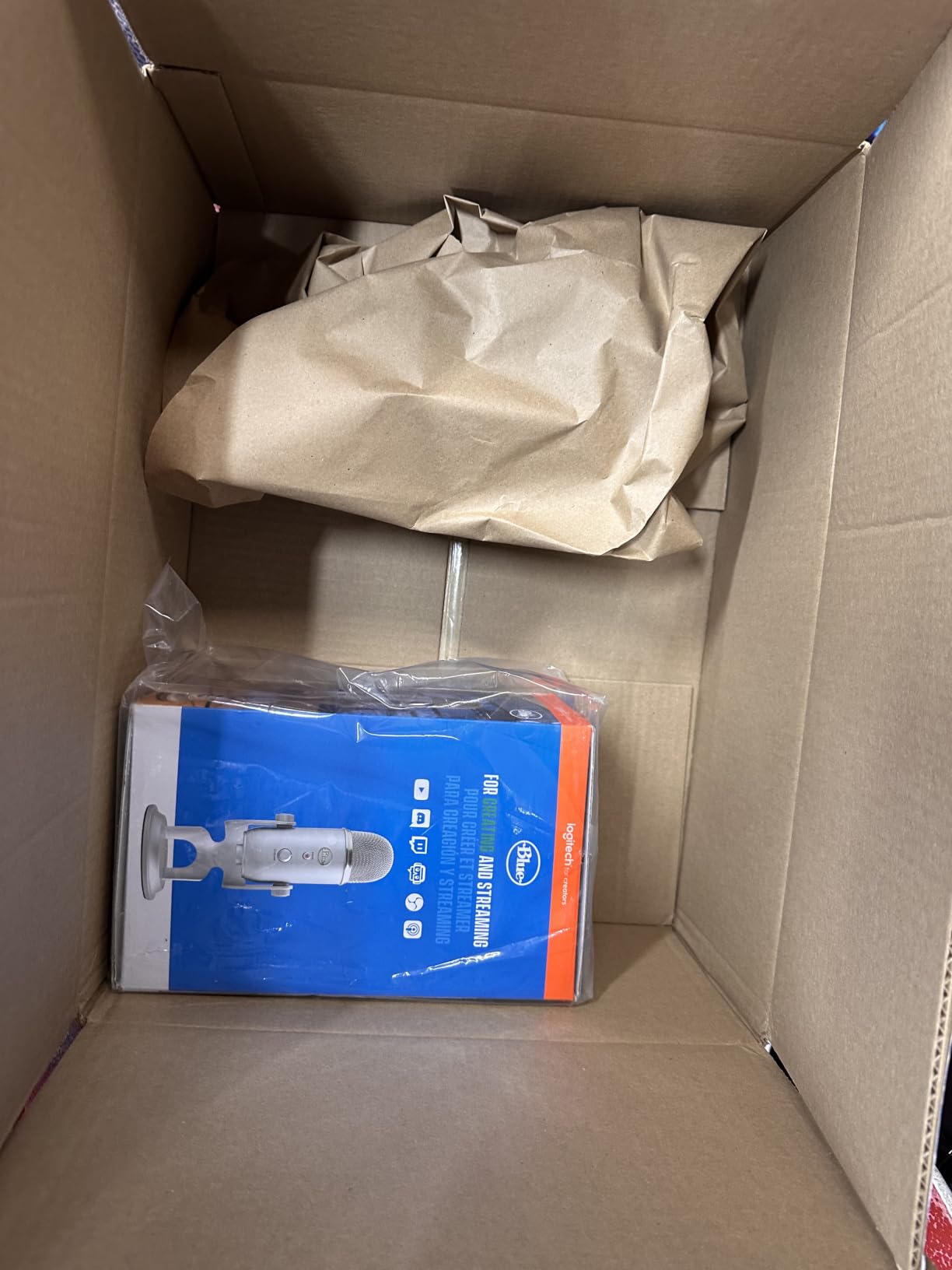
Who the Blue Yeti suits
Anyone recording solo who wants to move between speaking, interviewing and stereo without changing hardware. Interviewers on opposite sides of a table get genuine use out of the bidirectional mode, and the onboard mute is a real benefit on a live stream.
It is also the safest long-term buy in this list, because with that many reviews you can see what breaks before you buy rather than after.
Where the Blue Yeti disappoints
It is a condenser, so in an untreated room with a road outside or a fan running it will capture all of that. Podcasters trying to record a show in a shared apartment usually end up doing heavy cleanup in post.
There is no shockmount in the box, and the mini-USB port is legacy rather than USB-C. At 4.92 by 4.72 by 11.61 inches it also eats a lot of desk, which matters if you share the space for calls.
2. FIFINE T669 — Best Value Complete Kit
FIFINE T669 Studio Condenser USB Microphone for Recording Podcasting
Cardioid condenser capsule
Bundled steel scissor arm
78 dB SNR
1 kg
Pros
- Complete all-in-one kit at a low price
- Warm clear vocal tone
- True plug-and-play with no drivers
- Metal body
- Cardioid reduces outside noise
Cons
- Bundled arm is flimsy and sags
- Clamp slips on rounded desks
- Cardioid picks up room noise
- Gain knob durability reported
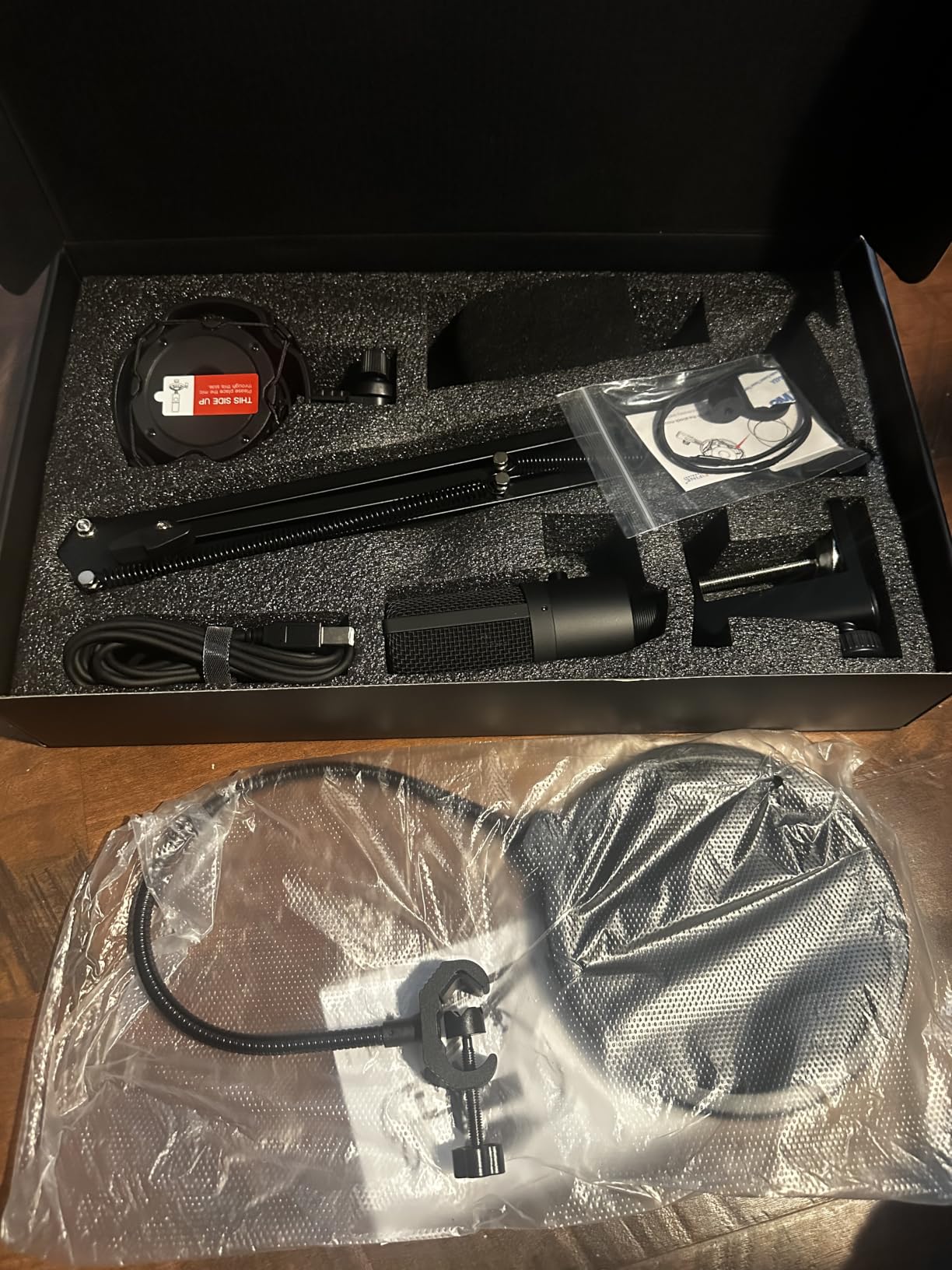
The T669 is the only pick here that arrives with a complete desk setup. The box holds the microphone, a steel scissor boom arm, a C-clamp, a shock mount, a double pop filter, a foam windscreen and an 8.2ft USB-B to USB-A/C cable.
Sound is a warm, clear vocal tone that measures far better than a laptop or headset mic for tutorials, voiceover and podcasts. It is a unidirectional cardioid capsule covering 20 Hz to 20 kHz with a 78 dB signal-to-noise ratio.
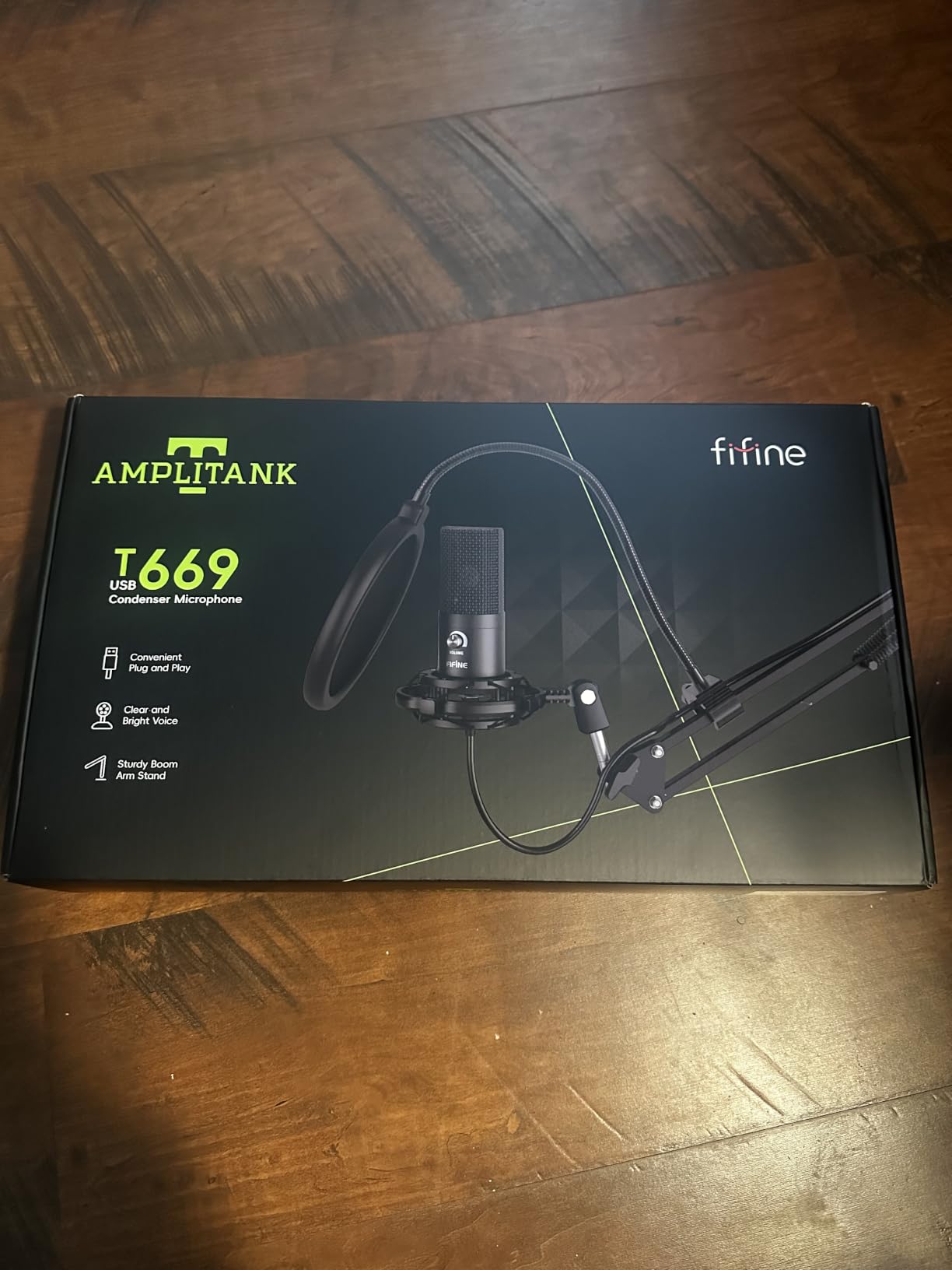
Setup is genuinely zero-friction. It shows up on Windows and Mac without drivers, and the technical notes also list PS4 and PS5 support, though Xbox is not compatible.
The C-clamp and detachable desktop mount let you keep the arm out of frame entirely, which is a real win for video podcasting where a sagging arm in shot looks cheap.
Who the T669 suits
Beginners who want a full setup without researching boom arms, shock mounts or pop filters first. If your ceiling is tight but you still want proper microphone technique available, this gets you there in one purchase.
Voiceover and tutorial creators usually get the most out of it, since the tone flatters narration and the included pop filter handles plosives on consonants like P and B.
Where the T669 disappoints
The bundled arm is the weak link. Owners describe it as flimsy and wobbly over time, with weak glue at the clamp and pop filter joints, and the desk clamp is designed for square-edged tables so it slips on rounded ones.
There is no high-pass filter and no gain control beyond the single knob, and reviewers have reported that knob failing after a few months. The one-year warranty is also the shortest on this list.
3. MAONO A04 — Best Budget All-Metal Kit
MAONO A04 USB Microphone, 192kHz/24Bit Condenser Mic Kit for PC Podcast
192kHz/24bit chipset
16mm electret condenser
Cardioid pattern
30 Hz - 16 kHz
Pros
- Rich warm condenser tone
- Full metal kit feels durable
- Recognized immediately on Windows and Mac
- Cardioid pushes background noise back
Cons
- No headphone monitoring port
- No physical mute button
- Scissor arm base can sag
- Foam windscreen gooseneck is flimsy
The A04 is the cheapest pick on this list that still feels like a metal product rather than a plastic toy. The whole kit, from the shock mount to the scissor arm, is metal, and the 16mm electret condenser gives it a warm, detailed character.
It runs a 192kHz/24bit chipset with a cardioid pattern and a 30 Hz to 16 kHz range. Honestly, the resolution number is marketing headroom you will never use for speech, but the warm tone is real and it holds up next to laptop mics by a wide margin.
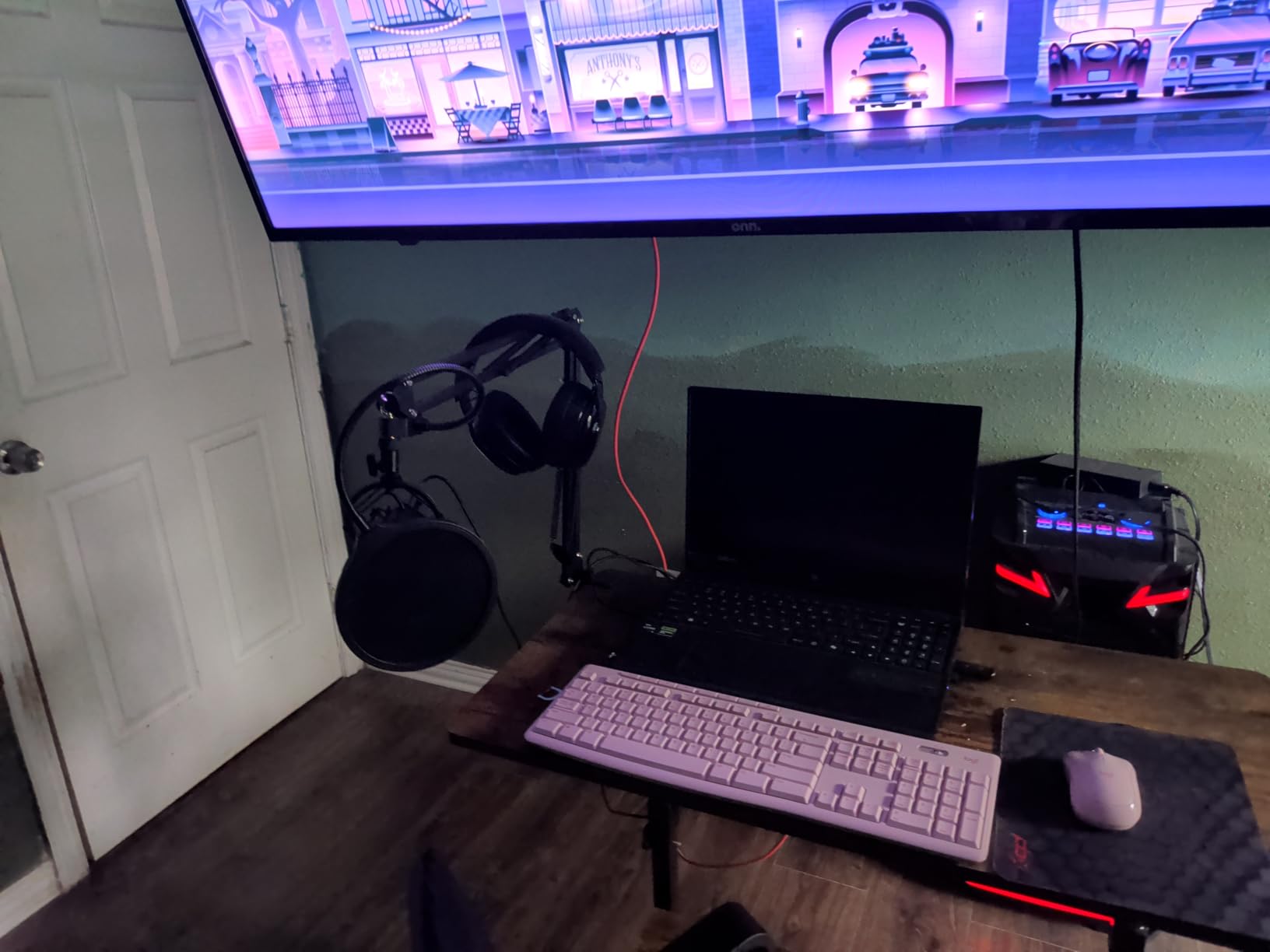
Setup is about as fast as it gets. Reviewers report it being recognised immediately on Windows, Mac and consoles, with no drivers or external sound card, and it works with Discord, Twitch and Zoom.
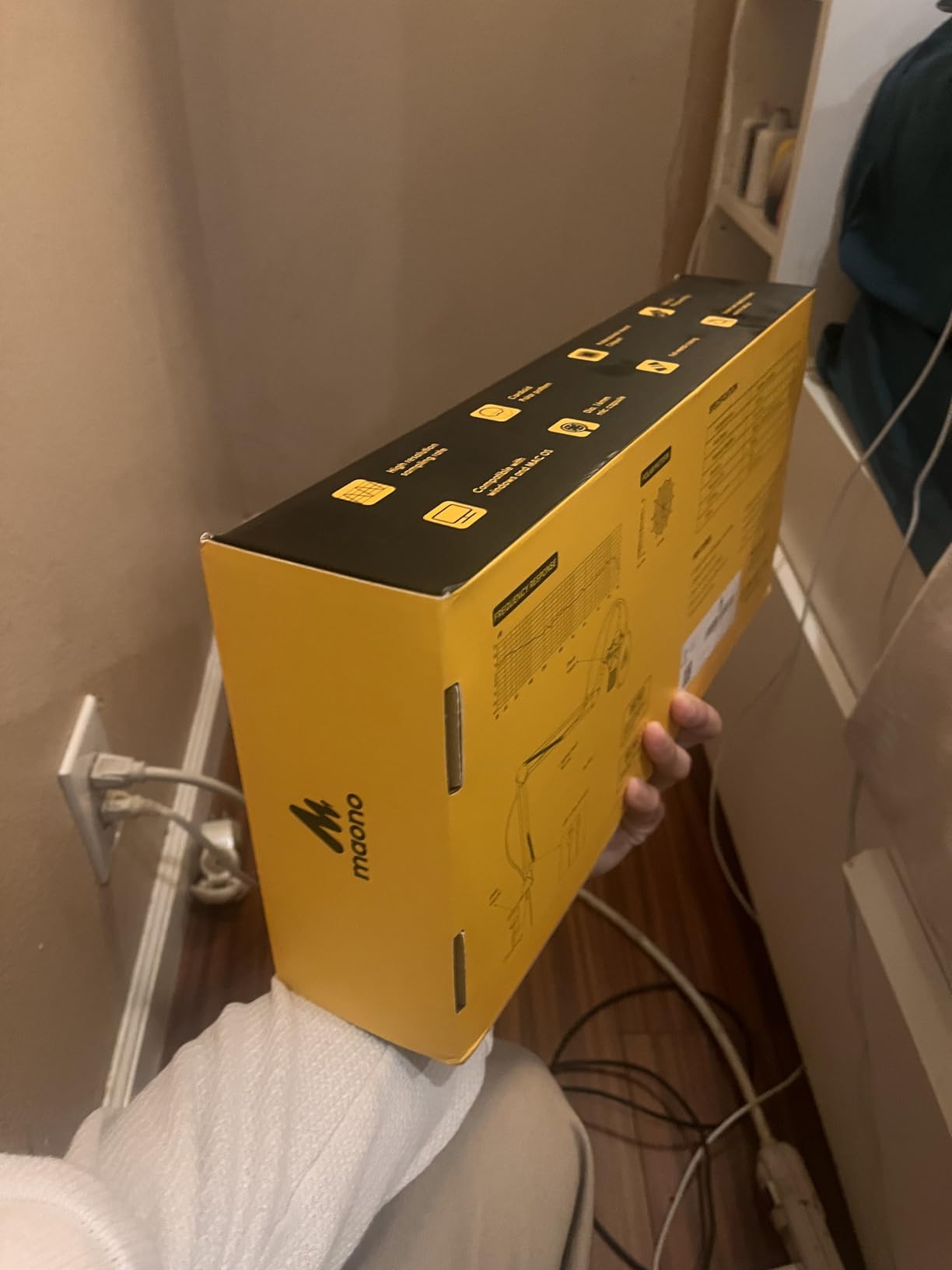
The manufacturer lists a best recording range of 2 to 6 inches, and the desk clamp fits desktops under 2.1 inches thick. That clamp limit is worth checking before you buy if you have a thick sit-stand desk.
Who the MAONO A04 suits
New creators on a very tight budget who want a full kit rather than a bare microphone. The all-metal build means it will survive a shared desk and a few accidental knocks that would crack cheaper plastic.
Streamers on a console can use it too, since the technical notes list PS4 and PS5 support, though Xbox is excluded and the AU-A04 does not work with the Maono Link app.
Where the MAONO A04 disappoints
There is no headphone monitoring port, which means you cannot hear yourself while recording without routing audio back through your software. There is also no physical mute on the mic body.
Users in loud rooms report needing software cleanup to remove distant ambient sound, which is the classic condenser problem. The scissor arm base can bend under its own weight and the foam windscreen gooseneck sags out of position.
4. FIFINE AmpliGame AM8 — Best for Streamers Who Want an XLR Upgrade Path
FIFINE AmpliGame AM8 USB/XLR Dynamic Microphone for Gaming Streaming
Dynamic cardioid capsule
USB and XLR output
50 Hz - 16 kHz
600 g
Pros
- Dynamic capsule rejects keyboard and fan noise
- USB and XLR in one body
- Tap-to-mute with LED
- Headphone jack with volume control
Cons
- RGB ring is dim and can cut out
- Mute only works over USB
- Mostly plastic body
- Picks up echo if used too far back
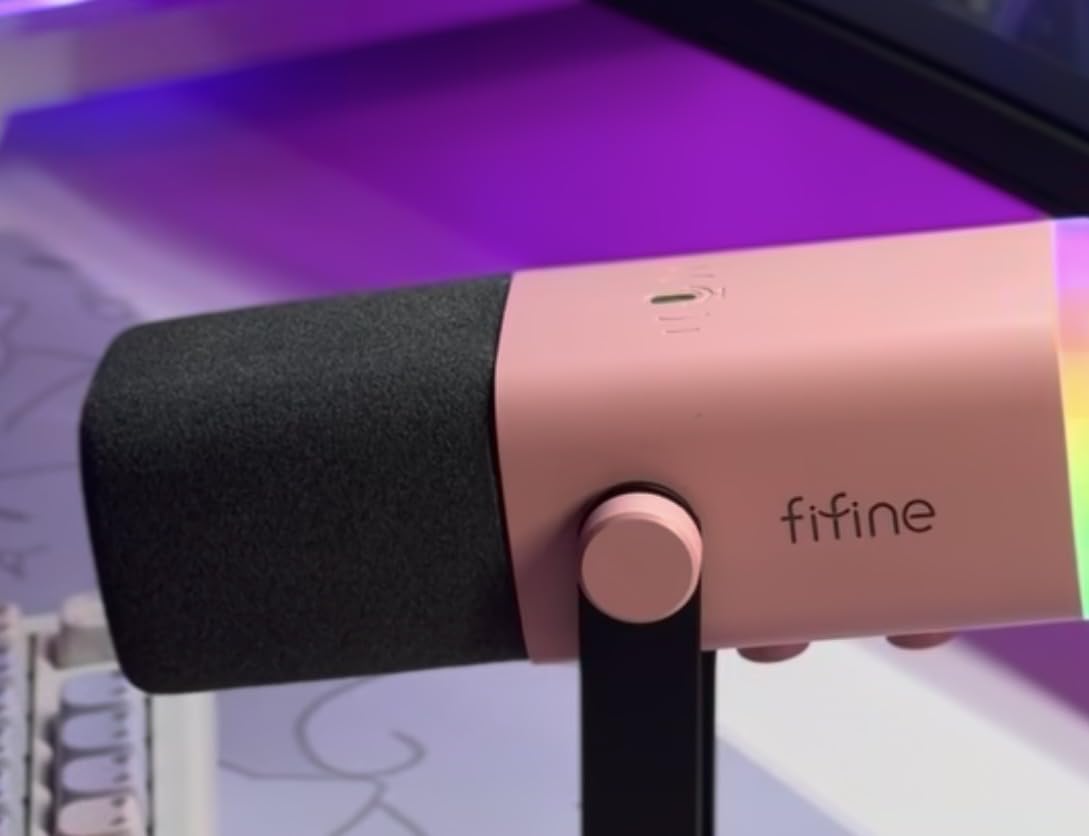
The AM8 is the pick for anyone whose desk doubles as a streaming setup. It is a dynamic cardioid capsule covering 50 Hz to 16 kHz, and reviewers specifically credit it for keeping keyboard, mouse and fan noise out of the recording.
The dual output is the reason to look twice. In USB mode it is a desktop plug-and-play mic with a tap-to-mute button, an LED mute reminder, an RGB ring with three modes and memory recall, a gain knob and a headphone jack with its own volume control.
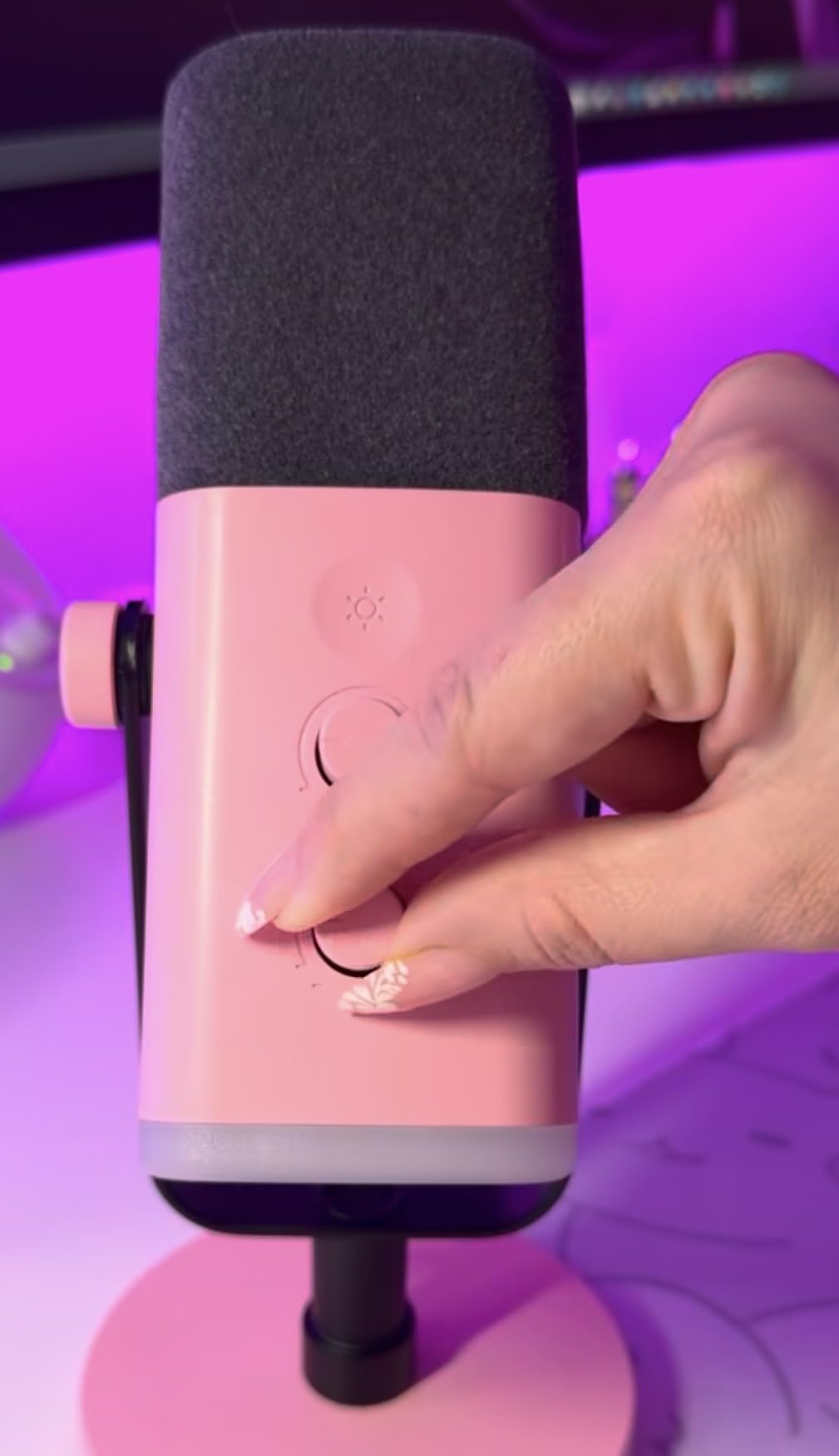
In XLR mode it becomes a normal dynamic mic you can feed into an interface or mixer later. That is a genuine upgrade path without buying a second microphone when your setup grows.
Built-in 3/8 inch and 5/8 inch metal threads mean it fits most mic stands, and a noise-canceling windscreen is included. The suggested recording distance is 2 to 6 inches, and speaking that close is what unlocks the off-axis rejection.
Who the AM8 suits
Gamers and streamers who want on-body level control, a visual mute indicator and a headphone jack without touching their software. The RGB ring and function keys give your setup a look that the plain mics here do not.
Anyone who thinks they may want an audio interface within a year should like that the same body works over XLR, though note the RGB ring and function keys are inactive in that mode.
Where the AM8 disappoints
It is largely ABS plastic rather than metal, so it does not feel like a studio tool in the hand. The dim RGB ring is also a common complaint, and owners report it can cut out if the cable is moved.
The mute is a touch button rather than a physical press and it only functions over USB. In a large untreated room, keeping it close is essential or the mic will pick up echo.
5. Elgato Wave:3 MK.2 — Top Rated With the Best Onboard DSP
Elgato Wave:3 MK.2 USB Condenser Microphone, DSP Effects
Super-cardioid capsule
Clipguard 2.0 and Auto Gain
USB-C
7.52 ounces
Pros
- Studio-level vocal clarity
- Auto Gain and Clipguard cut clipping fast
- Wave Link replaces a hardware mixer
- Tap-to-mute with LED feedback
- Compact USB-C design
Cons
- Wave Link has a real learning curve
- Condenser picks up background noise
- Single super-cardioid pattern only
- Accessories sold separately
The Wave:3 MK.2 carries the highest average rating in this group, and the reason is not raw audio quality, it is the software. Auto Gain calibrates your level for you and Clipguard 2.0 adds multi-stage distortion protection, so a beginner can get a clean file without touching a single fader.
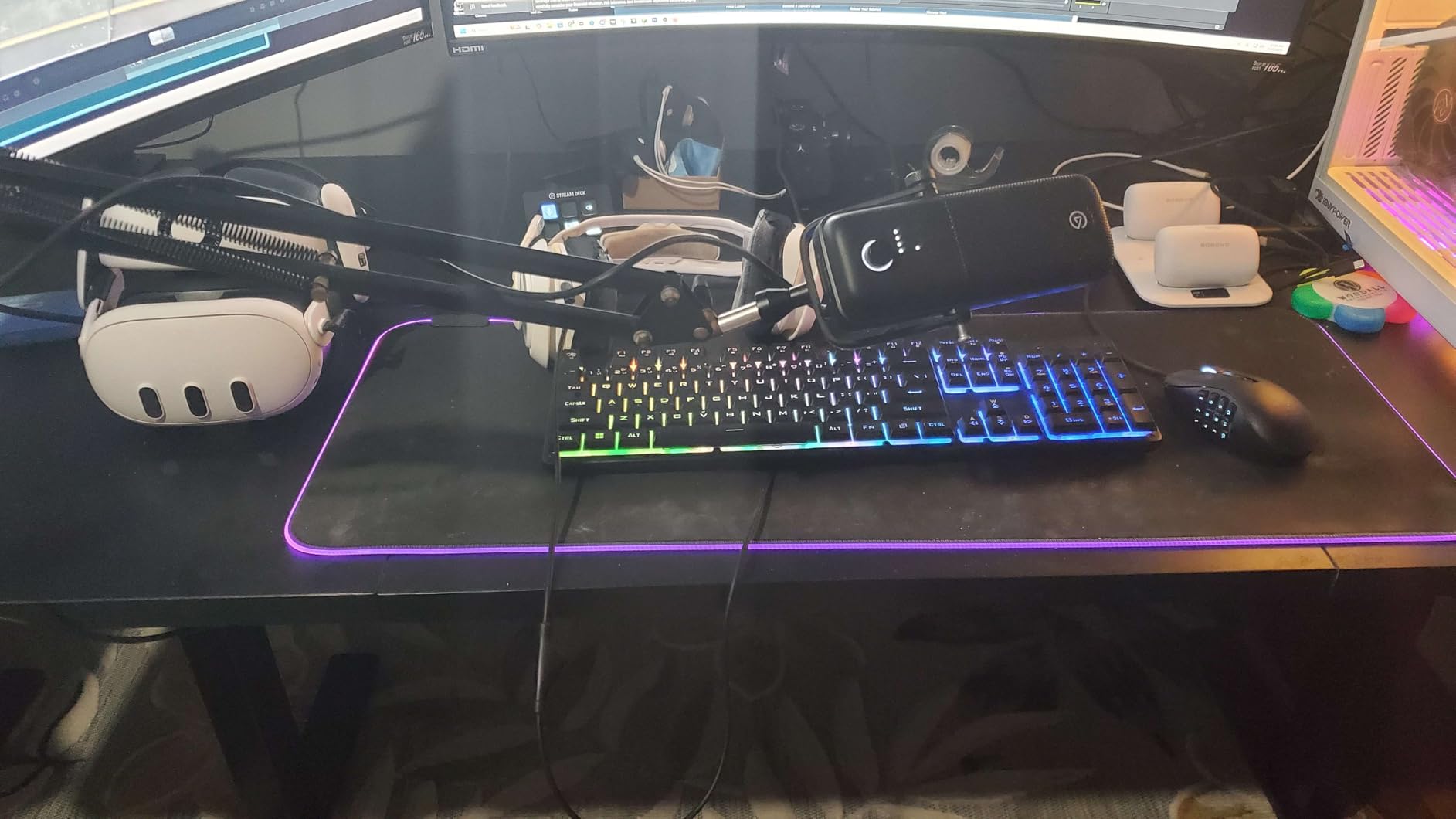
Onboard there is a voice enhancer, compressor and EQ, plus a multifunction dial, tap-to-mute with real-time LED feedback, and an integrated headphone jack. The capsule is a super-cardioid condenser, which means tighter off-axis rejection than a standard cardioid.
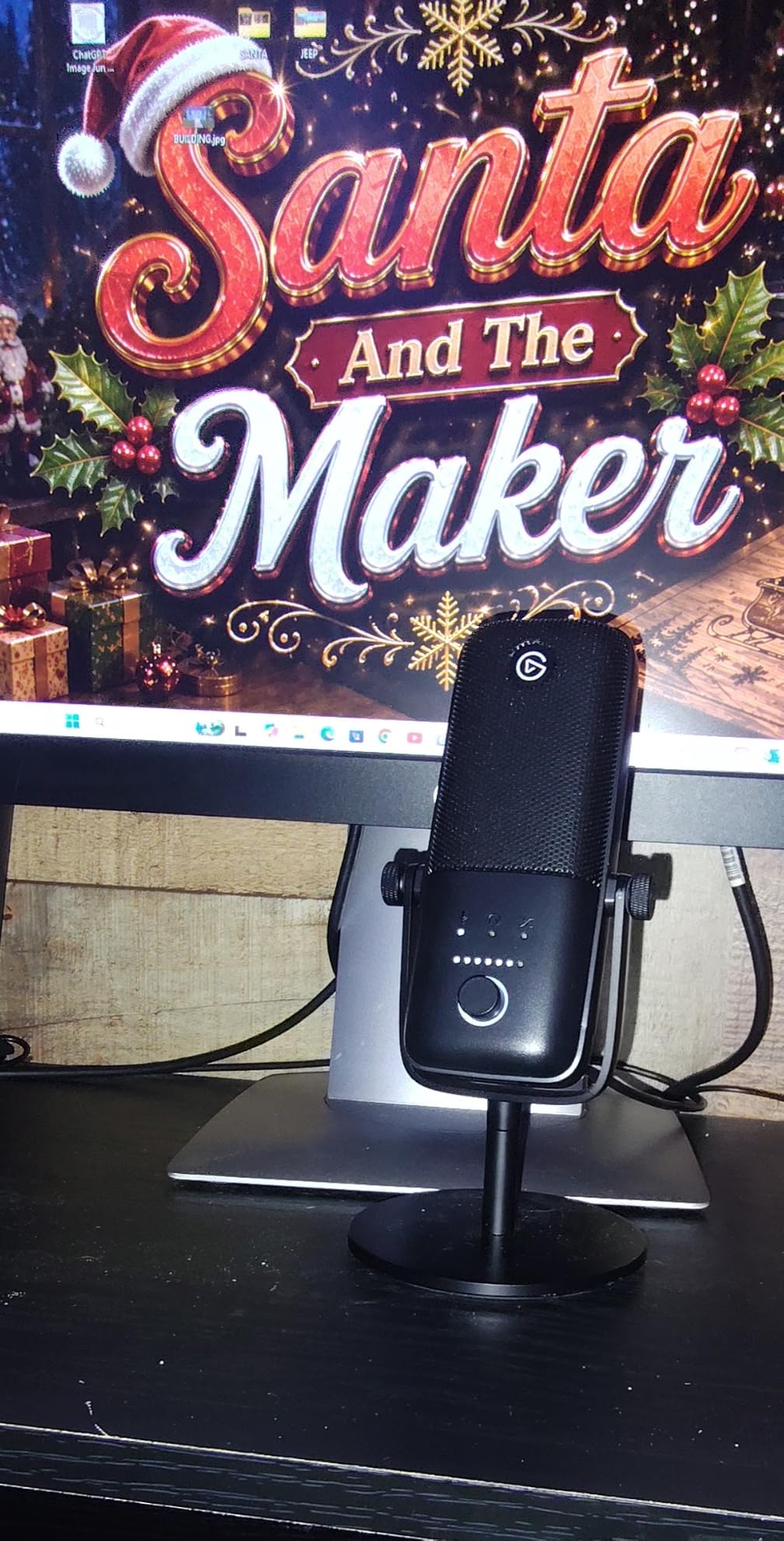
Wave Link handles routing, monitoring and effects, and it supports VST plugins, so it can stand in for a hardware mixer entirely. Owners treat that free software as the core of the value, not the microphone.
Long-term owners report years of reliable use with no hardware failures, and the compact 3.9 by 3.9 by 8.4 inch footprint suits a minimalist desk. USB-C keeps it current, and there is a two-year manufacturer warranty.
Who the Wave:3 MK.2 suits
Video podcasters and streamers who want compression, EQ and routing handled in software rather than with a mixer on the desk. The super-cardioid pattern also makes it the most forgiving condenser here for a semi-treated room.
It suits anyone comfortable installing an app and spending an evening learning it. The clip protection and auto levelling buy back far more time than the setup cost for a new creator.
Where the Wave:3 MK.2 disappoints
Wave Link has a genuine learning curve and can take hours to configure, and some owners report installation bugs. It is not a set-and-forget microphone.
There is only one pattern, so no stereo or bidirectional recording, and the bass response is slightly under-emphasised which can leave monotone voices sounding flat. Shockmount, pop filter and arm are all sold separately at significant cost.
6. ZealSound K66 — Cheapest With Real Gain and Monitoring Knobs
ZealSound Podcast Microphone for PC, Noise Cancellation USB Mic with Gain, Volume Adjustment & Mute Button, Monitoring & Echo, for YouTube, TikTok, Podcasting, Streaming, iPhone, iPad, Android, Mac
Cardioid condenser, top-addressed
40 Hz - 18 kHz
85 dB SNR
3.5mm monitoring
Pros
- Gain monitor and echo knobs at a very low price
- Zero-latency headphone monitoring
- USB-C and Lightning adapters included
- Noise reduction mode cuts hum
- Weighted metal base
Cons
- Captures far-off room sounds and AC hum
- Robotic cross-talk with two speakers
- Sibilant s sounds need EQ
- Phone adapter too short for a case
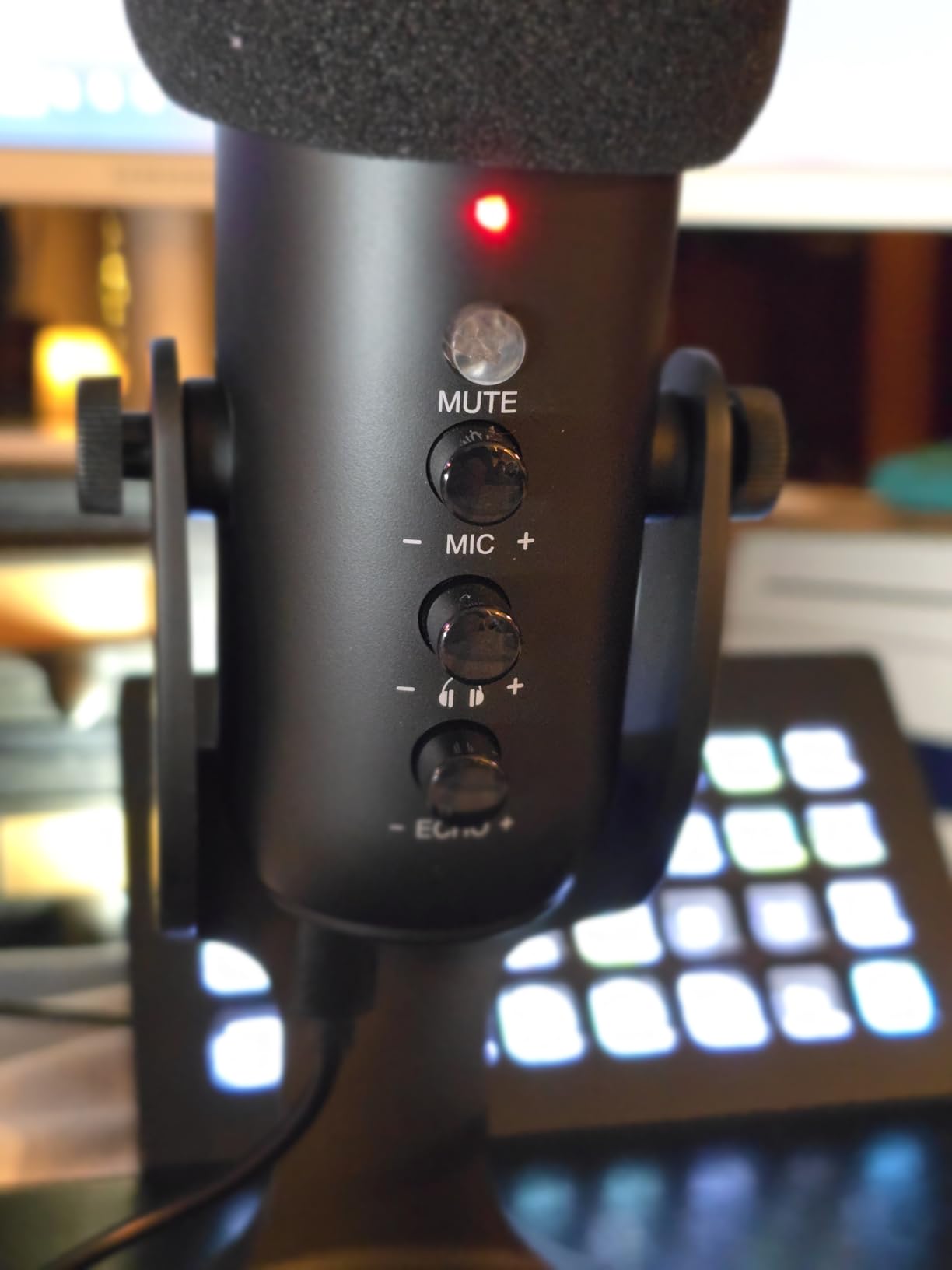
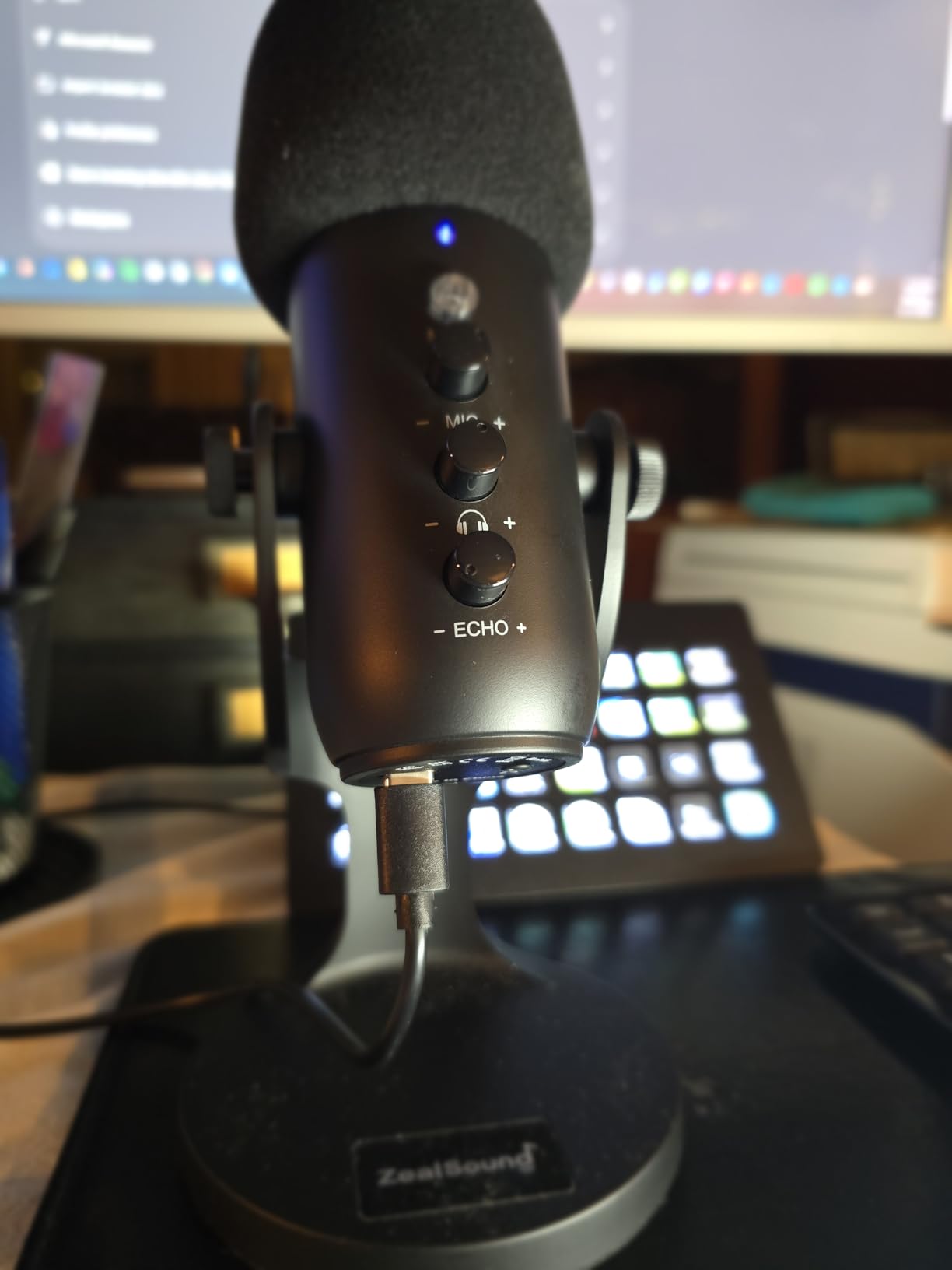
The K66 is the cheapest microphone here, and the thing that separates it from other budget mics is control. It has physical knobs for mic gain, monitoring volume and echo, which at this price is genuinely unusual.
There is zero-latency 3.5mm headphone monitoring with an independent volume, and holding the mute button toggles an intelligent noise reduction mode with a blue LED. The capsule is a top-addressed cardioid condenser running 40 Hz to 18 kHz at -45dB sensitivity.
The USB-C and Lightning adapters mean you can record straight onto a phone or tablet, which is the scenario this mic is really built for. The body rotates 360 degrees on a weighted metal base, and the included cable runs 70.87 inches.
It is not a studio mic. The single channel is the limitation that matters most, and it is worth understanding before you buy rather than after.
Who the ZealSound K66 suits
People recording voice notes, remote interviews or quick podcast segments on a phone, tablet or laptop without any existing audio hardware. The adapters remove the usual excuse about not having the right cable.
Callers and streamers on a very small budget also get more manual control here than from rivals that only expose a single knob, and reviewers report the noise reduction mode measurably cutting keyboard, fan and air-con hum.
Where the K66 disappoints
Condenser sensitivity means it captures far-off sounds and sometimes an AC hum. Noise reduction mode can also cut out your voice entirely if you trigger it with light or close speech, which is a nasty surprise mid-sentence.
Because it is single-channel, overlapping speakers produce robotic cross-talk and dropped words. The sibilance is sharp and needs software EQ, and the included USB-C phone adapter is too short to clear a phone case.
7. Samson Q2U — Best for Beginners Learning Proper Mic Technique
Samson Q2U USB/XLR Dynamic Microphone Recording and Podcasting Pack
Dynamic handheld cardioid
USB-C and XLR
50 Hz - 15 kHz
3.5mm headphone jack
Pros
- Warm clear detailed voice
- Rejects keyboard and room noise at low gain
- USB-C plus XLR upgrade path
- Handheld form teaches good technique
- Survives drops
Cons
- Needs close projected technique
- Included tripod is low and droops
- Weak on plosives without a filter
- Documented USB static glitch
- No on-mic gain or mute
The Q2U is a handheld dynamic, and that shape is doing more work than it looks. Holding the mic teaches you to keep it close and pointed at your mouth, which is the single habit that separates a clean podcast from a roomy one.
Sound is warm, clear and detailed, and reviewers compare it favourably to USB condensers costing far more. The dynamic element rejects keyboard, mouse and room noise effectively at low gain, with a 50 Hz to 15 kHz range and 148 db maximum SPL.
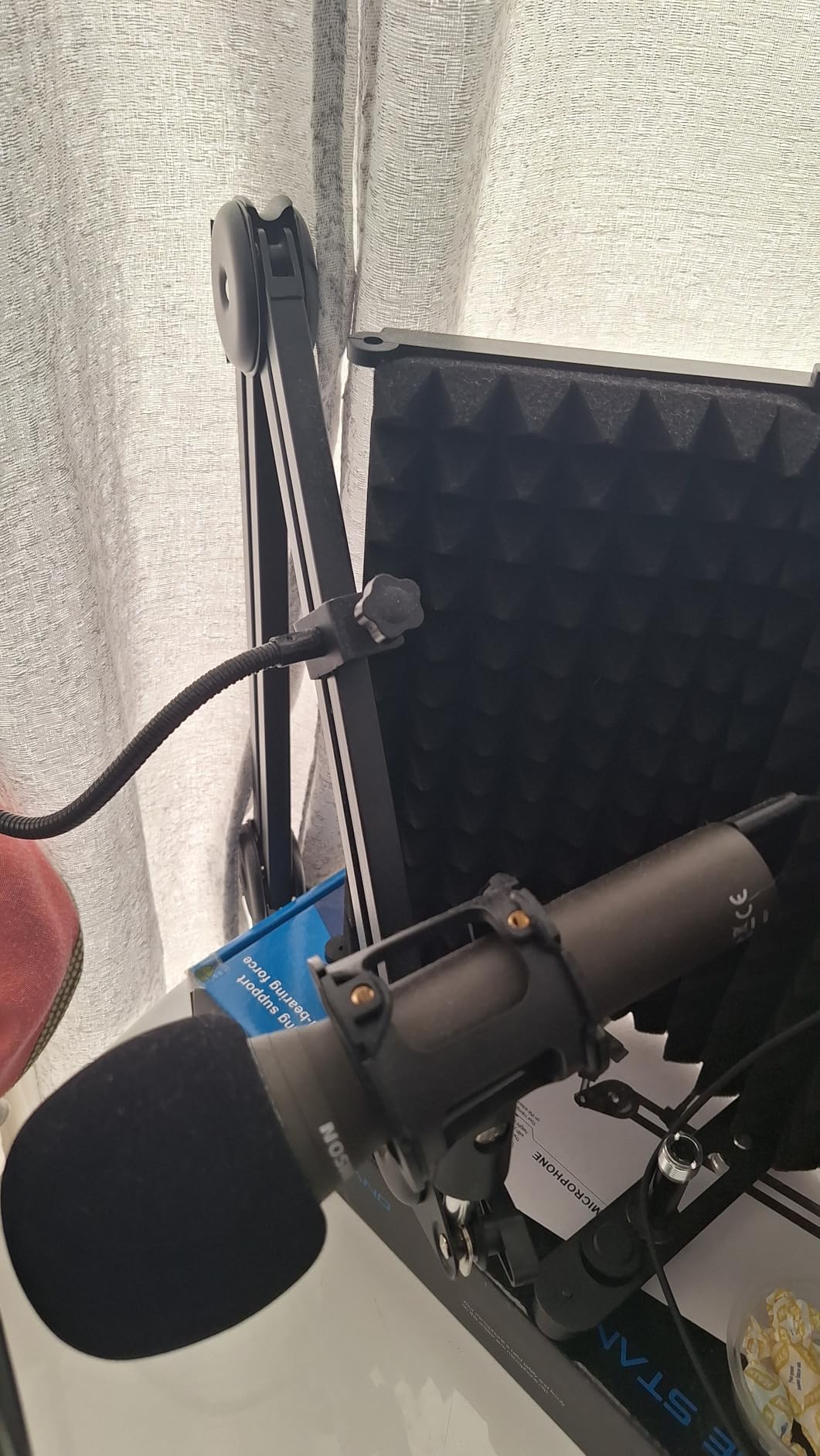
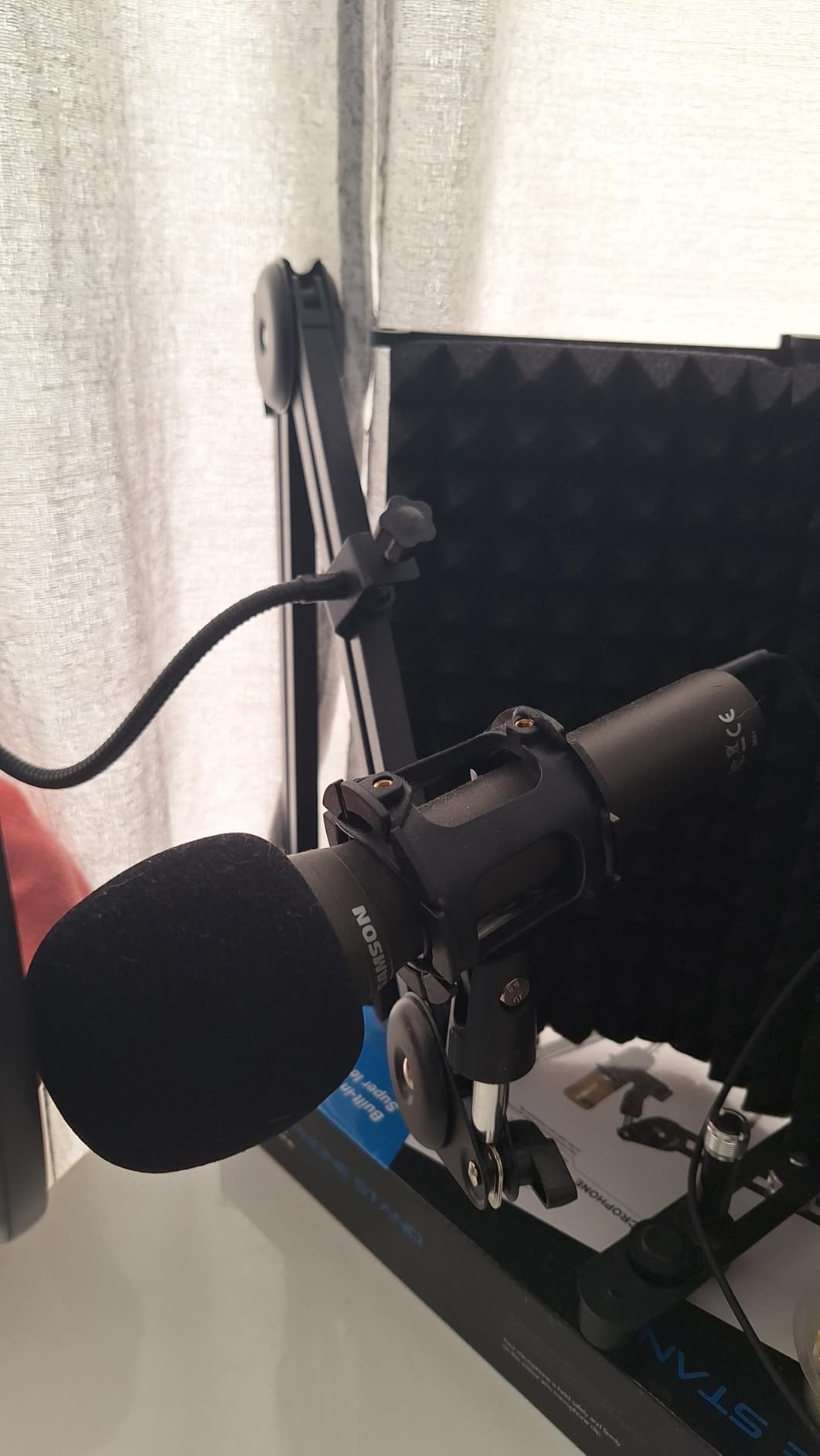
You get both USB-C and XLR from the same body, plus a 3.5mm headphone jack for monitoring. The package includes a tripod desktop stand, a tripod extension, a mic clip, a foam windscreen, and both a USB-C cable and an XLR cable.
On r/podcasting, the Q2U keeps coming up as the solid budget USB and XLR pick, with the community preferring it on build quality. That consistency across a long-running thread is more useful signal than a single glowing review.
Who the Samson Q2U suits
First-time podcasters who want something that grows with them. The XLR output means when you are ready for an audio interface and a real preamp, you keep the microphone and only change the downstream gear.
It is also the right answer for an untreated room, because a dynamic capsule is doing the noise rejection that a condenser would hand off to your editing software.
Where the Q2U disappoints
It demands close technique. If you speak quietly from a normal desk distance you will get thin audio and more room than you wanted, and it is weak on plosives so a pop filter or foam windscreen is effectively required.
The included tripod is low and its clamp screw loosens, which makes the mic droop. There is a documented firmware glitch that can leave it outputting static until USB is replugged, and there is no on-mic gain or mute, so levels are set in software.
8. Rode NT-USB Mini — Best for Small Desks and Built-In Pop Filtering
RØDE NT-USB Mini Studio-Quality USB Condenser Microphone
Condenser with built-in pop filter
USB-C
20 Hz - 20 kHz
585 g
Pros
- Compact all-metal build
- Built-in pop filter handles plosives
- Strong headphone amplifier
- Zero-latency monitoring
- Magnetic stand swaps to an arm instantly
Cons
- Desk stand is very low
- Extremely sensitive to desk and chair noise
- Slightly sizzly top end
- Cardioid only with no high-pass filter
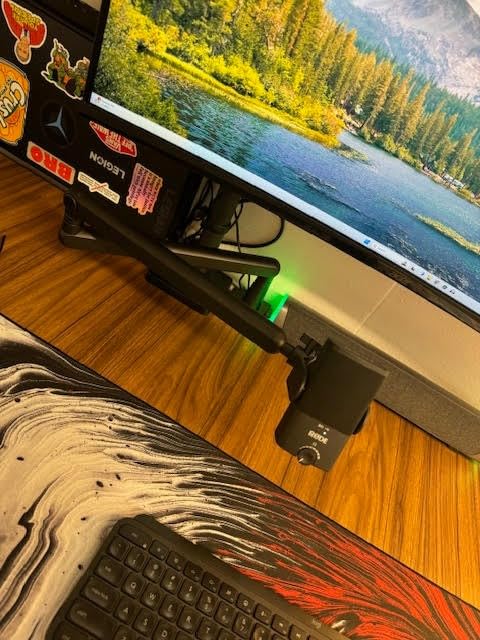
The NT-USB Mini is the smallest microphone in this roundup at 7.28 by 2.36 by 1.97 inches, and it is built from aluminium and a nylon composite rather than plastic. It plugs into Mac, PC or iPad over USB-C with no interface and no drivers.
The feature that saves you money is the built-in pop filter, tuned into the capsule. For voice work that removes one purchase from your list, and it is one of the few built-in filters that does not change the tone noticeably.
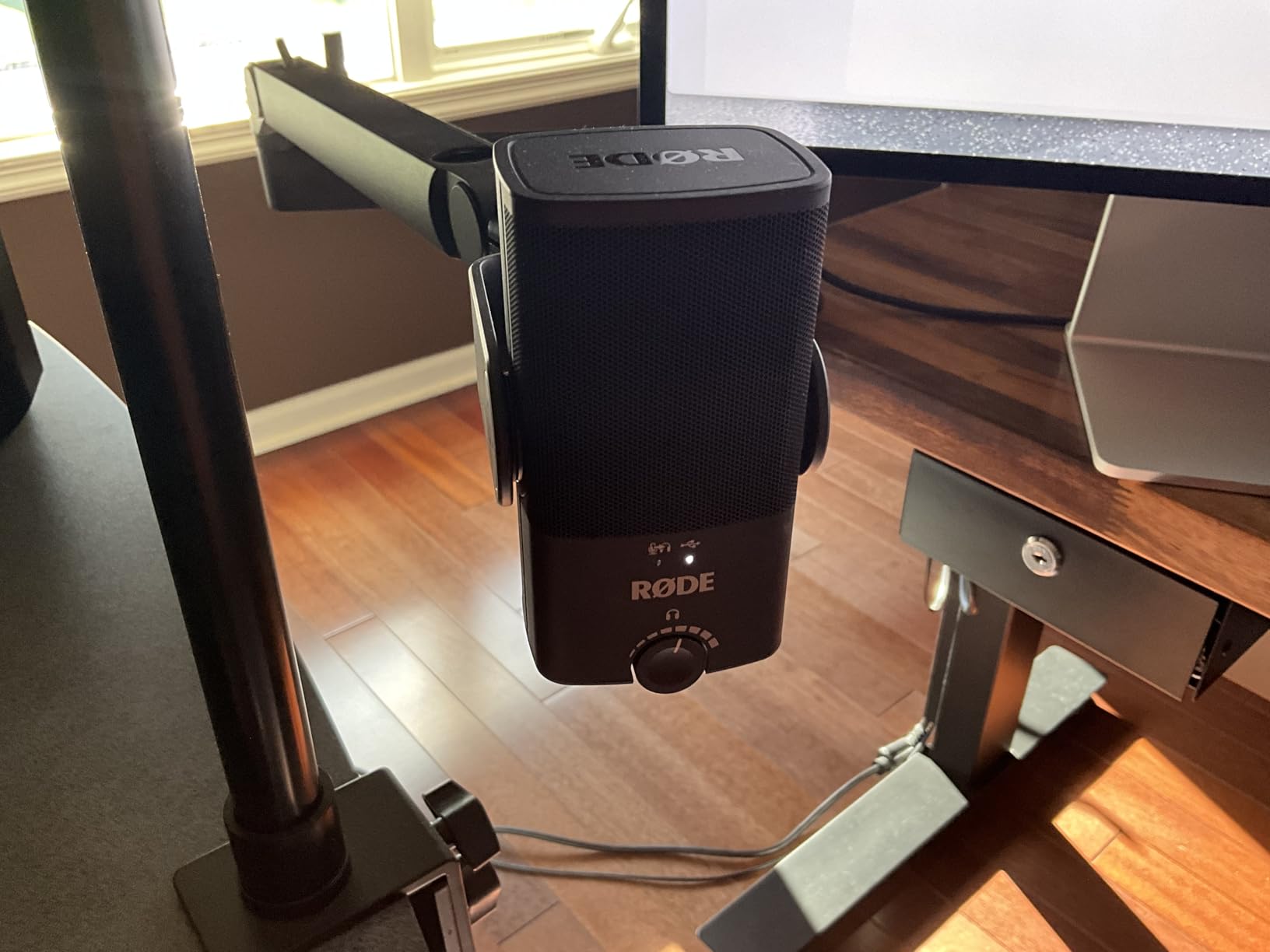
Monitoring is zero-latency with hardware volume control on the mic, and the headphone amplifier is strong enough to drive higher-impedance headphones cleanly. That is what makes it easy to judge a take without second-guessing.
The desk stand is magnetic and detaches, so moving to a standard-thread boom arm takes seconds. Maximum resolution is 96kHz/24-bit, and there is a two-year manufacturer warranty behind it.
Who the Rode NT-USB Mini suits
Anyone on a small desk, in a home office or travelling with a laptop who wants one small object that does voice, calls and narration well. Reviewers describe the sound as orders of magnitude better than laptop or headset mics.
It also appeals to people who already own a pop filter on another microphone and do not want to buy another, and the magnetic stand makes boom-arm swaps trivial when you upgrade later.
Where the NT-USB Mini disappoints
The included desk stand is very low, which shortens the distance to your mouth and makes the microphone pick up more background noise. Most owners end up buying a separate arm anyway.
It is extremely sensitive, so desk and chair noise transmit into the recording without a shockmount. Reviewers also note a slightly sizzly top end, a cardioid-only pattern and no high-pass filter on the mini model.
9. Audio-Technica AT2020USB+ — Best for the Cleanest Floor in an Untreated Room
Audio-Technica AT2020USB+ Cardioid Condenser USB Microphone, with Built-in Headphone Jack & Volume Control, Perfect for Content Creators (Black)
Side-address cardioid capsule
74 dB SPL self-noise
Built-in headphone jack
Mix control
Pros
- Exceptionally low self-noise
- Less sensitive than typical condensers
- Mix control blends mic with computer audio
- High-output headphone amplifier
- Solid stainless steel build
Cons
- No on-mic mute or gain
- Bundled tripod is unstable
- Side-address needs speaking to the front
- Desk vibration transmits without a shockmount
The AT2020USB+ is the most expensive pick here and it earns that position with one number: 74 dB SPL self-noise. Reviewers single it out for being so quiet at the floor that you can raise the gain without bringing up hiss, which is the difference between clean and cluttered audio.
It is also less sensitive than a typical condenser, and that matters in a home room. Reviewers specifically note it means less post-production cleanup than cheaper condensers in the same untreated space.
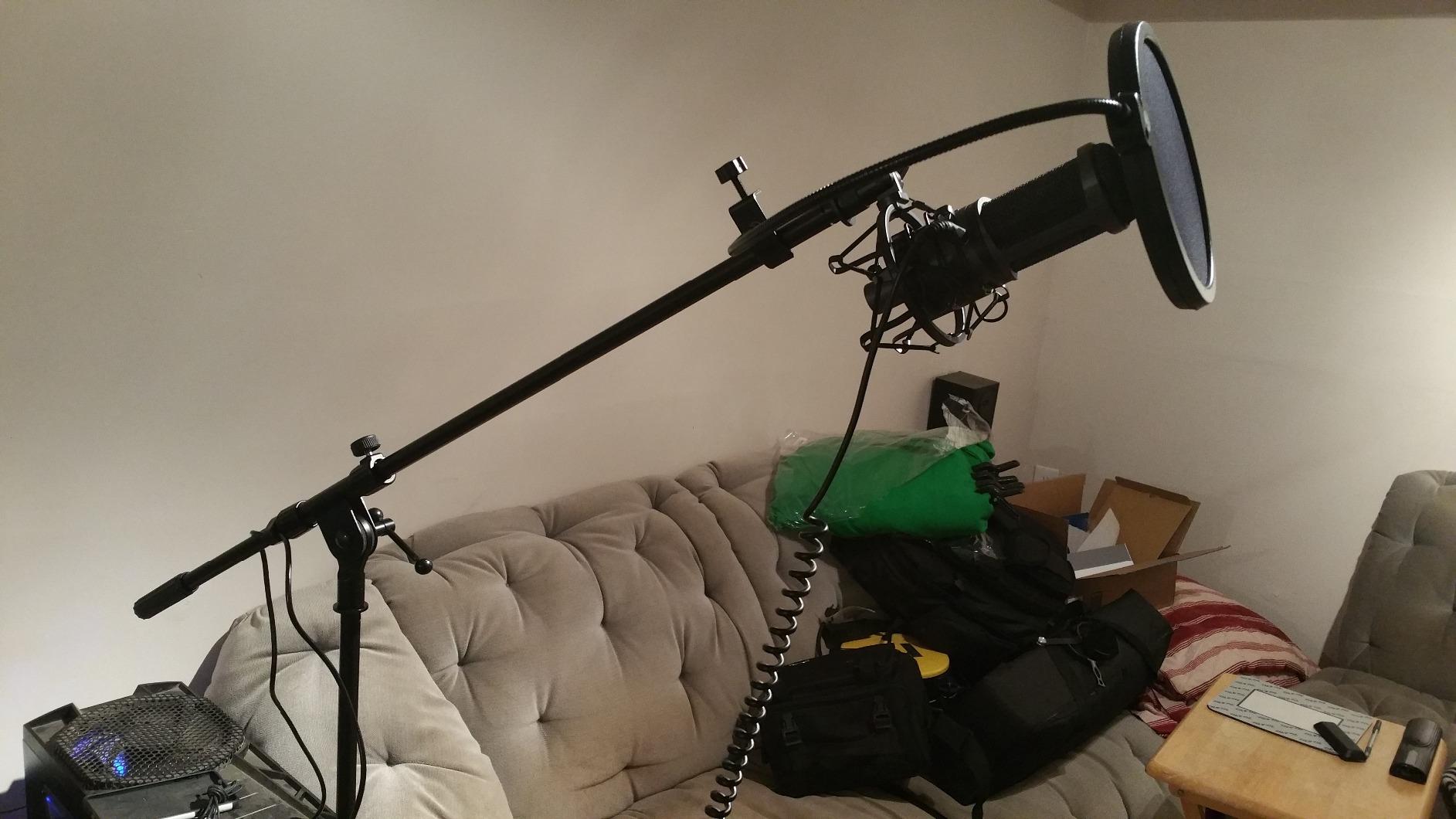
The mix control is the underrated feature. It blends the microphone signal with prerecorded computer audio live, so you can monitor music or a video alongside your voice from one cable, and the high-output internal headphone amplifier is loud and detailed.
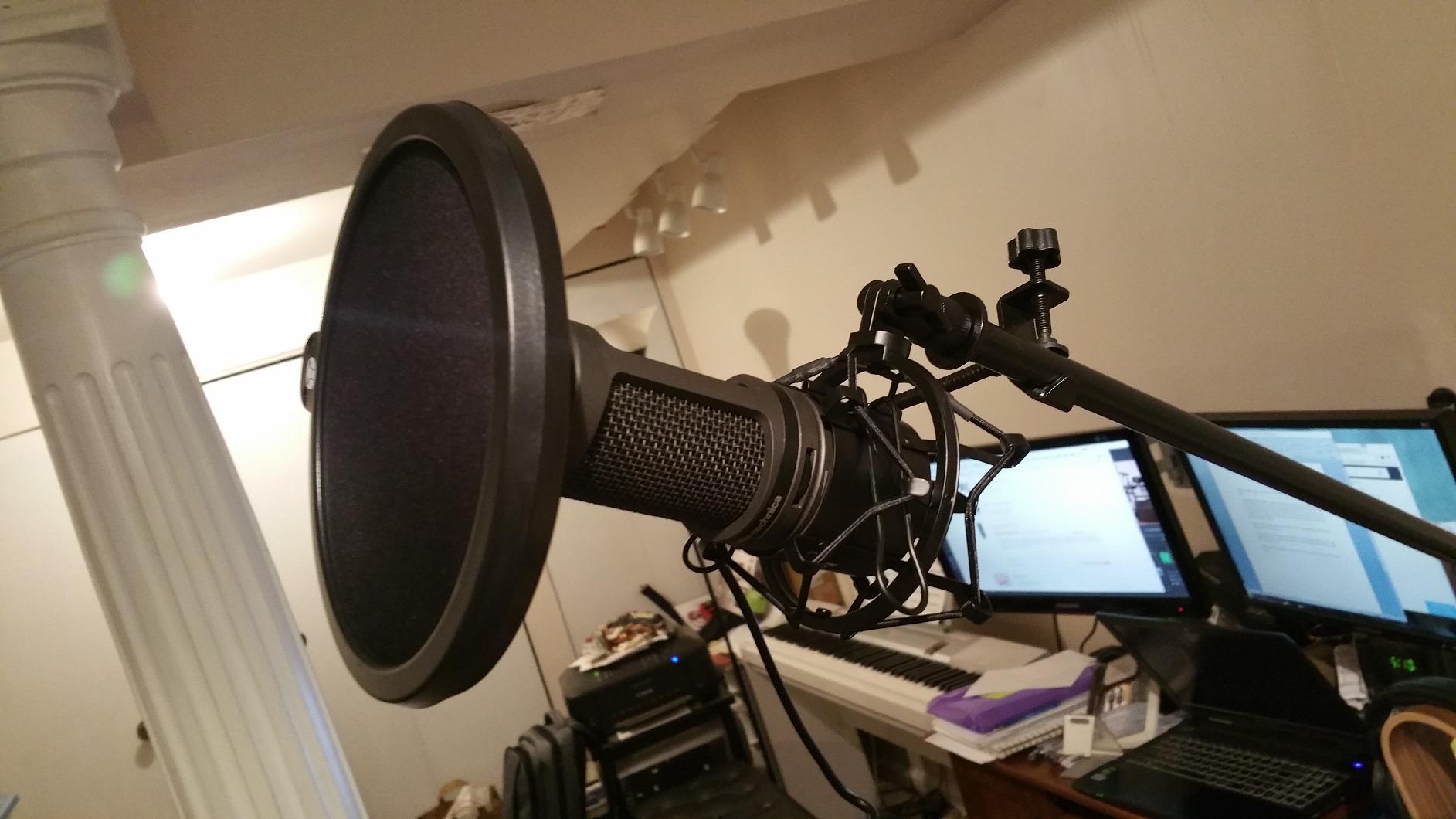
It is a side-address capsule in a stainless steel body at 2.3 pounds, with a blue LED marking the front face. Conversion is 16-bit at 44.1 or 48 kHz, which is exactly right for speech and nothing more.
Who the AT2020USB+ suits
Narrators, voiceover artists and podcasters in a treated or semi-treated room who care more about the noise floor than about features. If you already own a boom arm, a shockmount and a pop filter, this is where the budget should go.
Streamers recording alongside game or desktop audio benefit from the mix control, and the two-year warranty on parts and labour is the strongest support on this list.
Where the AT2020USB+ disappoints
There is no on-mic mute button and no gain control, so levels are handled in software and on a dial that is easy to bump. The small bundled tripod is unstable and can tip over, especially with a desktop tower nearby.
Because it is side-address you have to speak to the front face, not the end, and desk vibration transmits straight through without a shockmount. In a bedroom or living room, acoustic panels or a small booth are still needed to kill echo.
10. FIFINE AmpliTank K688 — Best Dynamic for Noisy Rooms
FIFINE AmpliTank K688 Dynamic Microphone, XLR/USB Podcast Recording PC Mic
Metal dynamic cardioid
130 dB max SPL
XLR and USB-C
0.51 kg
Pros
- Rejects PC fans and hard drives
- Warm full voice with high output
- Dual USB-C and XLR
- Metal build
- On-mic gain knob and tap-to-mute
Cons
- No XLR cable arm or stand included
- Gain is very sensitive when set high
- Bundled mini tripod is flimsy
- Mute spring can detach from the button
The K688 is the value answer to the noisy room problem, and owners are blunt about why. The dynamic element rejects PC fans, hard drives and general room noise far better than a condenser, and several reviewers say it sounds better than a Blue Yeti in the same space.
Voice is described as warm and full with a high output level that needs little gain tweaking, and it handles 130 dB SPL without distortion across a 50 Hz to 16 kHz range. The body is metal at 0.51 kg.
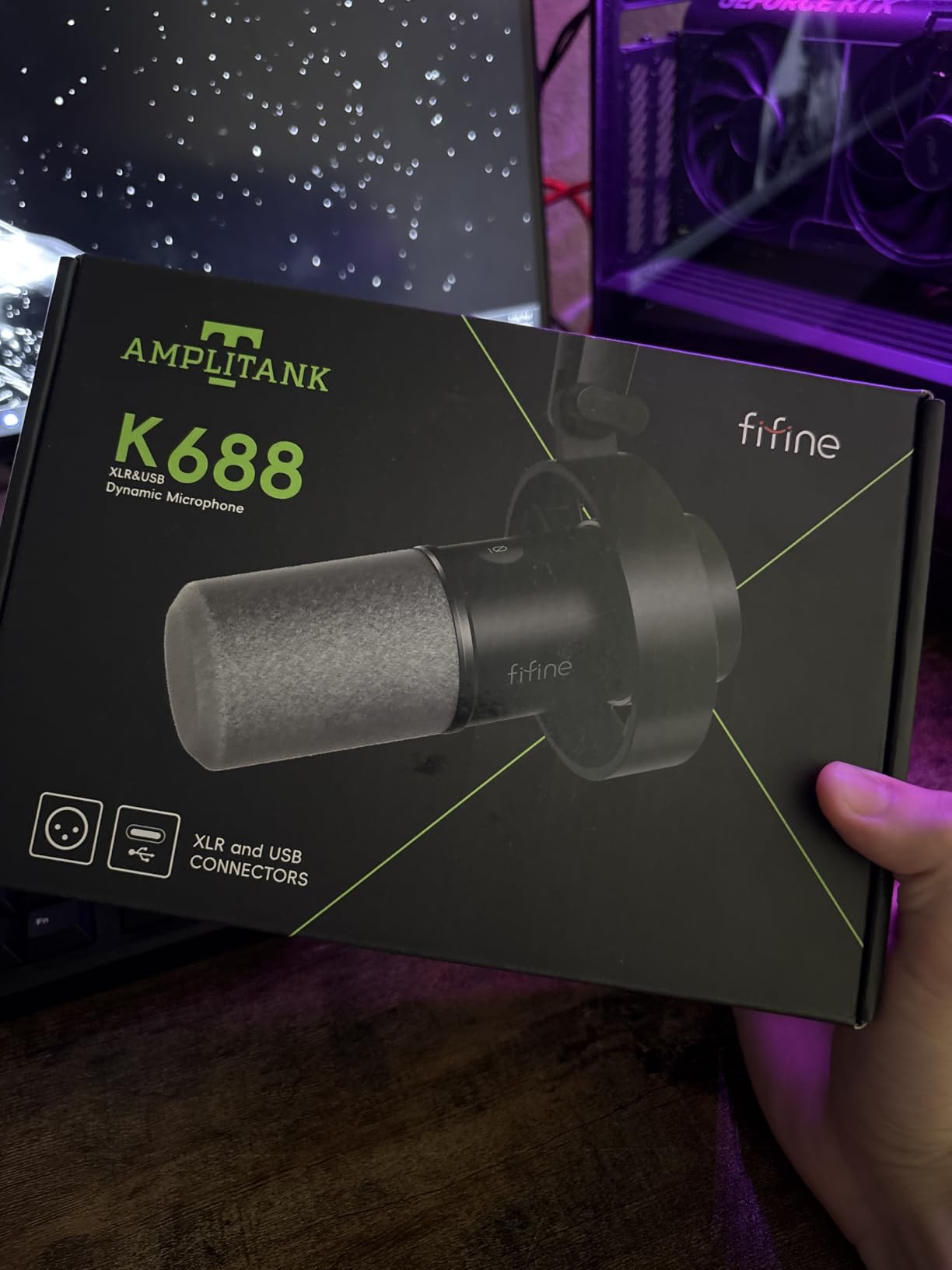
On the front panel there is a tap-to-mute button and on the back a gain knob, both in USB mode, plus a 3.5mm jack for real-time monitoring with headphone volume control. The included shock mount and windscreen take care of the basics.
Like the Q2U, it is one of the two mics r/podcasting keeps recommending for budget setups, and FIFINE’s customer service draws repeated mentions for fast free replacement units, which softens the risk on a smaller brand.
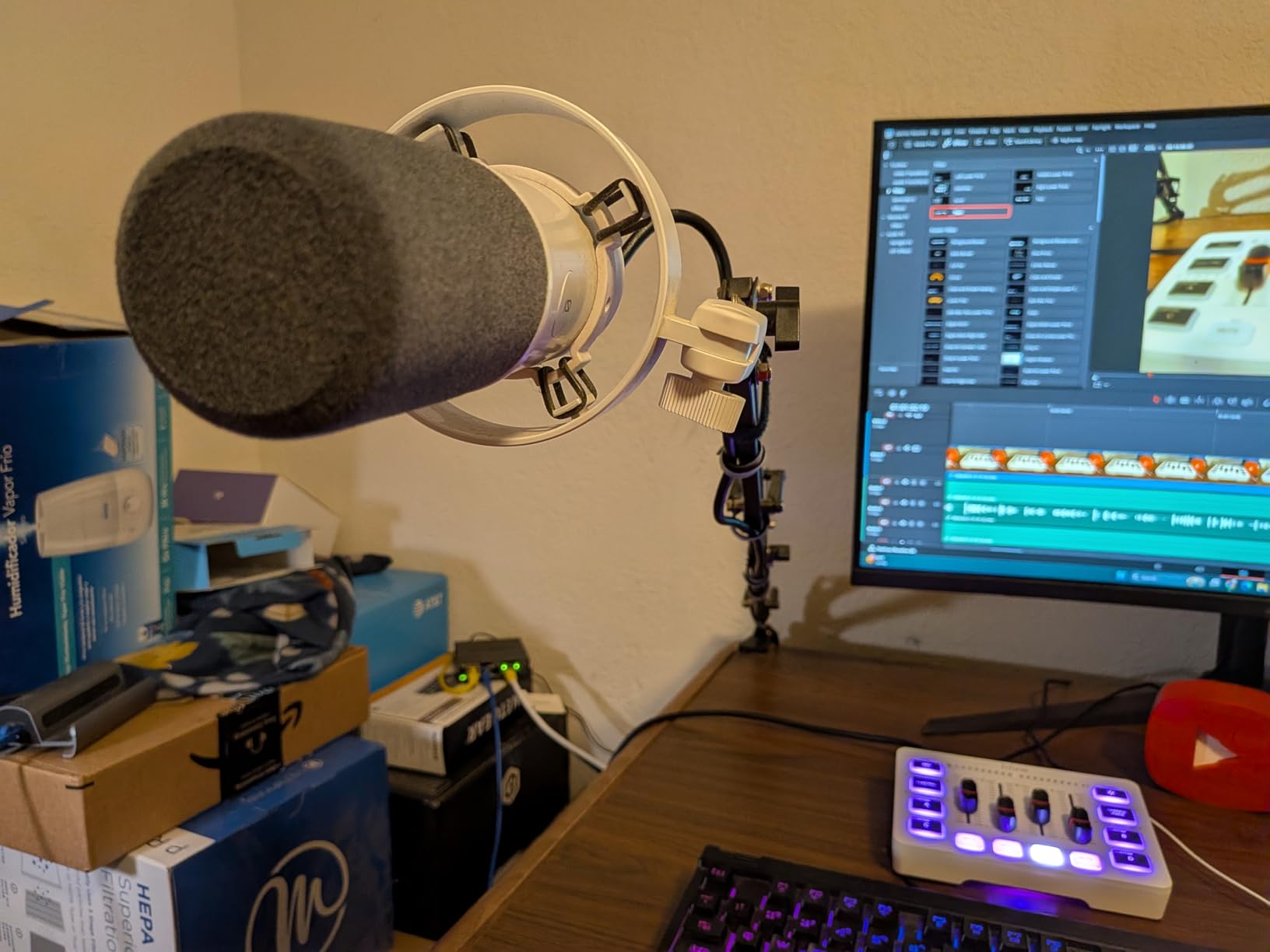
Who the K688 suits
Anyone recording next to a desktop PC, a spinning hard drive or a shared wall who has been fighting fan noise in post-production. It is also a good second microphone for a two-host show because the cardioid pattern stays tight per speaker.
Recordists who want to move to an interface later have both USB-C and XLR in the body, and the 5/8 inch to 3/8 inch adapter plus included shock mount make it flexible on a stand.
Where the K688 disappoints
No XLR cable, boom arm or mic stand is included, so you will be buying at least one accessory. The bundled mini tripod is flimsy and reviewers report it stops supporting the mic after a few months.
Gain is very sensitive, so a high knob setting pulls in a lot of room even on a dynamic, and there are reports of the tap-to-mute spring detaching from the button, plus a small number of buyers who received microphones with a faulty element that recorded only noise.
Dynamic vs Condenser: Why the Type Matters More Than the Price
A condenser records everything in the room, a dynamic records mostly you. That single difference explains most of the results in this roundup, and it is why a cheaper dynamic regularly beats a pricier condenser in an untreated home space.
A condenser uses a thin diaphragm that moves easily, which is why it captures detail and air so well and why it also captures keyboards, fans, traffic and air conditioning with the same enthusiasm. You manage that noise later, in software, and cleanup takes time and leaves artefacts.
A dynamic uses a heavier moving coil and a magnetic field, so it needs more gain but produces far less output from the room itself. Seven of the picks above are condensers, and the three dynamics are the ones that handle untreated spaces best.
The practical test is simple. If you record in a room where you can hear your neighbours, choose a dynamic and move on. If you are in a treated space and want clarity, a condenser like the AT2020USB+ or the NT-USB Mini is the better buy.
USB vs XLR: Simplicity Now or Headroom Later
USB means the preamp, converter and interface live inside the microphone, so you plug in and record with no extra hardware. XLR means a cable to an interface or mixer, which costs more and takes more setup but gives you control over the preamp and the recording chain.
Three picks here do both: the Samson Q2U, the FIFINE K688 and the FIFINE AM8. That is the upgrade path worth having, because the microphone you buy now stays useful when you eventually add an interface.
You do not need an audio interface for any USB podcast mic, and buying one to go with a USB microphone is a common and expensive mistake. The one exception is a multi-microphone setup: two USB mics on a single computer can fight over drivers and sample rates, and for a two-host show a small mixer or a two-channel interface is the cleaner path.
Keep each host on a separate track where possible, record both with the same distance and gain, and you will avoid the comb filtering you get when one voice is captured by two microphones at different distances.
What to Look for in a USB Podcast Microphone
Polar pattern first. Cardioid is what you want for solo voice, supercardioid is tighter still, and omnidirectional only makes sense for capturing room tone with a group. Any microphone that can only do one pattern is fine, as long as that pattern is the right one.
Headphone monitoring. A 3.5mm jack means you hear yourself with zero latency while recording, which is how you catch a drifting volume. Eight picks here have one; the T669 and MAONO A04 do not.
Gain and mute on the body. Onboard gain saves you hunting through software before every take, and a physical or tap-to-mute button stops the hot mic moments on a livestream. The Yeti, AM8, K688, Wave:3 MK.2 and K66 all have mute.
Sample rate. For voice, 16-bit at 44.1 or 48 kHz is genuinely sufficient. Higher numbers like the A04’s 192kHz chipset are marketing headroom, not audible quality.
USB-C. The Blue Yeti still uses a legacy mini-USB port. Every other pick here is USB-C or ships a USB-C cable, which matters if you plan to keep this microphone past your current laptop.
Spent on accessories, not the mic. A boom arm, a pop filter and a shock mount change the recorded result more than a fifty dollar step up in microphone. The T669 and A04 bundle all three, which is why they are worth shortlisting even with cheaper standalone options available.
Technique beats gear. Sit about a fist’s width from the mic, aim the capsule at your mouth, aim for peaks around -12 dB, and record ten seconds of silence at the start for a noise print. Do that with a budget dynamic and you will beat a careless user with a flagship condenser.
The 3 to 1 rule. To avoid obvious echo, aim for roughly three times as much room space as the distance between your mouth and the nearest reflective wall, or bring soft furnishings closer to you instead.
Two related guides cover the wider picture: our beginner podcast microphone guide for first-timers and our streaming USB mic picks if your show is video-first.
What We Would Skip
The complaint magnet in this category is a cheap bundled starter kit sold as a complete podcast setup. The microphone in those kits is usually acceptable, but the arm sags under its own weight and the shock mount does not actually isolate vibration, so you get a worse result than a bare microphone and a proper arm.
We also skipped lavalier microphones for desk recording. They are built for chest-mounted speech in video, not for a podcast host sitting back from a microphone, and a desk mic at this range is a better use of the same money.
Be cautious with USB hubs and docks. A number of owners report compatibility trouble with some USB-C microphones when routed through a hub, so plug straight into the computer the first time and only add a hub once you know the mic behaves.
For anyone starting from a serious broadcast position, our professional podcast microphone guide covers the interface-based route this budget ceiling deliberately does not.
Frequently Asked Questions
What is the best USB microphone for podcasting?
Under a strict $200 ceiling, the Logitech Blue Yeti is the best all-round USB microphone for podcasting because it offers four pickup patterns, onboard gain and mute, zero-latency monitoring and a metal body, backed by the largest review base in this roundup. In an untreated room, choose a dynamic such as the Samson Q2U or FIFINE K688 instead, because they reject background noise rather than capturing it.
What is the best budget podcast microphone?
The FIFINE AmpliTank K688 and the Samson Q2U are the strongest budget podcast microphones here, both offering a dynamic cardioid capsule with USB connectivity and an XLR output for a later upgrade. The K688 adds an on-mic gain knob, tap-to-mute and headphone monitoring, while the Q2U comes with both USB-C and XLR cables plus a foam windscreen and tripod stand.
Which USB microphone is the best value on a tight budget?
The FIFINE AmpliTank K688, the Samson Q2U and the FIFINE T669 cover the budget tier best. The K688 and Q2U are dynamics that handle untreated rooms, and the T669 is a cardioid condenser that arrives with a boom arm, shock mount and double pop filter included, which is unusual at its price.
Which USB microphone has the cleanest recording floor?
The Audio-Technica AT2020USB+ stands out with 74 dB SPL self-noise, a side-address cardioid capsule, a mix control for blending mic and computer audio, and a high-output headphone amplifier. The Elgato Wave:3 MK.2 is the alternative if you want automatic gain, distortion protection and onboard DSP instead of raw low noise.
Do I need an audio interface for a USB podcast mic?
No. A USB podcast microphone contains its own preamp and converter, so you plug it into a computer and record with no interface, no drivers and no extra cabling. An interface only makes sense if you move to an XLR microphone, or if you are running two USB microphones for a co-hosted show and need a mixer to avoid driver conflicts.
Is the Blue Yeti good for podcasting?
It is good for podcasting in a treated or semi-treated room and remains the safest general-purpose choice, mainly because its huge review base makes known problems visible before you buy. It is a condenser, so in an untreated room it will capture keyboard noise, fans and traffic, and it comes without a shockmount and with a legacy mini-USB port.
How close should I be to a podcast microphone?
About a fist’s width, roughly four inches, aimed straight at the capsule. Keep the level around -12 dB peaks, avoid turning your head off-axis, and record ten seconds of room silence at the start of a session so you can build a noise print for editing. Closer speech is especially important on dynamic microphones, which rely on proximity for their rejection.
Final Verdict
For the best USB podcast microphones under $200, the Blue Yeti is the pick most people should make, and the Elgato Wave:3 MK.2 is the smarter buy if you will invest an evening in its software. Recording in a noisy untreated room, take the Samson Q2U or the FIFINE K688 instead, because capsule type will outrun price.
Check the current price on each pick before you commit, add a pop filter and a shock mount if the box does not include them, and get a fist’s width of distance right. Those three things will do more for your audio than any upgrade above this ceiling.