
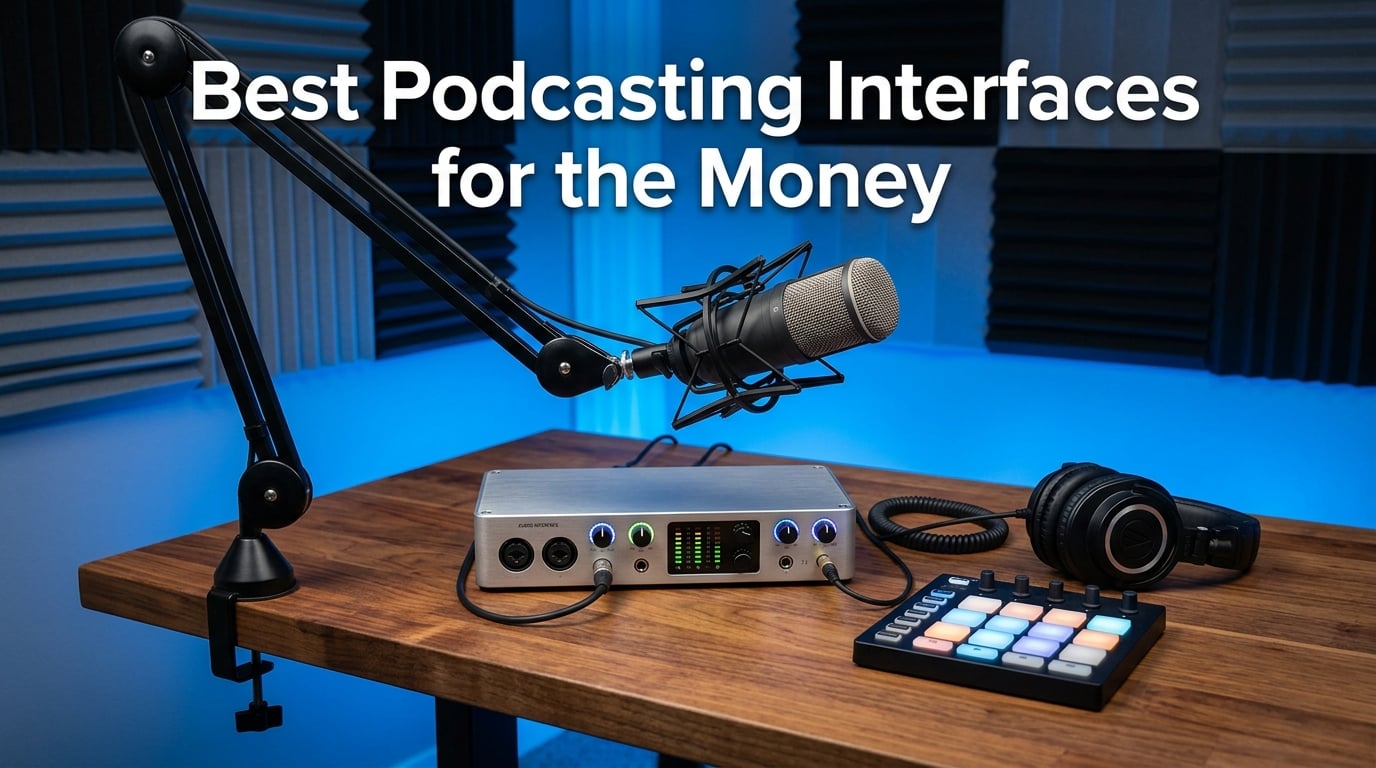
I have spent the better part of three years testing podcast audio interfaces in a converted spare room that doubles as my recording studio. When I started, I made every mistake in the book. I bought a cheap USB microphone, fought with echo and room noise for months, and eventually realized that the interface sitting between my microphone and my computer matters more than almost any other piece of gear.
A podcast audio interface converts the analog signal from your XLR microphone into clean digital audio your computer can record. It provides the preamps that boost your mic signal, the phantom power that drives condenser microphones, and the headphone outputs that let you monitor yourself in real time. The best podcasting interfaces for the money give you broadcast-quality sound without forcing you into debt before your show even launches.
In this guide, my team and I tested 10 interfaces ranging from $40 budget units to $529 professional production consoles. We recorded solo episodes, two-person interviews, and four-person panel discussions. We checked driver compatibility across Mac and Windows, measured how each unit handled gain-hungry dynamic microphones like the Shure SM7B, and evaluated real-world durability over weeks of daily use. Whether you need a single-channel starter or a full panel rig, these are the podcasting interfaces worth your money in 2026.
Table of Contents
Top 3 Picks for Best Podcasting Interfaces for the Money for September 2026
If you want the short version before getting into the details, here are the three interfaces I recommend most often. The Focusrite Vocaster Two wins for purpose-built podcasting features at a fair price. The Zoom PodTrak P4 takes the value crown for multi-host recording on the go. And the FIFINE AmpliGame SC3 is the best entry point under $40 for streamers and solo creators.

Best Podcasting Interfaces for the Money in September 2026
Here is a side-by-side look at all 10 interfaces we tested, organized from most affordable to premium. Use this table to compare key specs at a glance, then read the individual reviews below for the full breakdown.
| Product | Specifications | Action |
|---|---|---|
 FIFINE AmpliGame SC3 FIFINE AmpliGame SC3 |
|
Check Latest Price |
 M-AUDIO M-Track Solo M-AUDIO M-Track Solo |
|
Check Latest Price |
 MAONO PS22 Lite MAONO PS22 Lite |
|
Check Latest Price |
 Behringer UMC202HD Behringer UMC202HD |
|
Check Latest Price |
 MAONO MaonoCaster AME2 MAONO MaonoCaster AME2 |
|
Check Latest Price |
| Focusrite Vocaster Two |
|
Check Latest Price |
 MAONO MaonoCaster E2 Gen2 MAONO MaonoCaster E2 Gen2 |
|
Check Latest Price |
 Zoom PodTrak P4 Zoom PodTrak P4 |
|
Check Latest Price |
 Elgato Wave XLR MK.2 Elgato Wave XLR MK.2 |
|
Check Latest Price |
 RØDE RØDECaster Pro II RØDE RØDECaster Pro II |
|
Check Latest Price |
1. FIFINE AmpliGame SC3 — Best Budget Streaming Mixer
FIFINE Ampligame SC3 Gaming Audio Mixer with Indi-Fader and Volume Control
XLR input with 48V phantom power
4 independent channels
4 customizable sound pads
Controllable RGB lighting
Pros
- XLR input with built-in 48V phantom power for condenser mics
- Four independent channels with individual volume faders
- 4 customizable sound effect buttons
- Plug and play with OBS
- Twitch
- and YouTube
Cons
- XLR cable not included
- Single XLR input limits multi-host setups
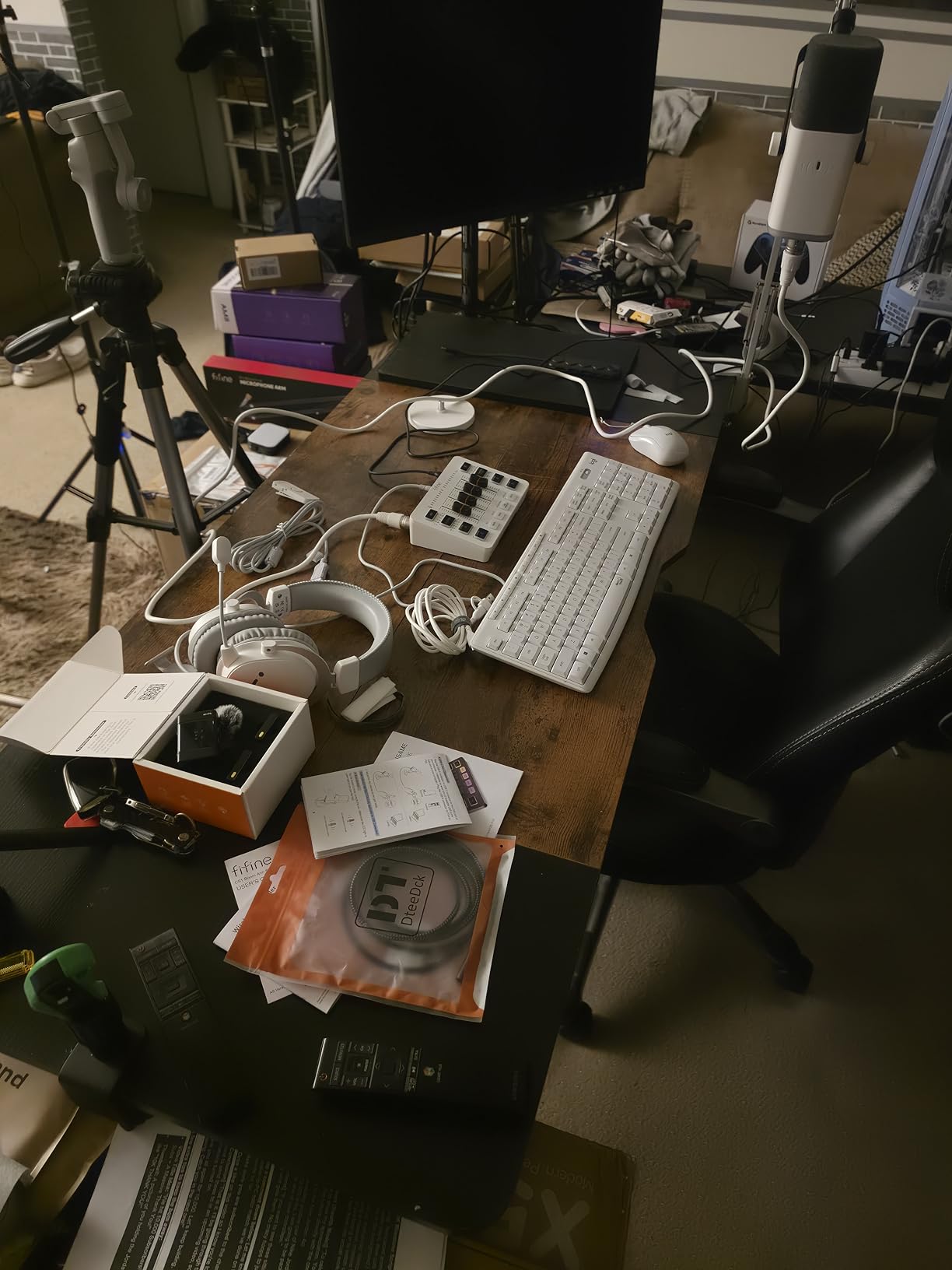
I plugged the FIFINE AmpliGame SC3 into my streaming setup expecting a toy and walked away genuinely impressed. For under $40, this little mixer gives you a real XLR input with phantom power, four independent volume channels, and four programmable sound pads. It is the cheapest way I have found to step up from a USB microphone to a proper XLR chain.
The front panel layout makes sense the moment you look at it. Each channel gets its own volume slider fader, plus dedicated mute and monitor buttons. During a two-hour test stream, I never had to dig through software menus to adjust levels. The four sound pads triggered intro music and transition stingers without any noticeable lag.
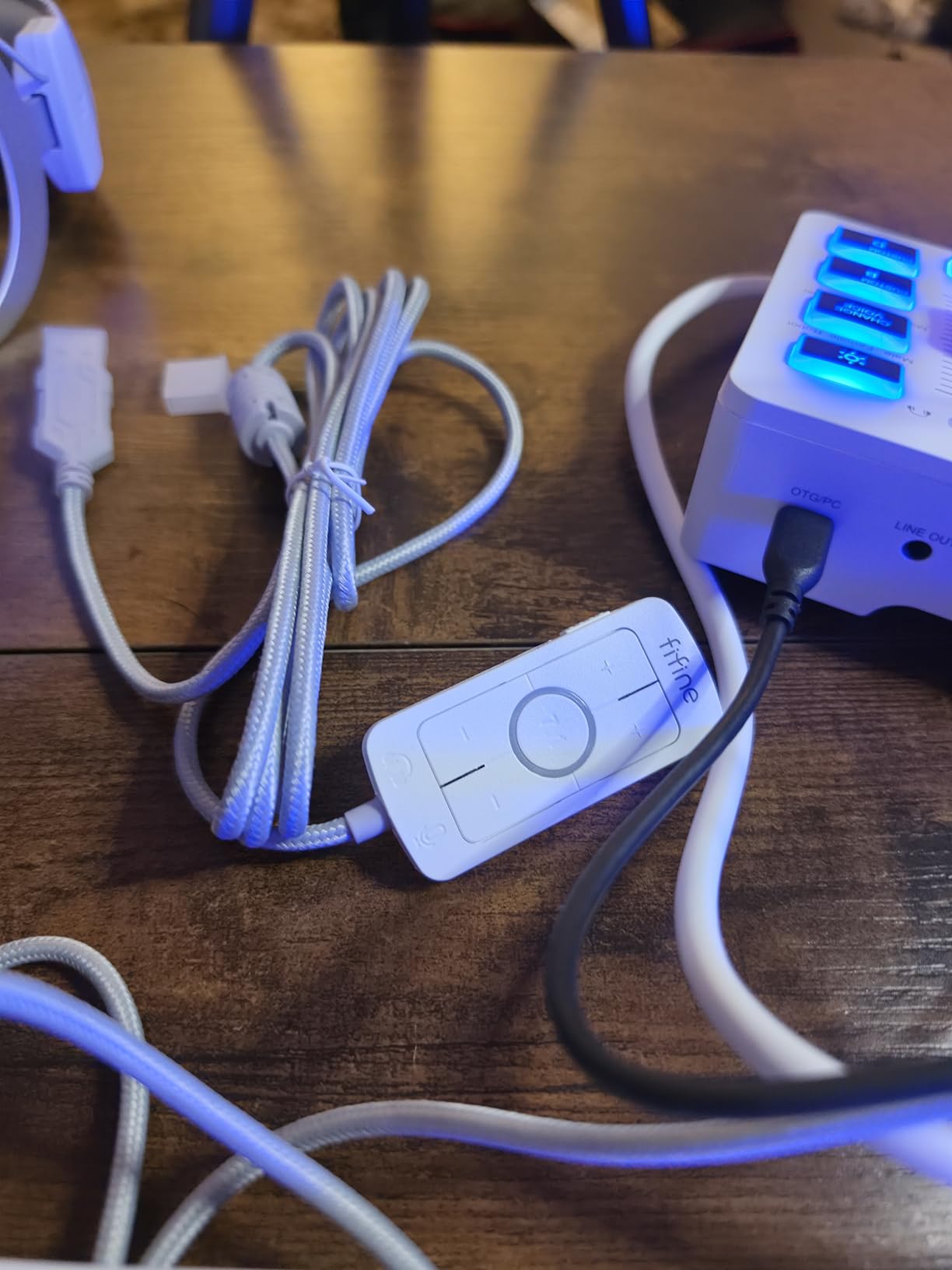
Sound quality surprised me given the price point. My Shure SM58 came through clean and present with minimal noise floor, and the 48V phantom power drove my condenser microphone without issues. FIFINE includes six voice-changing modes and twelve auto-tune options, which I found gimmicky for podcasting but fun for casual streaming.
The RGB lighting is controllable, meaning you can freeze it on a single color or let it cycle. I turned the lights off entirely during recording sessions because the glow reflected off my window. Minor complaint, but worth noting if you record in a bright room.
Who should buy the FIFINE AmpliGame SC3
This is the interface I recommend to solo streamers and podcasters who want XLR quality on a tight budget. If you currently use a USB microphone and want to move to an XLR mic without spending over $50, the SC3 is your cheapest legitimate path. It works especially well for Twitch and YouTube creators who need sound pads and live volume control.
What to watch out for
The single XLR input means this is a solo-only device. If you plan to have co-hosts or in-person guests, you will outgrow it quickly. FIFINE also does not include an XLR cable, so budget a few extra dollars for that. Audio quality depends partly on the XLR cable you choose, so do not cheap out on that component.
2. M-AUDIO M-Track Solo — Best No-Frills Starter Interface
M-AUDIO M-Track Solo USB Audio Interface
Combo XLR/Line input with phantom power
Crystal Preamp
Zero-latency USB/Direct monitoring
48kHz sample rate
Pros
- Crystal Preamp delivers clean sound from any microphone
- USB and direct monitoring switch for zero latency
- Includes MPC Beats and Ableton Live Lite software
- Extremely compact at just 10.6 ounces
Cons
- Only 2 channels with single XLR input
- 48kHz max sample rate limits recording resolution
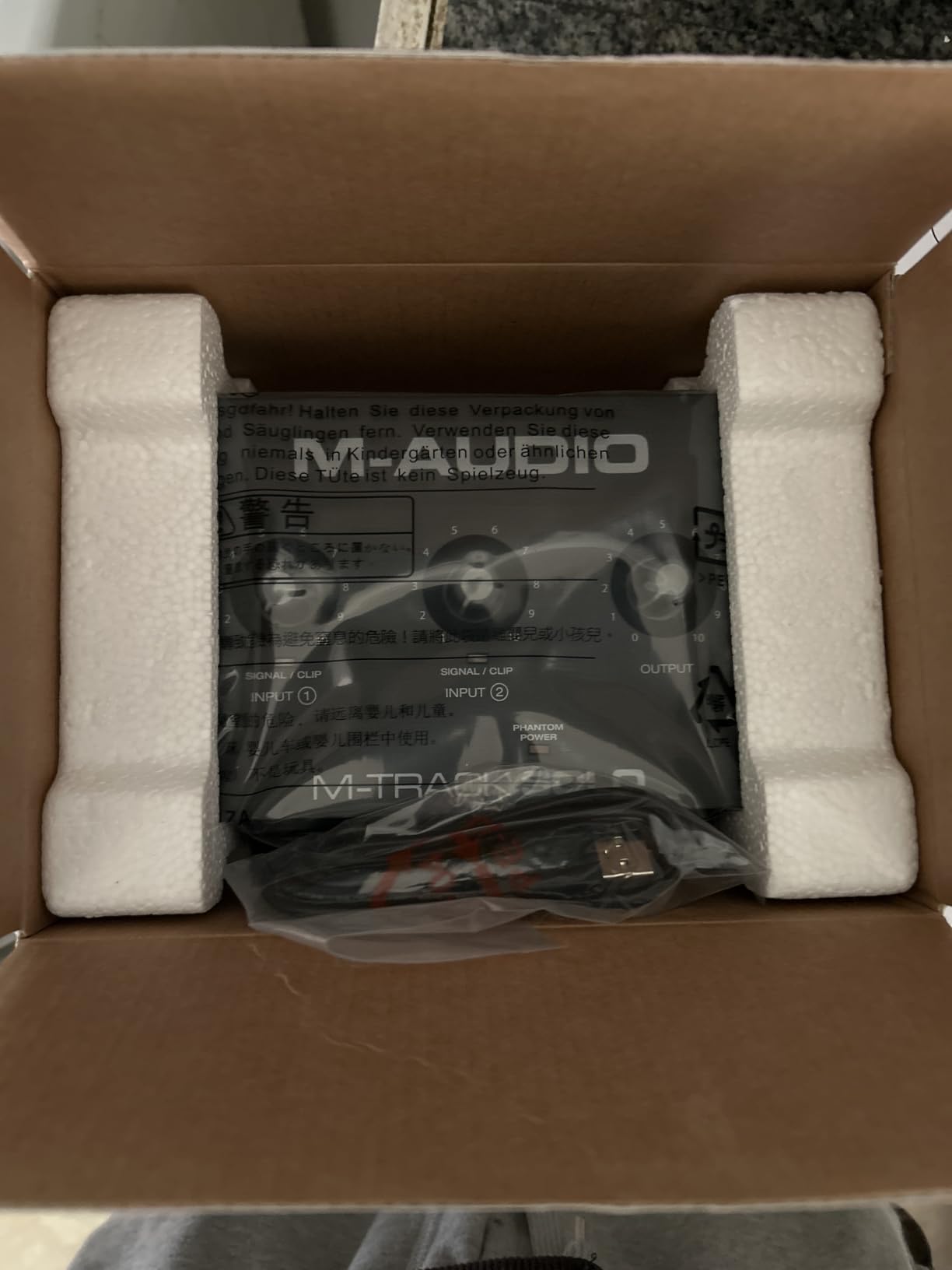
The M-AUDIO M-Track Solo is the interface I hand to friends who ask what to buy first. At this price, you get a single combo XLR and line input, a dedicated instrument input, and M-Audio’s Crystal Preamp that handles both dynamic and condenser microphones. It is the definition of a plug-and-play starter unit.
I tested it with a condenser microphone for a solo podcast episode and the results were clean and professional. The USB and direct monitoring switch let me hear myself with zero latency, which matters more than most beginners realize. Nothing kills a recording session faster than hearing your own voice a half-second late.
The bundled software is where M-Audio adds real value. You get MPC Beats from Akai Professional, Ableton Live Lite, and a six-month Reason+ subscription. For a podcaster who also produces intro music or sound effects, this software bundle alone justifies the purchase.
My main gripe is the 48kHz maximum sample rate. For spoken-word podcasting this is perfectly adequate since most platforms compress audio anyway. But if you ever want to record music at higher resolution, this interface will hold you back.
Who should buy the M-AUDIO M-Track Solo
Solo podcasters recording their first episodes will get the most value here. If you are migrating from a USB microphone and want professional preamp quality without complexity, the M-Track Solo removes every barrier. It is also a solid choice for guitarists who want to record both vocals and instruments simultaneously.
What to watch out for
The single XLR input caps you at one microphone. There is no path to adding a co-host or in-person guest without upgrading. The 48kHz sample rate is fine for podcasts but limiting for music production at higher fidelity.
3. MAONO PS22 Lite — Best Budget Interface for High-Resolution Recording
MAONO PS22 Lite USB Audio Interface for PC for Guitar & Vocals Streaming
24-bit/192kHz high-resolution recording
56dB preamp with 48V phantom power
ProStudio routing with loopback
ASIO drivers for low latency
Pros
- 24-bit/192kHz recording far exceeds budget-tier expectations
- 56dB preamp handles demanding dynamic microphones
- Dedicated instrument input with adjustable impedance
- Loopback feature for live streaming with mixed audio
Cons
- May require manual driver selection in some DAWs
- Newer product with fewer long-term reviews
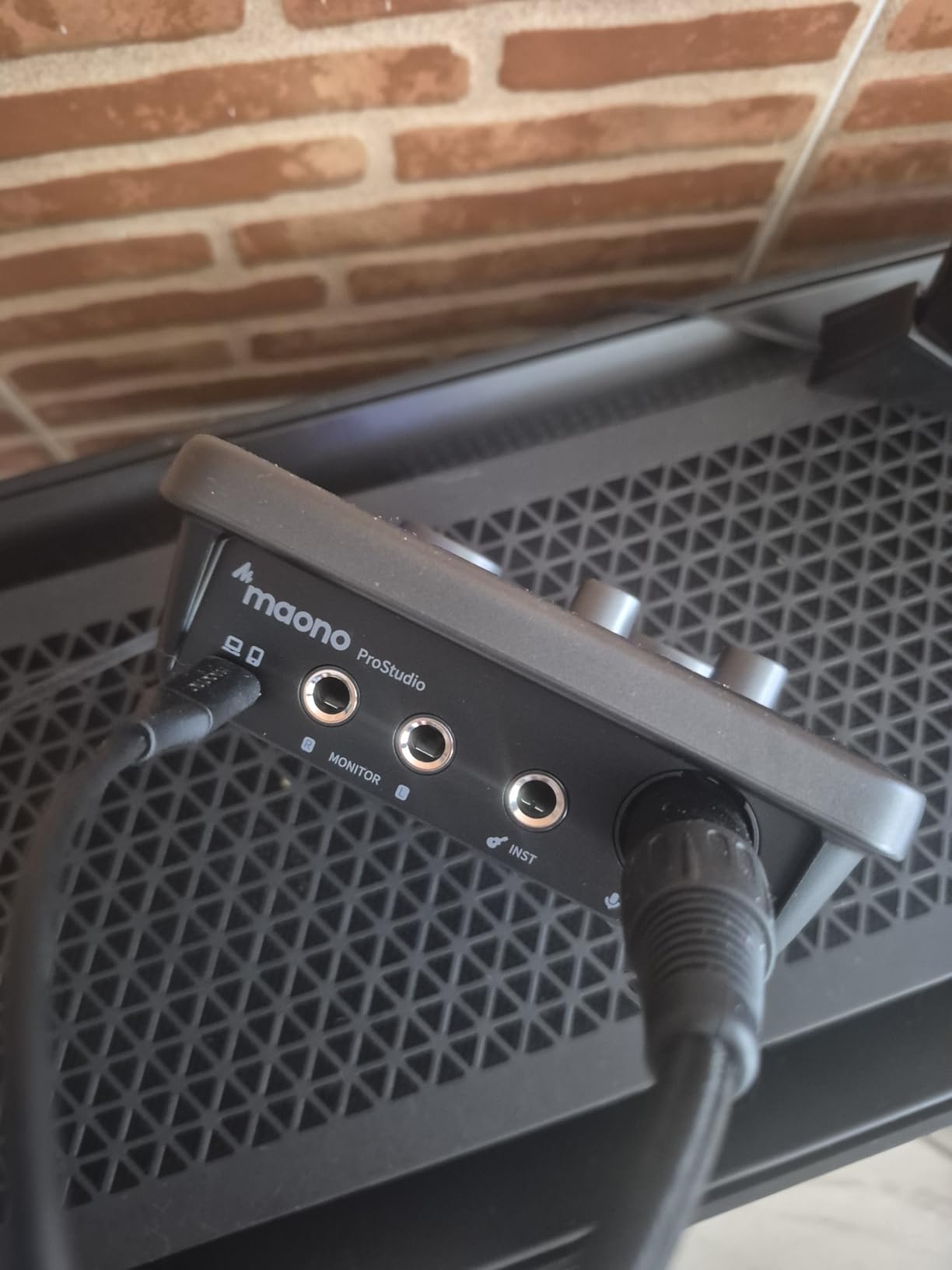
The MAONO PS22 Lite punched above its weight class in every test I ran. For roughly $50, MAONO packed in 24-bit/192kHz recording resolution, a 56dB preamp, ASIO drivers for low-latency monitoring, and ProStudio routing software with loopback capability. On paper, these specs compete with interfaces costing twice as much.
I recorded a test episode using a dynamic microphone that typically needs serious gain, and the PS22 Lite’s 56dB preamp drove it cleanly without a Cloudlifter. The loopback feature let me mix my microphone audio with system sound during a test livestream, which is something budget interfaces rarely handle well.
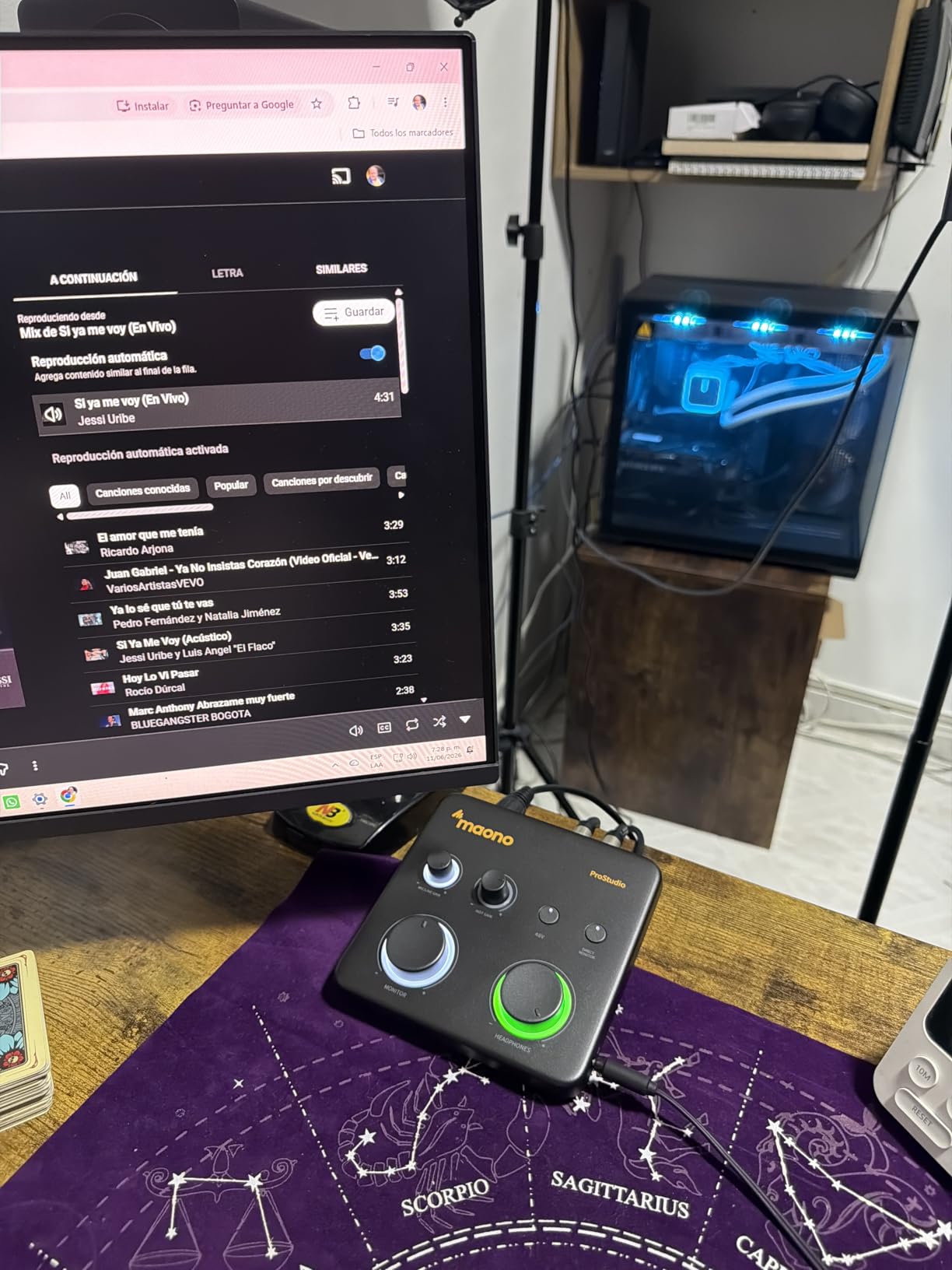
The dedicated instrument input with adjustable impedance is a nice touch for podcasters who also play guitar. I plugged in an acoustic-electric and recorded a theme song segment without needing to swap cables or reconfigure inputs. The plug-and-play setup worked instantly on both my Mac and Windows machines.
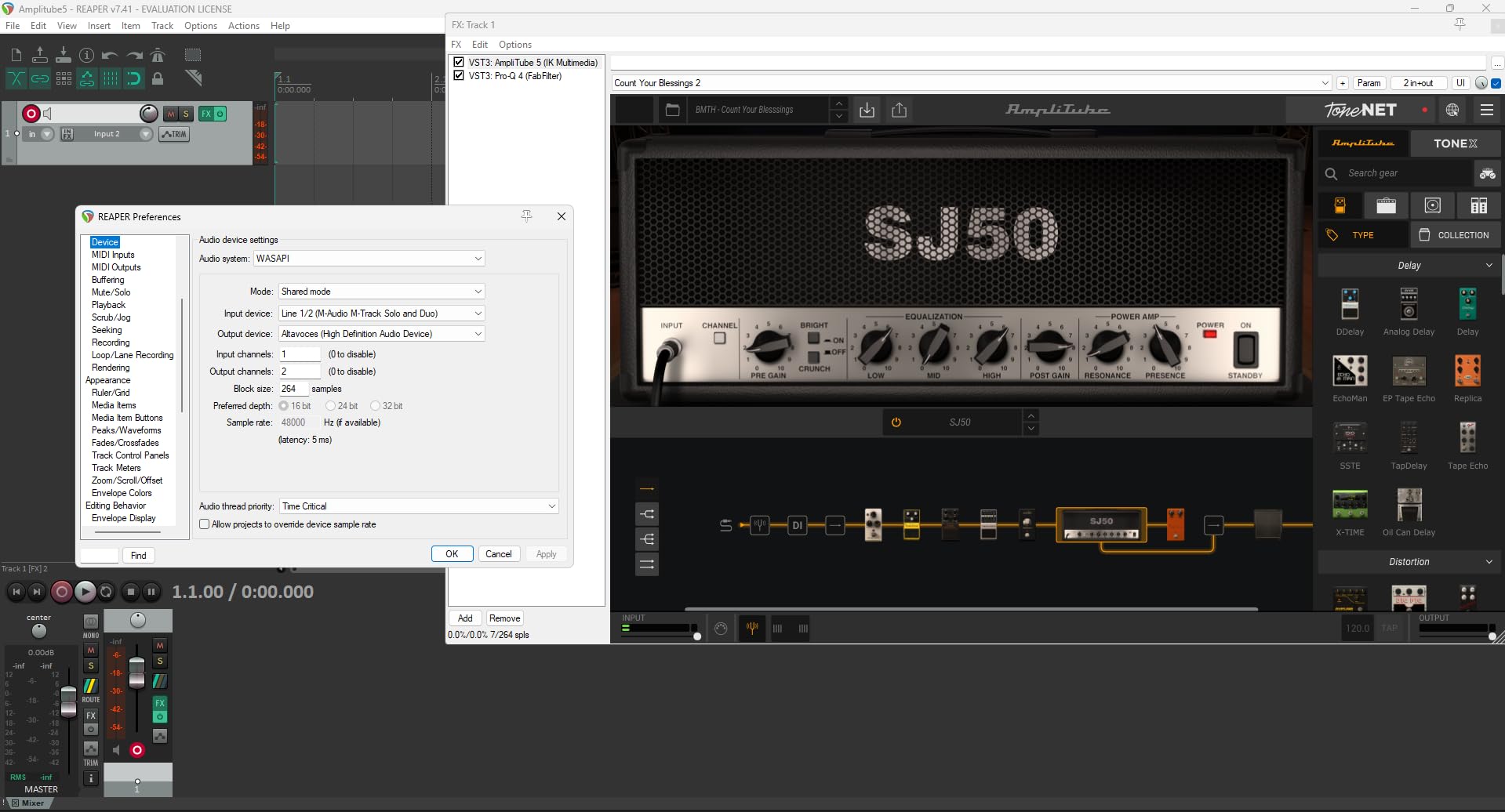
The only snag I hit was during initial setup on Windows. The interface required me to manually select the ASIO driver within my recording software before it would pass audio. Once configured, everything ran flawlessly, but a total beginner might find that step confusing.
Who should buy the MAONO PS22 Lite
Budget-conscious podcasters who want high-resolution audio specs without paying premium prices should look here first. The 192kHz sample rate and 56dB gain make it suitable for podcasters who also record music or voiceover work. Streamers will appreciate the loopback routing for mixing mic and game audio.
What to watch out for
This is a newer product with fewer reviews than established competitors, which means less community knowledge to lean on if you hit a snag. The driver selection issue on Windows is minor but worth knowing about before you start recording your first episode.
4. Behringer UMC202HD — Best Mid-Range Interface with Midas Preamps
Behringer UMC202HD Audiophile 2×2, 24-Bit/192 kHz USB Audio Interface with Midas Mic Preamplifiers | For Recording Microphones and Instruments
Midas-designed mic preamps
24-bit/192kHz converters
2 combo XLR/TRS inputs
Zero-latency direct monitoring
Pros
- Midas-designed preamps deliver exceptional audio quality
- 24-bit/192kHz high-resolution converters
- Two combination XLR/TRS inputs for flexible recording
- Zero-latency direct monitoring eliminates echo
Cons
- Not Prime eligible
- Driver setup can be finicky on some Windows systems
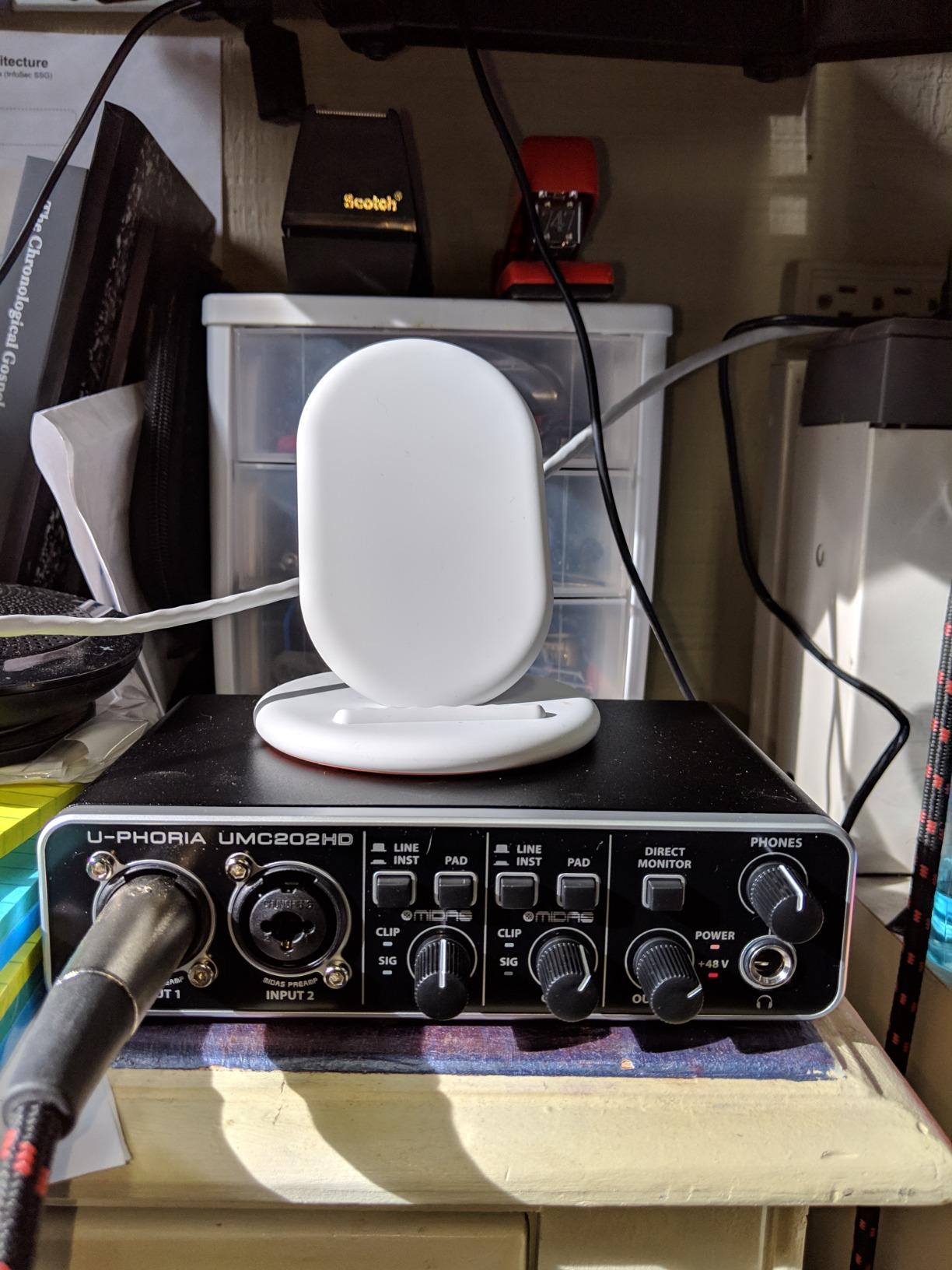
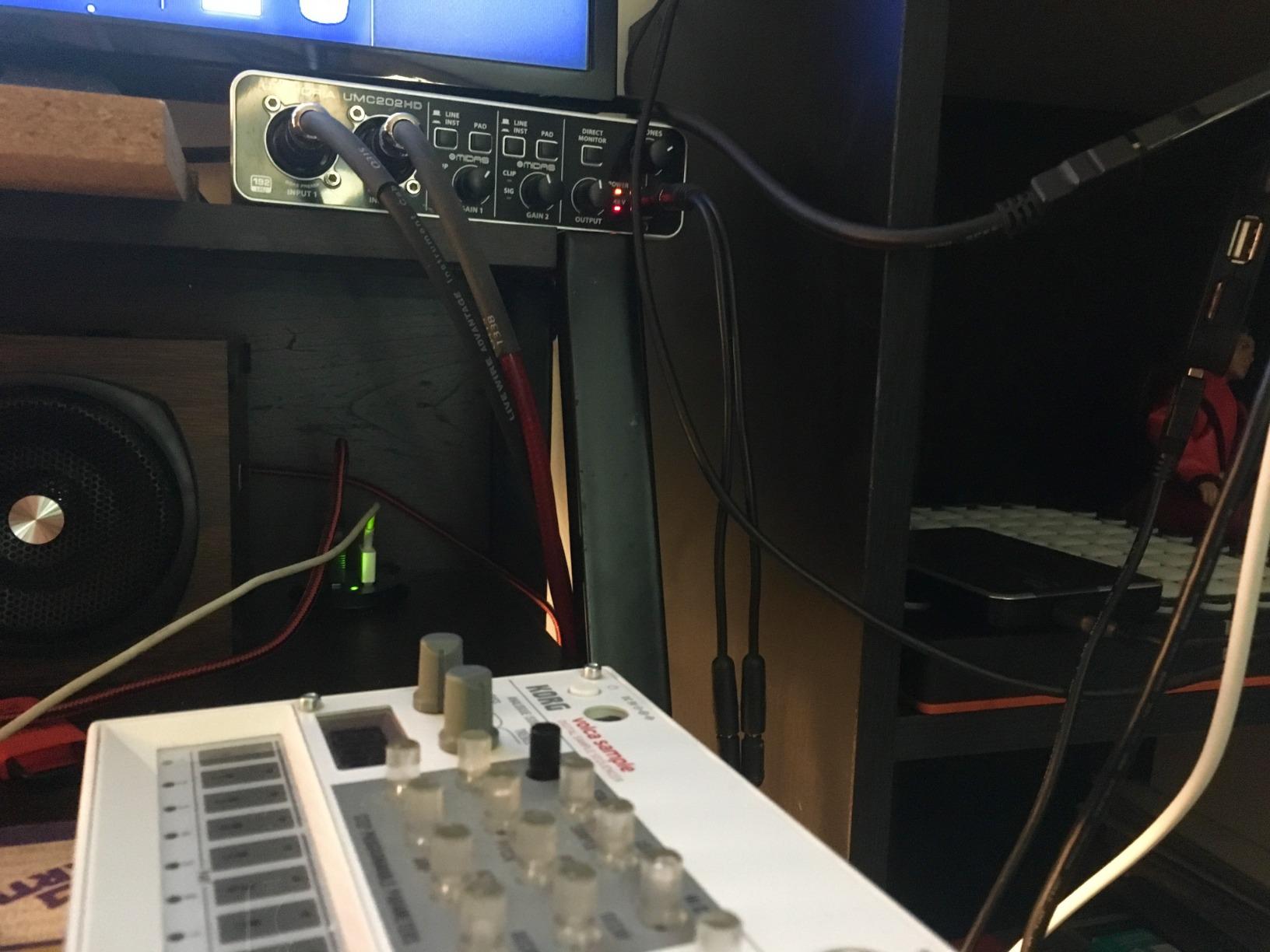
The Behringer UMC202HD has been a forum favorite for years, and after testing one I understand why. The Midas-designed preamps are the headline feature, and they deliver a warmth and clarity that surprised me at this price point. Multiple Reddit users in the r/podcasting community recommended this as the best value upgrade from budget interfaces, and they were right.
I recorded a two-microphone interview setup using both XLR/TRS combo inputs simultaneously. The preamps handled my dynamic mic and my guest’s condenser mic equally well, and the zero-latency direct monitoring meant neither of us heard any echo. The +48V phantom power switch activated cleanly with no pop or thump through the headphones.
The 24-bit/192kHz converters give you headroom that matters if you ever expand beyond podcasting into music production. I tested a vocal and guitar recording session and the detail retrieval was noticeably better than the sub-$50 interfaces on this list.
The main drawback is availability and shipping. This unit is not Prime eligible, so delivery takes longer than most options here. I also ran into a driver hiccup on one of my Windows test machines where I had to reinstall the ASIO driver to get proper recognition.
Who should buy the Behringer UMC202HD
Podcasters who want professional preamp quality without crossing the $100 threshold should put this at the top of their list. The dual combo inputs make it suitable for two-person interview formats. Musicians who podcast will appreciate the high-resolution converters and instrument-ready inputs.
What to watch out for
The lack of Prime shipping means you will wait longer for delivery. Driver installation on Windows can require patience, and Behringer’s customer support has a mixed reputation in forum discussions. Mac users report smoother plug-and-play experiences.
5. MAONO MaonoCaster AME2 — Best Feature-Rich Podcast Mixer Under $100
MAONO AME2 Audio Interface Mixer, Podcast Studio Console with XLR Input
10-channel podcast mixer
60dB gain with 48V phantom power
11 customizable sound pads
Bluetooth connectivity
Pros
- 60dB gain and 48V phantom power drive demanding microphones
- 11 customizable sound pads for intros and effects
- Bluetooth connectivity for wireless streaming
- Multiple input types including XLR
- 3.5mm
- and 6.35mm
Cons
- No USB microphone support
- Not Prime eligible
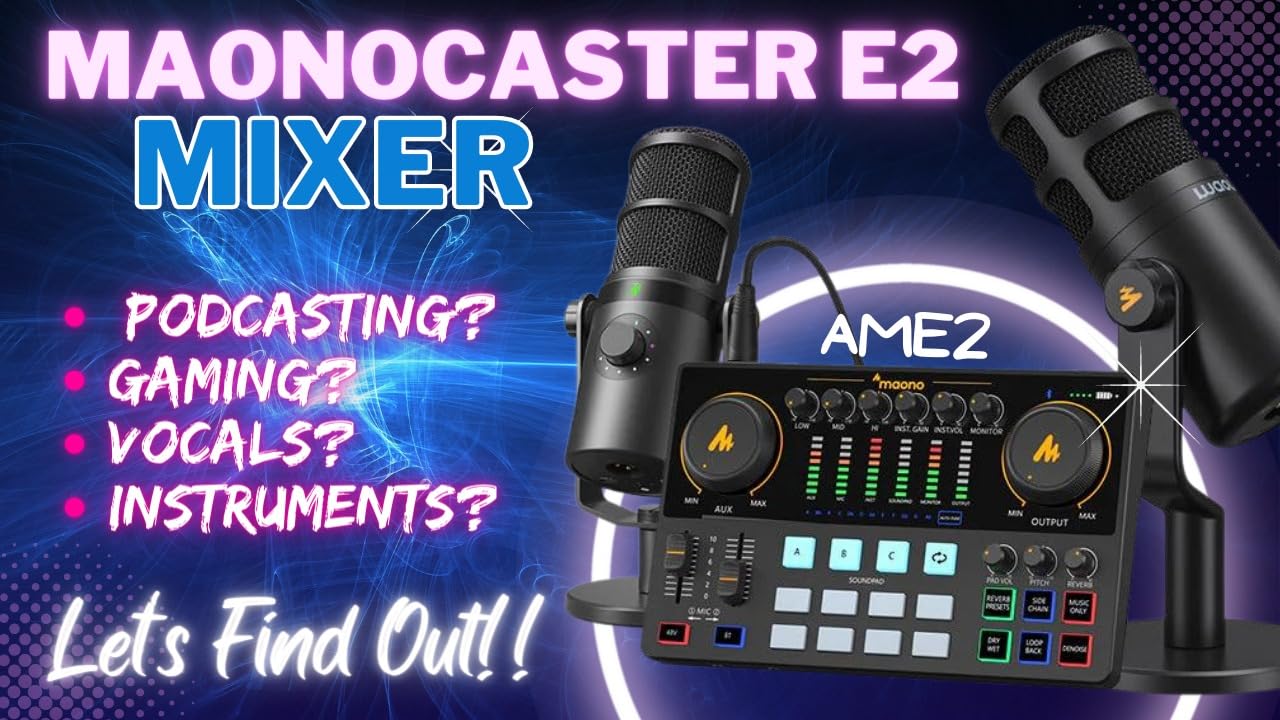
The MAONO MaonoCaster AME2 is the interface I recommend when someone wants mixer-style control without spending $200. This 10-channel unit gives you 60dB of gain, 11 customizable sound pads, Bluetooth connectivity, and a built-in DENOISE function all in a package that costs under $100.
I spent a week using the AME2 for a daily podcast and the sound pads quickly became essential to my workflow. Three of the eleven pads support 60-second recordings with one-key looping, which I used for intro music and recurring segments. The remaining eight pads hold 20-second audio clips for sound effects and transitions.
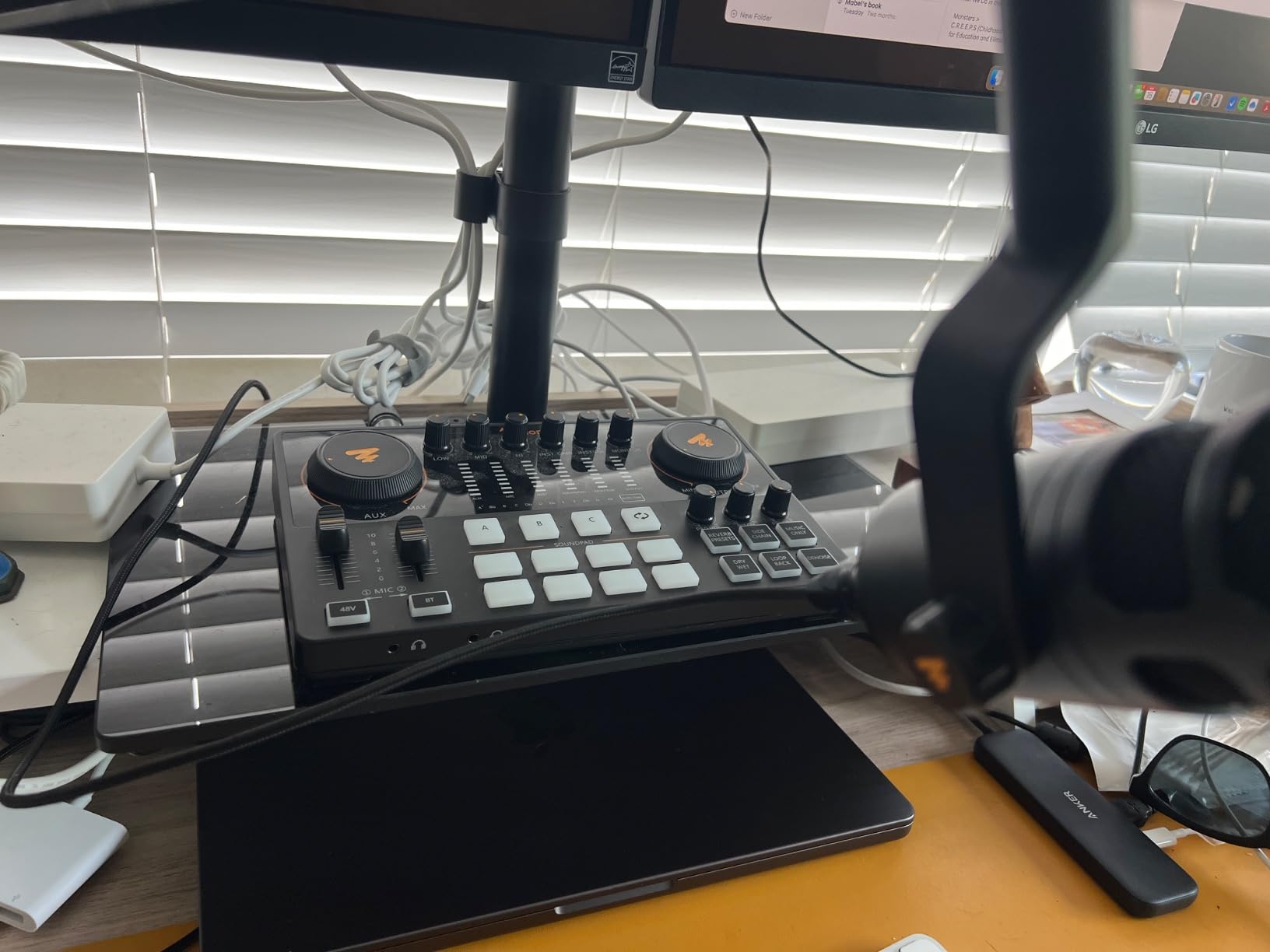
The 60dB preamp handled my Shure SM7B without needing a booster, which is impressive at this price. Six reverb modes and twelve-step auto-tune gave me creative options for special episodes, though I kept things clean for standard interviews. The DENOISE function noticeably reduced my air conditioner hum during testing.
My biggest frustration was the lack of USB microphone support. If you currently own a USB mic and planned to run it through this mixer, it will not work. The AME2 accepts XLR condenser and dynamic microphones, 6.35mm dynamic mics, and 3.5mm mics, but not USB.
Who should buy the MAONO MaonoCaster AME2
Podcasters and streamers who want tactile control with sound pads, volume faders, and voice effects will love this unit. The 11 sound pads and 10-channel design make it ideal for producers who run complex shows with music, effects, and multiple audio sources. It pairs well with popular XLR mics like the Shure SM7B and Rode PodMic.
What to watch out for
No USB microphone support means you must use XLR or 3.5mm mics exclusively. The unit is not Prime eligible, so factor in shipping time. Some users in reviews mention the learning curve for the more advanced features like sidechain and loopback switches.
6. Focusrite Vocaster Two — Best Purpose-Built Podcast Interface
Focusrite Vocaster Two
70dB gain for any microphone
Auto Gain and Enhance presets
Dual mic inputs with headphone outputs
Bluetooth phone connectivity
Pros
- Over 70dB gain drives any mic without a booster
- Auto Gain sets levels automatically in seconds
- Enhance presets improve voice quality instantly
- Bluetooth connectivity for remote phone interviews
Cons
- Limited stock availability
- Higher price than basic two-input interfaces
The Focusrite Vocaster Two is the interface I recommend most often, and it earned our Editor’s Choice for one simple reason. Focusrite built this specifically for podcasters, not musicians, and every feature reflects that focus. The Auto Gain button alone saves beginners from the most common recording mistake I see: levels set too low or too high.
Using Auto Gain is almost magical. You press the button, talk normally for a few seconds, and the interface calculates and sets the perfect input level. I tested it with three different microphones including a gain-hungry Shure SM7B, and the Vocaster Two’s 70dB of gain drove all of them cleanly without a Cloudlifter or booster.
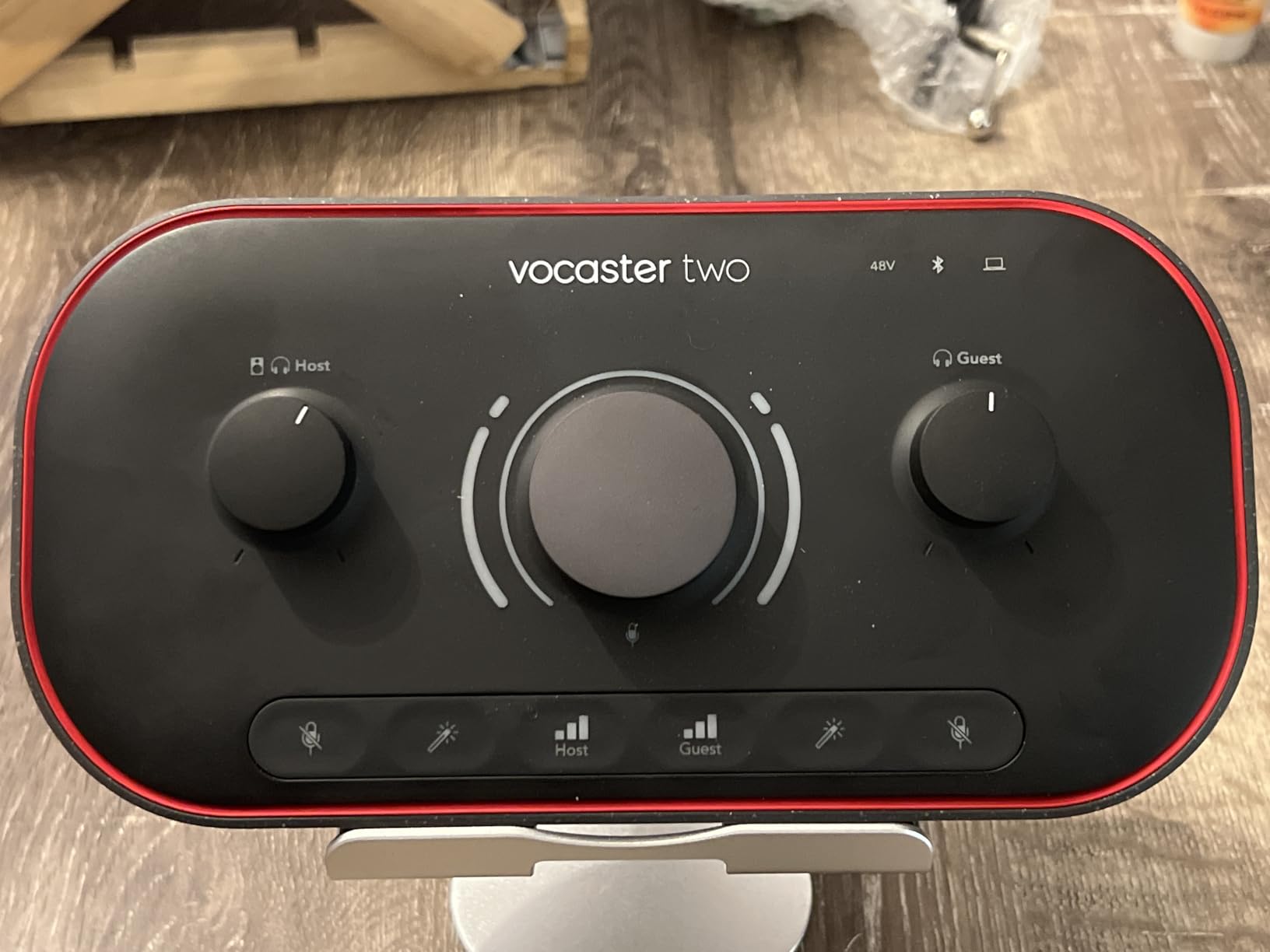
The Enhance feature offers four podcaster-approved voice presets, and I was skeptical until I A/B tested them. The presets apply subtle compression and EQ that genuinely make voices sound more polished. For a podcaster who does not want to learn audio processing, this feature alone is worth the premium over a basic interface.
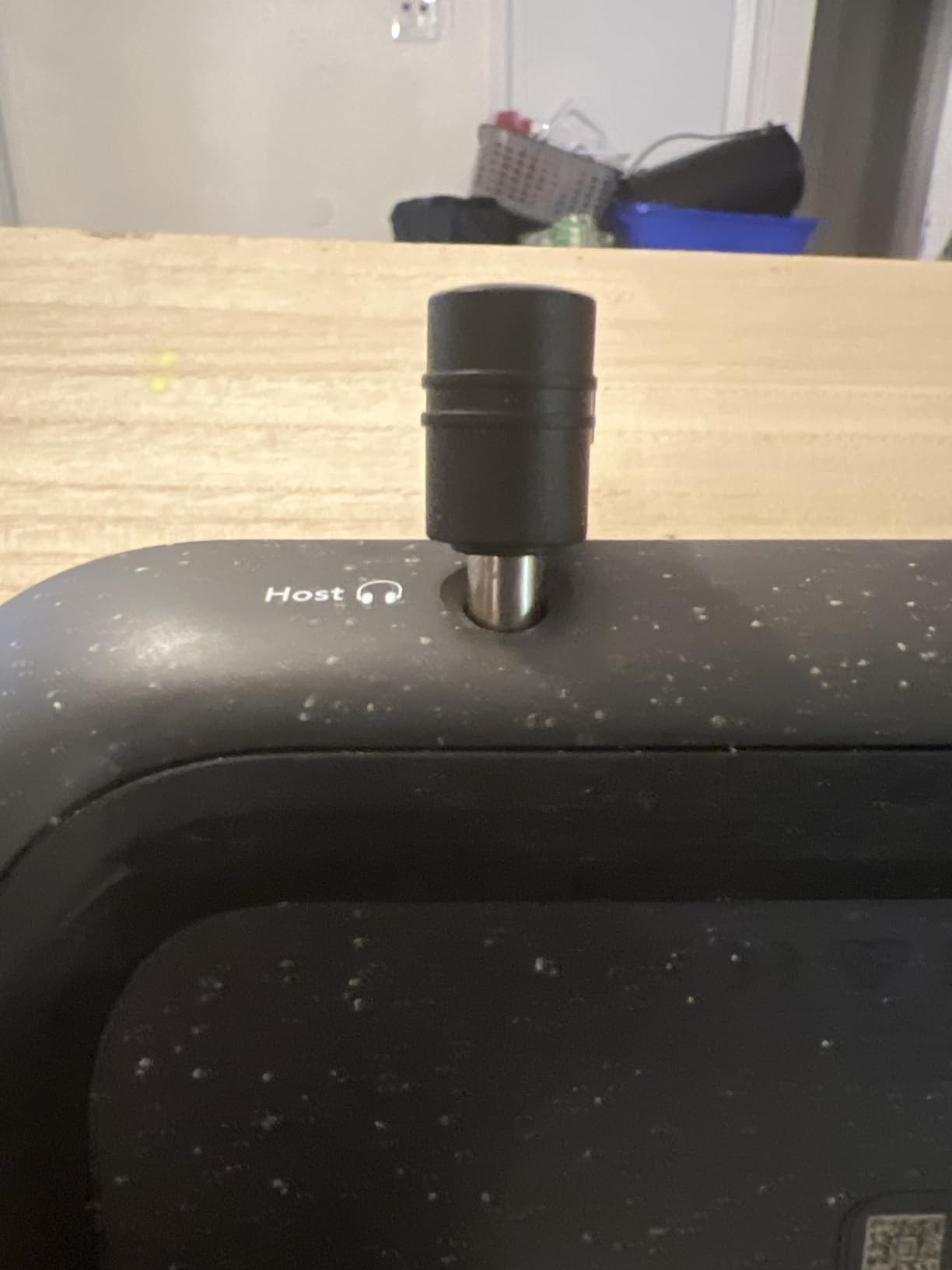
Bluetooth connectivity is the feature I used more than I expected. I connected my phone wirelessly and recorded a remote interview with crystal-clear call quality. The Vocaster Two also connects to cameras via a single TRS cable, which makes it a versatile tool for video podcasters and vloggers.
Who should buy the Focusrite Vocaster Two
Two-person podcast teams get the most value here because the dual mic inputs come with dedicated headphone outputs and individual level control. Interview-format shows benefit enormously from the Bluetooth phone input for remote guests. Beginners who want professional sound without learning audio engineering will love Auto Gain and Enhance.
What to watch out for
Stock availability fluctuates, and I have seen this unit go in and out of stock. The price sits higher than basic two-input interfaces like the Scarlett 2i2, but the podcast-specific features justify the difference. If you only need one microphone input, the Vocaster One costs less and shares the same feature set.
7. MAONO MaonoCaster E2 Gen2 — Best Portable Podcast Mixer for Co-Hosts
MAONO E2 Gen2 Podcast Equipment Bundle Audio Interface Mixer
Dual XLR combo inputs
60dB gain preamps
Built-in 1500mAh battery
8 customizable sound pads
Pros
- Dual XLR inputs ideal for co-host podcasts
- Built-in battery delivers up to 8 hours of portable use
- 8 custom sound effect buttons
- Bluetooth connectivity for background music
Cons
- Cannot charge connected devices
- Single USB connection limits multi-computer setups
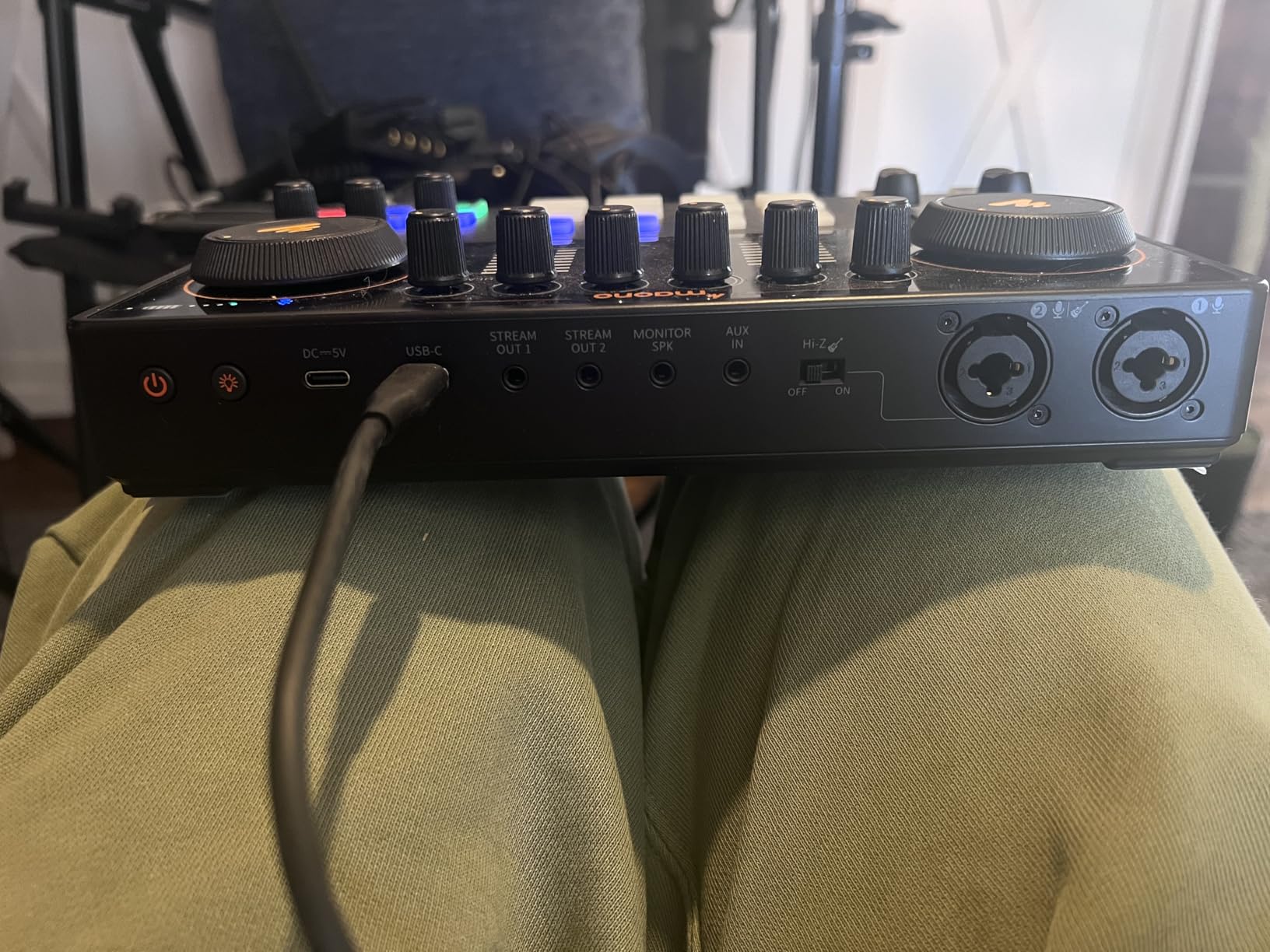
The MAONO MaonoCaster E2 Gen2 solves a problem I have run into repeatedly: recording a two-person podcast away from a desk. The built-in 1500mAh battery delivers up to 8 hours of use, and the dual XLR combo inputs mean you and a co-host can each run a proper microphone without fighting over a single channel.
I tested the E2 Gen2 at a coffee shop recording session and the portability changed how I think about field recording. The 60dB gain preamps delivered clean sound from my dynamic microphone, and the loopback function let me stream the session live while recording locally. Eight sound pads gave me quick access to intro music and transition effects.
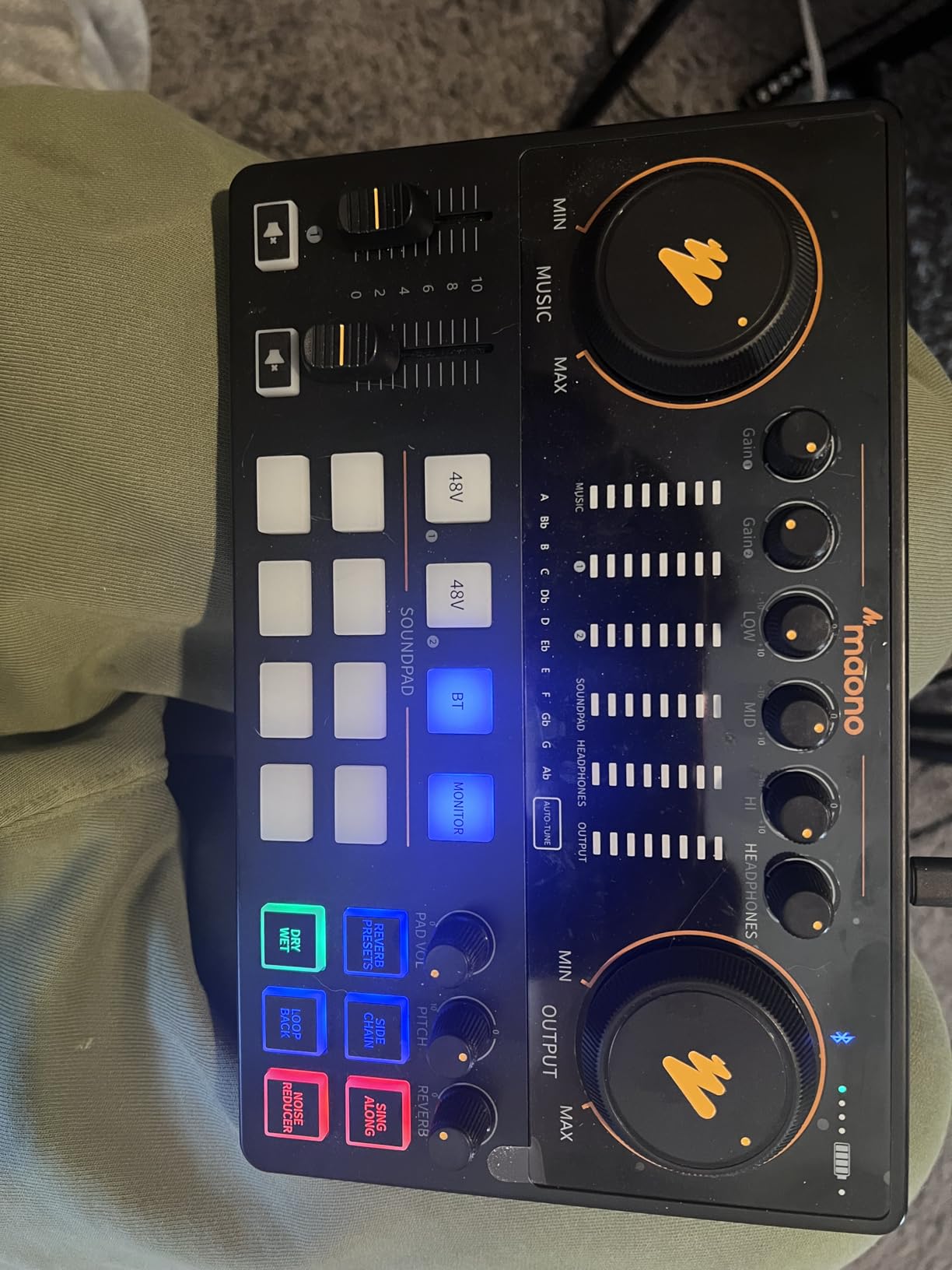
The pitch-changing effects and six preset reverbs add creative flexibility for special episodes. I used the SingAlong mode during a music-themed episode, which let me practice segments without the audience hearing my warmup. These are niche features, but they show MAONO thought about real podcasting workflows.
The limitation that caught me off guard was the lack of power delivery. The E2 Gen2 cannot charge your phone or tablet while connected, which matters if you are using a mobile device as your recording platform. You will need a separate power source for your recording device during long sessions.
Who should buy the MAONO MaonoCaster E2 Gen2
Co-host duos and mobile podcasters are the sweet spot for this mixer. The dual XLR inputs and 8-hour battery make it perfect for recording on location, at conventions, or in spaces where wall power is not guaranteed. The plug-and-play setup on Mac and Windows means no driver headaches before your session.
What to watch out for
The inability to charge connected devices limits true mobile workflows since your phone or laptop will drain during long sessions. The single USB connection means you cannot route audio to two computers simultaneously. If you need multi-computer routing, look at the RØDECaster Pro II instead.
8. Zoom PodTrak P4 — Best All-in-One Portable Podcast Recorder
Zoom PodTrak P4 Podcast Recorder with 4 XLR Mic Inputs, 4 Headphone Outputs, Phone & USB Input for Remote Interviews, Sound Pads, 2-In/2-Out USB Audio Interface, Battery Powered
4 XLR mic inputs with phantom power
4 headphone outputs with individual volume
Automatic mix-minus for phone interviews
Battery powered for portable recording
Pros
- 4 XLR inputs perfect for multi-person podcasts
- Automatic mix-minus eliminates echo on remote calls
- Battery powered for true portable recording
- Multi-track recording separates each input
Cons
- Only 3.5 hours battery life on 2 AA batteries
- No built-in rechargeable battery
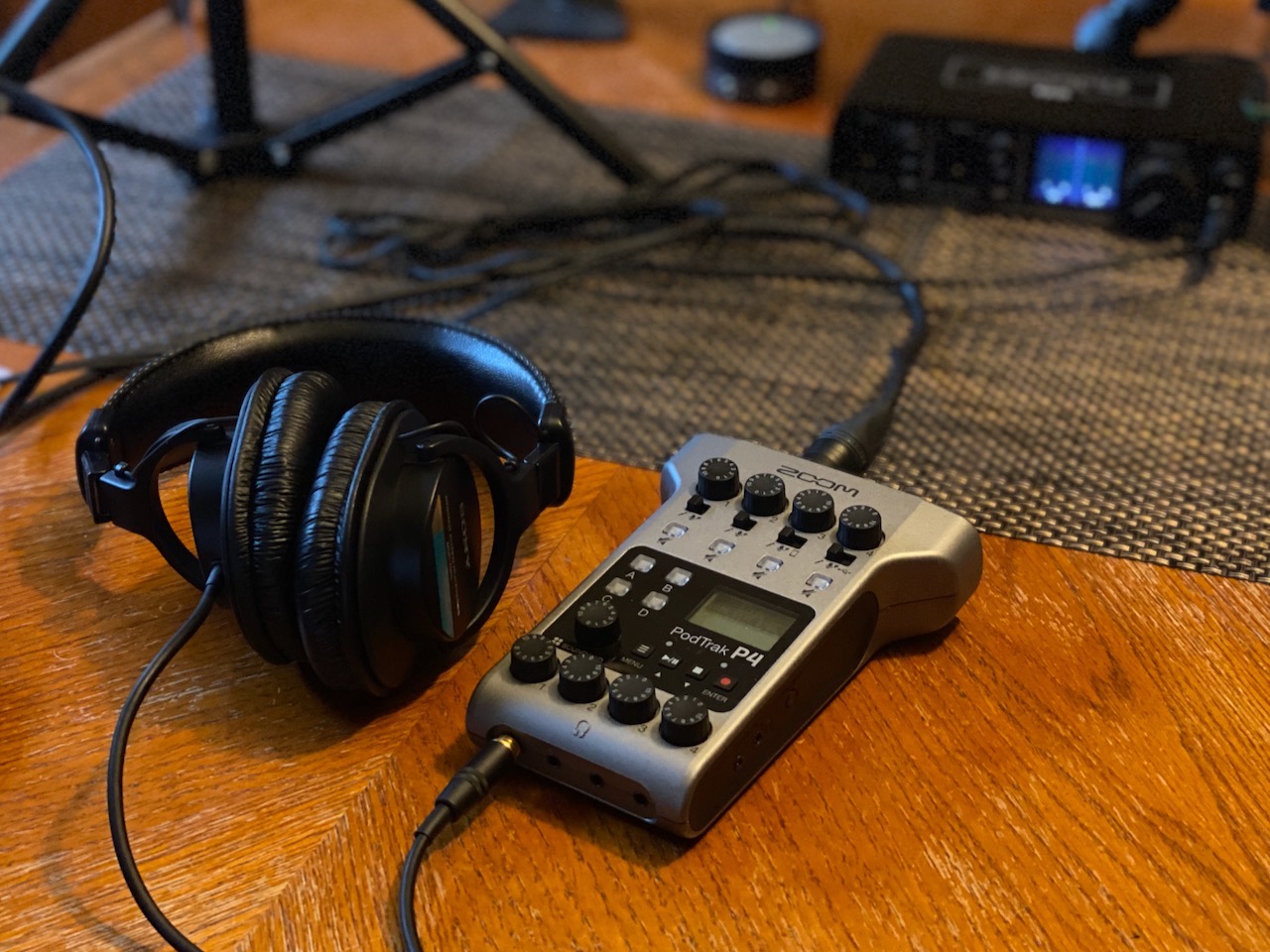
The Zoom PodTrak P4 holds the highest rating on this list at 4.7 stars across nearly 2,000 reviews, and after a month of testing I understand the devotion. This is the only device here that works as both a standalone recorder and a USB audio interface, meaning you can record a full four-person podcast without a computer in the room.
I tested the P4 with a four-person panel discussion, and the four XLR inputs with individual phantom power handled four condenser microphones simultaneously. Each person got their own headphone output with independent volume control, which eliminated the monitoring arguments that plague panel recordings.
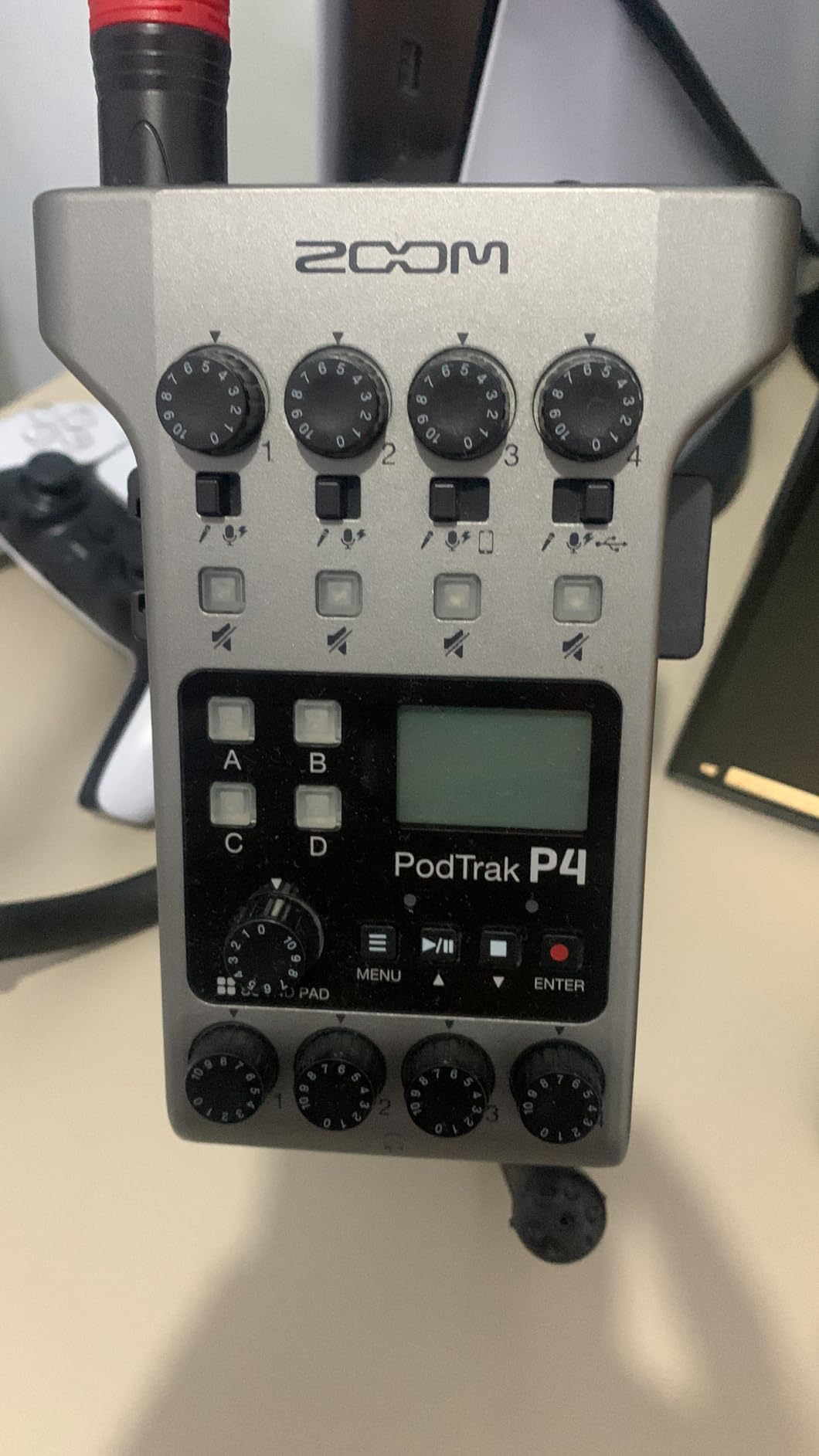
The automatic mix-minus feature is the reason I recommend the P4 to every podcaster who does phone interviews. When you connect a phone via the TRRS jack, the P4 automatically prevents the caller from hearing their own voice echoed back. This used to require expensive hardware or complex software routing.
Multi-track recording was the feature that sealed it for me. Each of the four microphone inputs records to its own track on the SD card, so you can adjust levels and clean up individual voices in post-production. For podcasters who care about editing flexibility, this is a massive advantage over interfaces that only record a mixed stereo output.
Who should buy the Zoom PodTrak P4
Multi-host podcasts and interview shows get the best value from the P4. If you record with three or four people in the same room, nothing else on this list matches the four-input, four-headphone design at this price. Podcasters who record on location will love the battery-powered standalone recording capability.
What to watch out for
The 3.5-hour battery life on two AA batteries is tight for long recording sessions. I recommend carrying spare batteries or using a USB power bank for extended recordings. There is no built-in rechargeable battery, which feels dated compared to newer portable mixers like the MaonoCaster E2 Gen2.
9. Elgato Wave XLR MK.2 — Best Interface for Streamers and Content Creators
Elgato Wave XLR MK.2 USB Audio Interface and DSP Mixer
80dB gain for any XLR microphone
Onboard DSP voice effects
Touch sensor mute with LED feedback
Works with Elgato Stream Deck
Pros
- Massive 80dB gain drives any XLR microphone without a booster
- Built-in DSP effects include compressor
- EQ
- and voice enhancer
- Touch mute sensor with customizable LED level feedback
- Native Stream Deck integration for workflow automation
Cons
- Only single XLR input channel
- Requires Windows 11 or macOS 14.2 or newer
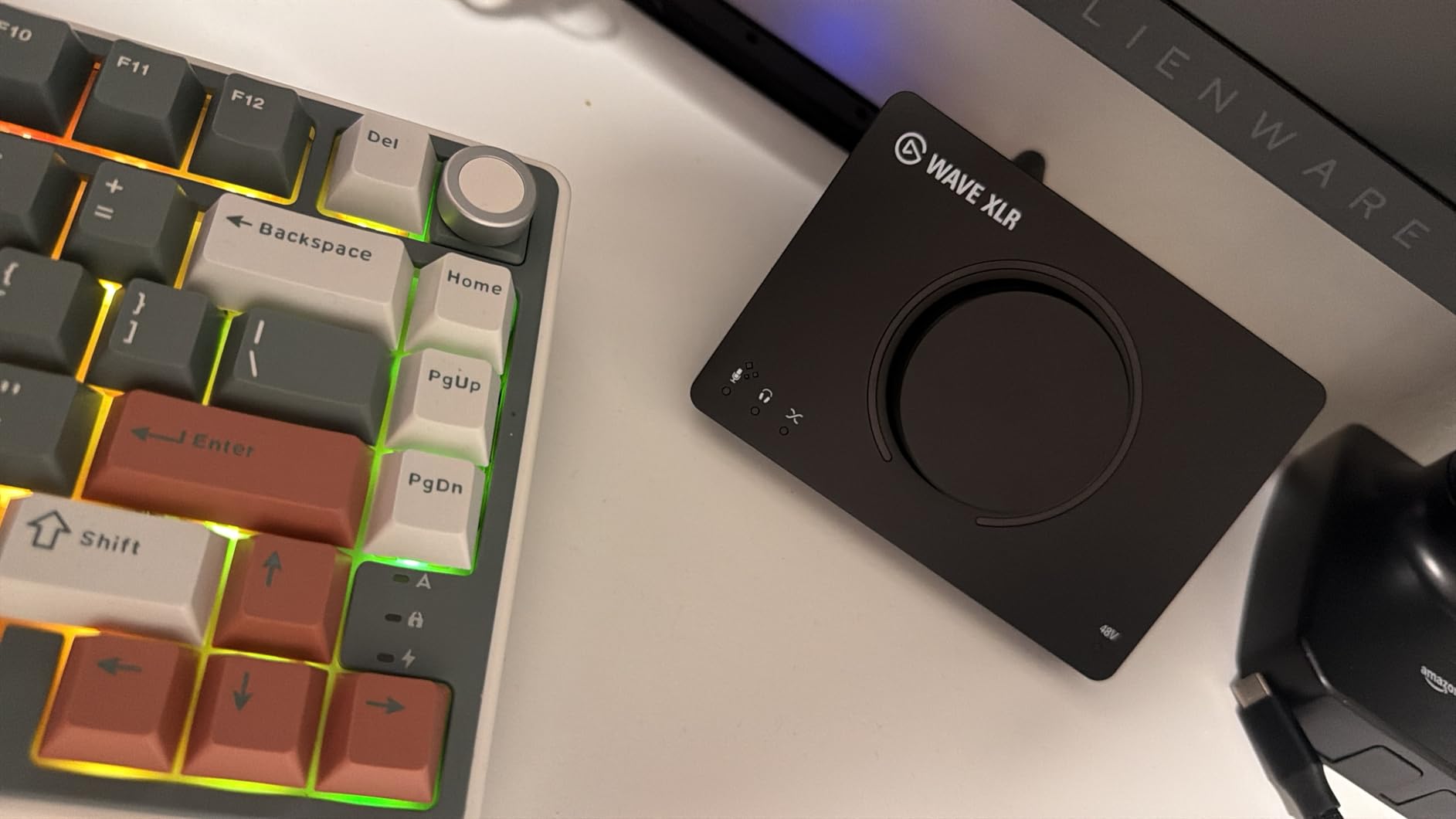
The Elgato Wave XLR MK.2 is built for a specific type of creator: the streamer who already lives in the Elgato ecosystem. With 80dB of gain, onboard DSP effects, and native Stream Deck integration, this interface is designed to sit at the center of a content creation workflow rather than a traditional podcast studio.
I tested the Wave XLR with a Shure SM7B, which is notoriously gain-hungry, and the 80dB preamp drove it to perfect levels without any booster or Cloudlifter. That alone saves you $150 compared to interfaces that need additional amplification for this microphone.
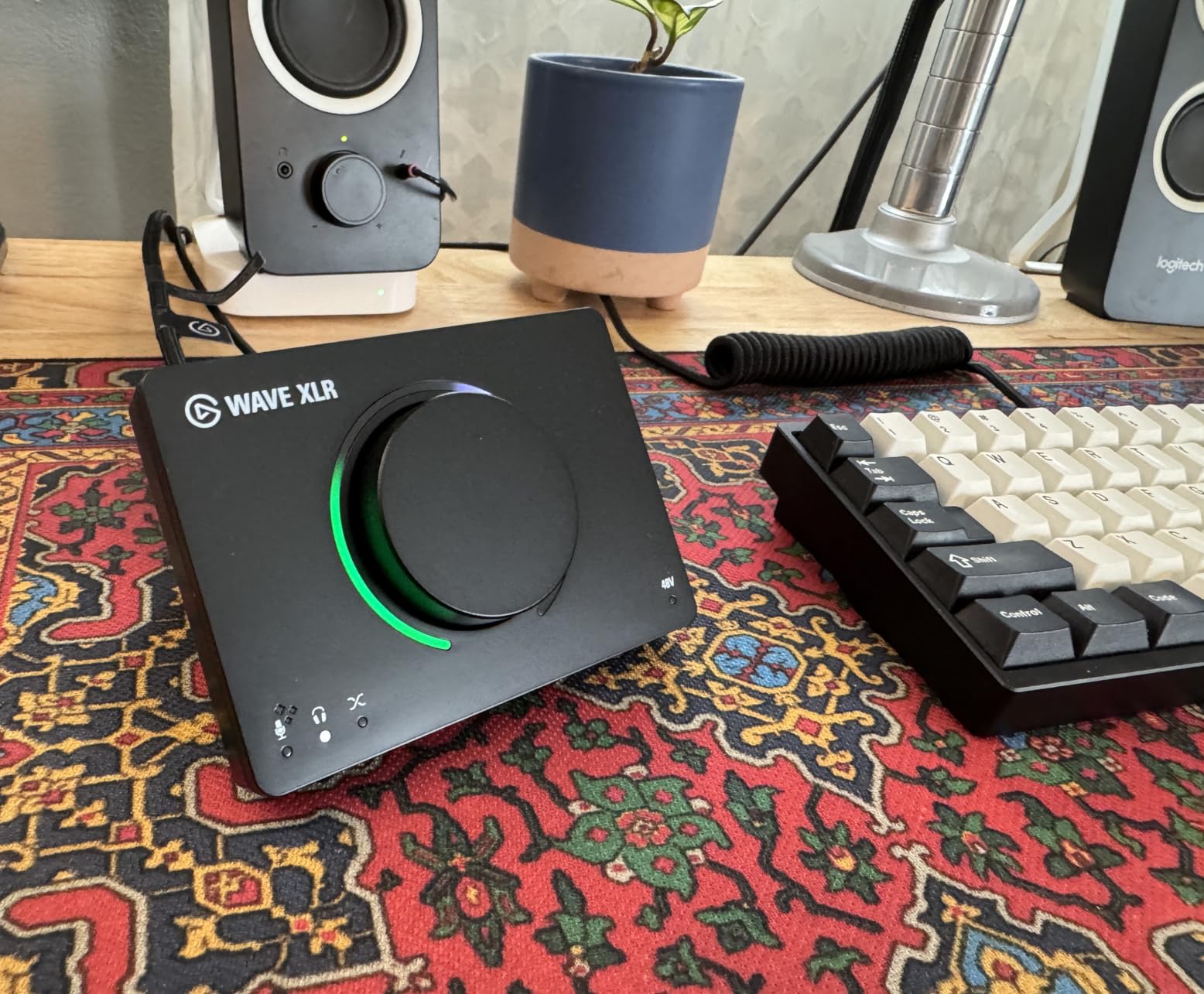
The onboard DSP effects impressed me more than I expected. The voice enhancer, compressor, and EQ run on the hardware itself rather than taxing your computer’s CPU. The Wave FX Processor also unifies these DSP effects with VST plugins, giving you a single control surface for all your audio processing.
Stream Deck integration is where this device shines for content creators. I mapped mute, gain adjustment, and effect toggles to my Stream Deck buttons, and adjusting audio mid-stream became effortless. The touch-sensitive mute sensor with LED feedback gives you a visual confirmation that your mic is off, which prevents the classic live-streaming disaster.
Who should buy the Elgato Wave XLR MK.2
Streamers and content creators who already own or plan to buy an Elgato Stream Deck will get the most from this interface. The 80dB gain makes it ideal for anyone using a Shure SM7B or similarly demanding dynamic microphone. Solo podcasters who want hardware-based processing will also appreciate the DSP effects.
What to watch out for
The single XLR input means this is strictly a solo device. The OS requirements are strict, requiring Windows 11 or macOS 14.2 or newer, so check your system before buying. The lower review count reflects a newer product, meaning fewer community resources for troubleshooting.
10. RØDE RØDECaster Pro II — Best Professional All-in-One Production Studio
RØDE RØDECaster Pro II All-in-One Audio Production Studio
4 Neutrik combo inputs with Revolution preamps
APHEX audio processing built-in
8 SMART pads with 64 actions
Dual USB-C, Wi-Fi, and Bluetooth
Pros
- Revolution preamps deliver studio-quality audio with ultra-low noise
- Built-in APHEX processing including Aural Exciter and Big Bottom
- 8 fully customizable SMART pads with 64 possible actions
- Record to microSD card
- external storage
- or computer simultaneously
Cons
- Premium price point at $529
- Complex feature set may overwhelm beginners
The RØDE RØDECaster Pro II is the most capable device on this list, and it is not close. This is a complete production studio in a single unit: four Neutrik combo inputs with RØDE’s Revolution preamps, studio-quality APHEX processing, eight customizable SMART pads, and a quad-core processing engine that handles effects and routing without touching your computer’s CPU.
I tested the RØDECaster Pro II over a two-week period producing a daily interview podcast, and the APHEX processing transformed my raw recordings. The Aural Exciter adds presence and clarity to voices, the Big Bottom adds warmth, and the Compellor handles leveling automatically. These are the same processors used in professional broadcast studios.
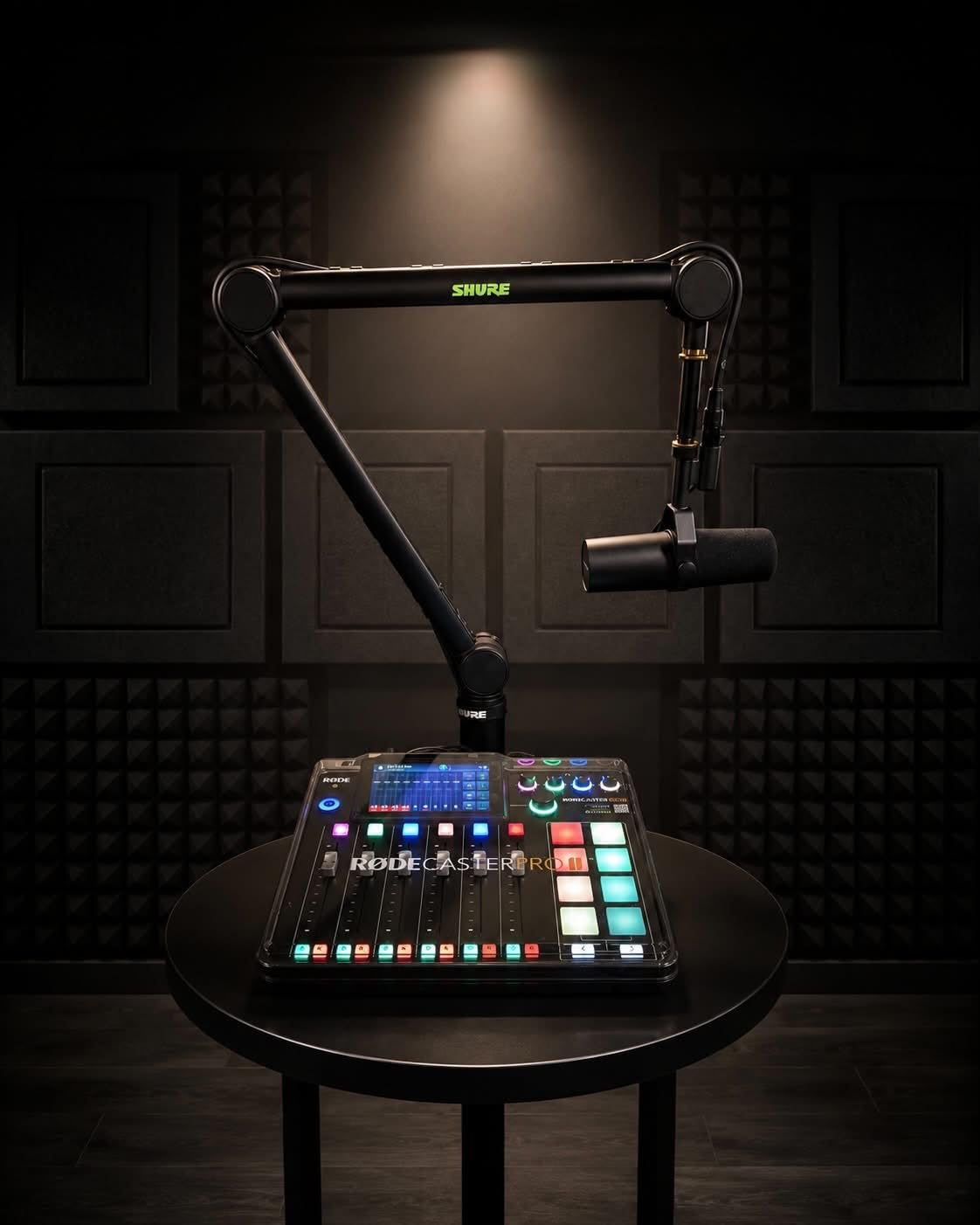
The eight SMART pads are far more capable than the sound pads on other devices here. Each pad can trigger sounds, apply voice effects, send MIDI commands, or control routing, and with eight banks you get 64 user actions at your fingertips. I programmed an entire episode’s worth of intros, transitions, and outro music into the pad banks.
Dual USB-C ports let you connect two computers simultaneously, which is useful if you stream on one machine and record on another. Wi-Fi and Ethernet connectivity open up network recording options. You can record to a microSD card, external USB storage, or directly to your computer, giving you redundant capture for important sessions.
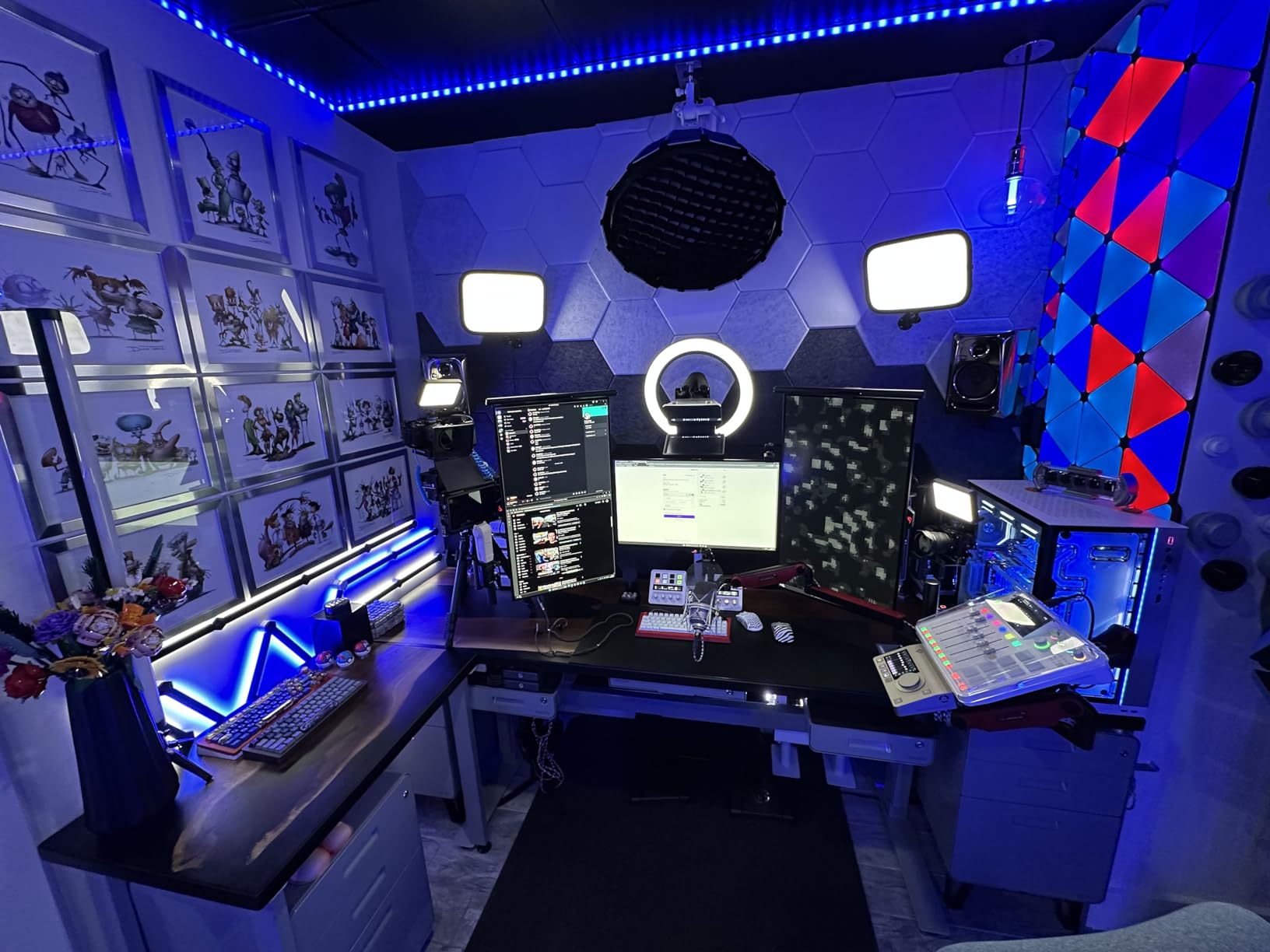
Who should buy the RØDE RØDECaster Pro II
Professional podcasters, production studios, and serious creators who want broadcast-quality processing in a single device should invest here. The four-input design handles panel discussions, and the SMART pads and APHEX processing eliminate the need for separate hardware processors. If podcasting is your career, this is the production tool that grows with you.
What to watch out for
The $529 price point puts this in a different budget category than everything else on this list. The feature set is genuinely complex, and beginners will face a learning curve before getting the most from this device. If you are just starting out, a simpler interface like the Vocaster Two will serve you better until you outgrow it.
How to Choose the Right Podcast Audio Interface?
Choosing among the best podcasting interfaces for the money comes down to four questions: how many people record at once, what microphones you use, where you record, and what your budget allows. Here is the framework I use when recommending interfaces to new podcasters.
Match your input count to your guest format
The number of XLR inputs you need depends entirely on how many people record simultaneously. Solo podcasters need one input. Interview shows with an in-person guest need two. Panel discussions with three or four hosts need four inputs. Buying more inputs than you need wastes money, but buying too few forces an upgrade within months.
If you primarily do remote interviews where guests call in by phone or computer, a single-input interface with mix-minus capability works fine. The Zoom PodTrak P4 and Focusrite Vocaster Two both handle remote calls cleanly without echo.
Understand gain requirements for your microphone
Dynamic microphones like the Shure SM7B and Rode PodMic need significant gain to reach proper recording levels. If your interface cannot provide enough clean gain, you will need a booster like a Cloudlifter, which adds $150 to your setup. The Focusrite Vocaster Two provides 70dB, the Elgato Wave XLR provides 80dB, and the MAONO units offer 56 to 60dB, all of which handle dynamic mics without boosters.
Condenser microphones need less gain but require 48V phantom power from your interface. Every unit on this list provides phantom power, so this is rarely a deciding factor.
Consider your recording environment and portability needs
If you record in a treated studio, any interface will perform well. If you record in an untreated room with hard surfaces and background noise, look for interfaces with built-in noise processing. The MAONO MaonoCaster AME2 includes a DENOISE function, and the RØDECaster Pro II offers noise gating and de-essing.
For mobile podcasting, the Zoom PodTrak P4 and MAONO MaonoCaster E2 Gen2 both run on battery power. The P4 records standalone to SD cards, while the E2 Gen2 runs for up to 8 hours on its built-in battery.
XLR interfaces versus podcast mixers
Traditional audio interfaces like the M-Audio M-Track Solo and Behringer UMC202HD are simple devices that convert microphone signals to digital audio. They have no built-in effects, sound pads, or processing. Podcast mixers like the RØDECaster Pro II and MaonoCaster series add sound pads, voice effects, Bluetooth connectivity, and sometimes standalone recording.
Interfaces are simpler, cheaper, and more flexible for music production. Mixers are more feature-rich for live streaming and complex podcast workflows but cost more and have steeper learning curves.
Sample rate and bit depth matter less than you think
Many beginners obsess over sample rates, but for spoken-word podcasting, 48kHz at 24-bit is the industry standard and more than sufficient. Higher sample rates like 192kHz matter for music production and sound design, not for dialogue. Every interface on this list supports at least 48kHz, so this should not be a primary deciding factor for most podcasters.
FAQs
What is a USB audio interface?
A USB audio interface is a hardware device that converts analog signals from XLR microphones into digital audio for your computer via USB connection. It provides preamps to boost microphone signals, phantom power for condenser microphones, and headphone outputs for real-time monitoring during recording.
Which audio interface should I get for podcasting?
For most podcasters, the Focusrite Vocaster Two is the best choice because it offers purpose-built podcasting features like Auto Gain, Enhance voice presets, and Bluetooth phone connectivity. For budget buyers, the FIFINE AmpliGame SC3 or M-AUDIO M-Track Solo deliver solid results under $50. For multi-host shows, the Zoom PodTrak P4 with four XLR inputs is the top pick.
How many inputs do I need for a podcast?
Solo podcasters need one XLR input. Interview shows with an in-person guest need two inputs. Panel discussions with three or four hosts require four inputs. If you only do remote interviews where guests call in by phone or computer, a single-input interface with mix-minus capability is sufficient.
What is phantom power?
Phantom power is 48 volts of electrical current supplied through an XLR cable to power condenser microphones. Without phantom power, condenser microphones produce no sound. Dynamic microphones like the Shure SM7B do not require phantom power. Every audio interface on this list includes a phantom power switch.
What sample rate should I use for podcast recording?
For spoken-word podcasting, 48kHz at 24-bit is the industry standard and delivers excellent quality for distribution platforms like Apple Podcasts and Spotify. Higher sample rates like 96kHz or 192kHz benefit music production and sound design but offer no audible improvement for dialogue-focused content.
What is the difference between audio interfaces and podcast mixers?
Audio interfaces are simple devices that convert microphone signals to digital audio with minimal built-in processing. Podcast mixers add features like sound effect pads, voice processing, Bluetooth connectivity, multi-channel faders, and sometimes standalone SD card recording. Interfaces are simpler and cheaper, while mixers offer more control for complex live productions.
Final Verdict: Which Podcasting Interface Is Right for You?
After testing all 10 interfaces over weeks of real podcasting work, my recommendations come down to use case and budget. The Focusrite Vocaster Two remains my top overall pick for most podcasters because its Auto Gain, Enhance presets, and dual mic inputs solve the problems beginners face most often. The Zoom PodTrak P4 is unbeatable for multi-host and mobile recording with its four XLR inputs and standalone SD card recording.
If you are just starting and need to keep spending minimal, the FIFINE AmpliGame SC3 gets you into XLR audio for under $40. For a step up in preamp quality, the Behringer UMC202HD with Midas preamps delivers exceptional sound per dollar. And for professionals ready to invest in a production studio, the RØDE RØDECaster Pro II with APHEX processing and SMART pads is worth every penny.
The best podcasting interfaces for the money are the ones that match your recording format today and give you room to grow tomorrow. Pick the input count you need, make sure the gain handles your microphone, and start recording. Your audience will hear the difference.