
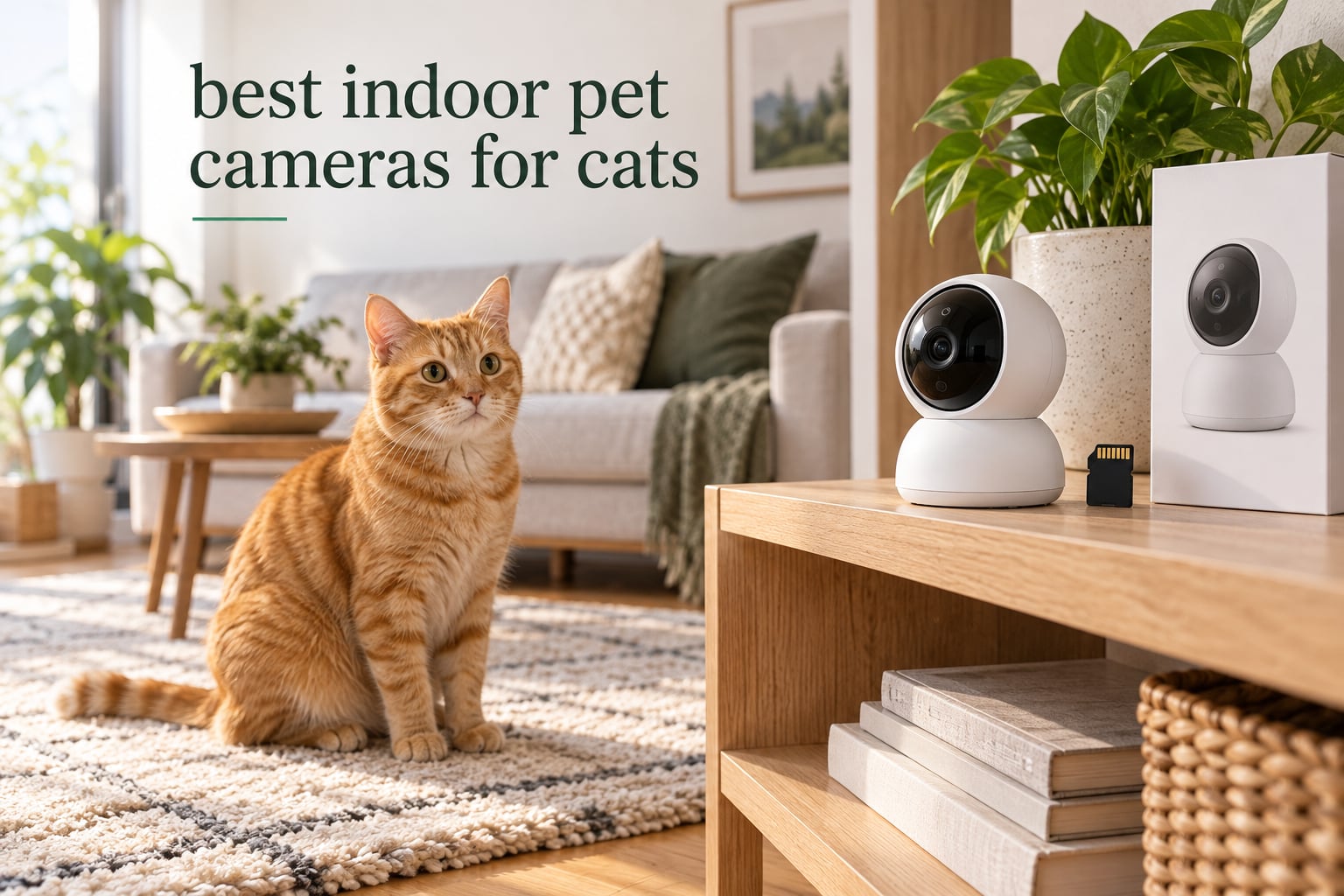
Most people buy an indoor pet camera for cats the same week they come home with one. The job is narrow and slightly emotional: confirm the cat is eating, using the litter box, and asleep somewhere warm while you are at work for eight hours.
The Tapo C200 is the best indoor pet camera for cats overall. It pans 360 degrees, tilts 114 degrees, records to a microSD card instead of a monthly plan, and holds a 4.5 rating across more than 42k reviews. The Furbo 360 Cat Camera is the richer cat-specific option, and the Petcube Cam is the simplest check-in device, but the Tapo wins on the combination of coverage, storage freedom, and reliability.
We compared 10 indoor pet cameras for cats below, ranking them on the things that actually change the experience: how often the camera sends you a false alert, whether footage lives on your own card or a vendor’s cloud, how well the two-way audio carries, and whether the pan motor keeps up with a cat that changes direction every four seconds.
This is a research-based roundup. We did not run lab tests, so we lean hard on manufacturer specifications, owner review patterns, and the failure modes buyers actually report. We name the weak points of every camera here, including the ones that sit near the top.
If your home also has a dog, our guide to the best pet cameras for dog owners covers the bark-detection and treat-dispenser features that matter more for larger pets.
Table of Contents
Top 3 The Best Indoor Pet Cameras for Cats in 2026
Six cameras cover almost every situation a cat owner runs into. Here is the short version, with the subscription status stated up front because that is the first thing you need to know.
Best overall: Tapo C200 – 1080p, 360-degree pan, 114-degree tilt, local microSD storage up to 512 GB, and no required monthly plan.
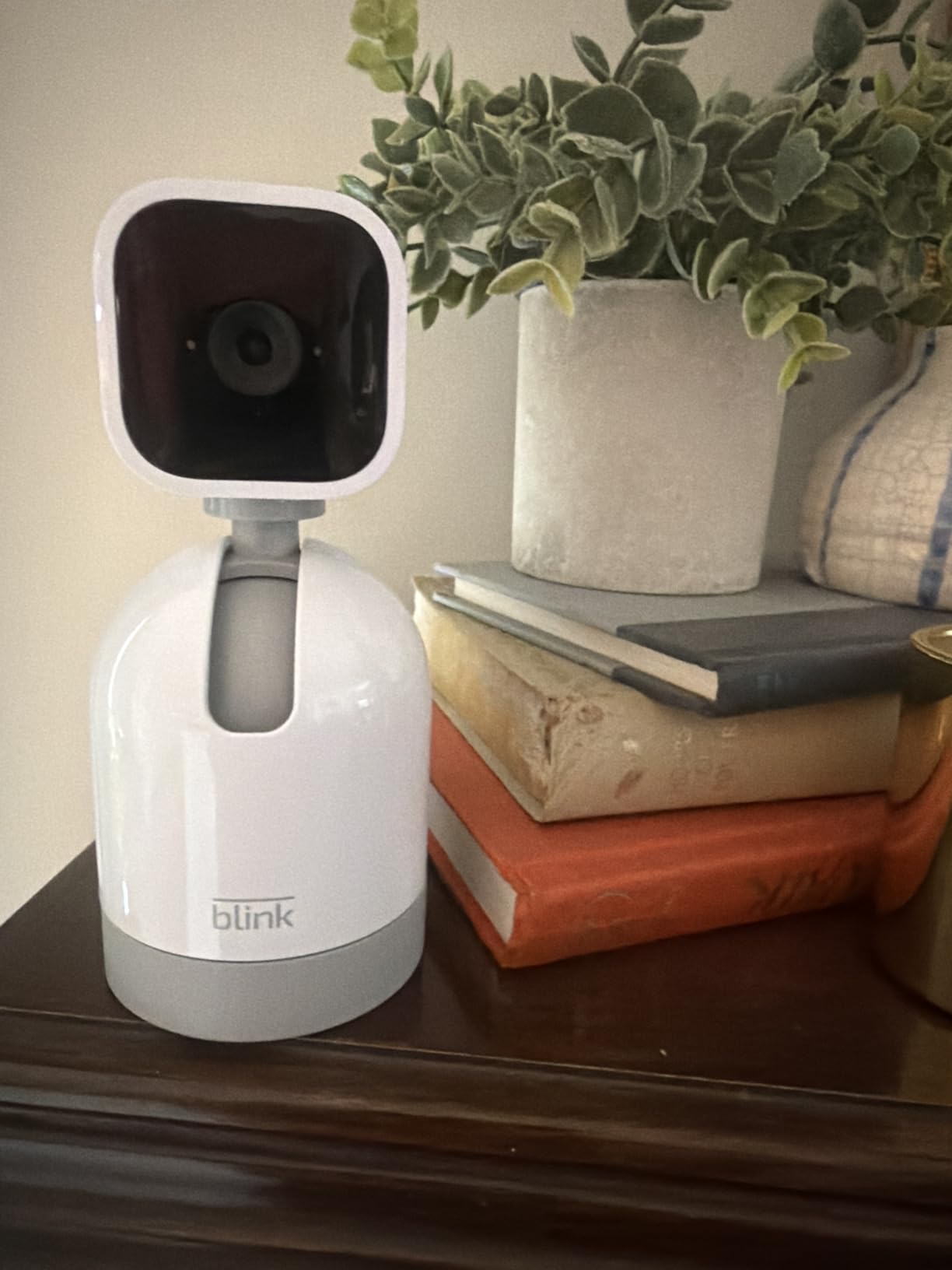
Best for small apartments: Blink Mini Pan-Tilt – plug-in form factor, 360-degree pan and tilt, two-way audio, with storage on a Blink plan or a Sync Module 2 and USB drive.
Best value: Kasa EC70 – the same pan and tilt idea as the C200 with a 120-degree viewing angle and microSD up to 256 GB, with no monthly fee.
Best 2K image: blurams 2K 360 – 1440-pixel video, 360-degree pan with 4x optical zoom, and 12-second alert clips kept free for 24 hours.
Best for telling cats apart: PETLIBRO 360 auto tracking camera – AI recognition for up to five cats and dogs individually, plus daily recaps that summarise a pet’s day.
Best for meow alerts and treat tossing: Furbo 360 Cat Camera – a meowing sensor, motorized 360-degree rotation, color night vision, remote treat tossing, and no subscription for the core features.

Tapo C200 Pan/Tilt Camera
- 1080p video
- 360 pan and 114 tilt
- Local microSD up to 512 GB
- Two-way audio

Kasa EC70 Pan/Tilt Camera
- 1080p video
- 120 degree viewing angle
- MicroSD up to 256 GB
- Patrol mode

Furbo 360 Cat Camera
- Meowing sensor
- Remote treat tossing
- Color night vision
- No subscription for core features
The 10 Best Indoor Pet Cameras for Cats, Side by Side in 2026
Every camera below streams to a phone app, detects movement, and works indoors on 2.4GHz Wi-Fi. The columns that separate them are resolution, whether local storage is real, whether a paid plan is required, and what the camera is actually built to do.
| Product | Specifications | Action |
|---|---|---|
| Tapo C200 1080p Pan/Tilt Camera |
|
Check Latest Price |
 Blink Mini Pan-Tilt Camera Blink Mini Pan-Tilt Camera |
|
Check Latest Price |
| Kasa EC70 1080p Pan/Tilt Camera |
|
Check Latest Price |
 blurams 2K 360 Indoor Camera blurams 2K 360 Indoor Camera |
|
Check Latest Price |
 PETLIBRO 360 Auto Tracking Pet Camera PETLIBRO 360 Auto Tracking Pet Camera |
|
Check Latest Price |
 Petcube Cam Indoor Pet Camera Petcube Cam Indoor Pet Camera |
|
Check Latest Price |
 ARENTI P2Q 4MP Indoor Camera ARENTI P2Q 4MP Indoor Camera |
|
Check Latest Price |
 eufy Security E30 4K Indoor Camera eufy Security E30 4K Indoor Camera |
|
Check Latest Price |
 TKENPRO 2K Treat Dispenser Camera TKENPRO 2K Treat Dispenser Camera |
|
Check Latest Price |
| Furbo 360 Cat Camera |
|
Check Latest Price |
One note on the table above: review count tells you how long a product has been in the wild, not how good it is. The Tapo C200 and the Kasa EC70 have been on Amazon long enough to accumulate tens of thousands of reviews, which is why their problems are well documented and their cores are dependable.
1. Tapo C200 1080p Pan/Tilt Camera – Best Overall Indoor Cat Camera
TP-Link Tapo Pan/Tilt Security Camera for Baby Monitor, Pet Camera w/Motion Detection, 1080P, 2-Way Audio, Night Vision, Cloud & SD Card Storage, Works with Alexa & Google Home (Tapo C200)
1080p
360 pan and 114 degree tilt
30 ft night vision
9 ounces
Pros
- 360 degree pan and 114 degree tilt in one unit
- Local microSD up to 512 GB with no monthly fee
- Two-way audio plus sound and light alarm
- Mounting hardware included for shelf or wall
Cons
- microSD cards must be formatted inside the Tapo app
- 1080p is below 2K and 4K rivals
- Single fixed focal length is narrower than wide-angle lenses
This is the camera we recommend to most cat owners without hesitating. The C200 is a dome on a short stem that sweeps a full 360 degrees horizontally and tips 114 degrees vertically, which is enough to cover a living room from a single shelf position. At 9 ounces it is light enough that a determined cat can and will knock it off, so plan the mounting before you buy.
What sets it apart from cheaper pan and tilt models is the storage model. Video records to a microSD card up to 512 GB, looped, with no monthly charge for the core features. That is the single most common reason people end up here, and it removes the whole “should I pay for a plan” conversation.
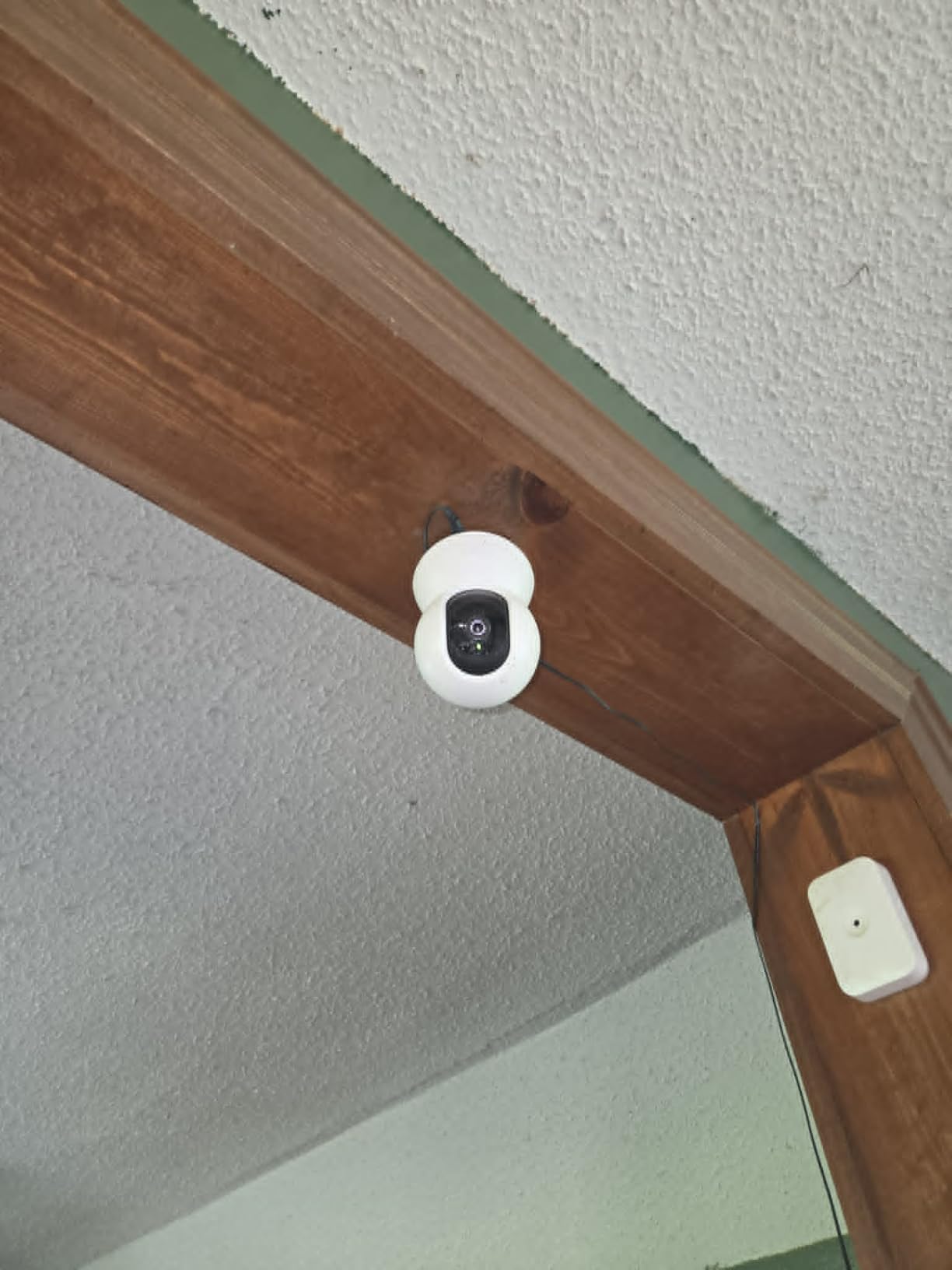
The picture is 1080p on a 5-megapixel CMOS sensor, H.264 encoded, at 15 frames per second. That frame rate is the honest limitation: a cat moving fast across the frame will smear slightly. Night vision reaches about 30 feet on infrared, and there is a two-way audio channel with in-app volume control plus a sound and light alarm for deterrence.
Compatibility is broad. It works with Alexa and Google Assistant, and the Tapo app handles setup in a couple of minutes on a 2.4GHz network. The manufacturer’s warranty is two years, and the box includes the camera base, the camera, a manual, mounting screws with a template, and a power adapter.
Check the microSD card format before you buy
The most repeated complaint across reviews is card compatibility, and the fix is mundane: format the card in the Tapo app itself rather than in a computer. A card that works in a phone will not always work here.
Owners also report occasional friction when deleting recordings in the app, so budget a few extra taps if you plan to clear footage constantly. Neither issue is a reason to skip the camera.
Know what you give up compared with 2K and 4K models
1080p means you will not read a cat’s collar tag from across a large room, and the single fixed focal length is narrower than the wide-angle lenses on the blurams and eufy cameras in this list. The Tapo C200 also runs at 15 frames per second, so a sprinting kitten looks soft.
If your cat spends its day on a bookshelf six feet from the lens, none of that matters. If you want one camera to cover a two-room open plan, weigh the eufy E30 or the blurams 2K instead.
2. Blink Mini Pan-Tilt Camera – Best for Small Apartments
Blink Mini Pan-Tilt Camera (newest model), Rotating indoor plug-in smart security camera, two-way audio, HD video, motion detection, Works with Alexa (White)
HD video
360 pan and tilt
Infrared night view
Plug-in power
Pros
- Compact plug-in form factor suits small rooms
- Full 360 degree pan and tilt from the app
- Two-way audio works for redirecting a cat
- Fastest setup if you already run Blink cameras
Cons
- Live view can lag by minutes at times
- HD resolution rather than 2K or 4K
- Some owners report dropped Wi-Fi and offline devices
- Two-way audio and motion detection occasionally unreliable
The Blink Mini Pan-Tilt is the easiest camera here to hide. It is a small plug-in unit that screws into a wall outlet or sits on a surface, sweeps 360 degrees left and right, and tilts up and down through the Blink app. For a studio apartment or a single cat room, that footprint is a genuine advantage over the dome cameras that need shelf space.
Day video is HD with an infrared night view, and motion alerts arrive on your phone in real time. It works with Alexa and Echo Show, and owners who already run Blink cameras in the house report that adding one is close to instant.
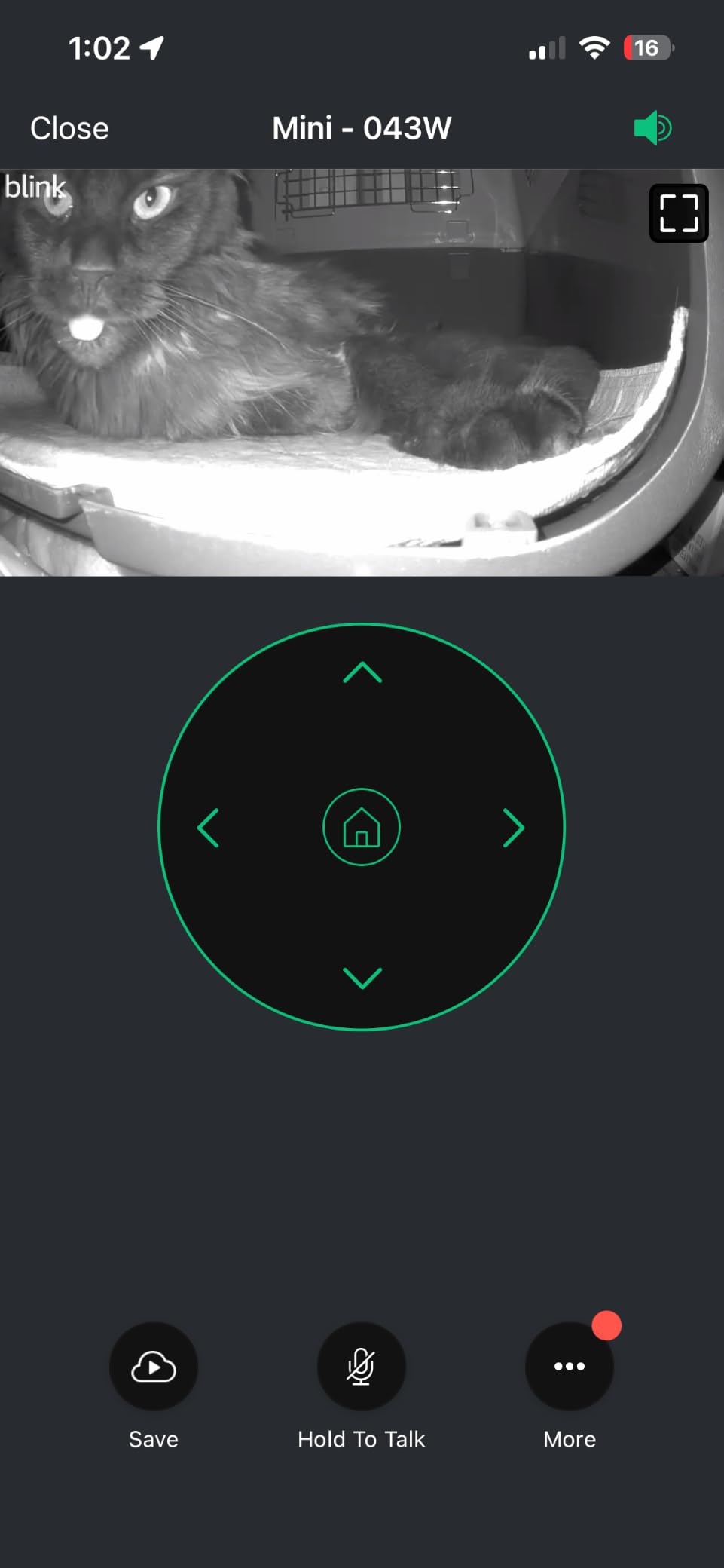
Storage is the decision point. The included 30-day trial leads into a Blink subscription plan, or you can add a Sync Module 2 with a USB drive for local recording. That is a real local option, but it is a second box, a second power supply, and more setup than the Tapo C200 asks for.
Owners overwhelmingly buy this camera to watch cats, and the recurring praise is for coverage and simplicity. The recurring complaint is speed: live view can lag noticeably, and some report seeing minutes of delay between an action and the picture.
Test the live view latency before you rely on it for alerts
Latency is harmless if you want a look in. It matters if you plan to talk to your cat or if a delayed picture leaves you unsure whether an alert just fired. Owners report the delay varies from a second or two to several minutes depending on network conditions.
Give it an hour on your own Wi-Fi before you commit. If the stream lags badly, the Tapo C200 in the same price bracket is the more responsive unit.
Plan for the Sync Module if you want local storage
Local USB storage through a Sync Module 2 keeps footage off the vendor cloud, which matters for anyone who has stated a preference for local-only recording. The module is sold separately, so count that as an extra purchase rather than a free option.
If you would rather not add hardware and would rather not pay a subscription, the Tapo C200 stores on a card in the camera itself. That is the simpler arrangement in a small space.
3. Kasa EC70 1080p Indoor Pan/Tilt Camera – Best Value
Kasa 1080p Indoor Pan/Tilt Wired Security Camera, Baby & Pet Monitor, EC70
1080p
120 degree angle
MicroSD up to 256 GB
2 year warranty
Pros
- Clear 1080p picture with solid night vision
- Quiet pan motor with 360 degree patrol mode
- Local microSD recording with no required plan
- Patrol mode and activity zones work well for pet watching
Cons
- Two-way audio often garbled and picks up room noise poorly
- Pan follow tracking is unreliable on a moving subject
- About 10 to 15 fps so fast movement smears
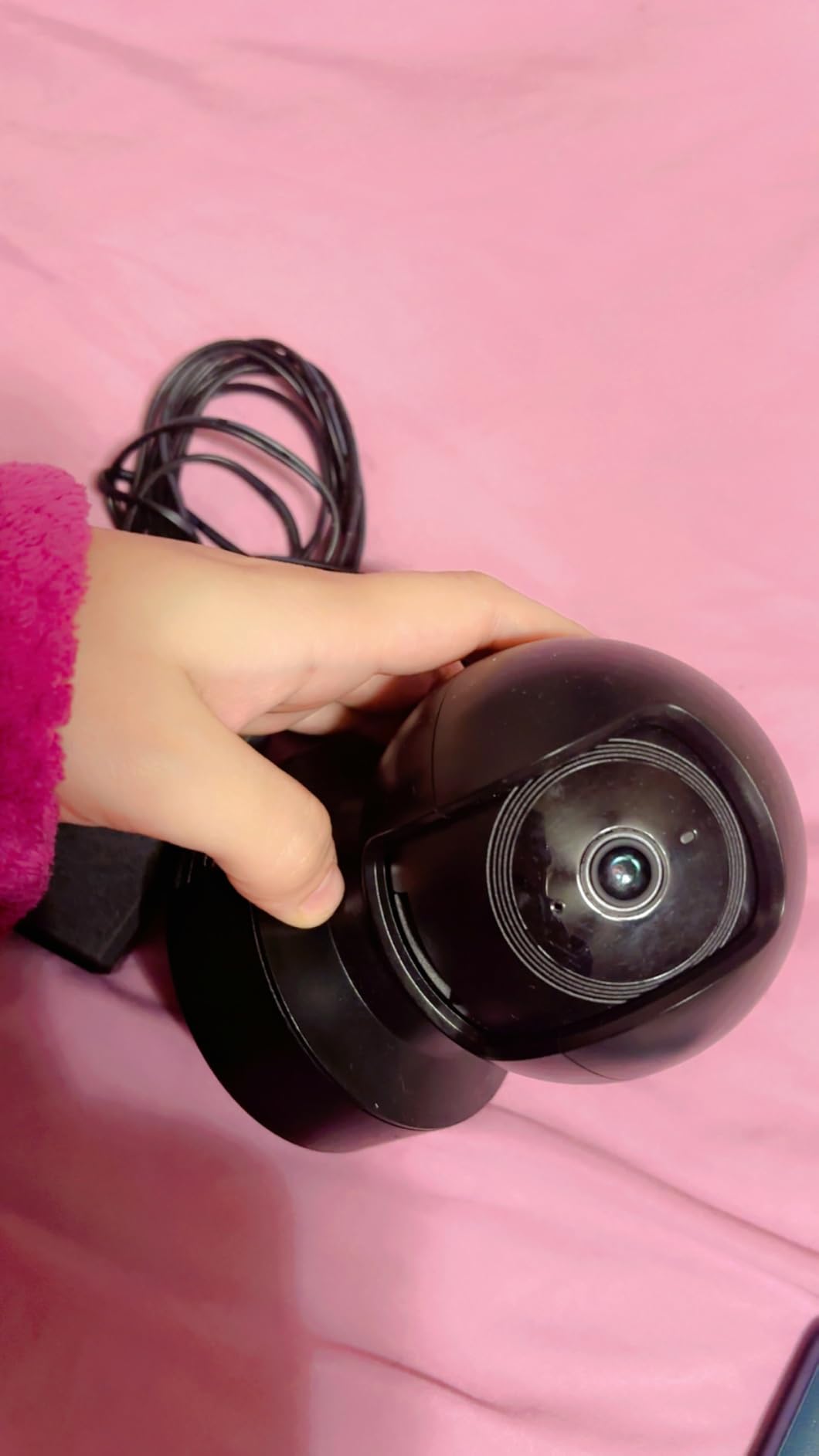
The Kasa EC70 shares TP-Link’s parent with the Tapo C200 and behaves much like it, at a lower entry point. It streams 1080p, pans and tilts, and offers a patrol mode that sweeps the room on a schedule so the camera keeps changing its view while you are at work. Owners often deploy it as a cheap puppy or baby monitor, and it works just as well for a cat.
Local microSD recording up to 256 GB works with no monthly fee, and an optional Kasa Care plan adds 30-day cloud history. Smart Actions can link the camera to other Kasa devices, so a detected movement can trigger a light.
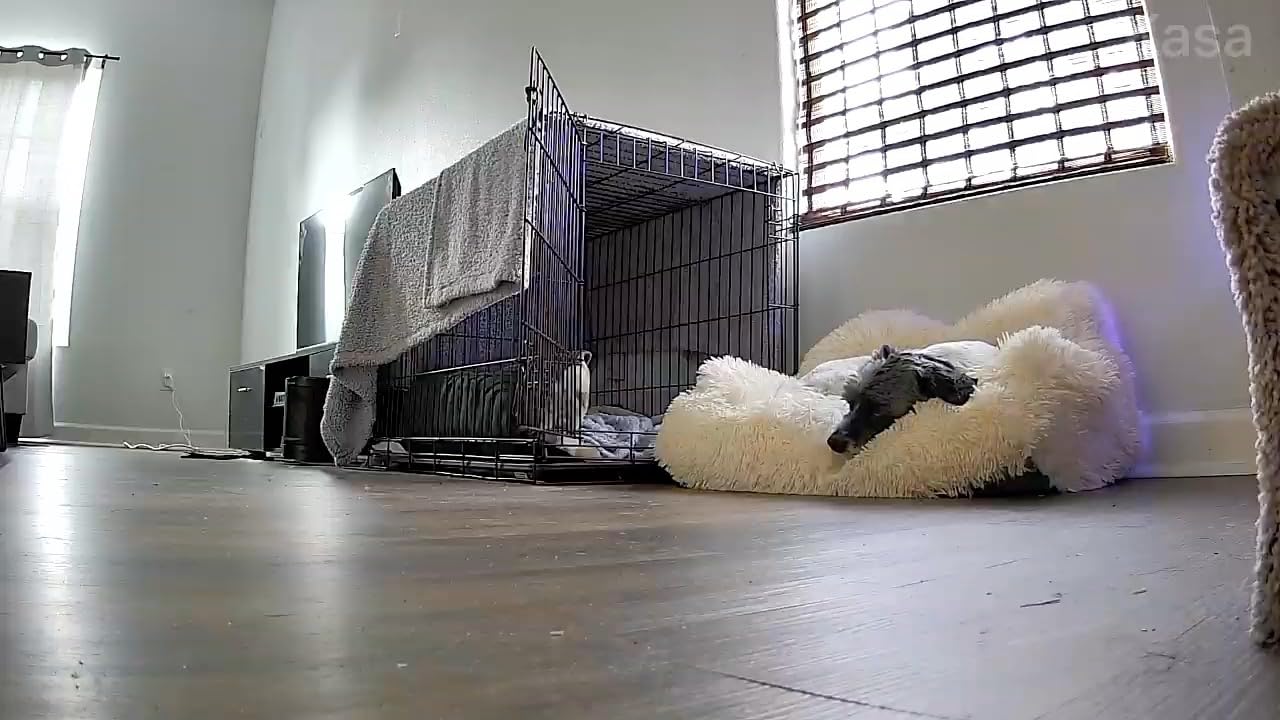
The viewing angle is 120 degrees and night vision reaches about 30 feet. It works with Alexa and Google Assistant, carries a two-year manufacturer warranty, and TP-Link support is consistently described in reviews as fast and useful.
The weaknesses are the same ones buyers flag on cheap pan and tilt hardware anywhere. Two-way audio is frequently garbled, and the pan and follow tracking loses a subject that crosses the frame quickly.
Patrol mode is more useful than tracking for cats
A cat asleep on a sofa generates no motion, and a camera locked onto a spot you guessed wrong sees nothing. The 360-degree patrol sweeps the whole room on a timer, which is a better match for a stationary pet than any auto-tracking feature at this level.
Set the patrol interval to something that moves the view at least every thirty seconds during your workday. That gives you a moving picture of the whole room rather than a fixed angle on empty carpet.
Do not buy this one for two-way audio
Reviews are specific about the audio quality: the microphone picks up quiet room noise poorly and playback can sound distorted. If talking to your cat is part of why you want a camera, the Tapo C200, the Blink Mini, or the PETLIBRO camera all handle it better.
The 10 to 15 frames per second capture also smears a running cat. For a sleeping or grooming cat that is irrelevant, and for one mid-sprint across a living room it is not.
4. blurams 2K 360 Indoor Camera – Best 2K Starter Camera
blurams Security Camera, 2K Indoor Camera 360° Pet Camera for Home Security
2K 1440 pixel
360 pan and 4x zoom
27 ft night vision
2.4GHz and 5GHz
Pros
- 2K resolution stays sharp day and night
- 360 pan tilt and 4x optical zoom cover a whole room
- Sound alerts are separate from motion alerts
- Quick setup and a straightforward app
Cons
- Free app carries cloud storage promotions and short live view windows
- Owners report feed freezes black screens and disconnects
- Connection reliability can decline over months
- Controls can respond slowly
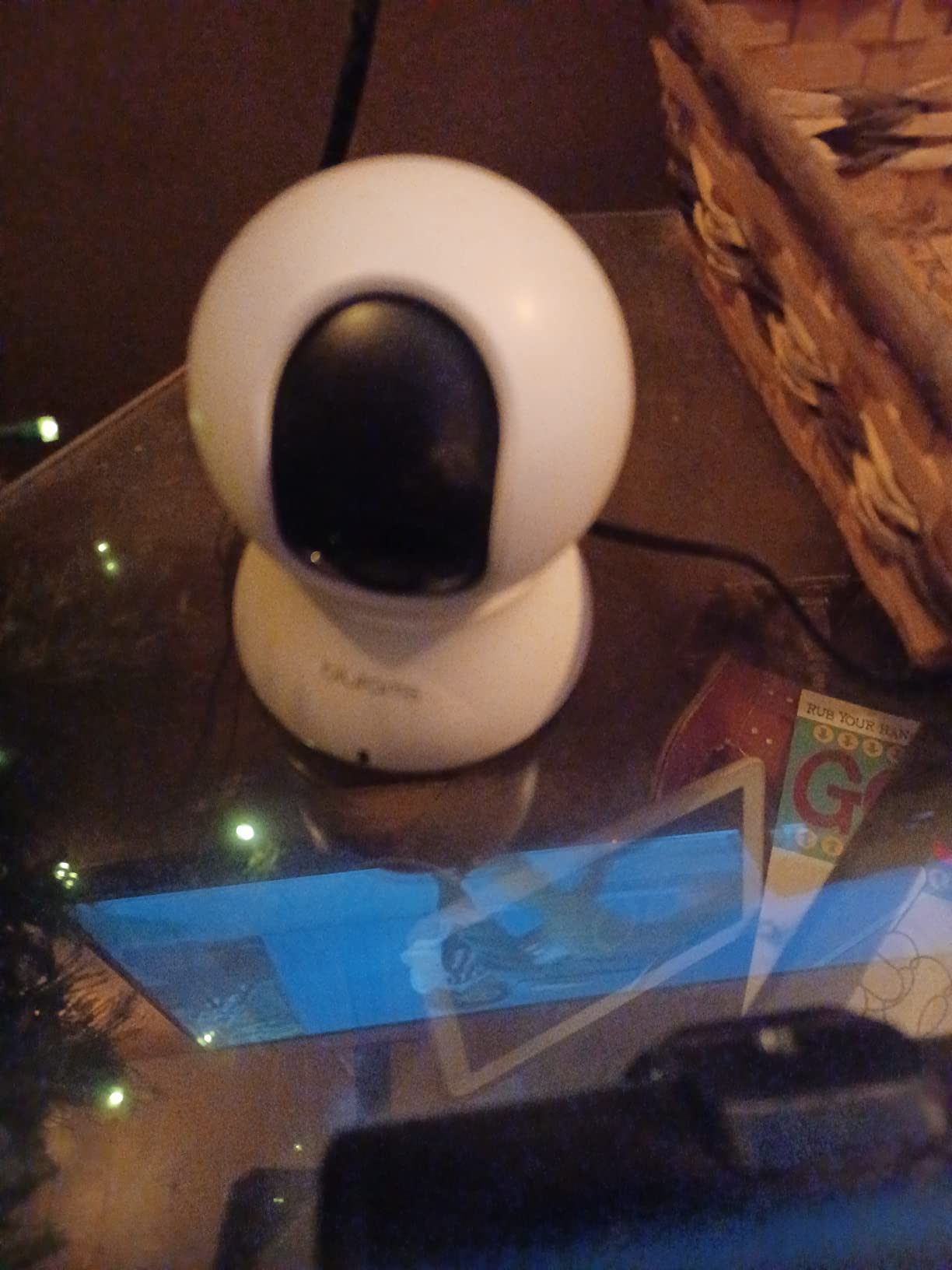
The blurams is the direct route into 2K video, and the only camera here besides the ARENTI and the TKENPRO that supports both 2.4GHz and 5GHz networks. Effective resolution is 1440 pixels with auto motion tracking and automatic day to night switching, night vision reaches about 27 feet, and the lens combines 360-degree pan and tilt with 4x optical zoom.
It is also one of the few that separates its alert types clearly. AI detection distinguishes human, motion, and abnormal sound, and 12-second alert clips are stored in the cloud free for 24 hours with no subscription required. Sound alerts arrive almost instantly according to owners, which is useful if your cat is vocal.
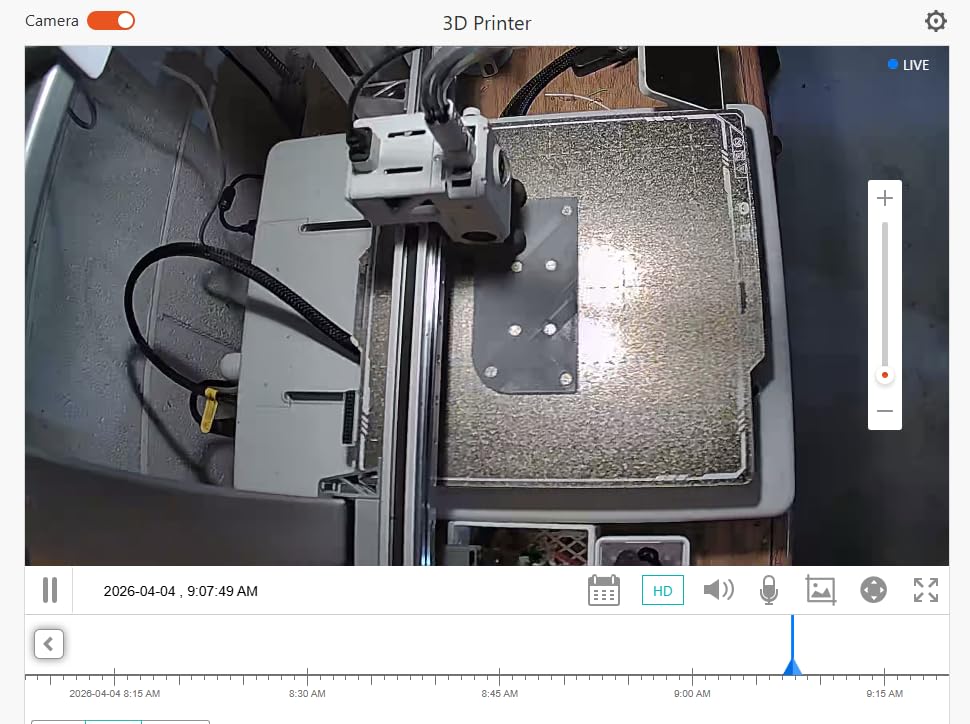
Storage options are a 128 GB memory card sold separately for continuous recording or an optional cloud plan. You can also view up to four of these cameras in the app at once, which makes it a reasonable multi-room option. It works with Alexa, Google Assistant, and IFTTT, and has a privacy mode that rotates the lens away.
The trouble is the free app experience. Owners describe the interface as heavily promoted for cloud storage, with live viewing gated behind short windows. Review summaries also flag recurring feed freezes, black screens, and disconnections appearing after months of use.
Expect to pair this with a memory card, not the cloud
The 24 hours of free alert clips is a preview, not a record. Anyone who wants to review what happened during a full workday needs the 128 GB card, and the card is not included, so treat that as part of the cost of the setup.
Once the card is in, the subscription question disappears. That is the right arrangement for most cat owners, and it also means your footage stays on hardware in your home rather than on a vendor’s server.
Know the reliability reports before you rely on it alone
Across more than 32k reviews, the recurring complaints are freezes, black screens, and units that drop their connection after a few months. Controls can feel sluggish, particularly when the camera is asked to follow movement.
If this is your only camera and you are away all day, weigh a unit with a steadier track record such as the Tapo C200. If you want 2K, 5GHz support, and a wide feature count, the blurams delivers them with a little more babysitting.
5. PETLIBRO 360 Auto Tracking Pet Camera – Best for Telling Cats Apart
PETLIBRO Dog Camera with Phone App, 360° Auto Tracking Pet Camera Indoor with Phone App for Home Alone Pets, Cat & Puppy Camera with 2-Way Audio, Night Vision, Indoor Camera WiFi
1080p
360 auto tracking
Recognizes up to 5 pets
1.4 pounds
Pros
- Auto tracking follows a pet around the room hands free
- Daily recaps and highlight reels save hours of scrubbing
- Recognizes individual cats and dogs
- Two-way audio and night vision both work well
Cons
- Costs considerably more than a basic 1080p pan and tilt camera
- Some recap and AI features require a subscription
- False alerts and tracking slips on fast-moving cats
Multi-cat households get the most out of this camera. The PETLIBRO 360 tracks a moving animal automatically and recognises individual cats and dogs, up to five of them, which means an alert can tell you which cat is doing what rather than only that something moved.
The AI recaps are the feature owners mention first. Rather than watching eight hours of footage, you get smart summaries of resting, movement, and behaviour, plus daily highlight reels and timeline clips assembled for you.
Core video is 1080p with night vision and 2-way audio, in a unit measuring 4.09 by 3.62 by 3.62 inches and weighing 1.4 pounds. At that weight it is the heaviest dome here, which is a benefit for stability and a warning about shelf edges.
Owners also flag the recurring cost problem: some of the recap and AI features sit behind a subscription, so the camera is more expensive and less open-ended than the Tapo C200. False alerts from pet activity and lighting changes are reported often enough to mention.
Per-pet recognition only helps if you label it correctly
Individual recognition is what turns a movement alert into useful information, but it depends on the app building a correct profile for each animal. Give every cat its own profile early, in good lighting, and confirm the label sticks before you rely on it.
If you have four cats and want alerts that name which one left the room, this is the only camera in the list that does it. Everything else tells you a pet was detected, not which one.
Weigh the tracking gap before buying
Auto tracking loses fast-moving animals. A cat that bolts from the sofa to the window can leave the frame before the motor catches up, which means the very event you most wanted to record is the one most likely to be missed.
Pair the tracking with a fixed wide view if you can. Most of these users end up treating the camera as an alert generator and the recaps as the actual product, and that is a reasonable way to use it.
6. Petcube Cam Indoor Wi-Fi Pet Camera – Best for Meal and Litter Check-Ins
Petcube Cam – Indoor Wi-Fi Pet & Security Camera with App
1080p
110 degree wide angle
Night vision to 30 ft
8.4 ounces
Pros
- Clear 1080p picture with good night vision
- Compact cube with a magnetic base and metal ring for mounting
- Smart filters surface eating drinking and activity changes
- Pet-specific sound alerts separate barking from motion
Cons
- Video history and Smart Alerts locked behind the Petcube Care plan
- App cannot pan or tilt remotely so swivel is manual
- Talk and listen together causes heavy audio feedback
The Petcube Cam answers the question most cat owners actually have: did the cat use the litter box, and did it eat? Its Daily Diary recaps and Smart Filters highlight eating, drinking, and activity changes, and AI pet and person detection with Motion Zones keeps the alerts relevant to a specific corner of a room.
Picture quality is 1080p through a 110-degree wide-angle lens with 8x digital zoom, night vision reaches about 30 feet, and two-way audio is included. The cube is small at 2.13 by 2.39 by 3.22 inches and 8.4 ounces, with a magnetic base and a metal ring for mounting almost anywhere.
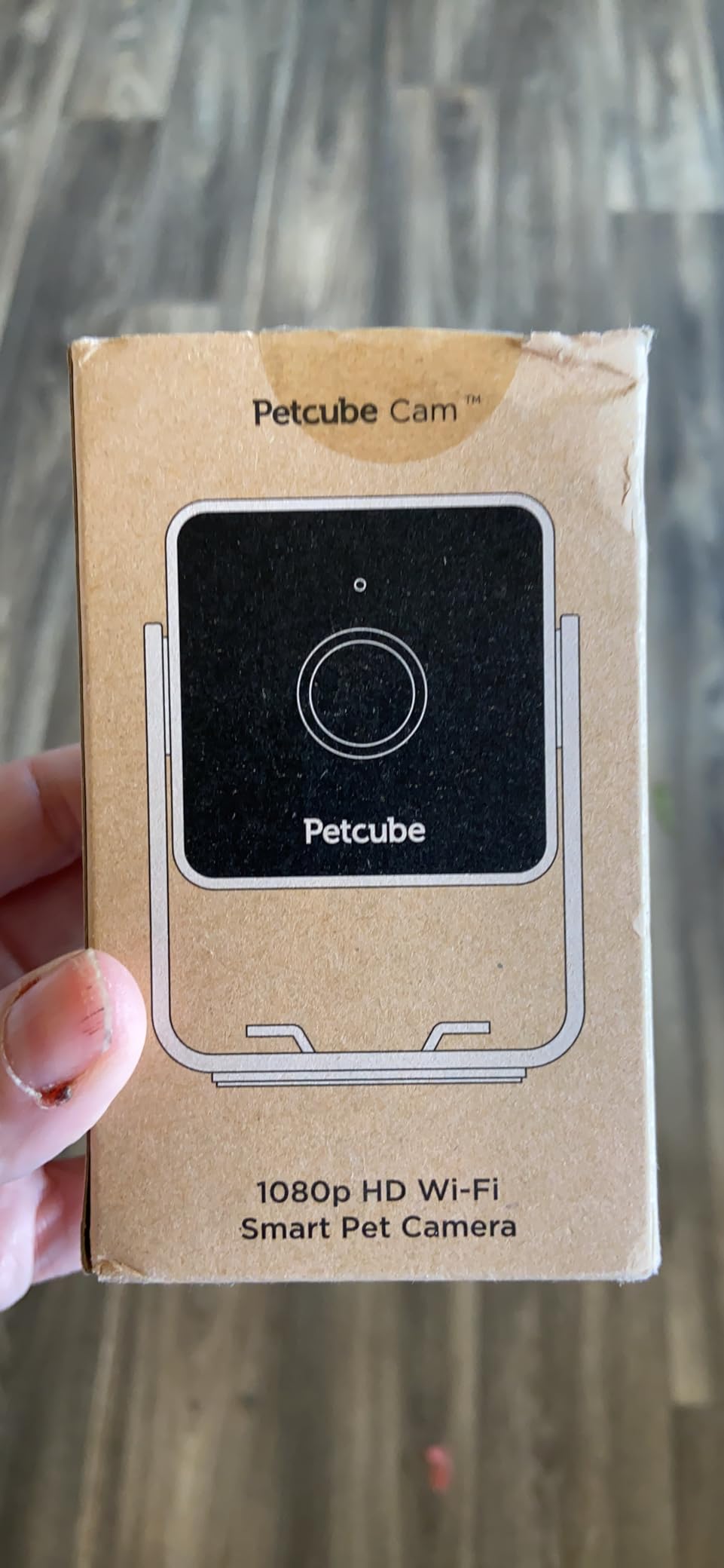
Two things limit it. The app cannot pan or tilt the view remotely, so the swivel is manual and you set the angle yourself. And 90 days of video history comes through the Petcube Care plan, which is where the paywall bites on an otherwise simple device.
Owners also report that listening and talking at the same time produces heavy audio feedback, so the two-way channel works best as listen-only or talk-only.
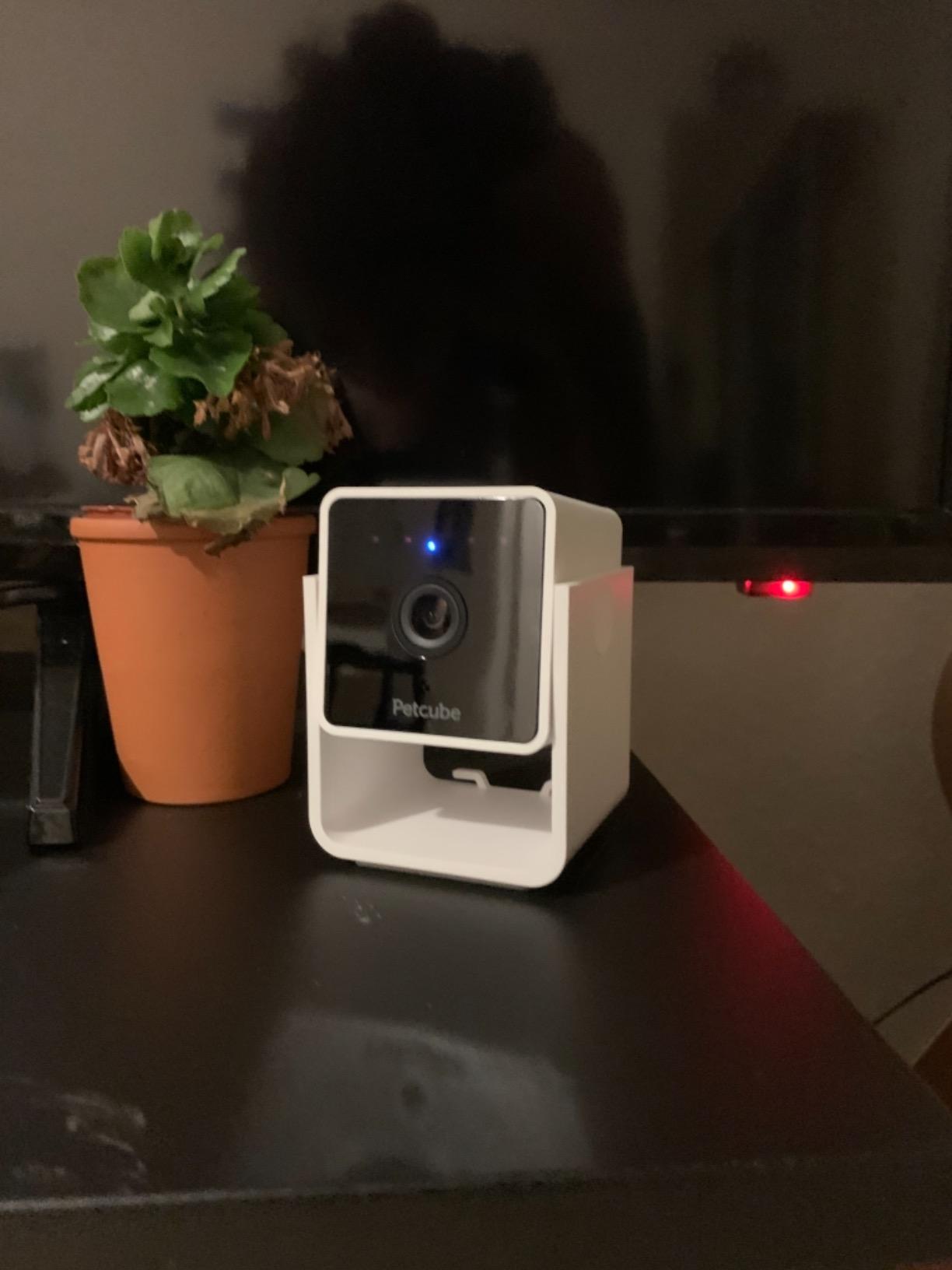
Use the mount, because the swivel is manual
Because you cannot move the view from the app, the camera’s position is the whole design. The magnetic base and included metal ring make it easy to move between a shelf, a doorframe, and a spot facing the litter area, which is more useful than a motor that cannot find your cat.
Place it before you leave, then check the angle from your phone. A fixed view of the wrong corner is the most common complaint about fixed cameras, and with this one you can only correct it by moving the hardware.
Factor the plan into the decision if you want history
Live viewing and sound alerts work without a paid plan, so the camera still works as a live check-in device. Recorded history and Smart Alerts are the parts that need Petcube Care, and that is where the subscription question has to be asked honestly.
If your main goal is no recurring cost, the Tapo C200 or the Kasa EC70 write to a card in the camera and keep the footage indefinitely. If you value the eating and drinking filters more than local storage, the Petcube is the better fit.
7. ARENTI P2Q 4MP Indoor Camera – Best for 5GHz and Wi-Fi 6 Setups
ARENTI 4MP Pet Camera P2Q, 5G WiFi 6 Indoor Security Camera, Free Phone App
4MP and 2.5K stream
Dual band Wi-Fi 6
Night vision to 32 ft
MicroSD up to 256 GB
Pros
- 4MP and 2.5K picture stays crisp day and night
- Dual band Wi-Fi works on 5GHz networks where 2.4GHz only cameras fail
- Setup is among the fastest and needs no subscription
- SD playback timeline with activity markers speeds up review
- 360 rotation with auto tracking covers a full room
Cons
- Motion detection is overly sensitive and notifies far too often
- Scheduled security scans interrupt pet tracking
- Tilt range stops short of straight down
Most pet cameras are 2.4GHz only, which means a crowded modern router can starve them. The P2Q is dual-band with Wi-Fi 6, so it joins a 5GHz network and stays connected where 2.4GHz-only units would drop off.
Image quality is the other draw. It records at 4MP with a 2.5K ultra-clear live stream, and night vision reaches about 32 feet using 8x 840nm infrared LEDs behind an F2.0 aperture. Owners consistently rate the picture as crisp in both day and night.
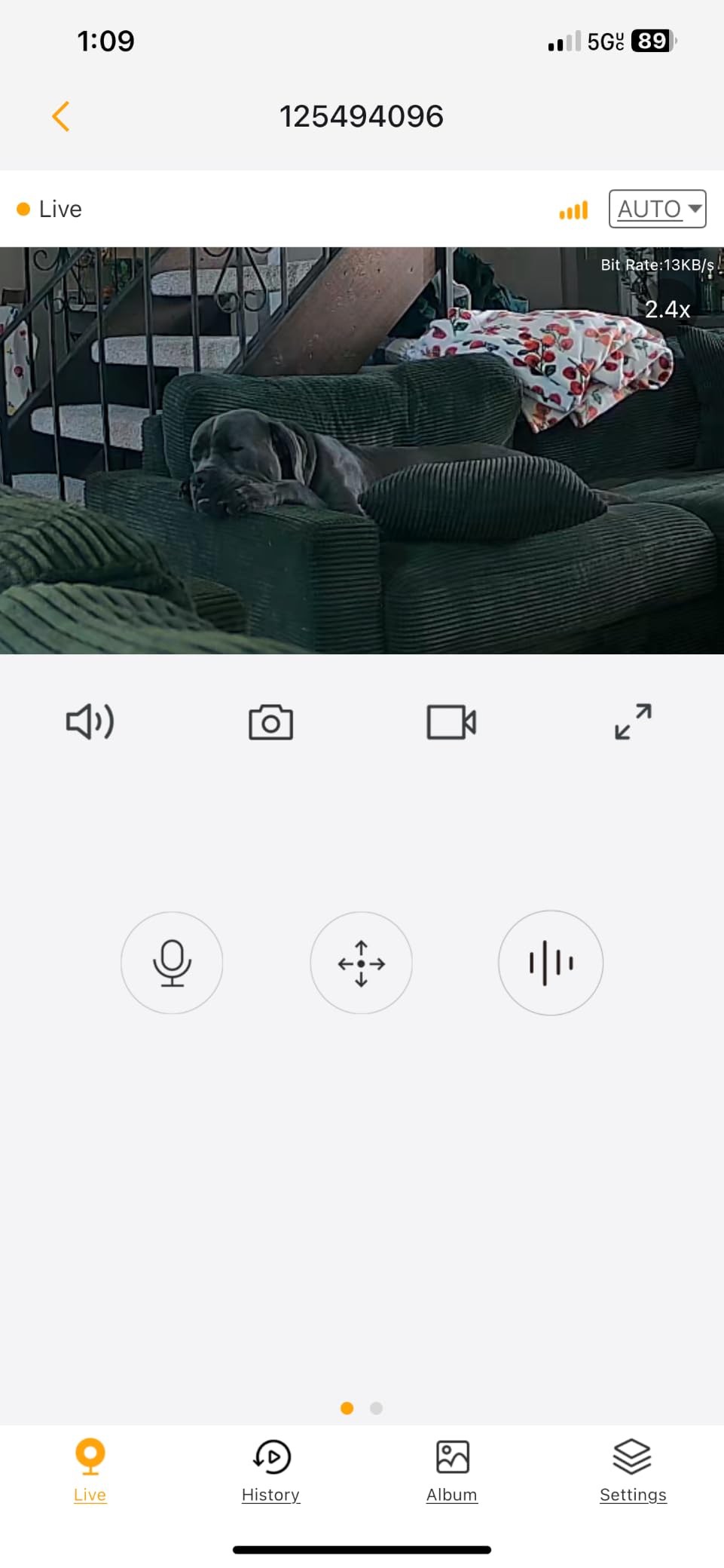
Recording is continuous to a microSD card up to 256 GB with no subscription, and the SD playback timeline with activity markers makes reviewing a long day quick. You can also pull up to four live feeds at once, share access with family on as many as five devices, and connect it to an NVR over ONVIF. Web browser access works too, and the manufacturer describes the encryption as bank-level.
Two features undercut the polish. The motion sensor is far too sensitive and generates constant notifications, and the scheduled security scans interrupt active tracking, which stops the camera following a cat mid-move.
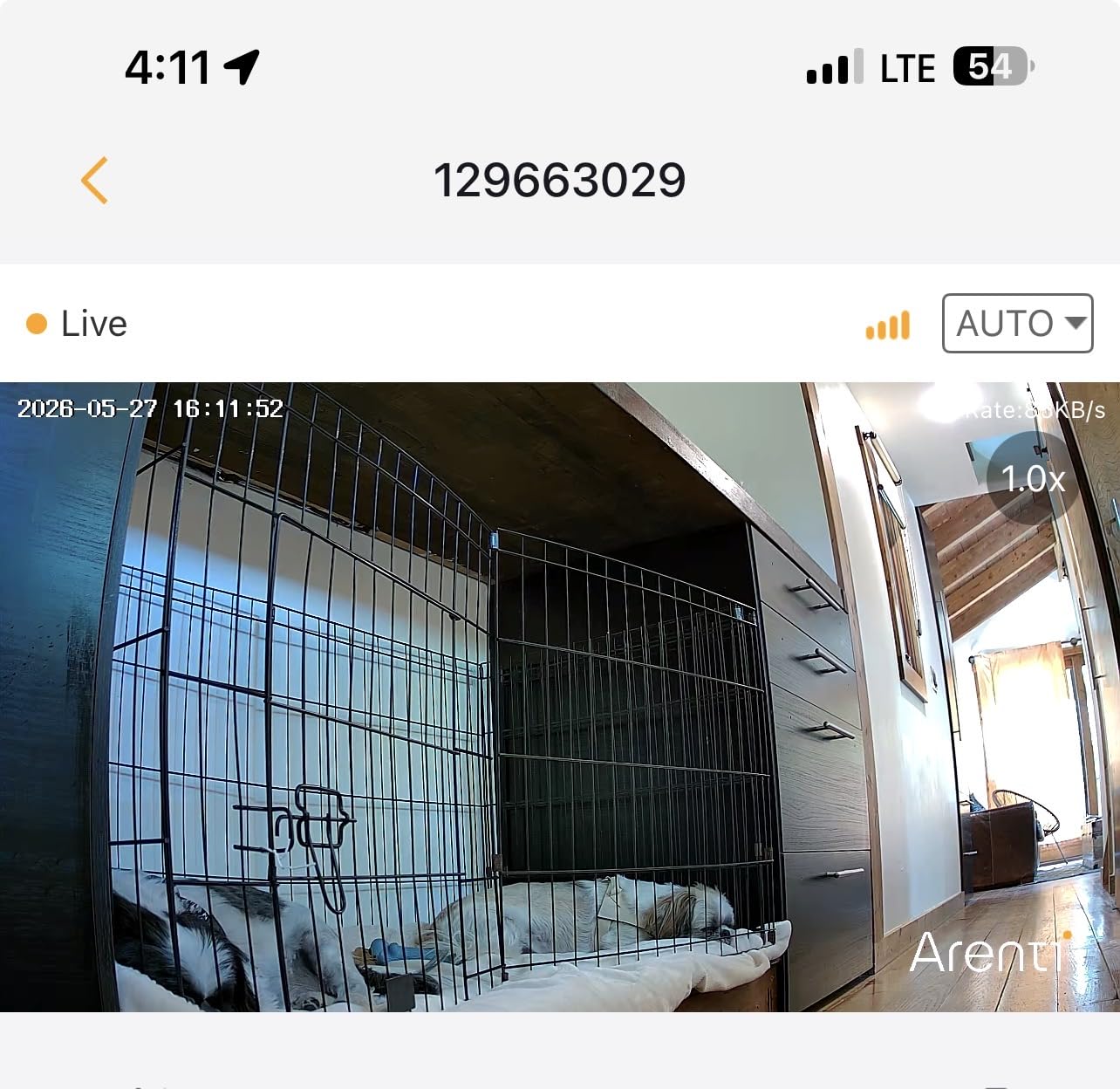
Turn the sensitivity down on day one
An over-sensitive motion sensor is the most commonly reported flaw and the easiest to fix. Pull the sensitivity down and set an activity zone around the areas the cat actually uses rather than the whole room.
With the sensitivity reduced, owners report the camera becomes genuinely useful. At default sensitivity it is a device that will train you to ignore notifications within a week.
Check the tilt range against your mounting height
The viewing angle is 95 degrees with 360-degree pan rotation, and the tilt stops short of pointing straight down. Mount it high and the floor near the base is out of frame, which is exactly where a cat likes to sit.
Two-way talk is described as echoey and the app menus as hard to navigate, so this is a camera for watching rather than talking. It is also the newest model in this group with the smallest review base, so weigh the newer track record accordingly.
8. eufy Security E30 4K Indoor Camera – Best 4K Resolution
eufy Security 4K Indoor Camera E30, No Subscription, Work as Pet Camera
4K UHD
360 pan and tilt
Color night vision
MicroSD with no monthly fee
Pros
- Sharp 4K image that holds detail when zoomed
- On-device AI separates people pets audio cues and crying
- Smooth 360 pan and tilt with jitter free tracking
- Records the seconds before a motion event
- No subscription required and HomeKit compatible
Cons
- Notification sensitivity can be high
- Tracking can fail when a subject passes very close to the lens
- Needs a high endurance microSD card for long recordings
The eufy E30 is the only 4K camera in this roundup, and that resolution pays off in a specific way: a cat sitting six feet away is still recognisable when you crop in. It records 4K UHD at 24/7 with 360-degree pan and tilt, and a Quick Focus Tap in the eufy app jumps to a point you tap on the picture.
The AI runs on the device rather than in the cloud, and it separates humans, pets, audio cues, and crying. For a cat owner, crying detection is genuinely relevant, and reviewers report few false alerts as a result of that on-device processing.
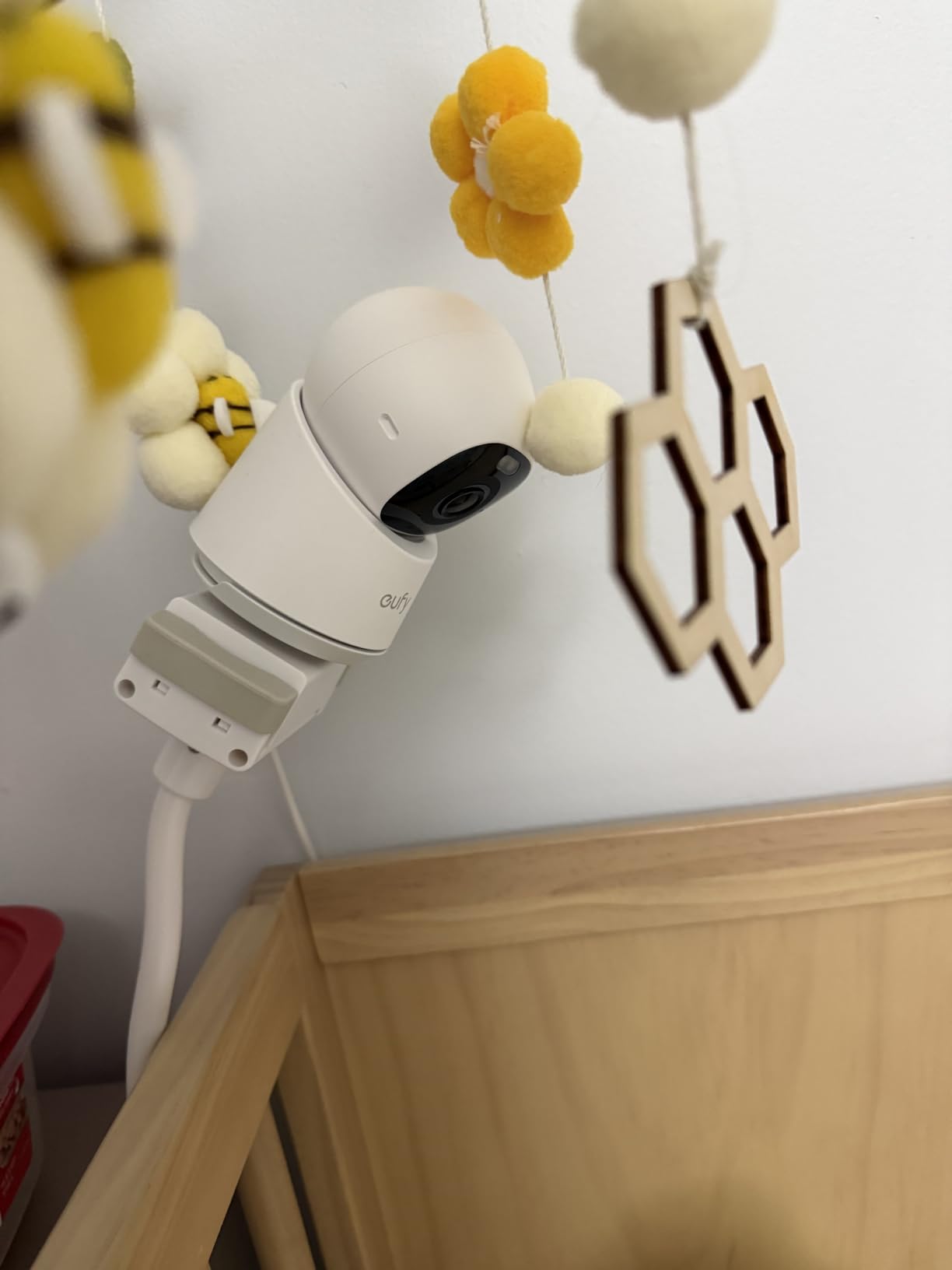
It also records a buffer of the seconds before a motion event, so a cat that bolts out of frame is not lost entirely. Night vision comes in two forms: color night vision using a built-in spotlight, and standard infrared. Two-way audio is included, and the app has been reported as stable with no crashes or connection drops by long-term users.
Local microSD storage works with no monthly fee, and the camera is compatible with HomeKit, Alexa, and Google Assistant. The trade-off is physical: the head is bulky, and the camera weighs 12.48 ounces in a body measuring 2.8 by 2.9 by 4.2 inches.
Buy a high endurance card, not the cheapest one you find
Continuous 4K recording is demanding, and owners who used a standard card reported problems with long-term local storage. A high endurance card is the difference between a camera that keeps eight days of footage and one that stops writing.
This is the pick if your priority is image quality and you already know how you want to store footage. If the card is an unwelcome extra step, the Tapo C200 handles the same no-subscription job with far less ceremony.
Watch the tracking and notification trade-off
Tracking is smooth on pets moving through the room, but it becomes unreliable when a subject passes very close to the lens. The notification sensitivity can also be high, so expect to tune it down after a few days.
Long-term users rate the app as one of the steadier ones in this group, and the fewer reported connection complaints set it apart from the blurams and the ARENTI. For a household that wants one camera and does not want a subscription, that reliability is worth the higher resolution.
9. TKENPRO 2K Treat Dispenser Camera – Best for Treat Tossing
TKENPRO 2K Pet Camera Treat Dispenser, 360°View Dog Camera with Phone App, 5G&2.4G WiFi 2-Way Talk Pet Cam Indoor for Cats Remote Treat Tossing, Motion Alerts, Auto Tracking
2K video
0.5L treat hopper
355 degree pan
Dual band Wi-Fi
Pros
- Treat tossing engages a cat and eases separation worry
- 2K picture and night vision are clear in low light
- 355 degree pan with a wide-angle lens covers the room
- Dual band 5GHz and 2.4GHz support for a steadier link
- Bark and voice detection with AI auto tracking
Cons
- Hopper is only 0.5L and suits only small treat sizes
- Cloud history and the Time Album need a subscription
- Auto tracking and app reliability are inconsistent
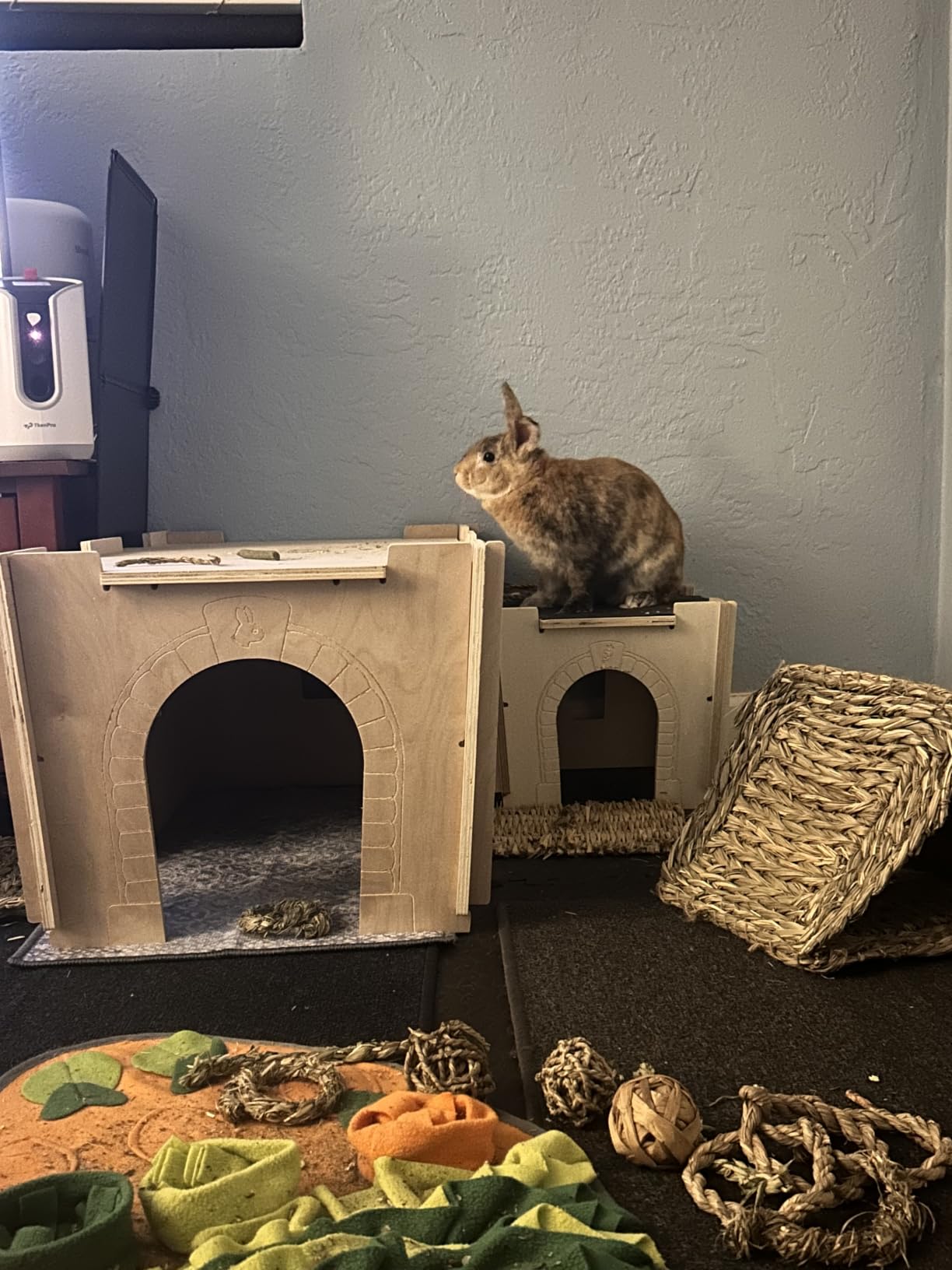
Only two cameras here can throw a treat, and this is the one that throws treats reliably enough to build a routine around. The integrated 0.5-litre hopper dispenses from the app, and the manufacturer recommends 7 to 15 mm treats, which rules out anything large or soft.
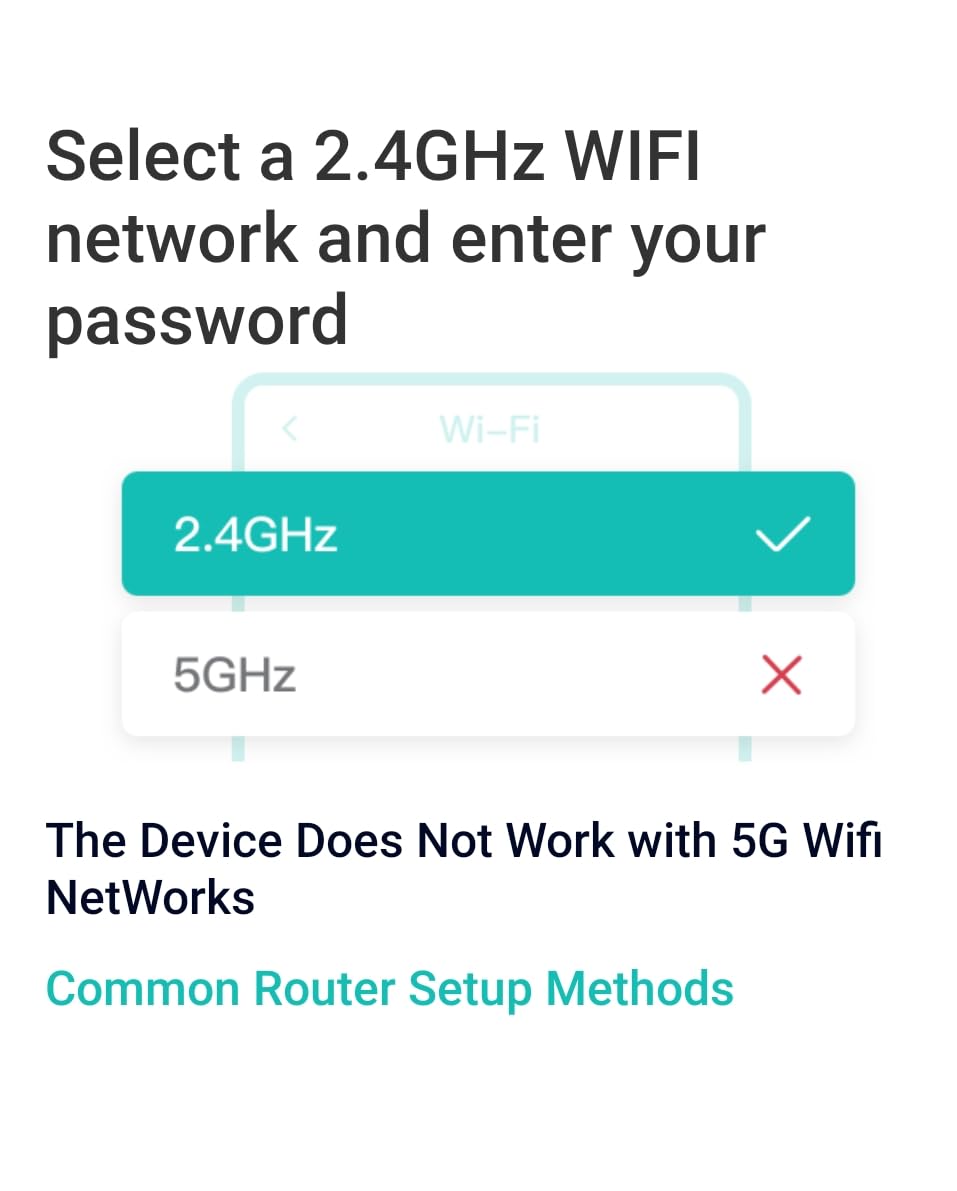
Video is 2K with infrared night vision, and the head rotates 355 degrees for a full 360-degree viewing angle with a wide-angle lens. It runs on both 2.4GHz and 5GHz Wi-Fi, which is unusual at this level, and works with Alexa and Google.
Alerts cover motion, bark, and voice, and AI auto tracking follows a moving animal. Two-way talk is included. Storage is a choice between a memory card up to 128 GB for 24/7 recording, with the card not included, or a cloud plan with a 7-day recording cycle.
Owners consistently report that the treat dispenser genuinely engages a cat left alone, and that the 2K picture and night vision hold up in low light. The dual-band radio produces a steadier connection than 2.4GHz-only models.
Check treat size compatibility before you commit
A 0.5-litre hopper holds less than you would expect, and the recommended 7 to 15 mm window is narrow. If your cat prefers large chunks or anything soft, the dispenser will jam or throw nothing, and you will be back to a plain camera.
Use small dry treats and test three or four before you rely on it during a work day. Also treat it as an occasional interaction rather than a feeding plan, for reasons the next section covers.
Count the subscription before deciding
The camera works without a plan, but the cloud recording cycle and the 60-second AI Time Album of pet highlights need one. If you insert a 128 GB card, you get continuous local recording and the subscription becomes optional.
Review counts on this camera are far below the Tapo or Kasa models, so expect a shorter record of long-term reliability. The trade is straightforward: if remote treat tossing matters to you, this is one of only two ways to get it here.
10. Furbo 360 Cat Camera – Best for Meow Detection
Furbo 360° Cat Camera [Core Features, No Ongoing Cost]
1080p
Motorized 360 rotation
Meowing sensor
Treat tossing and feather wand
Pros
- Meowing sensor is unique and genuinely useful for cat owners
- Treat tossing and feather wand keep a cat engaged
- Full 1080p motorized 360 coverage with color night vision
- Core features need no subscription
Cons
- Heaviest unit here at 1.04 kg
- so mounting matters
- 2.4GHz Wi-Fi only with no 5GHz support
- Power adapter is not included in the box
- AI smart alerts and video history need a subscription after the trial
The Furbo is the only camera here that listens for meowing and sends an alert about it. Almost every pet camera in the category tunes its audio detection to barking, which is why meow detection stands out for a cat household as a genuine feature difference rather than a marketing line.
The camera itself is 1080p with motorized 360-degree rotation, 4x optical zoom, color night vision, and two-way audio with in-app volume control. It tosses treats from the app and has a detachable feather wand toy, which is the part of the package cat owners describe most warmly.
![Furbo 360° Cat Camera [Core Features, No Ongoing Cost] customer photo 1](https://zainichifunk.com/wp-content/uploads/2026/09/B0C4XXBY44_customer_1.jpg)
A verified owner described in a r/kittens thread the appeal in plain terms: being able to see the kittens, talk to them, give them treats, and get videos and behaviour updates, calling it a satisfying purchase with room to improve. That reaction matches the review pattern here, where the meowing sensor and the interaction features are the reason for buying it.
This specific model is the core-features version, so the usual Furbo cost objection is partly removed. The meowing sensor, the 360 view, treat tossing, and live viewing work with no subscription, and a 14-day Furbo Nanny trial adds AI alerts, video history, daily reports, and Nanny Chat before any plan is needed.
![Furbo 360° Cat Camera [Core Features, No Ongoing Cost] customer photo 2](https://zainichifunk.com/wp-content/uploads/2026/09/B0C4XXBY44_customer_2.jpg)
Know the limits before you commit
It is the most heavily built camera in this roundup at 1.04 kg and 5.24 by 4.92 by 9.17 inches, so give it a proper shelf or a wall mount rather than a ledge. It is also a 2.4GHz-only device, so a 5GHz-only network will not do, and the power adapter is not in the box, only a USB cable.
After the trial, the AI smart alerts and video history are subscription features. So the promise of no ongoing cost holds for the core camera, not for the full experience most buyers assume they are getting.
Use the treat toss and feather wand sparingly
Interactive play is the reason people buy this camera, and it is also the part that deserves the most restraint. Repeated treat throws and chasing a feather wand can turn into constant food anticipation without any of the physical payoff of play with you.
For an unattended camera, treat tossing works best as an occasional reward for settling down rather than a scheduled feeding substitute. See the next section for why that matters more than it sounds.
Do Interactive Pet Cameras Actually Help Cats?
Sometimes, and the difference comes down to how you use the interactive features. A monitor that shows you a sleeping cat is informational. A monitor that dispenses food on a schedule is an intervention, and interventions need a purpose.
Applied animal behaviorists and animal behaviour rehabilitation specialists have long made one point that pet camera marketing tends to skip: a camera with a speaker is not the same thing as a person in the room. Many cats react to a disembodied voice differently from a human who is physically present, and a device that is silent for ten hours and then speaks can produce a startle response rather than reassurance.
The same caution applies to the treat tossers. Throwing food at a cat that is calling because it is bored reinforces the calling. If your cat learns that noise produces food, you have not solved the boredom, you have given it a mechanism.
Two rules keep interactive features on the right side of the line. Watch your cat’s reaction before you adopt a feature: if the ears flatten, the tail lashes, or the cat leaves the room and does not return within a few minutes, stop using it. And keep the treat function tied to calm behaviour, a settled post-meal nap, or a specific training goal, never to a timer.
None of this means avoiding a camera. It means starting with the passive features, which are genuinely useful: motion and pet detection, night vision, and a picture of whether the litter box was used. Add two-way audio and treat dispensing only after you know how your particular cat responds to a speaker coming from an object.
If you have a dog in the house, the same features behave very differently, and our dog camera guide covers the treat and bark features that suit a larger animal.
Pet Cameras With No Monthly Fee
Six of the ten cameras here record to a microSD card in the camera itself, which means continuous local recording with no plan. That is the single most important filter for most cat owners, and it is the reason the Tapo C200 sits at the top.
Local storage matters for two reasons. There is no recurring cost, and footage on a card cannot be expired or deleted by a vendor, which matters more than most buyers expect once they realise how much of their home a camera sees.
Among the local-storage options, the Tapo C200 accepts cards up to 512 GB, the Kasa EC70 and the ARENTI P2Q accept up to 256 GB, the blurams and the TKENPRO take 128 GB, and the eufy E30 also records locally with no monthly fee, though continuous 4K needs a high endurance card. The Blink Mini stores locally only through a Sync Module 2 with a USB drive, so treat that as a seventh local path that costs extra hardware.
Two cameras in this list have no local storage path at all. The Petcube Cam relies on a plan for video history and Smart Alerts, and the PETLIBRO’s recap features are subscription-gated. The Blink Mini does have a local route, but it requires the extra Sync Module rather than a card in the camera.
One honest caveat: every card in these cameras is sold separately, and loop recording means old footage is overwritten once the card fills. If you need to keep a specific event, save the clip in the app on the day it happens.
Cameras for Multi-Cat Households
One camera rarely covers more than one cat, and the limitation is geometry rather than software. A fixed view sees one room, and a pan and tilt unit that chases one animal misses the other, which is why a two-cat household asks a different question than a one-cat household.
There are three workable arrangements. A single pan and tilt camera on a central shelf covers a small open-plan space, at the cost of losing an animal whenever it moves behind furniture. Two fixed cameras, one per room, give complete coverage and no tracking misses, and most of the apps here can show more than one feed at a time.
The blurams is the most explicit about this, viewing up to four of its cameras at once, and the ARENTI offers four live feeds with sharing on up to five devices. If you want alerts that name which cat is involved, the PETLIBRO is the only option here that recognises individual animals, up to five of them.
Whichever route you take, label each camera by room in the app and test at night. A second camera covering the litter area is often the one that tells you the most, and it is the placement most people skip. Keeping the room tidy also matters more than usual once a camera is pointed at it, and a robot vacuum rated for pet hair is the easiest way to reduce what shows up on the footage.
Cat Collar Cameras vs Fixed Indoor Cameras
Yes, you can put a camera on a cat, but for indoor monitoring a fixed camera is the better tool. Collar cameras exist and are sold for exactly this question, and the r/selfhosted community has an active discussion comparing them against fixed indoor options, including a Xiaomi 360 camera wired to a local NAS.
The limits are physical. A collar camera adds weight to a neck, has a battery that needs charging between uses, records a narrow first-person field of view, and produces footage that shakes constantly. It cannot watch a room while your cat sleeps in it, which is the whole point here.
Where a collar camera does help is answering where did the cat go questions, such as tracking a route through a hard-to-view space. If you do need to observe movement outside the house rather than inside it, our trail camera guide covers weatherproof units built for that job. For confirming eating, litter box use, and overnight rest, a fixed indoor pet camera such as the Tapo C200 is more reliable and does not burden the animal.
How We Picked and Tested
This is a research-based roundup rather than a hands-on lab test, and we would rather say that plainly than imply otherwise. We ranked the cameras on eight criteria, using manufacturer specifications and the patterns in owner reviews.
Storage model – whether local microSD recording works and how much it holds, and which features a paid plan adds.
Coverage geometry – viewing angle, pan and tilt range, and whether tracking keeps up with a moving cat.
Night vision range and type – infrared reach, and whether color night vision is available.
Audio quality – whether two-way talk is usable or garbled, and whether listen and talk can run together.
Detection relevance – whether the camera separates pets from humans and general motion, and how often false alerts fire.
Connection stability – supported Wi-Fi bands and reports of drops or freezes.
Cat-specific features – treat dispensing, meow detection, and individual pet recognition.
Build and placement – weight, dimensions, mounting hardware, and how a cat interacts with the unit.
Two limits are worth stating. We have not measured latency, false-alert rates, or treat-dispenser consistency ourselves, so where owners disagree we say so rather than picking a side. And the review counts vary enormously, from under a thousand to more than 42k, so treat newer models as less proven regardless of their specification sheets.
What to Look for in an Indoor Pet Camera
Nine things decide whether an indoor pet camera works for a cat. Here they are in the order we would weigh them.
Local storage with no required plan – a microSD slot is the clearest signal that the manufacturer does not need a subscription. Check the maximum card size, since 128 GB and 512 GB are both common and both are sold separately.
Coverage that fits one room – a 360-degree pan with a 114-degree or greater tilt covers most living rooms from a shelf. A 95-degree viewing angle needs more careful placement.
Pet detection that filters humans – on-device AI that separates people, pets, and general motion is what keeps notifications usable. Without it, every shadow and every passing car is an alert.
Meow detection, if you have a cat – most pet cameras are tuned to barking. A camera with a meowing sensor tells you something a motion alert cannot.
Night vision range – anything from 27 to 32 feet covers a normal room. Color night vision is a genuine improvement for a black-and-white cat at 2am.
Two-way audio quality – check whether talk and listen can run at the same time. Several cameras here produce feedback when they do.
Wi-Fi band support – 2.4GHz only is the norm. On a crowded modern router that can be the difference between a working camera and a dropped connection.
Pre-event recording – a few seconds of buffer before motion means a cat that bolts out of frame is still partly recorded.
Treat dispensing, only if you will use it sparingly – a treat hopper is a tool, not a feeding plan, and it constrains treat size.
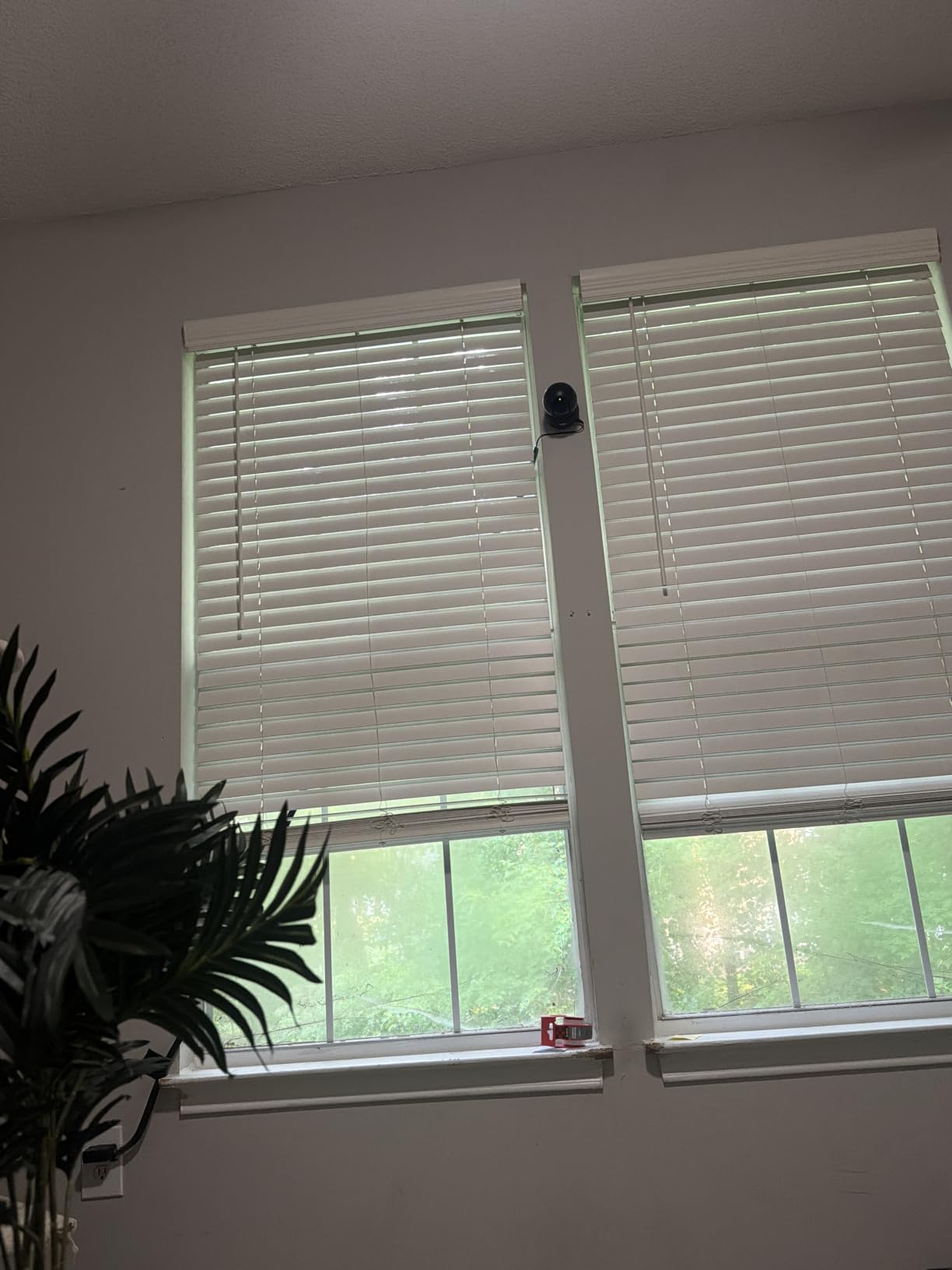
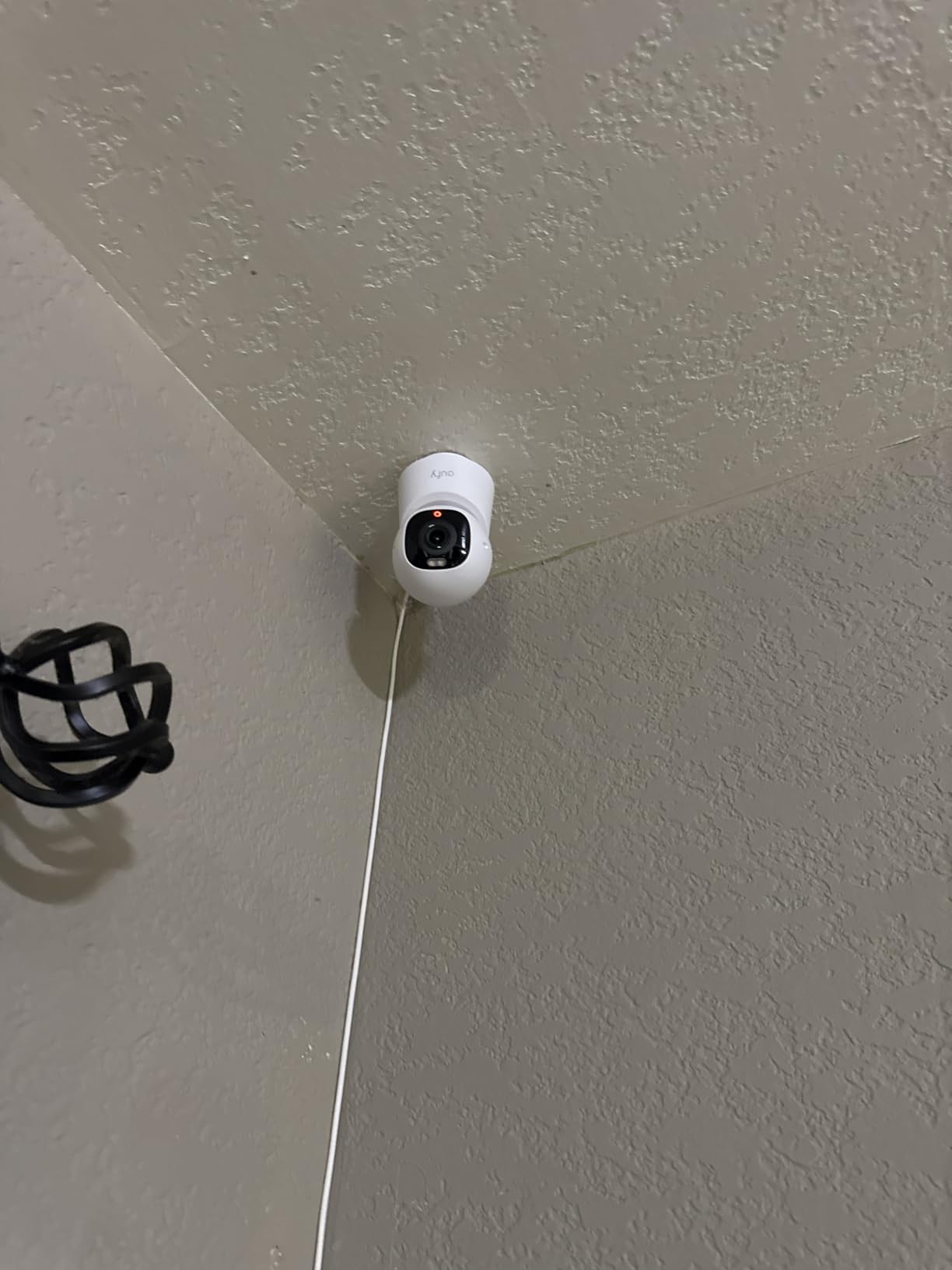
Placement deserves its own paragraph because it decides more than any setting. Mount the camera above cat height, ideally six feet or more, so a cat cannot swipe at it or sit directly in front of the lens. Secure the power cord along a wall or into a cable channel, because cats chew cords and a dangling cable is both a hazard and a path to knock the camera down. A weighted base or a wall mount helps, and the heavier dome cameras in this list are the hardest to dislodge.
Finally, think about privacy before you install. A camera inside your home sees the inside of your home, and many people are more comfortable with footage on a card in the camera than on a vendor’s servers. If that matters to you, make local storage a hard requirement rather than a nice to have.
Frequently Asked Questions
What is the best camera to use with my cat?
The Tapo C200 is the best indoor pet camera for cats overall, because it combines 360-degree pan, 114-degree tilt, 1080p video, and local microSD storage up to 512 GB with no required subscription. For cat-specific features, the Furbo 360 Cat Camera adds meow detection, treat tossing, and color night vision. For the simplest live check-in, the Petcube Cam is the smallest and least fiddly option.
Which cat camera does not require a subscription?
Six of the cameras in this roundup record to a microSD card in the camera itself with no paid plan: the Tapo C200 up to 512 GB, the Kasa EC70 and ARENTI P2Q up to 256 GB, the blurams and TKENPRO up to 128 GB, and the eufy E30, which stores locally with no monthly fee. The Petcube Cam requires its Care plan for video history, and the PETLIBRO gates its recap features behind a subscription.
What is the best indoor camera with two-way audio?
The Tapo C200 offers the most dependable two-way audio in this group, with in-app volume control and a sound and light alarm. The PETLIBRO 360 is a close second for clarity. Avoid the Kasa EC70 if talking to your cat is the point, since owners frequently report garbled audio, and check the Petcube Cam, where listening and talking at once causes heavy feedback.
Is the Furbo cat camera worth it?
It depends on what you want. The Furbo 360 Cat Camera is the only camera here with a meowing sensor, and it combines treat tossing, a feather wand toy, motorized 360-degree rotation, and color night vision, with the core features working without a subscription. It is the heaviest and bulkiest unit in the roundup, it is 2.4GHz only, and AI smart alerts and video history still need the Nanny plan after the 14-day trial. If treat tossing and meow alerts are not your priority, the Tapo C200 covers the same core job in a smaller frame.
Can I put a camera on my cat?
Yes, collar cameras exist, but for indoor monitoring a fixed camera is the better tool. A collar camera adds weight, has a battery that needs recharging, and produces a narrow, constantly moving first-person view that cannot show you a room while your cat sleeps. Collar cameras answer where did the cat go questions, while a fixed indoor pet camera answers eating, litter box, and overnight rest questions far more reliably.
Can I leave my cat alone for 4 days with an automatic feeder?
A camera is a monitoring tool, not a substitute for care. Four days alone with a feeder requires fresh water that lasts the whole period, a litter box that does not need daily scooping, a feeder you have tested for four days beforehand, and a human who checks in at least once a day. A pet sitter or a friend visiting daily is a far safer arrangement, and no camera replaces that. Regular human check-ins matter more than any camera feature.
Do pet cameras stress cats?
A passive camera that only streams and records does not stress most cats. Interactive features can, because applied animal behaviorists point out that a disembodied voice from a device is not the same as a person in the room, and a camera that speaks after ten silent hours can startle rather than reassure. Treat tossers can teach a cat that calling produces food. Start with motion detection and night vision, then add two-way audio or treat dispensing only if your cat’s behaviour stays relaxed.
Conclusion: Which Indoor Pet Camera Should You Buy for Your Cat?
The Tapo C200 is our pick for most people, and we keep coming back to it because the combination is hard to argue with: full 360-degree pan, 114-degree tilt, 1080p day and night, two-way audio, and local microSD storage up to 512 GB with no required plan. Format the card inside the app and the main complaint disappears.
Pick the Kasa EC70 if you want the same pan and tilt concept with a 120-degree angle and you are less fussy about audio. Pick the eufy E30 if image quality matters most and you will buy a high endurance card. Pick the ARENTI P2Q if your router is crowded and 2.4GHz-only units keep dropping.
For two cats or more, the PETLIBRO 360 is the only camera here that tells you which animal you are looking at. For a cat that needs interaction through the day, the Furbo 360 with its meowing sensor and treat dispenser is the cat-specific answer, and the TKENPRO is the other route to remote treat tossing.
Whichever you choose, mount it above cat height, manage the cord, and add interactive features only after you have watched how your cat reacts to a speaker. Last updated in 2026, and we update this list as owners report new firmware problems.