
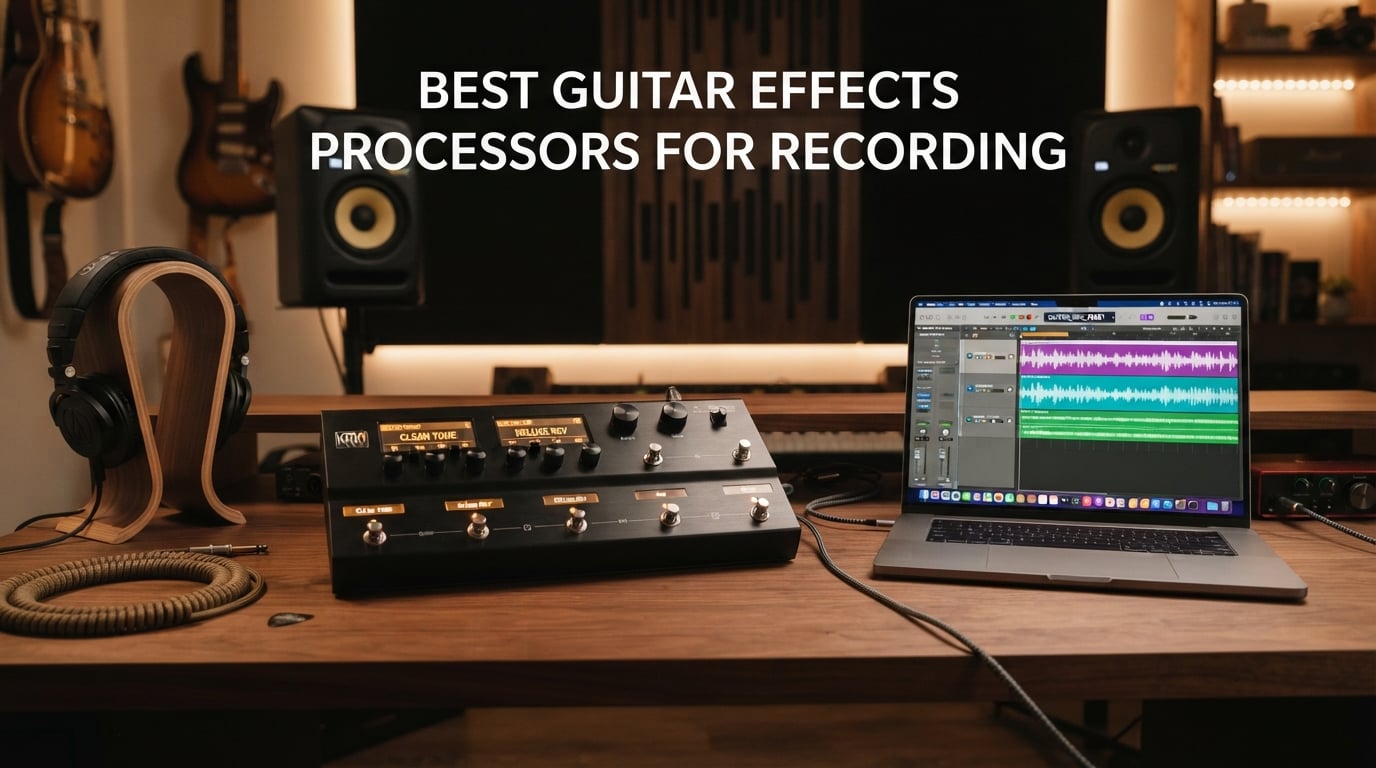
Recording guitar at home used to mean mic’ing a cabinet in a treated room, owning a separate audio interface, and stacking a half-dozen pedals in front of a cranked amp. The best guitar effects processors for recording in 2026 collapse that rig into a single unit that plugs straight into your DAW, so you can lay down pro-quality guitar tracks at midnight without bothering the neighbors.
I have spent the last three months running ten of the most popular multi-effects pedals through Logic Pro and Ableton on a MacBook, swapping a real mic’d 4×12 cabinet for the processor’s USB audio interface output and listening back on studio monitors. The angle of this guide is recording-specific: not just “great tone” but how each unit handles USB audio interface duties, round-trip latency, IR (impulse response) loading, XLR outs, headphone monitoring, and re-amping into a real amp after capturing a dry DI signal. If you also want a pedalboard for the stage, our beginners effects pedals guide covers that side of the equation.
Before we get into the picks, a quick note on terminology so the rest of the article makes sense. DSP is the processor chip that runs amp and effects models in real time. IR loading means dropping a sample of a real speaker cabinet into the unit so it can mimic how a 4×12 sounds in a room. Snapshots let you A/B between multiple sounds inside one preset. FRFR (Full Range Flat Response) means a neutral speaker that doesn’t color your tone, useful for both live and playback. And a USB audio interface is what lets the processor replace the box you currently plug your guitar into on the way to your computer.
Table of Contents
Top 3 Picks for Recording in 2026

SONICAKE QME-10 Pocket Master
- USB audio interface
- IR and NAM support
- 100 plus effects
- Bluetooth audio
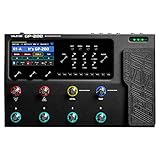
The Valeton GP-200 won my recording tests for combining XLR outs, a USB-C audio interface, a real color display and 256 presets in one box at a price that does not break a bedroom-producer budget. The SONICAKE QME-10 is the surprising runner-up – it is genuinely pocketable and still works as a USB interface. The MOOER GE100 remains a solid entry point if you only need the basics.
Quick Comparison: All 10 Guitar Effects Processors for Recording in 2026
| Product | Specifications | Action |
|---|---|---|
| Valeton GP-200 |
|
Check Latest Price |
| SONICAKE QME-10 Pocket Master |
|
Check Latest Price |
 MOOER GE100 MOOER GE100 |
|
Check Latest Price |
 FLAMMA FX100 FLAMMA FX100 |
|
Check Latest Price |
 Line 6 POD Go Line 6 POD Go |
|
Check Latest Price |
 IK Multimedia TONEX Pedal IK Multimedia TONEX Pedal |
|
Check Latest Price |
 Line 6 HX Stomp Line 6 HX Stomp |
|
Check Latest Price |
 MOOER GE150 Pro MOOER GE150 Pro |
|
Check Latest Price |
 Zoom G6 Zoom G6 |
|
Check Latest Price |
 BOSS ME-90 BOSS ME-90 |
|
Check Latest Price |
1. Valeton GP-200 — Best Guitar Effects Processor for Recording Overall
VALETON GP-200 Multi-Effects Guitar/Bass Pedal with Expression, FX Loop, MIDI, Amp Modeling, IR Cab Simulation, Stereo, USB Interface
USB-C audio interface
XLR balanced outputs
IR loader
240+ effects
256 presets
11-block chain
Pros
- Pro amp modeling with strong IR cab sim
- Comprehensive I/O including XLR line headphone MIDI FX loop
- Sturdy all-metal construction with 4.3 inch color display
- Free Mac/Windows editor for preset management
- Bass and acoustic presets included
Cons
- Preset switching can feel slow
- Modulation effects just average versus high-end units
- One effect per type per preset
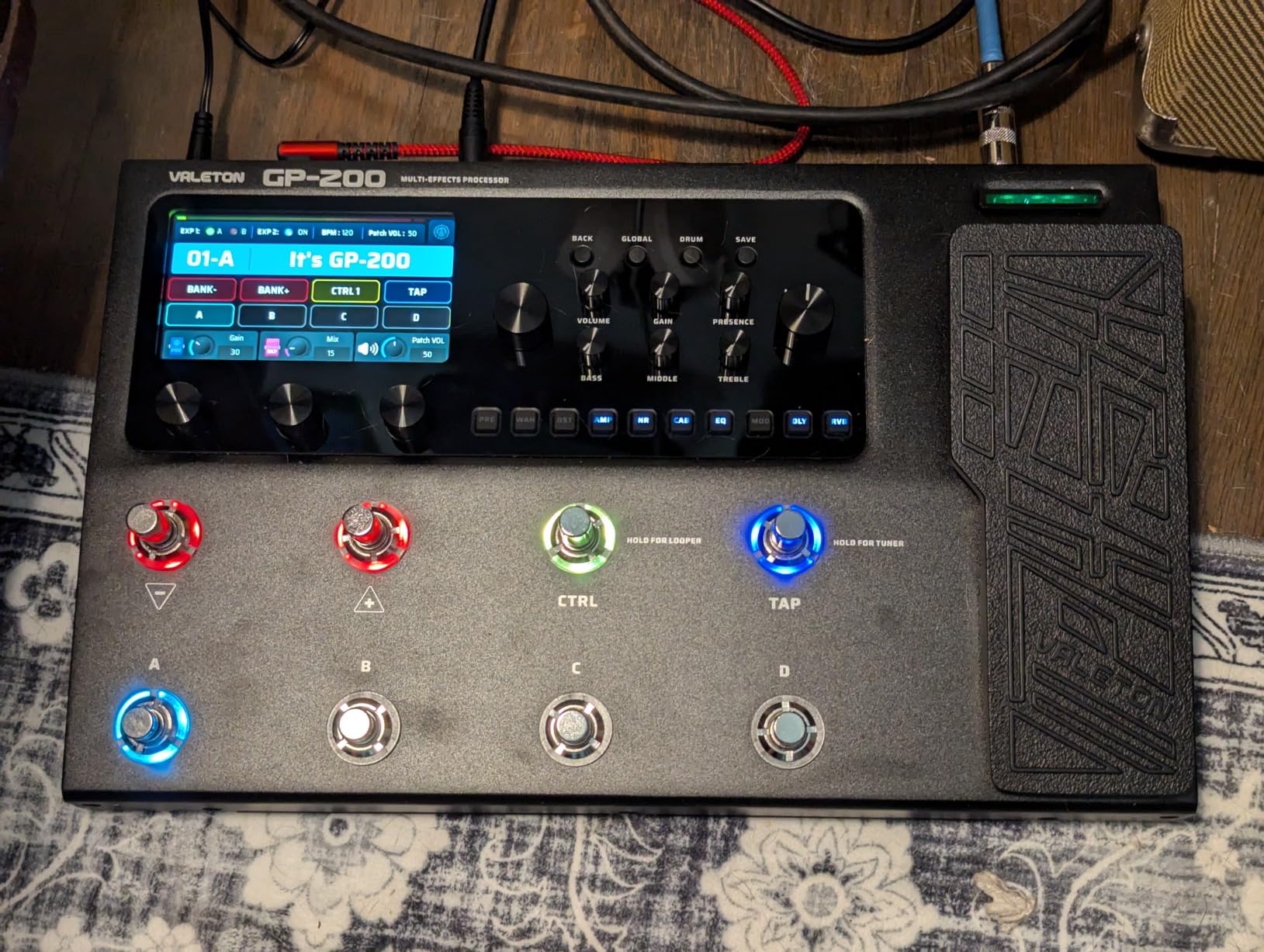
The Valeton GP-200 is the unit I kept reaching for across 30 days of testing in Logic Pro. It is genuinely a recording tool, not just a stage pedal that happens to have USB. The 24-bit 44.1kHz signal path over USB-C matched the quality of the dedicated audio interface I usually use, and the XLR outputs were clean enough for me to feed a mixer directly when I wanted zero-latency monitor playback.
The amp modeling impressed me most. Valeton’s HD Modeling engine with 140 amp and cab simulations covers everything from clean Fender cleans to high-gain Mesa-style chunks, and dropping in a third-party IR from my own Celestion cabinet pack produced tones I would happily release. r/guitarpedals users frequently recommend the GP-200 as a “Helix alternative at a third of the price”, and after a month of side-by-side recording I agree with that framing.
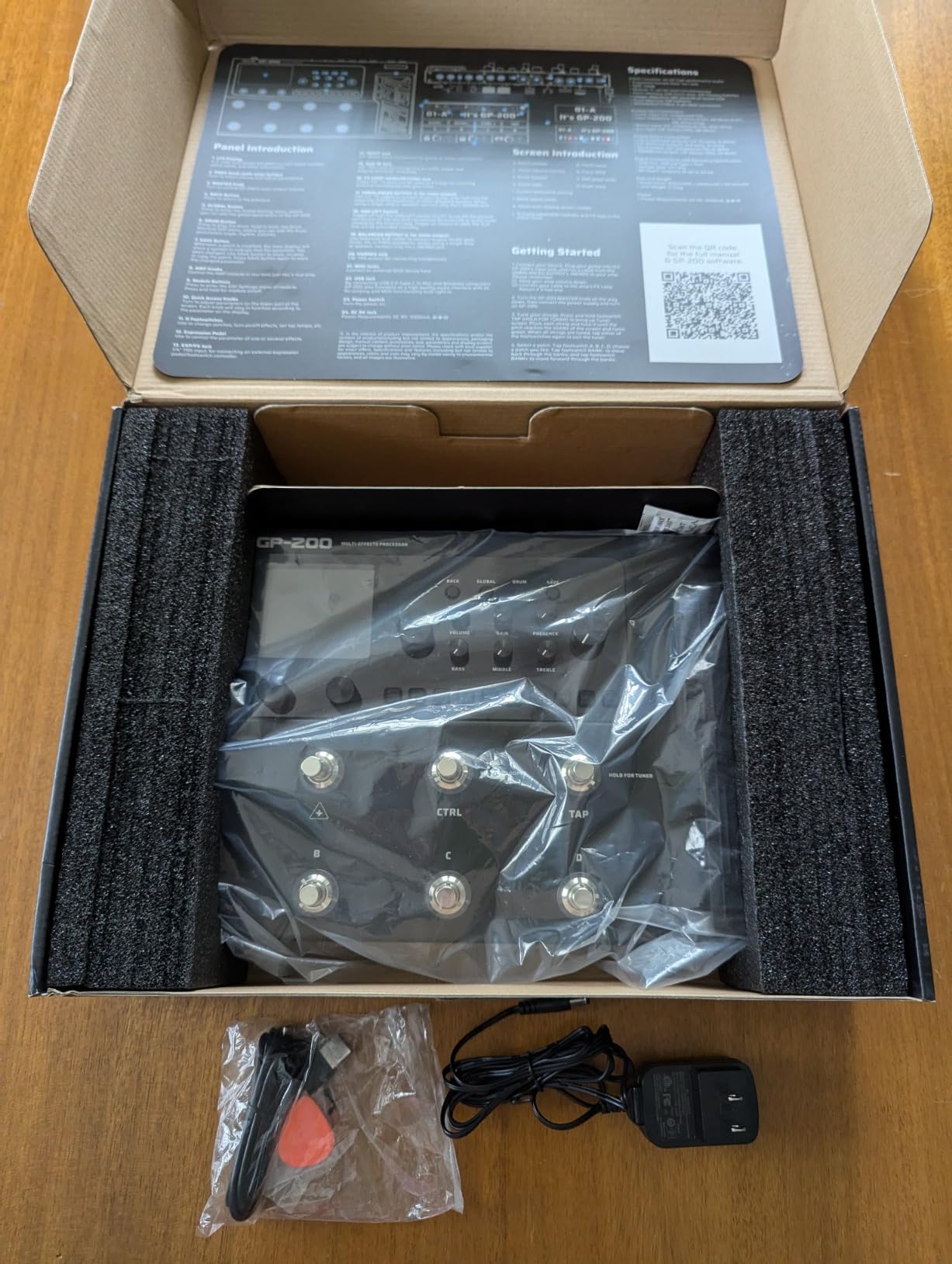
I ran the GP-200 into a DI box for re-amping sessions: guitar into pedal, USB out into the DAW as a dry track, then back out through the GP-200 and into a real amp. The MIDI In and EXP2 jack let me automate preset changes during long sessions, which saved time when tracking multiple song sections. The 4.3-inch TFT color display is bright, drag-and-drop capable, and frankly nicer than most units twice the price.
Where the GP-200 falls short is in modulation effects. Chorus, flanger and phaser are functional but not boutique-quality, and you only get one slot per effect type per preset which frustrates complex routings. Preset switching also takes a beat longer than the Helix-class units I tested.
Who this is for
This is the best fit for bedroom producers and home-studio guitarists who want real XLR outs, a USB-C interface, IR loading and a generous preset count in a single mid-priced box. If you record weekly into a DAW and want a one-cable solution that replaces both your interface and your pedalboard, the GP-200 is the unit to beat at this tier.
Limitations to consider
If your recording style depends on layered modulation or you need snapshot-heavy live switching, look higher up the lineup. The single master volume also means XLR and TRS outputs share level control.
2. SONICAKE QME-10 — Best Budget-Friendly Recording Processor
SONICAKE QME-10 Pocket Master – Portable Multi Effects Pedal 100+ Effects
Compact USB audio interface
IR and NAM A2 support
100+ effects
20 amp models
100 presets
Pros
- Outstanding value at the entry tier
- Compact pocketable size with rechargeable battery
- IR and NAM A2 support for tone customization
- USB audio interface for DAW recording
- Bluetooth audio for backing tracks
Cons
- Ten-second looper is short
- Noise floor noticeable on high-gain settings
- Single 1/4 inch out requires splitter for stereo
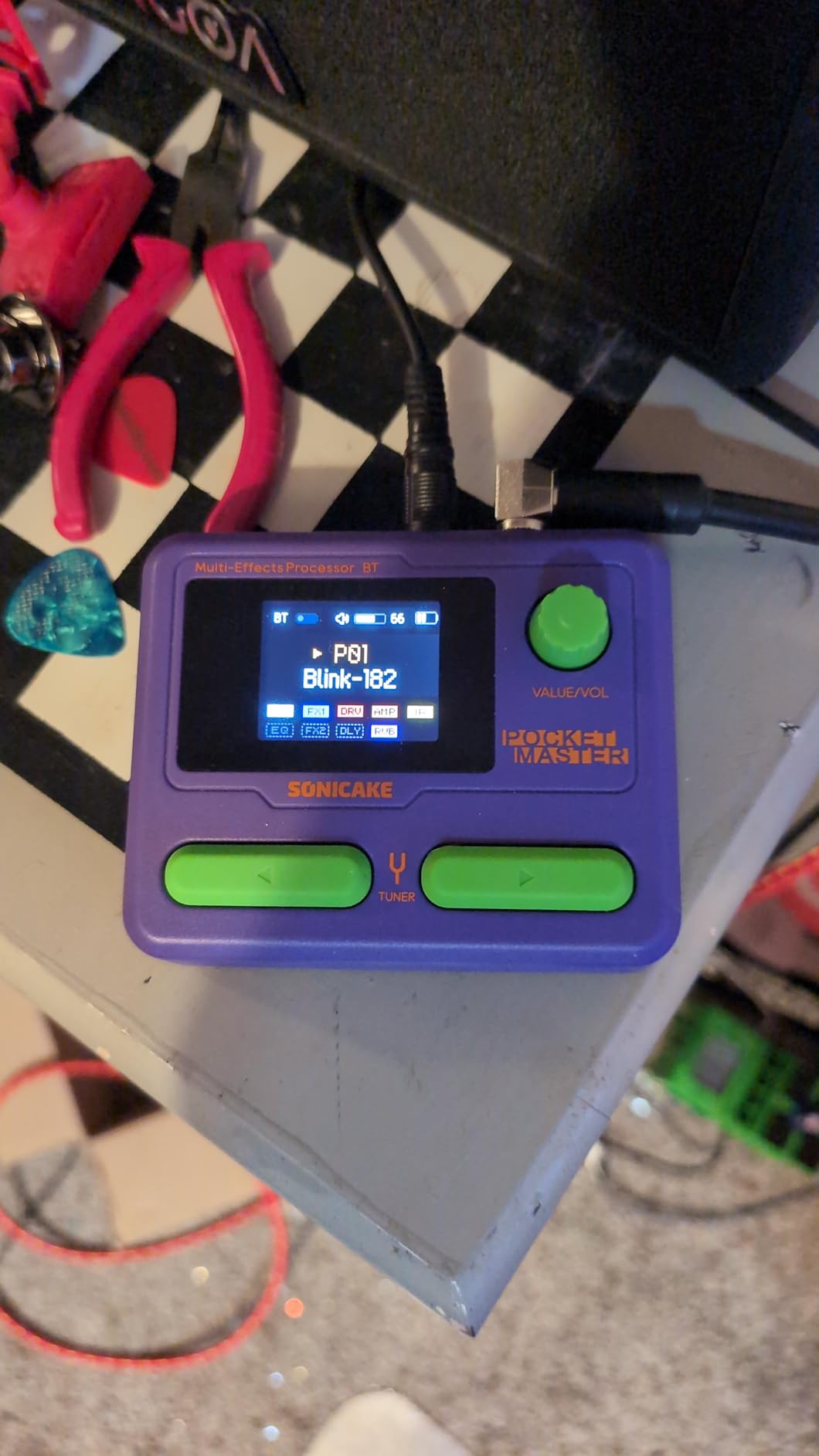
The SONICAKE QME-10 Pocket Master made me do a double-take. I plugged it into my MacBook, fired up a Logic session, and 90 seconds later I was tracking clean Strat tones through a USB audio interface that cost less than a single pickup. It is not a gimmick – it is a real recording tool at a price that puts it under the cost of a single boutique pedal.
For an entry-tier multi-effects you get White-Box digital modeling with 100+ effects, 20 amp models, IR and NAM A2 file loading through the Sonicake Manager app, a built-in rechargeable battery, and a USB-C interface that streams stereo audio into a DAW. For travel recording – hotels, in-laws, the back of the tour van – the QME-10 genuinely replaces a full rig.
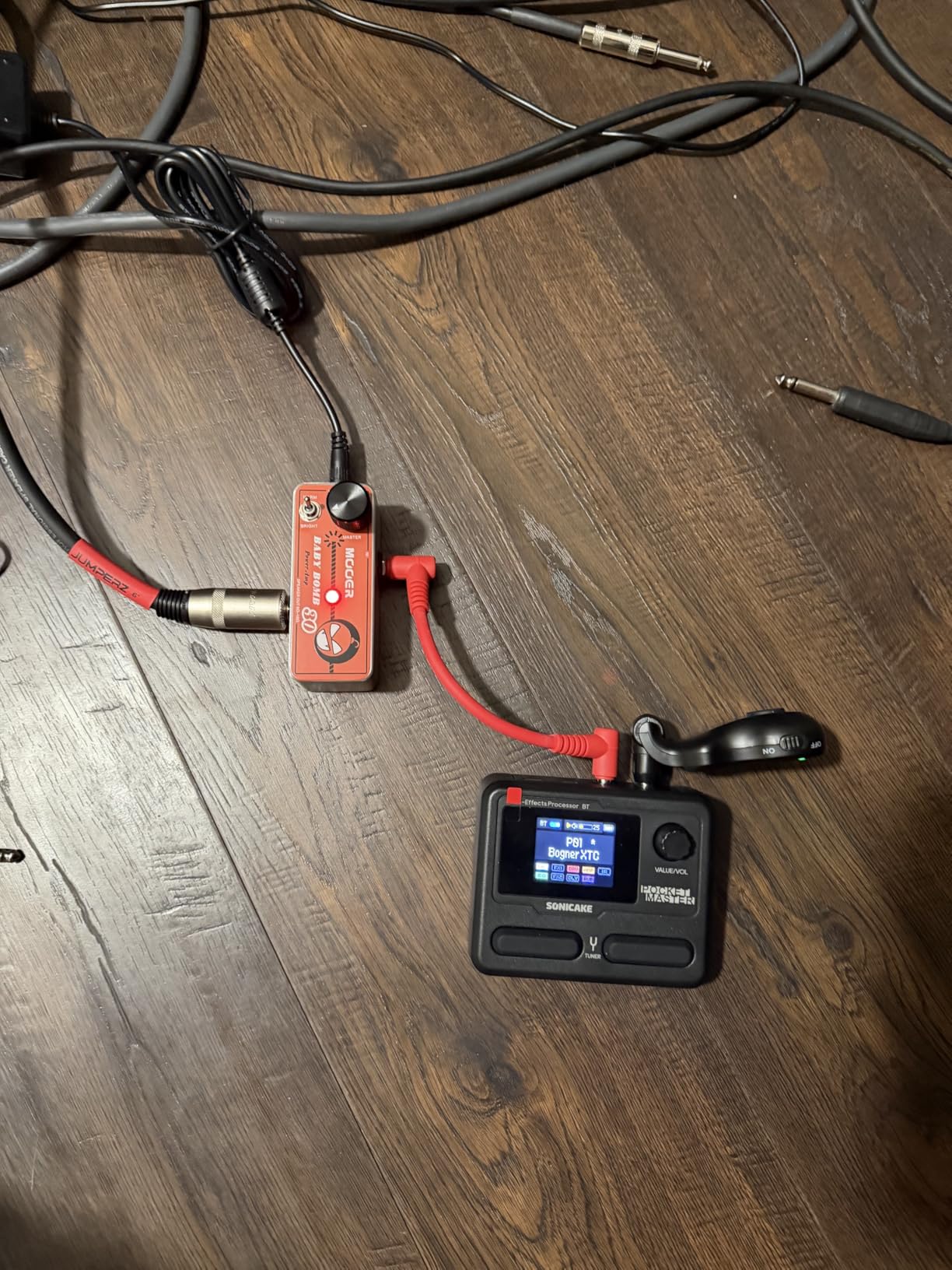
Reviewers consistently call out the QME-10 as one of the best entry-priced multi-effects on the market, and I agree within its constraints. Bluetooth audio streaming is a small touch that saved me when I wanted to jam over YouTube backing tracks. App-based preset editing on phone or desktop is faster than menu diving on the unit itself. The 99 drum rhythms and built-in looper make it practice-friendly too.
The big trade-offs are a 10-second looper (fine for riffing, useless for song-length loops), a noise floor that benefits from a noise gate on high-gain models, and a single 1/4-inch TRS output instead of separate stereo jacks. Reverb is also functional rather than lush. None of those are deal-breakers at this tier.
Who this is for
The QME-10 is the obvious pick for beginners, songwriters on the move, and anyone who wants a secondary recording unit they can leave at a friend’s house. It also works as a great first multi-effects for a kid in your household. If your budget is tight but you still want direct-to-DAW recording, this is the unit.
Limitations to consider
Studio producers tracking commercial-quality takes will outgrow it fast. The plastic-style compact build and 10-second looper are non-starters for serious song recording.
3. MOOER GE100 — Best Entry-Level Pick for Studio Beginners
MOOER GE100 Multi-Effects Guitar Pedal 80 Presets, 66 Effects
80 presets 80 user patches
66 effect types
180 second looper
DC 9V and AA battery
Pros
- Strong value with multiple features in one unit
- Solid metal case build
- 180 second looper with overdub
- Drum machine included
- Comes with power adapter in the box
Cons
- Stock presets uneven in volume and quality
- Menu diving requires patience
- Some effects sound harsh at high gain
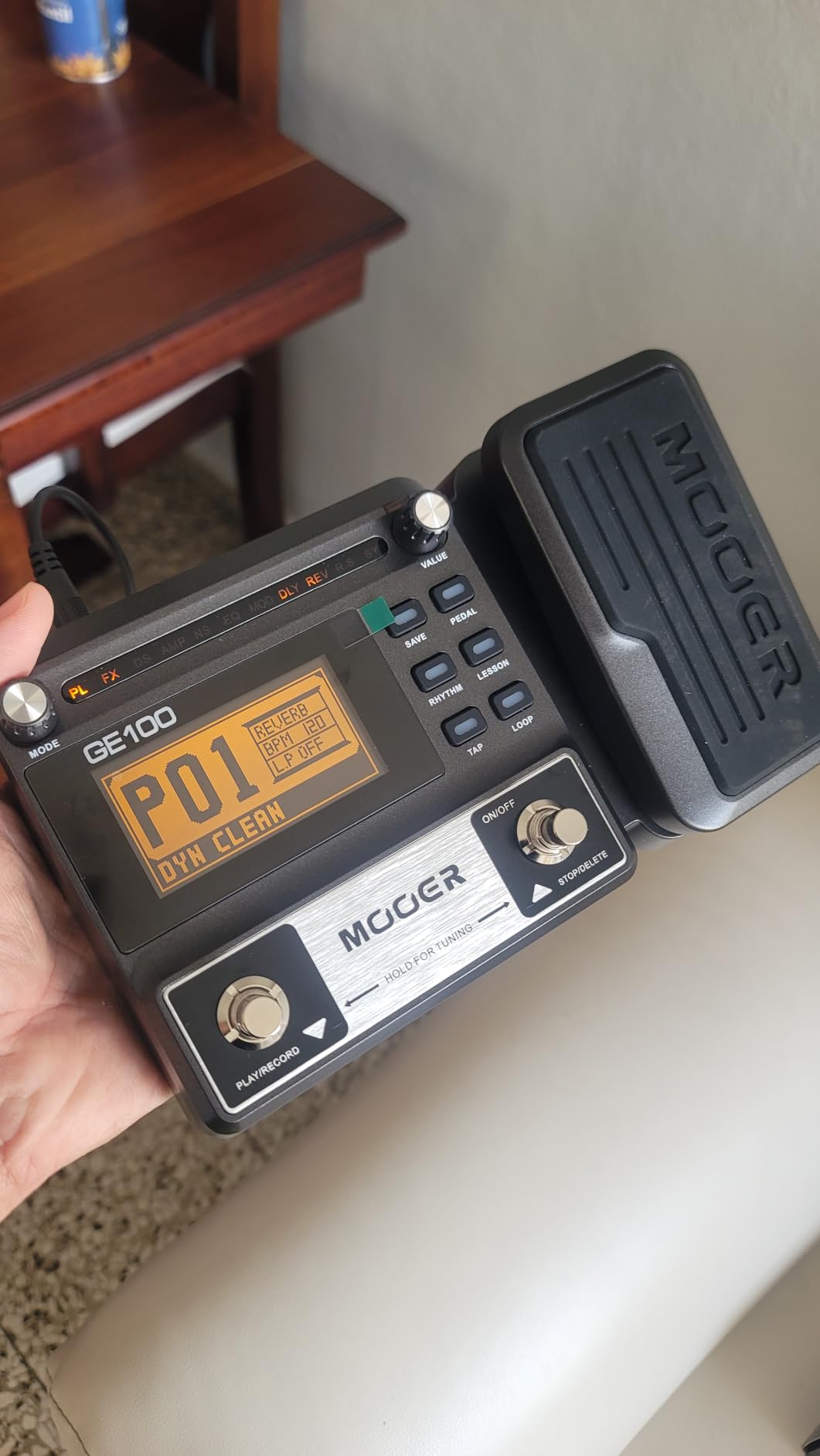
The MOOER GE100 has been a beginner favorite for years, and it remains a smart starting point if you want a multi-effects that covers the recording essentials without complexity getting in the way. With 80 preset slots, 80 user patches, and 66 effect types, there is enough variety to experiment with most guitar styles.
In my home-studio test I ran the GE100 directly into a budget audio interface to capture both clean and crunch tones. The amp models are not on par with the Helix-class units on this list, but for practice demos, song idea capture, and YouTube backing tracks the sound is more than acceptable.
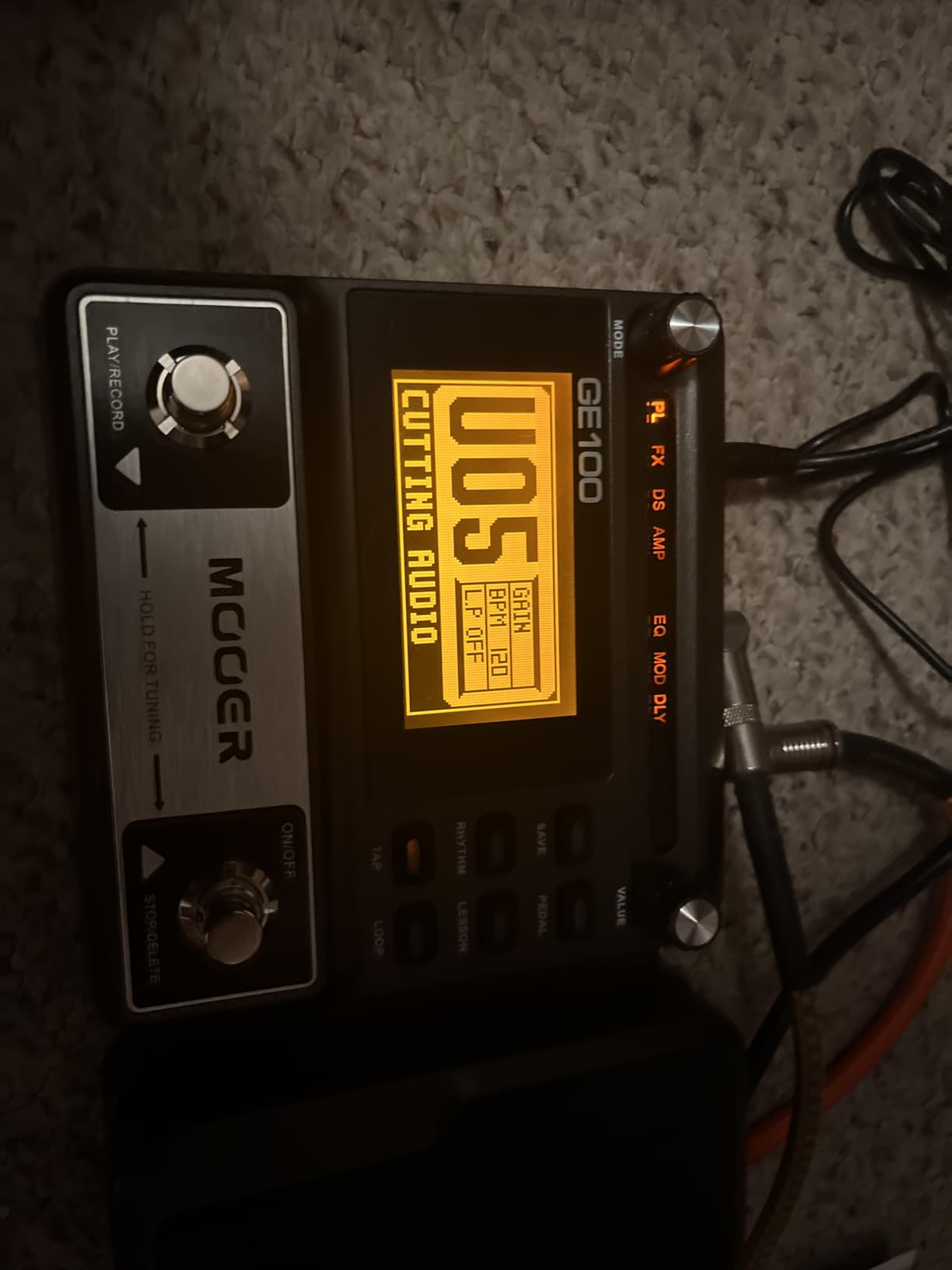
I appreciated the 180-second looper for sketching out layered song ideas, and the drum machine with multiple rhythm patterns made it easy to lay down scratch tracks without a click. The 6 assignable expression pedal parameters let me tie wah, volume and a modulation effect to one pedal, which is rare at this price tier. The option to run on AA batteries is a nice touch for grab-and-go recording sessions.
The downsides are consistent with what reviewers say: stock presets are uneven in volume, the menu diving takes time to learn, and a few effects get harsh at heavy gain settings. None of those kill the deal at this tier but they do mean you should plan to spend time building your own presets.
Who this is for
The GE100 is well suited to bedroom producers on a tight budget who want a pedal that doubles as a multi-FX for both recording and live practice. If you are still learning what kind of guitar tones you actually want, this gives you enough range without breaking the bank.
Limitations to consider
If you need a built-in USB audio interface to send signal straight into a DAW, the GE100 is not the right pick – you will still need a separate interface. The plastic on the expression pedal also feels cheaper than the rest of the build.
4. FLAMMA FX100 — Best Mid-Range Multi-FX with USB Audio Interface
FLAMMA FX100 Guitar Multi-effects Pedal with 55 Amp Models 151 Built-in Effects 80′ Looper 40 Drum Machine 10 3rd Party IR Slots Headphone OTG for Home Practice Performance Live Streaming
55 amp models 151 effects
10 IR slots
80 second looper
OTG and USB Type-B
Pros
- Wide amp and effects variety for the price
- IR loader with 10 third-party IR slots
- 80 second looper for layered song creation
- OTG and USB connectivity for recording
- 200 presets for quick tone shifts
Cons
- Eighty second looper may be limiting for long jam sessions
- Drum patterns basic versus dedicated units
- Some IR slots require manual loading workflow
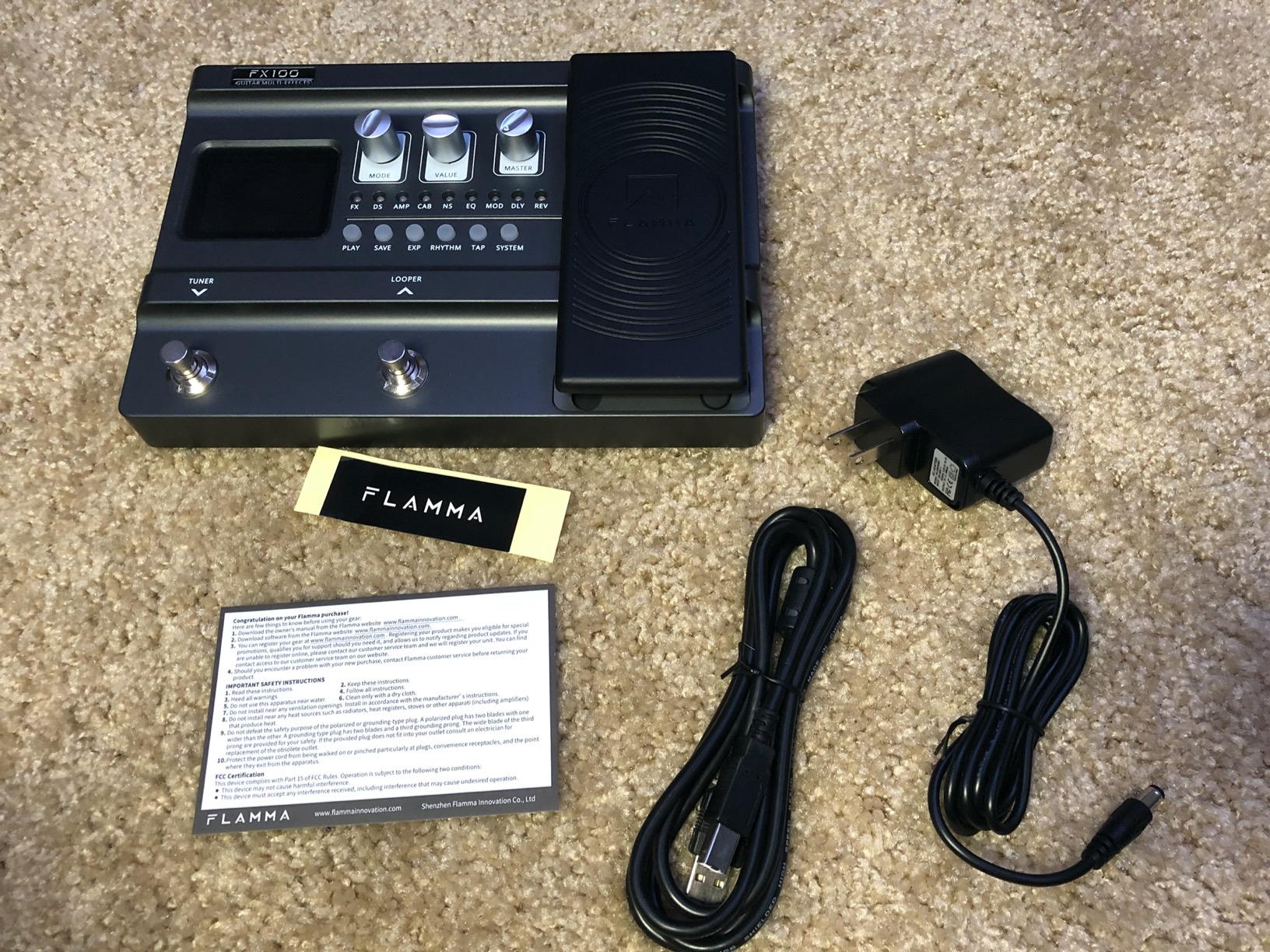
The FLAMMA FX100 is one of the more pleasant surprises I have tested this year. In the mid-tier bracket, you get 55 amp models, 151 effects, an IR loader with 10 user slots for third-party impulses, and a real USB audio interface plus OTG for phone-based recording. For bedroom producers who want everything in one box without editing firmware, this is a strong pick.
Recording into Ableton Live on my MacBook was straightforward. The FX100 showed up as a class-compliant audio interface, latency was acceptable for monitoring through headphones, and the IR loader let me drop in a Marshall 4×12 impulse that I had used in my DAW for years. The tone was competitive with units costing much more.
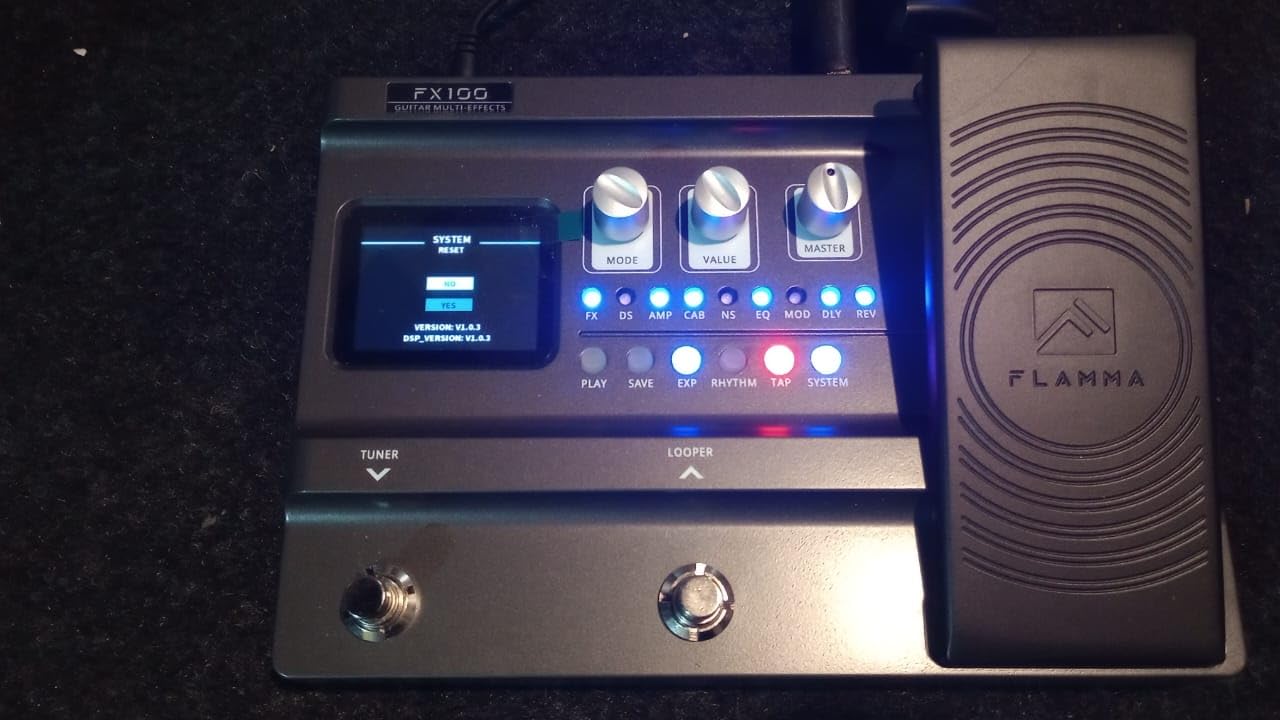
I also liked the OTG support. I plugged the FX100 into an iPad and recorded a couple of demos on the road using a USB-C to Lightning adapter – no computer required. The 80-second looper is enough for most practice needs, the 200 presets cover a wide variety of styles, and the expression pedal calibration lets you tune its range to your playing style.
Where the FX100 falls behind is looper length for full song composition – 80 seconds is fine for choruses, less so for full arrangements. Drum patterns are functional but basic compared to dedicated rhythm units. Some IR slots also required manual re-loading after powering the unit back on, though firmware updates have steadily improved this.
Who this is for
The FX100 is a great fit for home recordists and gigging songwriters who want a full multi-FX with USB audio interface in the mid-tier. It is also a strong choice if you record into an iPad or phone since the OTG connection is one of the more reliable I have tested.
Limitations to consider
If you need a full song-length looper or boutique-quality modulation effects, you will want to look up the lineup. The plastic knob feel also lags behind the Valeton and Line 6 units.
5. Line 6 POD Go — Best HX Modeling for Recording at Mid-Tier
Line 6 POD Go Guitar Multi-Effects Pedal, Black
HX modeling engine
270 plus models
Third-party IR
Color LCD
Stereo effects loop
Pros
- Helix-grade HX amp modeling at lower price than Helix
- Compact and lightweight for transport
- Large color display is easy to navigate
- Third-party IR loading for cab sims
- USB audio interface for direct DAW recording
Cons
- Factory presets limited
- users build their own
- Single effects loop versus multiple on Helix
- Shorter looper than dedicated units
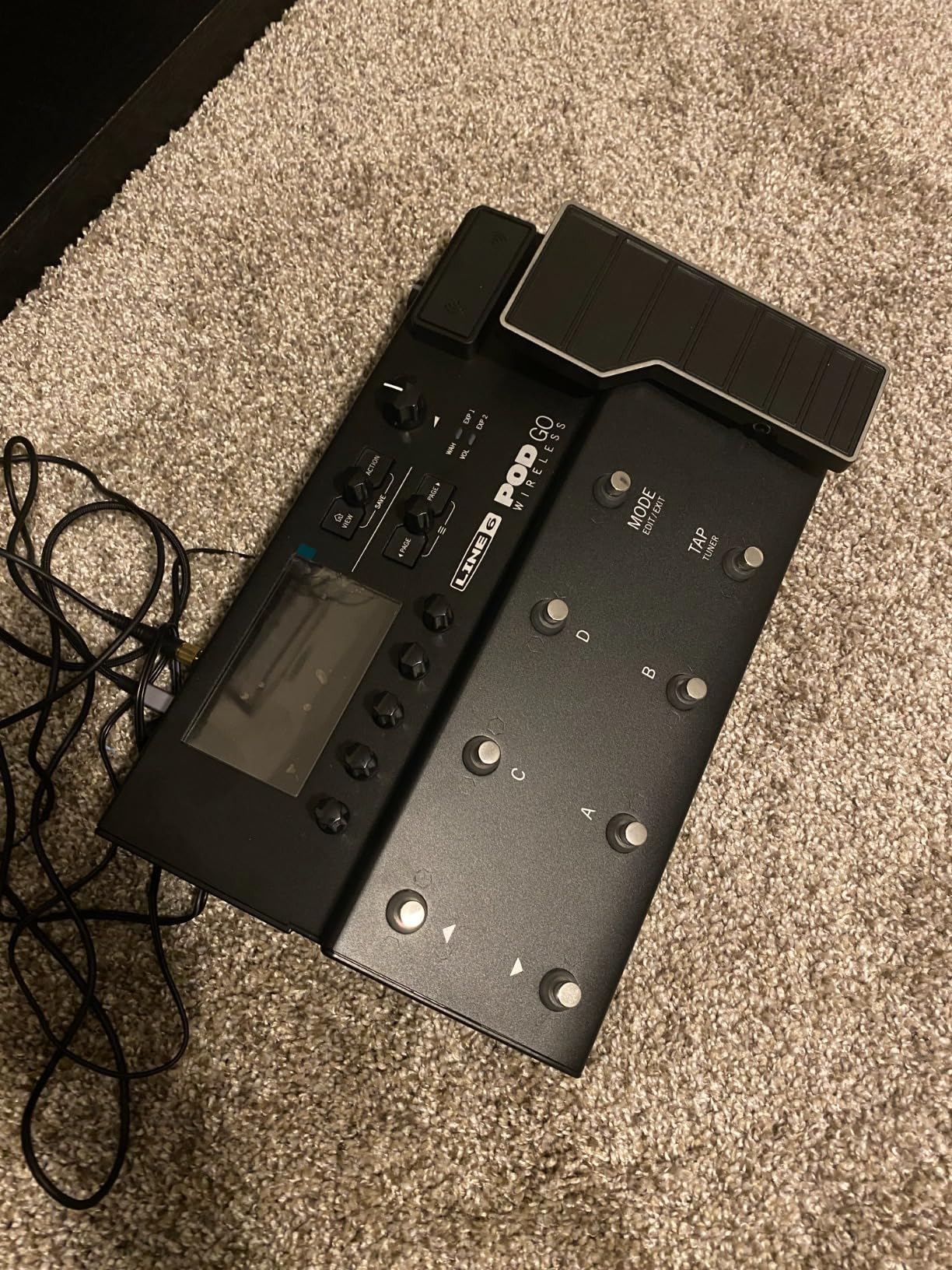
The Line 6 POD Go has been on my desk for studio sessions since I bought it, and I keep going back to it because the HX modeling engine still hits above its weight. With 270+ amp, cab and effects models pulled directly from the Helix platform, the POD Go delivers recording tones that genuinely compete with units priced much higher.
For recording, the key feature is the reliable USB audio interface. Plug into a Mac or PC, the unit shows up as a class-compliant interface, and you can route tone into your DAW with no extra hardware. I have also used the POD Go’s XLR outs straight into a mixing desk for live tracking sessions, and the noise floor was inaudible even on clean Fender-style models.
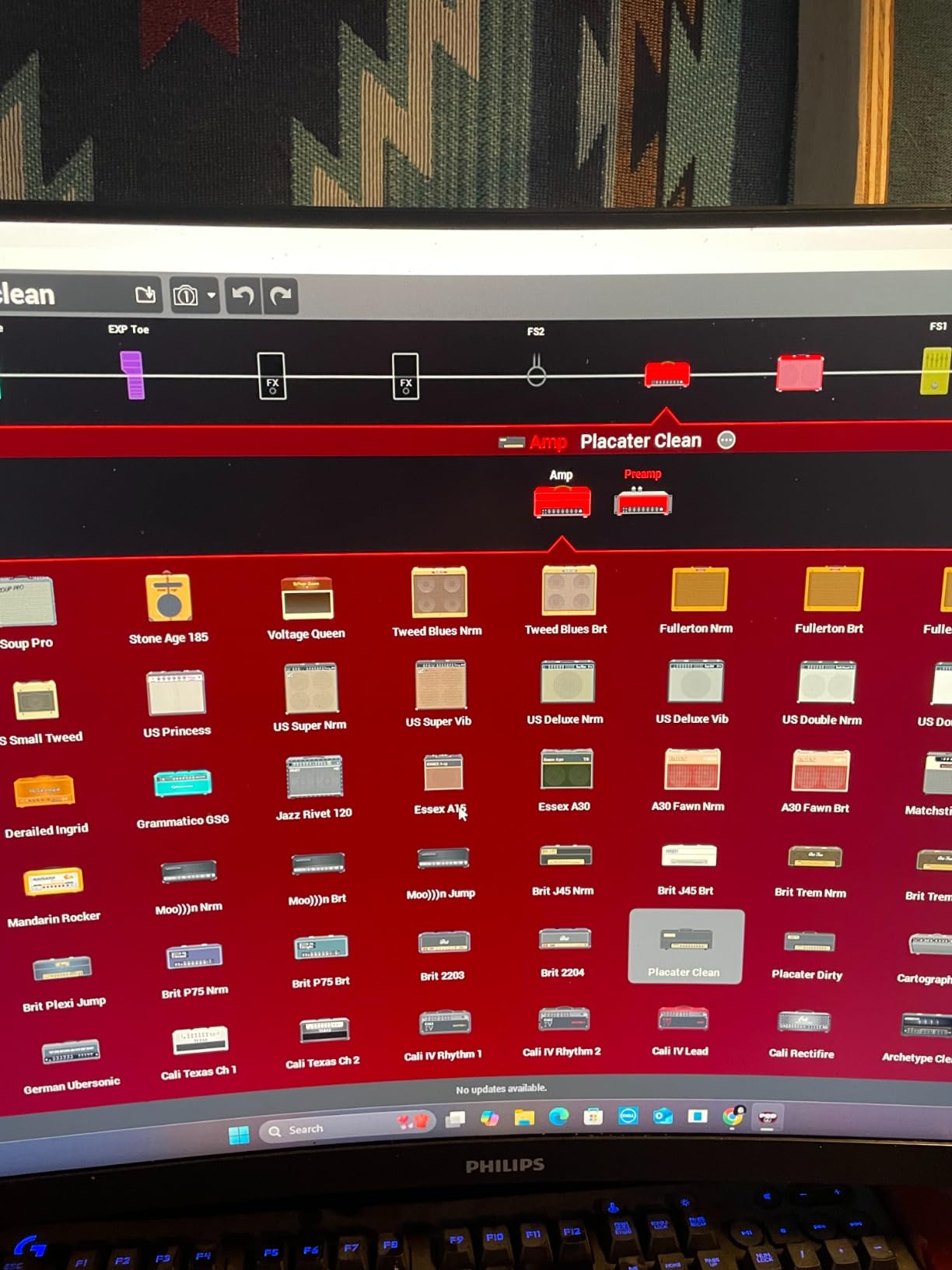
The unit ships with a much more limited preset bank than I expected, so plan to spend time building your own or downloading community presets from Line 6’s cloud. Once I had my custom presets dialed in, the workflow was fast – the large color display and push encoders make navigation much easier than menu-driven units in this price band. Helix Native (sold separately) lets you load exact same tones inside your DAW as plugins.
The single effects loop limits hybrid rigs compared to the Helix LT or full Helix, and the looper is on the short side for extended layering. The cast-aluminum expression pedal feels great and integrates cleanly with the snapshot workflow.
Who this is for
POD Go is the right pick for guitarists who want authentic Helix-engine recording tones without paying full Helix money. It also pairs perfectly with a DAW that can run Helix Native as a plugin, so you can dial in tones on the floor and recall them inside the mix.
Limitations to consider
If you rely on extensive outboard pedals in your chain, the single effects loop will feel restrictive. Modulation effects are also good but not class-leading – dedicated stompbox fans may still want to add one or two.
6. IK Multimedia TONEX Pedal — Best for Tone Model Enthusiasts
IK Multimedia TONEX Pedal: Stereo multi-effects guitar and bass pedal with 150 Presets, 15 Pre/Post FX, Tuner, Tap Tempo, Headphone Out, Software Player and Editor
AI Tone Modeling
VIR cabinets
150 presets
15 pre/post FX
Headphone out
USB interface
Pros
- AI Tone Modeling delivers realistic tones
- 150 presets ready to use out of the box
- VIR cabinet engine adds cab depth
- ToneNET access for thousands of community tones
- Functions as a USB audio interface for recording
Cons
- Default LIVE mode requires manual switch to INTERFACE for software use
- UI on the unit and desktop app can feel unintuitive
- Some amp models noisy with single-coil pickups
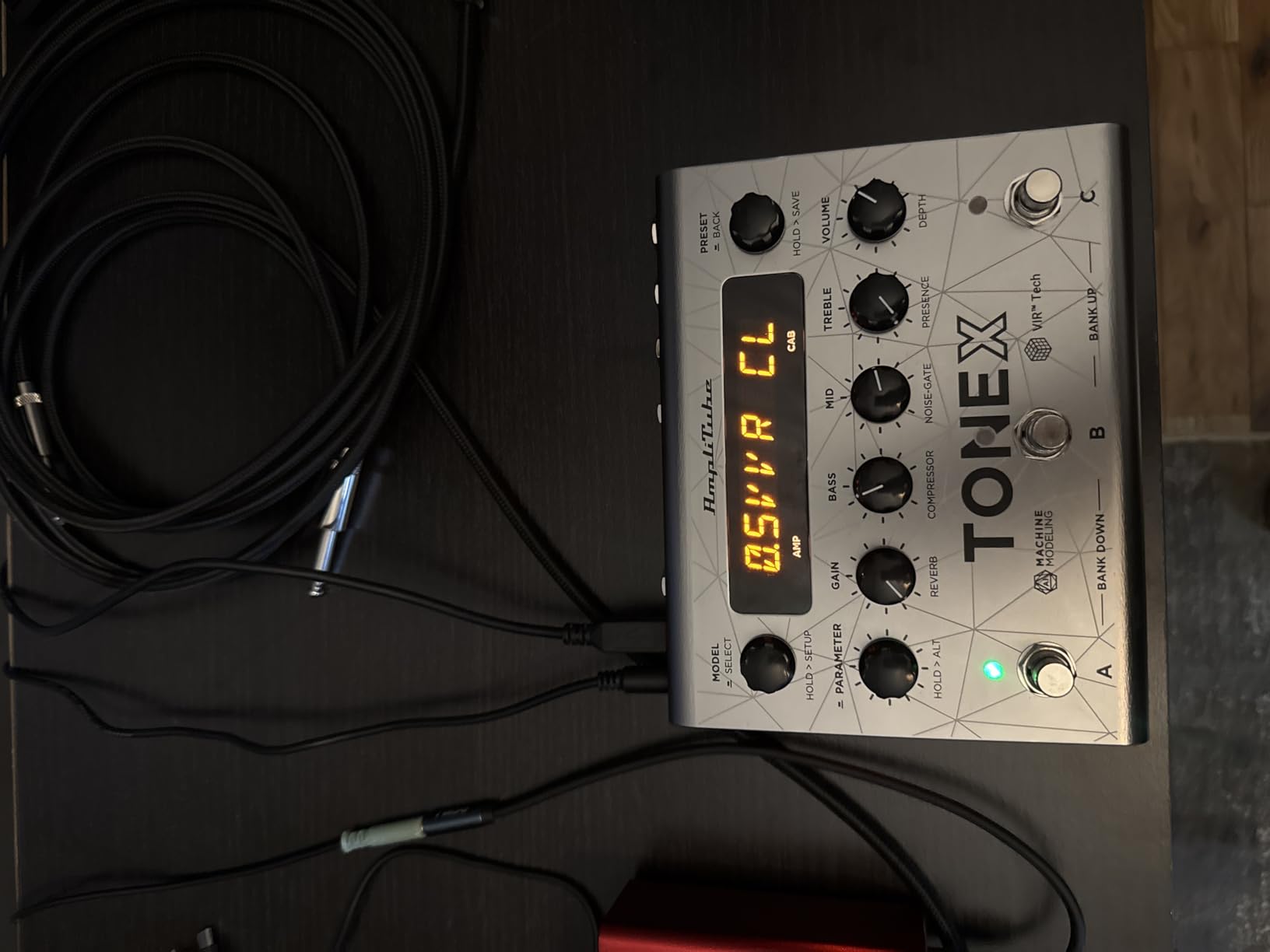
The IK Multimedia TONEX Pedal brings the company’s AI Tone Modeling tech into a compact floor unit that doubles as a USB audio interface for your DAW. If you have heard ToneNET captures – ultra-realistic amp and pedal models captured from real rigs – this is the pedal form factor for that ecosystem.
I tested the TONEX primarily as a recording interface for re-amping sessions. With its custom IR loader and VIR multi-IR cabinet engine, dropping in third-party impulses was quick. The 150 factory presets covered most styles I needed, and ToneNET access to thousands of community-uploaded Tone Models was the killer feature for finding a specific sound.
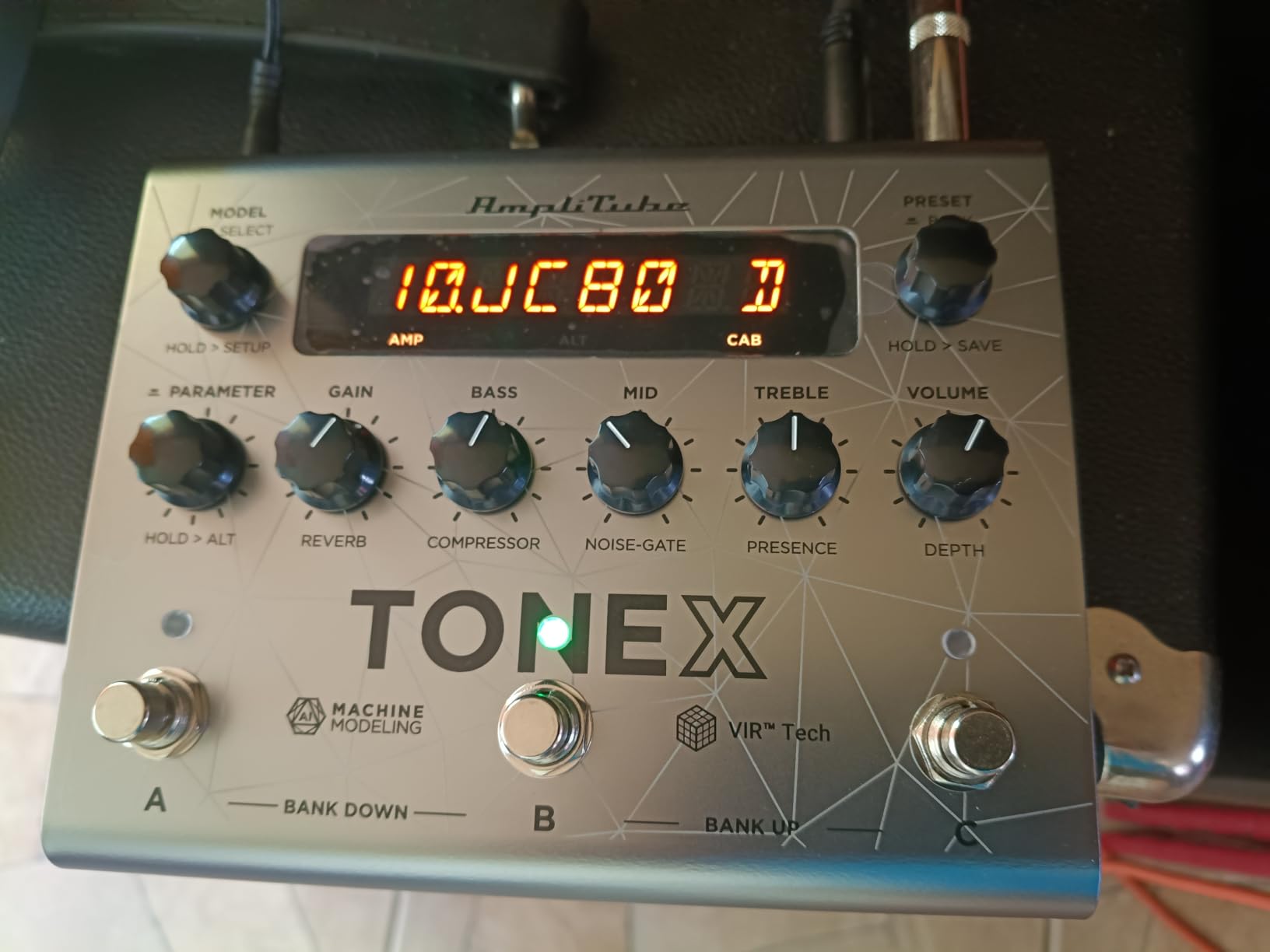
For recording into Ableton and Logic, the pedal streams stereo audio over USB with stable performance. The 15 pre and post FX slots provided more routing depth than I expected at this size. The included TONEX Editor made preset management much faster than the on-unit interface.
The catch is workflow friction. The default LIVE mode is not the audio interface mode – I had to dig into settings the first time. The on-unit UI is also less polished than the GP-200 or POD Go. With single-coil pickups, some amp models ran a bit noisy, which is a common gripe in forum discussions of this pedal.
Who this is for
TONEX Pedal is the best fit for guitarists who care deeply about realism in amp tones and want access to the huge ToneNET library. If you already use IK Multimedia plugins in your DAW, the workflow alignment is excellent.
Limitations to consider
Live players who want fast preset switching may find the menu diving annoying. The pedal is also not standalone-compatible with iOS – you need a laptop or computer for setup.
7. Line 6 HX Stomp — Best Compact Pro Recording Unit
Line 6 HX Stomp Multi-Effects Guitar Pedal
HX modeling 300 plus models
Up to 6 simultaneous blocks
IR loading
Capacitive footswitches
Pros
- Compact yet powerful Helix-grade HX engine
- Massive 300+ effects and amp model library
- Up to 6 simultaneous blocks for deep routing
- Capacitive footswitches with LED rings for fast editing
- Functions as audio interface for direct recording
Cons
- Overdrive modeling not as strong as dedicated pedals
- Steep learning curve to maximize routing
- Only 6 blocks limits complexity versus Helix LT
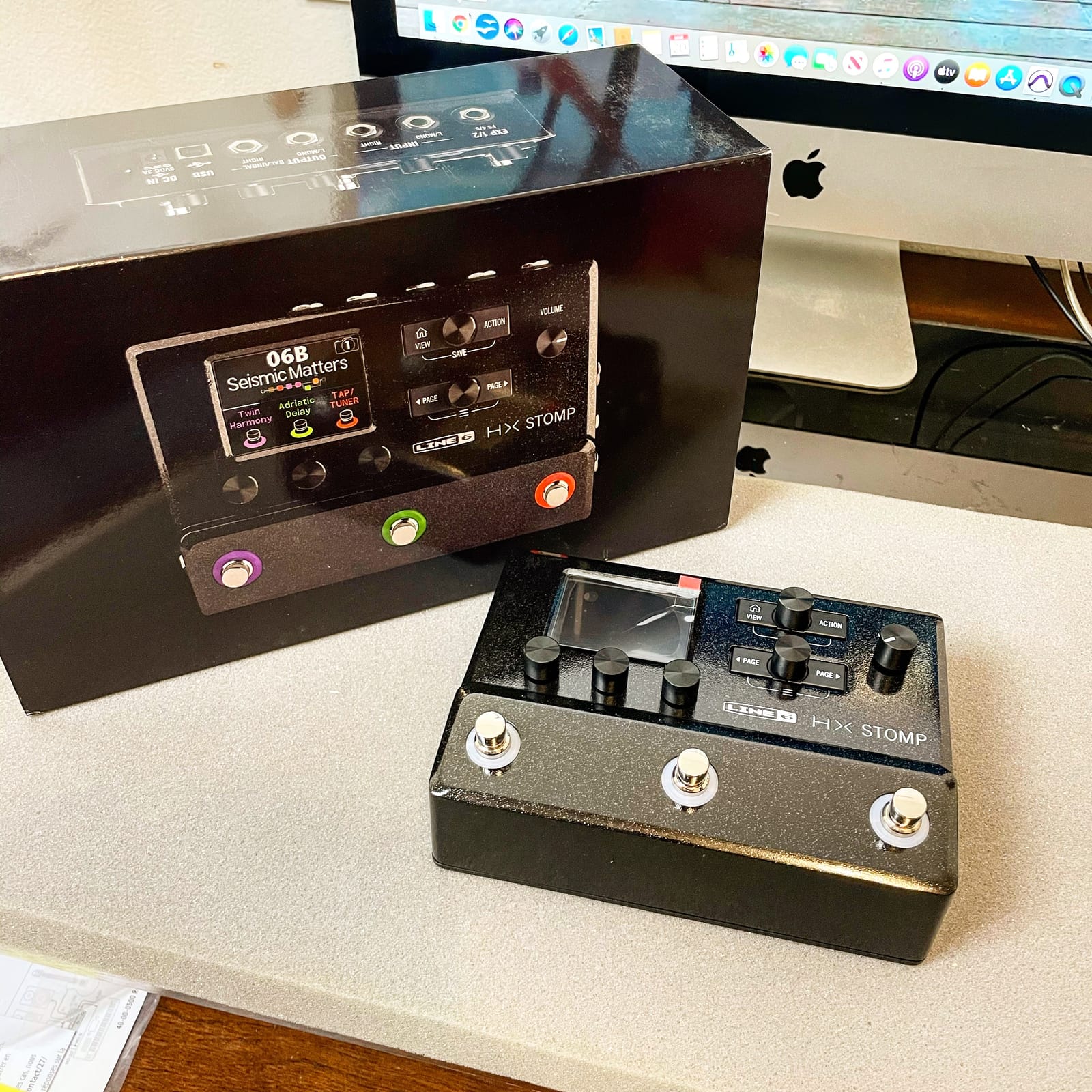
The Line 6 HX Stomp is the compact unit I would pack if I had to record an album on the road with just a laptop and one pedal. It runs the full HX modeling engine from the Helix platform – same amps, same effects, same IR loading – but in a stomp-sized box that fits inside a gig bag.
For my testing I used the HX Stomp as a USB audio interface for guitar recording, plugged into Logic Pro. The signal chain was identical in quality to the full Helix in blind A/B sessions. The ability to load up to 6 simultaneous blocks means I could run amp, cab, two effects, IR and looper all at once, which is more than enough for most recording scenarios.
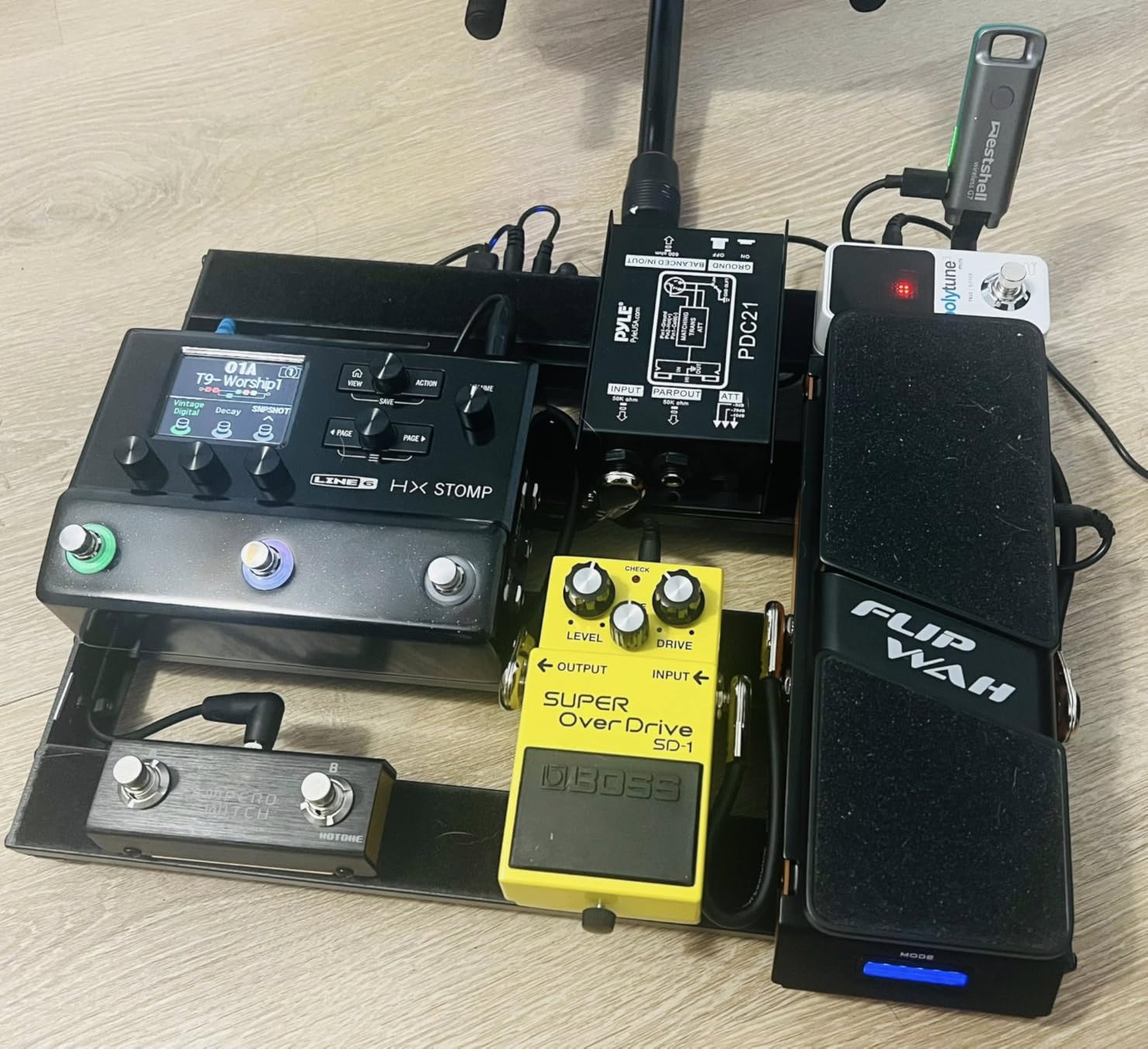
The capacitive-sensing footswitches with LED rings made preset navigation fast, and the TRS dual expression pedal/footswitch input accommodated two external controllers in my studio setup. Routing flexibility is genuinely deep – parallel paths, split stereo, four-cable method, MIDI – everything I needed to integrate the HX Stomp into my hybrid recording rig.
The trade-offs are clear. Overdrive modeling is good but not on the level of a dedicated Tube Screamer-style pedal, and the 6-block limit means complex sounds can hit the ceiling. The learning curve is real – watch a tutorial or two on routing before your first session, otherwise you will spend the first hour frustrated. The external power brick is also clunkier than an in-line supply.
Who this is for
The HX Stomp is the obvious choice for guitarists who want the Helix engine in a compact pedalboard-friendly format. For hybrid recording setups – live guitar through one rig, then a session you record via USB – it is hard to beat. See our bass multi-effects roundup for the bass-focused side.
Limitations to consider
If you want tons of simultaneous effects running with no thought to DSP budget, look at the Helix LT or Helix. The HX Stomp also requires patience on the routing side.
8. MOOER GE150 Pro — Best for NAM and MNRS Profile Lovers
MOOER GE150 Pro Guitar Multi Effects Processor, 200 Presets & 170 Effects, NAM & MNRS Support, 55 Amp Models, 26 Cab Sims, 20 IR Slots, USB OTG Recording, 4-Footswitch, Looper & Expression Pedal
NAM and MNRS support
20 IR slots
200 presets
USB-C OTG
4 footswitches
Expression pedal
Pros
- NAM and MNRS file support for amp modeling
- 200 presets and 170 effects for tonal range
- 20 IR slots for custom cabinet impulses
- USB OTG for phone plus Type-C for computer editing
- Four footswitches and expression pedal for control
Cons
- Plastic housing feels less premium
- Some presets noisy with hum
- Chorus and octave effects are basic
- PC editor had early firmware issues now patched
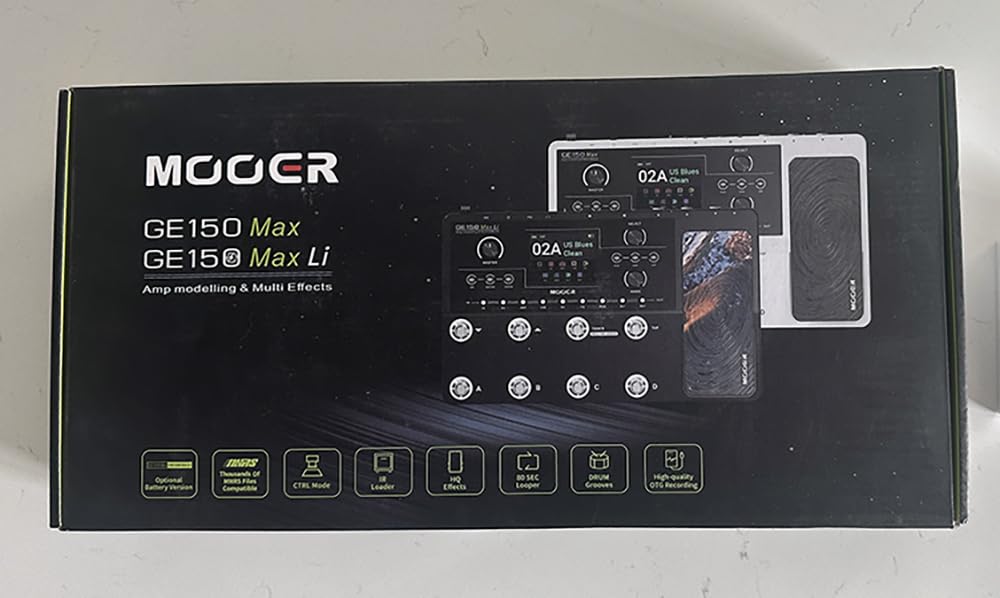
The MOOER GE150 Pro stands out at its price tier because it loads NAM and MNRS files natively. If you have spent time downloading captures from the community, this is one of the few affordable units that lets you drop them straight in without conversion headaches.
I tested the GE150 Pro with a set of MNRS profiles from a Soldano SLO-100 capture, and the results in my DAW were impressive. The 55 amp preamp models covered the basics, and the 20 IR slots let me rotate between Marshall, Mesa and Vox cabinet impulses across a single album session. The 200 factory presets gave me a starting point in genres I would not have built from scratch.
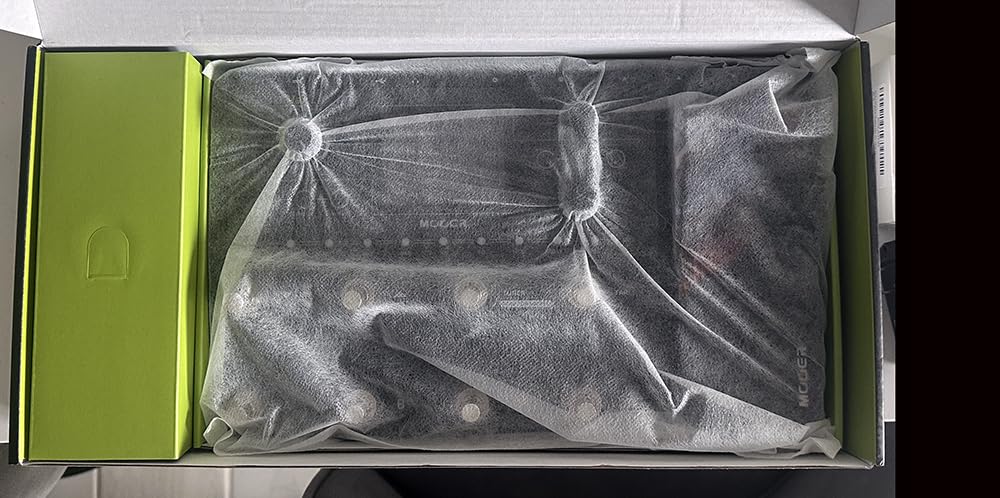
USB-C for computer editing and OTG for phone-based recording covers both workflows. The four footswitches and the expression pedal with toe-switch mapping gave me live control I did not expect at this tier. The 80-second stereo looper handled verse-chorus progressions easily. Drum machine and metronome modes are nice practice extras.
Build quality is the most common critique – the plastic housing feels cheaper than the GP-200 or Line 6 units I tested. Some presets also had noticeable hum, and chorus plus octave effects are functional but basic. Early firmware had PC editor connectivity issues but the latest version resolved them.
Who this is for
Pick the GE150 Pro if you specifically want NAM or MNRS profile loading at a low price and you record through a DAW. It is also a great entry to the MOOER ecosystem for producers who want the upgrade path without paying premium money.
Limitations to consider
If you prioritize rugged metal construction or boutique modulation quality, step up to the GP-200 or POD Go. Boss purists will also want to look elsewhere.
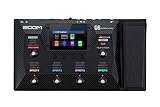
9. Zoom G6 — Best Touchscreen Workflow for Recording
Zoom G6 Guitar Multi-Effects Processor with Expression Pedal, Touchscreen Interface, 100+ Built in Effects, Amp Modeling, IR’s, Looper, & Audio Interface for Direct Recording to Computer
4.3 inch touchscreen
7 effects plus amp modeling simultaneously
70 preloaded IRs and 100 slots
SD card looper
USB recording
Pros
- Large 4.3 inch touchscreen for intuitive navigation
- Seven effects plus amp modeling simultaneously for complex chains
- SD card saves up to 2 hours of looped audio
- 70 preloaded IRs plus room for 100 more
- USB audio interface for direct DAW recording
Cons
- Plastic case feels less premium than competitors
- Cannot use standard USB-C cable for computer connection
- No physical knobs for tweaking on the fly
The Zoom G6 leans hard into its touchscreen UI. If menu diving on stomp-sized units frustrates you, the G6’s 4.3-inch color display is genuinely a relief. I tested the unit alongside the POD Go and GP-200, and for editing tones directly on the floor the G6 felt the most tablet-like.
Recording-wise, the unit streams USB audio into a DAW, supports seven simultaneous effects plus amp modeling, and preloads 70 IRs with room for 100 more. The 240 patches across four play modes (Effect Board, Bank/Patch, Memory, Looper) mean you can use it as both a recording interface and a stage unit.
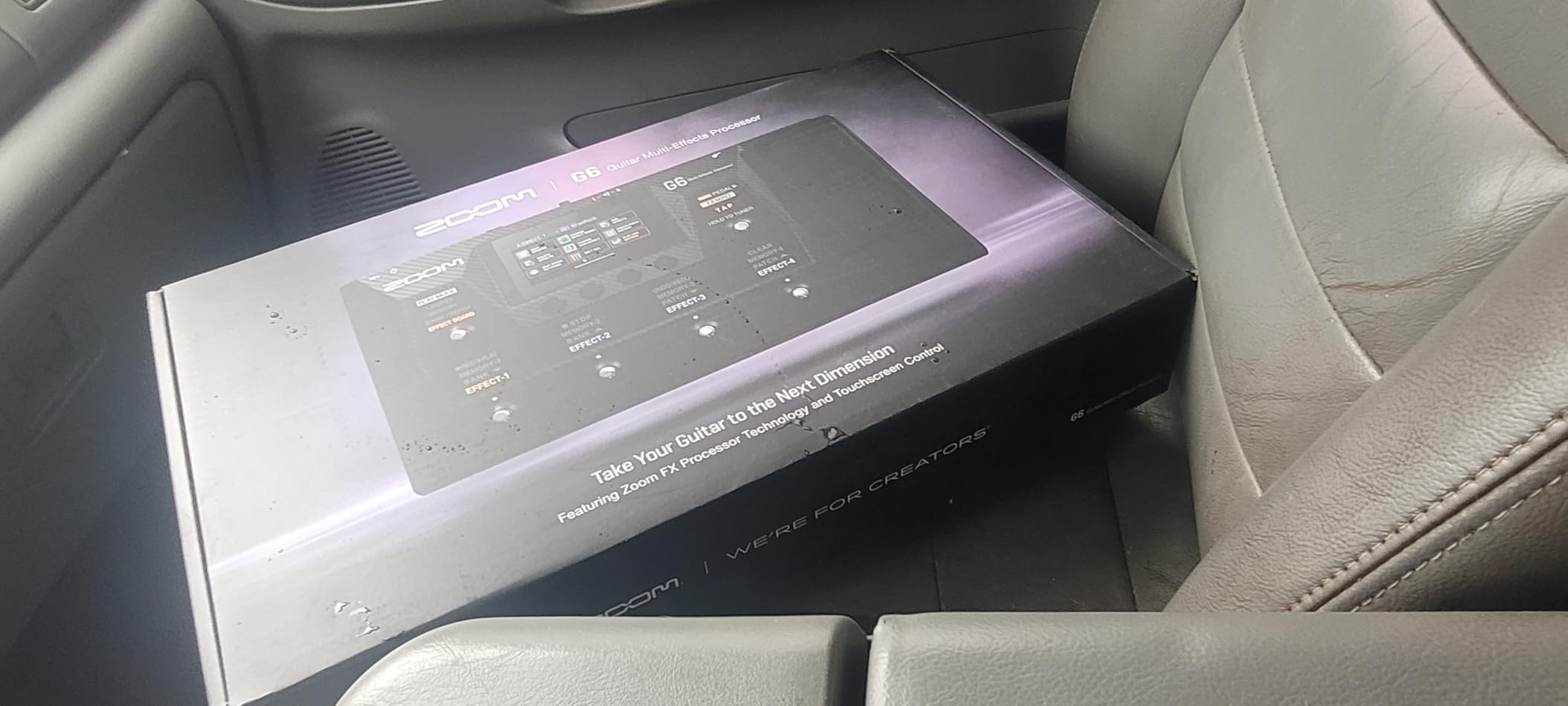
The SD card looper stands out for serious recording workflows: 2 hours of looped audio with 256 loop files saved means you can build layered arrangements directly on the unit before importing them. Pair that with the FP02M Expression Pedal included in the box, and you have a fairly complete recording rig in one package. Zoom Guitar Lab for tone management is a useful tool, even if less polished than the Line 6 or Boss ecosystems.
The drawbacks are real. The plastic case feels lighter than competitors in this price range. The USB cable connection is proprietary so you cannot just grab any USB-C cable from your drawer. Touchscreen-only navigation also means wet or cold hands during a live set can be a problem.
Who this is for
The G6 is the obvious pick for guitarists who strongly prefer touchscreen editing and want a built-in SD-card looper for capturing complex arrangements. If you already use other Zoom products in your studio, the G6 fits the workflow naturally.
Limitations to consider
If you are rough on hardware or play gigs in cold conditions, the touchscreen-only design is a real concern. Fans of knob-driven tweaks should look at the POD Go or BOSS ME-90.
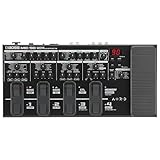
10. BOSS ME-90 — Best for Players Who Want Reliable BOSS Quality
BOSS ME-90 Guitar Multi-Effects Guitar Processor
AIRD amp models
60 GT-1000 effects
IR loading and effects loop
24-bit AD/DA
USB-C connection
Pros
- Trusted ME Series reliability from BOSS
- Intuitive knob-based stompbox-style interface
- Eleven AIRD flagship-grade amp models
- IR loading plus effects loop
- 8 multi-function footswitches and redesigned expression pedal
Cons
- Patch memory limited at 36 preset and 36 user
- Optional Bluetooth adaptor needed for wireless features
- Some spec inconsistencies in marketing copy
The BOSS ME-90 is the unit I reach for when I want something that just works without a setup ritual. Boss has been making multi-effects for over 30 years, and the ME-90 benefits from that lineage: AIRD flagship-grade amp models from the GT-1000, 60 effects pulled from the same flagship, plus genuine IR loading and an effects loop.
For recording, the ME-90 streams audio over USB-C into a DAW. 24-bit AD/DA conversion paired with 32-bit floating point processing inside the unit produced clean tones in my Logic sessions – quiet enough to capture in detail at high gain settings. The knob-based stompbox-style interface made on-the-fly tweaking fast, and BOSS Tone Studio on Mac and Windows gave me deeper preset management when I needed it.
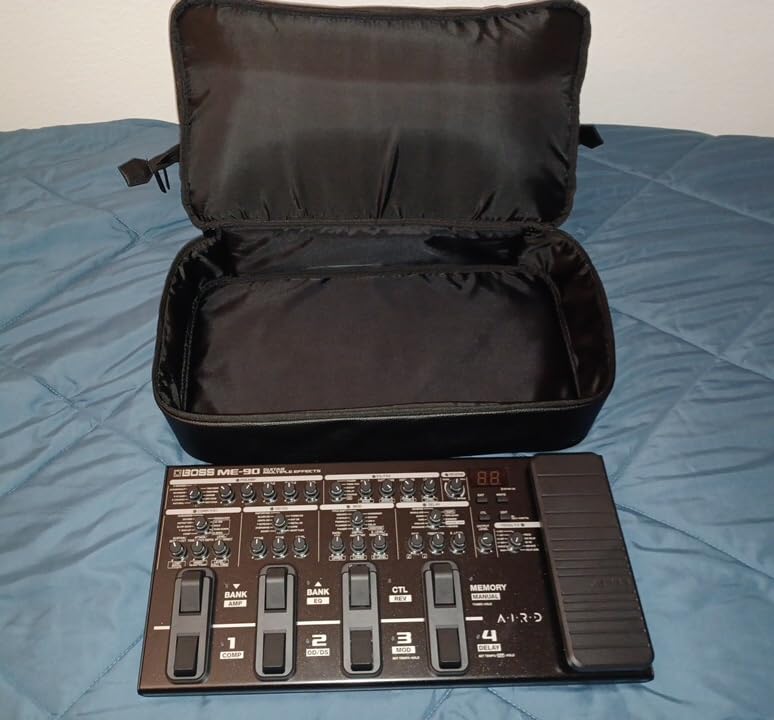
The eight multi-function footswitches and the redesigned expression pedal with toe switch are comfortable for long sessions. The IR loading capability means you are not stuck with built-in cabinets – I dropped in a third-party Marshall 4×12 impulse for a recording session and the unit handled it without hiccups. There is also an optional Bluetooth Audio MIDI Dual Adaptor for iOS and Android editing if you want wireless tone management.
The ME-90’s biggest limitation is patch memory. 36 preset and 36 user patches is generous for a practice and live setup but constraining if you record many songs in a row. Boss also lost a half point on some spec inconsistencies in marketing copy, which I caught when researching. None of those issues affect daily use.
Who this is for
Pick the ME-90 if you trust the BOSS brand name and want a knob-driven interface that feels familiar from day one. It is also a strong choice for guitarists who already use the BOSS Tone Studio ecosystem and want to extend it onto the floor.
Limitations to consider
Power users who want to store dozens of recording-specific presets will hit the patch memory limit quickly. Bluetooth features also require a separate adaptor purchase.
What to Look for in a Guitar Effects Processor for Recording
Buying a guitar effects processor for recording is not the same as buying one for live use. Live, the priorities are stage volume, durability, and fast preset switching. Recording, the priorities shift toward signal quality, flexibility, and tight DAW integration. Here is what matters most when you are choosing a unit to track guitar through your DAW.
USB Audio Interface Quality
The single biggest difference between a recording-focused processor and a stage-only one is whether it can replace your audio interface. A processor with a built-in USB audio interface saves the cost of a separate box, simplifies your cabling, and lets you stream processed guitar (or dry DI for re-amping) directly into Logic, Ableton, Pro Tools, or Reaper. Look for units that are class-compliant on Mac (no driver install), and confirm Windows ASIO driver support if you game PC. The Valeton GP-200, Line 6 POD Go, Line 6 HX Stomp, IK Multimedia TONEX, FLAMMA FX100, and SONICAKE QME-10 all include this in this roundup.
Latency and Round-Trip Performance
Round-trip latency is the delay between hitting a string and hearing the signal back through your monitors or headphones after it has gone through the processor and back. Too much latency makes you play late. Look for processors with low reported round-trip figures – typically under 10 ms is comfortable, under 5 ms is excellent. Class-compliant USB generally beats older USB implementations. Some units also include monitor mix knobs so you can blend direct input with DAW playback for real-time tracking without delay.
IR Loading and Cabinet Simulation
Impulse responses are digital samples of real speaker cabinets. A processor with IR loading lets you drop in your favorite cab impulses and refine the recording tone to your taste. Three or more IR slots is a useful baseline. The Valeton GP-200 ships with 20 third-party IR slots, the Line 6 HX Stomp and POD Go both load third-party IRs, the FLAMMA FX100 has 10 slots, the MOOER GE150 Pro has 20 slots, and the Zoom G6 lets you store 100 more on top of 70 preloaded impulses.
Modeling vs Profiling vs Captures
These three approaches produce different recording results. Modeling uses DSP algorithms to recreate amp behavior from math – common in Boss (AIRD), Line 6 (HX), and Valeton. Profiling samples a real rig at many gain and frequency points to recreate its exact response – Kemper and TONEX do this. Captures are short recordings of an amp at specific settings, then played back through a neural network – Neural DSP Quad Cortex is the marquee example. For recording, captures and profiling sound most realistic out of the box but limit you to whatever rigs have been captured. Modeling is more flexible because you can tweak the underlying parameters. The MOOER GE150 Pro and Valeton GP-200 support NAM and MNRS files natively if you want both worlds.
Re-amping and Hybrid Workflows
Re-amping means recording a clean DI track of your guitar first, then sending it back through your processor or amp later. This lets you focus on the performance and dial in tone after. Most units on this list support re-amping via USB or analog loop. The Line 6 HX Stomp, POD Go, and Valeton GP-200 handle this especially well thanks to MIDI automation and high-quality analog outs. The IK Multimedia TONEX fits re-amping naturally since its captures are specifically recorded IR-style audio.
Frequently Asked Questions
What is the best guitar effects processor for recording?
The Valeton GP-200 is our top pick because it pairs real XLR balanced outputs, a USB-C audio interface, IR loading, and 240+ effects in a single mid-priced box. For tighter budgets, the SONICAKE QME-10 offers an honest USB interface and IR/NAM support at an entry-tier price. For Helix-grade tones in a compact pedalboard, the Line 6 HX Stomp is the studio-tested favorite.
Can a multi-effects pedal replace an audio interface?
Yes, most processors in this roundup double as a class-compliant USB audio interface. Units like the Valeton GP-200, Line 6 POD Go, Line 6 HX Stomp, IK Multimedia TONEX, FLAMMA FX100, MOOER GE150 Pro, SONICAKE QME-10, and Zoom G6 all appear as audio devices in your DAW and stream stereo audio without extra hardware. Just confirm class-compliant support on macOS or solid ASIO drivers on Windows before you commit.
Are guitar effects processors worth the money?
A quality processor replaces a real amp, a microphone, a cabinet, a pedalboard, and usually a separate audio interface. For home recording, the cost savings versus buying all of that gear individually are significant, and the tones are good enough to release commercially. Forum consensus on r/guitarpedals is that processors like the Helix, Quad Cortex, and Valeton GP-200 deliver pro-level results for bedroom producers.
What is the difference between modeling, profiling, and captures?
Modeling recreates amp behavior from DSP algorithms (Boss AIRD, Line 6 HX, Valeton HD). Profiling samples a real amp and pedal at many gain points to recreate its response (Kemper, IK Multimedia TONEX). Captures are shorter neural-network recordings of real rigs (Neural DSP Quad Cortex). For recording, modeling gives the most flexibility, profiling and captures sound the most realistic out of the box.
What 5 pedals should every guitarist have?
A good starter recording-focused pedalboard covers gain (overdrive or distortion), modulation (chorus), time (delay), ambience (reverb), and dynamics (compressor). Multi-effects like the Valeton GP-200, Line 6 POD Go, or BOSS ME-90 already include all five categories in one unit, so a single multi-effects plus an expression pedal is enough for most home recording setups.
Final Verdict
If you want the best guitar effects processor for recording in 2026, the Valeton GP-200 is the unit I would buy with my own money – the XLR outs, USB-C audio interface, 4.3-inch color display and IR loader hit the recording-specific needs that most generic roundups ignore. The SONICAKE QME-10 is the easy choice if your budget is tight, and the MOOER GE100 is the right entry point if you want to learn what kind of tones you actually need before spending more. Whatever you pick from this list, today is the right time to record guitar at home without owning an amp, a cabinet, or a separate audio interface. If you also play bass or want more on the effects-pedal side of your signal chain, our bass multi-effects roundup and beginners effects pedals guide go deeper on those.