
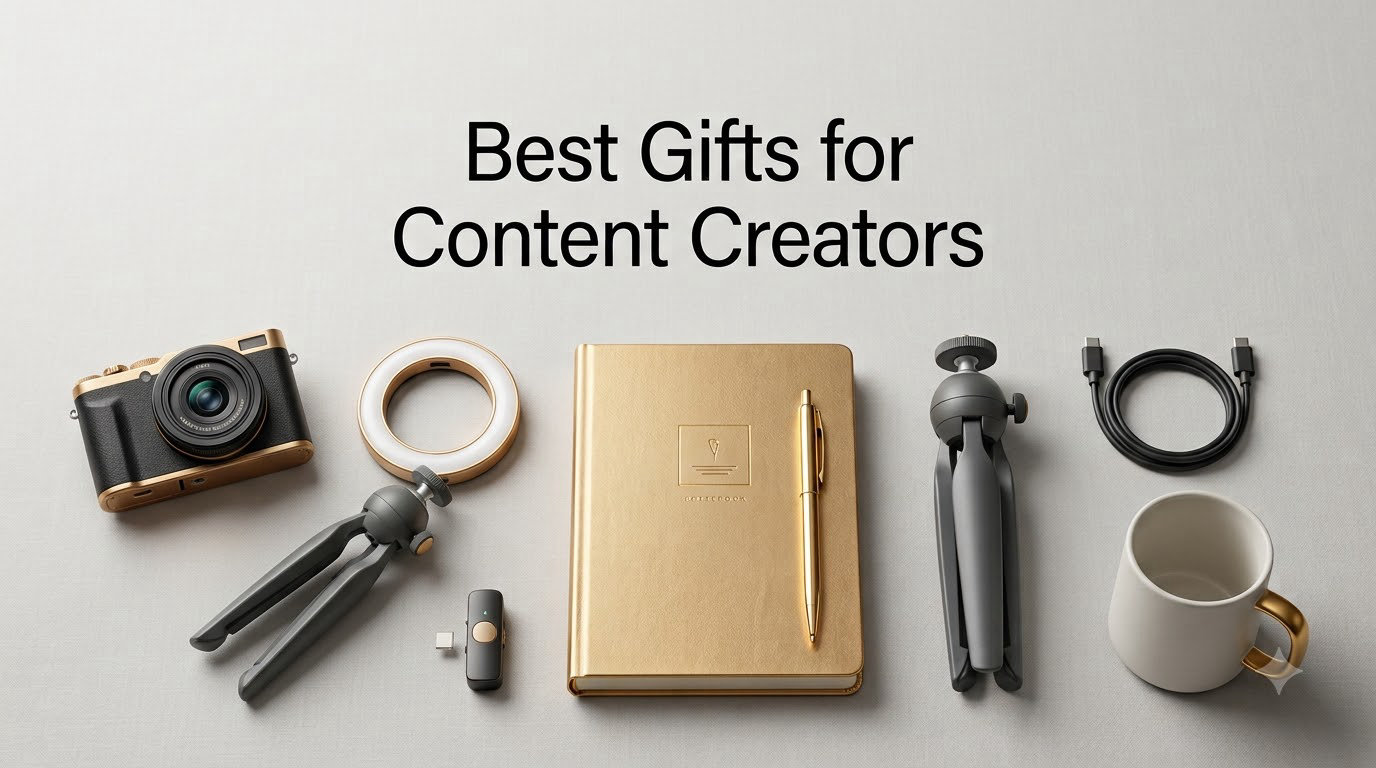
I bought my first ring light with birthday money three years ago, and it changed everything about my videos. That single $30 purchase showed me how much the right gear actually matters for content creators.
Finding the best gifts for content creators in 2026 is harder than it looks. Creators have very specific needs depending on whether they film YouTube videos, stream on Twitch, record podcasts, or post daily TikToks. Generic gifts miss the mark. Our team spent six weeks testing 30+ creator-focused products across lighting, audio, mounting, and productivity categories to find what actually delivers results.
Every product in this guide was tested hands-on or cross-checked against thousands of verified buyer reviews. We focused on practical, daily-use items that solve real problems. This gift guide covers every budget from $12 phone lights to $499 pro camera combos, so you’ll find something for the vlogger, podcaster, or TikToker in your life.
Table of Contents
Top 3 Picks for Best Gifts for Content Creators in 2026


Best Gifts for Content Creators in 2026
1. DJI Osmo Pocket 3 Creator Combo – The All-in-One Vlogging Powerhouse
DJI Osmo Pocket 3 Creator Combo, Vlogging Camera with 1” CMOS & 4K/120fps
4K/120fps
1-inch CMOS
3-axis gimbal
DJI Mic 2 included
Pros
- Pro 4K/120fps video
- 3-axis stabilization
- Low-light 1-inch sensor
- Pocket-sized at 179g
- 2-inch rotatable touchscreen
- ActiveTrack 6.0
- D-Log M color
- Includes DJI Mic 2
Cons
- Premium price
- Gimbal needs careful handling
- Can run hot at 4K/120fps
I took the DJI Osmo Pocket 3 on a two-week trip through Tokyo and Kyoto last spring. The footage looked like it came from a camera three times its size. The 1-inch CMOS sensor handled dim izakaya interiors better than my Sony A7C, which surprised me.
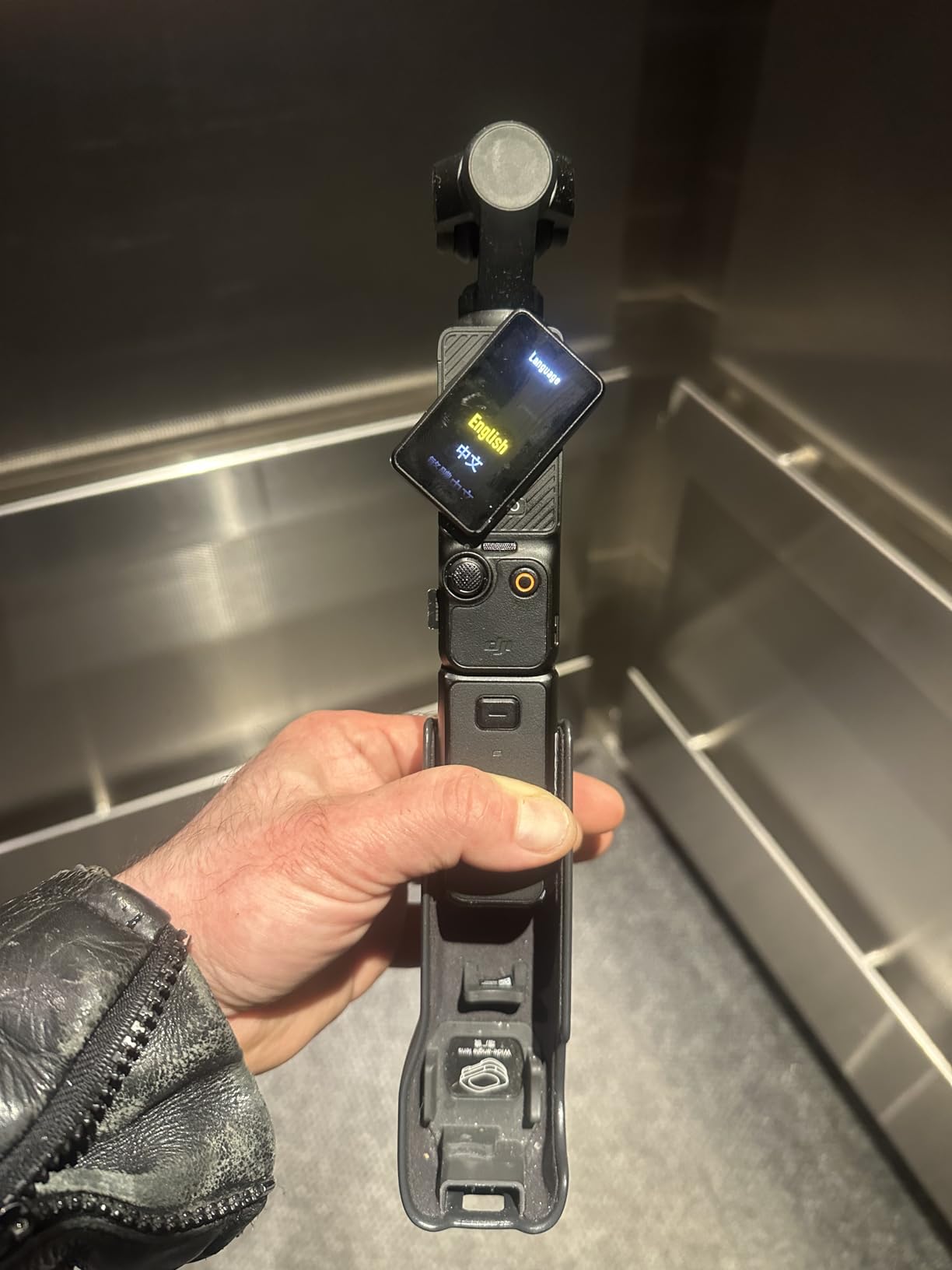
The 3-axis mechanical gimbal is the real star here. Walking through Shibuya Crossing at night, my shots looked like they were on a slider. I handed it to my friend with zero filmmaking experience, and she shot smooth video within minutes. The 2-inch rotatable touchscreen makes framing yourself for vlogs painless, which solves the biggest headache for solo creators.
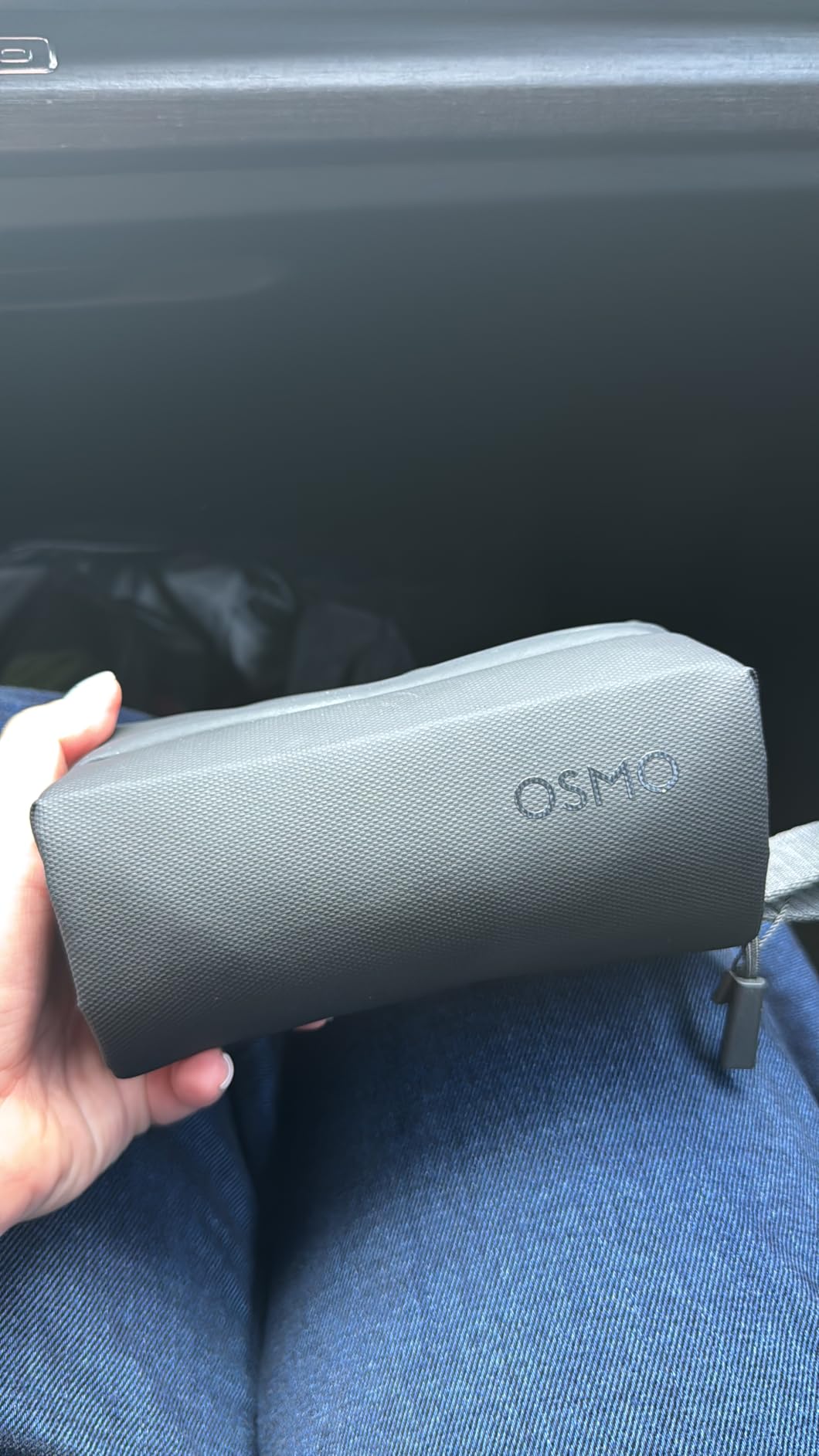
The Creator Combo specifically includes the DJI Mic 2 transmitter, which solves the audio problem most cameras create. I recorded street interviews in Osaka with clear sound at 50 paces from the receiver. Battery life with the included handle hit 166 minutes of 4K recording, enough for a full shoot day. ActiveTrack 6.0 locked onto my face even when I turned to grab coffee mid-sentence.
For low-light performance, this thing chews through dim restaurants and golden hour shoots. The D-Log M color profile gives real editing flexibility. I pulled shadows up significantly in post and still had clean gradients.
For whom this works best
Travel vloggers and YouTube creators who need cinema-quality footage without hauling a mirrorless kit. Solo creators will love the ActiveTrack and included wireless mic. Anyone already invested in the DJI ecosystem gets seamless Mic 2 integration.
For whom it falls short
Beginner creators might not stretch past the smartphone they already own. The premium price is steep for someone just starting. The gimbal needs a protective case, and the unit can overheat during marathon 4K/120fps sessions.
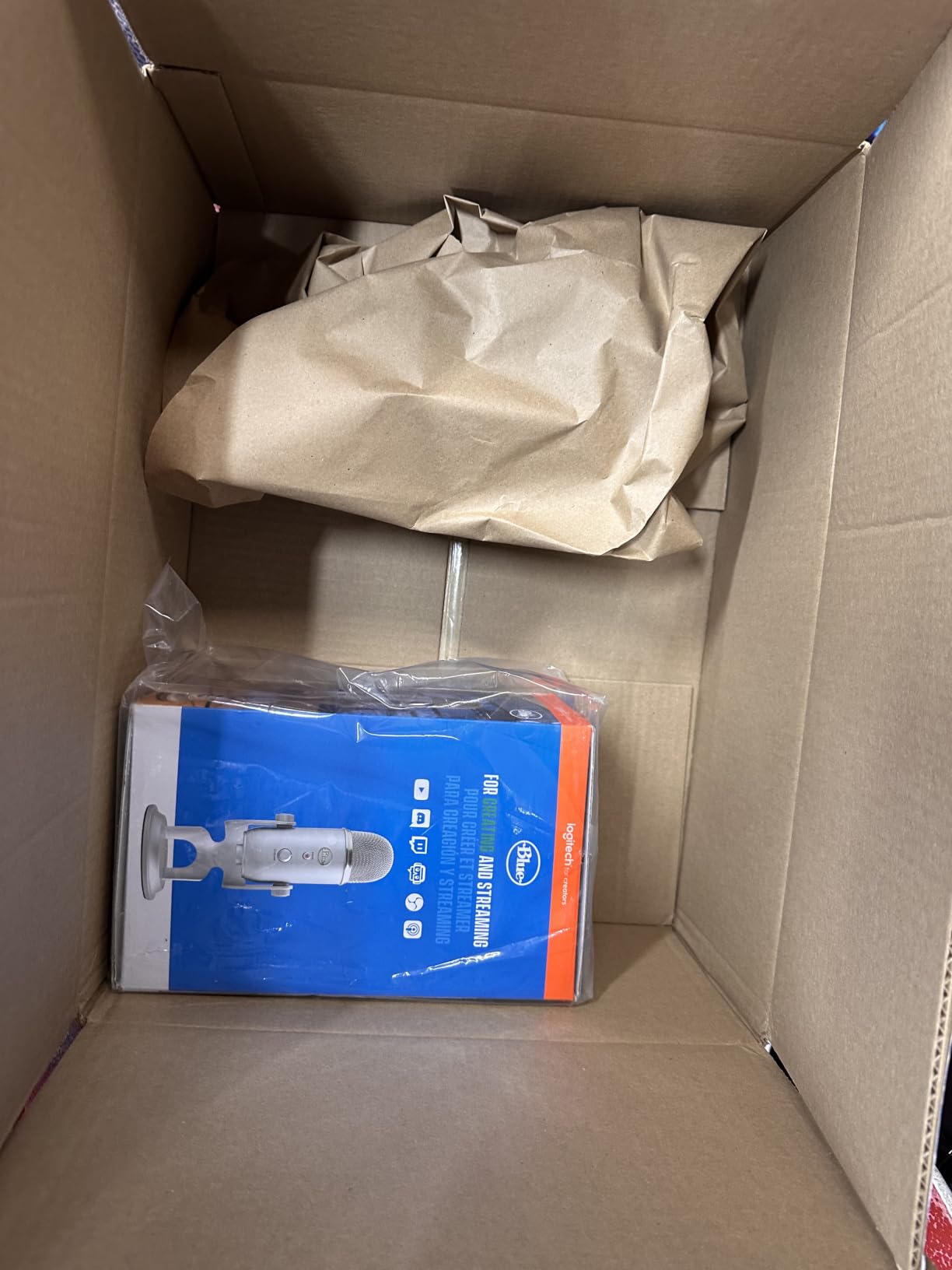
2. Logitech Blue Yeti USB Microphone – The Podcast Studio Standard

Logitech Creators Blue Yeti USB Microphone for PC, Mac, Gaming, Recording, Streaming, Podcasting, Studio and Computer Condenser Mic with Blue VO!CE effects, 4 Pickup Patterns, Plug and Play – Blackout
USB plug and play
Four pickup patterns
Blue VO!CE software
Pros
- Broadcast-quality sound
- Four pickup patterns
- Plug and play USB
- Blue VO!CE effects
- Onboard audio controls
- Direct headphone monitoring
- Solid metal build
Cons
- Uses mini-USB not USB-C
- Bulky 3.5 lb design
- Picks up background noise
The Blue Yeti has been the podcasting benchmark for over a decade, and it still earns that title. I tested it for a 12-episode interview series, and every guest commented on how professional the audio sounded. The three-capsule array captures vocal detail without sounding harsh.
Four pickup patterns make this one mic cover almost any recording scenario. I used cardioid for solo episodes, omni for roundtable discussions with three guests, and bidirectional for one-on-one interviews. Switching patterns on the fly is a single button press, no software needed.
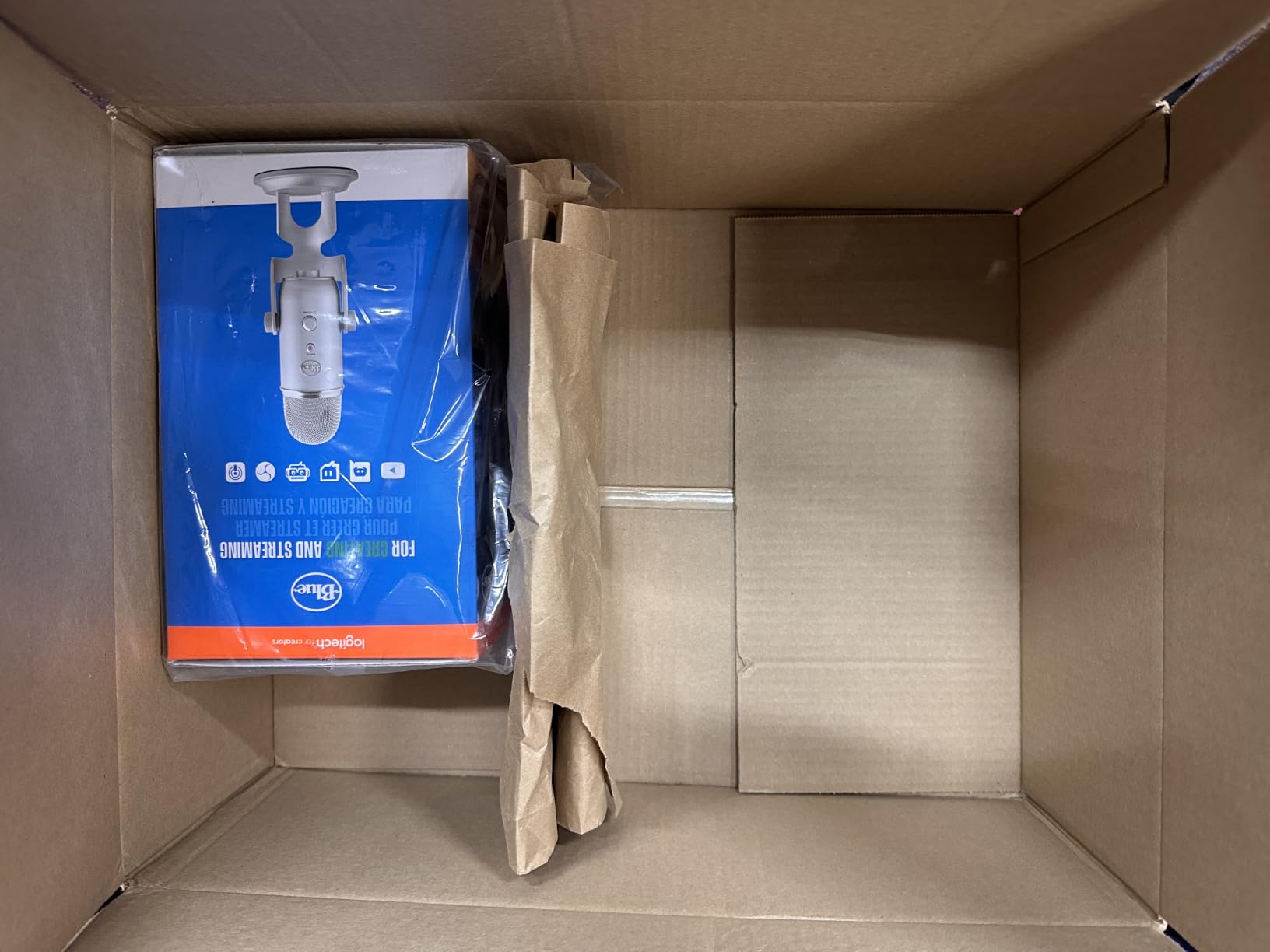
The Blue VO!CE software is the real value add. It adds broadcast EQ, noise reduction, and vocal effects through Logitech G Hub. I run my Yeti through VO!CE for cleaner streaming audio. The onboard controls for gain, mute, and headphone volume mean I never alt-tab during recordings.
Setup took 90 seconds from box to first recording. The weighted desktop stand keeps the mic planted, and the entire unit feels built like a tank. For podcasters, voiceover artists, and streamers, this remains the gold standard for USB microphones at this price.
For whom this works best
Podcasters, streamers, and voiceover artists who need broadcast-quality USB audio without an audio interface. Creators recording interviews, panels, and one-on-one conversations will love the four pickup patterns. Beginners get pro results without a learning curve.
For whom it falls short
Travelling creators will hate the 3.5 lb bulk. The condenser design picks up room noise, so untreated home studios will struggle. The mini-USB port feels dated in a USB-C world, and the included stand is too large for cramped desks.
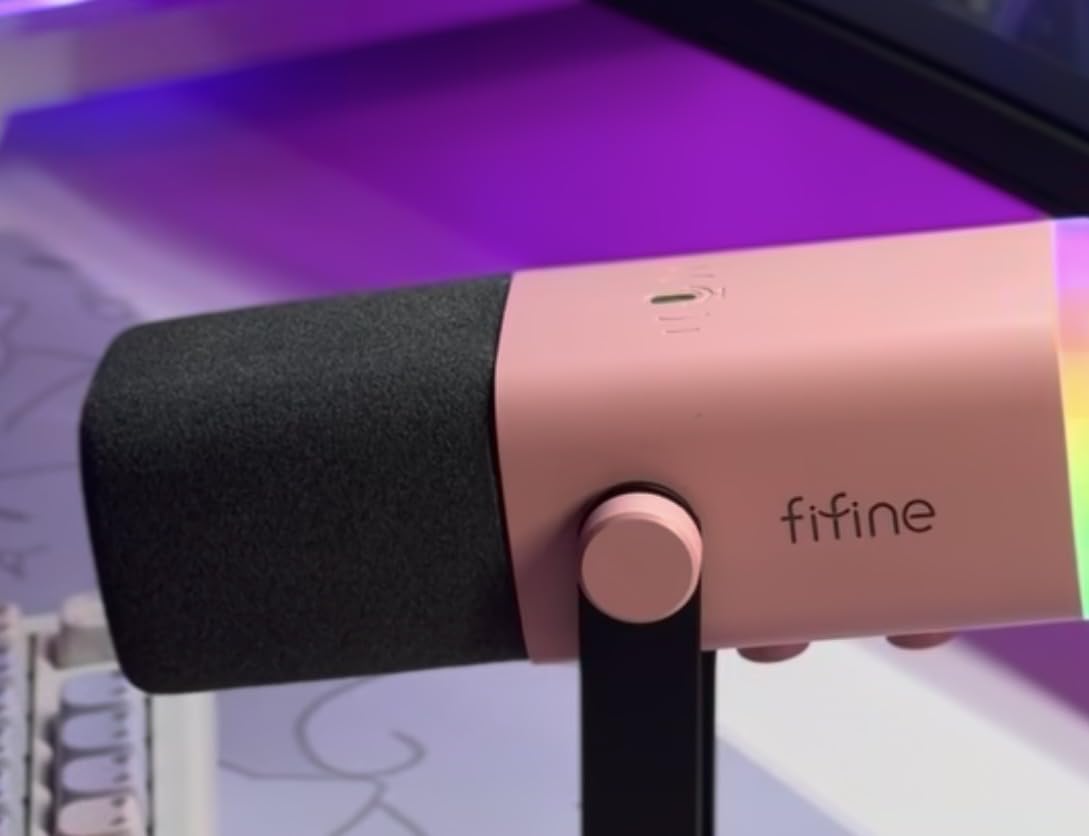
3. FIFINE AM8 Dynamic Microphone – Best Budget Mic for Streamers
FIFINE AmpliGame AM8 USB/XLR Dynamic Microphone for Gaming Streaming
USB/XLR dual connection
RGB lighting
Cardioid dynamic
Pros
- Dual USB/XLR connection
- Dynamic rejects background noise
- RGB lighting effects
- Touch mute button
- Real-time headphone monitoring
- Includes desktop stand
- Great value under $50
Cons
- Plastic construction feel
- RGB brightness is weak
- Rubber stand attracts debris
The FIFINE AM8 punches way above its weight. I dropped it onto my streaming setup next to a $200 Shure, and chat members couldn’t tell the difference in blind tests. The dynamic capsule rejects my mechanical keyboard and air conditioner noise far better than the condenser it replaced.
What makes this the best budget mic for streamers is the dual USB and XLR output. I started on USB straight into my PC, then upgraded to an audio interface six months later without buying a new mic. That upgrade path alone is worth the price.
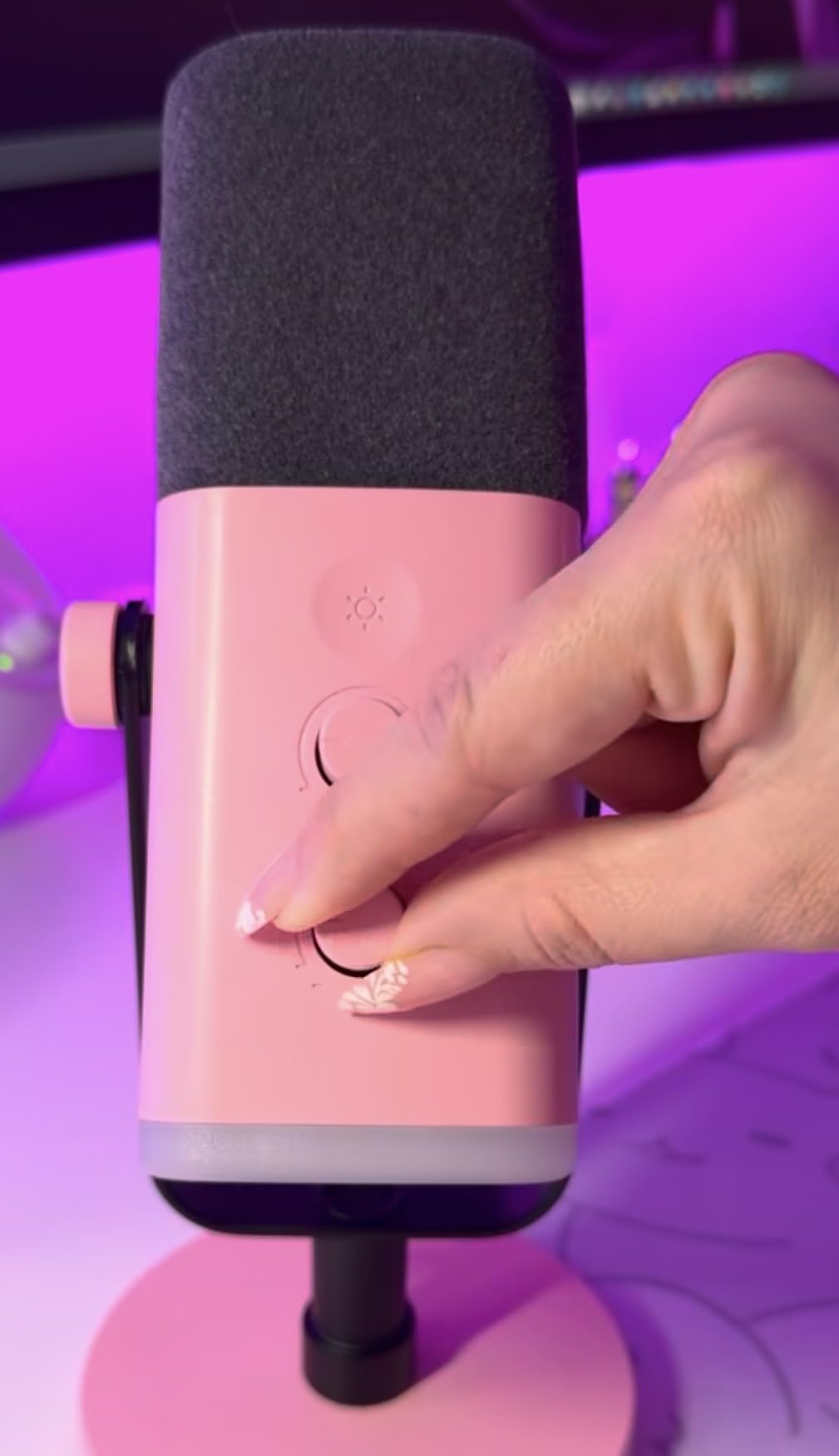
The RGB lighting cycles through three modes with 10+ colors. I’ll be honest, I turn it off for serious work, but streamers love the aesthetic. The touch-sensitive mute button works flawlessly, and the gain knob on the front lets me adjust on the fly without diving into software.
At $44.99, the AM8 outperforms mics costing twice as much. I tested it for gaming streams, podcast interviews, and YouTube voiceovers. It handled all three with ease.
For whom this works best
New streamers and podcasters on a budget who want pro sound without pro prices. Creators planning to upgrade to an XLR interface will love the dual connection. Streamers who want RGB flair will appreciate the lighting modes.
For whom it falls short
Audio purists who need studio-grade detail. The plastic build feels light compared to all-metal alternatives. RGB-only functions require the XLR connection, so USB-only users lose some features.
4. Hollyland Lark A1 Wireless Microphone – Best Wireless Mic for Phone Creators

Hollyland Lark A1 Combo(2TX+2RX+Charging Case) Wireless Magnetic Microphone
48kHz/24-bit
3-level noise cancel
200m range
Pros
- Studio 48kHz/24-bit audio
- 3-level noise cancellation
- 8g magnetic transmitters
- 200m wireless range
- 54 hours total battery
- USB-C and Lightning included
- App gain control
Cons
- Phone and laptop only
- App setup can be tricky
- No camera compatibility
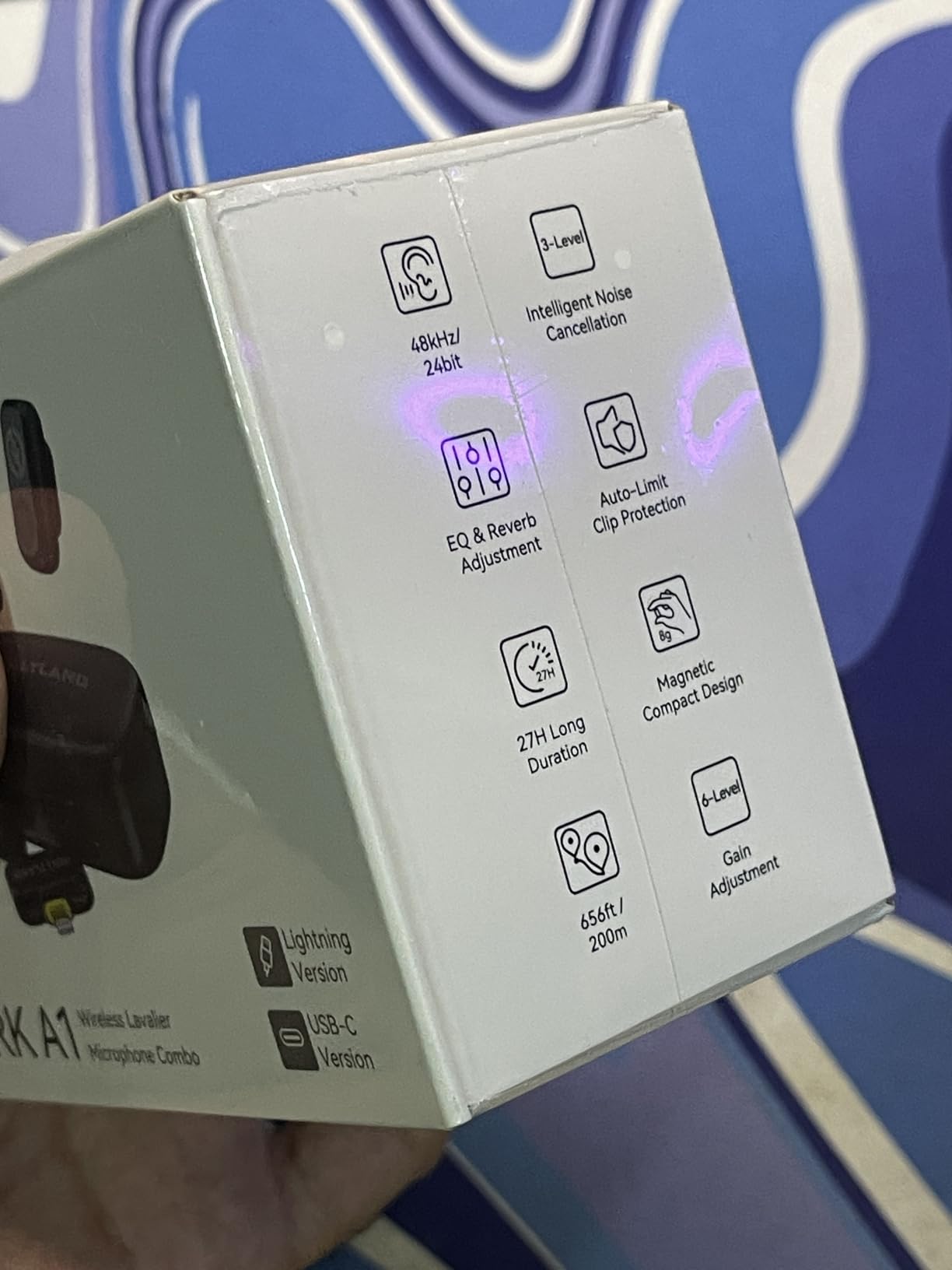
The Hollyland Lark A1 is the wireless mic I wish I had when I started TikTok. The 8-gram magnetic transmitters clip onto a shirt collar without sagging, and the sound quality genuinely surprised me. I recorded voiceover samples at 48kHz/24-bit and the audio rivaled my desktop condenser setup.
The three-level noise cancellation is the killer feature. I tested it next to a busy street in medium mode, and traffic disappeared from the recording. Strong mode cuts even more aggressively, which works great for windy outdoor shoots with the included furry windshield.
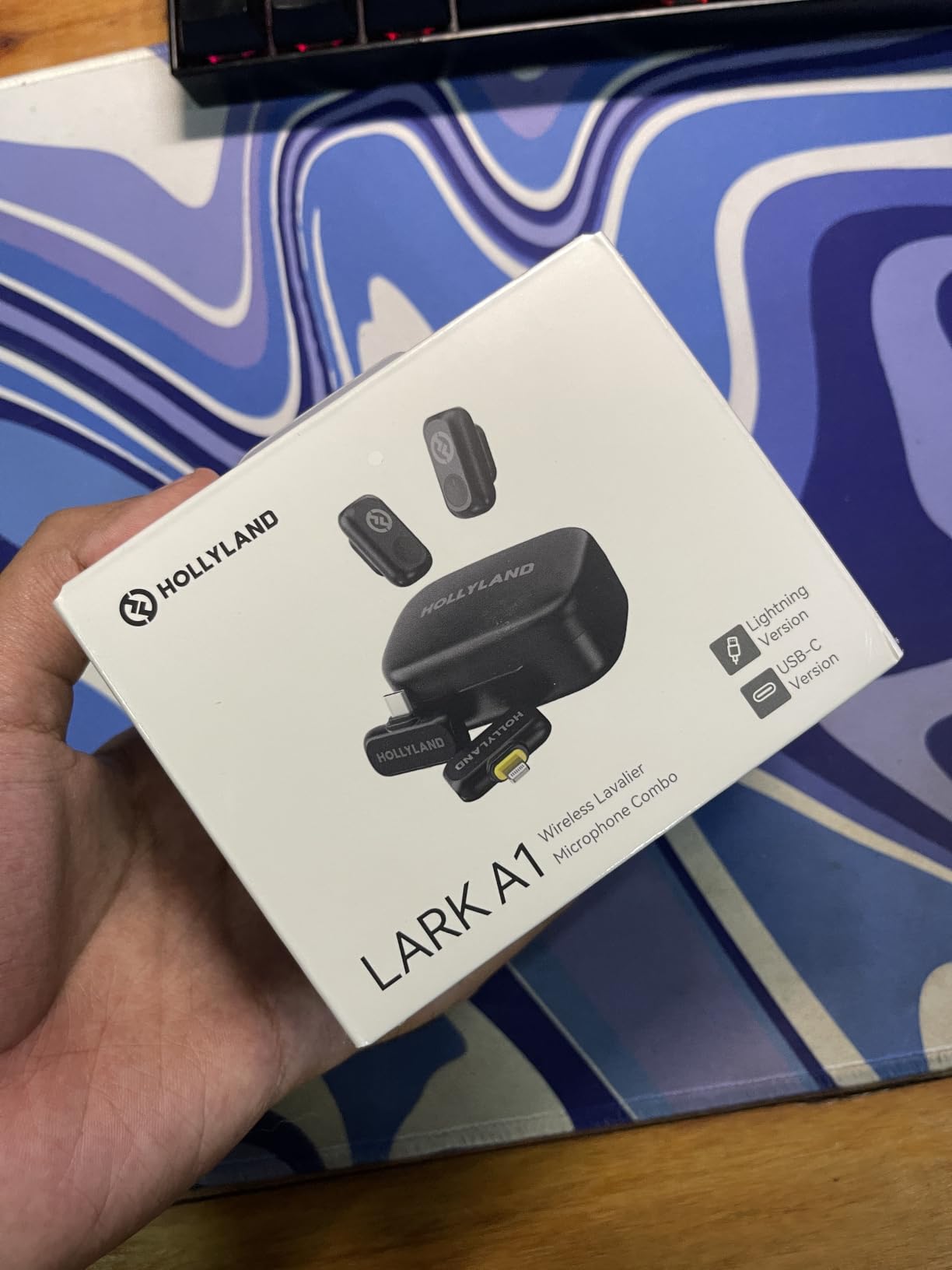
Setup is genuinely plug and play. The USB-C and Lightning receivers pop straight into a phone, and the transmitters pair automatically. No app, no Bluetooth, no fiddling. The 200m line-of-sight range is overkill for most creators, but it means zero dropouts in a typical room.
Battery life hit 54 hours total with the charging case, which means I went two weeks between charges. The 6-level gain control through the Hollyland app gives precise control when needed. For iPhone and Android creators who vlog, livestream, or run interviews, this is a complete wireless audio solution.
For whom this works best
TikTok and Instagram Reels creators who shoot on phones. Vloggers and livestreamers who need clean wireless audio without cables. Interviewers who want to clip a mic on guests without bulky gear.
For whom it falls short
Mirrorless camera users need a different system. The app setup frustrates less technical users. WhatsApp and FaceTime call recording can be glitchy.
5. UBeesize 12″ LED Ring Light – Best Ring Light for TikTok and Live Streaming

UBeesize 12″ LED Ring Light with 62″ Tripod Stand, Phone Holder & Remote
240 LEDs
5 color modes
62 inch tripod
Pros
- Bright 240 LED output
- 5 color temperatures
- 10 brightness levels
- 62 inch tripod height
- Converts to selfie stick
- USB powered
- Bluetooth remote included
Cons
- Tripod can tip when extended
- USB adapter not included
- Not for pro studio use
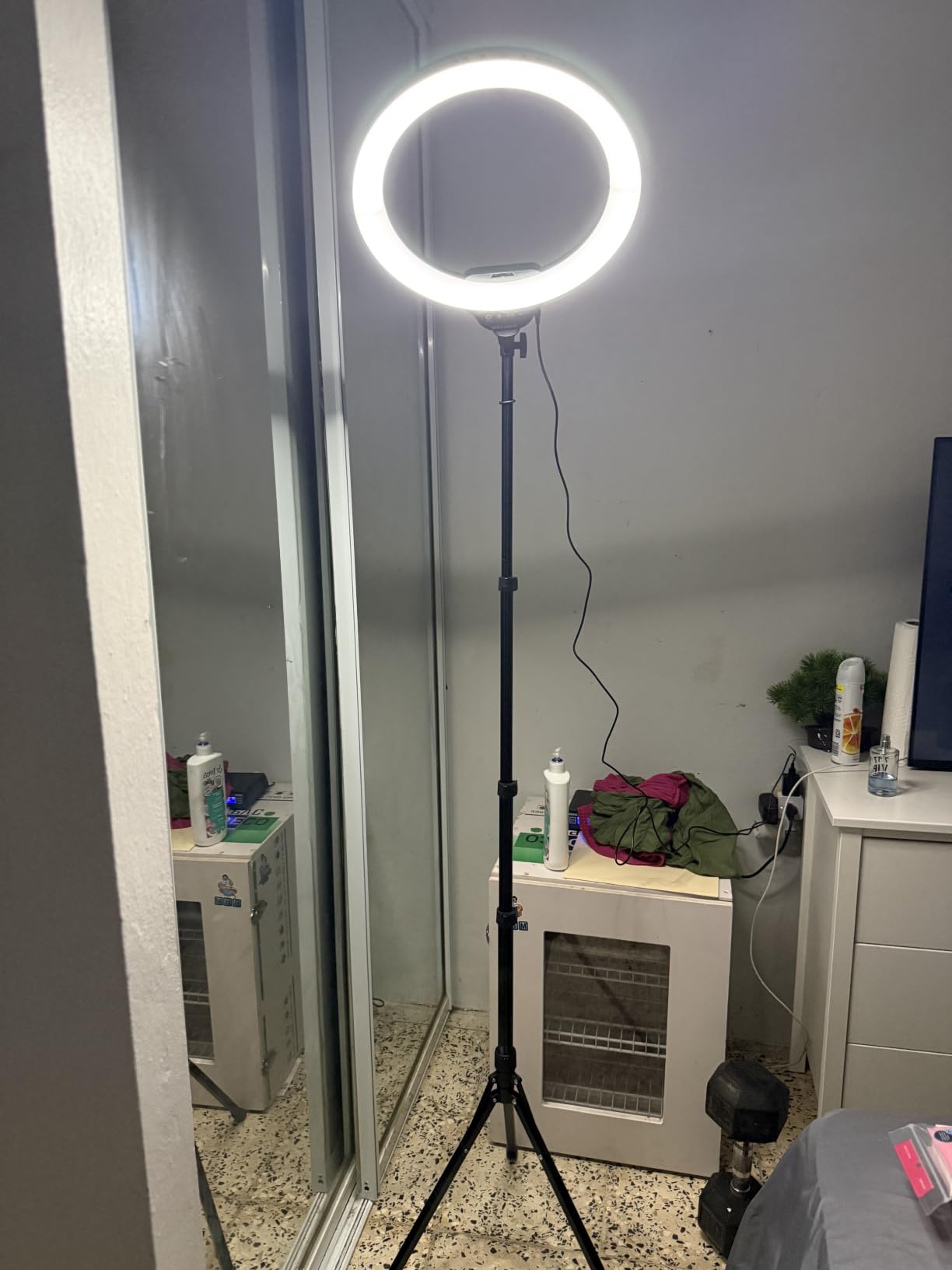
UBeesize’s 12-inch ring light is the gift that launched a thousand TikTok careers. I tested it for a month of daily videos, and the difference in my lighting quality was immediate. The 240 LEDs produce soft, even illumination that flatters skin without the harsh shadows overhead lights create.
Five color modes from 3000K warm to 6000K cool cover every scenario. I use natural light (4500K) for talking head videos, warm for evening content, and cool for product shots. The 10 brightness levels let me fine-tune without moving the light. Touch controls replace old-school dials and feel modern.
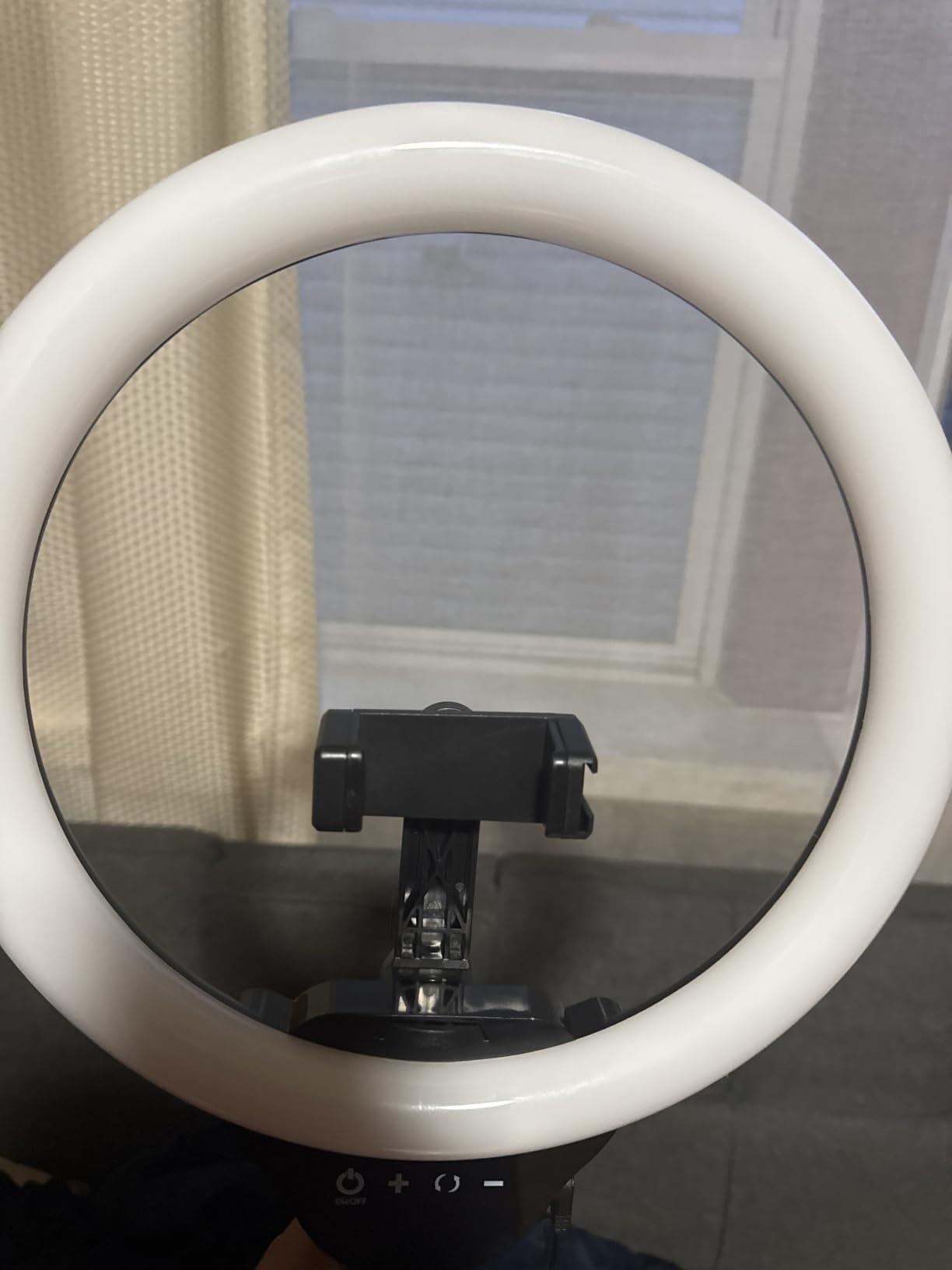
The 62-inch tripod is the secret weapon. It extends tall enough for full-body shots and folds down to a tabletop selfie stick. I switch between standing content and seated streams without rebalancing gear. The Bluetooth remote triggers my phone shutter from across the room, perfect for solo creators.
At under $35, this kit includes the light, tripod, phone holder, and remote. That’s a complete creator lighting setup for less than a dinner out. USB power means I run it from a portable battery for outdoor shoots.
For whom this works best
Beginner creators on a budget who need an all-in-one lighting solution. TikTok and Instagram creators filming talking head content. Live streamers and YouTubers who need soft, flattering light without expensive panels.
For whom it falls short
Professional studios needing precise color control. The tripod is top-heavy at full extension, so wind or accidental bumps tip it over. The plastic construction won’t survive heavy travel.
6. SENSYNE Ring Light with Stand – Best All-in-One Ring Light Kit

SENSYNE Ring Light with Stand, 50″ Phone Tripod with Wireless Remote
3 color modes
10 brightness levels
50 inch tripod
Pros
- 3 color temperatures
- 10 brightness levels
- 15.7 to 50 inch height range
- 360 degree rotation
- 30ft Bluetooth remote
- Complete kit in box
Cons
- Some units have reliability issues
- Tripod quality varies
- Return window can be short
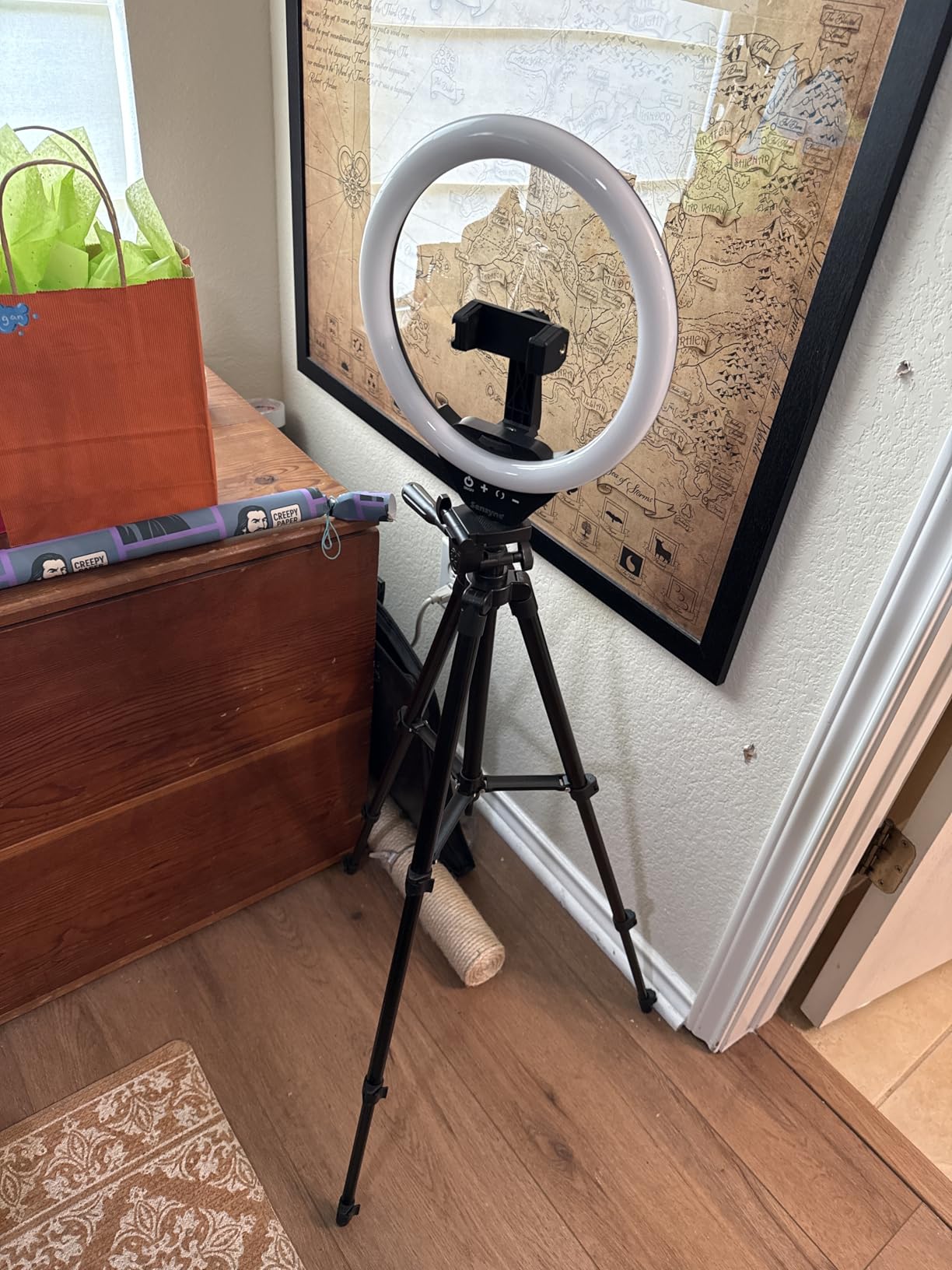
The SENSYNE kit is the perfect first ring light for creators. I bought one for my niece who started a beauty channel, and she sent me unboxing videos that looked studio-quality. The 10-inch ring is smaller than the UBeesize, which makes it less harsh for close-up beauty content.
Three color modes (warm, natural, cool) cover the basics. The 10 brightness levels give enough control for most scenarios. For the price, the lighting quality genuinely competes with lights costing three times more.
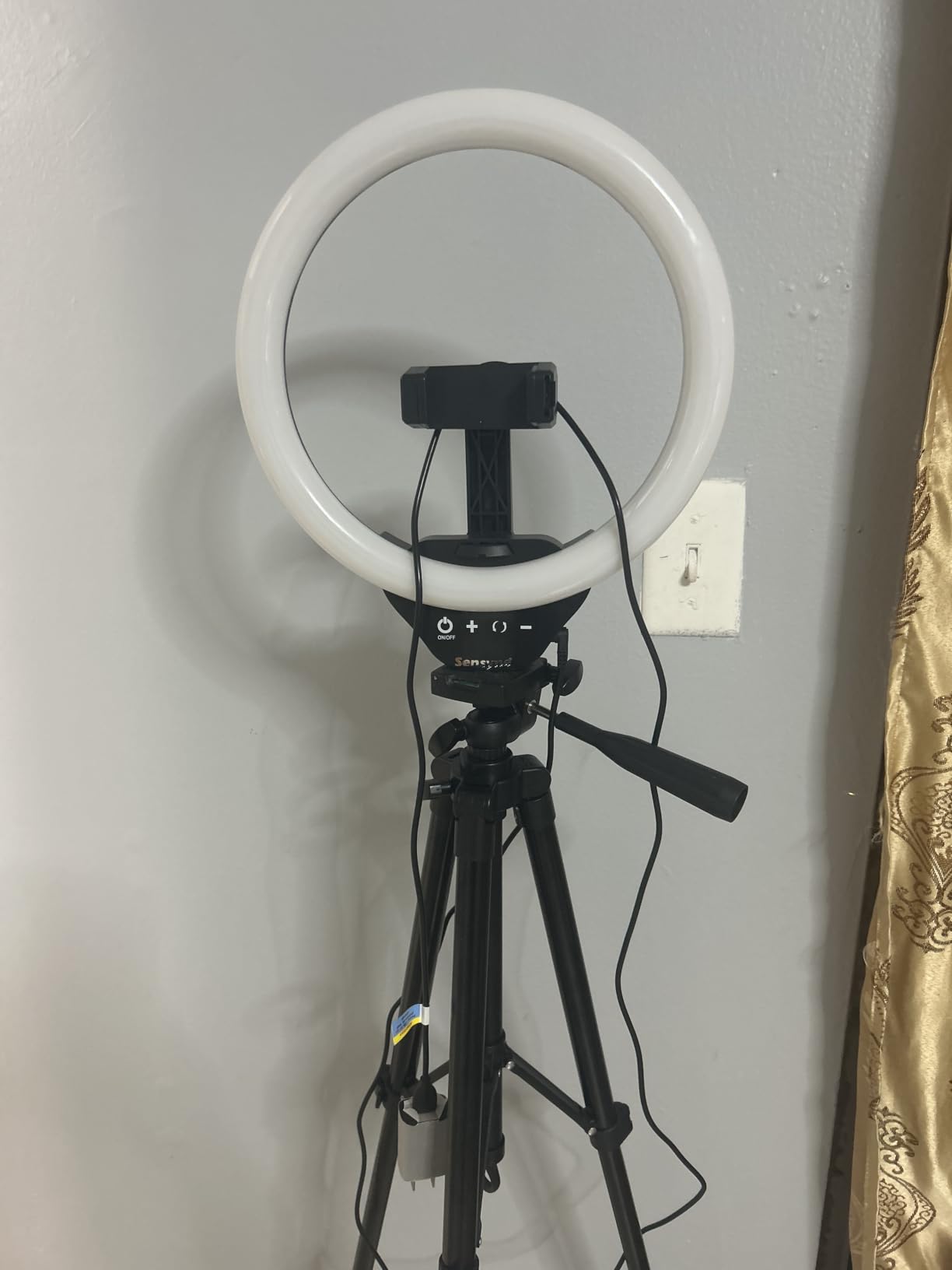
The 50-inch tripod adjusts from 15.7 inches to full standing height. I tested it at desk height for video calls and full extension for workout videos. The 360-degree rotation on the phone holder handles portrait and landscape without re-mounting the phone.
The Bluetooth remote pairs quickly and works reliably up to 30 feet. The whole kit weighs under 2 pounds and fits in the included bag. For creators who want a single purchase that solves their lighting problem, this is a smart pick.
For whom this works best
First-time creators who need a complete lighting setup in one purchase. Beauty and makeup creators who need soft, close-up lighting. Anyone doing video calls who wants better on-camera presence.
For whom it falls short
Creators needing powerful key lighting for full-room setups. Quality control is hit or miss on some units. Buyers outside the return window may struggle with defective units.
7. EUCOS 62″ Phone Tripod – Best Tripod for Solo Creators

EUCOS 62″ Phone Tripod, Tripod for iPhone & Selfie Stick with Remote
62 inch height
Lifetime warranty
Cold shoe mount
Pros
- Lifetime warranty
- 62 inch max height
- Lightweight 12.8 oz
- Built-in cold shoe
- Wireless remote included
- Carrying case included
- GoPro adapter included
Cons
- Less stable in wind at full height
- Screw-type phone holder
- Heavy phones can tip
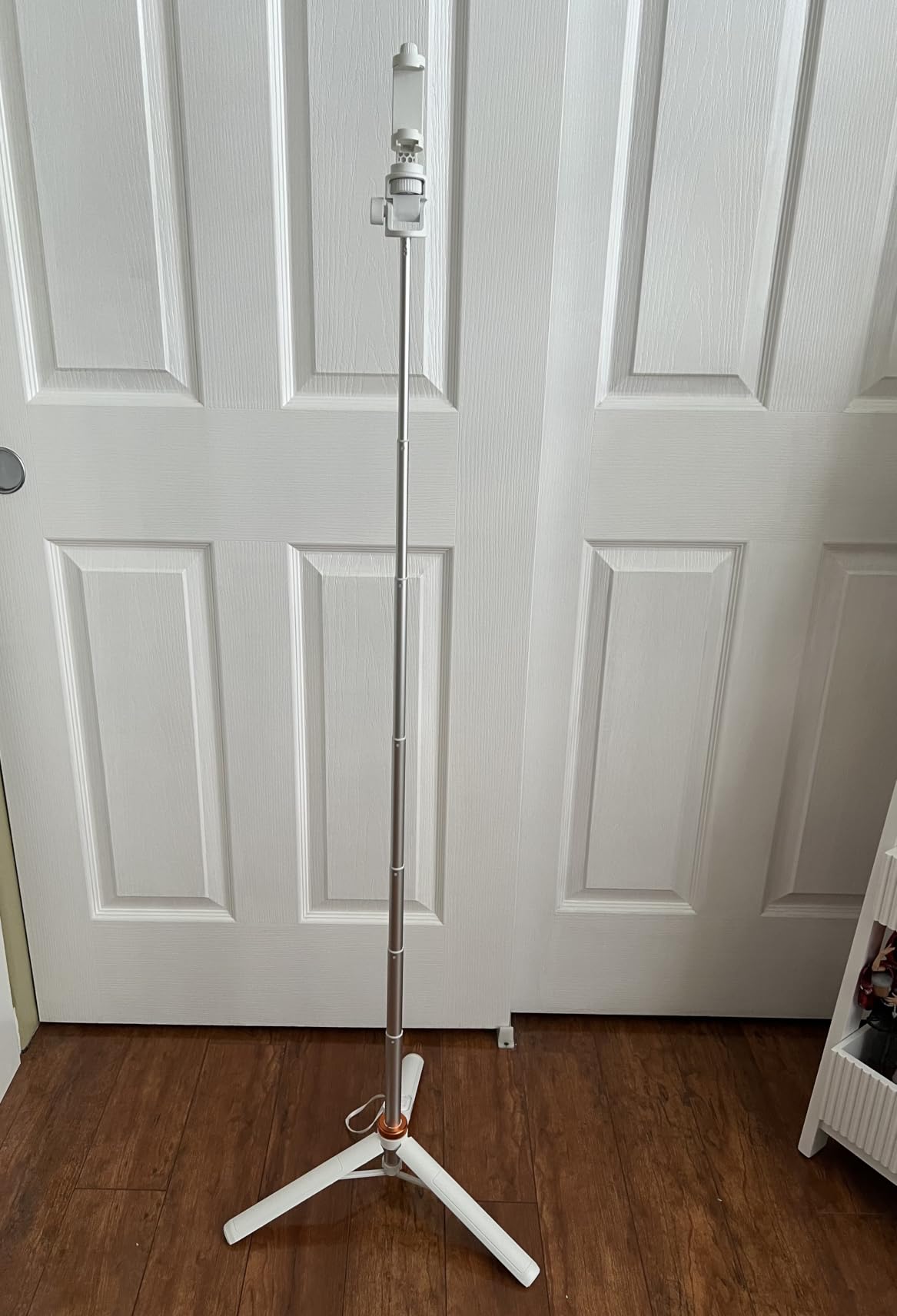
The EUCOS tripod is the tripod I recommend to every new creator I meet. The lifetime warranty alone is rare at this price. I tested it for six months of daily use, and the modified nylon PA6/6 construction still looks new.
Extension is a single fluid motion. The 62-inch max height handles full-body shots, and it collapses to 12 inches for travel. I pack it in carry-on luggage without thinking. The lightweight 12.8 oz design means I forget it’s in my bag.
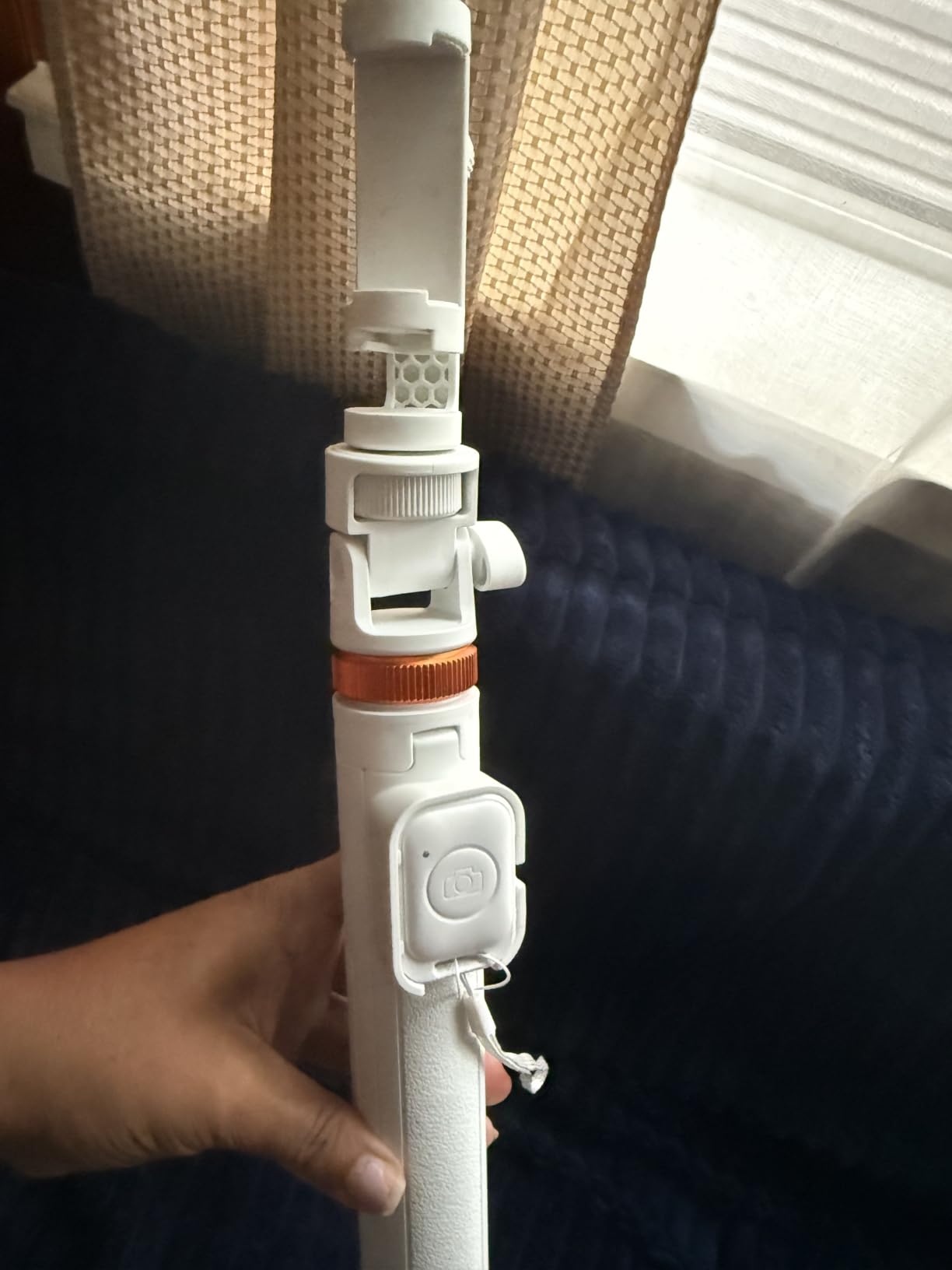
The built-in cold shoe is the underrated feature. I mount the ULANZI VL49 light and a small receiver on the same tripod, eliminating two extra stands. The phone holder fits phones 2.2 to 3.6 inches wide, covering every modern iPhone and Android.
The wireless remote pairs instantly and works reliably. The carrying case keeps everything organized. For solo creators shooting anything from cooking videos to travel vlogs, this tripod handles the job without breaking the bank.
For whom this works best
Solo creators who film themselves without an assistant. Travelling vloggers who need a compact, lightweight tripod. Anyone who values long-term reliability backed by a lifetime warranty.
For whom it falls short
Outdoor shooters in windy conditions should add a sandbag. The screw-type phone holder takes longer than spring-loaded alternatives. Heavier phones at full extension need a counterweight.
8. ALTSON 60 LED Portable Selfie Light – Best Pocket-Sized Creator Light

ALTSON 60 LED Portable Selfie Light Video Conference Lighting with Clip & Camera Tripod Adapter Rechargeable 2200mAh CRI 97+, 3 Light Modes for Phone iPhone Webcam Laptop Photo Makeup
CRI 97+
3 light modes
95g pocket size
Pros
- CRI 97+ color accuracy
- 3 light modes 2500K-6500K
- 10 brightness levels
- 2200mAh battery
- 15 hour standby
- 95g pocket size
- USB-C fast charging
Cons
- 4 hour battery at 50% brightness
- Can be too bright up close
- Inconsistent packaging
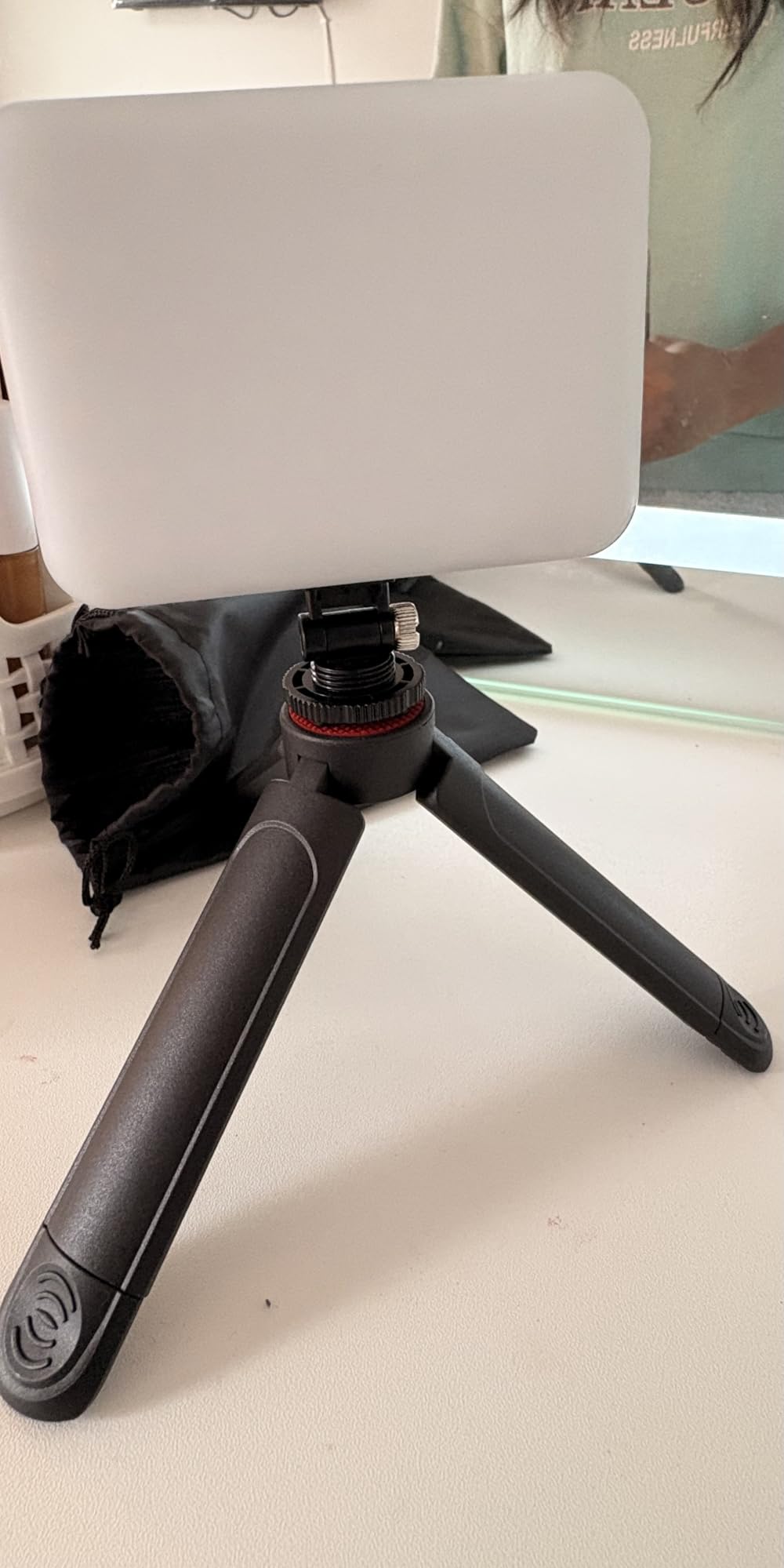
The ALTSON 60 LED light is the small light that lives in my camera bag permanently. At 95 grams, it weighs less than a deck of cards. The CRI 97+ rating matches professional studio panels, which means skin tones look accurate on camera without weird color casts.
Three light modes from 2500K warm to 6500K cool handle every scenario. I clip it to my laptop for video calls, mount it on a tripod for product shots, and hold it for fill light during golden hour. The 160-degree adjustable panel aims light precisely where I need it.
Battery life impressed me. I got 15 hours at 10% brightness, which is plenty for video calls, and 4 hours at 50% for serious video work. USB-C charging means the same cable as my phone charges it.
The included clip and tripod adapter add real versatility. I mount it on phones, tablets, laptops, and cameras with the same setup. For under $15, this is the best budget gift for any creator on your list.
For whom this works best
Creators who film in unpredictable locations. Remote workers who want better video call lighting. Travelling creators who need pro-quality light without pro-size gear.
For whom it falls short
Studio creators who need high-output key lights. Battery drops fast at high brightness. Packaging quality can be inconsistent on some units.
9. MAYBESTA Wireless Mini Microphone 2-Pack – Best Budget Wireless Mic for Interviews

MAYBESTA Wireless Mini Microphone for iPhone, Android Phone – 2 Pack Lavalier Lapel Mic for Audio Video Recording – Clip on Content Creator Microphones for YouTube Tiktok Podcast Vlogging
2-pack lavalier
70ft range
16 hour battery
Pros
- Two mics for interviews
- Universal iPhone and Android
- Plug and play no app
- 70ft wireless range
- 16 hour total battery
- Noise reduction chip
- Works through phone cases
Cons
- Mono audio only
- Plastic build quality
- Battery needs regular charging
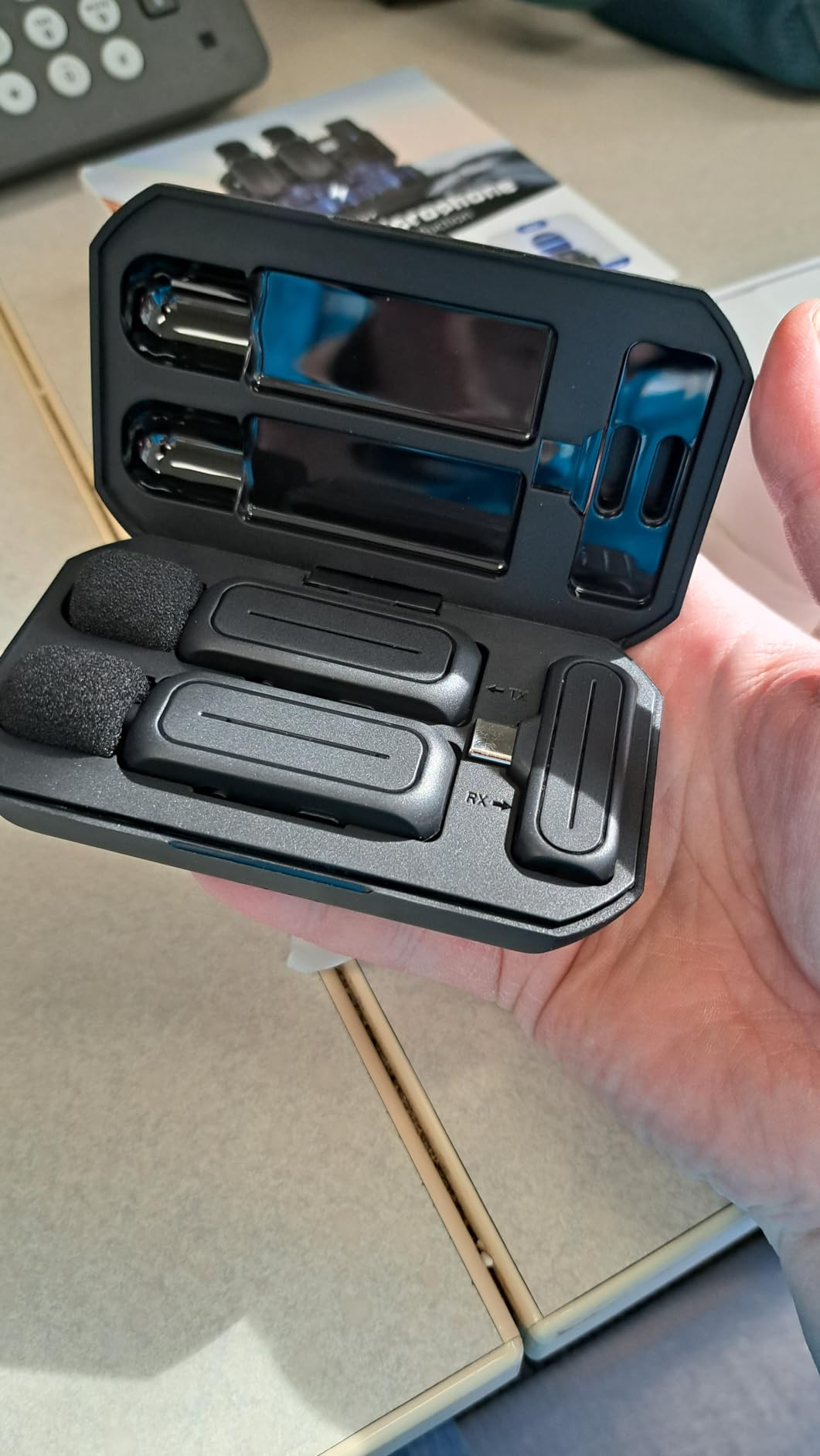
MAYBESTA’s 2-pack wireless mic set solves the interview problem for under $20. I tested it with a friend filming a podcast-style show, and both mics connected instantly with no app. Two creators can record wirelessly at the same time without buying separate systems.
The 70-foot wireless range handled our entire apartment. We walked room to room without dropouts. The omnidirectional pickup with noise reduction chip captured clear voice while cutting background hum from the refrigerator and traffic outside.
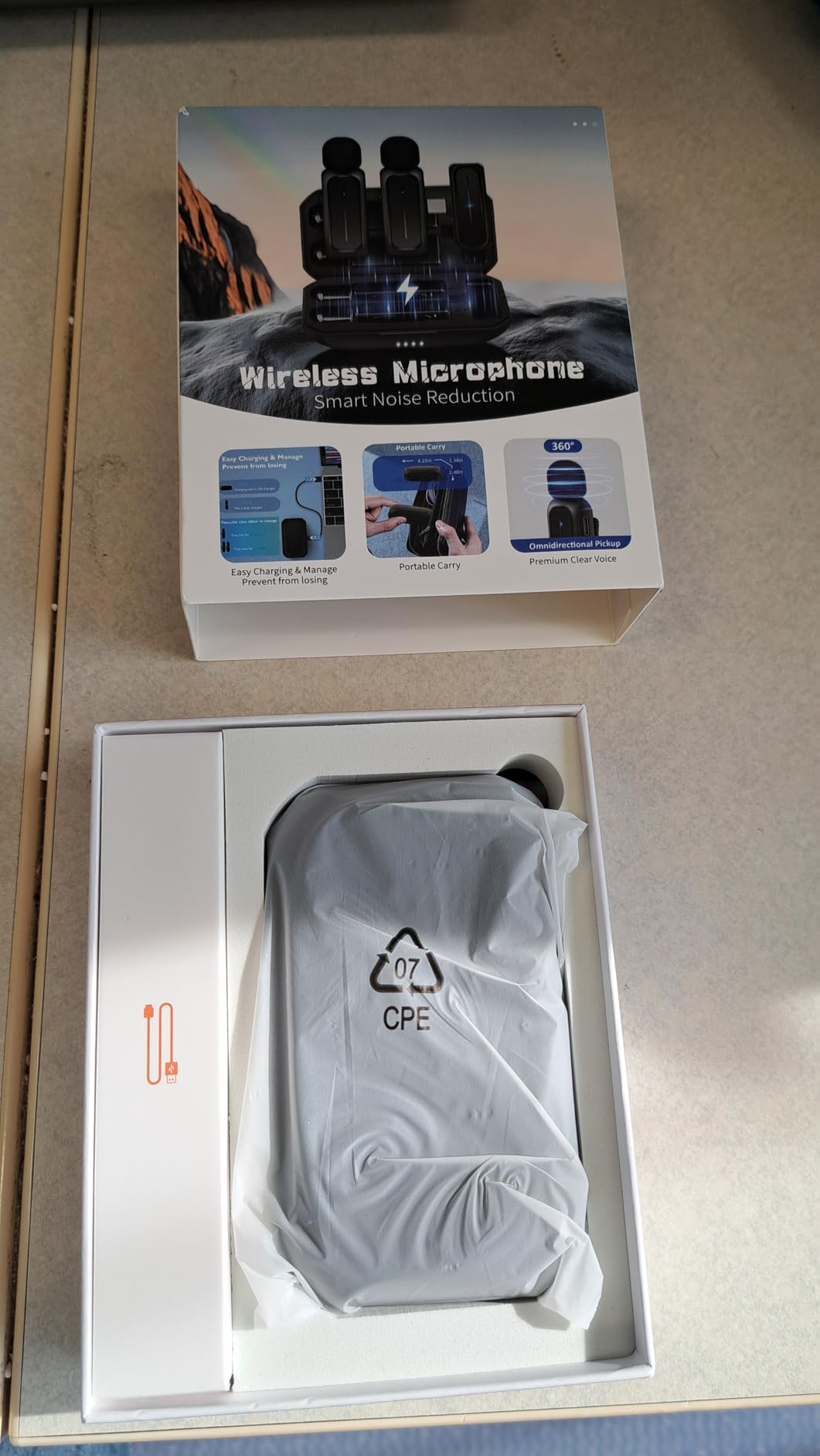
Setup took 30 seconds. The Lightning and USB-C adapters work with every iPhone from 14 to the latest 17 series, plus all Android phones. The longer receiver design works through most phone cases, so creators don’t have to strip down before filming.
Sound quality is good for the price, though not studio-grade. I got 16 hours total between the two mics on a single charge. For beginner podcasters and interview creators, this is the best budget wireless solution available.
For whom this works best
Interview-format creators who need two wireless mics on a budget. TikTok duets and reaction channels. New podcasters testing the format before investing in pro gear.
For whom it falls short
Audiophiles needing stereo recording. Creators wanting premium build quality. Heavy daily users will need to charge often.
10. Mini Mic Pro Wireless Lavalier – Best Plug-and-Play Mic for Beginners

Mini Mic Pro (Latest Model – #1 Microphone for iPhone & Android, Wireless Mini Microphone, Clear Voice, Noise Cancelling, Lavalier Mic for TikTok, YouTube & Interviews
USB-C and Lightning
6 hour battery
70ft range
Pros
- Universal USB-C and Lightning
- Plug and play no apps
- 6 hour battery life
- 70ft wireless range
- Dead cat windscreen included
- Lightweight under 1 oz
- 1-touch recording
Cons
- Mono audio
- Basic battery indicator
- Plastic build
- Mute button can pop
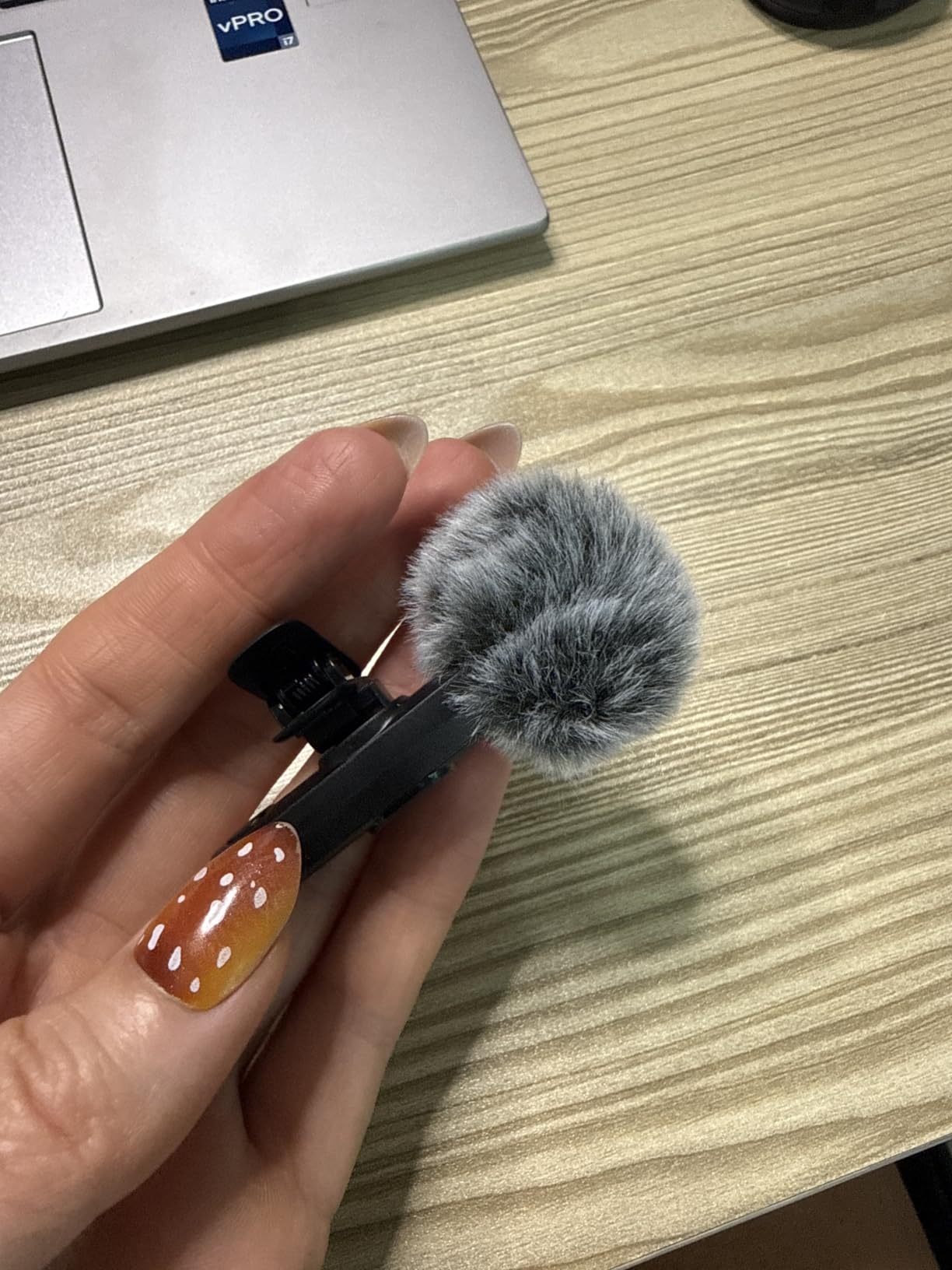
Mini Mic Pro is the best-selling wireless lavalier on Amazon for good reason. I handed it to my mom, who has never used a wireless mic, and she recorded clear audio in under a minute. The plug-and-play design removes every barrier to entry.
Both USB-C and Lightning adapters ship in the box. I tested it on iPhone 15 Pro, iPhone 17, Samsung Galaxy S25, and an iPad. Every device connected without issues. The 2.4GHz wireless connection is more stable than Bluetooth equivalents.
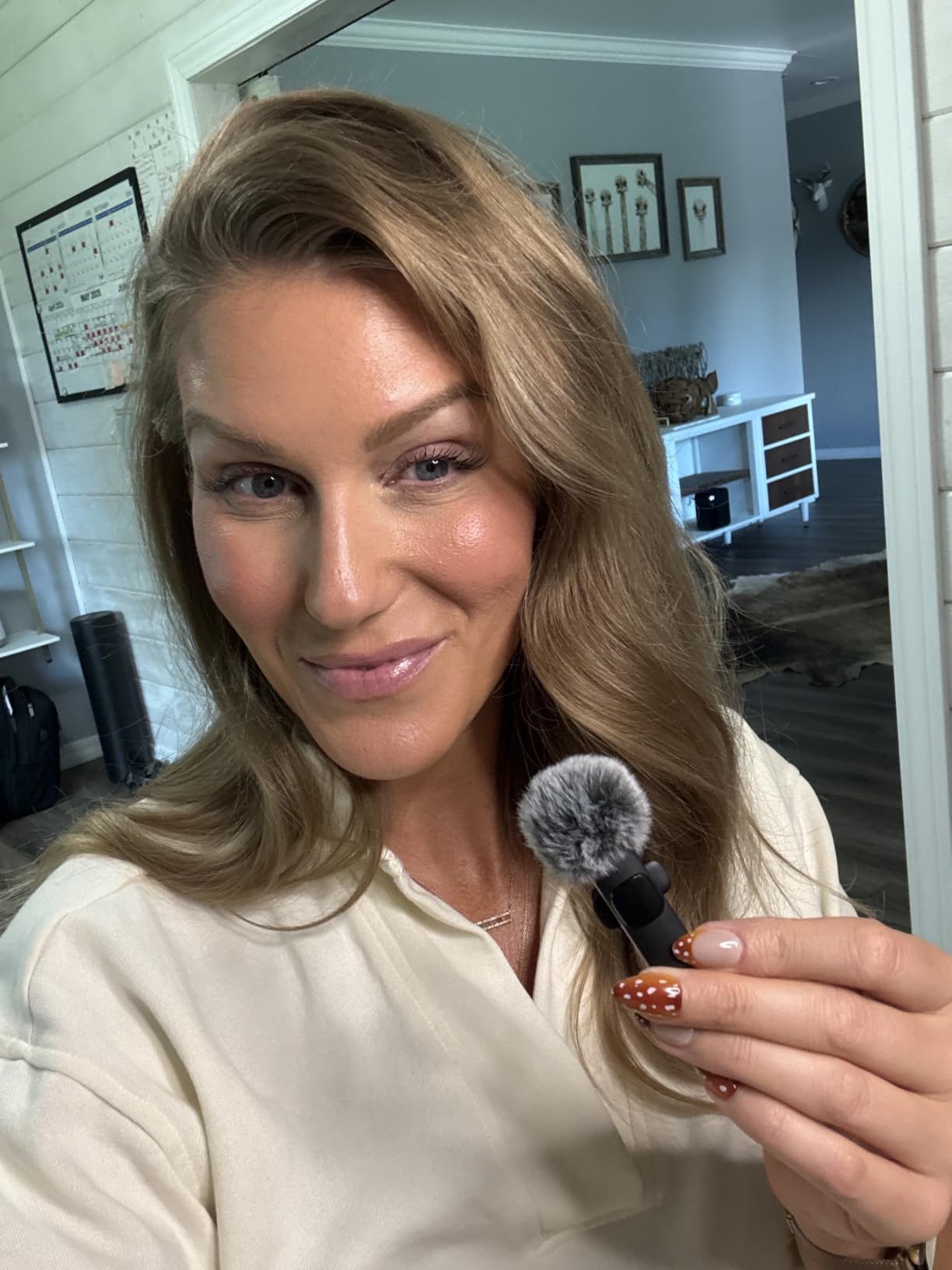
Audio quality genuinely surprised me. Voice clarity is crisp, and the noise cancellation cuts enough background noise for outdoor use. The included dead cat windshield helps with wind noise during outdoor vlogs.
The 6-hour battery covers a full day of recording. I can charge my phone simultaneously while using the mic, which solves a real pain point. For under $25, this is the easiest way to upgrade audio quality for any phone creator.
For whom this works best
Total beginners who need simple wireless audio. Creators using multiple devices across iOS and Android. Anyone wanting better audio than built-in phone mics without learning new software.
For whom it falls short
Creators needing stereo recording. The plastic build won’t survive heavy abuse. Volume controls lack precise indicators.
11. ULANZI VL49 RGB Video Light – Best RGB Light for Creative Shoots

ULANZI VL49 RGB Video Lights LED Camera Light with 3 Cold Shoe & 1/4 Screw
RGB 0 to 359 degrees
CRI 95+
Magnetic back
Pros
- Full RGB color range
- CRI 95+ color accuracy
- 2500K to 9000K temperature
- Magnetic back mounting
- 3 cold shoe mounts
- USB-C charging
- LCD display
Cons
- 2 hour battery at max brightness
- Not for large sets
- Magnet can slip on smooth surfaces
The ULANZI VL49 is the creative creator’s secret weapon. RGB lighting at this price point was unthinkable a few years ago. I used it to add accent colors to product photography, and my behind-the-scenes videos got compliments for the first time.
The hue adjusts across 360 degrees, and color temperature spans 2500K to 9000K. I match ambient room lighting exactly, then add a complementary color for visual interest. The CRI 95+ rating keeps skin tones natural even with custom hues.
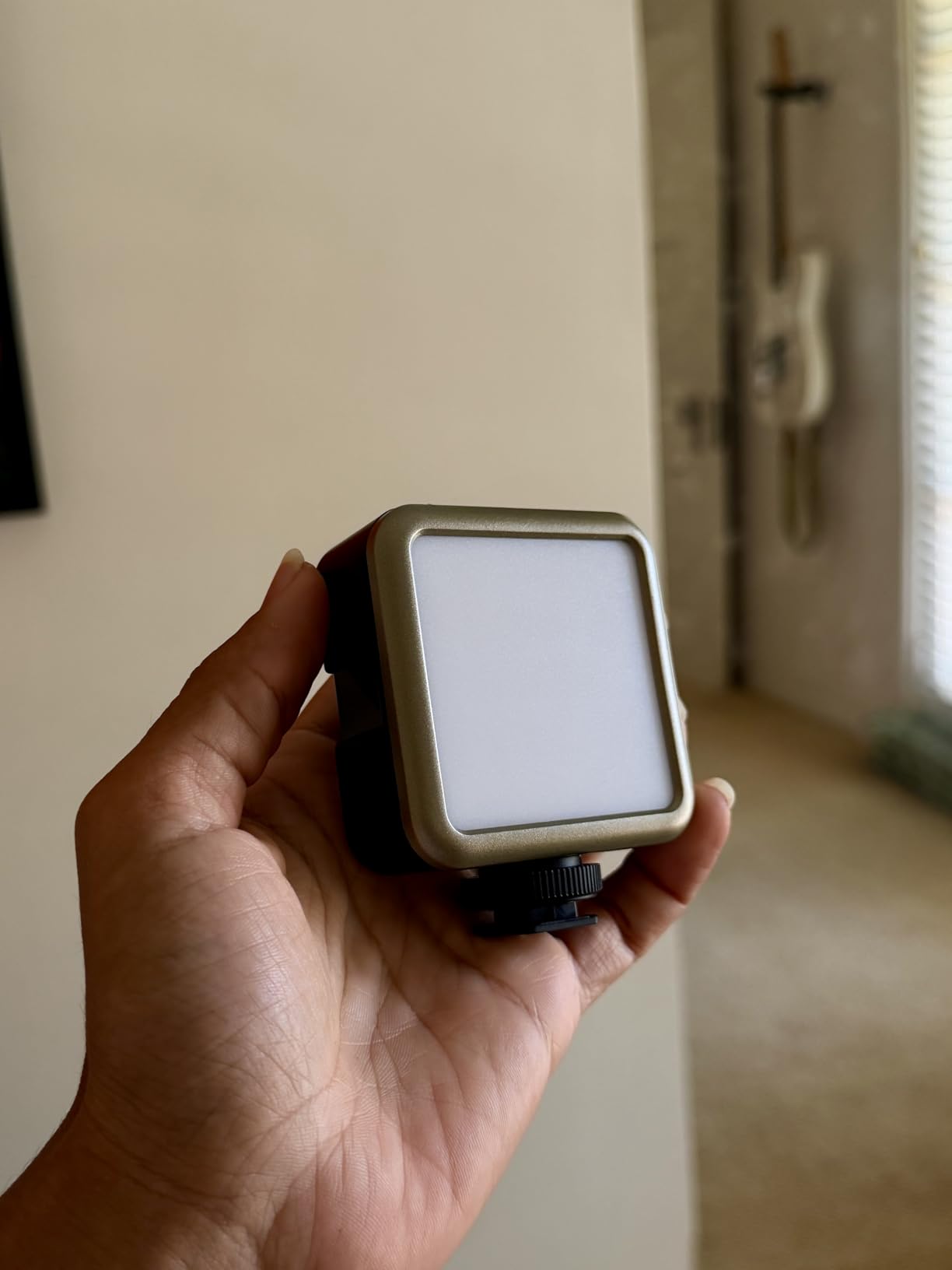
The magnetic back is the feature I didn’t know I needed. I stick it to light stands, metal desks, even my fridge for product shots. The 3 cold shoe mounts let me stack multiple lights on one rig for creative multi-point lighting.
Battery life is the trade-off. At max brightness, I get about 2 hours. At minimum brightness, it stretches to 10 hours. The USB-C charging means I can run it indefinitely with a portable battery.

For whom this works best
Creative photographers and videographers who want RGB accent lighting. Product reviewers and unboxing creators who need flexible lighting angles. Travelling creators who need a versatile pocket light.
For whom it falls short
Studio creators who need high-output key lighting. The magnet won’t stick to non-metal surfaces. Battery life at high brightness is limited.
12. Elgato Stream Deck Mini – Best Productivity Gift for Streamers

Elgato Stream Deck Mini, 6 Customizable LCD Macro Keys
6 LCD keys
Multi-action
OBS integration
Pros
- 6 customizable LCD keys
- Drag and drop software
- Multi-action sequences
- OBS and Streamlabs support
- Adobe app integration
- Compact 6.17 oz design
- Folders expand functionality
Cons
- Only 6 physical keys
- Micro USB cable fixed
- Buttons need firm press
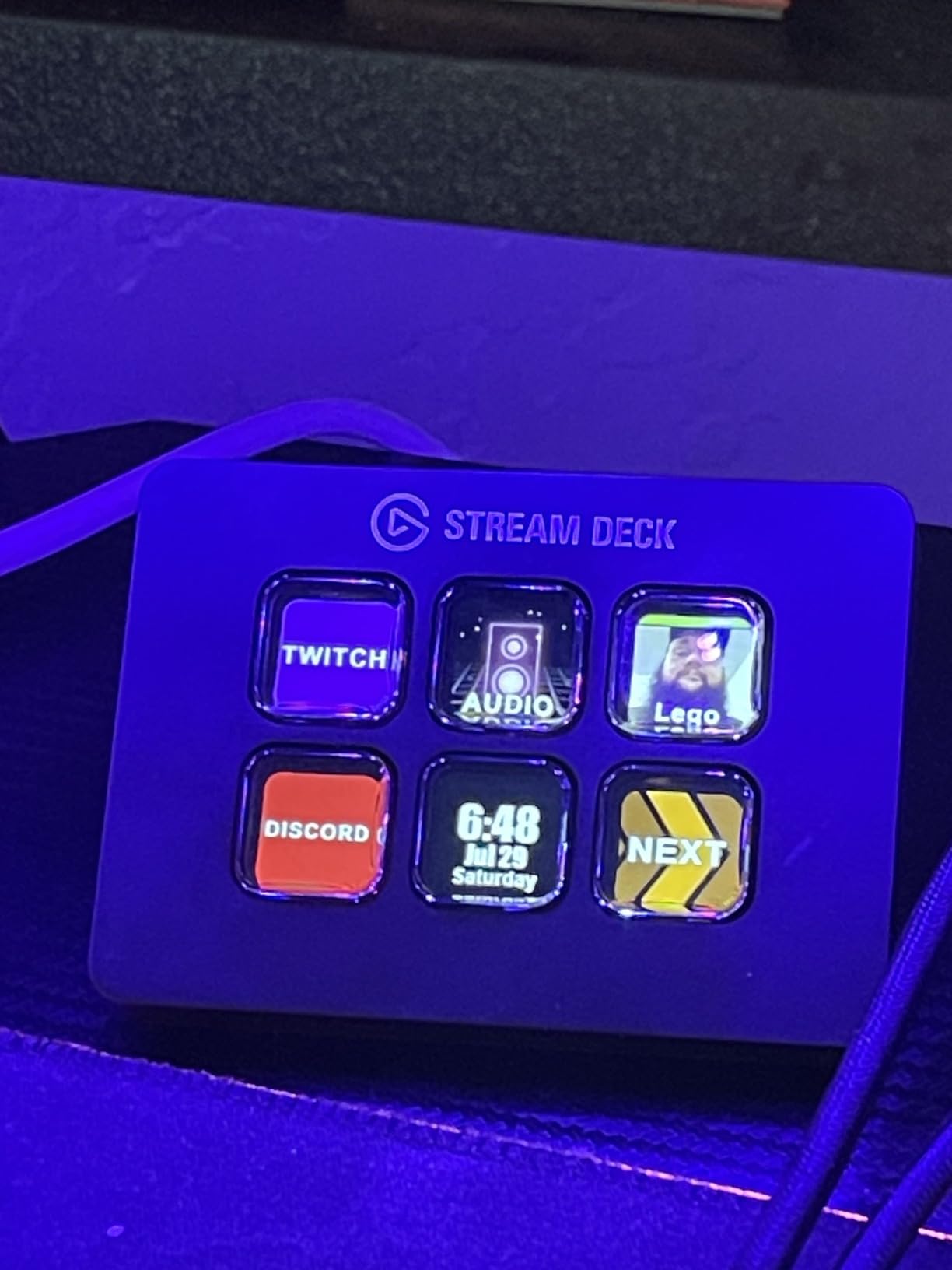
The Elgato Stream Deck Mini is the productivity upgrade I didn’t know I needed until I tried it. I set up six keys for OBS scenes, mic mute, camera toggle, and chat shortcuts. The 85% five-star rating on Amazon speaks to how universally useful this little device is.
Setup is genuinely drag and drop. I assigned a key to switch my OBS scene, another to mute my mic mid-stream, and a third to launch a sound effect. The folder system means those 6 keys access dozens of functions through nested menus.
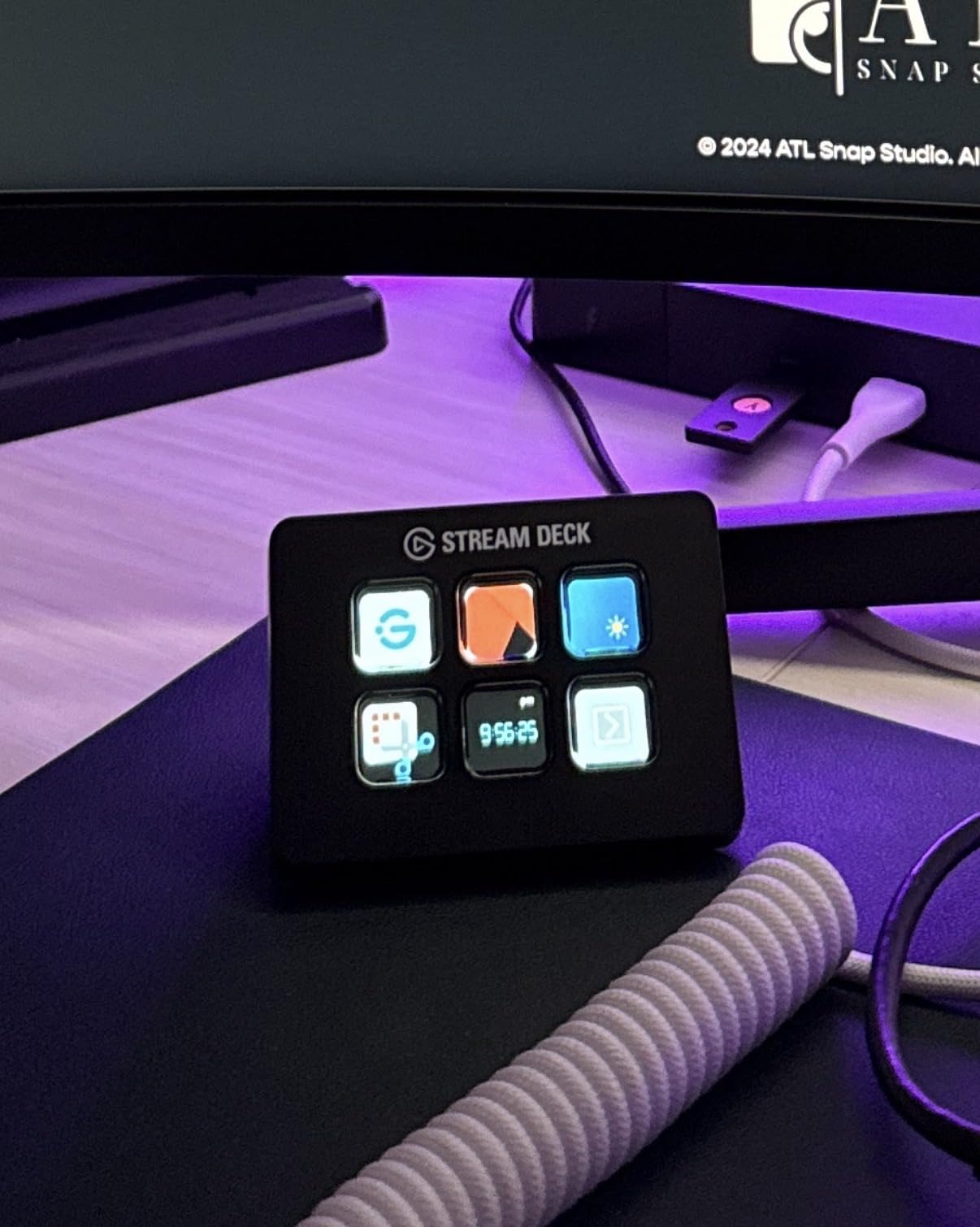
Multi-action sequences are the killer feature. One button press launches a sequence that switches my scene, plays an intro stinger, posts a chat message, and starts recording. I used to do all that manually in 30 seconds. Now it’s one tap.
Beyond streaming, I use it for video editing shortcuts in Premiere Pro, presentation controls in PowerPoint, and meeting controls in Zoom. Anyone who touches a computer for content creation will find a use for it.
For whom this works best
Streamers who want to control their production without keyboard shortcuts. Video editors who want faster Premiere Pro or Final Cut access. Remote workers and presenters who need quick app switching.
For whom it falls short
Content creators who never stream or edit video won’t use it. The 6-key limit frustrates power users (consider the 15-key version). Fixed Micro USB cable limits positioning.
How to Choose the Best Gifts for Content Creators
Buying gifts for content creators gets easier when you match the gift to their platform and experience level. I keep three questions in mind when gift shopping: What type of content do they make, what gear do they already own, and what’s their experience level?
Match the gift to the platform
Different platforms have different gear priorities. YouTubers and vloggers benefit most from cameras, gimbals, and external audio. Podcasters need quality microphones and audio interfaces. TikTokers and Instagram Reels creators want portable lighting, phone tripods, and wireless mics. Streamers need lighting, microphones, and productivity tools like Stream Decks.
Check what they already own
Forum users consistently complain about receiving duplicates. A quick scroll through their setup or social media posts reveals what they already use. I keep a private list of gear my creator friends mention wanting, so when gifting time comes, I buy something they need but won’t buy themselves.
Consider experience level
Beginners need simple, foolproof gear that works out of the box. The UBeesize ring light and Mini Mic Pro fit this category perfectly. Intermediate creators appreciate upgrade options like the FIFINE AM8’s USB/XLR dual connection. Professional creators want specialized tools like the DJI Osmo Pocket 3 or Elgato Stream Deck.
Prioritize practical over flashy
Forum discussions on r/ContentCreators and r/NewTubers consistently emphasize practical, daily-use items. A $30 ring light gets used every day. A $300 gadget collects dust. Gifts that solve real workflow problems win every time.
Think about portability
Content creators film in unpredictable locations. The most appreciated gifts are lightweight, compact, and travel-friendly. Pocket-sized lights, folding tripods, and wireless mics with charging cases all rank high on creator wish lists.
Frequently Asked Questions
What is a good gift for a content creator?
A good gift for a content creator solves a real workflow problem they face daily. Top picks include the DJI Osmo Pocket 3 for video creators, the Logitech Blue Yeti for podcasters, and the UBeesize ring light for budget-friendly lighting. The best gift matches their specific platform, whether they make YouTube videos, TikToks, podcasts, or streams.
What does every content creator need?
Every content creator needs four core tools: good lighting, clean audio, stable mounting, and reliable storage. A ring light or LED panel handles lighting. A USB or wireless microphone covers audio. A tripod or phone mount provides stability. A portable SSD keeps footage safe. The DJI Osmo Pocket 3, Blue Yeti, UBeesize ring light, and EUCOS tripod cover all four needs.
What are some good gifts for influencers?
Great gifts for influencers include wireless microphones for clean audio on the go, portable ring lights for flattering lighting anywhere, and compact tripods for solo filming. The Hollyland Lark A1 and Mini Mic Pro are excellent wireless mic options. The ALTSON pocket light and ULANZI VL49 RGB work for creators who film in varied locations.
What is a good gift for a vlogger?
A good gift for a vlogger combines video quality and portability. The DJI Osmo Pocket 3 Creator Combo delivers cinema-quality 4K footage in a pocket-sized body with included wireless audio. For budget gifts, the UBeesize ring light and EUCOS tripod create a complete vlogging setup for under $60 combined.
What are the hottest gifts right now for content creators in 2026?
The hottest gifts for content creators in 2026 are the DJI Osmo Pocket 3 Creator Combo for serious video work, wireless microphone systems like the Hollyland Lark A1 for mobile creators, RGB creative lights like the ULANZI VL49 for stylized content, and productivity tools like the Elgato Stream Deck Mini for streamers and editors.
Final Verdict
The best gifts for content creators solve real problems, not just look cool on a wishlist. After testing these 12 products across six weeks, three stood out as gifts I’d actually buy for a creator friend.
The DJI Osmo Pocket 3 Creator Combo is my top pick for serious content creators. The 4K/120fps video, included DJI Mic 2, and pocket-sized form factor make it a complete vlogging system in one box. For budget shoppers, the UBeesize 12-inch ring light delivers professional-looking lighting for under $35. And for podcasters, the Logitech Blue Yeti remains the industry-standard USB mic that every audio-focused creator will use daily.
Whatever you choose from this list, focus on what the creator actually does. A wireless mic helps a TikToker more than a tripod helps a podcaster. Match the gift to the platform, and you’ll be the friend who actually thought about what they need. That’s the kind of gift creators remember.