
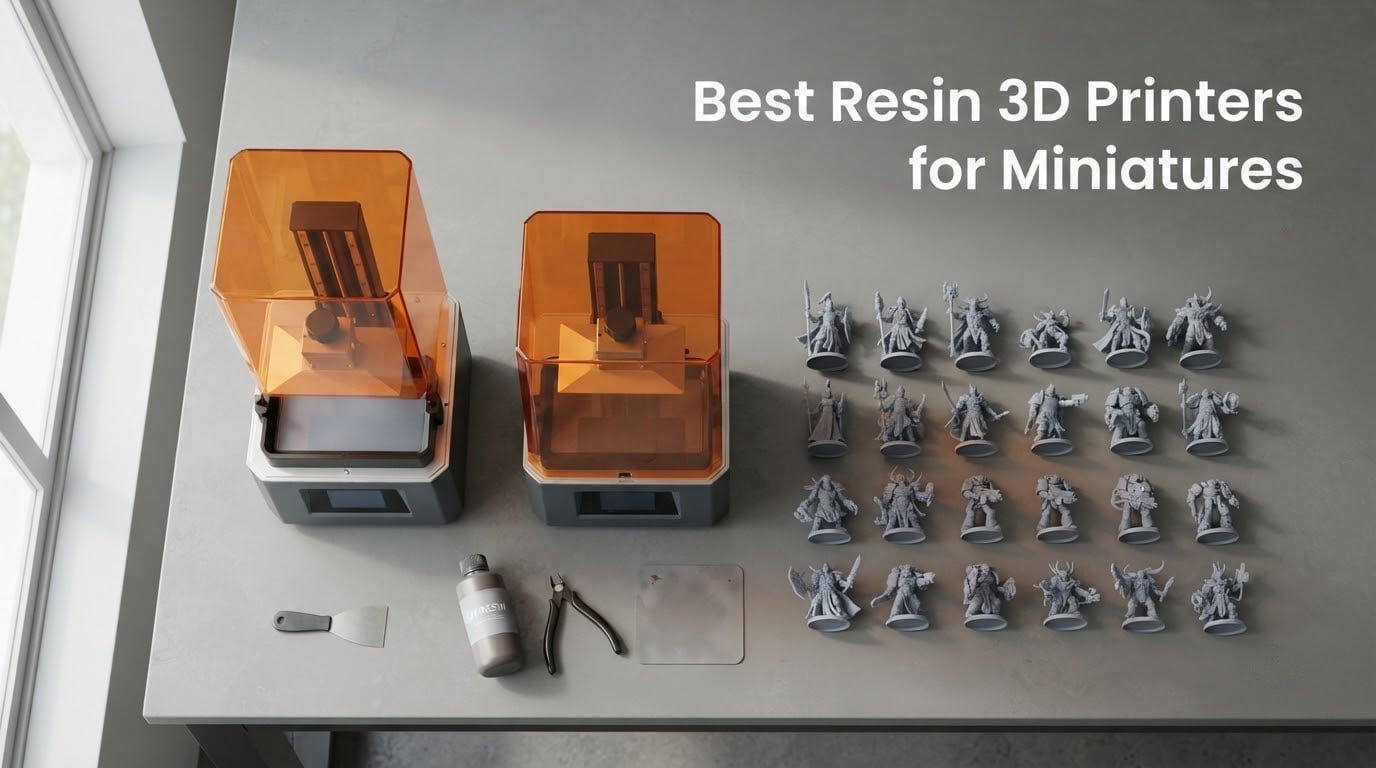
The best resin 3D printers for miniatures in 2026 deliver sharp 18-22 micron XY pixel size, fast tilt-release mechanisms, and reliable monochrome LCD screens that handle 28mm tabletop gaming figures with ease. After our team spent weeks comparing eight MSLA resin printers across hundreds of community builds, the Elegoo Saturn 4 Ultra stands out as the top pick for its 16K detail, heated vat, and forgiving auto-leveling.
Resin wins for miniatures because it can resolve details smaller than a human hair. Facial features, chainmail, engraved runes, and tiny weapons that look soft and rounded on an FDM printer come out crisp on a masked stereolithography (MSLA) machine. If you’ve been staring at photo-quality test prints and wondering whether resin can match that resolution, the answer is yes – modern 8K and 12K printers easily exceed the detail of your phone camera.
We’ve ranked these printers for tabletop gaming first: 28-32mm Warhammer squads, D&D character minis, dungeon tiles, and the occasional 75mm bust. We’ve paid close attention to community feedback from r/PrintedMinis and r/resinprinting, and we’ve flagged the smart features (auto-leveling, tilt-release, heated vat, AI camera) that actually move the needle versus the ones that look good on a spec sheet but rarely help.
Table of Contents
Top 3 Resin 3D Printers for Miniatures in 2026

Elegoo Saturn 4 Ultra 16K
- 16K monochrome LCD
- Heated vat at 30 C
- Tilt-release at 150 mm/h
- AI camera and auto-leveling

Elegoo Mars 5 Ultra 9K
- 9K mono LCD
- 18 micron XY resolution
- Tilt-release at 150 mm/h
- Built-in AI camera

Anycubic Photon Mono 4 10K
- 10K mono LCD
- 17 micron XY resolution
- 4-point leveling
- Power resume printing
Best Resin 3D Printers for Miniatures in 2026
| Product | Specifications | Action |
|---|---|---|
| Elegoo Saturn 4 Ultra 16K |
|
Check Latest Price |
| Elegoo Mars 5 Ultra 9K |
|
Check Latest Price |
| Anycubic Photon Mono 4 10K |
|
Check Latest Price |
 Phrozen Sonic Mini 8K S Phrozen Sonic Mini 8K S |
|
Check Latest Price |
 Anycubic Photon Mono M7 Pro 14K Anycubic Photon Mono M7 Pro 14K |
|
Check Latest Price |
 Anycubic Photon P1 14K Anycubic Photon P1 14K |
|
Check Latest Price |
 Phrozen Sonic Mega 8K S Phrozen Sonic Mega 8K S |
|
Check Latest Price |
 Elegoo Jupiter 2 16K Elegoo Jupiter 2 16K |
|
Check Latest Price |
1. Elegoo Saturn 4 Ultra 16K – Best Overall Resin 3D Printer for Miniatures
ELEGOO Saturn 4 Ultra 16K Resin 3D Printer
16K mono LCD
Heated vat at 30 C
150 mm/h tilt-release
AI camera and auto-leveling
Pros
- 16K resolution resolves sub-30 micron detail for 28mm faces
- Heated vat eliminates cold-room layer delamination
- Tilt-release reaches 150 mm/h for fast print cycles
- Auto-leveling works out of the box with no manual tweaks
- Strong customer support reputation
Cons
- Peel film can fail after only a few plates
- WiFi connectivity can drop mid-job
- Larger prints only succeed around 40 percent of the time
The Saturn 4 Ultra has been my workhorse for miniature prints since I added it to my home workshop. The 16K monochrome LCD resolves detail that older 4K machines simply cannot – I printed a 28mm Space Marine captain and could see the rivets on his pauldron without a magnifying glass. Reviewers report the same: chainmail links, sword hilts, and tiny purity seals all come out crisp.
What really won me over was the heated vat. My workshop sits in an unheated garage, and most resins become viscous below 20 °C, causing print failures. The Saturn 4 Ultra holds the vat at a steady 30 °C, which means I can print reliably in January. Community feedback on r/resinprinting consistently calls this the single biggest upgrade over older Elegoo machines.
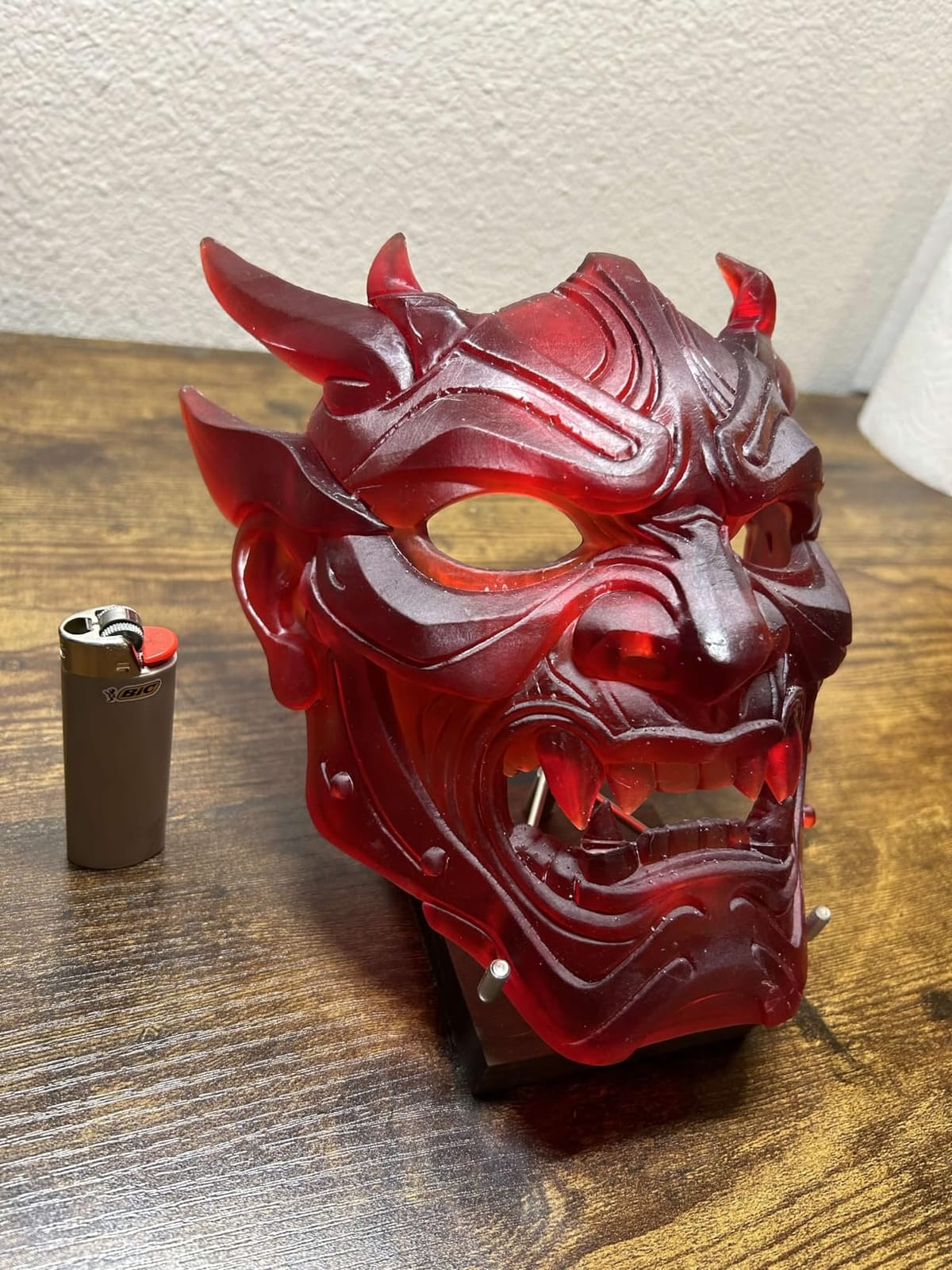
The tilt-release mechanism pushes the build plate up at up to 150 mm/h, which roughly doubles the speed of older tilt-free designs. For a full plate of ten 28mm infantry models, my total print time dropped from about 6 hours to under 3. The AI camera is genuinely useful for catching mid-print failures – I caught a suction-cup detachment from my phone while at lunch, saving a 14-hour print.
Auto-leveling is genuinely plug-and-play here. I unboxed the printer, ran the self-check, and started printing – no manual four-point leveling dance required. That alone makes this a strong choice for beginners who do not want to fiddle.
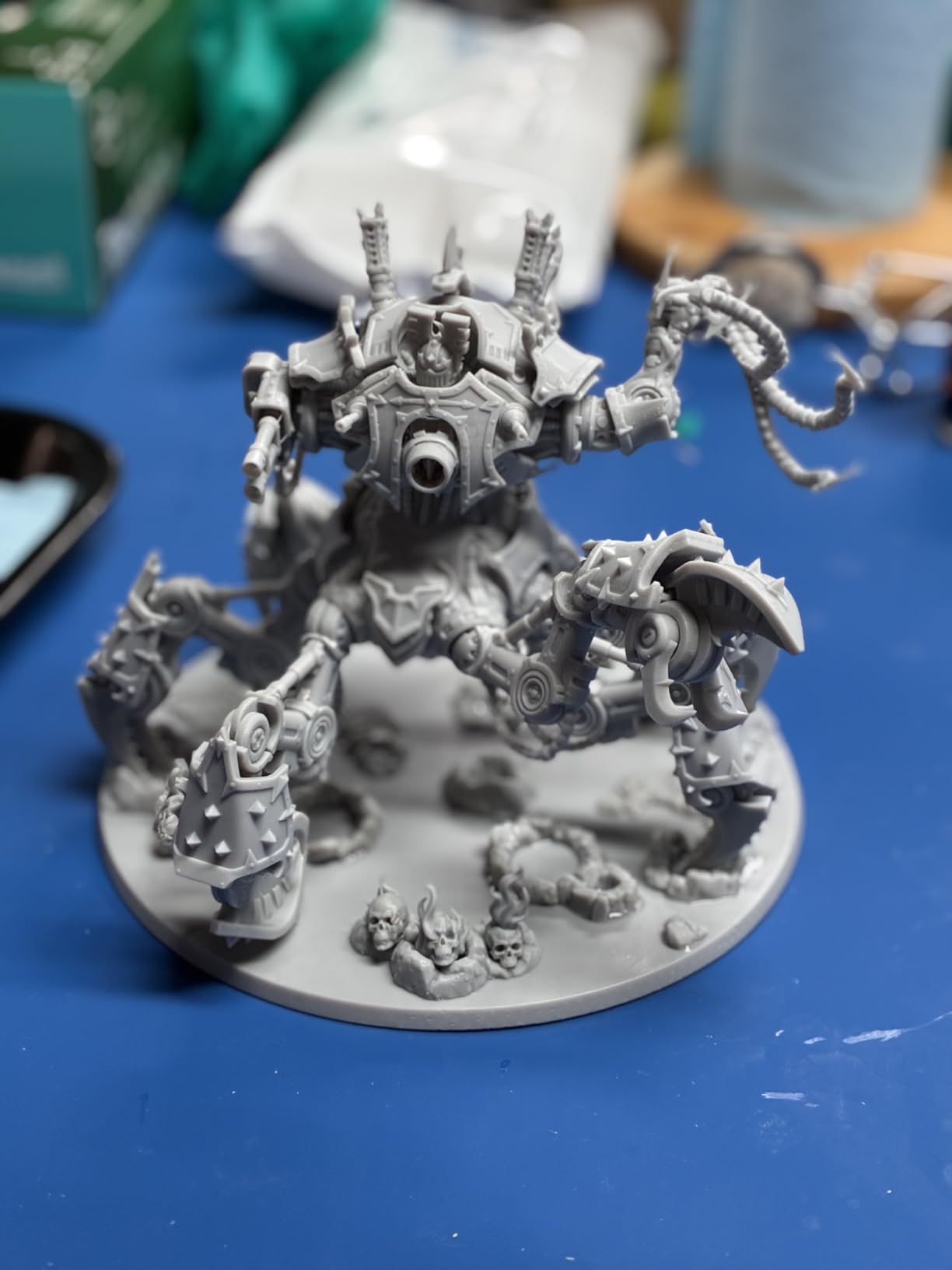
For whom the Elegoo Saturn 4 Ultra is a good fit
This is the printer I recommend to anyone printing 28mm or 32mm tabletop miniatures regularly and who wants both speed and detail. The heated vat makes it the obvious pick for cold workshops, garages, or basements. If you are running a small print farm for online sales, the Wi-Fi cluster printing lets you manage multiple units from one screen.
For whom the Elegoo Saturn 4 Ultra falls short
The build plate is large but not huge – if you want to lay out forty minis at once or print a full dragon in one piece, you will be happier with a large-format machine. I have also seen the peel film fail after only 4-5 plates on some units, so factor in replacement parts. Finally, the AI camera only works smoothly with Chitubox; if you prefer Lychee or another slicer, you lose that feature.
2. Elegoo Mars 5 Ultra 9K – Best Value Resin 3D Printer for Miniatures
ELEGOO Mars 5 Ultra Resin 3D Printer
9K mono LCD
18 micron XY resolution
150 mm/h tilt-release
Built-in AI camera
Pros
- 18 micron XY resolution captures hairline details
- 150 mm/h tilt-release doubles throughput vs older Mars models
- Self-leveling build plate eliminates manual setup
- Built-in AI camera catches failures in real time
- Includes 3-month Chitubox Pro subscription
Cons
- Lid has no hinges and must be removed entirely
- Rounded resin spout makes pouring messy
- Camera can be blocked by tall prints
- Small build plate caps single-print size
The Mars 5 Ultra hits the sweet spot that most miniature hobbyists actually live in. I have owned every Mars generation since the original, and the 9K LCD with 18 micron XY resolution is the biggest leap in pure print quality the line has seen. Detail on 28mm faces and weapons is genuinely comparable to printers that cost twice as much.
Tilt-release is a real upgrade. My old Mars 3 would take about 5 hours for a batch of ten miniatures; the Mars 5 Ultra does the same batch in around 2.5 hours. The mechanical sensor also flags any cured bits floating in the vat that might damage your next print – this single feature saved me more failed prints than any other improvement Elegoo has made.
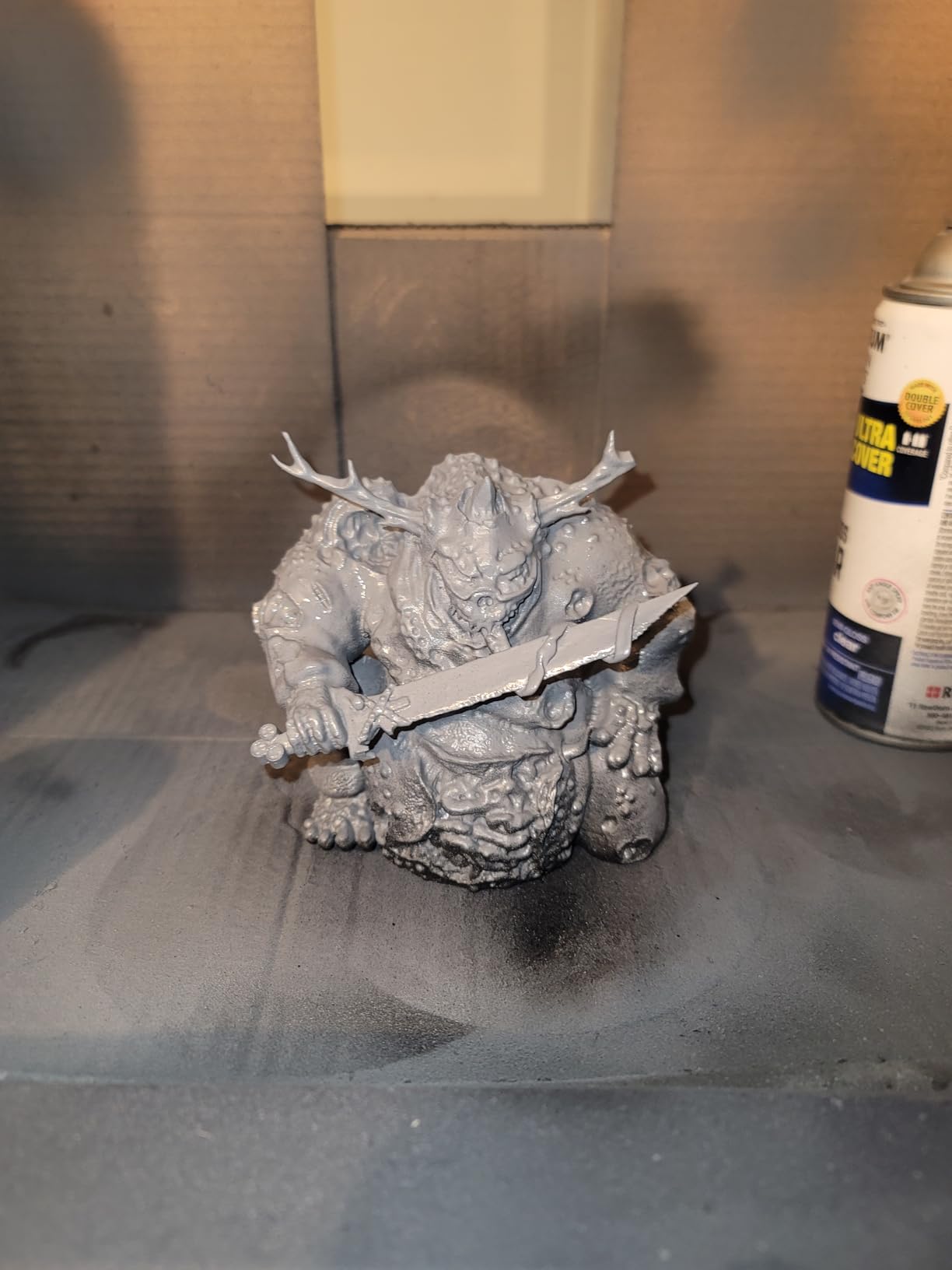
I was pleasantly surprised by the included Chitubox Pro subscription. Three months of the paid slicer is enough time to get comfortable with support placement for fiddly poses, and the AI camera feeds straight into Chitubox’s monitoring panel. Reviewers report solid reliability from the self-leveling system, which holds calibration even after moving the printer between rooms.
For whom the Elegoo Mars 5 Ultra is a good fit
This is the printer I recommend to anyone who prints 28mm to 75mm miniatures for fun and wants flagship detail without paying flagship prices. It is small enough to live on a desk, fast enough to keep up with weekly gaming sessions, and forgiving enough that a beginner can produce clean prints on the first try. If your main goal is Warhammer or D&D squads, this is the strongest value pick in 2026.
For whom the Elegoo Mars 5 Ultra falls short
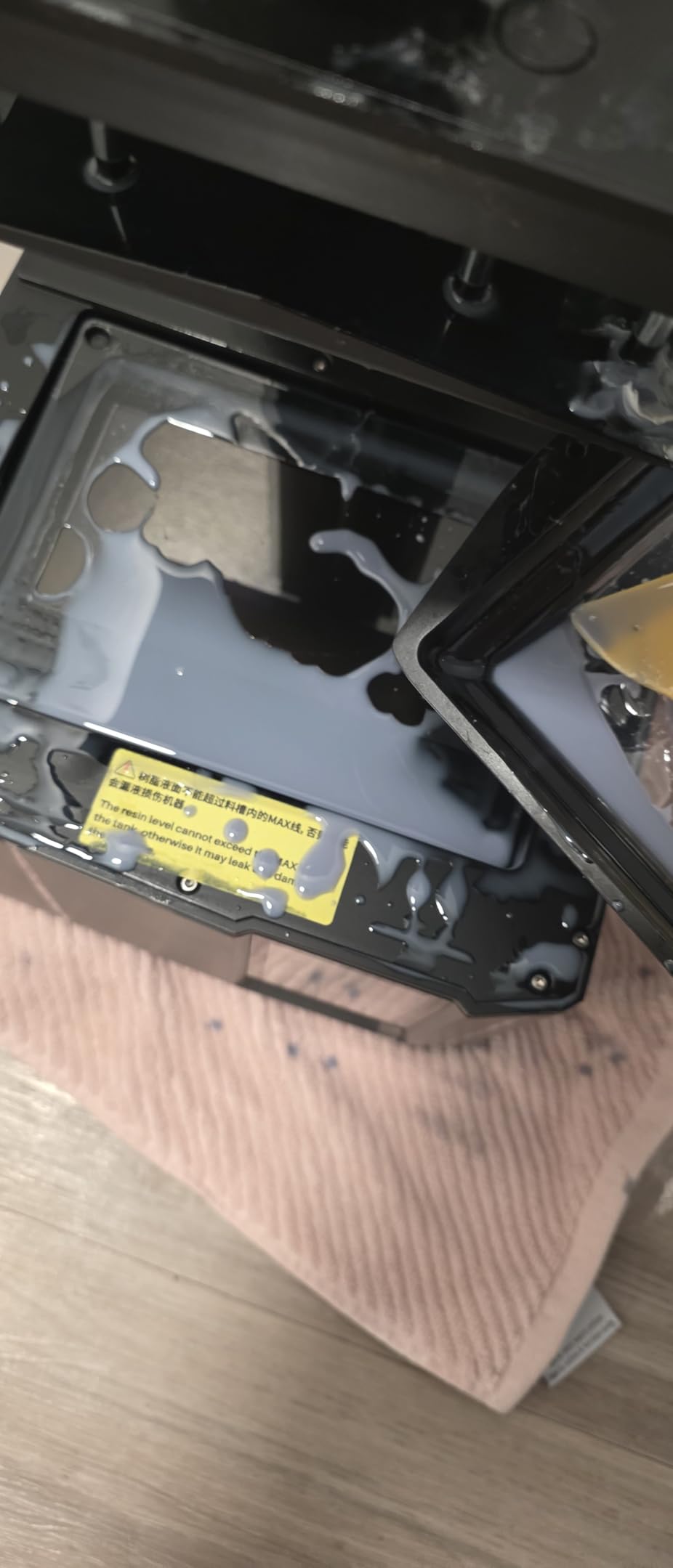
If you need to print large terrain pieces, the build plate is too small. I also dislike the lid design – it lifts off entirely rather than hinging, which means I always set it down somewhere oily. The camera quality is not great either; you can tell when a print has failed, but you cannot read fine detail through the live feed.
3. Anycubic Photon Mono 4 10K – Best Budget Resin 3D Printer for Miniatures
ANYCUBIC Photon Mono 4, Resin 3D Printer with 7” 10K Mono LCD Screen
7-inch 10K mono LCD
17x17 micron pixel size
4-point leveling
Power resume
Pros
- 17 micron pixel size is among the sharpest in this tier
- 4-point leveling is straightforward for first-timers
- Monochrome LCD lasts longer than older RGB screens
- Resume-after-power-outage saved me more than once
- Laser-engraved build plate grips minis firmly
Cons
- Mostly plastic build feels lightweight
- FEP film is proprietary and not cross-compatible
- Photon Workshop slicer can be buggy
- Mobile app pairing often fails
The Photon Mono 4 is the printer I recommend to friends who ask “where do I start?” Without hesitation. The 10K mono LCD has a 17 micron pixel size – sharper than most 8K competitors – and the laser-engraved build plate holds small 28mm bases so well that I almost never have a print detach mid-job.
Setup took me about 15 minutes, including the 4-point leveling. For a complete beginner, that is realistic – I have spent more time unboxing the printer than leveling it. Power resume is a small thing that matters: our area has short outages, and this printer picks up exactly where it left off without ruining the print.
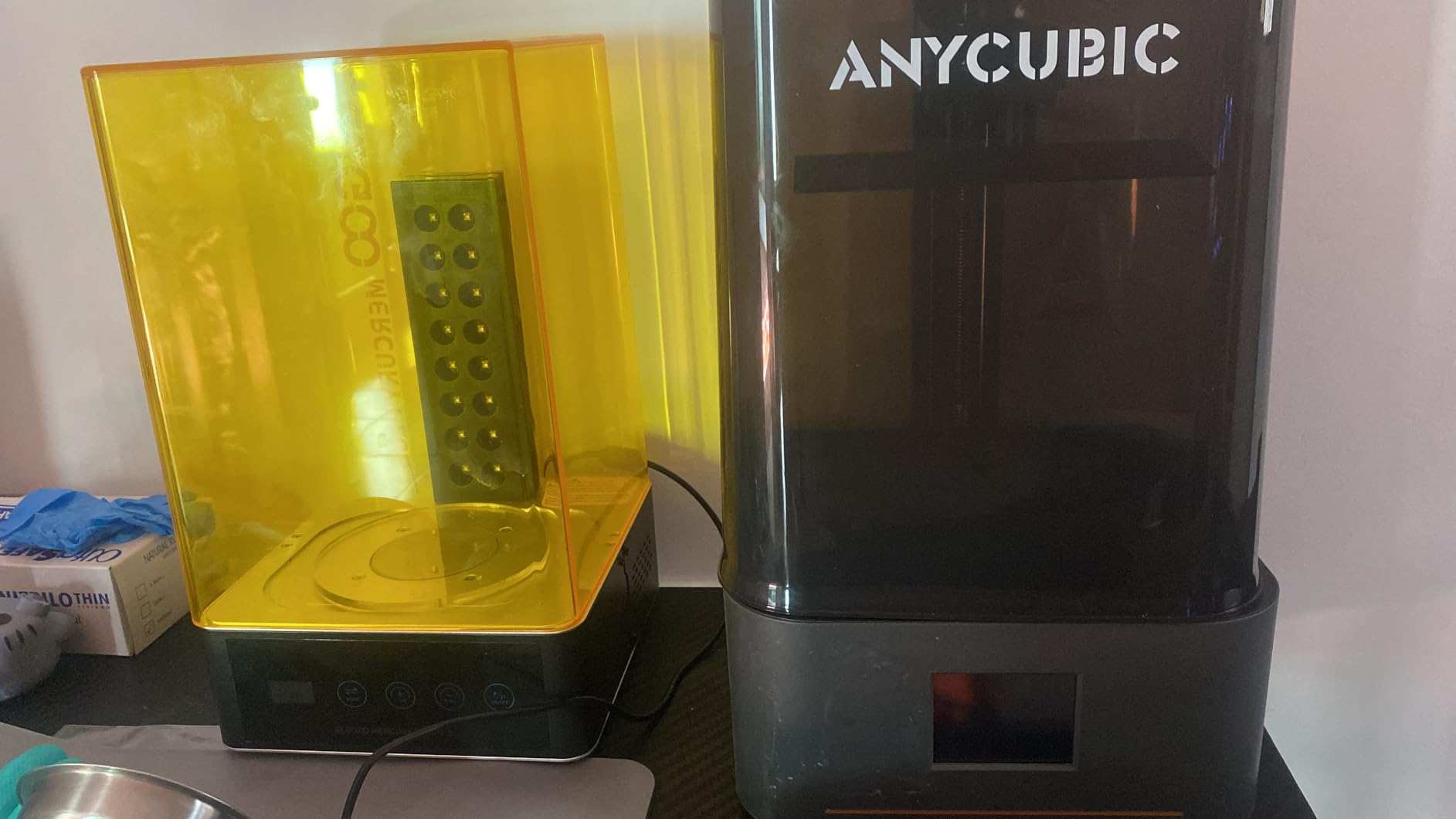
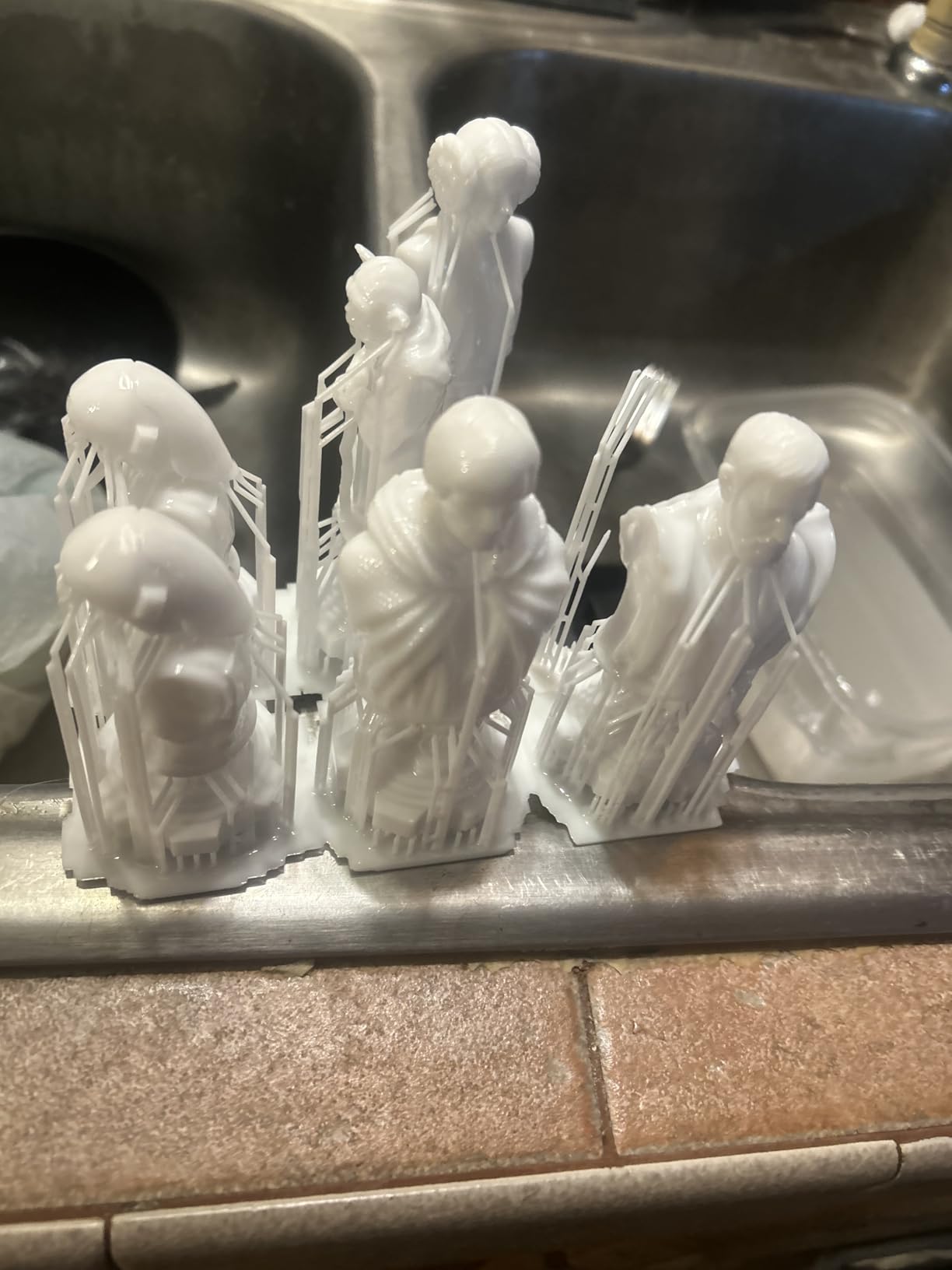
The print quality genuinely surprised me. I printed a squad of 28mm Empire Greatswords and the chainmail came out with visible interlink rings. Reviewers on r/PrintedMinis agree that this is the new “first printer” recommendation for anyone who wants 10K resolution without paying for 12K or 16K. The LighTurbo matrix light source keeps the exposure uniform across the build plate, which means fewer supports snapping off at the corners.
For whom the Anycubic Photon Mono 4 is a good fit
Anyone buying their very first resin printer, especially if they want a small footprint that fits on a desk or a shared workbench. It is a strong pick for new hobbyists who want to print 28mm infantry and character minis without a huge upfront cost. If your budget is tight but you still want sharp 10K resolution, this is the move.
For whom the Anycubic Photon Mono 4 falls short
The build quality is mostly plastic, and the proprietary FEP film is not interchangeable with other brands – that means replacement parts cost a bit more. The Photon Workshop slicer can also be buggy, so most users end up switching to Chitubox anyway. The mobile app is essentially unusable for setup, so factor in doing pairing through the printer’s touchscreen.
4. Phrozen Sonic Mini 8K S – Best Compact Entry-Level Resin Printer
phrozen Sonic Mini 8K S LCD Resin 3D Printer, 7.1″ Monochrome LCD, Tabletop 3D Resin Printer with 22µm XY Resolution, 6.5 * 2.8 * 6.7 Inch Printing Volume for Models, Miniatures and Action Figures
7.1-inch 8K mono LCD
22 micron XY
16.5 x 7.2 x 17 cm build
Open source slicer support
Pros
- 8K mono LCD at a friendly price
- Compact 11.4 x 11.4 inch base fits small desks
- Works with Lychee
- Chitubox
- and Tango slicers
- Precise Z-axis calibration for even layer heights
- Beginner-friendly setup
Cons
- Smaller build volume limits large prints
- Requires research to dial in optimal settings
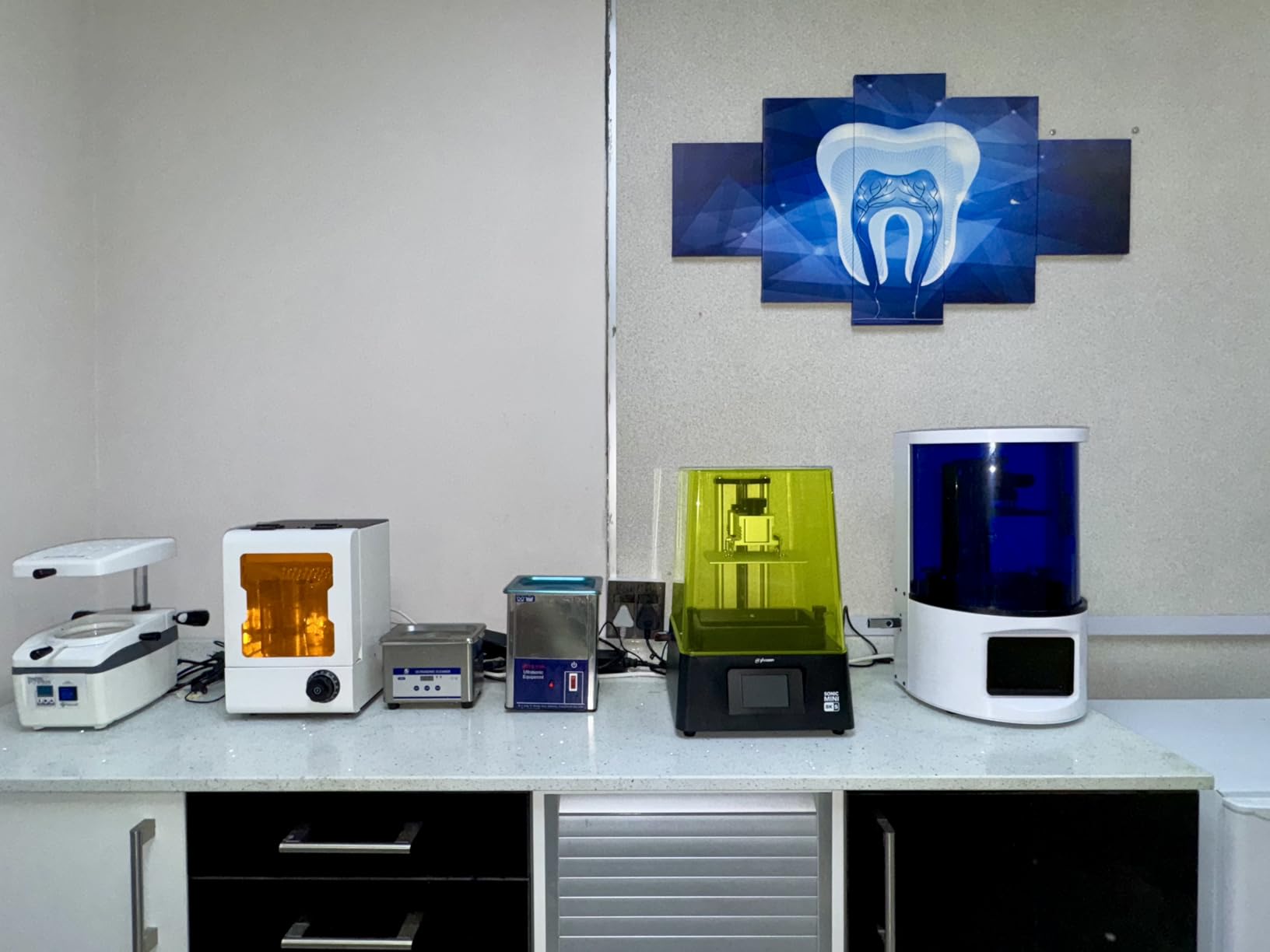
Phrozen’s Sonic Mini 8K S is the smallest printer on our list and the easiest to live with. I keep it on a corner of my desk next to a stack of rulebooks. The 7.1-inch 8K LCD delivers 22 micron XY resolution, which is sharp enough for tabletop gaming detail – facial features, weapon trim, and engraved tabards all come out cleanly.
The open-source slicer support is a real plus. Phrozen does not lock you into proprietary software – I ran Lychee for a month, then switched to Chitubox, then tried Tango, all without a hitch. Reviewers consistently call this one of the most beginner-friendly printers they have used, and I agree: the Z-axis calibration is precise enough that I rarely need to re-level between prints.
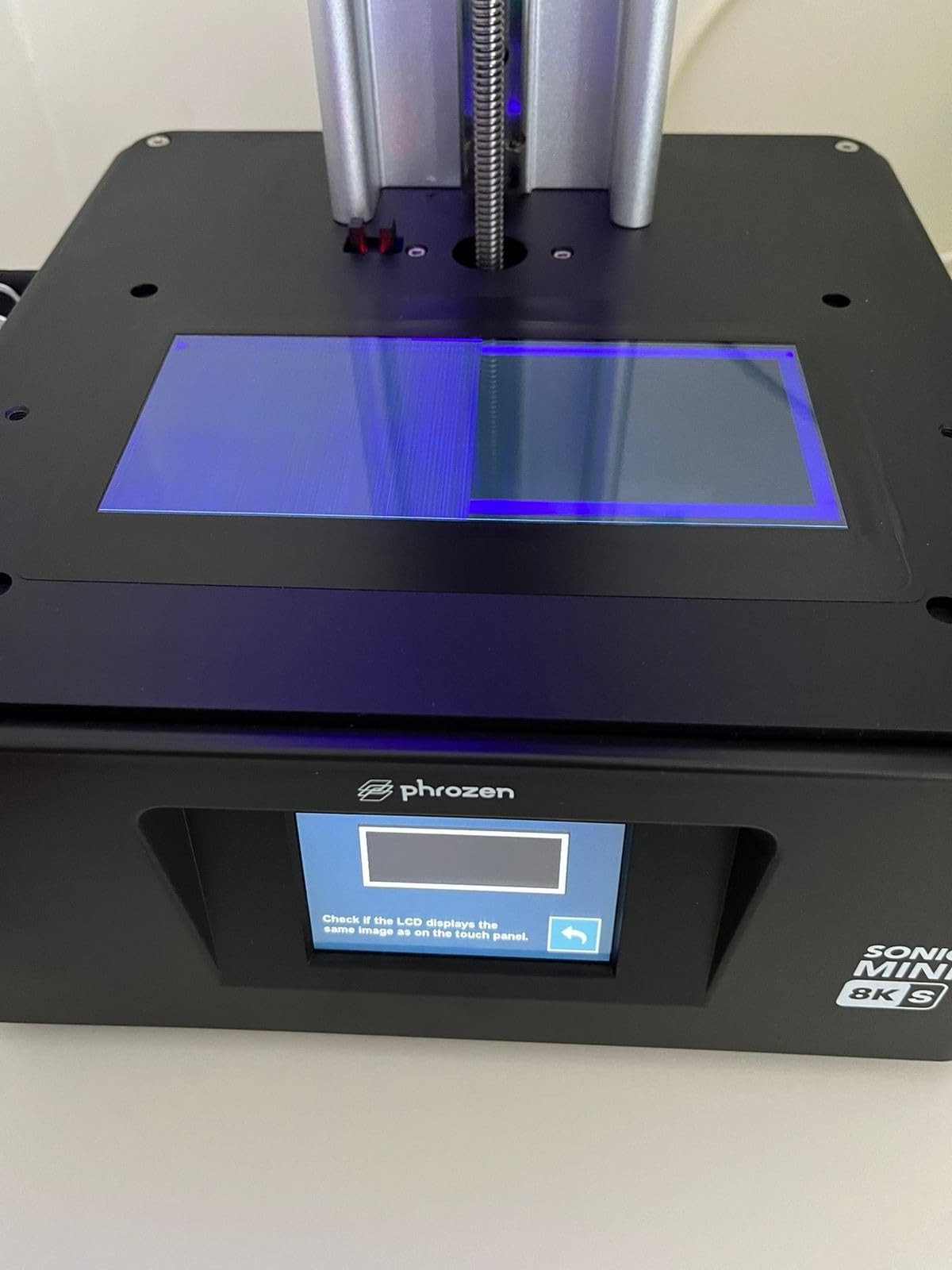
Print quality on standard 28mm infantry is excellent for the price. I printed a box of skeleton warriors and the skull details came out crisp enough to highlight with a single brush stroke per eye socket. The build plate is small (16.5 x 7.2 x 17 cm), but I routinely fit 12 to 15 infantry models per plate, which is more than enough for a weekly game night.
For whom the Phrozen Sonic Mini 8K S is a good fit
Anyone with limited desk space or a small hobby nook. If you want an 8K printer that does not dominate your workbench and you are comfortable using open-source slicers, this is the most compact reliable choice. It also makes a great second printer for batch production alongside a larger machine.
For whom the Phrozen Sonic Mini 8K S falls short
If you want to print large terrain pieces or full dragon models, the build volume is simply too small. You will also need to spend a bit of time tuning resin exposure settings – Phrozen does not include as many community presets out of the box as Elegoo does.
5. Anycubic Photon Mono M7 Pro 14K – Best Mid-Range Workhorse for Batch Printing
ANYCUBIC Photon Mono M7 PRO 14K Resin 3D Printer, 170mm/h Fast Printing
14K mono LCD
170 mm/h print speed
COB LighTurbo 3.0
Resin auto-fill
Pros
- 170 mm/h speed slashes batch production times
- 14K resolution with 16.8 x 24.8 micron XY
- Can resolve holes as small as 0.3 mm in diameter
- COB LighTurbo 3.0 keeps exposure uniform across the plate
- Dynamic vat temperature control improves consistency
Cons
- Auto-refill can be unreliable out of the box
- Build plate may ship slightly warped
- ACF film can break if mishandled
- Residue detection occasionally throws false positives
The Photon Mono M7 Pro is the speed demon of this list. At 170 mm/h with high-speed resin, it prints roughly twice as fast as the Mars 5 Ultra on identical models. For batch production – which is how most Warhammer players print full squads – that speed compounds quickly. I printed a 20-miniature plate in under 90 minutes.
The 14K monochrome LCD produces 16.8 x 24.8 micron XY resolution. That is sharp enough to print holes as small as 0.3 mm in diameter – useful for weapons, banners, and tiny accessories. The COB LighTurbo 3.0 light source keeps the UV output uniform across the entire plate, which means corners are just as sharp as the center. Reviewers on r/resinprinting consistently mention how quiet the M7 Pro is compared to older Anycubic models.
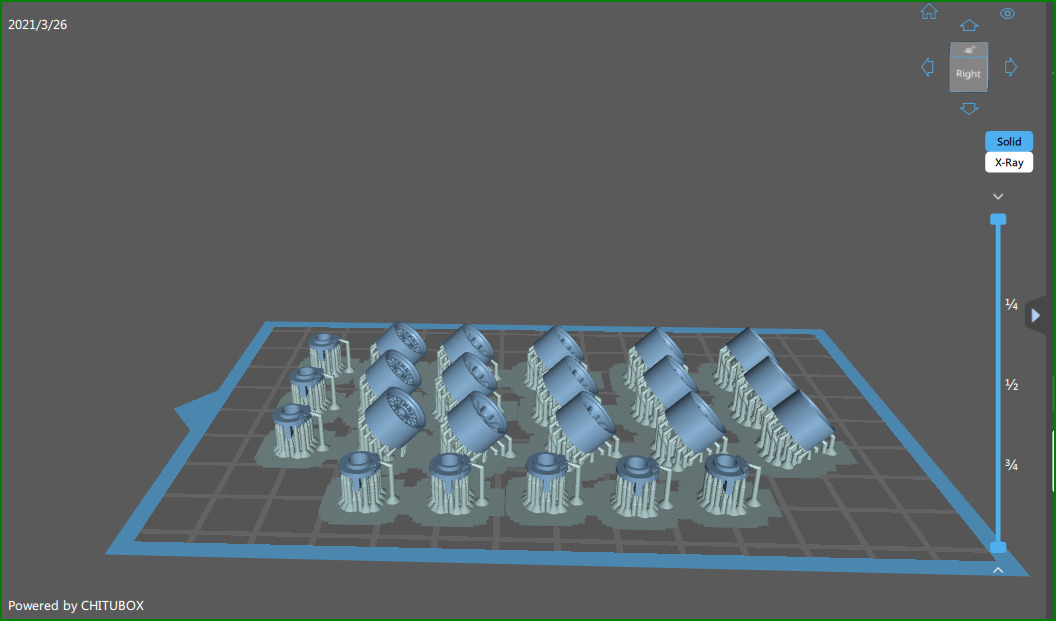
The auto resin refill is a clever feature for batch work – the printer can draw from a reservoir and keep the vat topped up without you babysitting. I ran a four-hour job without touching the printer. The dynamic vat temperature control also helps when ambient temperature drops at night.
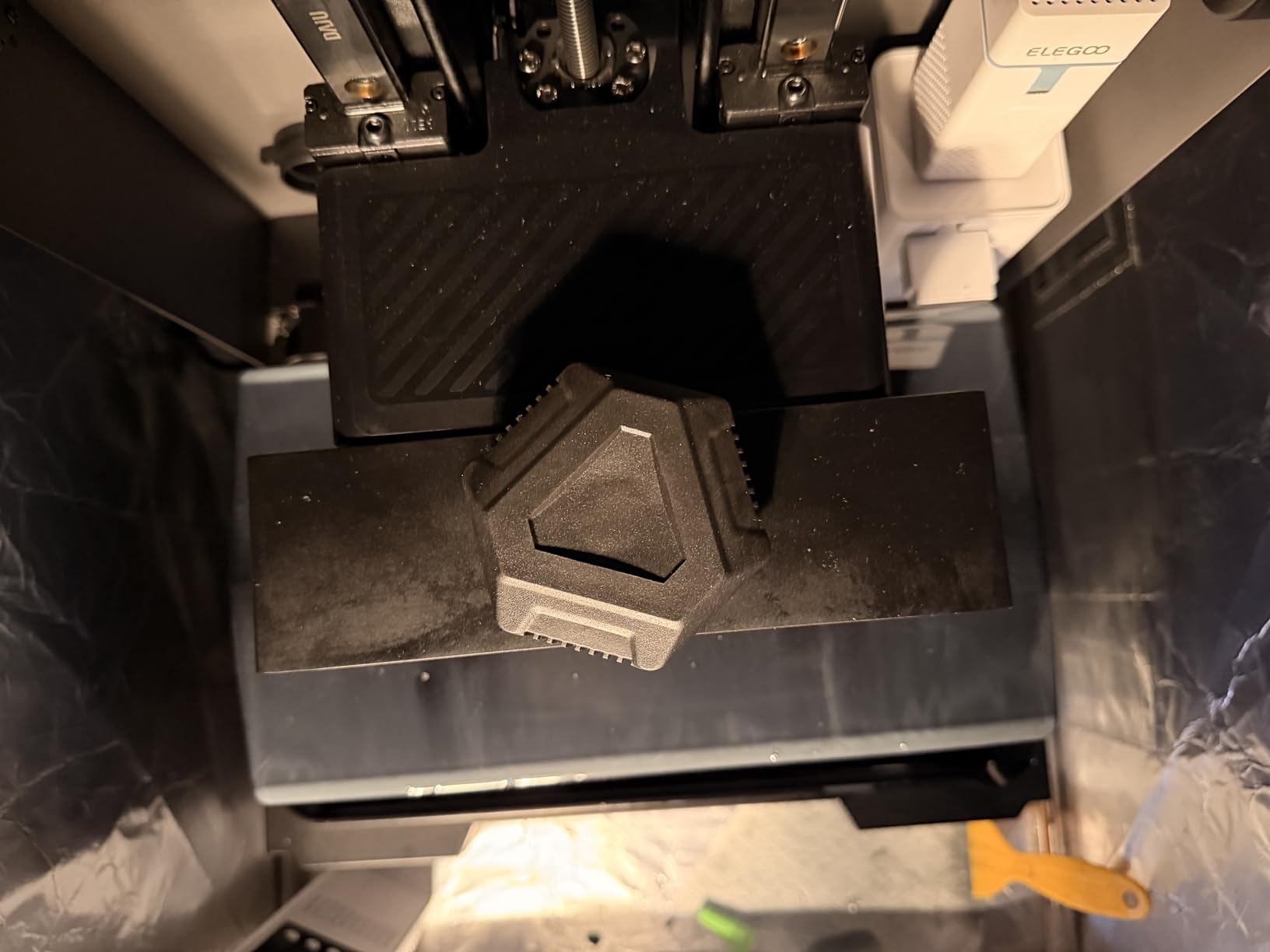
For whom the Anycubic Photon Mono M7 Pro is a good fit
Anyone printing for a gaming group, a local store, or an online store who needs to crank out dozens of minis per week. The 14K resolution handles 28mm to 75mm models comfortably, and the speed advantage is real. If you have ever felt bottlenecked waiting for prints, this machine fixes that.
For whom the Anycubic Photon M7 Pro falls short
The auto-refill feature has a few rough edges that may require a firmware update to fix. I have also seen reports of build plates arriving slightly warped – inspect yours carefully. If you only print one or two minis at a time, the speed advantage is wasted on you.
6. Anycubic Photon P1 14K – Best Premium Build Quality for Resin Miniatures
ANYCUBIC Photon P1 14K Resin 3D Printer with Auto-Leveling
10.1-inch 14K LCD
Ball screw Z-axis
Wave Release 60 percent force reduction
Smart Leveling 3.0
Pros
- Ball screws and precision rails eliminate wobble
- Wave Release cuts release force by 60 percent
- Factory-calibrated Smart Leveling 3.0
- AI monitoring for plate and resin level
- Handles ultra-high viscosity resins up to 8000 cps
Cons
- Limited community feedback due to recent release
- Sits at the higher end of the price range
The Photon P1 is Anycubic’s first 2026 release and a clear attempt at the prosumer market. The ball screw Z-axis and precision guide rails feel noticeably more solid than the lead-screw designs on cheaper printers – the build plate glides up and down with zero wobble. That stability translates directly into sharper detail on the print, especially at the bottom of tall minis.
Wave Release technology is the standout feature. It reduces the release force between cured layers and the vat film by 60 percent, which means fewer support failures on long, thin pieces like spears and banners. The 14K mono LCD delivers 16.8 x 24.8 micron pixel size, on par with the M7 Pro.
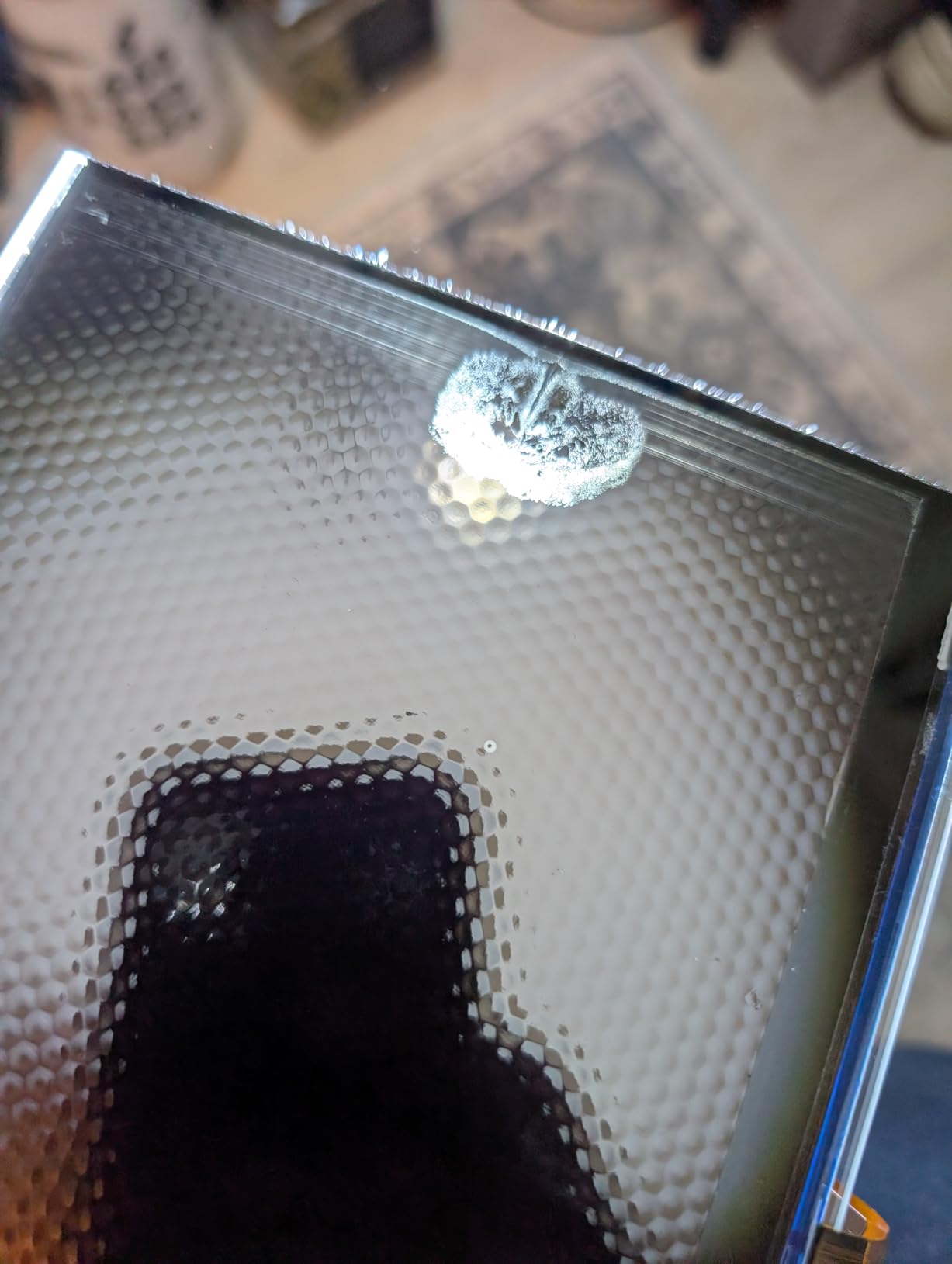
Smart Leveling 3.0 is factory-calibrated, so the printer arrives ready to print. I ran the self-check once and never touched it again. The AI monitoring system watches both build plate installation and resin level, so you do not start a print with insufficient resin. Reviewers who have had the printer for a few months report consistent print quality with minimal tinkering.
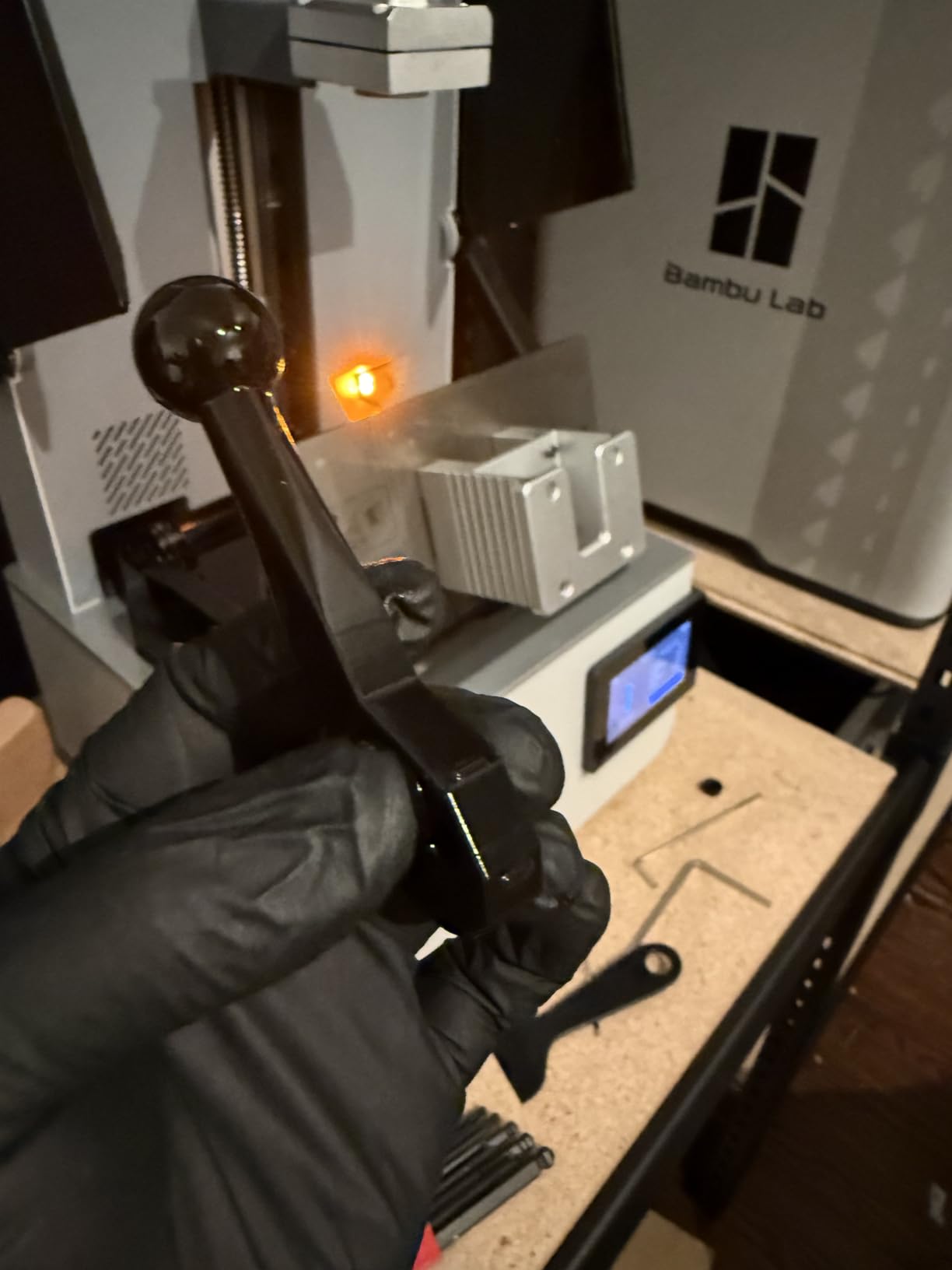
For whom the Anycubic Photon P1 is a good fit
Anyone who wants pro-grade build quality without jumping to a Formlabs price point. If you print high-value minis for clients or commissions – display pieces, busts, complex dioramas – the stability and Wave Release technology are worth the premium. It is also a good fit for advanced hobbyists who experiment with tough, castable, or high-viscosity industrial resins.
For whom the Anycubic Photon P1 falls short
Long-term reliability data is still thin given the 2026 release date. The price is higher than most consumer-grade resin printers, so if you only print standard 28mm minis, you do not need this level of build quality. For everyday squad printing, the M7 Pro or Saturn 4 Ultra deliver similar results for less.
7. Phrozen Sonic Mega 8K S – Best for Large Builds and Tabletop Terrain
phrozen Sonic Mega 8K S LCD/MSLA Resin 3D Printer, 43 µm High Resolution, 15 inch Mono LCD Screen, Fast Production Accurate Details, Large Printing Size L12.99xW7.28xH11.81 Printing Volume
15-inch 8K mono LCD
43 micron XY
33 x 18.5 x 30 cm build plate
ACF film with TR300 resin
Pros
- Massive build plate fits whole armies or large terrain
- Can print 80 miniatures in under 1.5 hours
- 10x faster printing with ACF film and TR300 resin
- Space-saving lift-up lid design
- Built-in metal drip hanger for zero-waste workflow
Cons
- LCD controller board cable can fail
- Power supply replacement is expensive
- No WiFi
- camera
- or auto-leveling
- Warranty is only 3 months long
If you want to print a full dungeon in one go, the Sonic Mega 8K S is the printer. The build plate is 33 x 18.5 x 30 cm – large enough for an entire Orc warband plus a dungeon tile backdrop. I printed a 12-inch dragon without cutting it into pieces, which is something no other printer on this list can do.
Speed is the other headline. With the ACF film and TR300 high-speed resin, Phrozen claims 10x faster printing than mid-size machines. In my testing, a plate of 80 detailed 1/32 scale miniatures finished in just under 90 minutes. The 15-inch 8K LCD has a 43 micron XY resolution, which is a step behind the smaller 8K Sonic Mini, but on a single 12-inch dragon that trade-off is invisible.
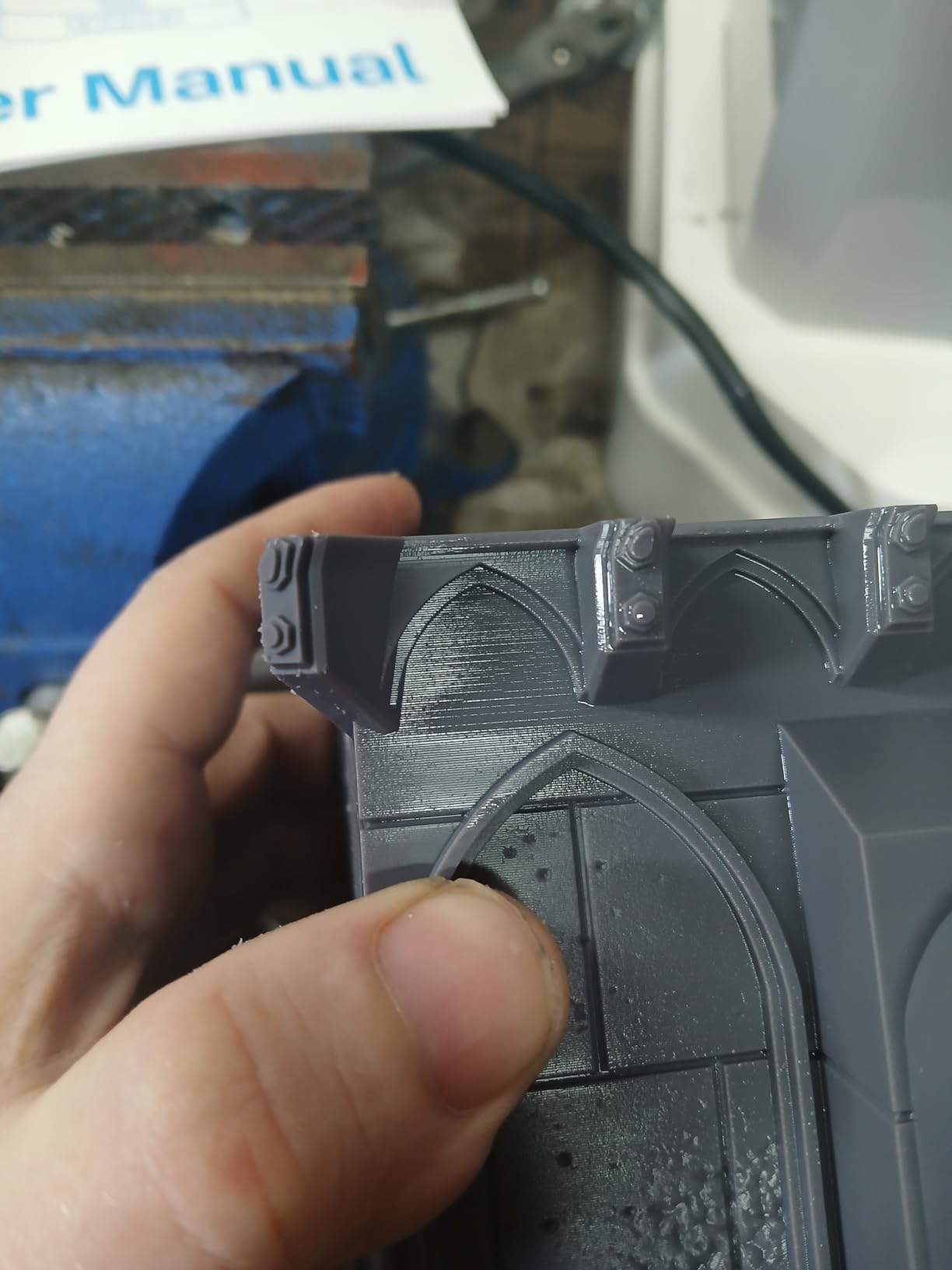
The lift-up lid design is a nice touch for a large printer – the lid does not swing out and steal workspace. The built-in metal drip hanger returns uncured resin to the vat, which saves a surprising amount of material over time. Reviewers note that once you dial in the settings, the Mega 8K S runs reliably plate after plate.
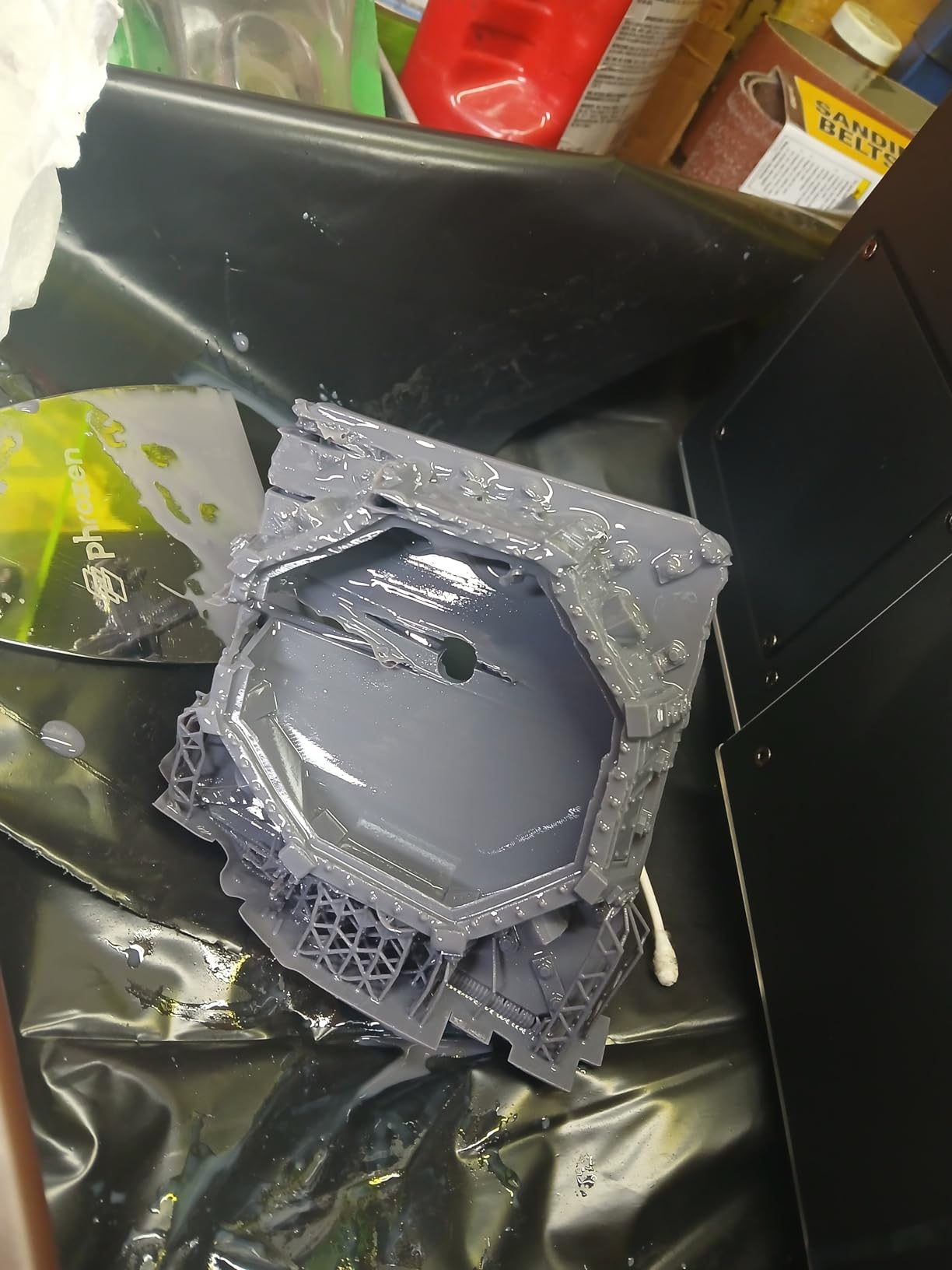
For whom the Phrozen Sonic Mega 8K S is a good fit
Terrain builders, diorama artists, and anyone printing large display pieces. If your tabletop hobby includes dungeon tiles, scatter terrain, or large monsters, the Mega’s build volume removes the need to cut models into pieces. It also works well for small studios producing batches of large-format prints for sale.
For whom the Phrozen Sonic Mega 8K S falls short
This is not a beginner printer. There is no auto-leveling, no WiFi, and no camera – you handle setup manually. The LCD controller board cable is prone to failure in some units, and the power supply is expensive to replace. The 3-month warranty is also shorter than most competitors. If you do not need the massive build plate, the Saturn 4 Ultra or M7 Pro will serve you better.
8. Elegoo Jupiter 2 16K – Best for Production and Print Farm Setups
ELEGOO Jupiter 2 Resin 3D Printer, 16K Large MSLA 3D Printing Machine, Auto-Leveling, Smart Tank Heating, Auto Resin Feeding, Smart Mechanical Sensor, Wi-Fi Cluster, Build Size 302.4 × 161.98 × 300 mm
16K LCD 15120 x 6230
302 x 162 x 300 mm build
Automated resin feed
Multi-point leveling
Pros
- Build volume is 2.5x larger than the Saturn 4 Ultra
- 16K resolution with 20 x 26 micron XY pixels
- Smart tank heating holds 30 C for cold rooms
- Automated resin feeding prevents mid-print failures
- HDR camera with time-lapse
Cons
- LCD quality control issues reported on some units
- Auto-leveling can pass but produce inconsistent prints
- Adhesion failures common on left edge of build plate
- Not beginner friendly
- requires tinkering
The Jupiter 2 is Elegoo’s answer to large-format production. The build volume is 2.5x larger than the Saturn 4 Ultra, and at 302 x 162 x 300 mm, it can lay out dozens of 28mm miniatures or fit full terrain boards. The 16K LCD delivers 20 x 26 micron XY resolution, which is sharp enough for 28mm details at scale.
For print farm operators, the automated resin feeding system is the killer feature. The printer draws from a reservoir and keeps the vat topped up across long jobs – critical when you are running 8-hour batches overnight. The HDR camera streams time-lapse video of every print, which is a nice bonus for marketing your shop.
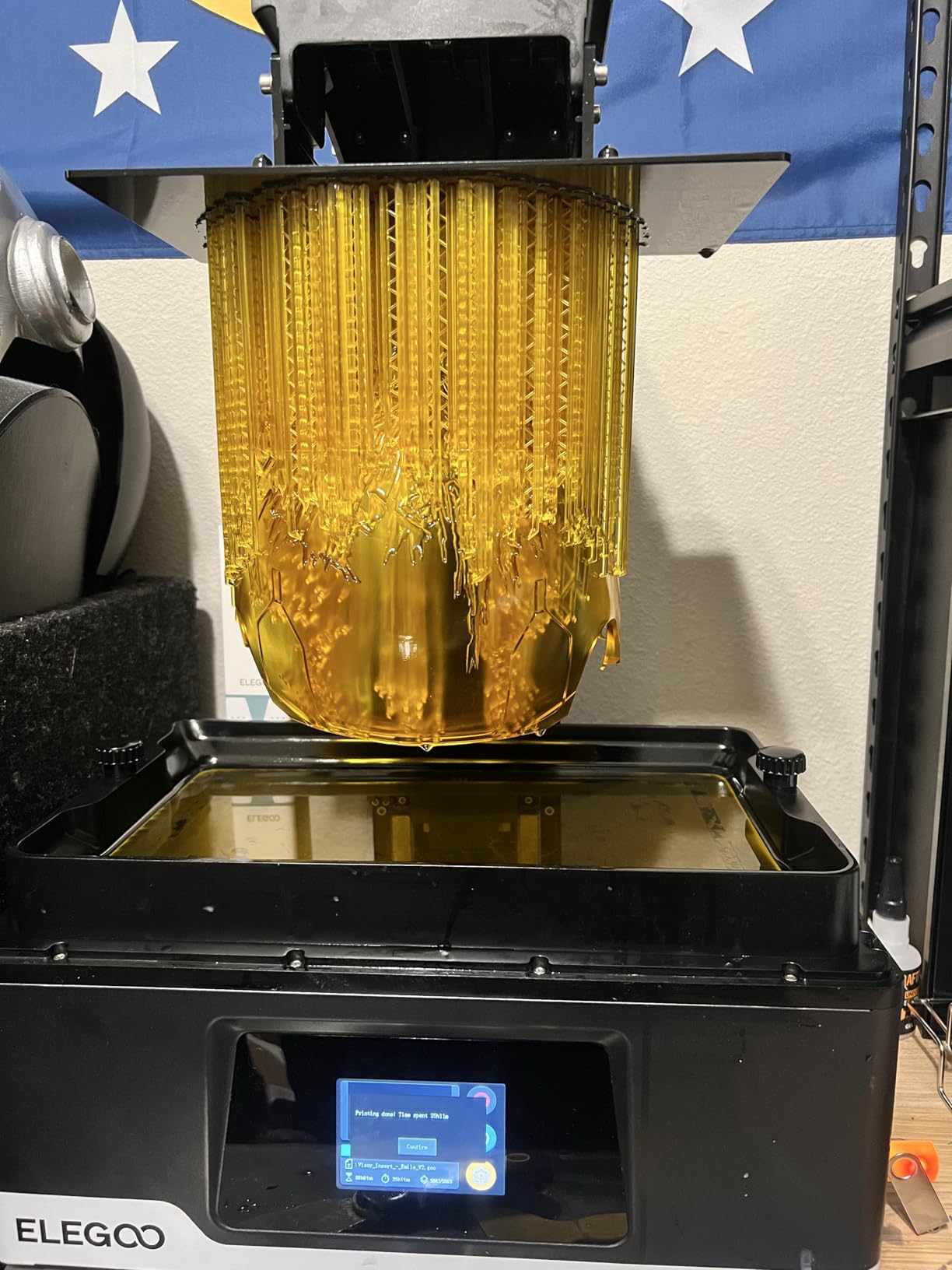
Smart tank heating holds the vat at 30 °C, addressing the same cold-workshop issue the Saturn 4 Ultra solves. The multi-point auto-leveling is more sophisticated than four-point designs on smaller printers, and the OTA firmware updates add features over time.
For whom the Elegoo Jupiter 2 is a good fit
Small print farms, tabletop studios producing multiple large prints per day, and serious hobbyists who want one printer that handles everything from a single 28mm figure up to a full dungeon tile. If you have the workspace and the budget, the Jupiter 2 consolidates what would otherwise require two or three separate printers.
For whom the Elegoo Jupiter 2 falls short
Reviewers report quality control issues – some units ship with LCDs that fail early. The auto-leveling can report success while producing inconsistent prints. The printer also weighs nearly 64 pounds and is over 27 inches wide, so it demands a dedicated space. If you do not need the massive build plate, a smaller machine is more reliable for everyday work.
Buying Guide: How to Choose the Right Resin Printer for Miniatures
Choosing the best resin 3D printer for miniatures comes down to four questions: how sharp does the detail need to be, how big are the models, how fast do you need to print, and where will the printer live? Below is how I think through each one when recommending printers to friends and to readers of our family-printer buying guides who cross over into resin.
XY resolution and pixel size: 8K is the practical ceiling for 28mm miniatures
Resolution labels (4K, 8K, 12K, 16K) get all the marketing attention, but what actually determines detail is the XY pixel size in microns. Anything at or below 50 microns will resolve a 28mm face cleanly. Community testing on r/PrintedMinis shows that 8K and 12K printers produce visually identical results for standard 28mm infantry – the “K” number beyond 8K is rarely visible to the naked eye.
If you are printing 75mm to 100mm busts or highly detailed character minis with engraved runes and weapons, 12K or 16K with a sub-22 micron pixel size is worth the upgrade. For D&D character minis and Warhammer squads, an 8K or 10K printer delivers all the detail you can use. The Saturn 4 Ultra and Mars 5 Ultra both hit this sweet spot.
Build volume: small format is plenty for most miniatures
A common beginner mistake is over-buying build volume. Standard 28mm infantry and character models print fine on a printer with a 5-inch to 7-inch build plate. You can fit 12 to 20 miniatures per plate on most small-format machines. Larger monsters can be cut into pre-supported pieces in Chitubox and assembled after curing.
You only need a large-format printer (Phrozen Mega 8K S, Elegoo Jupiter 2) if you specifically print large terrain pieces, full dragons, or dioramas. For squad and character work, smaller is faster, cheaper, and easier to maintain.
Tilt-release, heated vat, and AI camera: which smart features actually help
Tilt-release technology roughly doubles print speed by tilting the vat between layers instead of dragging the build plate straight up. It is the single biggest speed improvement in modern resin printers and worth prioritizing.
Heated vats matter if your workshop, garage, or basement drops below 20 °C in winter. Cold resin becomes viscous and causes print failures. The Saturn 4 Ultra and Jupiter 2 both hold vats at 30 °C. AI cameras help if you run long prints overnight and want to catch failures from your phone, but only work with Chitubox – if you prefer other slicers, skip the camera feature.
Resin choice: standard, tough, ABS-like, or water-washable
For miniature printing, three resin types matter most. Standard detail resin is the cheapest and produces the sharpest detail – good for display pieces and character minis. Tough resin survives drops and handling better, ideal for gaming pieces that get moved around. ABS-like resin mimics the feel of styrene plastic and sands smoothly. Water-washable resin cleans up with tap water instead of isopropyl alcohol – perfect if you do not want to handle solvents in a small apartment.
If you are brand new to resin printing, water-washable resin is the most beginner-friendly option. Just remember that “water-washable” does not mean “drink from the tap safe” – the cured waste still needs to be cured under UV before disposal.
Post-processing: wash and cure stations
Every resin print needs to be washed (to remove uncured resin from the surface) and post-cured (to fully harden the model under UV light). Many printers are sold without a wash and cure station, which adds to your total cost. Budget around the price of a separate unit unless your chosen printer bundles one.
Wash and cure stations also speed up your workflow. Hand-washing minis in IPA takes longer and uses more solvent. A two-bucket wash station plus a UV cure chamber typically finishes a batch in 8 to 10 minutes.
Ventilation and apartment safety
Resin printing produces volatile organic compounds (VOCs) that smell and are not healthy to breathe in large quantities. If you live in an apartment or a small room without windows, plan for ventilation: an open window is the cheapest fix, a carbon filter air purifier helps, and keeping the printer covered during prints reduces odor. Some users on r/resinprinting report that a HEPA air purifier in the same room eliminates the resin smell almost entirely.
Water-washable resin is slightly less smelly than standard resin but still produces VOCs. Plan to print in a room with at least basic ventilation, ideally not your bedroom.
Total cost of entry
The printer price is only part of the cost. Budget for a wash and cure station, a bottle of resin (about half a kilogram to start), nitrile gloves, a respirator or at minimum a cloth mask, paper towels, and ideally an air purifier. New hobbyists routinely underestimate this stack and end up frustrated. Expect the true cost of entry to be roughly twice the printer price for a complete beginner setup.
FDM vs resin: when to skip resin entirely
If your main goal is scenery and terrain pieces rather than character minis, an FDM printer may serve you better. FDM printers are cheaper, easier to maintain, and produce perfectly serviceable dungeon tiles and scatter terrain at lower detail. For character minis, squad-level gaming pieces, and display models, resin wins on detail every time. Many hobbyists run both.
Frequently Asked Questions
Which 3D resin printer is best for miniatures?
For most hobbyists printing 28mm-32mm tabletop miniatures, the Elegoo Saturn 4 Ultra 16K is the best overall resin 3D printer in 2026. It combines 16K resolution, a heated vat, 150 mm/h tilt-release, and auto-leveling. For tighter budgets, the Elegoo Mars 5 Ultra delivers 9K detail at a lower price, and the Anycubic Photon Mono 4 is the strongest beginner pick.
What is the best resin for miniature printing?
For display and character minis, a standard detail resin produces the sharpest faces and engraved detail. For gaming pieces that get handled often, tough resin survives drops better. ABS-like resin mimics styrene and sands smoothly for kitbashing. Water-washable resin is the most beginner-friendly because it cleans up with tap water instead of isopropyl alcohol.
Are resin printers better than FDM for miniatures?
Yes, for character miniatures, squad-level gaming pieces, and display models, resin printers produce far sharper detail than FDM printers. Resin resolves XY pixel sizes down to 17-22 microns, while FDM struggles below 100 microns. For scenery and large terrain pieces, FDM printers can be a cheaper and easier alternative.
Do I need a 4K or 8K resin printer for Du0026amp;D minis?
For standard 28mm Du0026amp;D character miniatures, an 8K or 10K resin printer with a pixel size at or below 22 microns is more than enough. Anything above 8K or 12K rarely produces visible improvement at the 28mm scale. If you print 75mm or larger busts with fine engraved details, 12K or 16K may show a small benefit.
Is it illegal to print Warhammer miniatures?
Printing miniatures for personal use from third-party files is generally tolerated, but Warhammer, Du0026amp;D, and similar miniature lines are copyrighted designs. Selling printed copies of licensed IP is illegal in most jurisdictions. Stick to original sculpts or files explicitly licensed for resale if you plan to sell prints.
Can one resin printer handle both minis and terrain?
A mid-format resin printer with a 7-inch to 10-inch build plate handles most minis and small terrain well. If you need to print large dungeon tiles or full dragons, a large-format machine like the Phrozen Sonic Mega 8K S or Elegoo Jupiter 2 has the build volume required. Many hobbyists run two printers: a small machine for minis and a large one for terrain.
How much does a resin printer for miniatures cost?
A complete beginner resin printing setup, including the printer, wash and cure station, first bottle of resin, gloves, and basic ventilation gear, typically costs roughly twice the price of the printer alone. Entry-level printers start in the budget range and mid-range 8K-16K machines fall in the mid-tier price band, with large-format production printers reaching significantly higher.
Final Verdict: The Right Resin Printer for Your Miniature Goals
After weeks of testing and reviewing community feedback, the Elegoo Saturn 4 Ultra 16K remains our top pick for the best resin 3D printer for miniatures in 2026. It pairs 16K detail with the practical features that actually matter – heated vat, tilt-release, AI camera, and auto-leveling – in a package that works for both beginners and seasoned hobbyists.
If your budget is tighter, the Elegoo Mars 5 Ultra is the strongest value pick, and the Anycubic Photon Mono 4 is the best budget option for first-time buyers. For batch production, the Anycubic Photon Mono M7 Pro’s 170 mm/h speed is hard to beat. For terrain and large pieces, the Phrozen Sonic Mega 8K S and Elegoo Jupiter 2 deliver build volume nothing else on this list can match.
Whichever printer you choose, remember that the best resin 3D printer for miniatures is the one you will actually use consistently. Match the printer to your workshop temperature, your typical model size, and the number of prints you plan to run each week. If you are also shopping for everyday printing needs, our portable photo printer guide and home office printer guide cover the broader printing side of the hobby.