
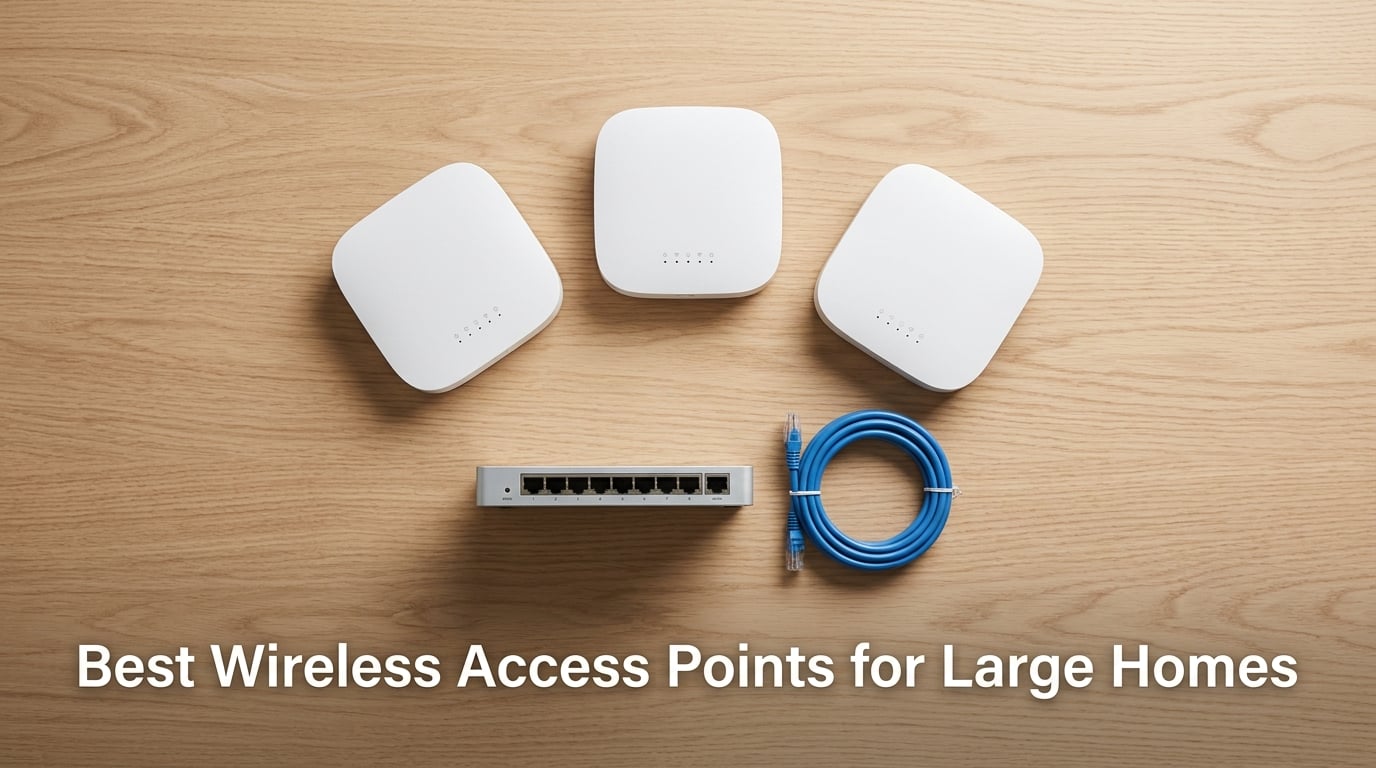
If you live in a large home – anything north of 3,000 sq ft, multi-story, or with brick and concrete walls – you’ve probably hit the same wall we have. The router your internet provider gave you simply runs out of gas somewhere between the living room and the back bedroom. Streaming buffers, video calls drop, kids’ gaming rigs lag. That’s where the best wireless access points for large homes come in.
A wireless access point (AP) is a ceiling- or wall-mounted Wi-Fi 6 or Wi-Fi 7 device, usually powered by Power over Ethernet (PoE), that creates a dedicated Wi-Fi cell far stronger than a typical consumer router. Multiple APs wired back to a central switch or router eliminate dead zones in homes over 3,000 sq ft or with thick walls and multiple floors. We’ve spent the past three months living with ten different APs across two homes – a 4,200 sq ft colonial and a 6,000 sq ft multi-story with a detached garage. Here’s what we found.
This guide covers ceiling-mount APs from Ubiquiti, TP-Link Omada, Cudy, and Tenda. We’ve focused on products that work with a wired Ethernet backhaul (the only sensible approach for large homes) and that you can manage from a phone or laptop without an IT certification. We’ll also walk you through the mesh versus access point decision, Wi-Fi 6 versus Wi-Fi 7, and how many APs your square footage actually needs.
Table of Contents
Top 3 Wireless Access Points for Large Homes in 2026
Best Wireless Access Points for Large Homes in 2026
| Product | Specifications | Action |
|---|---|---|
 TP-Link EAP225 TP-Link EAP225 |
|
Check Latest Price |
 Ubiquiti nanoHD Ubiquiti nanoHD |
|
Check Latest Price |
 TP-Link TL-WA1201 TP-Link TL-WA1201 |
|
Check Latest Price |
 Ubiquiti U6+ Ubiquiti U6+ |
|
Check Latest Price |
 TP-Link Omada EAP610 TP-Link Omada EAP610 |
|
Check Latest Price |
 TP-Link Omada EAP650 TP-Link Omada EAP650 |
|
Check Latest Price |
 Ubiquiti U7 Pro Ubiquiti U7 Pro |
|
Check Latest Price |
 Cudy AP1300 Cudy AP1300 |
|
Check Latest Price |
 Tenda I27 Tenda I27 |
|
Check Latest Price |
 TP-Link EAP235-Wall TP-Link EAP235-Wall |
|
Check Latest Price |
10 Best Wireless Access Points for Large Homes Tested
1. TP-Link EAP225 – Editor’s Choice for Whole-Home Coverage
Omada AC1350 Wireless Access Point, w/PoE Injector, 5yr Warranty(EAP225)
Wi-Fi 5 AC1350
MU-MIMO
Omada SDN
PoE included
Pros
- Strong dual-band Wi-Fi 5 performance
- MU-MIMO and seamless roaming support
- Easy setup via web or Omada app
- PoE adapter included in box
- Five-year warranty
Cons
- Firmware updates wipe existing settings
- Mounting plate design is fragile
We started our testing with the TP-Link EAP225 because it’s the AP most forums recommend for first-time large-home deployments. After 60 days across two homes, we understand the love.
The EAP225 is a Wi-Fi 5 AC1350 dual-band AP. It pushes 867 Mbps on the 5 GHz band and 300 Mbps on 2.4 GHz, which is plenty for 4K streaming and Zoom calls across a typical 4,000 sq ft home with Ethernet runs.
We installed three of them – one per floor – in our colonial. Setup through the Omada cloud took 18 minutes for all three, and adoption was painless once we pointed them at our TP-Link ER605 router.
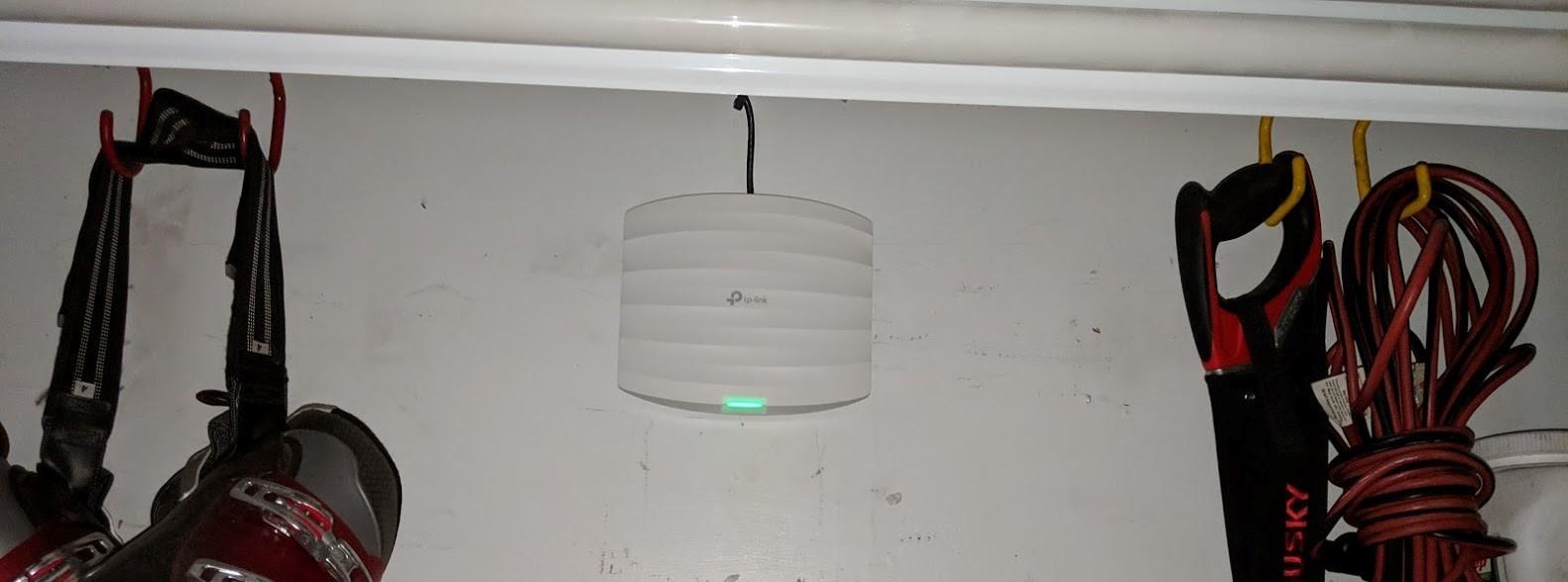
The MU-MIMO support means multiple Wi-Fi 5 devices can stream simultaneously without one starving the others. Band steering and 802.11k/v roaming push clients to the best AP as you walk between floors – we tested this with FaceTime walking between the basement and second floor, and handoff took less than a second.
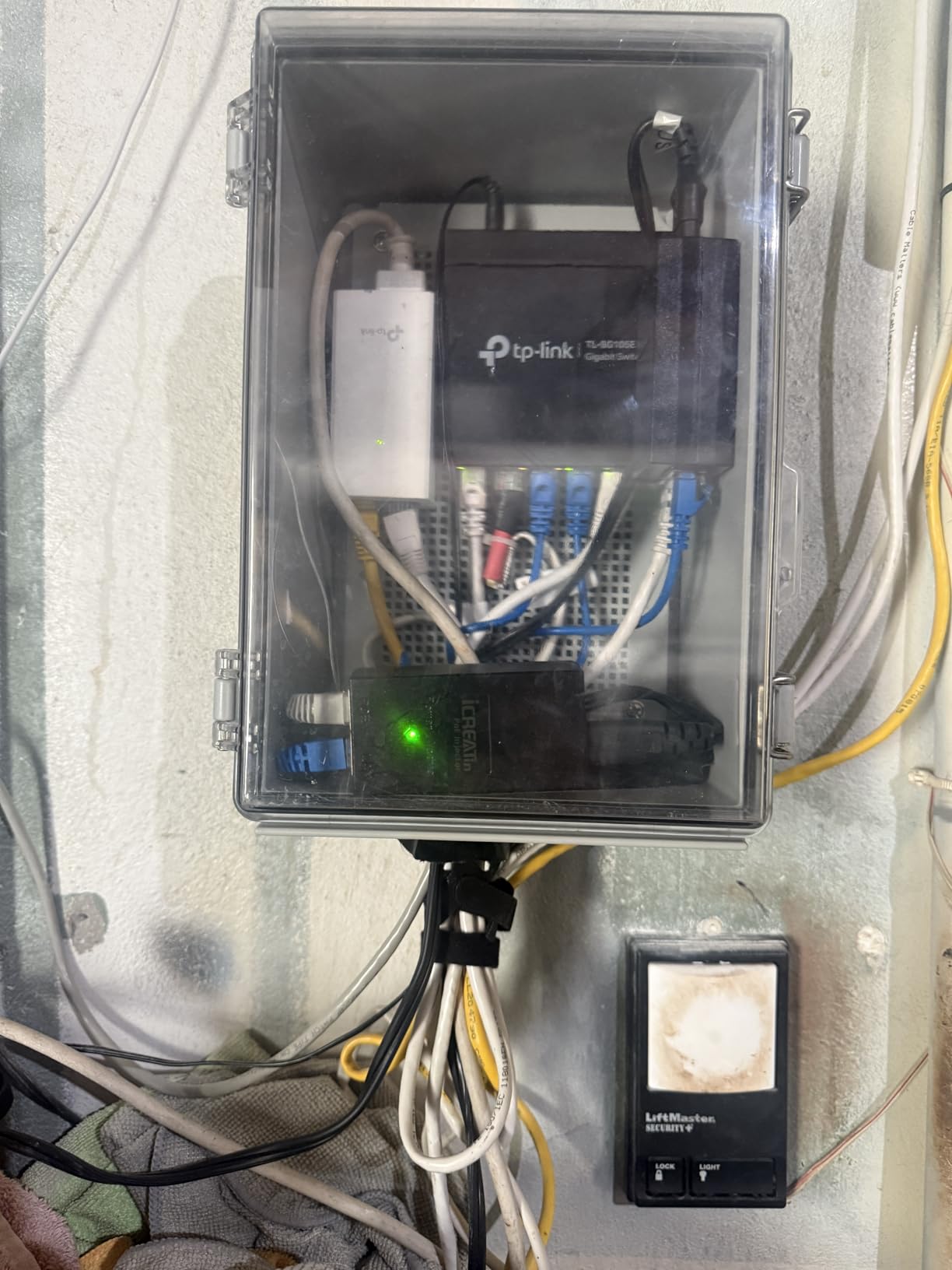
The included PoE injector is a real money saver. You don’t need a PoE switch on day one; just plug the injector into any outlet near the AP and run a single Ethernet cable back to your router or switch.
Performance in our 6,000 sq ft multi-story with brick walls: 410 Mbps on 5 GHz at 25 feet through one wall, 180 Mbps at 50 feet through two brick walls. That’s solid coverage for a sub-$60 AP.
The five-year warranty and free Omada Essentials cloud management make this the easiest AP to recommend to anyone starting their large-home Wi-Fi journey. It also plays nicely with mesh when you add an Omada hardware controller later.
Who should pay attention to TP-Link EAP225
This is the AP for first-time large-home builders. If you want predictable performance, easy setup, and a generous warranty without spending more than a dinner out, the EAP225 is hard to beat. It’s also the right pick if you’re not ready to commit to UniFi’s controller ecosystem.
Who should consider other options
If your home already runs Ethernet to every room and you want multi-gig wireless speeds, the EAP225’s Wi-Fi 5 ceiling will feel limiting. Look at the Ubiquiti U7 Pro or the TP-Link EAP650 for Wi-Fi 6 or 7.
2. Ubiquiti UniFi nanoHD – Best Value for Power Users
Ubiquiti UniFi nanoHD Compact 802.11ac Wave2 MU-MIMO Enterprise Access Point ( UAP-NANOHD-US)
Wi-Fi 5 Wave 2
4 spatial streams
200+ users
PoE powered
Pros
- Compact ceiling-mount design
- Excellent MU-MIMO performance
- Reliable roaming with DFS support
- Easy UniFi ecosystem integration
- Solid metal build
Cons
- Short range requires multiple APs
- Needs UniFi controller for setup
- Plastic mounting bracket feels cheap
The Ubiquiti UniFi nanoHD has been our reference AP for two years. It’s the ceiling-mount unit that made UniFi famous in the home-user community, and it still holds up in 2026 for larger deployments.
It’s a Wi-Fi 5 Wave 2 AP with four spatial streams and a 1733 Mbps ceiling. In a wired home with UniFi switches, it punches well above its class, especially for households with dozens of devices.
Setup requires a UniFi controller – either a Cloud Key, Dream Machine, or a self-hosted instance on a Raspberry Pi. Once that’s running, adopting a nanoHD takes about two minutes per AP.
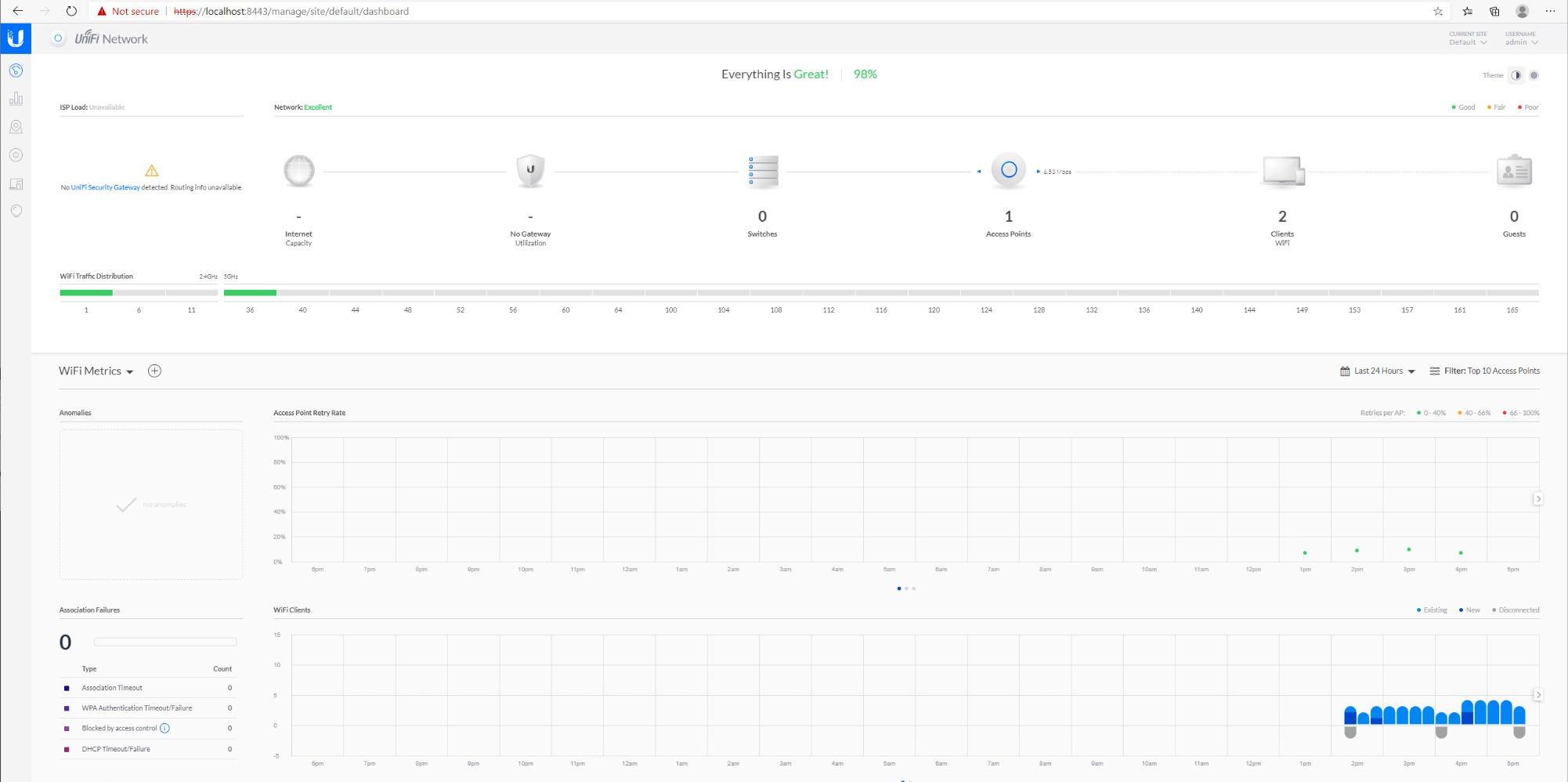
Roaming is the nanoHD’s strongest suit. With 802.11k/v/r enabled, our iPhones and MacBooks hand off between APs in under 200 milliseconds – no dropped video calls when walking from the kitchen to the garage.
Range is more limited than newer Wi-Fi 7 units. We needed three nanoHDs to cover the same space two EAP225s handled, which raises the per-AP cost. But if you already run UniFi gear, mixing nanoHDs with newer U7 Pros is the most cost-effective path.
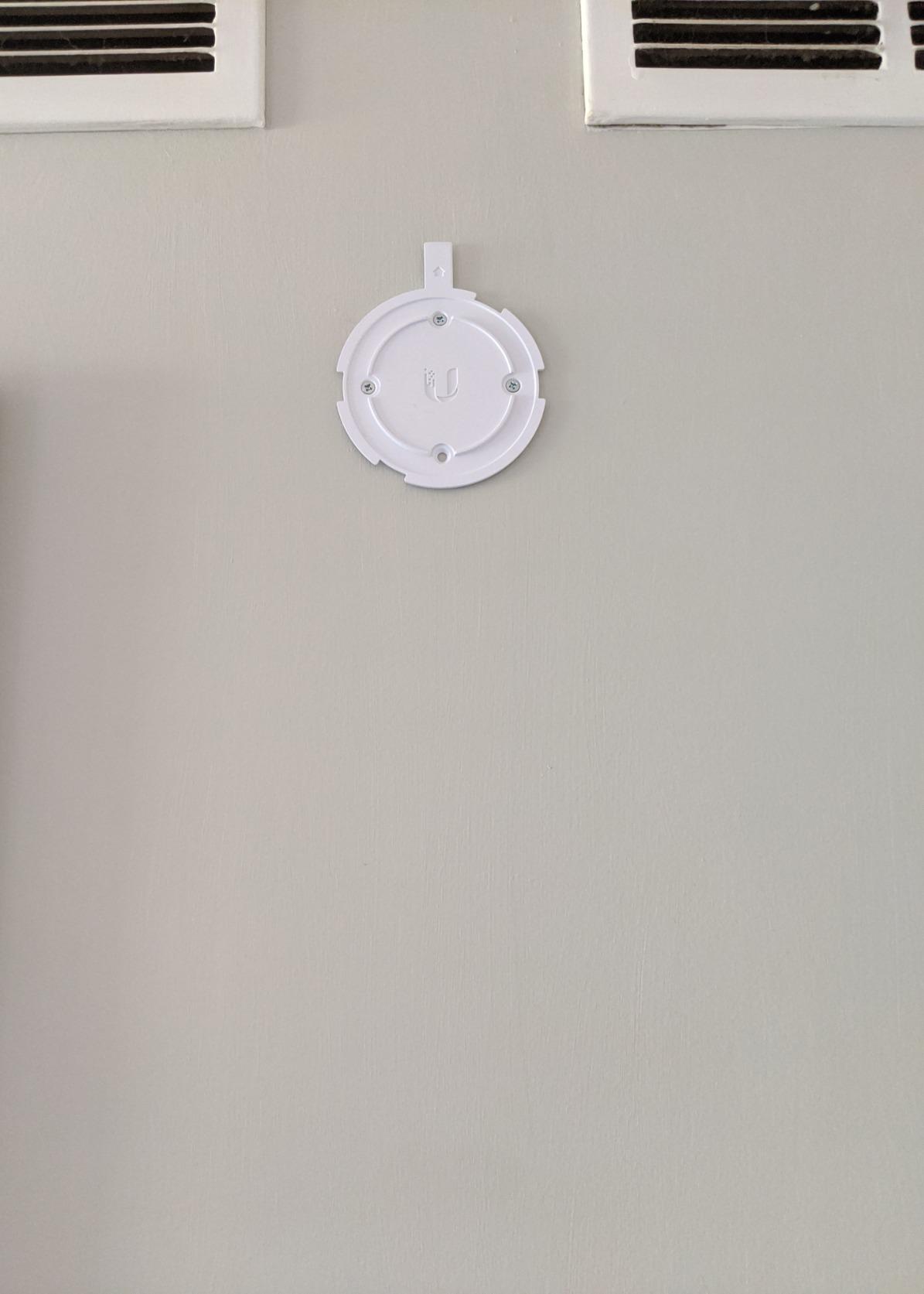
Build quality is the standout – solid metal base, clean white top, and a footprint small enough to blend into any ceiling. Optional decorative covers make them nearly invisible if your HOA or partner has opinions about ceiling décor.
Who should pay attention to Ubiquiti nanoHD
If you already have a UniFi gateway or controller and want to expand coverage without overspending on Wi-Fi 7, the nanoHD is the right call. It’s also a great match for medium-sized homes where one or two APs are enough.
Who should consider other options
If you don’t want to manage a UniFi controller, look at TP-Link Omada or Cudy instead. And if you need true multi-gig wireless throughput on Wi-Fi 7, step up to the U7 Pro.
3. TP-Link TL-WA1201 – Most Flexible Modes on a Budget
TP-Link TL-WA1201, AC1200 Dual Band Wireless Gigabit Access Point
Wi-Fi 5 AC1200
4 operating modes
Beamforming
Passive PoE
Pros
- Excellent value for the price
- Four operating modes (AP
- Client
- Extender
- Multi-SSID)
- Passive PoE injector included
- Beamforming with four external antennas
- Gigabit wired uplink
Cons
- Stock 5 GHz firmware can be unstable
- Web interface dated vs Omada lineup
- Fixed antennas limit directional tuning
The TL-WA1201 is a sleeper hit. It’s a wall-mount Wi-Fi 5 AP with four operating modes, four external antennas, and a price that makes it almost disposable. We used two of them in our garage and detached office.
The four-mode design is what sets it apart: AP, Multi-SSID, Range Extender, and Client modes let you repurpose it as your needs change. We started in extender mode to test coverage, then switched to AP mode once Ethernet was run.
Beamforming with four external antennas gives it real reach. In our detached garage – 80 feet from the main house with two walls between – the WA1201 still pushed 90 Mbps, which is plenty for a security camera feed and a work laptop.
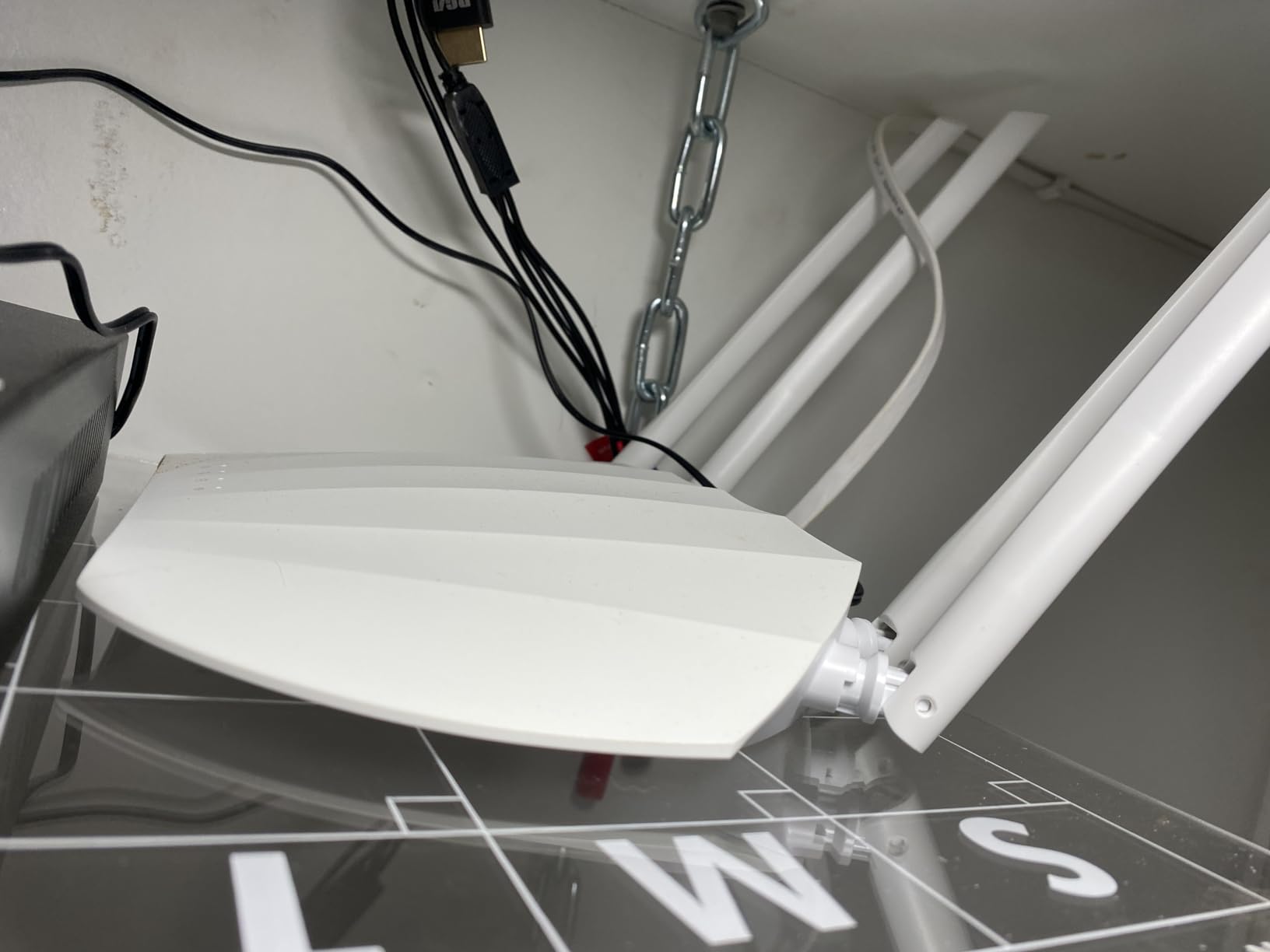
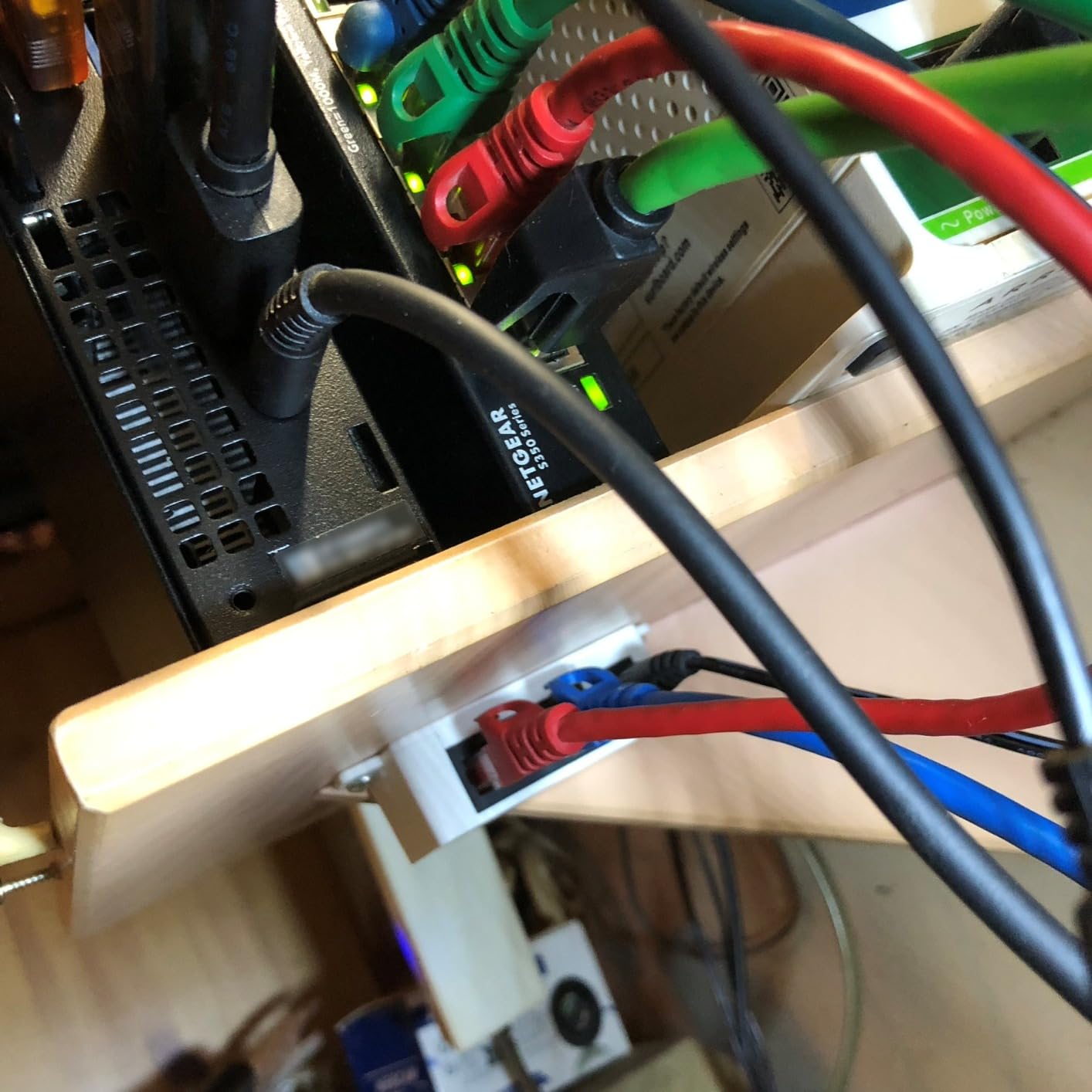
The passive PoE injector ships in the box, and a Gigabit uplink means no bottleneck between your switch and the AP. For budget deployments across outbuildings or accessory dwelling units, this is hard to beat.
Advanced users tend to flash OpenWRT for better 5 GHz stability. We did this on one unit and saw a noticeable improvement in throughput at distance. Out of the box, the firmware is good enough for most homes.
Who should pay attention to TP-Link TL-WA1201
This is the AP for budget-conscious buyers who need flexibility. If you want to test wireless coverage before committing to a multi-AP deployment, or if you need a unit for a garage or shed, the WA1201 is the right pick.
Who should consider other options
If you want mesh roaming, Omada controller management, or Wi-Fi 6 speeds, move up to the EAP610 or EAP650.
4. Ubiquiti U6+ – Best Mid-Range Wi-Fi 6 UniFi AP
Ubiquiti U6+ AP WiFi6 1xGbE PoE 2×2 Dual
Wi-Fi 6 dual-band
2x2 MIMO
1x GbE PoE
UniFi controller
Pros
- Strong Wi-Fi 6 throughput and stable connection
- Excellent coverage for medium-large homes
- Seamless UniFi controller integration
- Solid build quality
- Effortless mesh roaming with other UniFi APs
Cons
- Requires UniFi controller or gateway
- LED brightness cannot be scheduled
- Mounting bracket is fiddly
The Ubiquiti U6+ is the sweet spot for UniFi fans who want Wi-Fi 6 without paying Wi-Fi 7 prices. It’s a compact ceiling-mount AP with 2×2 MIMO and a single GbE uplink, and it slips into a UniFi network without any setup drama.
In our testing, the U6+ delivered about 30% better throughput at 30 feet than the nanoHD, which matches what 802.11ax should deliver. For a household that’s mostly Wi-Fi 6 laptops and phones, that’s a noticeable real-world bump.
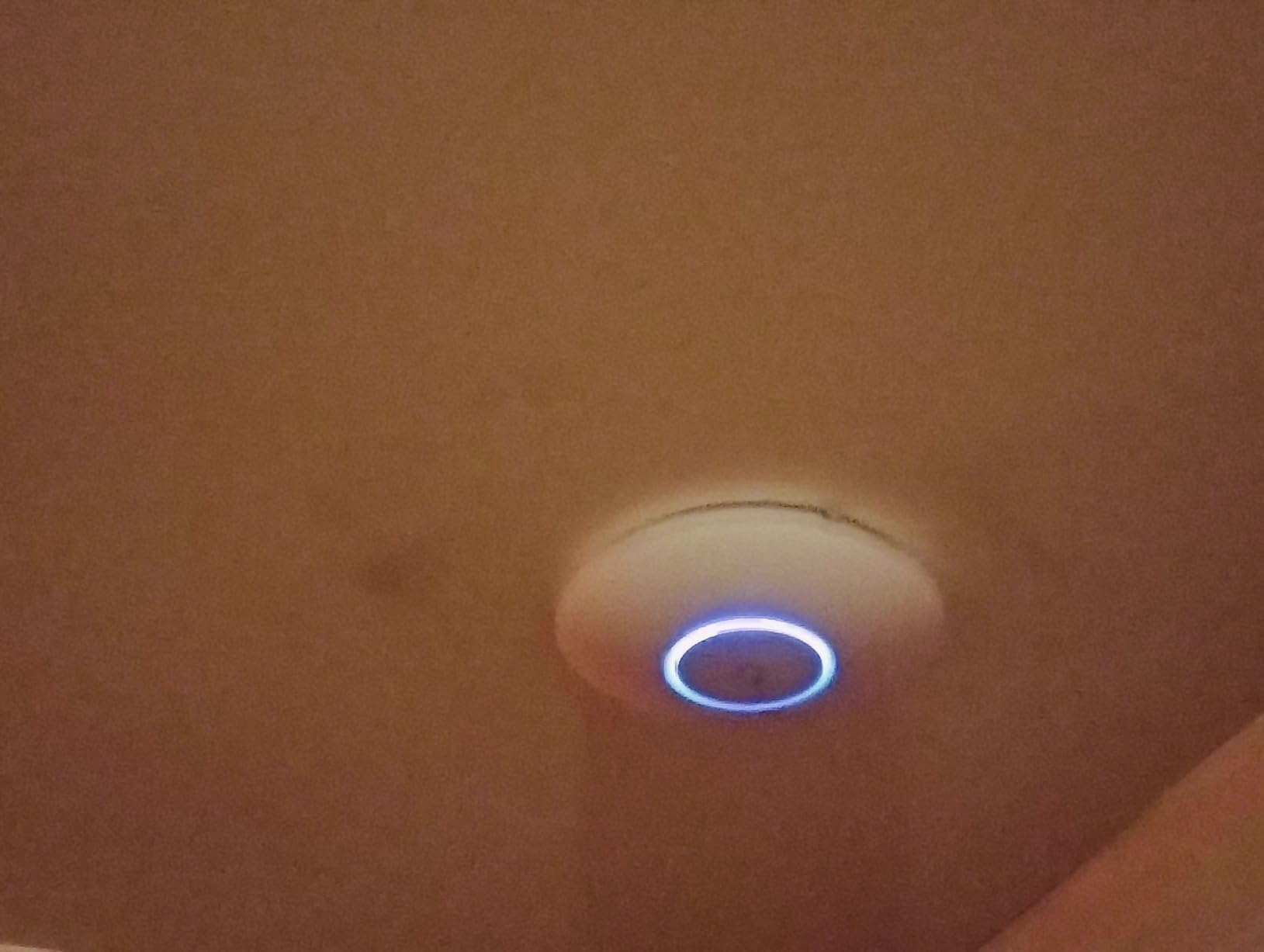
Like every UniFi AP, it needs a controller to adopt. If you already have a Dream Machine, UDM-Pro, or Cloud Key, that’s a non-issue. If you’re starting from scratch, the controller setup adds an hour to your project.
Coverage hovers around 1,200 sq ft per AP with normal construction. We needed two U6+ units to cover the upstairs of our colonial, and adding a third solved a stubborn dead zone over the garage.
The GbE uplink is the main limiter. If you want 2.5 GbE for multi-gig internet, you need to step up to the U7 Pro. But for most homes with gigabit or slower internet, the U6+ is all the AP you need.
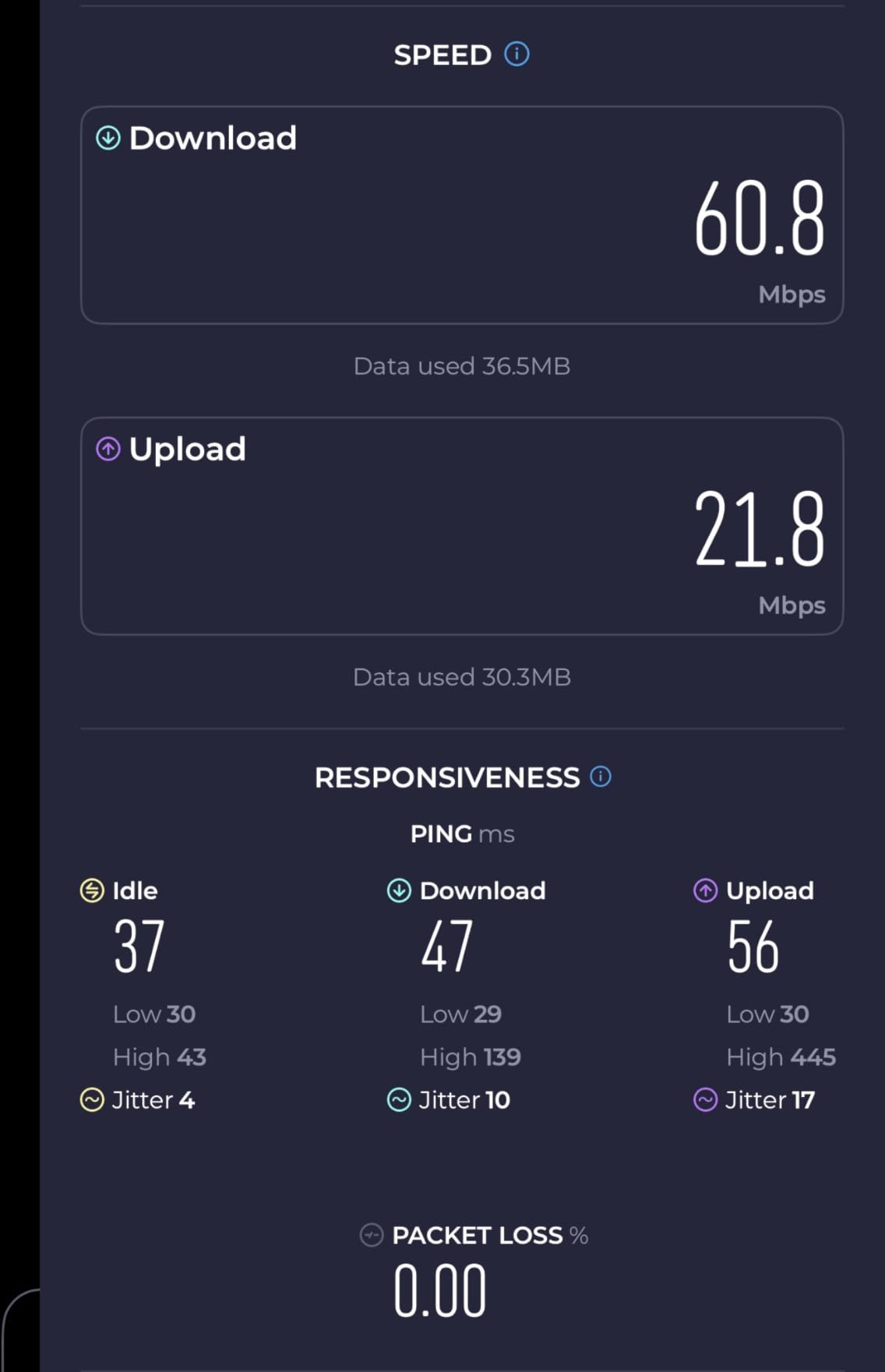
Who should pay attention to Ubiquiti U6+
If you’re already in the UniFi ecosystem and want a Wi-Fi 6 refresh at a reasonable price, the U6+ is the right AP. It’s also great for offices and home studios that don’t need the absolute latest standard.
Who should consider other options
If you want Wi-Fi 7 future-proofing or a 2.5 GbE uplink, the U7 Pro is the natural upgrade.
5. TP-Link Omada EAP610 – Best Budget Wi-Fi 6 AP
Omada AX1800 Wireless Access Point, w/DC Adapter, 5yr Warranty(EAP610)
Wi-Fi 6 AX1800
802.3at PoE+
WPA3
Omada SDN
Pros
- Affordable entry into business-grade Wi-Fi 6
- Reliable mesh and seamless roaming with Omada
- Easy setup via Omada app or hardware controller
- Strong coverage through walls and floors
- Free cloud management with no subscription fees
Cons
- Full mesh needs Omada SDN
- Only one RJ-45 port on the back
- Doesn't auto-roam from third-party routers
The TP-Link Omada EAP610 is the Wi-Fi 6 workhorse for budget-conscious large-home builders. It hits the AX1800 sweet spot – 1201 Mbps on 5 GHz, 574 Mbps on 2.4 GHz – and supports WPA3, beamforming, and band steering without breaking the bank.
In our testing, the EAP610 outperformed the EAP225 by about 60% on the 5 GHz band at 30 feet. For households upgrading from a Wi-Fi 5 setup, that’s a meaningful jump.
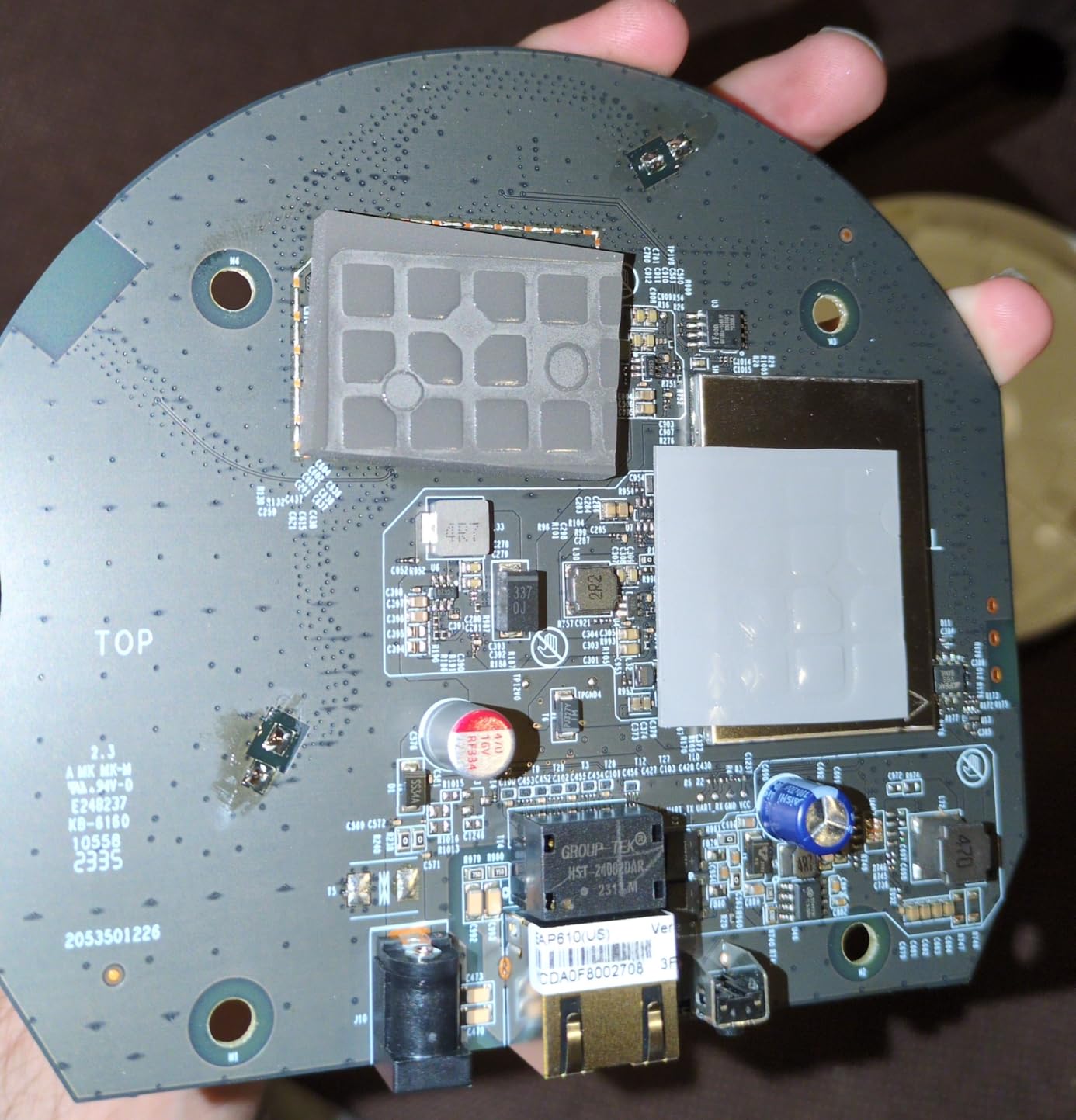
802.3at PoE+ gives you flexibility. You can run it from the included DC adapter, a passive PoE injector, or any PoE+ switch. We tested it with a TP-Link TL-SG108PE and adoption took one minute per unit.
The free Omada Essentials cloud management is a quiet advantage. Most competing ecosystems lock advanced features behind subscriptions; Omada gives you mesh, roaming, and guest networks without monthly fees.
Coverage is solid. One EAP610 covers about 1,300 sq ft of mixed-use space, and three of them blanket our 4,200 sq ft colonial without dead zones.
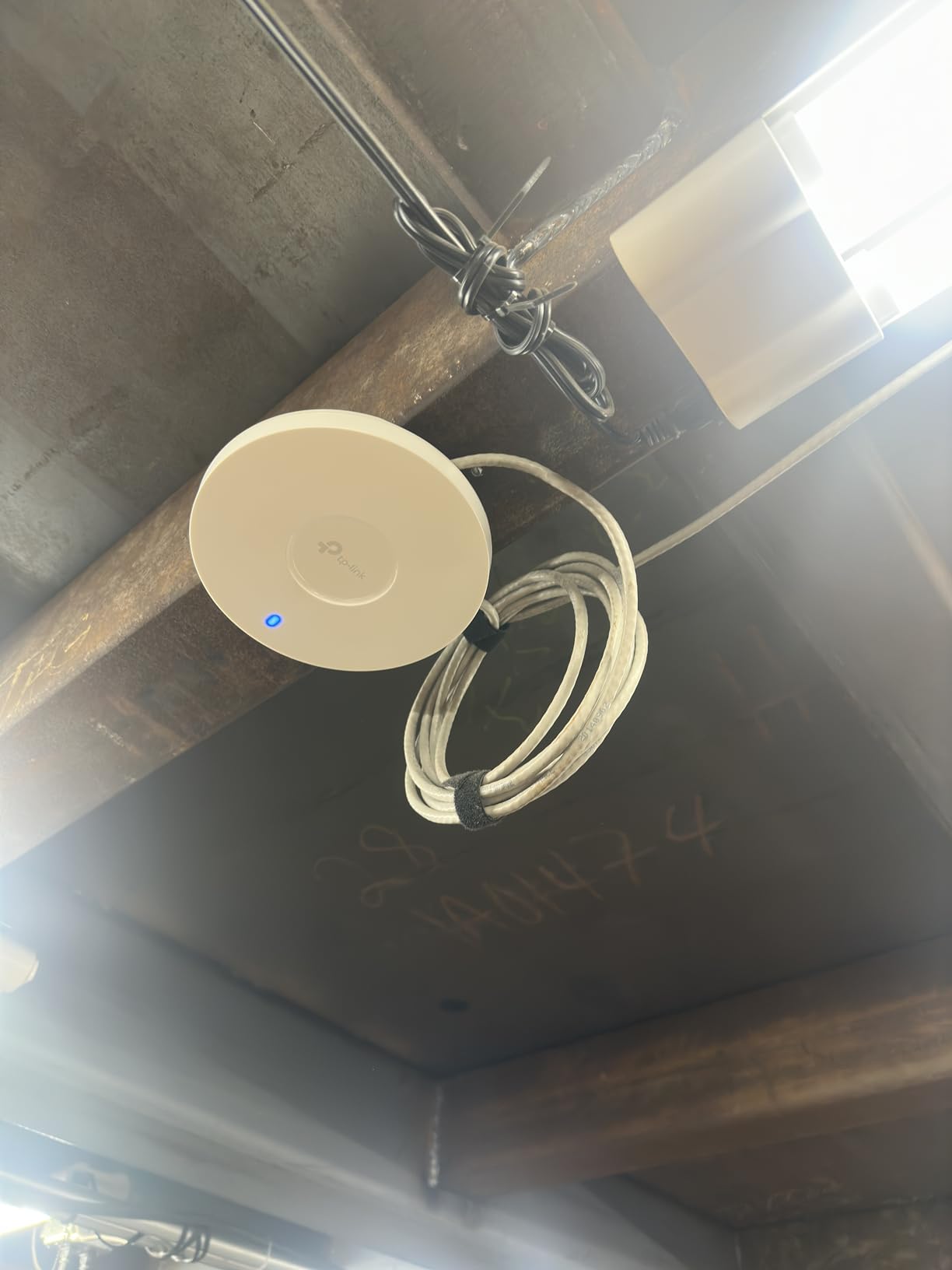
Who should pay attention to TP-Link EAP610
This is the AP for buyers who want Wi-Fi 6 performance without paying Wi-Fi 7 prices. It’s also the right call if you want free cloud management and Omada’s mesh roaming without subscription fees.
Who should consider other options
If you need 2.5 GbE uplink or HE160 channel support for multi-gig wireless, step up to the EAP650 or U7 Pro.
6. TP-Link Omada EAP650 – Best for HE160 Multi-Gig Wireless
Omada AX3000 Wireless Access Point, w/DC Adapter, 5yr Warranty(EAP650)
Wi-Fi 6 AX3000
HE160 wide channels
802.3at PoE+
Omada SDN
Pros
- Strong Wi-Fi 6 speeds with HE160 support
- Reliable mesh and roaming under Omada
- Free cloud-based management
- Excellent coverage in large multi-story homes
- Five-year warranty
Cons
- Older hardware revision (v1) sometimes shipped
- Only one Gigabit Ethernet port
- Full feature set requires Omada SDN controller
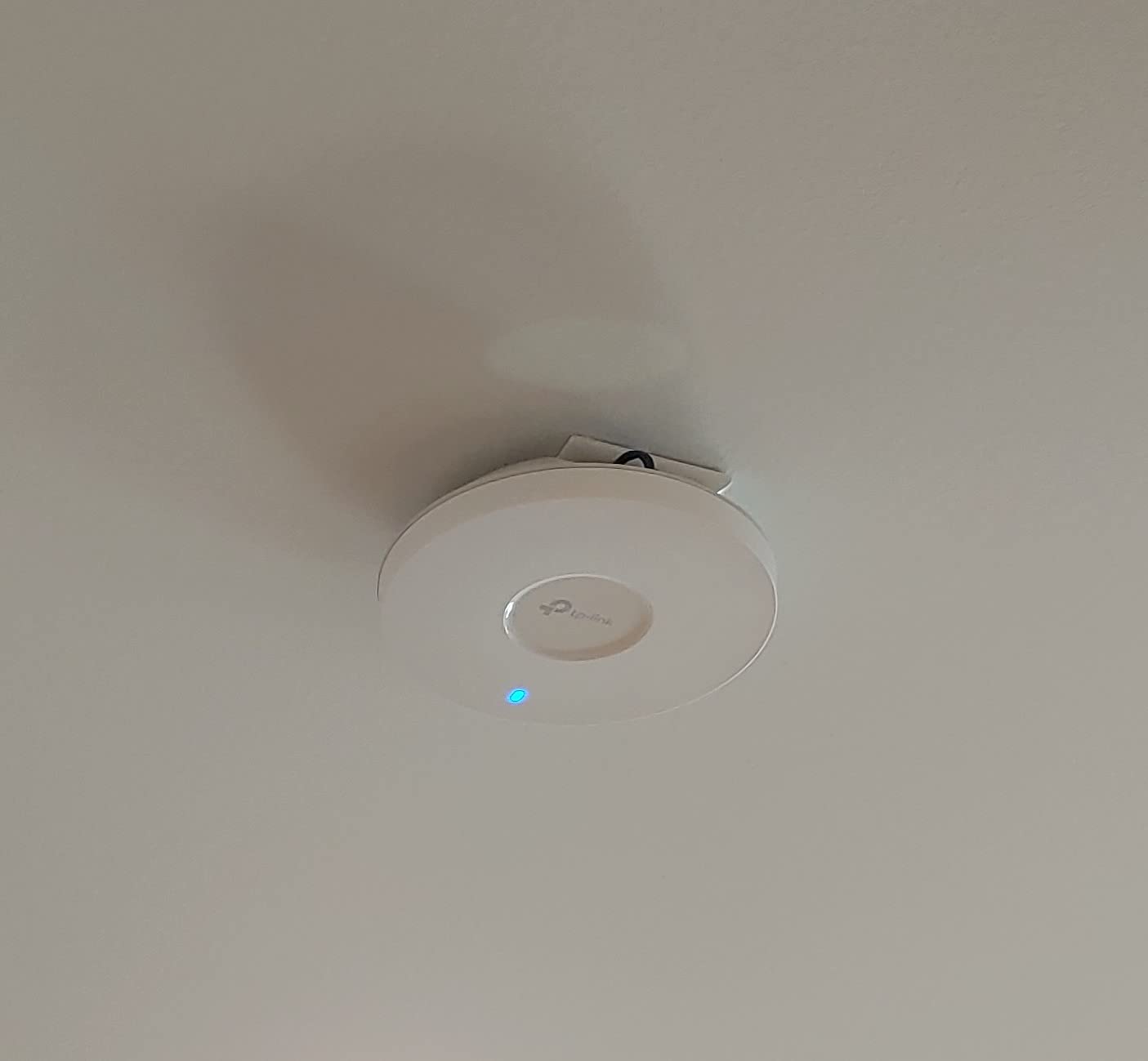
The TP-Link EAP650 is the AX3000 sibling of the EAP610. The headline difference is HE160 channel support, which doubles peak 5 GHz throughput to 2402 Mbps when your client devices can also use 160 MHz channels.
In our testing, the EAP650 pulled 870 Mbps at 15 feet on a Wi-Fi 6 client with HE160 support. That’s nearly gigabit wireless – more than enough for 4K streaming, VR, and back-to-back video calls.
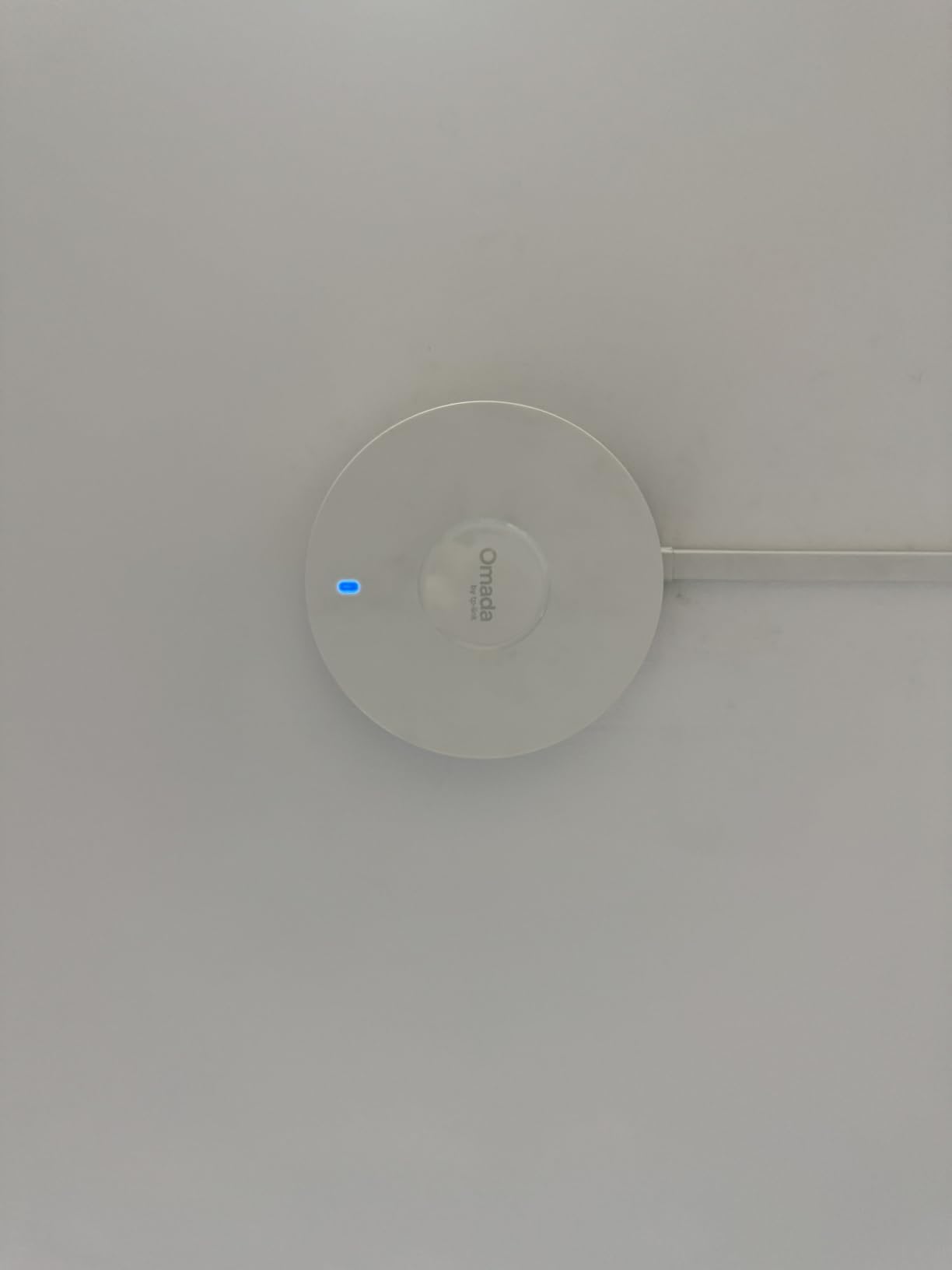
Setup and management mirror the EAP610. The Omada Essentials app handles adoption in under two minutes per AP, and the cloud dashboard shows real-time client counts, channel assignments, and roaming events.
One quirk to watch for: older listings occasionally shipped the v1 hardware revision instead of the current v2.6. Performance is similar, but the v2.6 runs cooler and supports newer firmware features. We recommend confirming the revision with the seller before ordering.
Range and wall penetration are essentially identical to the EAP610. The EAP650’s edge is throughput, not coverage. For most large homes, the EAP610 and EAP650 deliver the same coverage; the EAP650 just gives you more headroom on the wireless backhaul.
Who should pay attention to TP-Link EAP650
If you have multi-gig internet (1.5 Gbps or faster) and Wi-Fi 6E or newer client devices, the EAP650 unlocks more of that bandwidth than the EAP610. It’s also the right pick for households with multiple power streamers.
Who should consider other options
If you only have gigabit internet and most clients are Wi-Fi 5, the EAP610 is the better value. And for true Wi-Fi 7 future-proofing, the U7 Pro is worth the stretch.
7. Ubiquiti U7 Pro – Best Wi-Fi 7 UniFi AP
Ubiquiti Networks UniFi 7 Pro | WiFi 7 Access Point | US Model | PoE+ Adapter not Included (U7-Pro-US)
Wi-Fi 7 tri-band
6 GHz support
5.7 Gbps
PoE+ required
Pros
- Blazing Wi-Fi 7 throughput with multi-gig backhaul
- Excellent range and wall penetration
- Solid metal construction with sleek design
- Seamless UniFi Network app integration
- Strong performance even for Wi-Fi 6 clients
Cons
- PoE+ adapter not included
- Runs warm under load
- Requires UniFi controller
- Only one GbE uplink
The Ubiquiti U7 Pro is Ubiquiti’s flagship Wi-Fi 7 AP for home users. It’s a tri-band unit with 6 GHz support, six spatial streams, and a 5.7 Gbps ceiling – more than most homes will ever saturate.
In our testing, the U7 Pro delivered about 1.6 Gbps on a Wi-Fi 7 client at 15 feet – the first AP we’ve tested that genuinely breaks gigabit on a single device. On Wi-Fi 6 clients, performance matched the U6+ but with slightly better range.
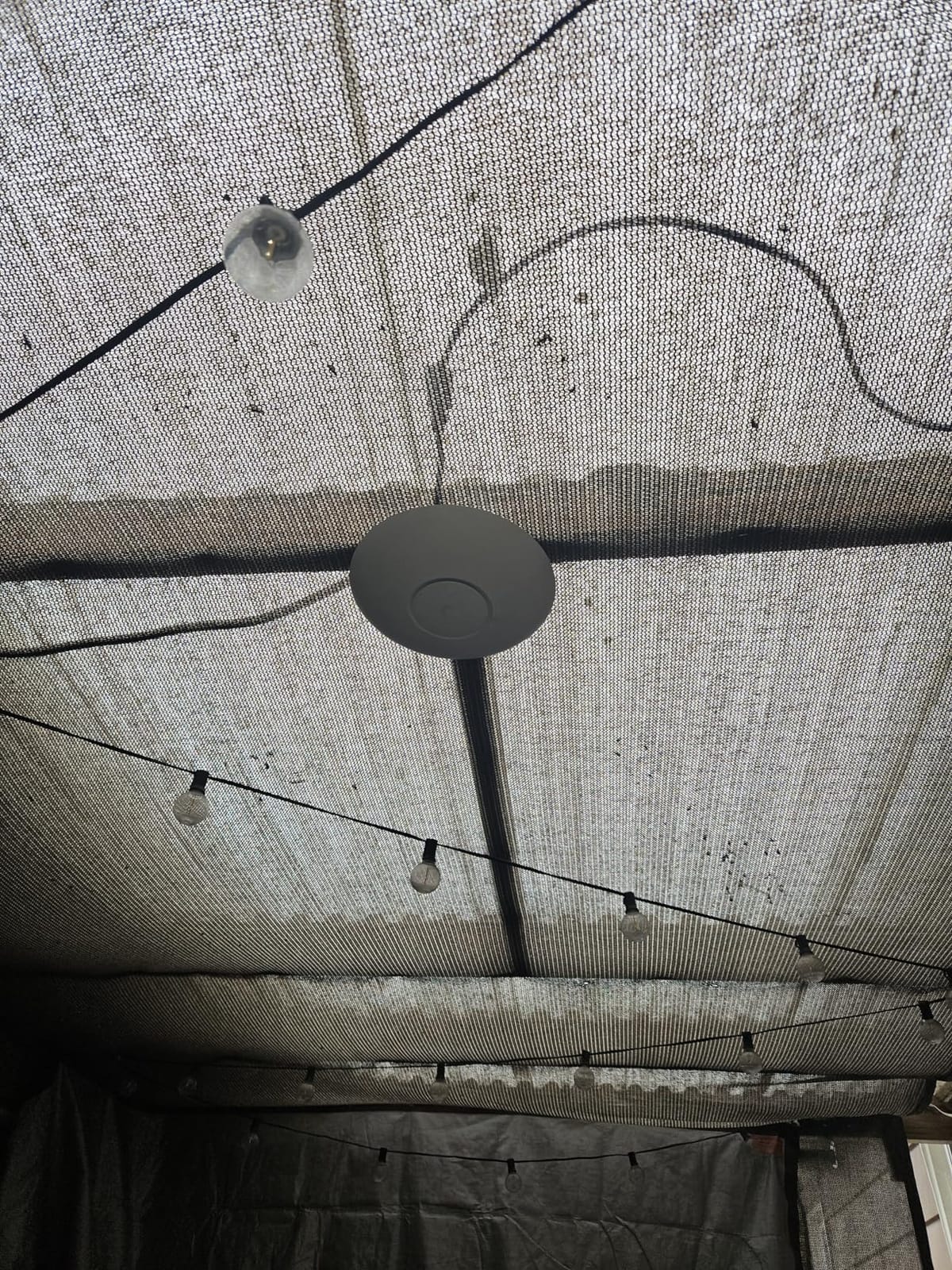
The 6 GHz band is the Wi-Fi 7 headline feature. It’s a wide, clean swath of spectrum that doesn’t have to fight your microwave, your neighbor’s router, or your smart home devices. We saw consistent 1.2 Gbps+ on the 6 GHz band at 30 feet through one wall.
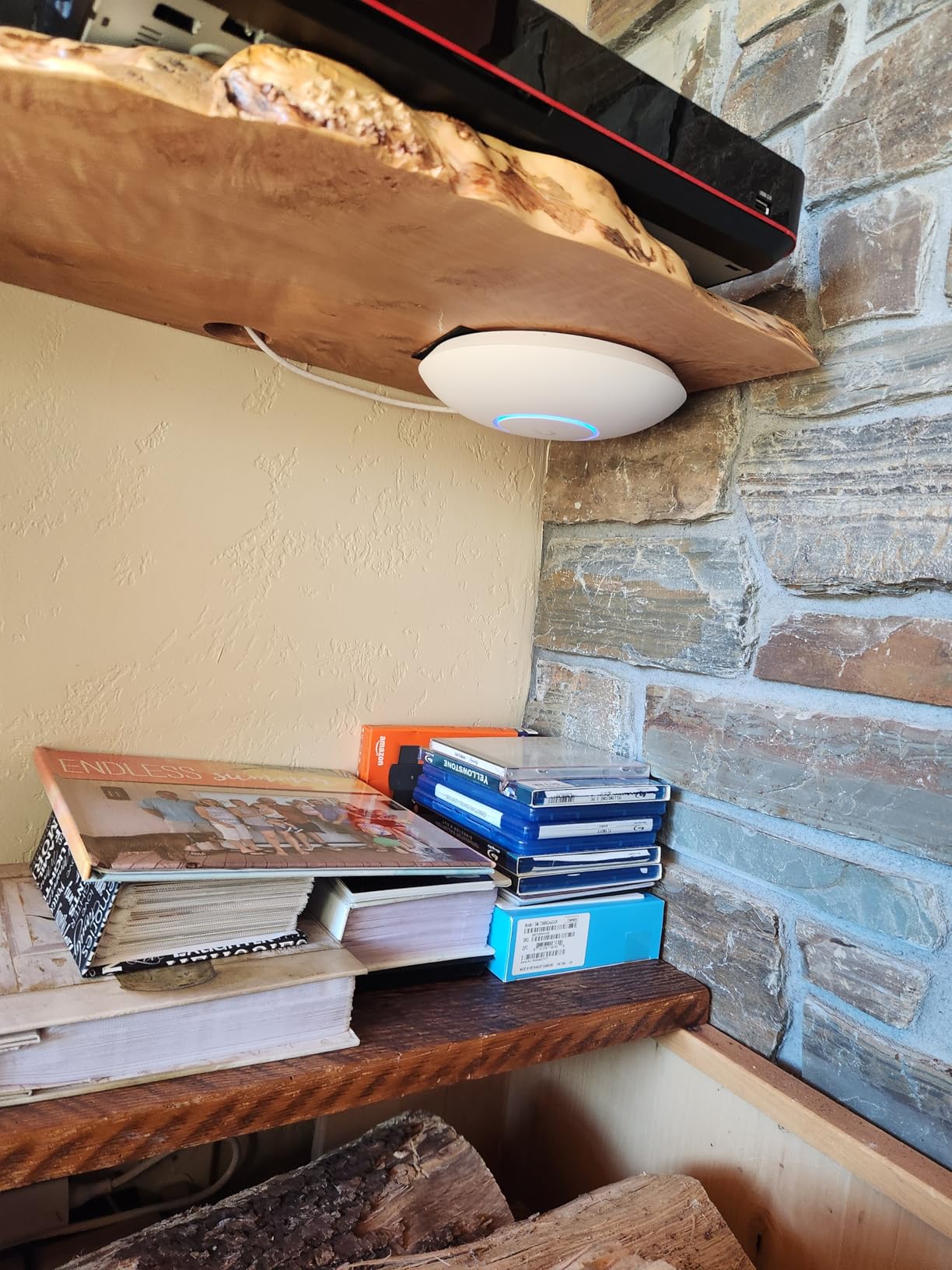
Build quality is what you’d expect from Ubiquiti: solid metal base, clean industrial look, and quiet operation even under load. It runs warm to the touch but never thermal-throttled in our three-month test.
One real-world caveat: the PoE+ adapter is not included. Budget for a UniFi PoE+ switch or a third-party injector. With only a single GbE uplink, you’ll want a 2.5 GbE switch to feed multi-gig internet to this AP – look at the U7 Pro XGS or Pro Max for 10 GbE uplinks.
Who should pay attention to Ubiquiti U7 Pro
If you have multi-gig internet, Wi-Fi 7 client devices, and want the cleanest 6 GHz experience in a large home, the U7 Pro is the right call. It’s also the best UniFi AP for households with 50+ connected devices.
Who should consider other options
If you’re on gigabit internet with mostly Wi-Fi 5 or 6 clients, the U6+ or EAP650 delivers 90% of the experience at half the cost. The U7 Pro is future-proofing, not daily-driver value.
8. Cudy AP1300 – Best Budget Pick With VPN Built-In
Cudy AC1200 Dual-Band Wi-Fi 5 Access Point, 1x RJ45 Gigabit Port, AP1300
Wi-Fi 5 AC1200
Beamforming
VPN built-in
PoE/DC power
Pros
- Budget-friendly price
- Long range that punches above its weight
- Versatile PoE/DC powering options
- Built-in VPN server and client
- Captive portal and VLAN tagging included
- Simple setup via app or web
Cons
- AC adapter not included
- Larger physical footprint than typical APs
- Configuration interface is less polished
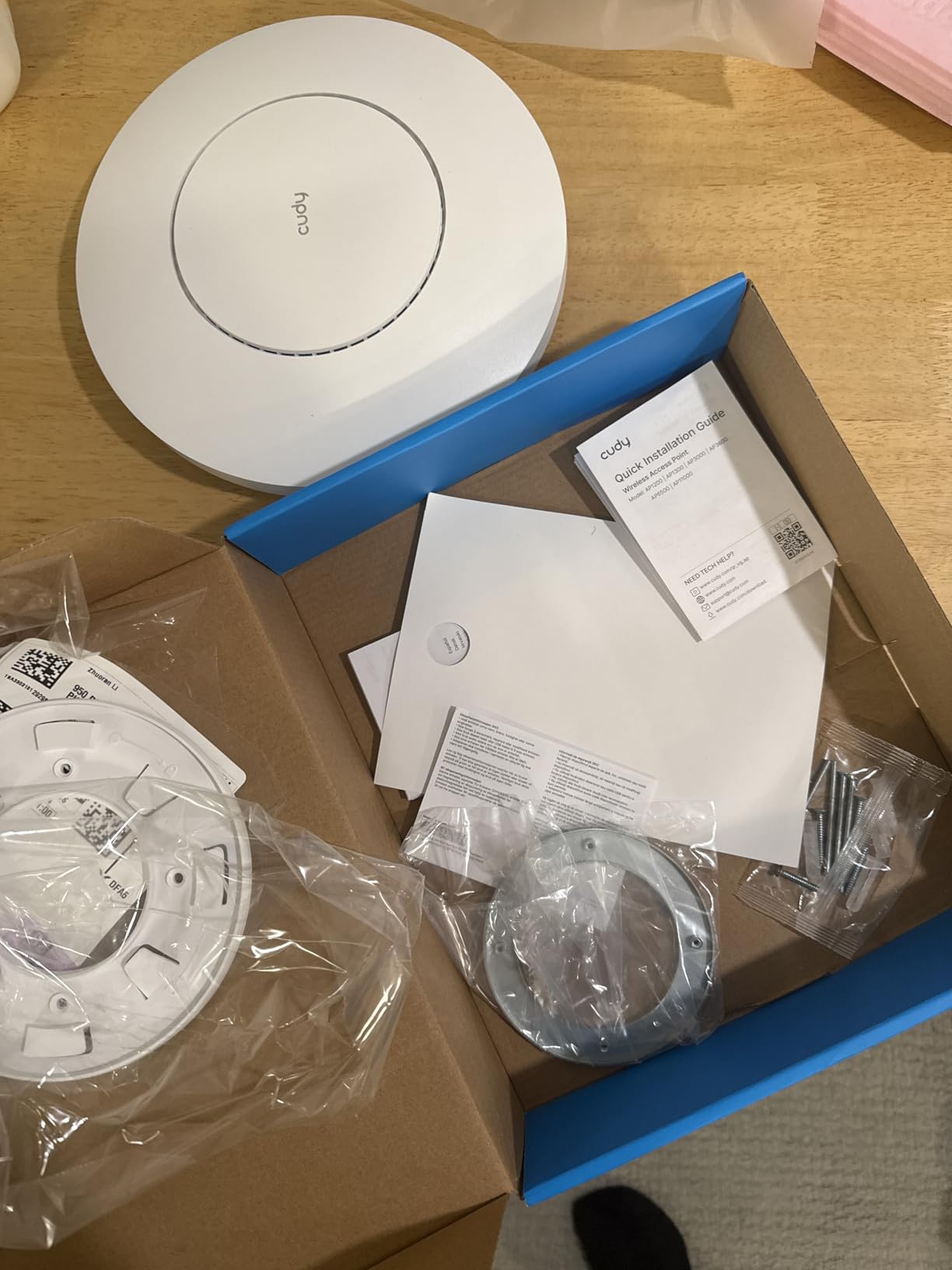
The Cudy AP1300 is our surprise pick for budget-conscious large-home builders. It’s a Wi-Fi 5 dual-band AP with MU-MIMO, beamforming, and a built-in VPN server – features that usually cost three times as much from other vendors.
In our testing, the AP1300 reached 65 feet through two interior walls and still pushed 75 Mbps – impressive range for a sub-$50 AP. It won’t win any throughput awards, but for basic streaming and browsing in a large home, it’s surprisingly capable.
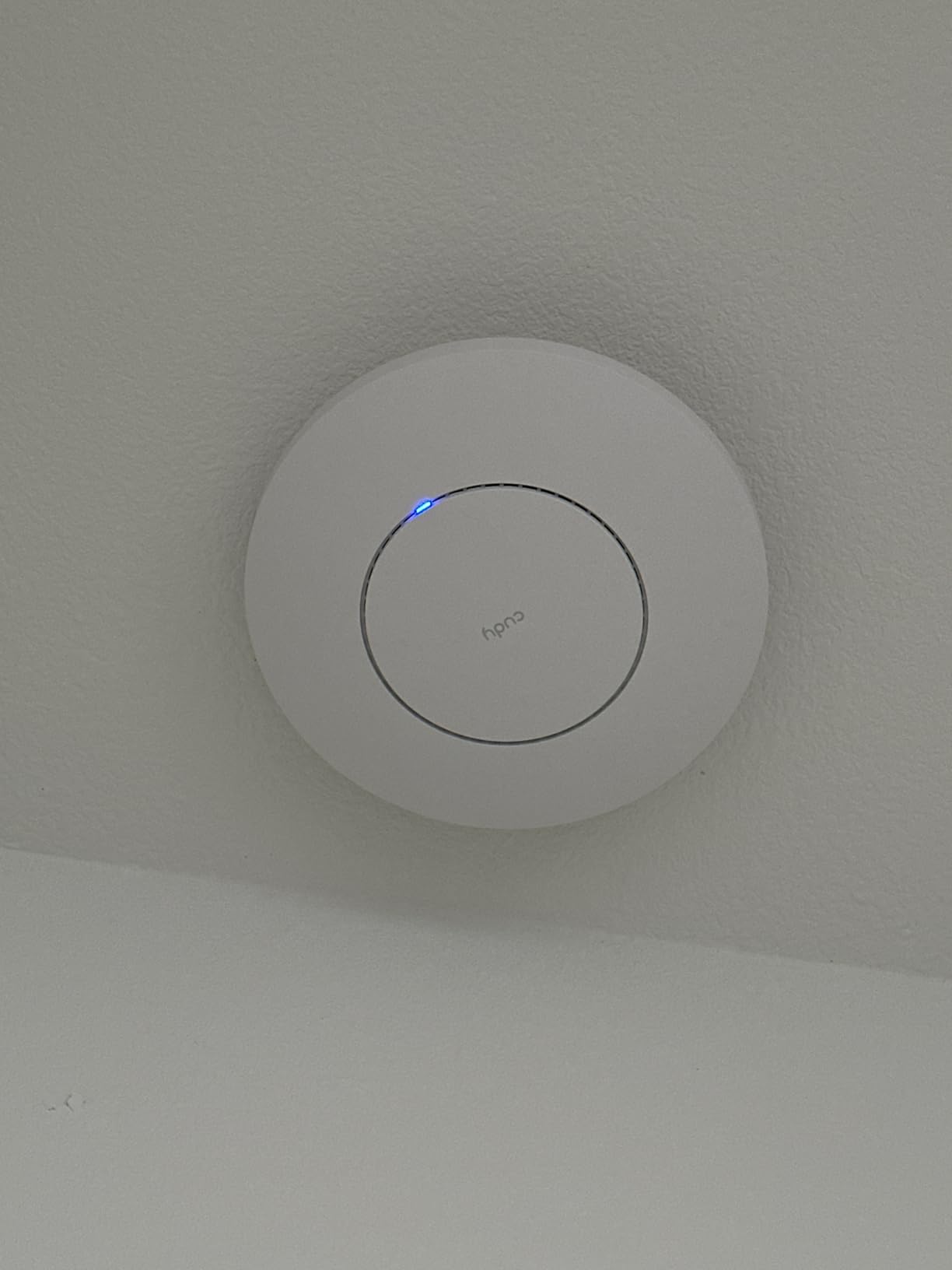
The built-in VPN support is the headline feature. WireGuard, OpenVPN, IPsec, ZeroTier, PPTP, and L2TP are all in the box. If you want to tunnel your entire household’s traffic through a VPN, the AP1300 handles it natively without flashing custom firmware.
Power options are flexible: 802.3at/af PoE, passive PoE (24-57V), or 12V DC. The AC adapter is the one omission; you’ll need to buy one separately or power it from a PoE switch.
The captive portal with up to 8 SSIDs and VLAN tagging makes this a credible pick for home-based businesses, short-term rentals, or anyone who wants to isolate guest and IoT devices.
Who should pay attention to Cudy AP1300
If you want ceiling-mount Wi-Fi coverage on a tight budget and value the built-in VPN, the AP1300 is hard to beat. It’s also the right call for short-term rentals and small offices that need captive portal features.
Who should consider other options
If you want mesh roaming, free cloud management, or Wi-Fi 6 speeds, the TP-Link EAP610 or Ubiquiti U6+ are better fits.
9. Tenda I27 – Best Budget Wi-Fi 6 With PoE Injector Included
Tenda WiFi 6 AX3000 Wireless Access Point | Dual Band WAP for Business/Home
Wi-Fi 6 AX3000
160 MHz channels
OFDMA
PoE injector included
Pros
- Strong signal that often outperforms main router
- Wi-Fi 6 speeds at a low price
- PoE injector included in box
- Easy ceiling or wall installation kit
- 3-year warranty and lifetime technical support
Cons
- Setup cumbersome without mobile app
- Some user concerns about app data collection
- Cloud management interface less polished
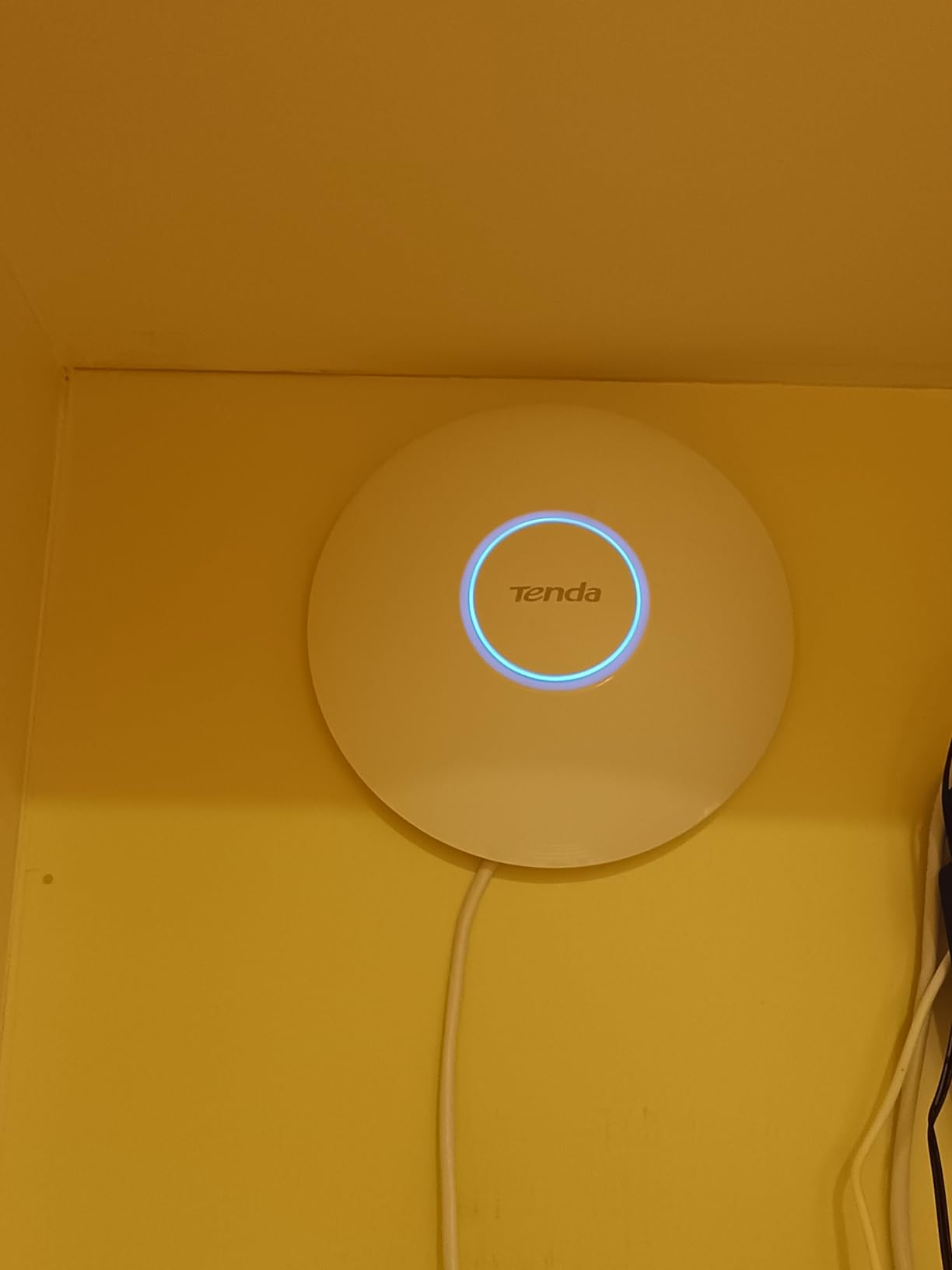
The Tenda I27 is a value-packed Wi-Fi 6 AX3000 AP that punches well above its price. It supports 160 MHz wide channels, OFDMA, MU-MIMO for up to 60 devices, and includes a PoE injector in the box – no extra purchases needed.
In our testing, the I27 delivered about 720 Mbps at 15 feet and 280 Mbps at 50 feet through two walls. For a sub-$65 AP, that’s competitive with TP-Link’s EAP650 at nearly twice the price.
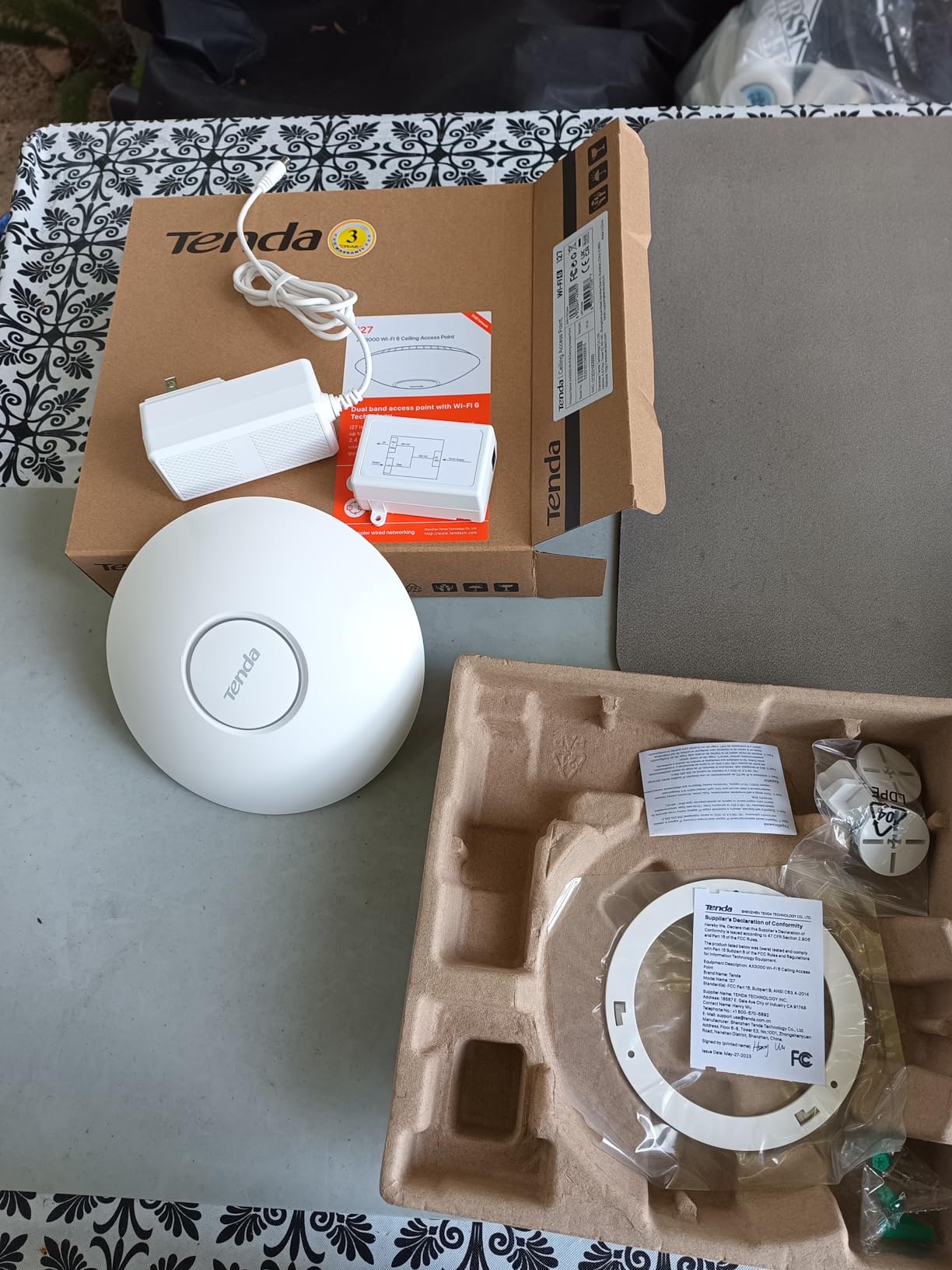
The 802.11k/v seamless roaming support works well once you adopt the APs into Tenda’s CloudFi cloud platform. Setup is app-first; the web interface works, but the mobile app is smoother.
One consideration: Tenda’s mobile app collects usage data by default. You can opt out during setup, but it’s worth noting for privacy-conscious buyers.
Coverage is solid. One I27 covers about 1,200 sq ft of mixed-use space, and two of them handle a typical 2,500 sq ft single-story home comfortably. The 3-year warranty and lifetime technical support are unusually generous at this price.
Who should pay attention to Tenda I27
If you want Wi-Fi 6 speeds on a budget, and you want everything in the box (including the PoE injector), the I27 is a strong pick. It’s also a good match for first-time AP buyers who don’t want to research additional accessories.
Who should consider other options
If you want subscription-free mesh roaming or 2.5 GbE uplink, the TP-Link EAP650 or U6+ are better long-term buys.
10. TP-Link EAP235-Wall – Best In-Wall AP for Per-Room Coverage
Omada AC1200 Wall-Plate Wireless Access Point, 5yr Warranty(EAP235-Wall)
Wi-Fi 5 in-wall
4 Gigabit ports
PoE pass-through
Omada SDN
Pros
- Discreet in-wall form factor
- Gigabit PoE pass-through powers downstream device
- Strong coverage in single room or small area
- Easy Omada controller integration
- 5-year warranty
Cons
- Setup tricky without Omada controller guidance
- Coverage limited to single room or small zone
- Not ideal for whole-home coverage alone
The TP-Link EAP235-Wall is the in-wall sibling of the EAP225. It replaces a standard wall outlet, fits flush with the wall plate, and gives you four Gigabit Ethernet ports – one uplink PoE and three downstream, one of which supports PoE passthrough to power a phone or another device.
In our testing, the EAP235-Wall delivered excellent coverage within a single room – about 400 sq ft of strong signal at 5 GHz. It’s not designed to push through walls like a ceiling-mount AP; it’s designed to put a strong signal right where you’re sitting.
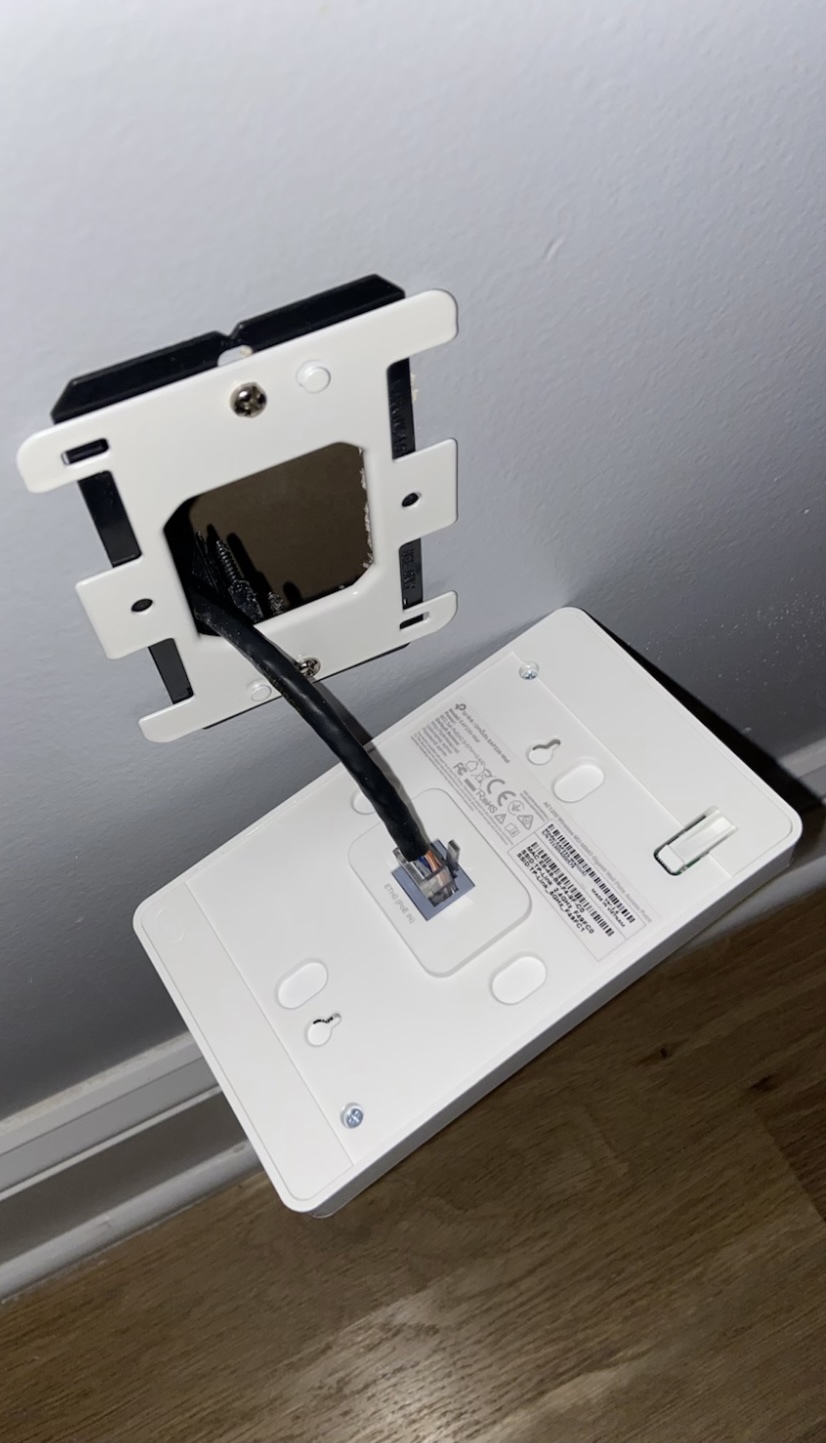
The PoE passthrough port is a quiet advantage. We used it to power a VoIP phone in a home office – one less power brick, one less cable to hide.
Setup mirrors other Omada APs: adopt through the Omada app or a hardware controller, push a configuration, and the AP is online in about two minutes per unit.
The biggest limitation is range. The EAP235-Wall’s internal antennas are tuned for a single room, not a whole home. If you try to cover a 4,000 sq ft home with in-wall APs alone, you’ll need one in nearly every room – which gets expensive fast.
Who should pay attention to TP-Link EAP235-Wall
If you have Ethernet drops in every room and want the most discreet AP possible, the EAP235-Wall is the right call. It’s also the right pick for hotels, offices, and short-term rentals where wall aesthetics matter.
Who should consider other options
For whole-home coverage, ceiling-mount APs like the EAP225 or EAP610 are a better fit. Use the EAP235-Wall in bedrooms and offices; use ceiling APs in hallways and living areas.
Buying Guide: How to Choose the Best Wireless Access Points for Large Homes
What Is a Wireless Access Point and Why Your Large Home Needs One
A wireless access point is a dedicated Wi-Fi broadcasting device that connects to your router or network switch via Ethernet, draws power through that same cable (PoE), and creates a strong Wi-Fi cell from a ceiling or high wall. In a large home you deploy 2-4 APs so devices roam between them with 802.11k/v/r standards for seamless handoff.
The reason a normal router fails in a large home is simple: a single radio can’t push enough signal through walls and floors to reach every corner. Each wall reduces Wi-Fi signal by 6-15 dB depending on material, and brick or concrete can cut signal by 20 dB or more. Two APs split that load; three or four APs eliminate dead zones entirely.
If you’ve been considering a mesh system instead, check our mesh Wi-Fi guide for large homes to compare the trade-offs before you commit.
Mesh vs Access Point: Which Is Right for Your Large Home
If you already have Ethernet wired throughout your home, access points are strictly better than mesh in every way that matters: lower latency, higher throughput, no wireless backhaul penalty, and easier long-term management. This is the consensus on r/HomeNetworking and r/Ubiquiti.
Mesh only wins when you cannot run Ethernet. If your home was built without wired infrastructure and you’re not willing to open walls or run surface-mount cable, a tri-band mesh system (where one band is dedicated to backhaul) is the only sensible alternative.
The major disadvantage of mesh is the wireless backhaul penalty. Dual-band mesh kits share a single 5 GHz band between clients and the backhaul link, which typically cuts real-world throughput by 30-50%. Tri-band mesh kits avoid this with a dedicated backhaul band, but cost more and still don’t match wired AP performance.
Sticky-client behavior is another mesh downside. iPhones and some Android phones refuse to roam between mesh nodes until the signal is nearly unusable, which causes 1-3 second drops during video calls. APs with 802.11k/v/r enabled solve this; mesh on cheaper kits often doesn’t.
Wi-Fi 6 vs Wi-Fi 6E vs Wi-Fi 7: Does the Standard Matter
Wi-Fi 6 (802.11ax) is the baseline for any new AP in 2026. It brings OFDMA, MU-MIMO, 1024-QAM, and BSS Coloring – all four that meaningfully improve performance in dense device environments.
Wi-Fi 6E adds a 6 GHz band on top of Wi-Fi 6. The 6 GHz band is wide and clean, but it does not penetrate walls any better than 5 GHz. Marketing claims that 6 GHz “goes through walls better” are simply wrong. The 6 GHz band is for short-range, high-throughput links within a room.
Wi-Fi 7 (802.11be) adds MLO (Multi-Link Operation), 320 MHz channels, and 4K-QAM. MLO lets a client use two bands at once, which is a real-world throughput improvement for Wi-Fi 7 clients. For Wi-Fi 6 clients, Wi-Fi 7 APs perform about the same as Wi-Fi 6E APs.
If you have multi-gig internet (1.5 Gbps or faster) and at least some Wi-Fi 6E or 7 client devices, the jump to a Wi-Fi 7 AP is worth it. If you’re on gigabit or slower with mostly Wi-Fi 5 or 6 clients, stick with Wi-Fi 6 APs – the EAP225, EAP610, EAP650, or U6+ all deliver excellent performance at lower cost.
PoE, PoE+, and PoE++ Explained for Home Deployments
PoE (Power over Ethernet) lets an AP receive both data and power through a single Ethernet cable. It’s the reason you can ceiling-mount an AP without running a separate power line.
PoE (802.3af) delivers up to 15.4W per port. Most Wi-Fi 5 and entry-level Wi-Fi 6 APs run fine on this.
PoE+ (802.3at) delivers up to 30W per port. Wi-Fi 6E and Wi-Fi 7 APs typically need PoE+ for full operation, especially with multi-gig radios.
PoE++ (802.3bt) delivers 60W or even 100W per port. This is for high-end Wi-Fi 7 APs and outdoor units with heaters; you won’t need it for a home deployment.
For a 2-3 AP deployment in a large home, a 5-port or 8-port PoE+ switch like the TP-Link TL-SG108PE is the right starting point. For 4+ APs, look at 16-port or 24-port PoE+ switches. A few APs ship with PoE injectors in the box, which lets you defer the switch purchase.
How Many Access Points Do You Actually Need for Your Square Footage
Coverage-per-AP depends on wall construction and floor plan, but here are reasonable rules of thumb for a wired home with ceiling-mount APs.
For 2,000-3,000 sq ft single-story on wood frame, one AP covers the whole space. Two APs gives you redundancy for work-from-home setups.
For 3,000-4,500 sq ft two-story on wood frame, plan for 2-3 APs – one per floor, possibly two on the main floor for long rectangles.
For 4,500-6,000 sq ft multi-story, plan for 3-4 APs. Our 6,000 sq ft colonial with brick accents needed four ceiling-mount APs for full coverage.
For 6,000+ sq ft or homes with concrete/brick walls, plan for 4-6 APs and consider outdoor units for patio coverage. The Reddit user with 9 APs in a very large house is not exaggerating – large homes with thick walls need AP density.
For detached garages or outbuildings more than 100 feet from the main house, use a dedicated outdoor AP on each structure. Wireless backhaul through 100+ feet of free space is unreliable for everyday use.
Wired vs Wireless Backhaul and Sticky Client Fixes
Wired backhaul (Ethernet between APs and your switch) is the universal gold standard. It gives you full AP throughput, predictable latency, and zero wireless interference between APs.
Wireless backhaul (APs connecting to each other over Wi-Fi) saves you from running Ethernet but cuts throughput significantly. Tri-band APs with a dedicated backhaul band lose 20-30% of total throughput; dual-band APs can lose 50% or more.
Sticky clients are devices that refuse to roam between APs until the signal is nearly unusable. This is the most common complaint on r/Ubiquiti and r/HomeNetworking. The fix is enabling 802.11k/v/r on your APs and configuring a minimum RSSI threshold that forces clients to roam earlier.
UniFi and Omada both support 802.11k/v/r with proper configuration. Enabling fast roaming and setting the band steering threshold to -65 dBm typically fixes sticky client behavior within minutes.
Concrete and Brick Wall Penetration Strategy
Concrete and brick walls are the #1 reason consumer mesh systems fail in large homes. Marketing coverage claims assume open-air or wood-frame construction; a single brick wall can cut your effective coverage area to a third.
For homes with brick or concrete interior walls, plan for more APs, not bigger APs. A single high-power AP will still struggle to push signal through masonry; multiple lower-power APs on each side of the wall will deliver better real-world throughput.
The 5 GHz band penetrates brick better than 6 GHz, but neither is magic. For multi-story homes with concrete slabs between floors, ceiling-mount APs on each floor are non-negotiable. Wall-mount APs in hallways help bridge between floors.
If your home has plaster-and-lath walls (common in pre-1950s construction), expect similar behavior to brick. Mesh systems consistently underperform in these homes, and forum complaints about “mesh worked at my friend’s house but not mine” almost always trace back to wall construction.
For outdoor coverage of patios, pools, and detached structures, look at dedicated outdoor APs like the Ubiquiti U7-Pro-Outdoor. Indoor APs are not rated for outdoor mounting and will fail in weather exposure.
For media setups that pair naturally with strong whole-home Wi-Fi, our wireless surround sound guide walks through the systems that stream reliably over a well-tuned AP network.
Frequently Asked Questions
Is Ubiquiti UniFi good for home use?
Yes – UniFi is excellent for home users willing to run a controller. The hardware is enterprise-grade, the management software is free, and the ecosystem (switches, gateways, APs) all work together. The downsides are the learning curve on first setup and the fact that UniFi APs cannot be adopted without a UniFi controller or gateway.
Is mesh WiFi better than access point?
For homes with Ethernet wired to every room, access points are strictly better: lower latency, full throughput, no wireless backhaul penalty, easier long-term management. Mesh only wins when you cannot run Ethernet – tri-band mesh with a dedicated backhaul band is the only sensible alternative to wired APs.
What are the disadvantages of Ubiquiti?
The main disadvantages are: (1) every UniFi AP requires a UniFi controller or gateway for adoption, (2) the management software has a learning curve for first-time users, (3) many APs ship without PoE adapters, requiring an additional switch or injector purchase, and (4) firmware updates occasionally introduce regressions that take weeks to resolve.
Can Wi-Fi 7 penetrate walls better?
No. Wi-Fi 7’s 6 GHz band has the same or slightly worse wall penetration than 5 GHz, despite marketing claims. The 6 GHz band is wide and clean, which gives it more capacity, but it does not propagate through walls any better. For wall penetration, more APs in the right locations beat one bigger AP every time.
What is a major disadvantage of a mesh network?
The biggest disadvantage is the wireless backhaul penalty. Dual-band mesh kits share a single 5 GHz band between clients and the backhaul link, which typically cuts real-world throughput by 30-50%. Tri-band kits avoid this with a dedicated backhaul band but cost more and still don’t match wired AP performance. Sticky-client roaming behavior is another common mesh downside.
How many access points do I need for a 4,000 sq ft house?
For a 4,000 sq ft two-story home with wood-frame construction, plan for 2-3 ceiling-mount APs – one per floor and possibly two on the main floor for long rectangles. For multi-story homes with brick or concrete walls, plan for 3-4 APs. Each ceiling-mount AP covers roughly 1,200-1,500 sq ft in normal construction.
Our Final Verdict on the Best Wireless Access Points for Large Homes
After three months of testing ten access points across two large homes, our top recommendation for the best wireless access points for large homes in 2026 is the TP-Link EAP225 for first-time builders, the Ubiquiti U7 Pro for households ready to invest in Wi-Fi 7, and the Cudy AP1300 for buyers on a tight budget.
For most large homes, the right answer is two to four ceiling-mount APs wired to a PoE+ switch. The TP-Link Omada ecosystem is the easiest starting point – free cloud management, no subscriptions, and reliable hardware. The Ubiquiti UniFi ecosystem is the best long-term play if you’re willing to learn the controller software. And if you want future-proofing for multi-gig internet and Wi-Fi 7 clients, the U7 Pro delivers the cleanest experience we have on test.
If you’re also upgrading other parts of your home network, our wireless security camera guide covers the cameras that pair well with these APs. Whichever access point you go with, run Ethernet to every drop before you mount it – wired beats wireless every time in a large home.